


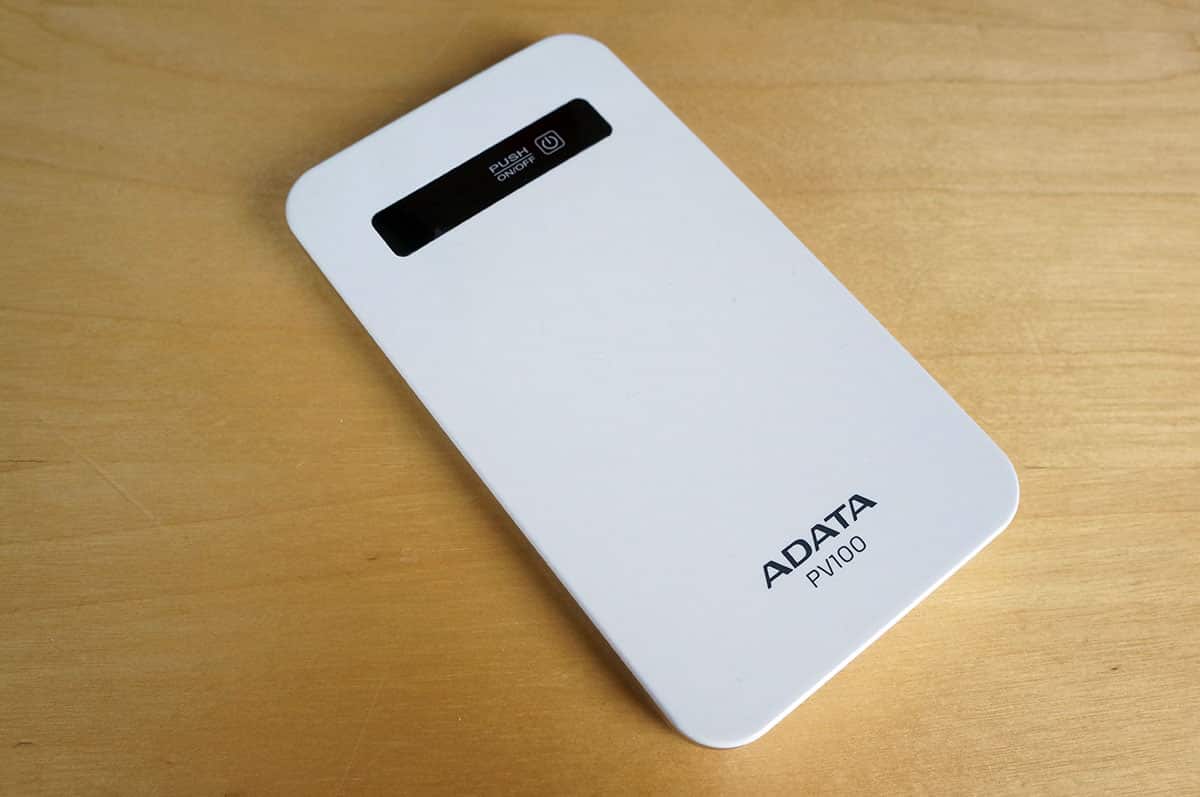
Usage & Testing
Getting the PV100 ready to use is extremely easy. Just plug in the charging cable to any USB port on your PC or USB charging adapter that you have. When you start charging the PV100 the LEDs on the front will light up to tell you how far along it is in the charging process.
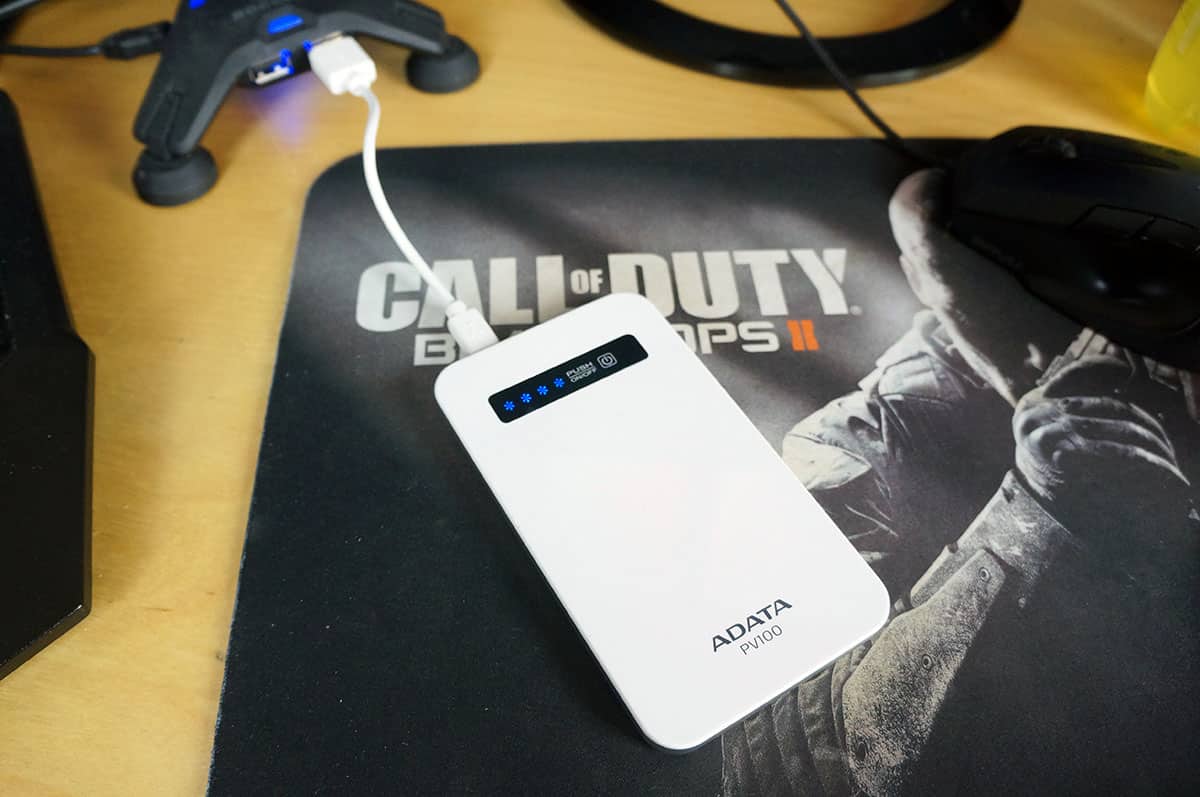
Once you have a full charge you can go ahead and connect the device that you want to charge. I had my iPhone 5s that was on 5%. Once you plug a device into the PV100 it will instantly start charging.
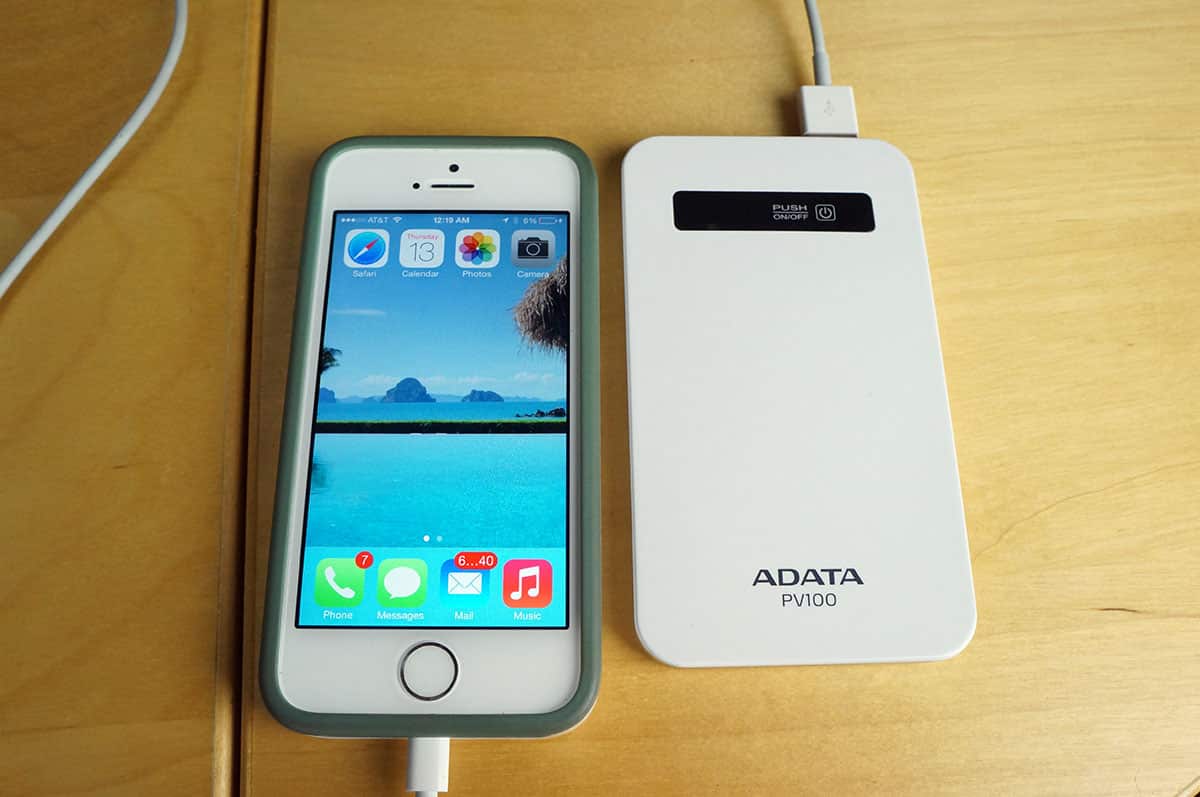
I started charging at 12:22 AM and my iPhone was at 100% at 2:00 AM. The PV100 was at 100% as it showed 4 LEDs on when I started charging. After charging it showed two LEDs so theoretically I could charge my iPhone 5s twice with the PV100.



The review should be called “mini review” because it’s not deep enough, you forgot to mention the auto off function, overcharge protection, over discharge protection, is it all they say works?
Really a very nice post about power bank usb. Easy to read and easy to understand.
This is a good product.
Nice little rushed “review” you have here, I especially loved the “testing” part, very informative. Do your readers a favor; do some proper research and testing, instead of rushing a review out the door as soon as possible.
If you want to know more power bank .you can visit http://www.witkeypowerbank.com