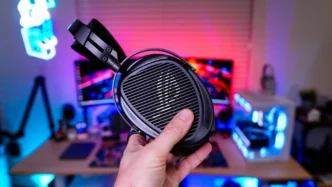
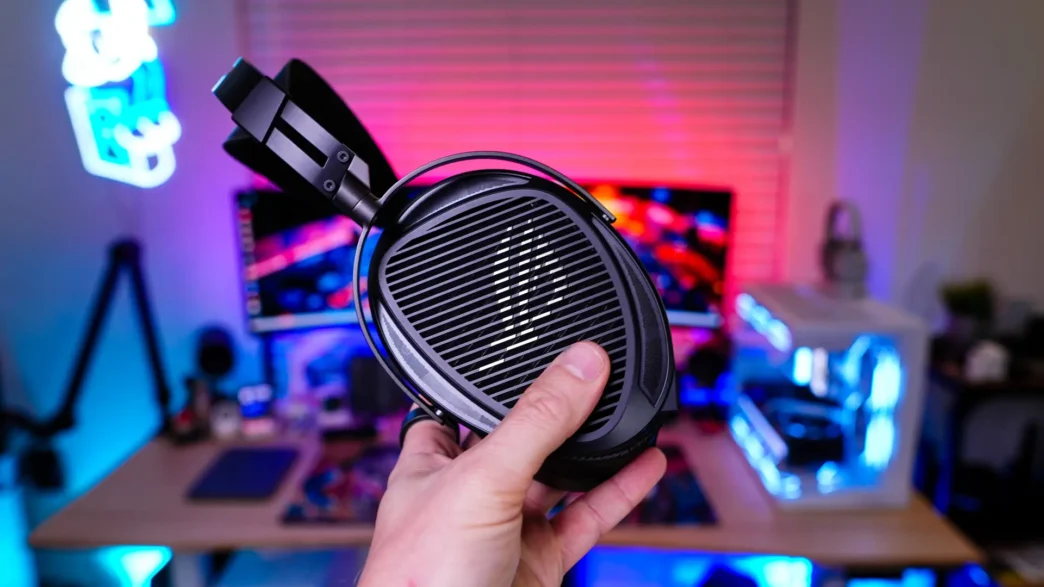
Setup & Using the ASUS ROG Kithara Headset
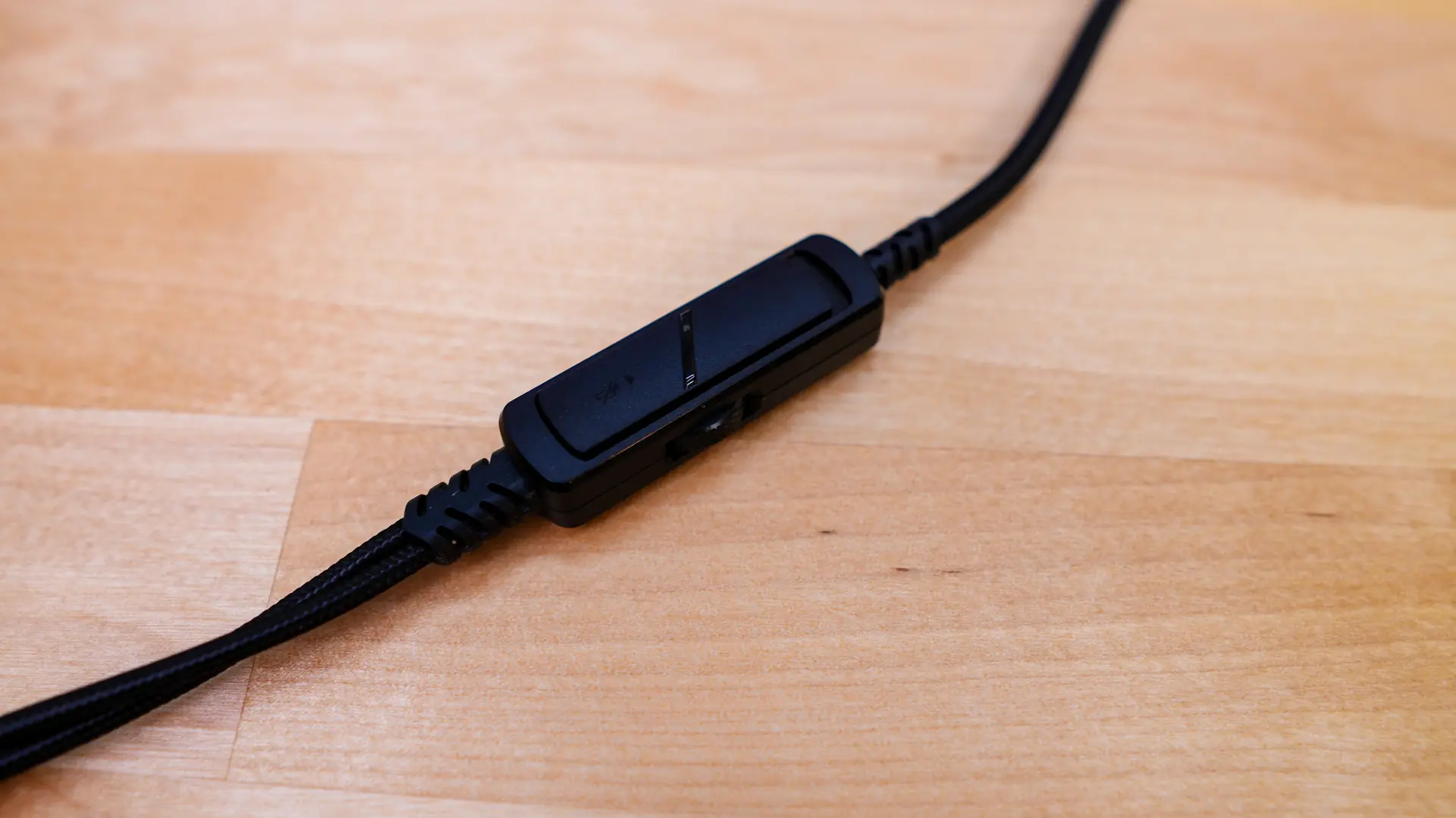
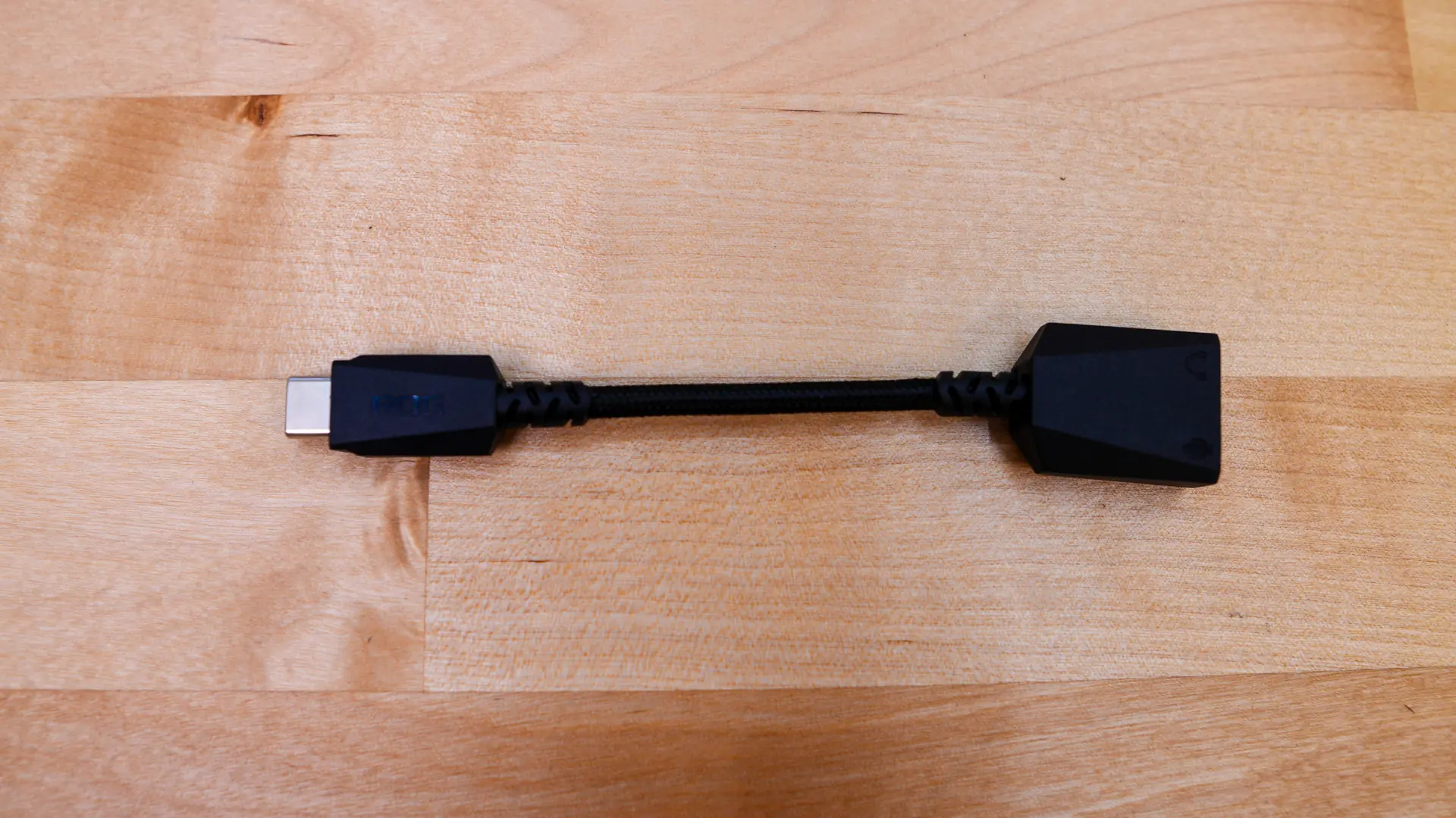
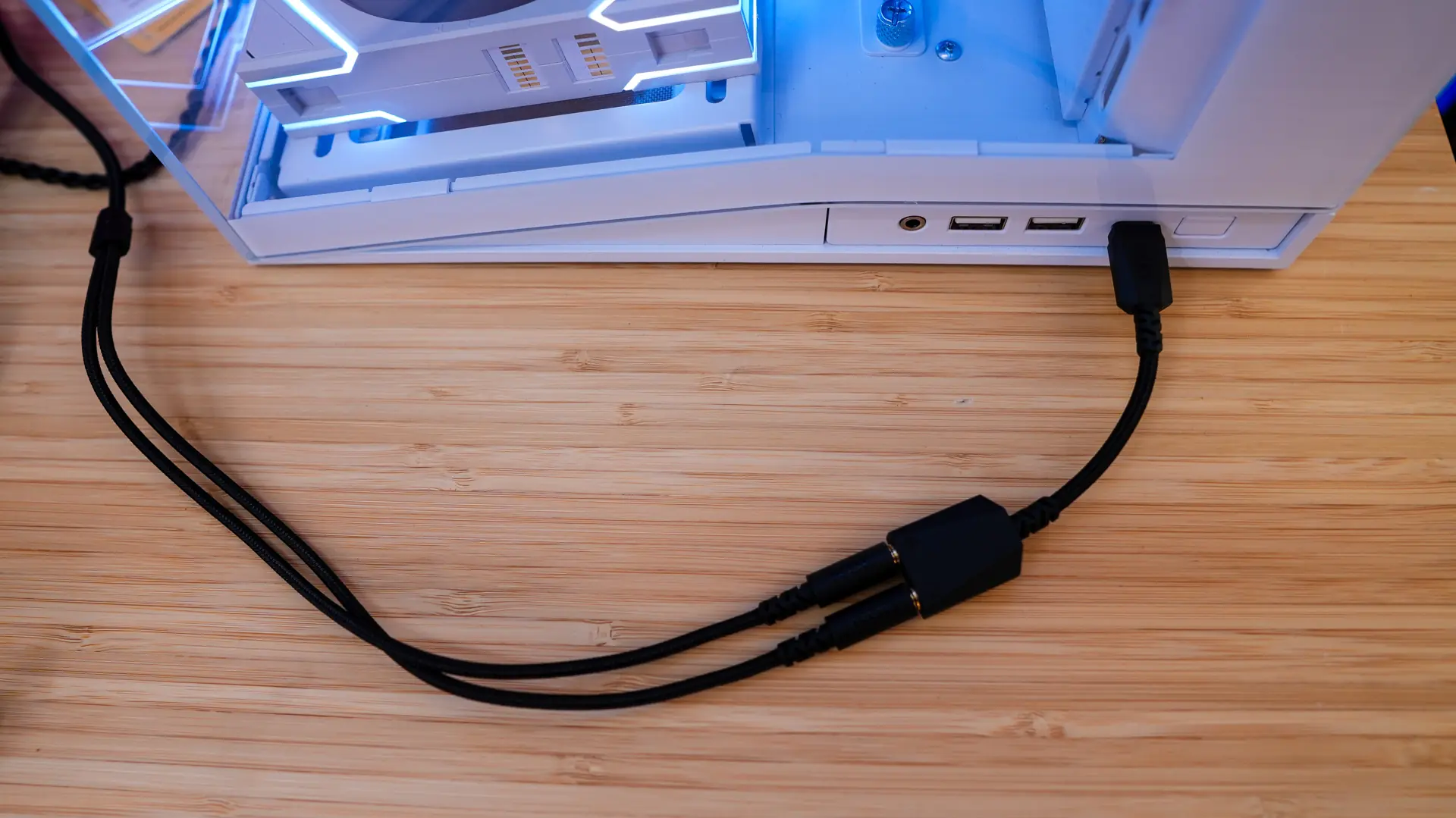
There are a few different ways to connect and set the ROG Kithara up. For most gamers you are going to want to use the 1.8m dual-3.5mm to dual-3.5mm boom mic cable. This connects to each earcup and of course has your boom microphone attached. Each one of the connectors is labeled so you don’t plug them in to the wrong earcup. The cable has an in-line volume controls and a slider to mute the microphone. This cable end in two 3.5mm connectors, one for headphones and the other for the microphone. You can either plug these directly into your PC / device or use the included USB-C to dual-3.5mm adapter.
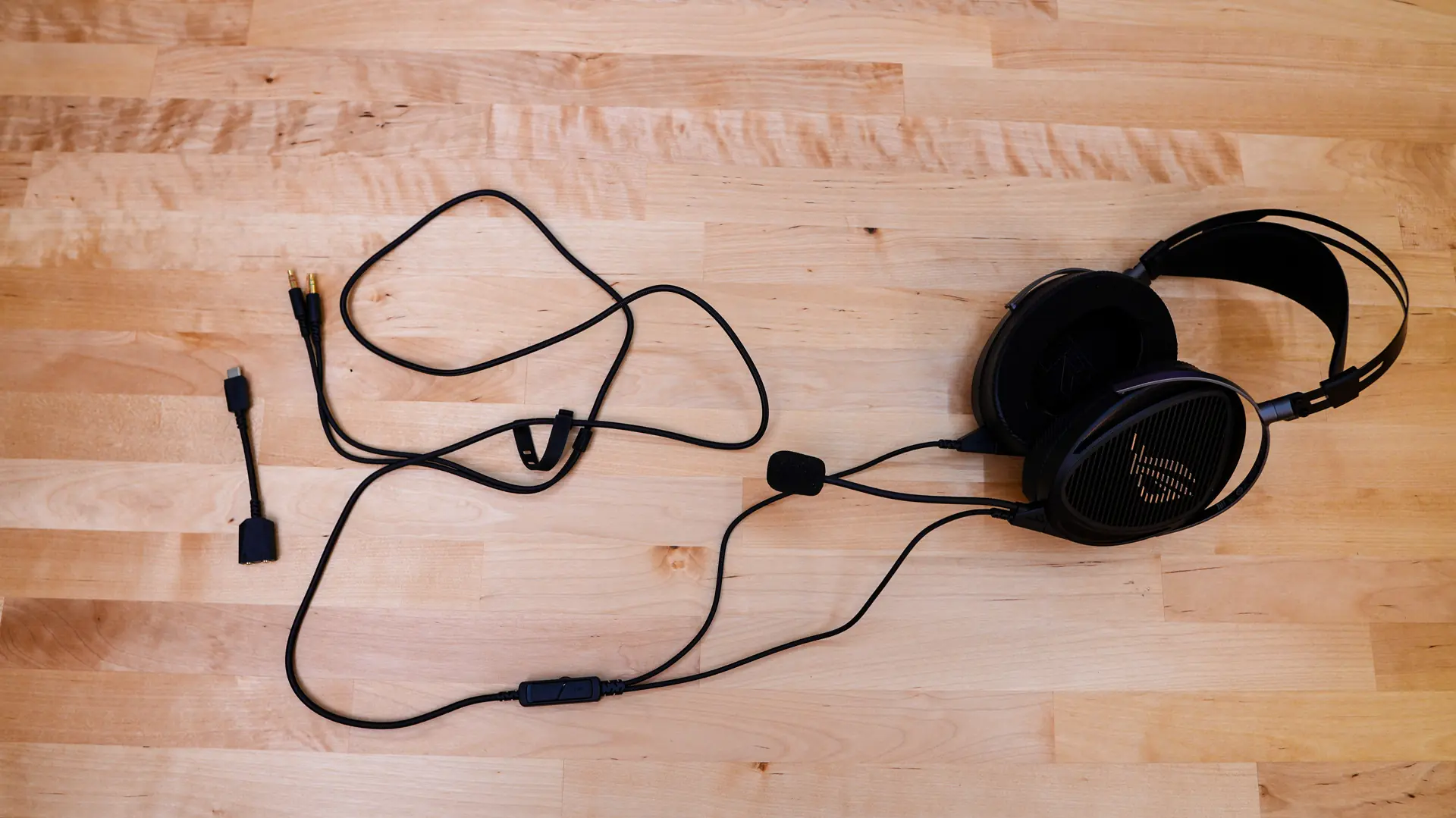
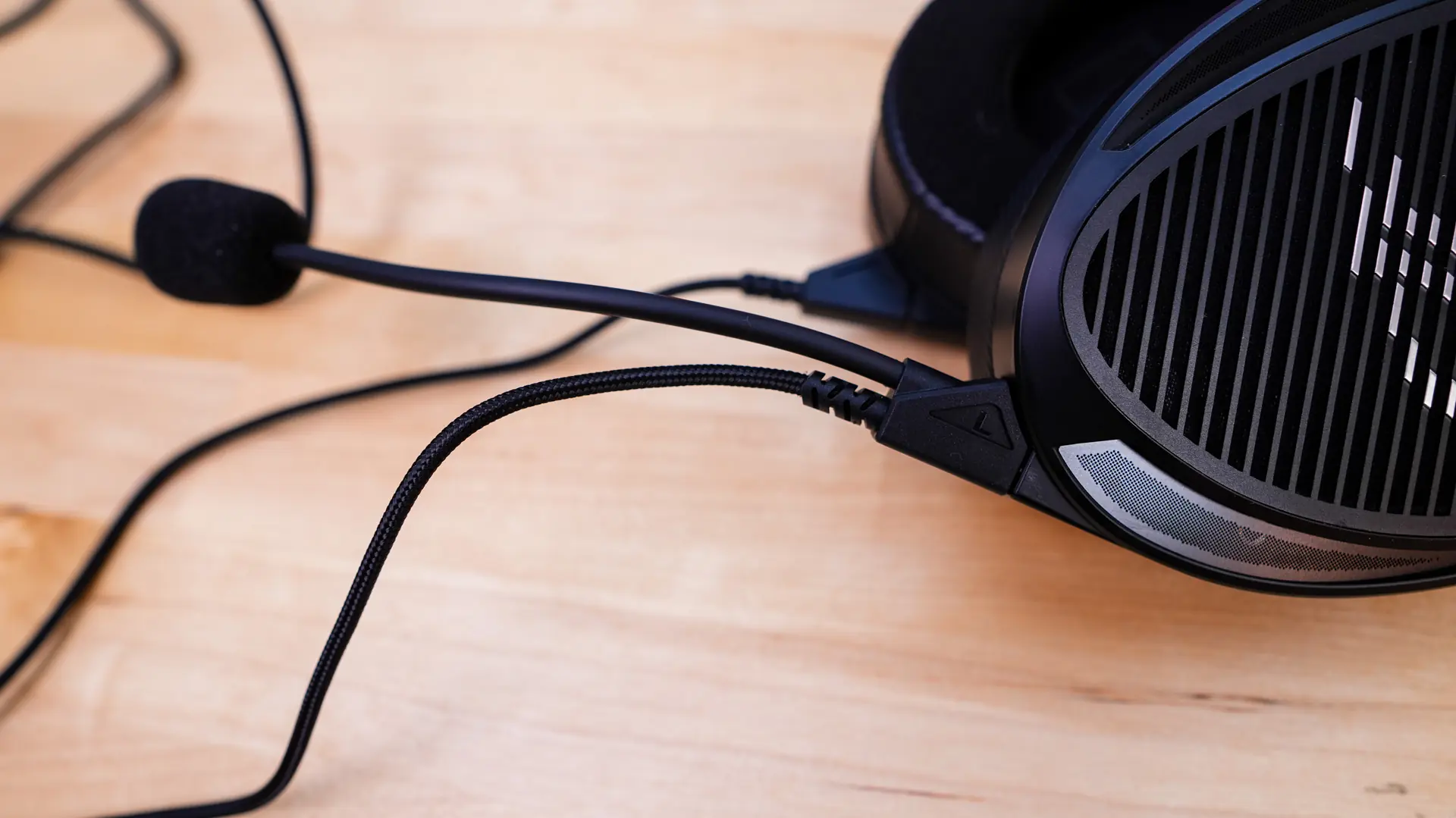
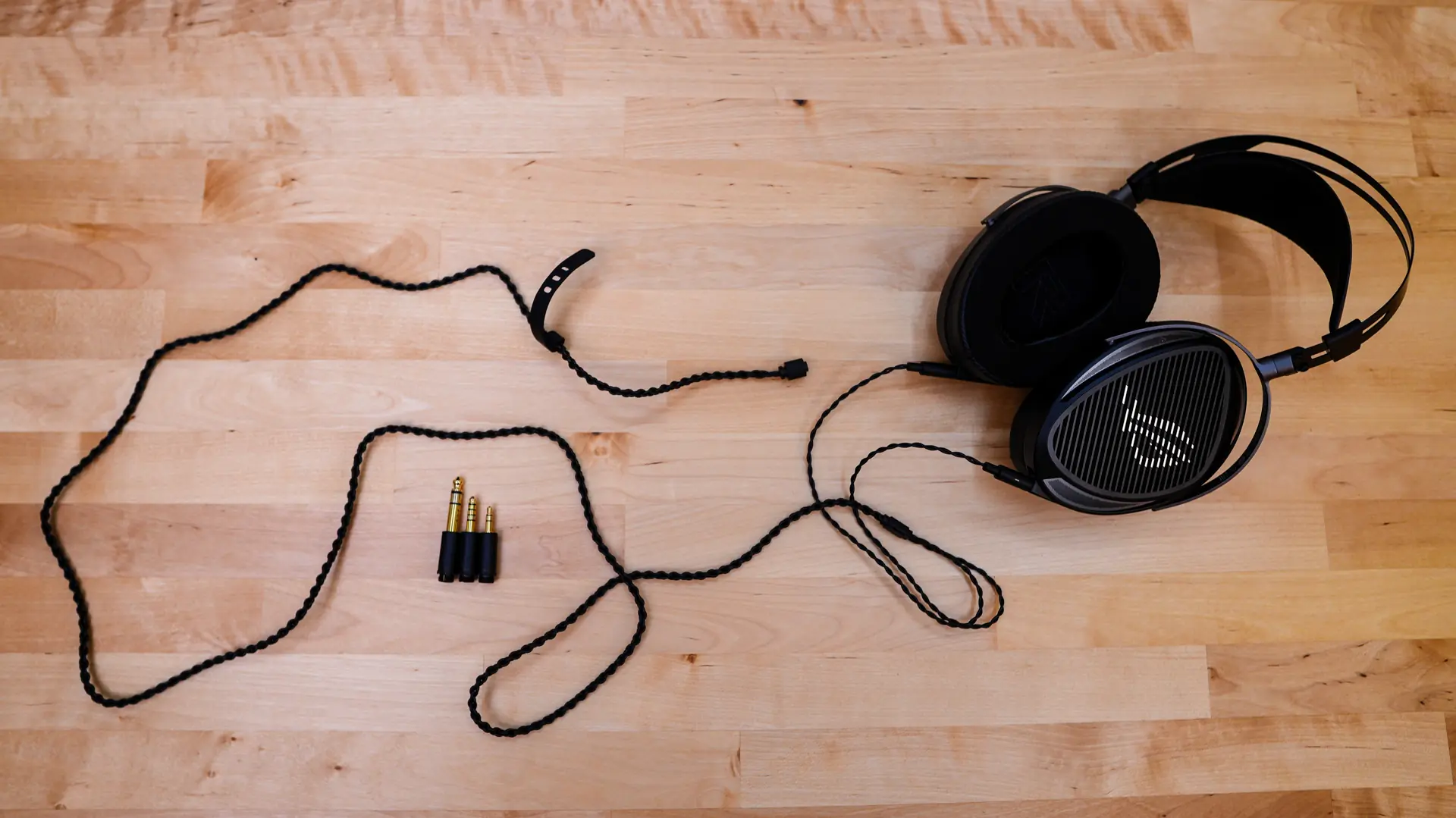
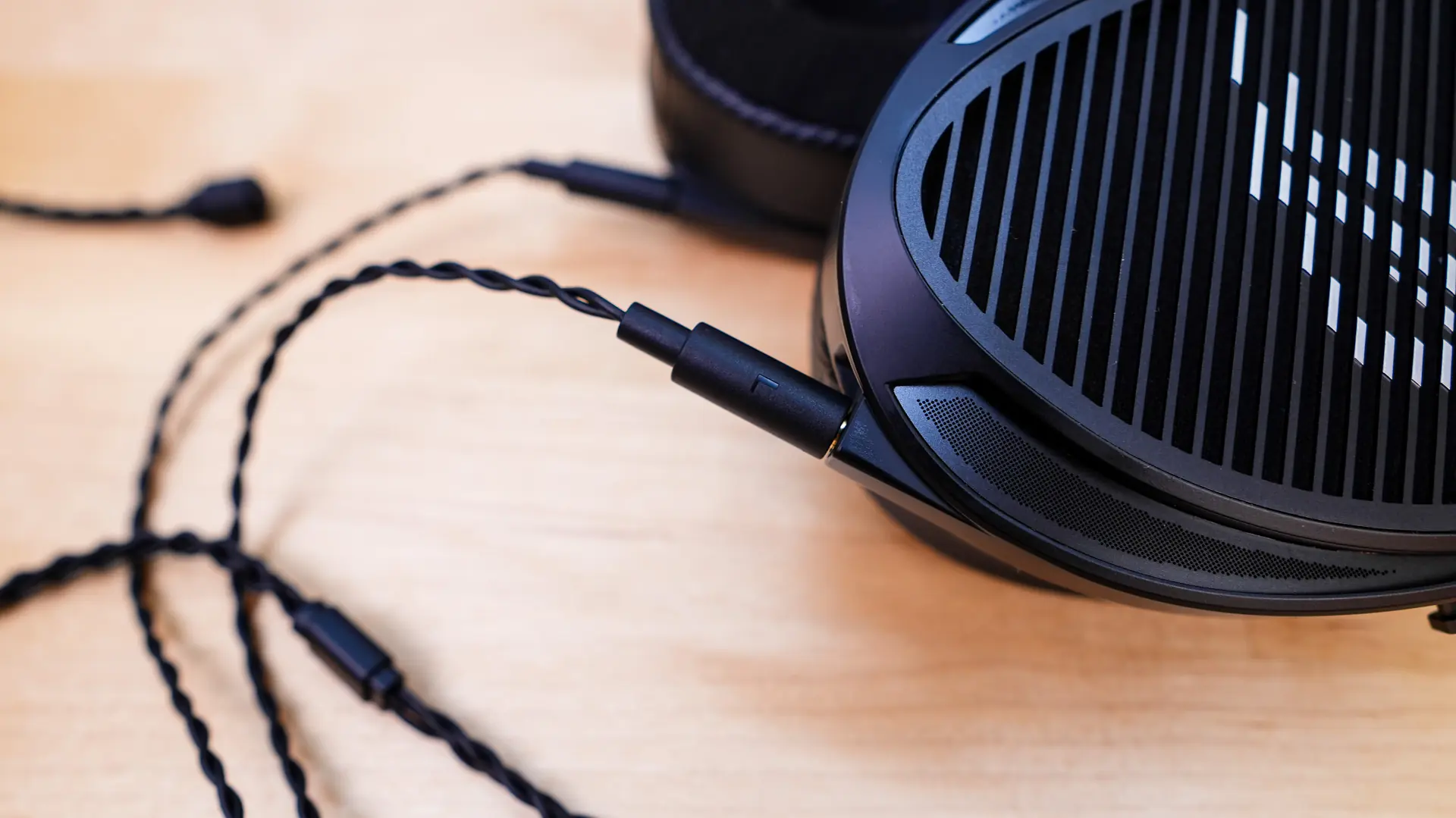
If you don’t plan on using the microphone you can use the 1.8m dual-3.5mm with 3-in-1 end connector cable. This is more your standard IEM cable which will plug into each earcup and then has a single connector at the end for you to plug in one of the included connectors. The connectors that connect to the earcups are labeled as well. The included connectors easily connect the end of the cable.
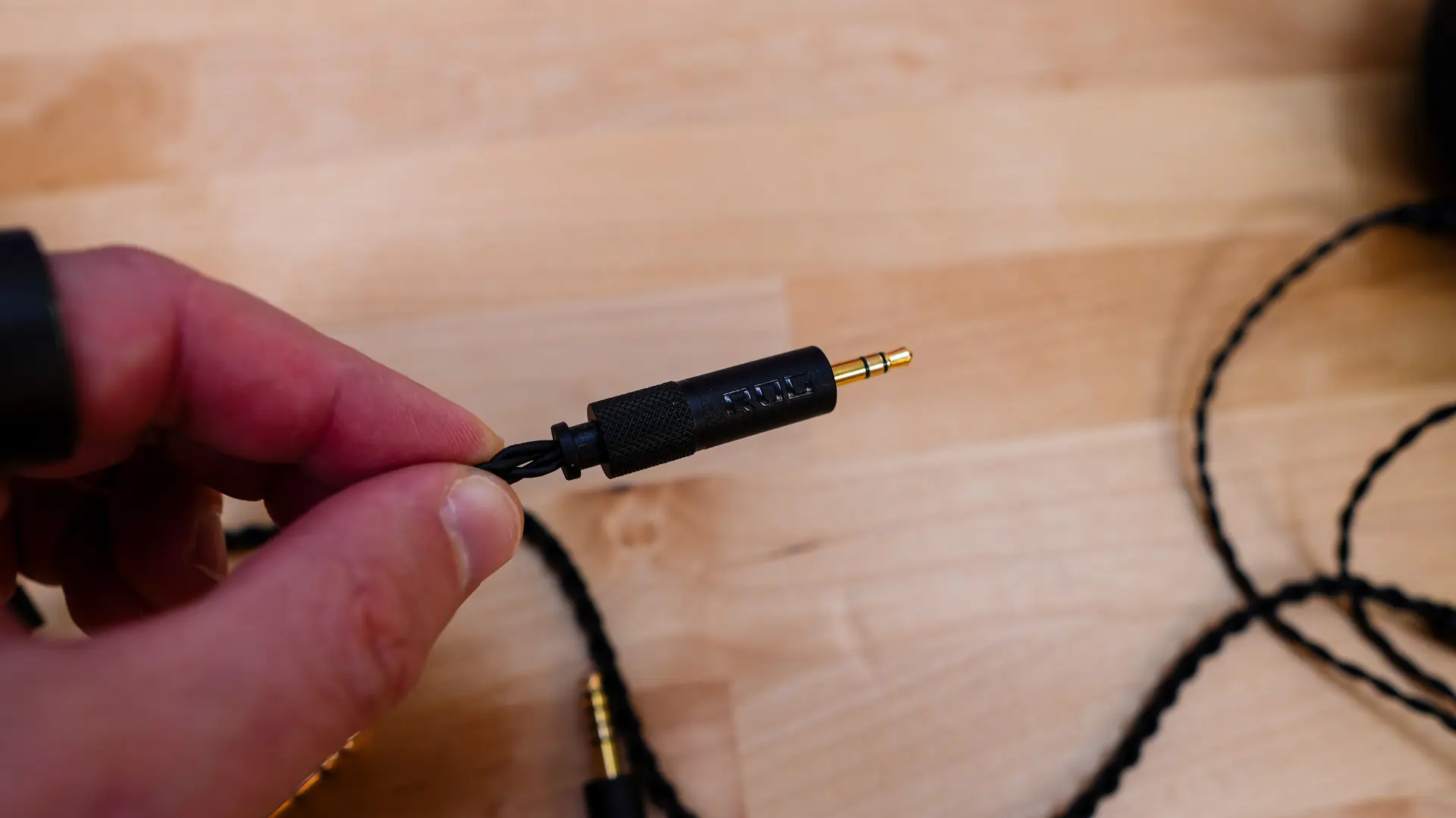
You are going to notice that depending on how you plug this headset in and what device you are using will determine how loud the headset gets. For example I first plugged the headset directly into my PC (without the USB-C adapter) and it got decently loud, but definitely felt low for max volume. I then plugged it into the USB-C adapter and it was much louder. I also noticed differences plugging it directly into different laptops, so this is definitely something to keep in mind.
No matter how good a headset is if it’s not comfortable you aren’t going to wear it for long gaming sessions. I am happy to report that the ROG Kithara is extremely comfortable. I wore it on multiple 3+ hour gaming sessions without any issues. The headband does not put too much pressure on the top of your head and I felt my ears didn’t get too hot either, which is likely due to the open-back design of the earcups.
The built-in microphone will do a decent job, although people will definitely be able to tell you are using a headset microphone. With open-back earcups you always wonder if people can hear what you hear through the microphone, but I didn’t experience that at all. Below is an audio sample from the microphone as well as samples from some of the other gaming headsets we’ve reviewed lately.
ASUS ROG Kithara
Fractal Design Scape
ASUS ROG Delta II
HyperX Cloud III