


Installation
For a full step by step installation be sure to check out our video below.
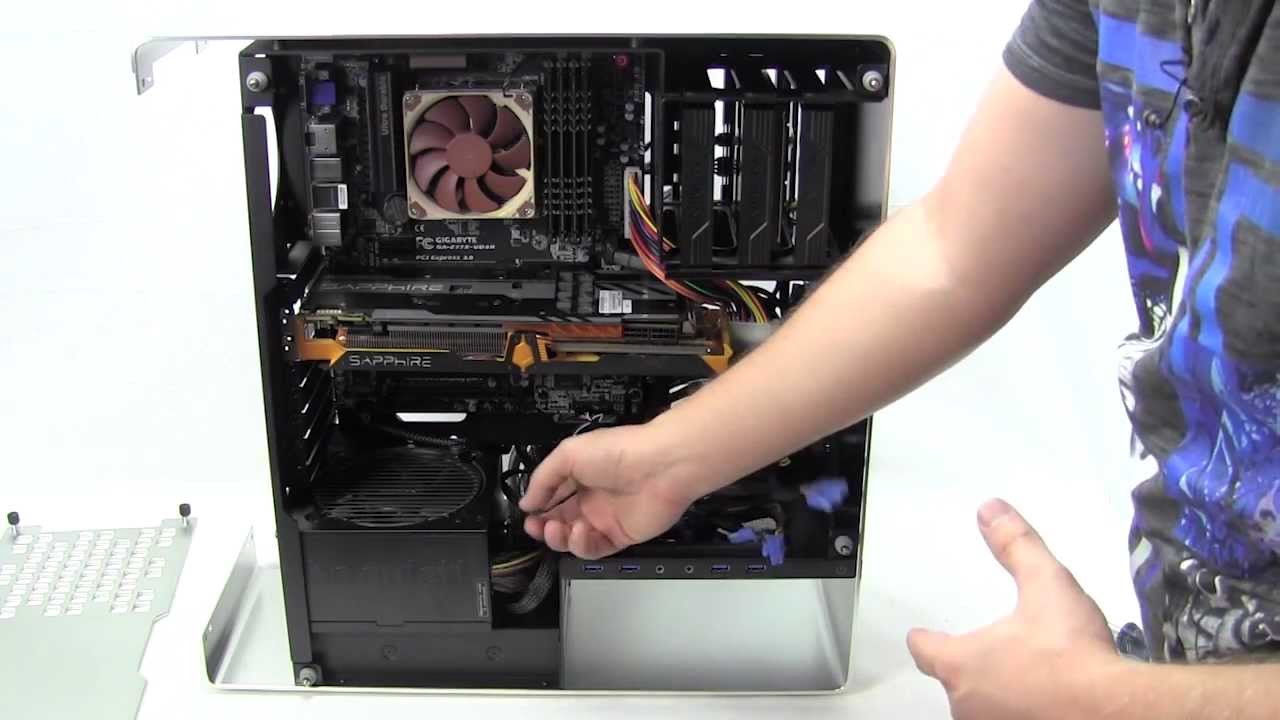
As you can see I did run into some issues with the installation. I did want to point them out here if you happen to not watch the video. First if you plan on installing an optical drive in the 5.25-inch bay make sure you have an SATA end connector (the last SATA connector on the cable). If you do not you will not be able to connect power to this drive. This also goes for the 2.5-inch hard drives below the main hard drive trays. It is physically impossible to connect a SATA power connector unless it is the end SATA connector.

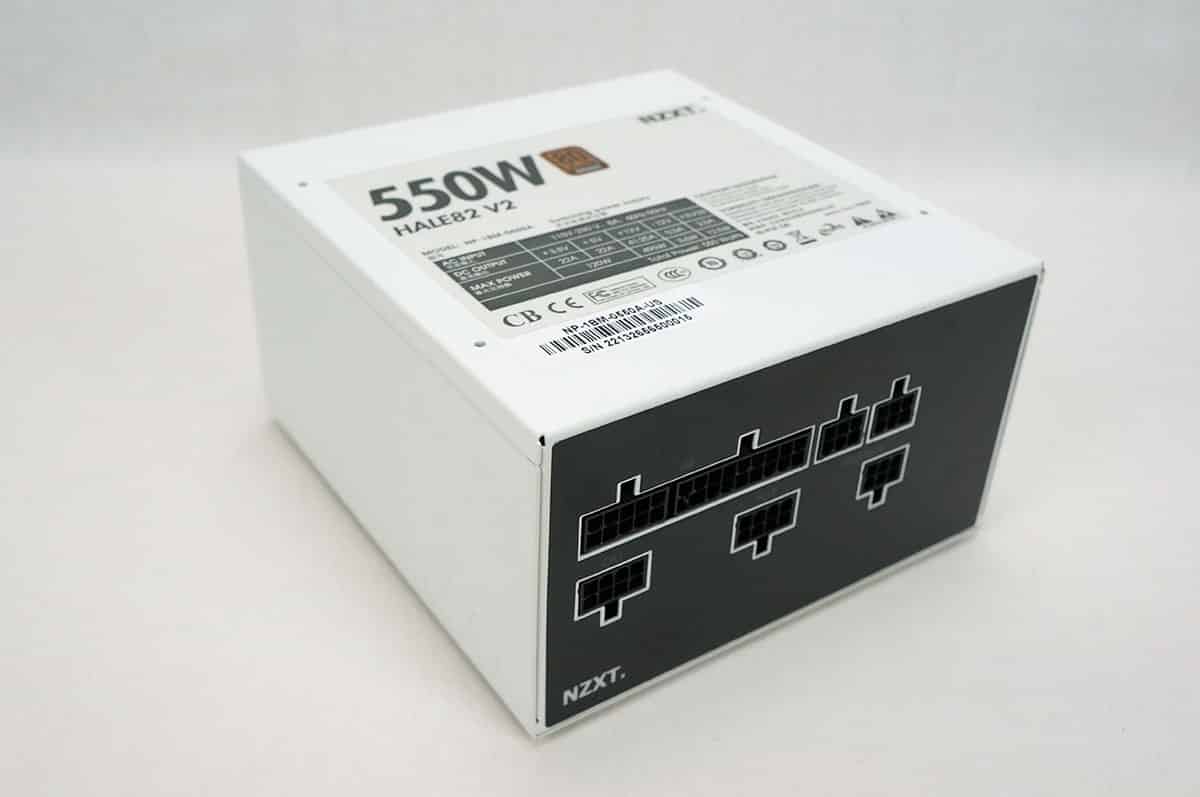
Another issue is with the power supply. If you have a longer power supply it is not going to fit. Even if your power supply is standard size but has modular connections it may not fit.

With everything installed you can see what our system looks like.


Once you power your system on the In Win logo on the front of the case will light up white and if you have any components that light up you will be able to see them through the tinted glass side panel.


Tempered glass is going to be the main problem, with the dvd/cd drive at the bottom also is not doing wonders. It is a unique design but one I would never use or recommend
this is case for a front desk in a lawyers office: everything is hidden and protected, clean and stylish. Nothing for gamers etc…