Vacation Piece of Mind
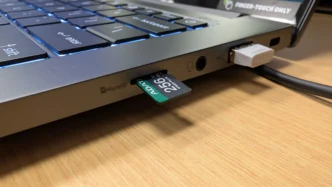
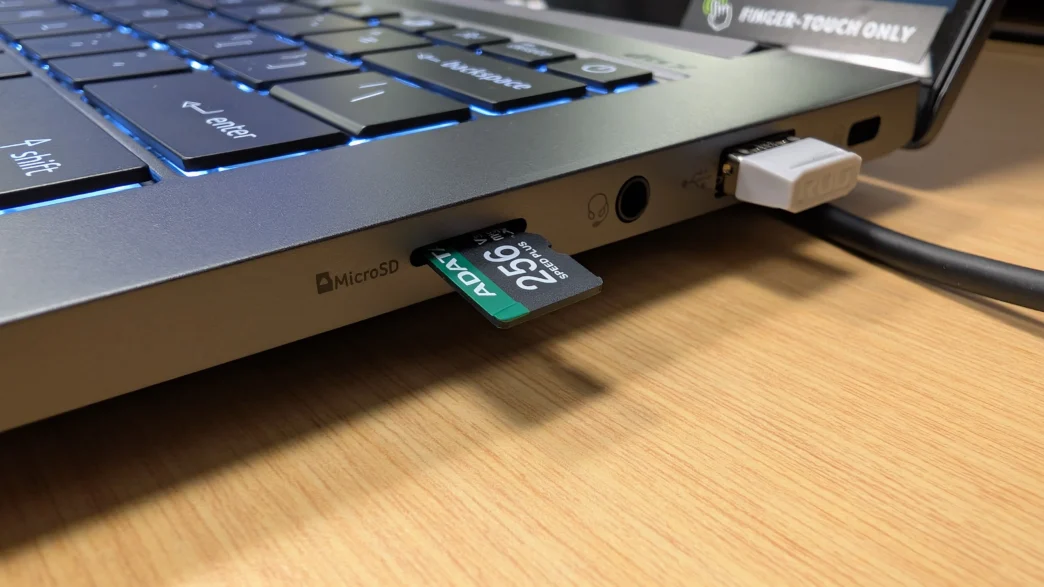
As mentioned earlier, I recently spent nine days away from home on a 2,000+ mile road trip across six states. Being gone from home that long meant we would have neighbors in and out of the house multiple times a week to check on our cats, bring in mail and deliveries, and to make sure nothing was out of order. Typically we shy away from any always-on cameras inside of the house, but I always like to have the ability to visually check in on things at any time when we are gone for extended periods. That meant I would be placing a WYZE Cam Pan v1 camera in the kitchen to keep an eye on the main floor, while an existing WYZE Cam v4 would remain in the garage. Both of these cameras can utilize a microSD card in order to continuously record video locally, and that is exactly where two of the ADATA SPEED PLUS cards were installed.
The interior camera is about as simple of an installation as you can get, but the camera located in the garage is a bit more of a challenge when it comes to the environment. During the time we were gone, temperatures in the area were over 100F, with many days seeing heat indexes of over 110F. This translates into very warm temperatures in the garage, often above 90F for most of the day. This is where cards specifically designed for temperature extremes really make a difference, and the ADATA SPEED PLUS cards are rated all the way up to 150°F. These two cameras were also recording 24/7 for the entire time we were gone, which is where the endurance rating of SD cards comes into play. While not designed specifically for high endurance applications, the SPEED PLUS cards had no trouble writing 24/7 during the trip, and have continued to function without issue on both cameras for weeks after.
The last use case for video recording during my vacation was in our vehicle’s dashcam. This particular dashcam features dual 2K cameras, and the manufacturer recommends a minimum of a Class 10 or UHS-I rating, which the SPEED PLUS cards are capable of. With 2,000+ miles and hours upon hours of driving time, the SPEED PLUS cards did a great job of recording the entire time. This trip included mostly hot weather, where at times the interior of the car would reach or exceed the temperature rating of the card when parked in the sun for an extended period of time. This didn’t affect the performance or operations of the card in the slightest, ensuring we had complete front and back video coverage of our trip should we encounter any trouble and need to provide documentation to law enforcement or insurance. Thankfully the travel portions of our trip were quite uneventful, and we didn’t have to utilize this option.
Here’s a few short clips from a few days of the trip.
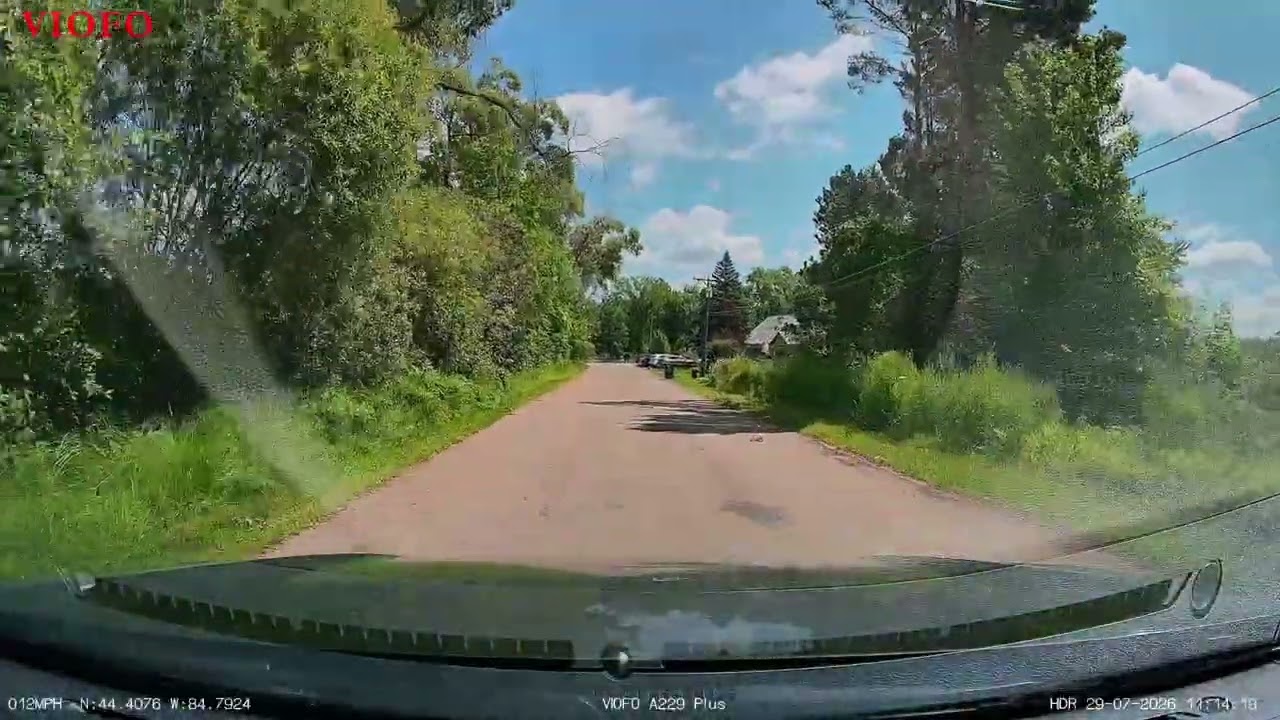
That being said, I did capture this close call a few weeks after our trip. I lucked out with this one, as the other car didn’t make contact with my car, but if it would have, the ability to provide clear video footage from a reliable microSDXC card can be invaluable.
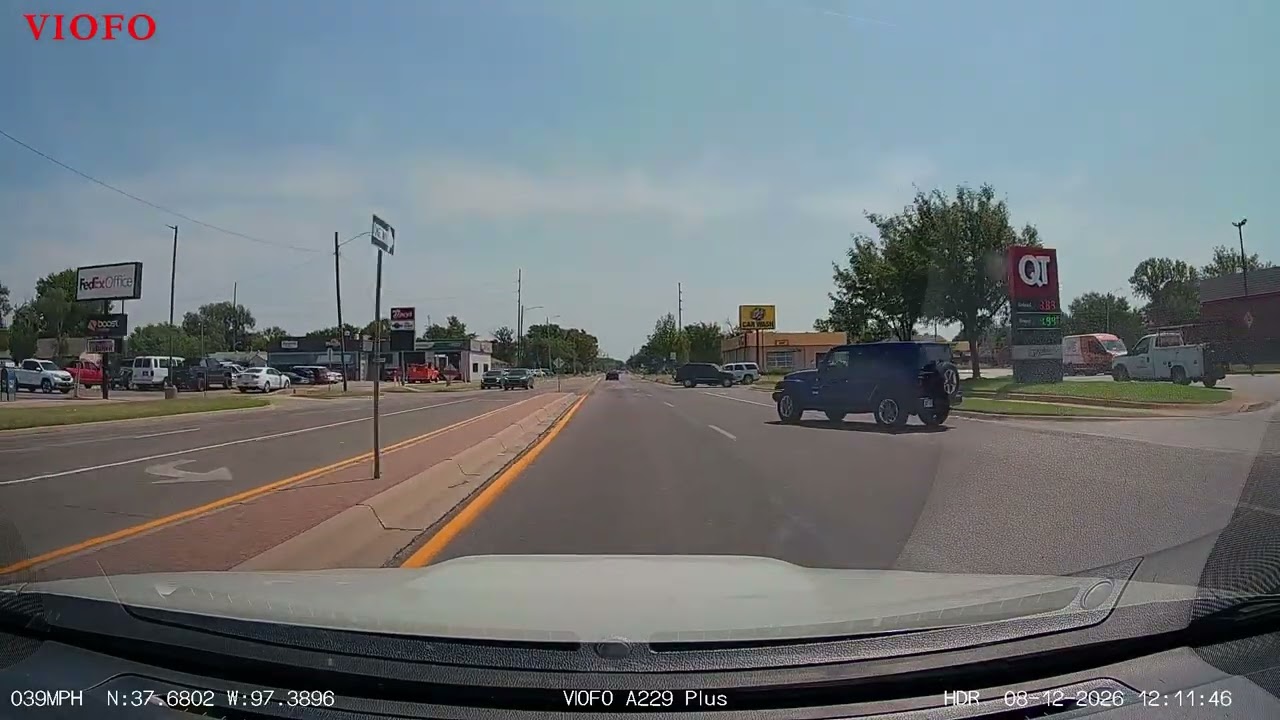
Now, just because a certain card may be advertised as meeting a certain specification or use case, it doesn’t always mean that it is truly capable of living up to those claims. In fact, I had previously tried to utilize a lower-tier card from another manufacturer that claimed to have specifications that would meet or exceed my dashcam needs, only to encounter an error message on the camera after just a few minutes of use. This error reported that the card was in fact too slow, and would result in the cameras not being able to reliably record any video footage, which totally defeats the purpose of the dashcam. Thankfully the ADATA SPEED PLUS cards arrived with plenty of time to spare before my trip, and they did not cause this issue to arise at any time during my time with them.
Practical Takeaway
Three basic questions can go a long way towards making sure you are using the right card for your situation:
1. What is the bitrate & resolution of the recording device?
This is the one people get wrong most often because they assume “4K” always means the same thing. It doesn’t — a 4K30 video at a modest bitrate might only need 40-50MB/s sustained write, while 4K60 or 4K120 in a high-bitrate codec can spike well past 80-100MB/s.
As a rough guide:
When in doubt, check the device manufacturer’s minimum card requirement — GoPro, DJI, and most dashcam brands publish this explicitly, and it’s worth following rather than guessing.
2. Is it continuous or loop recording, or occasional clips?
This is really a question about write pattern, not just how often you record. A card in a dashcam or security camera isn’t just writing data — it’s constantly overwriting the same physical NAND blocks in a loop, which is a fundamentally more punishing workload than a card that fills up once and gets swapped out. Standard consumer cards are rated for endurance under casual use (photos, occasional clips), not this pattern. This is why a card can have great specs on paper and still die in a dashcam within 3-6 months — it’s not a speed problem, it’s a wear problem. If your device records continuously and loops, this factor matters more than almost anything else on the spec sheet.
3. What is the environment?
Beyond temperature and physical durability, think about accessibility too — a security camera mounted somewhere hard to reach benefits from a card with a longer expected lifespan, since replacing it is a bigger hassle than swapping a card in a handheld device. For anything outdoors or in a vehicle, temperature swings (a car in summer, an outdoor camera in winter) accelerate wear on top of the write-cycle stress, so pairing high-endurance and wide temperature range matters more than either alone.
A quick decision shortcut:
The general principle: match the card to the demands of the write pattern, not just the resolution number on the box. Two devices recording the same resolution can need completely different cards depending on whether they write once or write forever.
Final Thoughts
At a glance, SD cards can look like a commodity — pick a capacity, pick a price, done. But the type and performance rating of a card determine whether it actually works reliably with the device it’s paired with, and the consequences of getting it wrong range from mildly annoying (dropped frames in a vacation video) to genuinely costly (a dashcam that silently stopped recording months before the incident you needed footage for, or a security system with gaps in its coverage nobody noticed until it mattered).
The alphabet soup of ratings — Speed Class, UHS Speed Class, Video Speed Class, UHS bus interface, App Performance Class — exists because different devices stress a card in different ways, and no single number captures all of it. The real skill isn’t memorizing every rating; it’s understanding what your specific device actually needs. A high-bitrate 4K action camera needs sustained write speed above all else. A dashcam or security camera needs endurance built for constant overwriting far more than it needs raw speed. An outdoor or vehicle-mounted camera needs both of those plus temperature tolerance. None of these are interchangeable, and buying based on the biggest number on the front of the package is often exactly the wrong approach.
The good news is that once you know what to look for, matching a card to its use case is straightforward — check the sustained write rating against your recording bitrate, confirm endurance rating for anything that loops or runs continuously, and factor in environment last. Get those three things right, and the card becomes something you never have to think about again — which, for a piece of hardware whose whole job is to quietly and reliably hold onto your footage, is exactly the point.