The PC has quietly become the center of daily life. Work calls, long writing sessions, coding, editing, competitive gaming, streaming – everything runs through one machine on your desk. Audio is not background noise anymore. It is part of how you communicate, focus, react, and even think.
Wireless headsets made that easier. No cables across the keyboard. Fast switching between devices. Active noise cancellation. Total mobility. For hybrid work and casual listening, Bluetooth is genuinely convenient.
But convenience is not always the priority.
There are moments when you simply want your audio to behave the same way every single time. No battery percentage to check before a meeting. No random device switching. No codec renegotiation. No small but noticeable hiccups in the middle of a match. In those situations, a wired IEM setup earns its place – not as a rejection of wireless, but as a way to reduce variables.
IEM stands for in-ear monitors – compact wired earphones originally developed for stage performers and studio monitoring. They are built around secure fit, isolation, and a consistent seal. Over the last few years, they have also become a practical desk solution for people who want reliable audio without bulky headsets.
This guide is not about declaring a winner. It is about understanding when wired makes more sense, especially if your priority is stability rather than features.
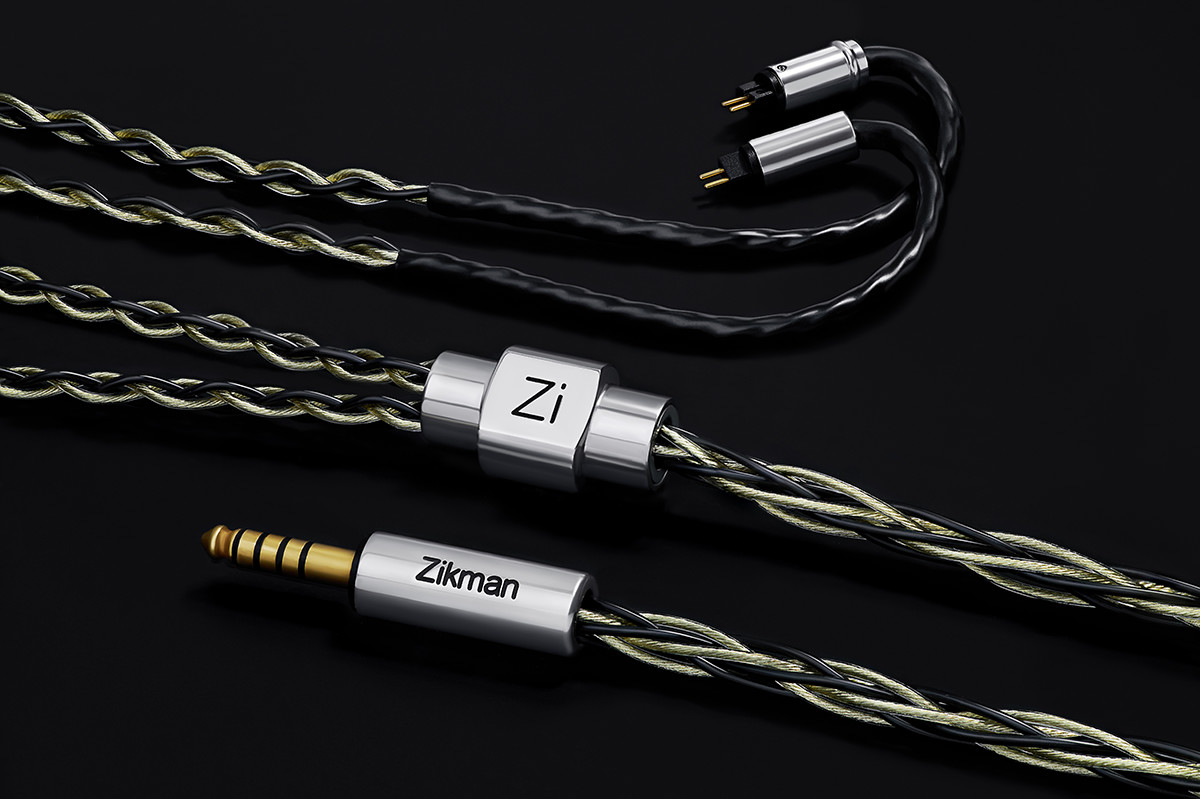
Where Wired Still Wins and Why It’s Not About Hype
Wireless audio is built around flexibility: device switching in seconds, freedom of movement, integrated microphones and ANC, cable-free desk aesthetics
Wired listening focuses on something else:
- no battery dependency
- no RF congestion
- no compression layer
- less unpredictable behavior
Bluetooth involves extra layers – radio transmission, codec compression, error correction, buffering. Most of the time, these systems work well. But each layer adds potential points of variability.
A wired chain removes those layers. What you get is a direct electrical path from source to driver. That simplicity is not glamorous, but it is stable.
You do give up some features like ANC or instant switching. In return, you gain consistency. In work and gaming environments, consistency often matters more than flexibility.
Remote Work and Conferencing
In professional environments, stability outweighs novelty. A wired IEM setup can mean:
- no battery monitoring
- no silent fallback to laptop speakers
- fewer unexpected device handoffs
- more consistent output behavior (and mic routing if your setup supports it)
When you are in back-to-back meetings, the last thing you want is audio troubleshooting. A wired connection reduces that mental overhead. Even simple factors like fixed output levels and consistent latency can reduce fatigue over long sessions.
Gaming and Competitive Play
Latency is measurable. Stability is noticeable.
A wired setup removes:
- Bluetooth stack processing delay
- codec encoding/decoding latency
- RF interference variables
Even if Bluetooth latency is “low enough,” wired removes negotiation entirely. Timing stays consistent and the audio feedback loop remains direct. For competitive players, predictability reduces friction. For casual players, it reduces frustration.
Streaming and Content Creation
For creators, repeatability matters. The signal chain becomes straightforward:
PC -> DAC or interface -> cable -> IEM.
No bandwidth negotiation or compression artifacts. No battery level surprises mid-stream. If you record voiceovers or edit dialogue, consistency across sessions matters more than portability. Wired monitoring behaves the same way every time you connect it.
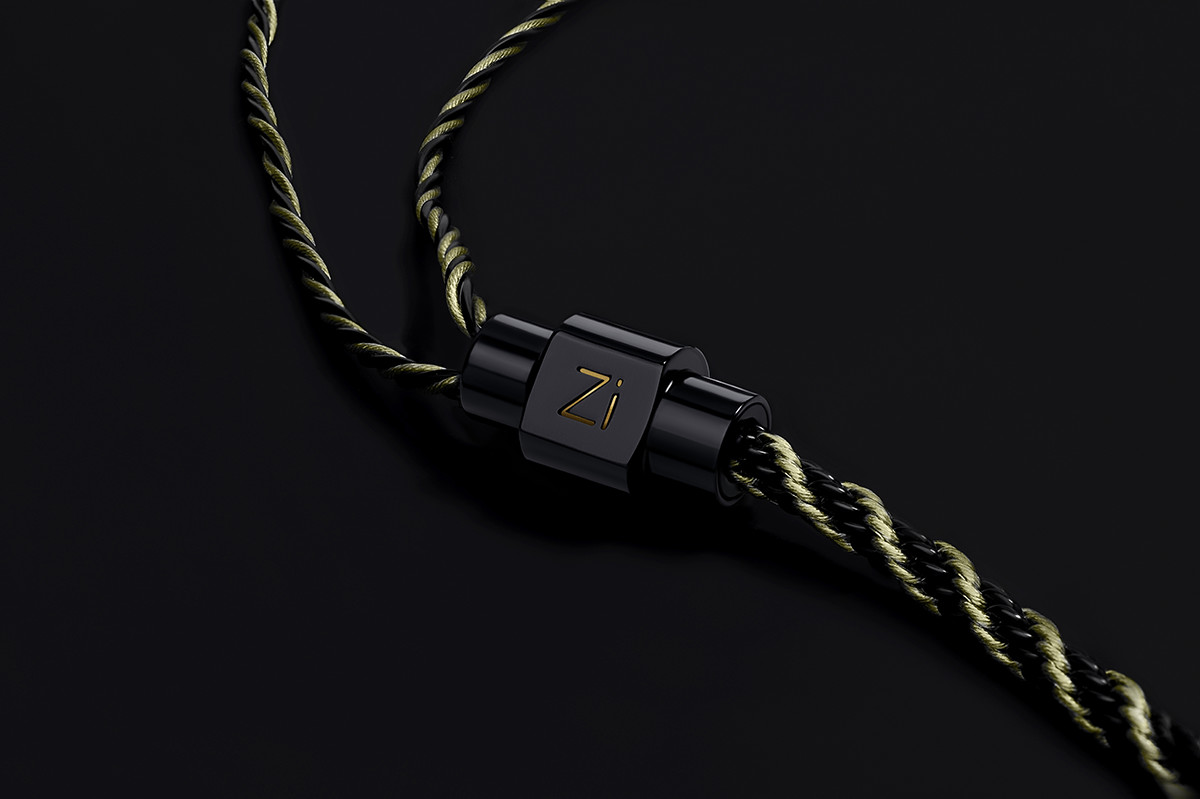
The Weak Link Is Often the Cable, Not the Earbuds
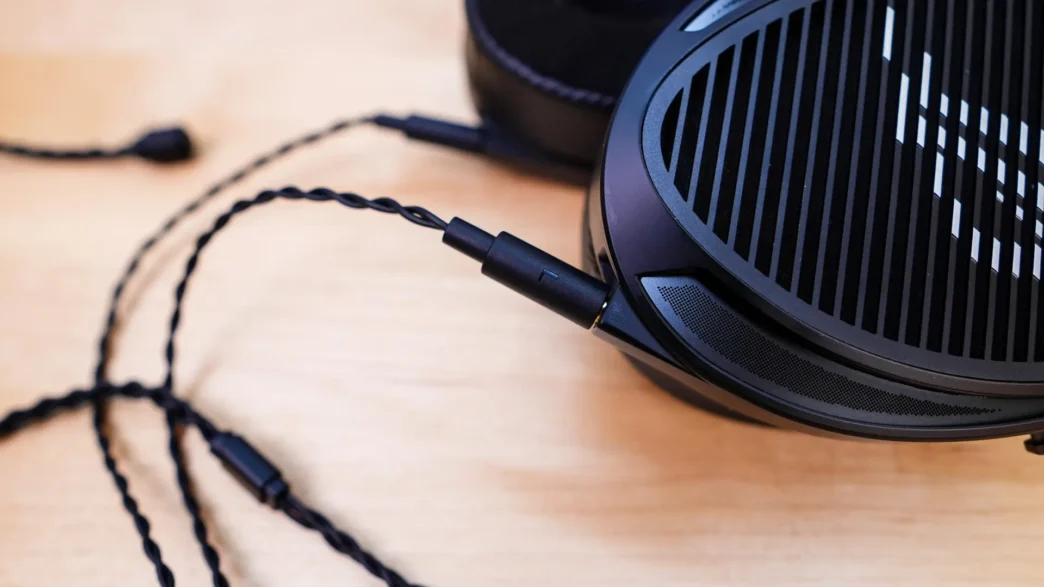
In an IEM system, the cable absorbs the majority of physical stress:
- repeated bending near the plug
- constant micro-movements at desk level
- friction against clothing
- connector insertion cycles
Internal conductors can fatigue. Solder joints can weaken. Strain relief can degrade. Connector tolerance can loosen. Many “my IEMs are failing” situations are not driver-related at all. They are mechanical cable wear.
In that sense, the cable functions as a consumable component are similar to mouse switches or keyboard keycaps. It is the most stressed element in the chain. Replacing it is often maintenance, not an upgrade.
Signs It’s Time to Replace Your Cable
Instead of focusing on age, watch for practical indicators:
- intermittent channel dropouts
- crackling when turning your head or moving
- loose connector fit
- visible insulation wear
- stiff or memory-prone cable behavior
- increased microphonics
- subtle channel imbalance
Microphonics – the noise transmitted when a cable rubs against clothing – can increase as insulation stiffens over time.
If the IEM drivers still perform correctly but the experience feels unstable, the cable is typically the first point of failure.
2-Pin vs MMCX: The Connector Basics
Before choosing a replacement, confirm compatibility.
2-Pin (0.78 mm)
- direct, fixed contact
- stable electrical connection
- fewer moving parts
Pros:
- reliable long-term contact when properly seated
Cons:
- requires careful alignment
- pins can bend if misaligned
MMCX
- rotating connector design
- convenient for frequent detaching
- common across many models
Pros:
- easy daily handling
- less risk of pin misalignment
Cons:
- may loosen over time
- contact can degrade after repeated rotations
Neither connector is universally better. The correct choice depends on your IEM model and how often you disconnect the cable.
What to Look for in a Replacement/Upgrade IEM Cable
Marketing language aside, daily usability is what matters:
- correct connector type (2-pin or MMCX)
- appropriate termination (3.5 mm or other, depending on your setup)
- comfortable desk length
- flexible insulation
- reinforced strain relief
- low microphonics
- consistent assembly quality
Strain relief design plays a critical role in longevity. Poor strain relief concentrates stress at a single bend point, good reinforcement distributes it.
Connector tolerances also matter. Slightly loose fits can create intermittent contact over time.
If your setup is wired for a reason—lower latency, consistent monitoring, or simply fewer day-to-day compromises—the cable is often the first part to fail. A solid replacement IEM cables that matches your connector type (2-pin or MMCX) can restore reliability and comfort without changing your entire setup; the catalog can serve as a practical reference point.
In many cases, replacing the cable removes small mechanical inconsistencies that gradually become noticeable.
Simple Care Tips to Extend Cable Life
Mechanical stress, not signal load, is what shortens cable lifespan. Practical habits:
- disconnect by holding the plug, not the cable
- avoid tight bends during storage
- use a case during transport
- prevent constant desk-edge tension
- attach connectors carefully
Small improvements in handling can significantly extend cable life.
Quick Checklist
Before replacing your cable:
- confirm connector type (2-pin or MMCX)
- identify the actual issue (dropouts, stiffness, noise, imbalance)
- decide whether desk length or portability matters more
- check termination compatibility
- consider daily comfort
Solving the correct problem avoids unnecessary upgrades.
Final Thoughts
A wired IEM setup is not about nostalgia. It is about reducing variables when stability matters more than mobility.
In that chain, the cable is the most mechanically stressed component – and usually the first to fail. If glitches begin to appear, replacing the cable is often the simplest solution. It restores reliability without changing the character of your IEMs.
For readers specifically looking for replacement or upgrade options, including both 2-pin and MMCX formats, Zikman Audio offers a dedicated catalog that can serve as a practical starting point.
Sometimes fewer layers mean fewer problems. And in daily work and gaming, predictability is often the most underrated feature of all.