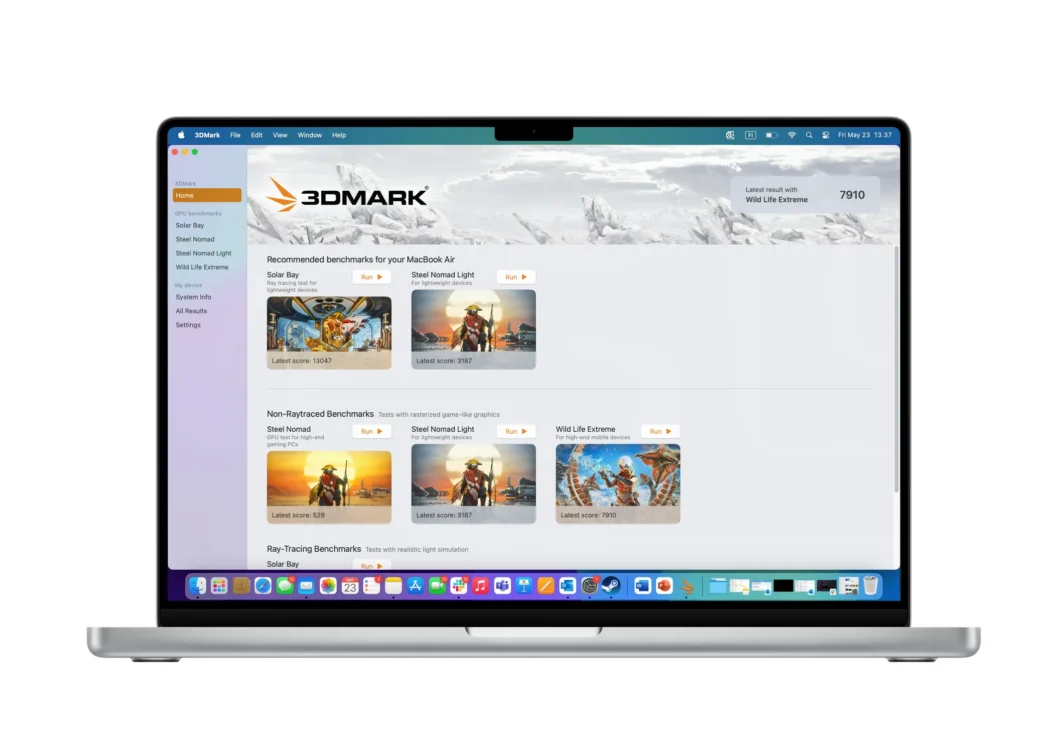
The renowned 3DMark benchmarking suite has officially launched a native macOS version, leveraging Apple’s Metal API. This significant development allows Mac users to accurately assess their devices’ 3D rendering and CPU performance, offering cross-platform comparability with Windows, iOS, and Android results. The move addresses previous limitations faced by Mac users running the iOS version of the benchmark.
3DMark Arrives Natively on macOS
UL, the developer behind 3DMark, has released a full native version of its benchmarking tool for macOS. This decision was prompted by the observation that a significant portion (one in six) of iOS app submissions were originating from macOS devices. Running the iOS version on a Mac often led to inaccurate results, particularly on more powerful machines, due to iOS application frame rate limitations tied to the display’s refresh rate.
Enhanced Benchmarking Capabilities
The native macOS version of 3DMark eliminates these bottlenecks, providing a more accurate and comprehensive performance assessment. It includes several key benchmarks:
- Wild Life Extreme
- Solar Bay
- Steel Nomad
- Steel Nomad Light
Notably, the heavier Steel Nomad benchmark, previously exclusive to Windows, is now available on macOS. All these benchmarks run natively using the Metal API, ensuring optimal performance and accurate results.
Key Takeaways
- 3DMark is now natively available on macOS, utilizing Apple’s Metal API.
- The native version removes performance bottlenecks experienced when running the iOS app on macOS.
- It includes comprehensive benchmarks like Wild Life Extreme, Solar Bay, Steel Nomad, and Steel Nomad Light.
- Results are fully comparable across Windows, iOS, and Android devices.
- Paid features include Explorer Mode, result saving, sound, and custom benchmark settings.
- The software is available via Steam, with Epic Games Store and 3DMark.com availability coming soon.
- A free demo is available, and the paid version costs $35, offering cross-platform access and Steam achievements.
- An Apple Silicon Mac is required to run the software.
Additional Features and Availability
Similar to its Windows counterpart, the macOS version of 3DMark offers a range of additional features for paid users:
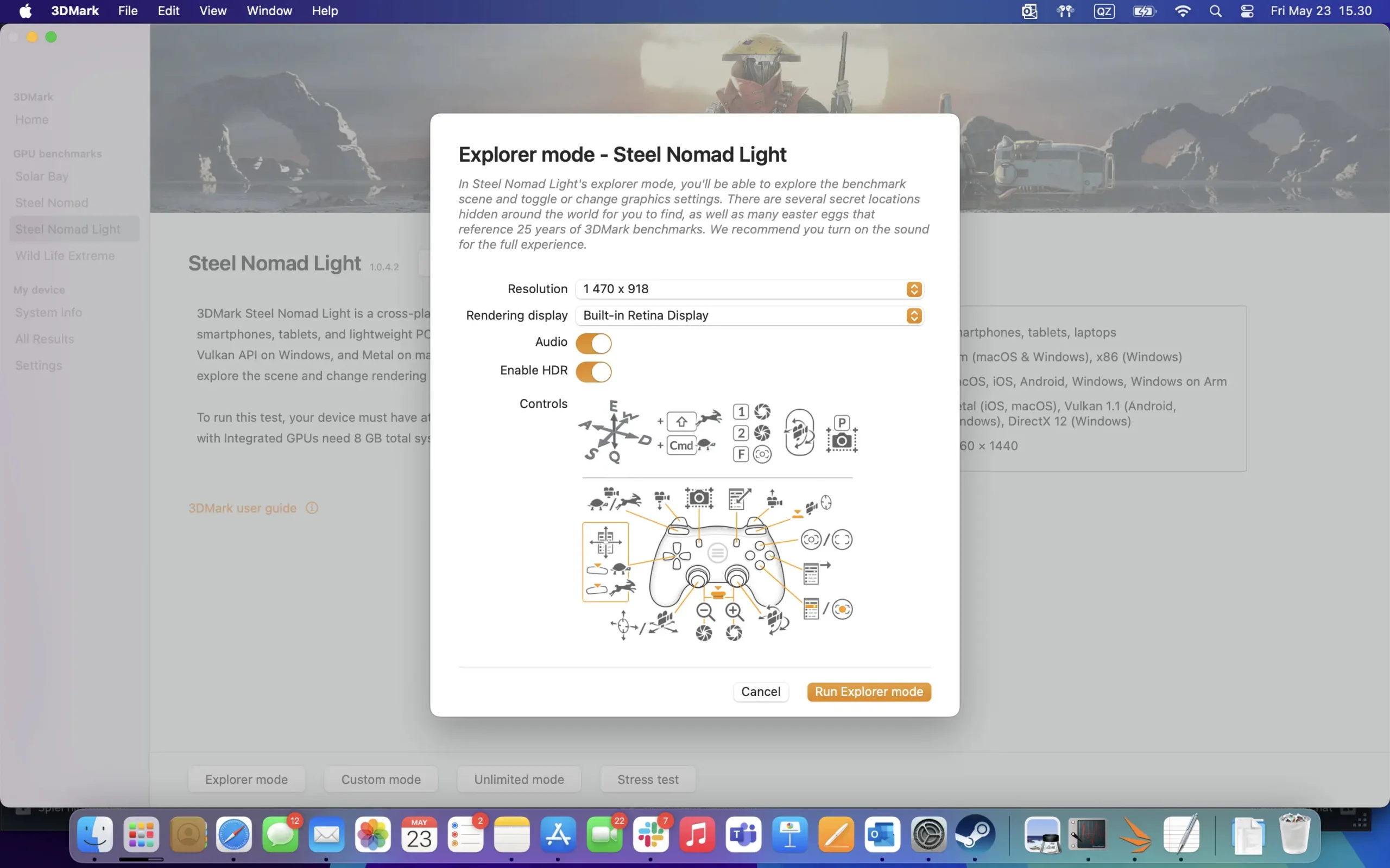
- Explorer Mode: Available for Steel Nomad benchmarks, allowing users to freely navigate scenes, control cameras, and discover hidden secrets.
- Result Saving: Users can save their macOS benchmark results to their 3DMark.com account for tracking and comparison.
- Immersive Experience: Option to enable sound for a more engaging benchmarking experience.
- Custom Mode: Allows users to run benchmarks at different resolutions, loop tests for thermal analysis, and enable HDR.
The 3DMark suite for macOS is currently available through Steam. UL has also announced that it will soon be available on the Epic Games Store and directly from 3DMark.com. A free demo version is accessible, while the full paid version costs $35 and is cross-platform compatible. It requires an Apple Silicon Mac to run.
Via 3DMark on Steam