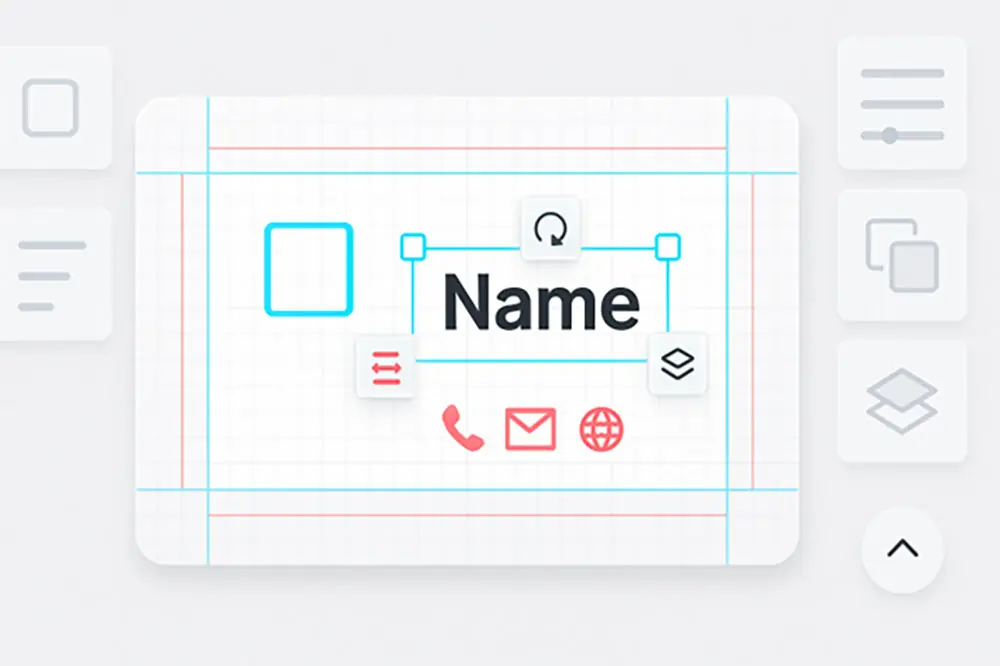
Artificial intelligence has changed the way professionals approach branding and design. Business cards, once the result of long collaborations with graphic designers, are now accessible to anyone with a few clicks. AI simplifies and speeds up the creation process, producing high-quality results aligned with your brand identity—without requiring technical skills.
How AI transforms business card design
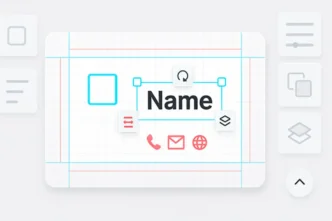
Designing a business card used to involve manual choices about fonts, layout, and visual hierarchy. AI systems now automate these steps by analyzing your input—such as brand colors, company name, and role—and generating layouts that follow modern design principles.
With intelligent layout engines, AI can suggest multiple options based on your brand style. It reduces trial and error, speeds up decision-making, and helps ensure every design element works harmoniously. The result is a business card that looks polished and professional with minimal effort. You can explore these benefits firsthand with an AI business card generator that adapts to your brand automatically.
Speed and efficiency
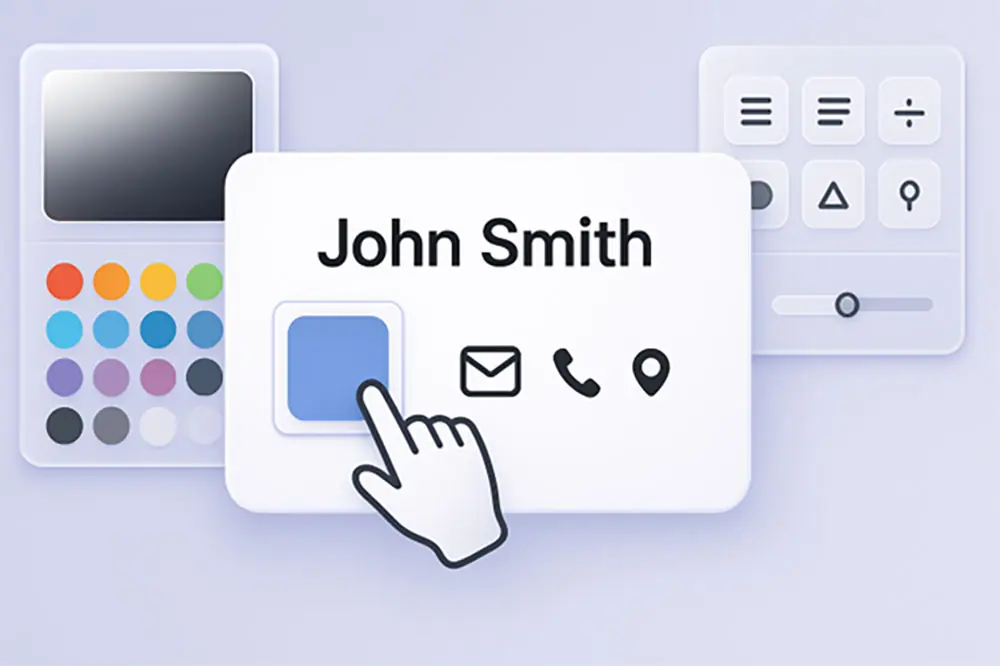
Key advantages of AI speed
- Reduced time from concept to download
- Automatic layout suggestions tailored to your brand
- Instant adjustments without starting from scratch
By using AI, you can produce a ready-to-print business card in less than 15 minutes. The time once spent on back-and-forth revisions is now used for refinement, not correction. This allows individuals and teams to focus on what matters—presenting a consistent and confident image to the world.
Accessibility and lower cost
AI tools remove barriers for those without access to design software or professional help. You no longer need to hire a designer or learn complex applications. Many AI-based platforms allow you to create, edit, and export your card directly in your browser.
This means entrepreneurs, freelancers, and small businesses can create branding materials that look just as professional as those from large companies. It also opens up experimentation—you can test several layouts or styles before settling on a final version.
Visual quality and brand alignment
AI tools don’t just save time—they improve output. The generated designs are aligned with branding fundamentals, ensuring visual consistency. Colors, fonts, and logo placement are automatically chosen to reflect a cohesive style.
This helps reinforce brand recognition. When your business card matches your website, packaging, and other assets, it creates a more reliable and memorable brand experience. AI makes that consistency easier to achieve without extra cost or effort.
Scalable for small and medium businesses
For companies with multiple employees, AI-generated business cards offer scalability. You can create cards for each team member by simply changing name and contact info, while keeping the design style unified.
This consistency is especially important for businesses attending trade shows, networking events, or client meetings. A shared brand identity across all printed materials helps build trust and reinforces professionalism. AI makes it practical to produce these materials at scale without sacrificing design quality.
Creative freedom without complexity
AI enhances creativity by allowing you to test different ideas quickly. You can explore new fonts, adjust layout spacing, or change the overall tone of your card with just a few clicks. Unlike rigid templates, AI adapts to your input in real time.
This makes the design process more engaging. Instead of being limited by static tools, you can develop a card that expresses your brand personality. AI-powered design strikes a balance between automation and personalization—something that’s hard to replicate manually.
FAQ
Can I use AI for card design with no experience?
Yes. Most AI systems are beginner-friendly and guide you through each step.
Is AI suitable for large companies?
Yes. It’s effective for creating consistent designs across departments and teams.
Are AI-generated cards print-ready?
Yes, they can be exported in formats suitable for professional printing.
What if I don’t like the first result?
You can easily adjust fonts, colors, or layout without starting over.
Does AI replace human designers?
AI handles the routine steps, but you can always fine-tune results if needed.