ASRock B850 Challenger WiFi White Motherboard
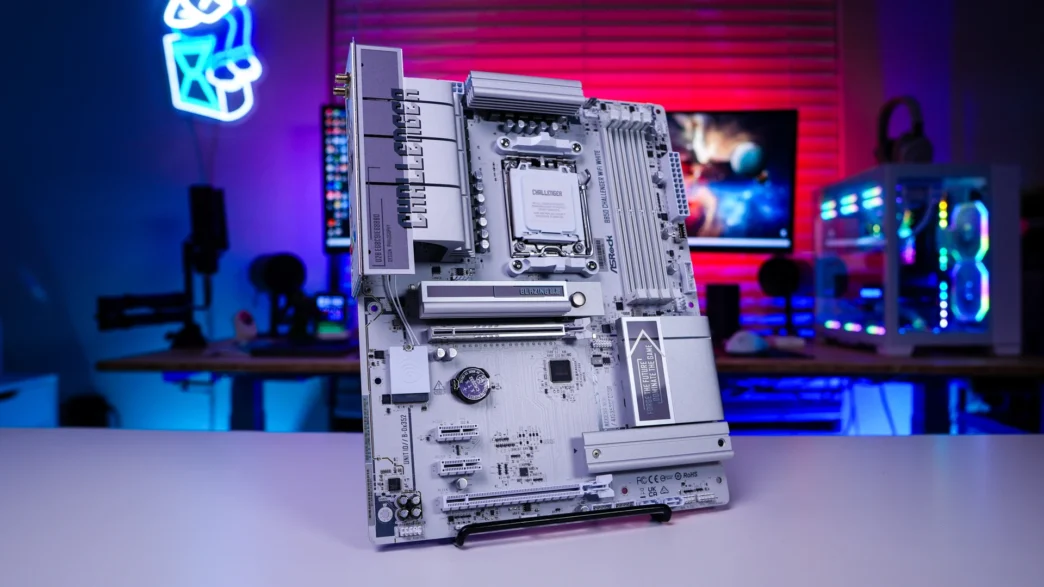
This is of course the white version of the B850 Challenger WiFi so we have a white PCB with white and silver accents. This colorway looks excellent and if you are planning to do a white build this motherboard will fit into that theme quite well. If you are wondering, this is a standard ATX motherboard.
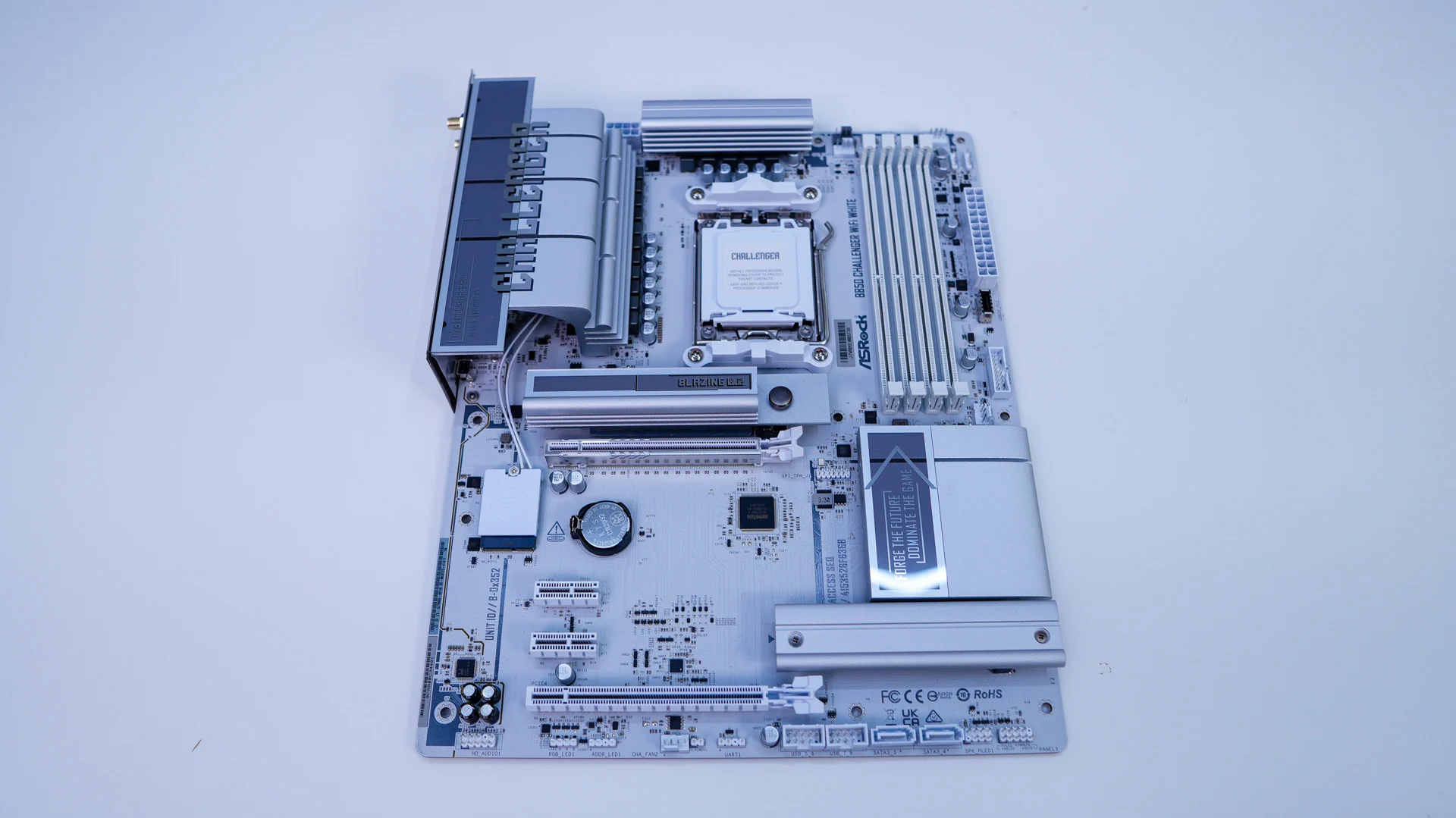
Starting at the CPU socket we have AMD’s AM5 socket. This socket will support AMD’s Ryzen 9000, 8000, and 7000 series processors. AMD has committed to supporting the AM5 socket through 2029, meaning it should remain compatible with several more generations of Ryzen CPUs. A noticeable nice touch from ASRock here is the white AMD mounting brackets on the top and bottom of the socket.
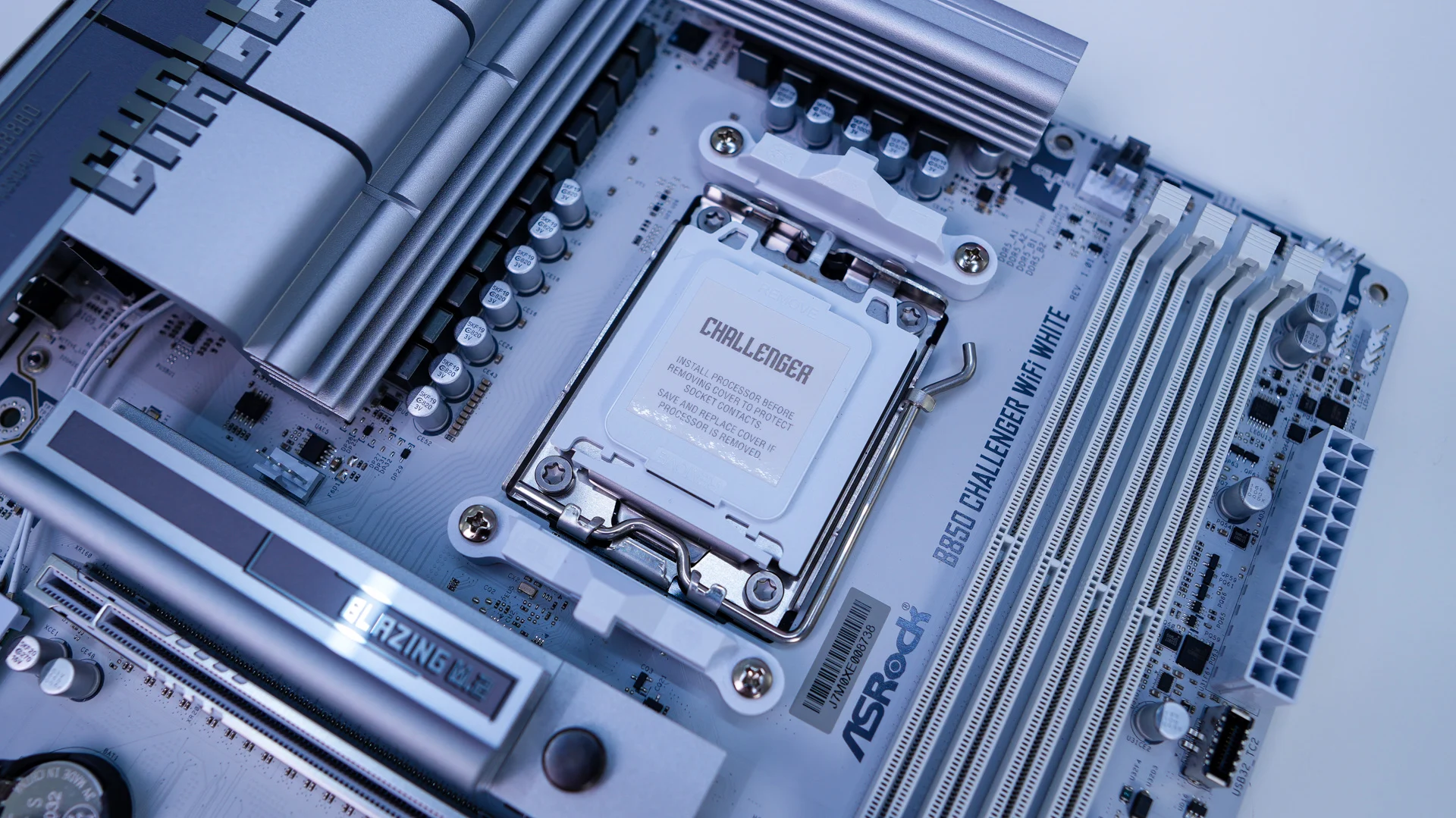
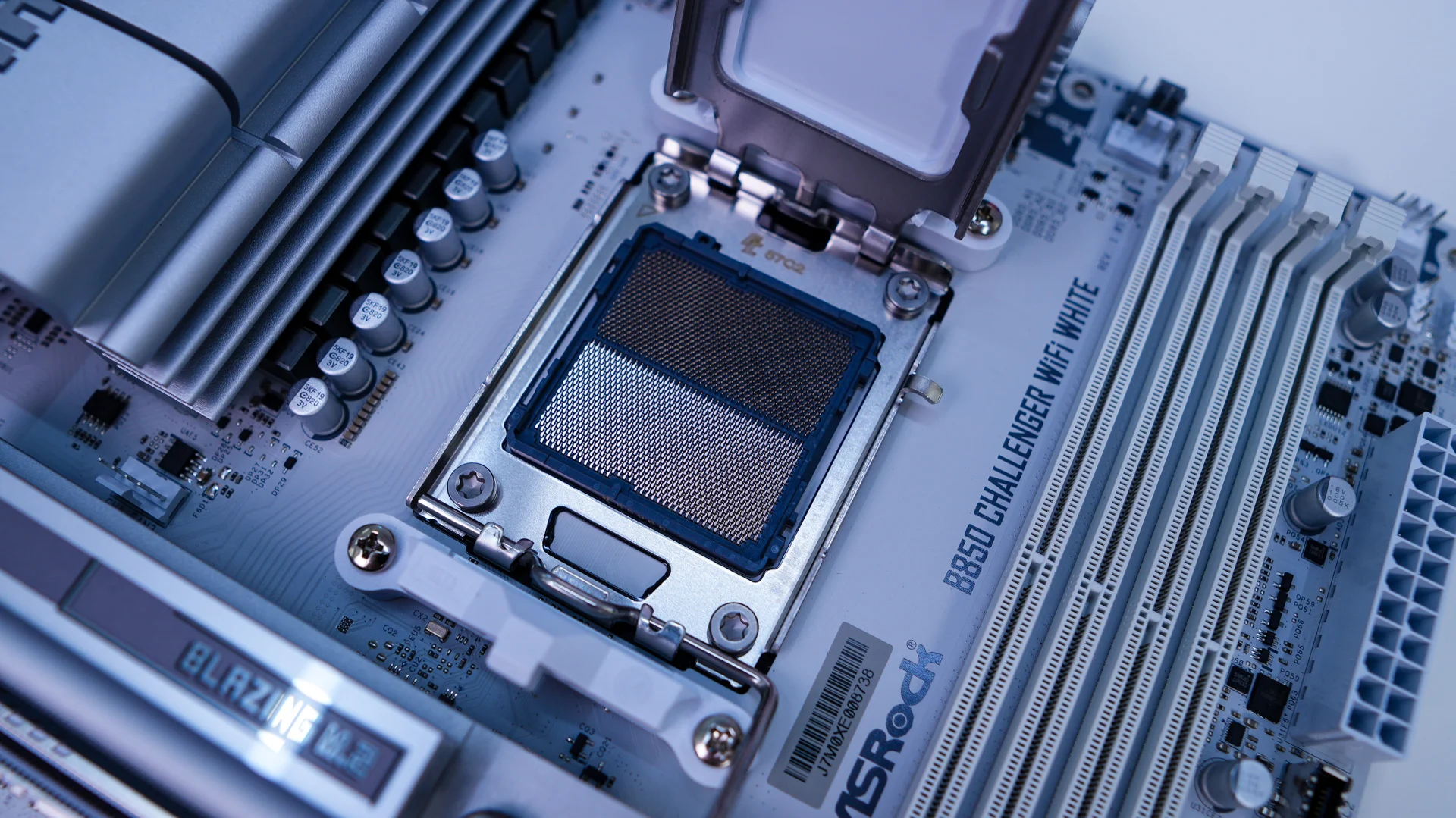
Surrounding the CPU socket we have our power delivery components and ASRock is making use of a 12+2+1 power phase design that uses Dr.MOS integrated power stages. Covering the power delivery components are two large aluminum heatsinks. One of these heatsinks connect with the rear I/O cover, which really brings the top corner of the board together. This I/O cover says “Challeger” across it and looks quite good.
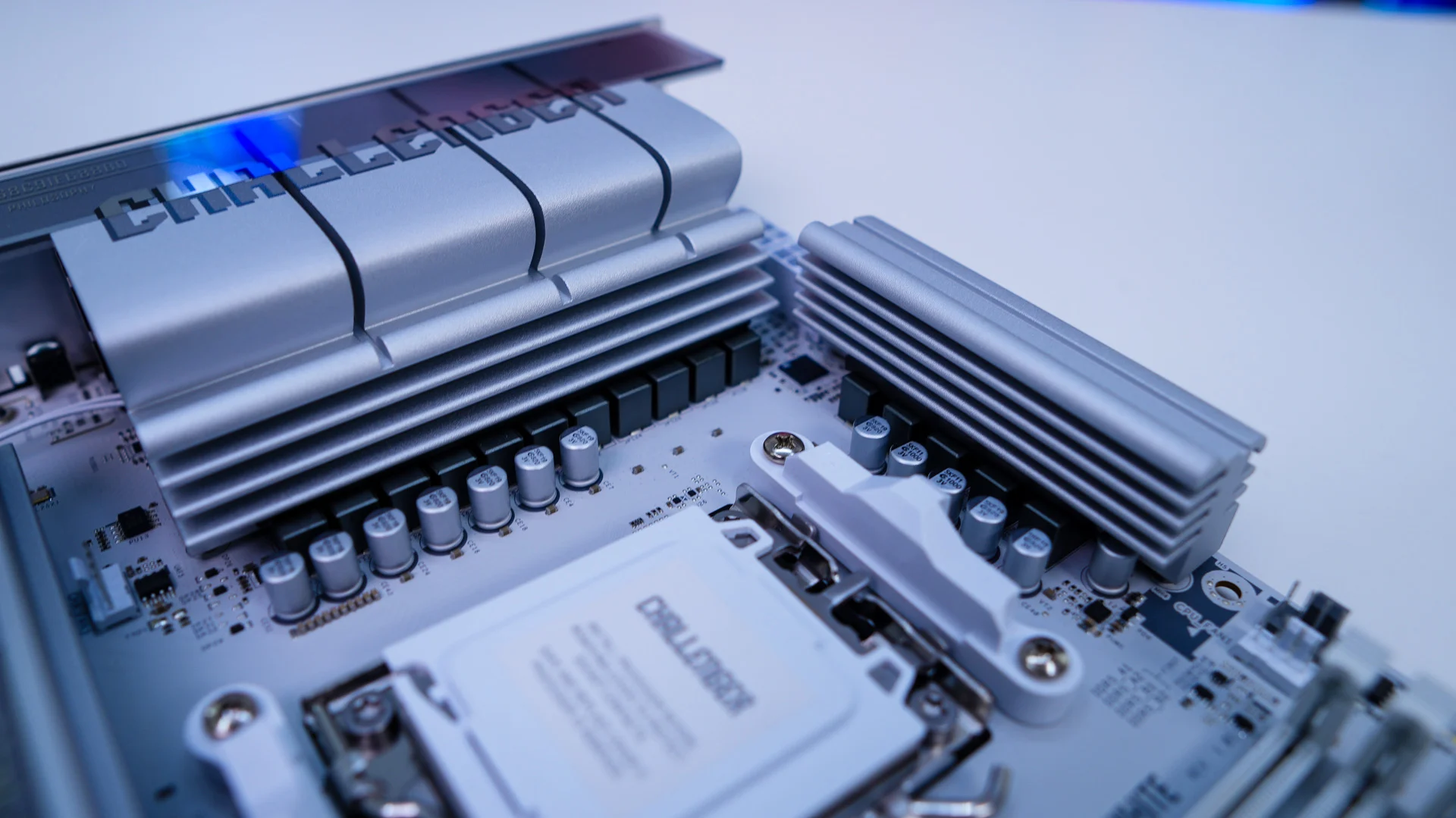
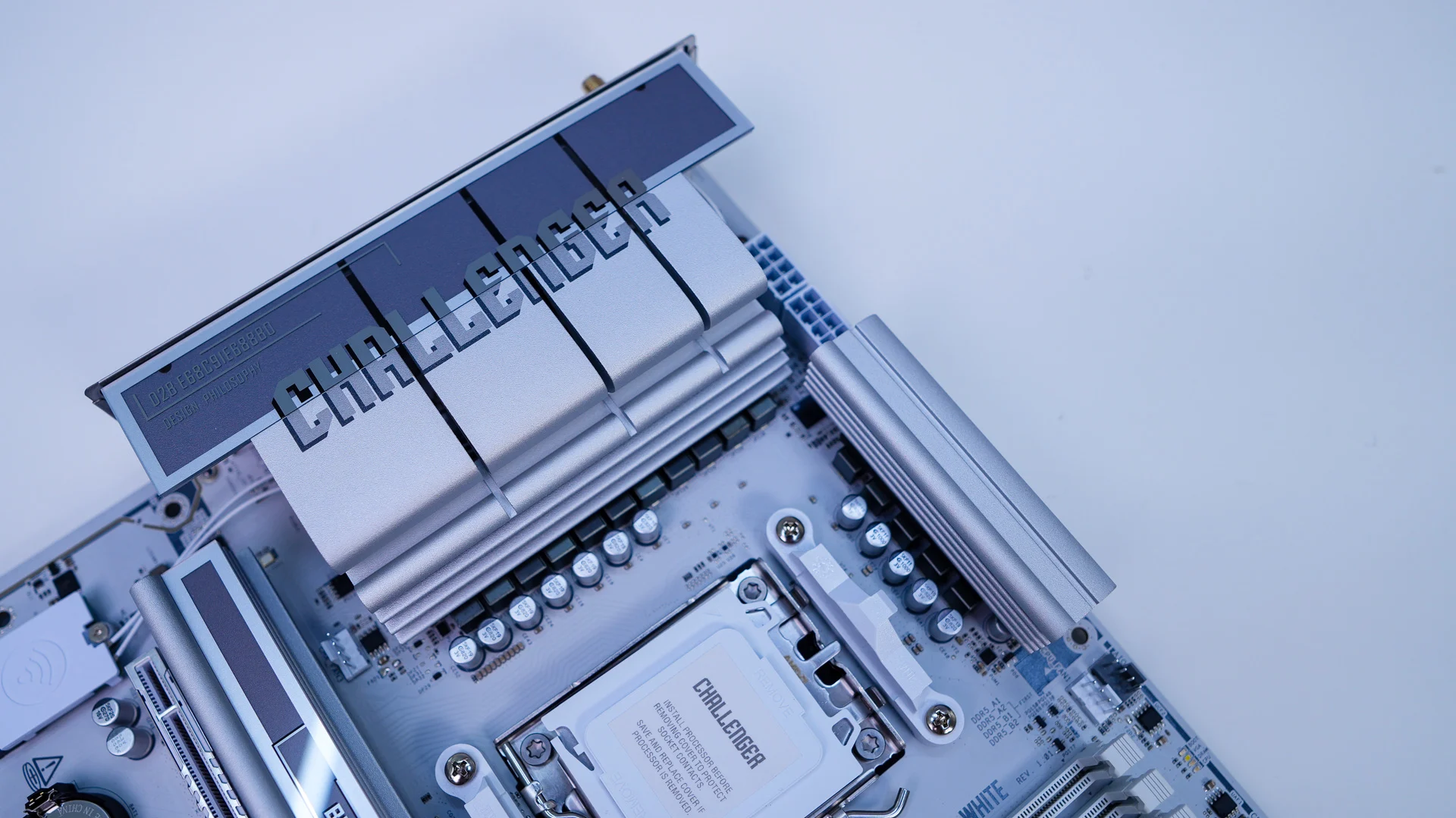
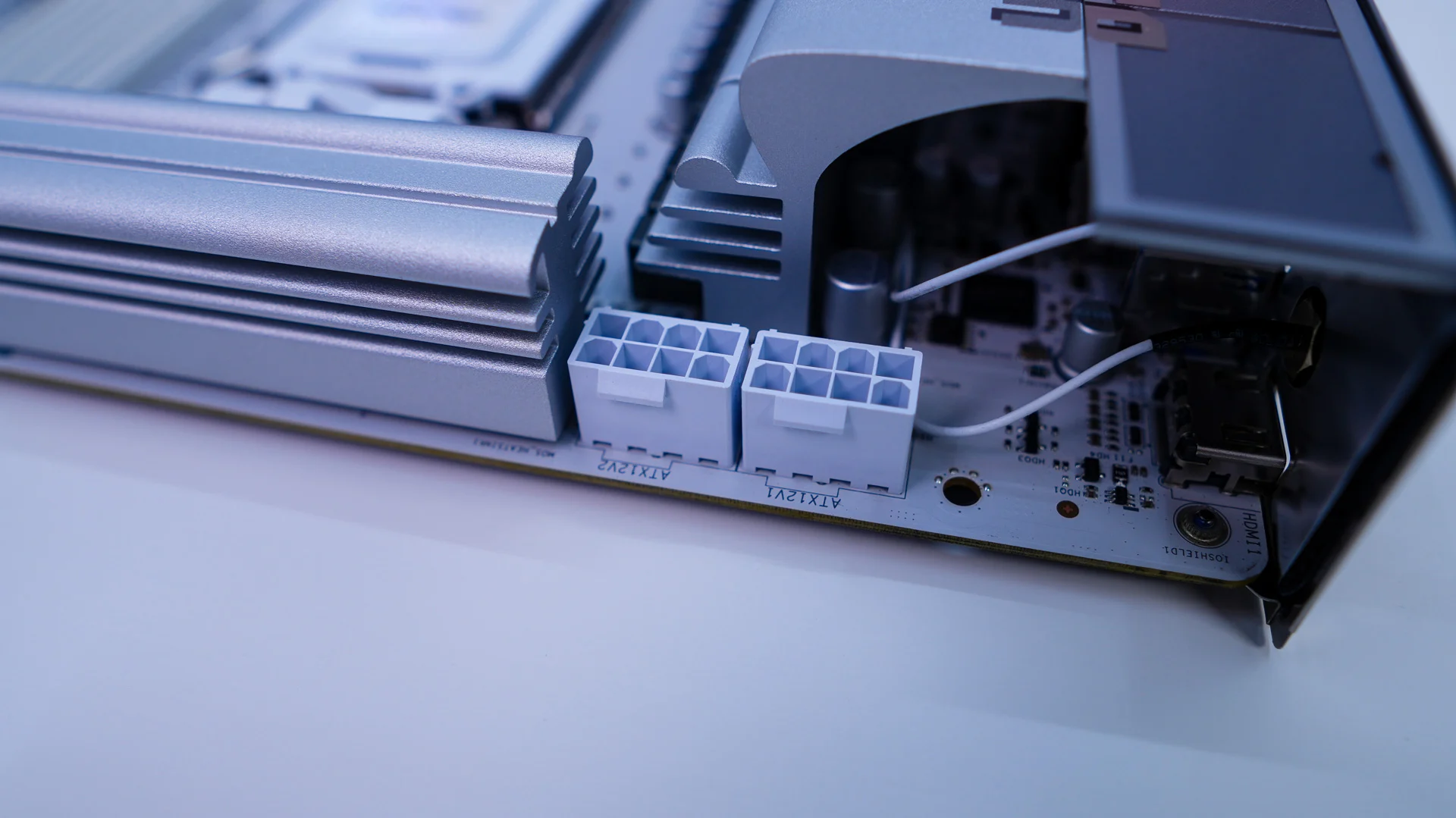
Hiding in the top corner of the board are going to be your two 8-pin EPS connectors. These are also white to match the theme of the board. Moving across the top-edge of the board you’ll find three 4-pin headers. The grey one is your AiO pump header while the white ones are your CPU fan and optional CPU fan header.
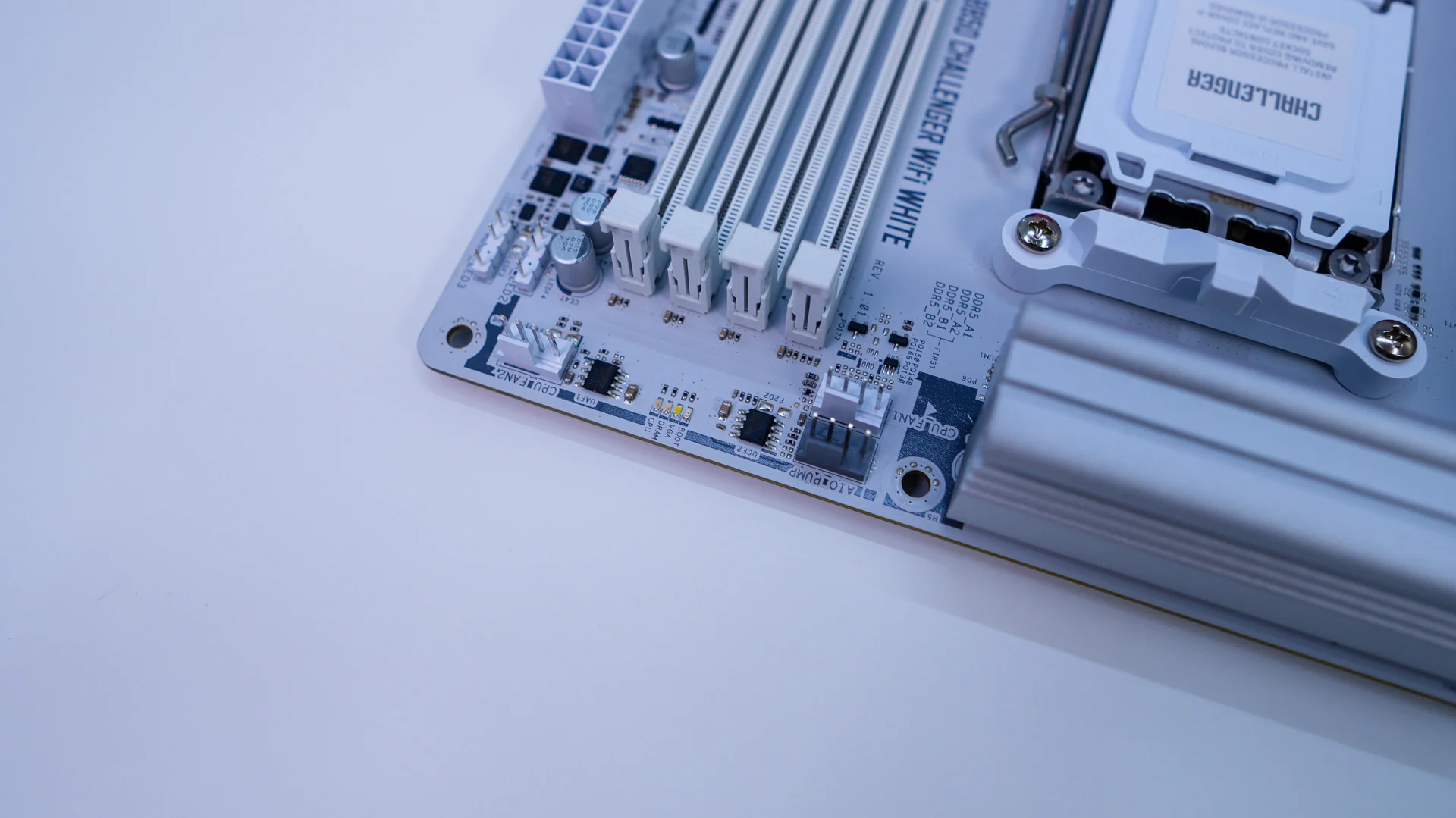
Coming to our memory slots, which are also white to match the motherboard, we have four DDR5 DIMM slots which support up to 256GB of DDR5-8000 memory.
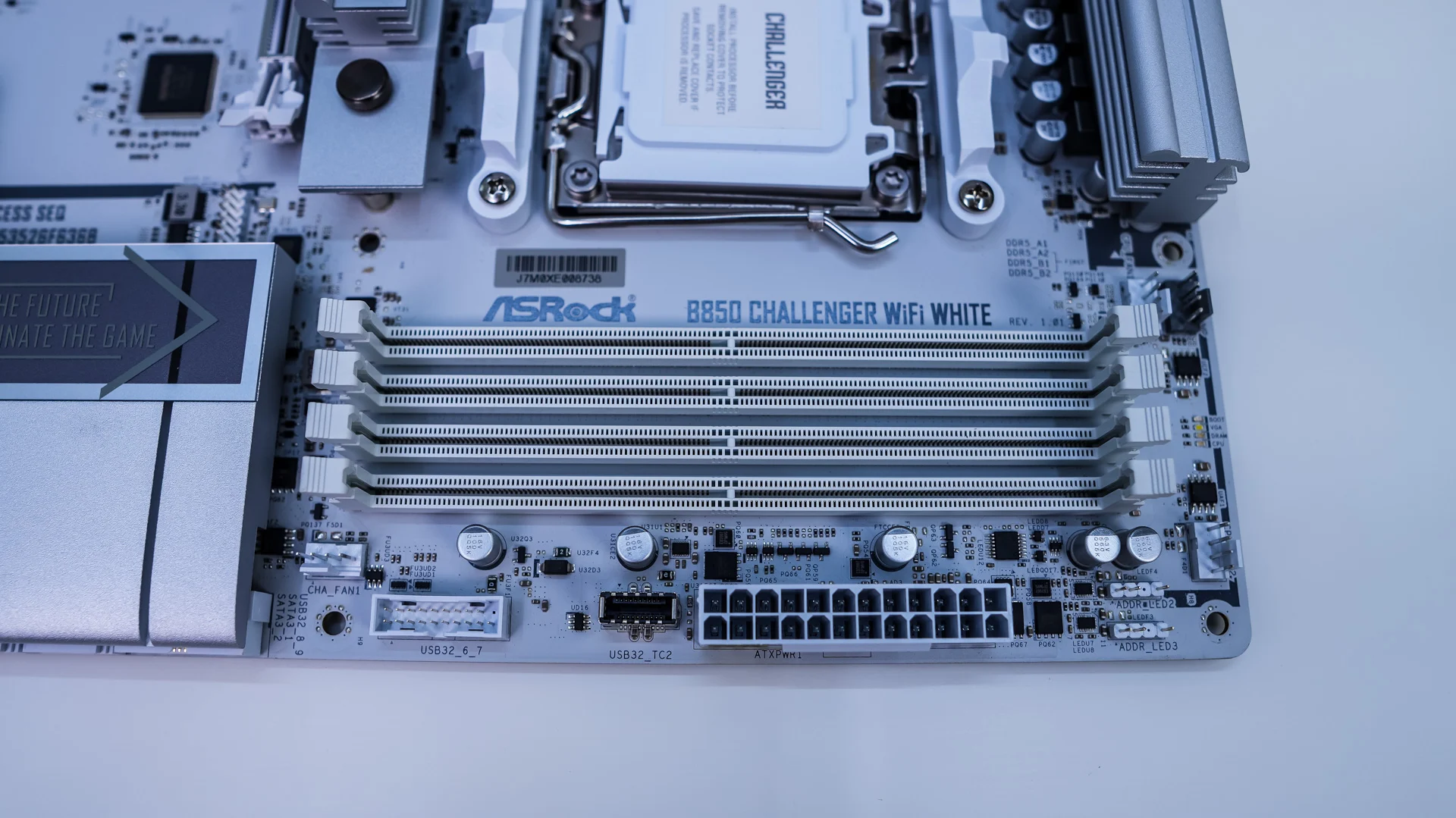
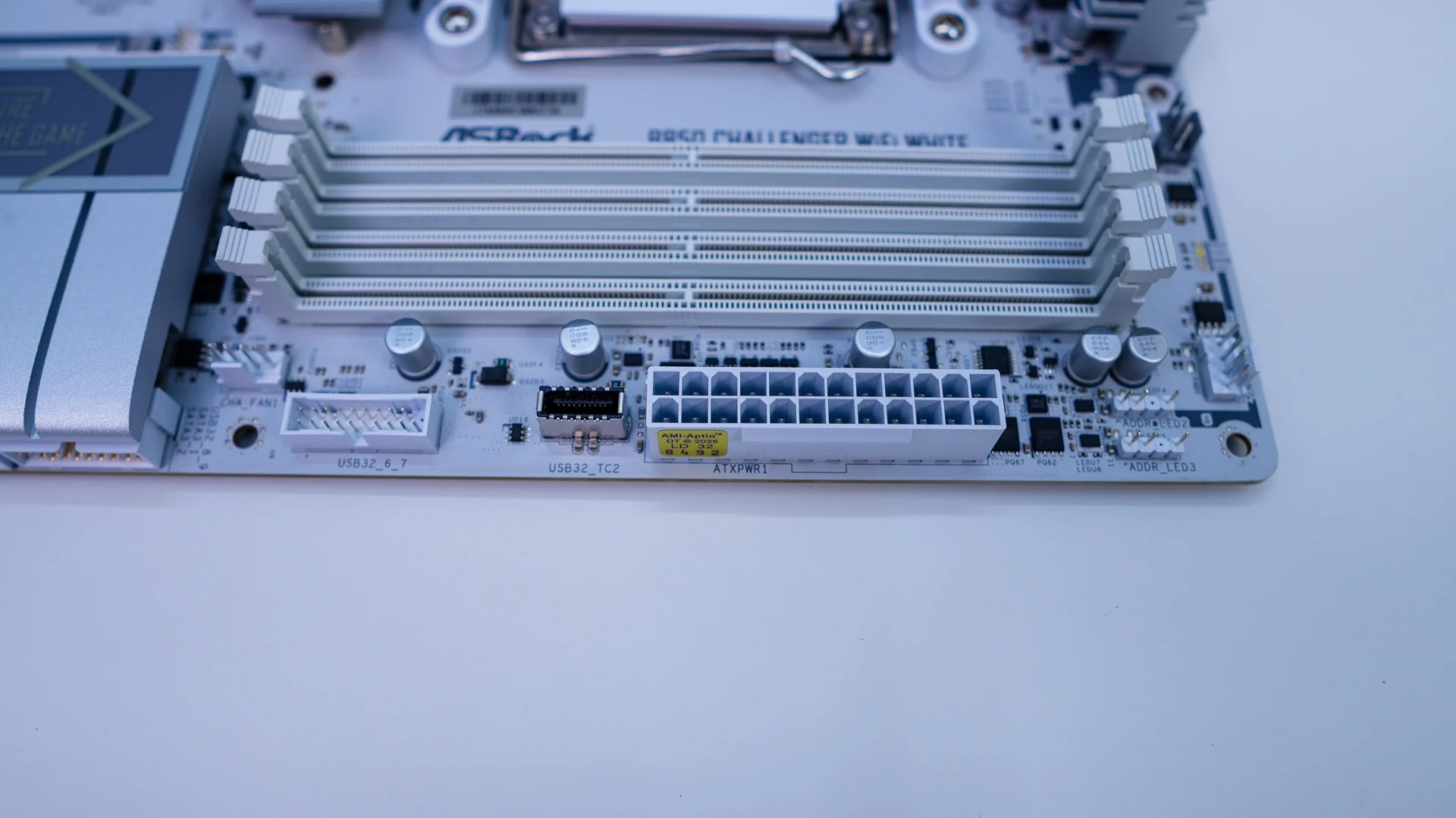
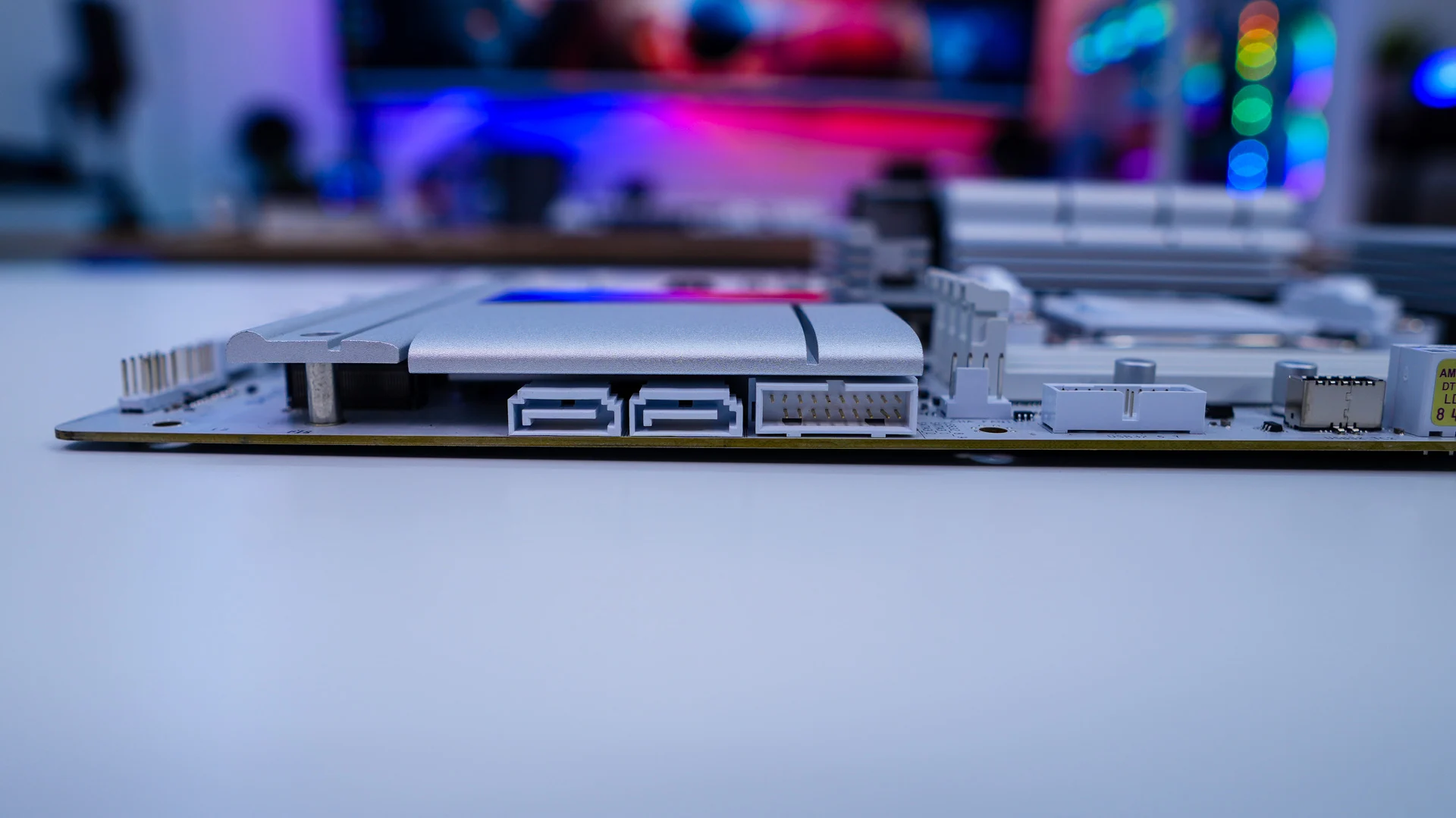
Along the edge of the motherboard you’ll find two 3-pin addressable RGB headers, your 24-pin ATX power connection, a USB 3.2 gen 1 Type-C header, a USB 3.2 gen 1 Type-A header, a 4-pin fan header, another USB 3.2 gen 1 Type-A header which is at a 90-degree angle, and two SATA 6GB/s ports, which are also at a 90-degree angle.
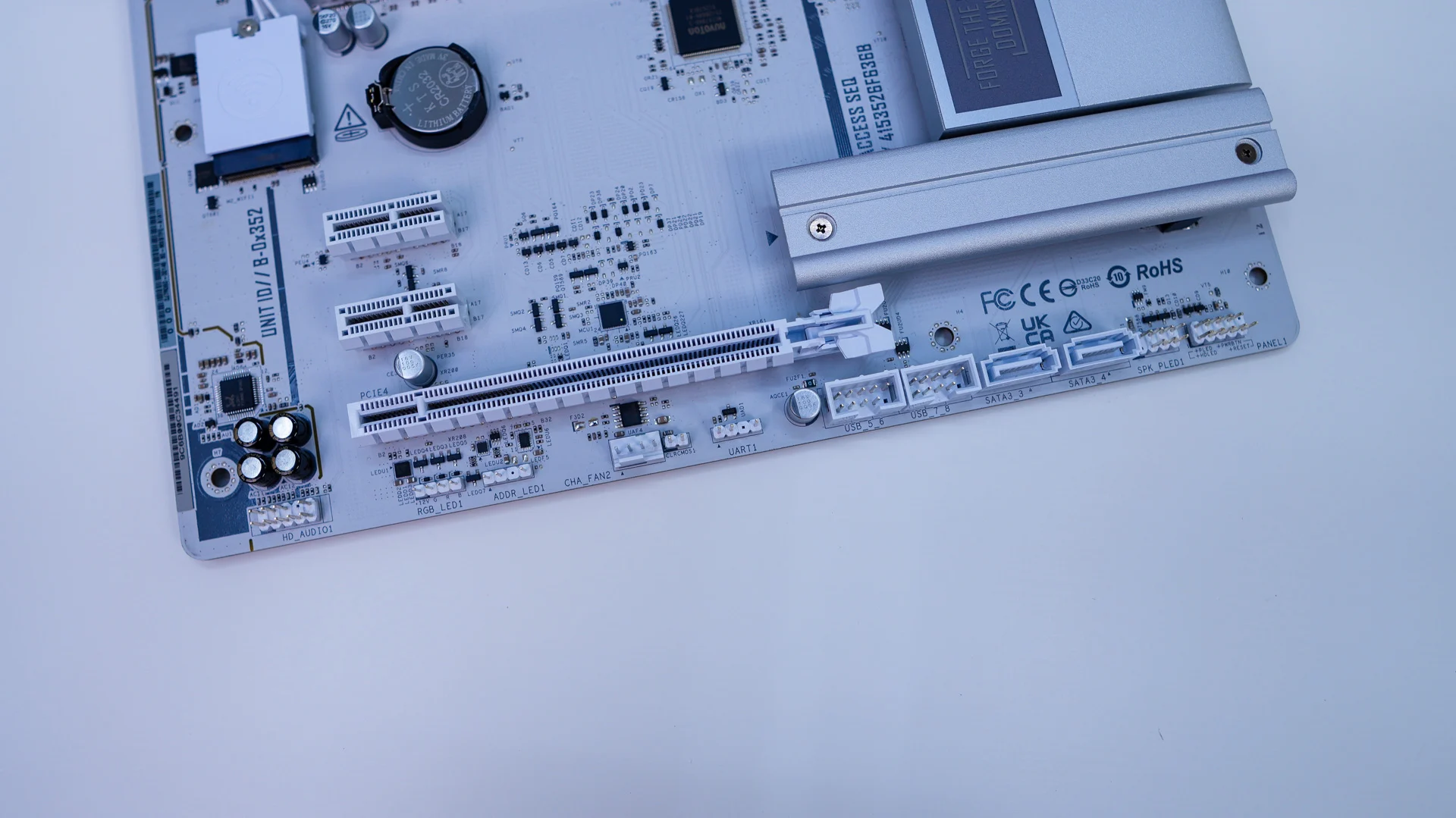
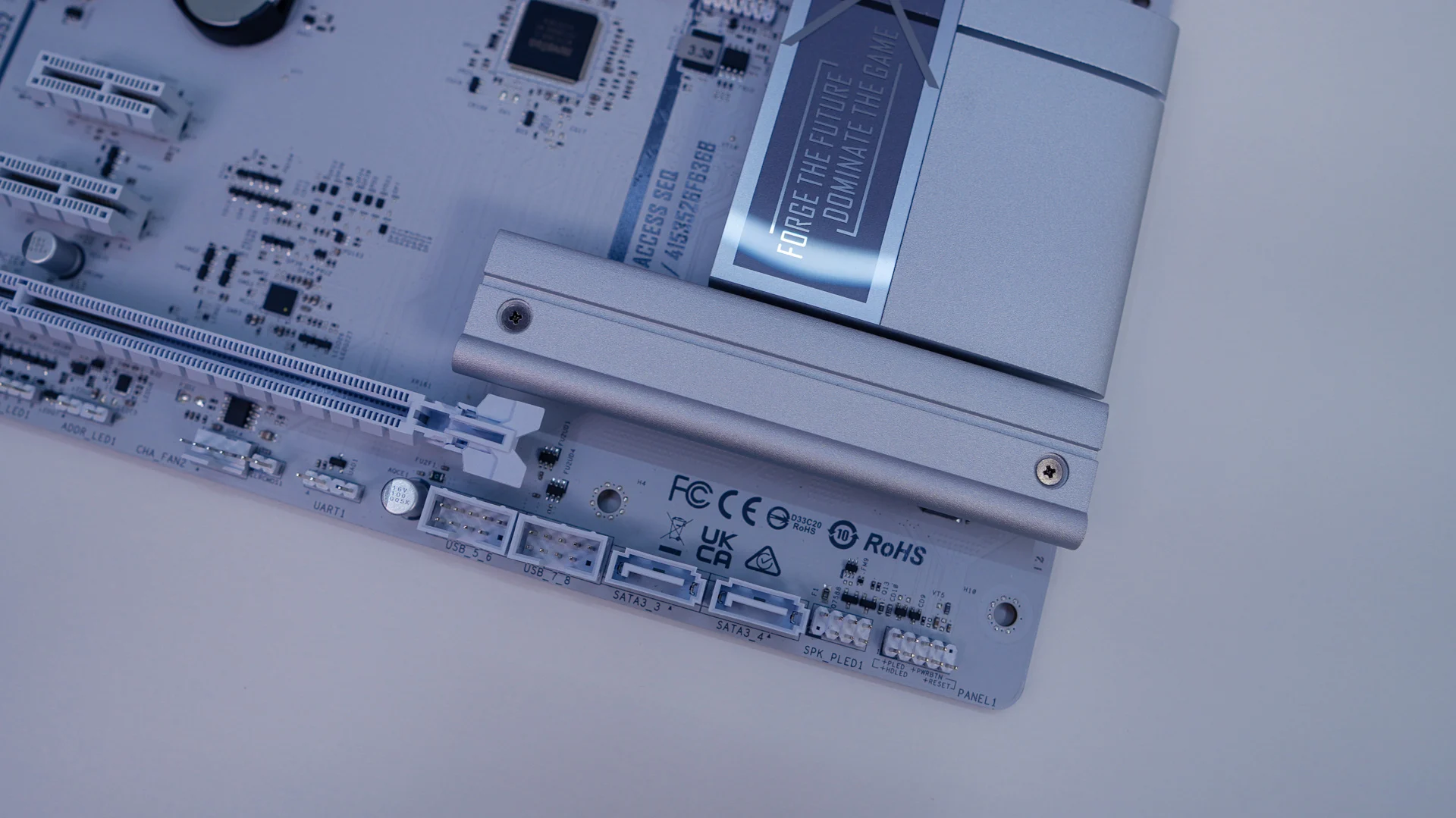
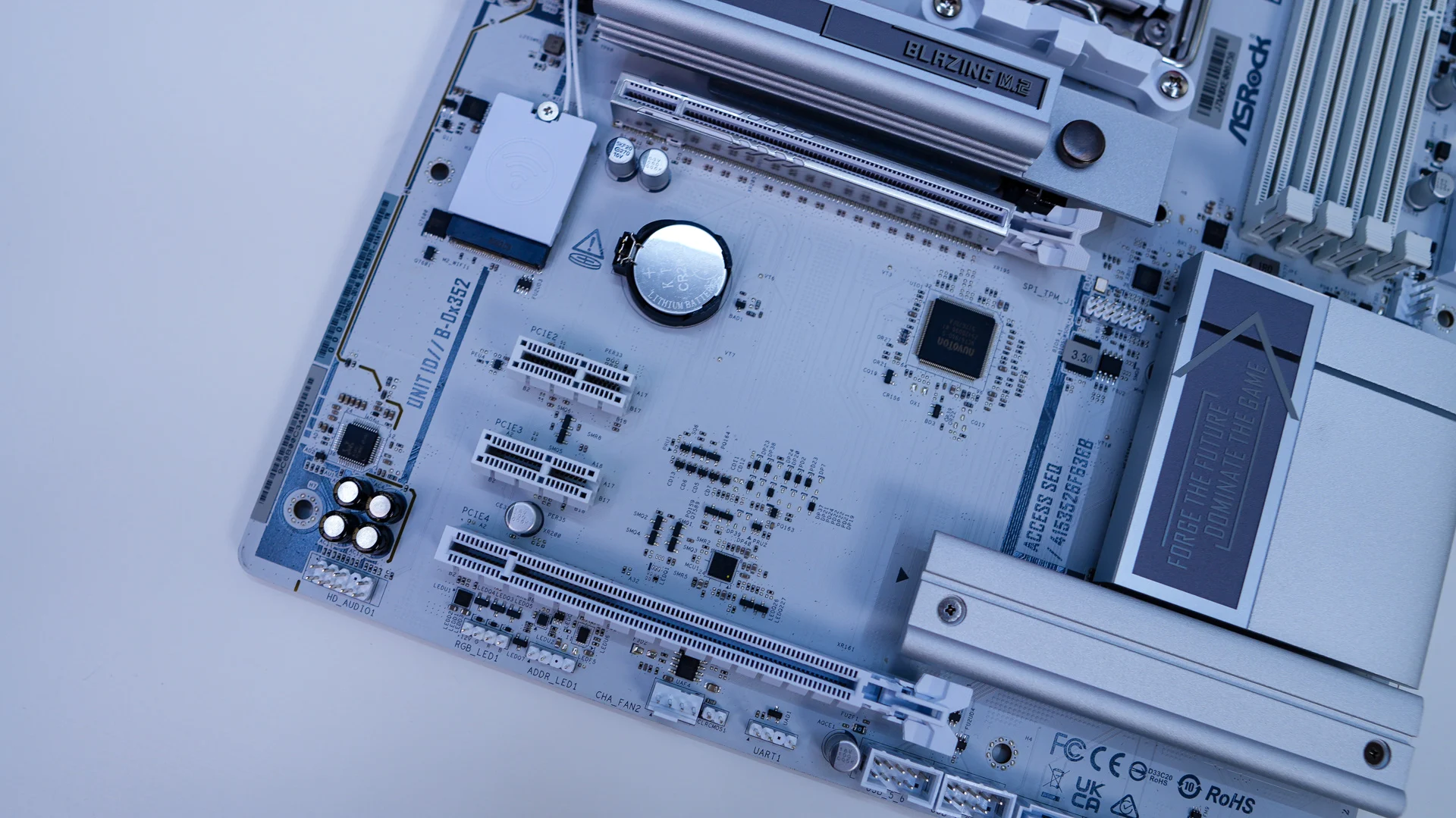
At the bottom of the B850 Challenger WiFi White you’ll find the rest of your headers and connections. From left to right you have your HD audio header, a 4-pin standard RGB header, 3-pin addressable RGB header, 4pin fan header, clear CMOS header, two USB 2.0 headers, two SATA 6GB/s ports, and your front panel headers.
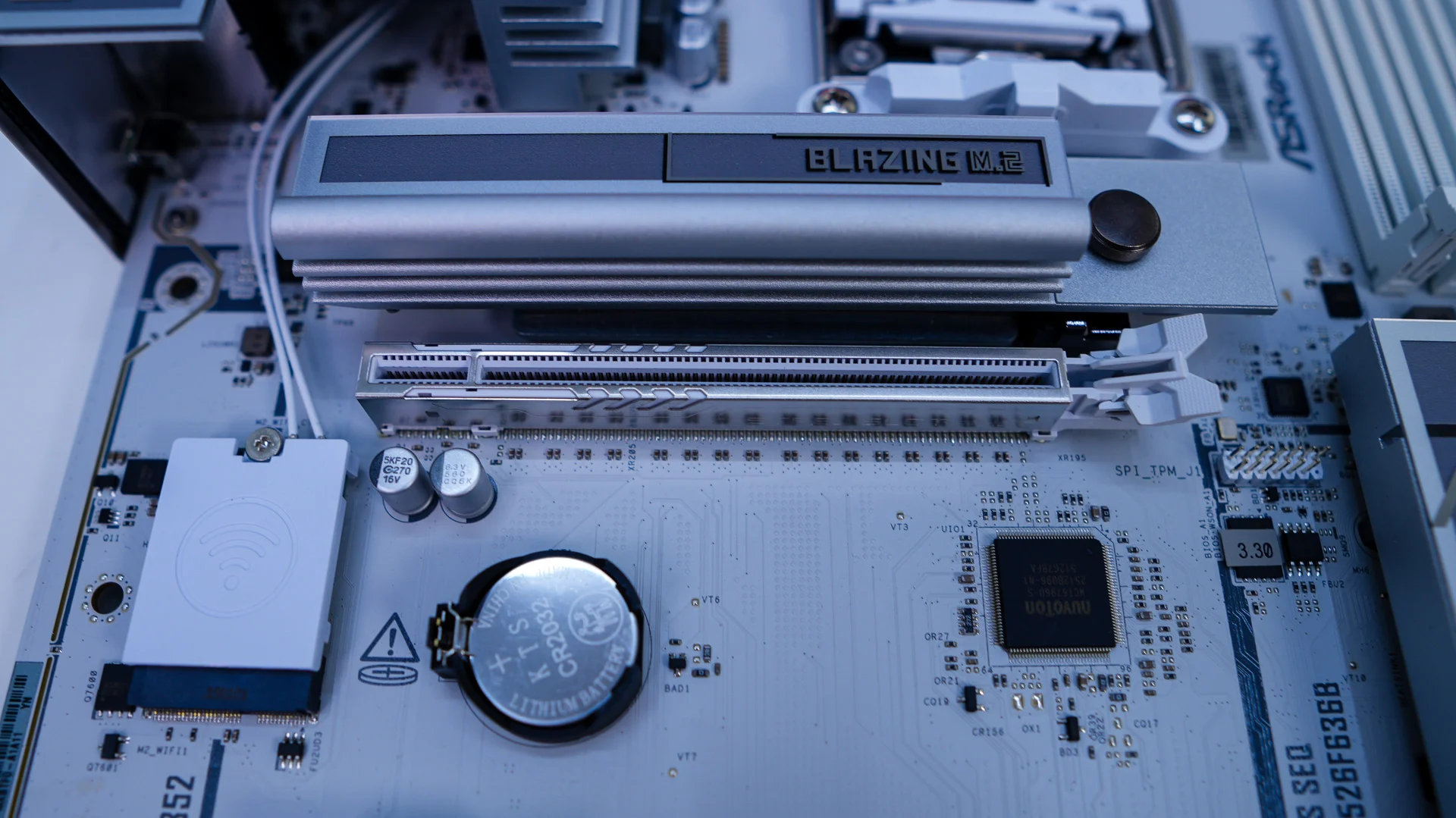
The bottom half of the B850 Challenger WiFi White has a handful of heatsinks, two of which will cover your M.2 slots. The top slot is a PCI-Express 5.0 x 4 which gets its lanes from the CPU. This slot features a larger tool-less heatsink which is quite easy to remove. The second slot is a PCI-Express 4.0 x4 slot and the heatsink requires a screwdriver to remove. Both of these slots also offer tool-less installation for your M.2 drives themselves.
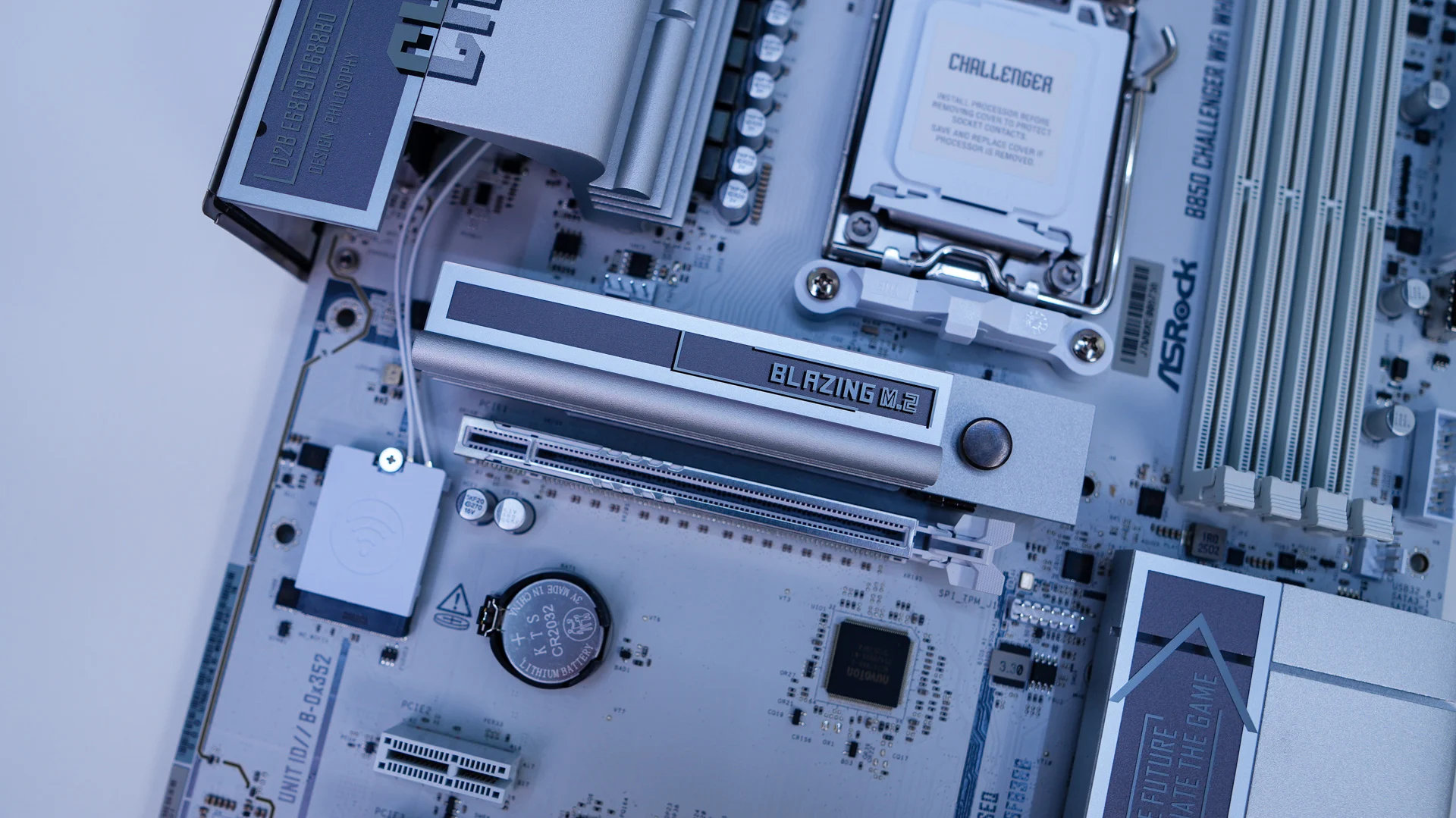
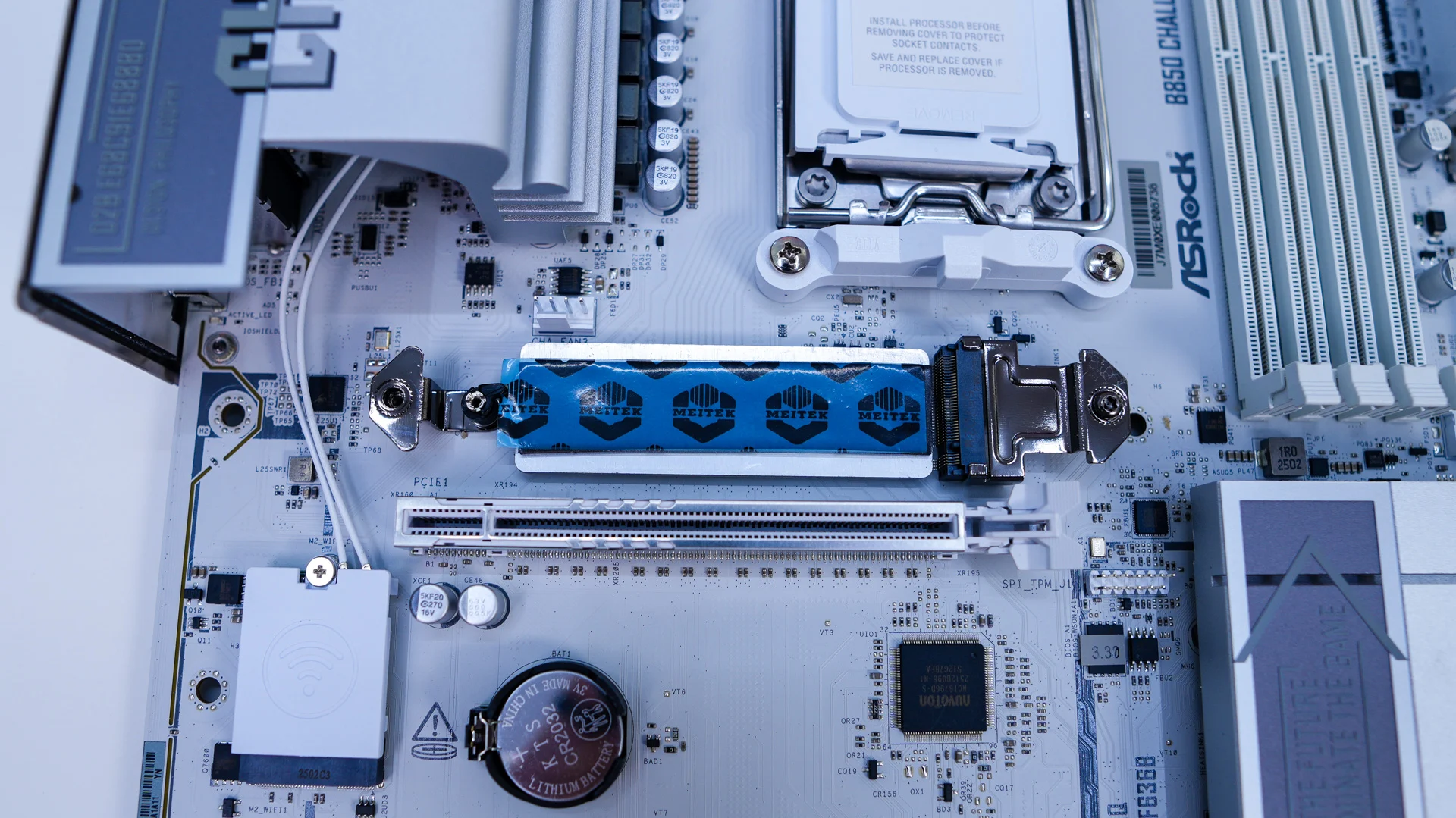
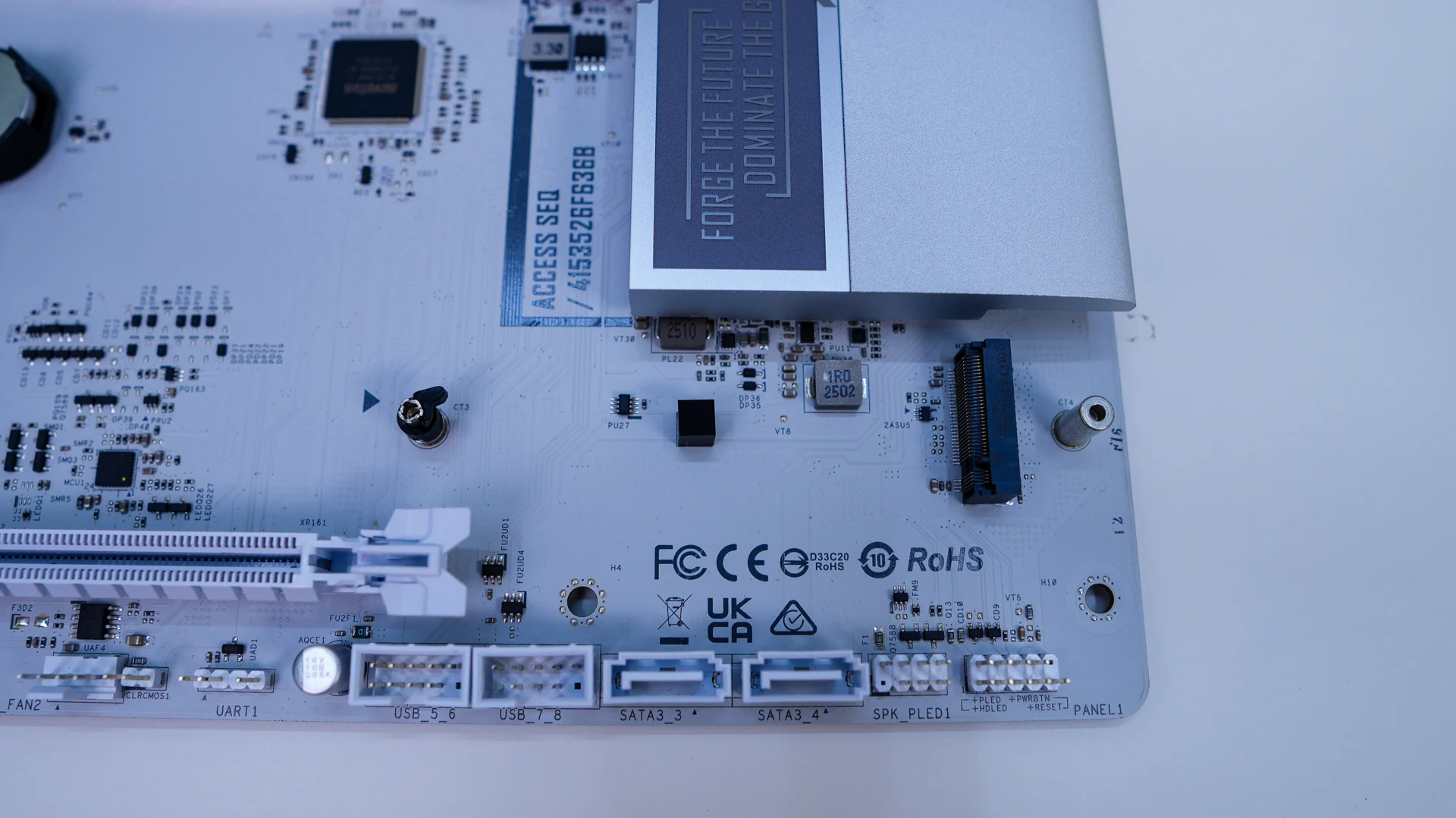
For expansion slots there is a single PCI-Express 5.0 x16 slot powered by the CPU, a PCI-Express 4.0 x16 slot also powered by the CPU which is x4 electrical, and two PCI-Express 4.0 x1 slots powered by the chipset. The top slot is metal reinforced.
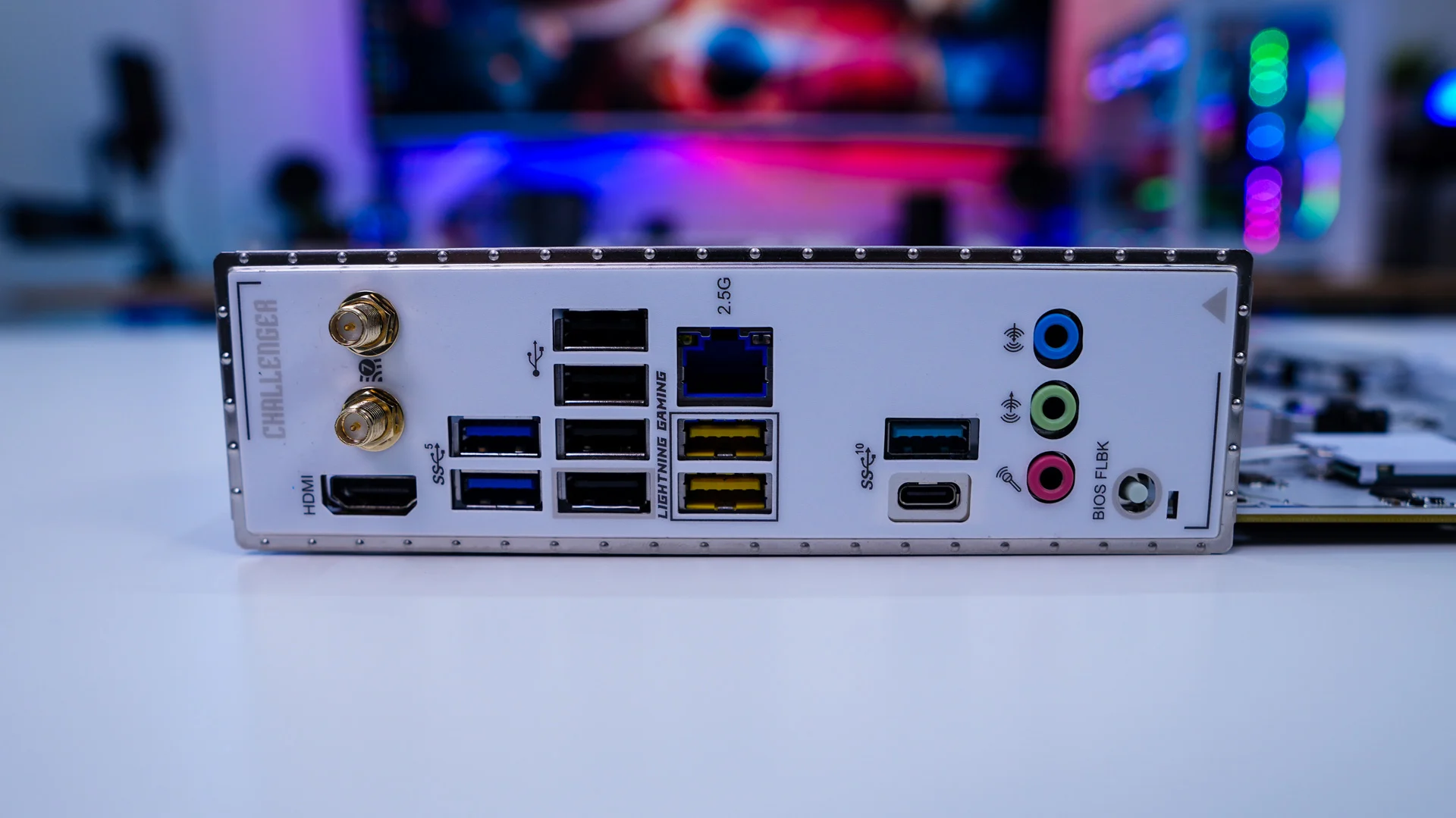
Coming to the rear I/O we have a nice white rear I/O shield. When it comes to your connections you have HDMI, antenna connections, two USB 3.2 gen 1 ports, four USB 2.0 ports, 2.5G Ethernet, 2 more USB 3.2 gen 1 ports (Lightning gaming ports), two USB 3.2 gen 2 ports (1x Type-A, 1x Type-C), audio connections, and a small BIOS flashback button. So we actually don’t have any USB 3.2 gen 2×2 or USB4 on this board.