What is the BIOS like on the ASRock B850 Challenger WiFi White Motherboard
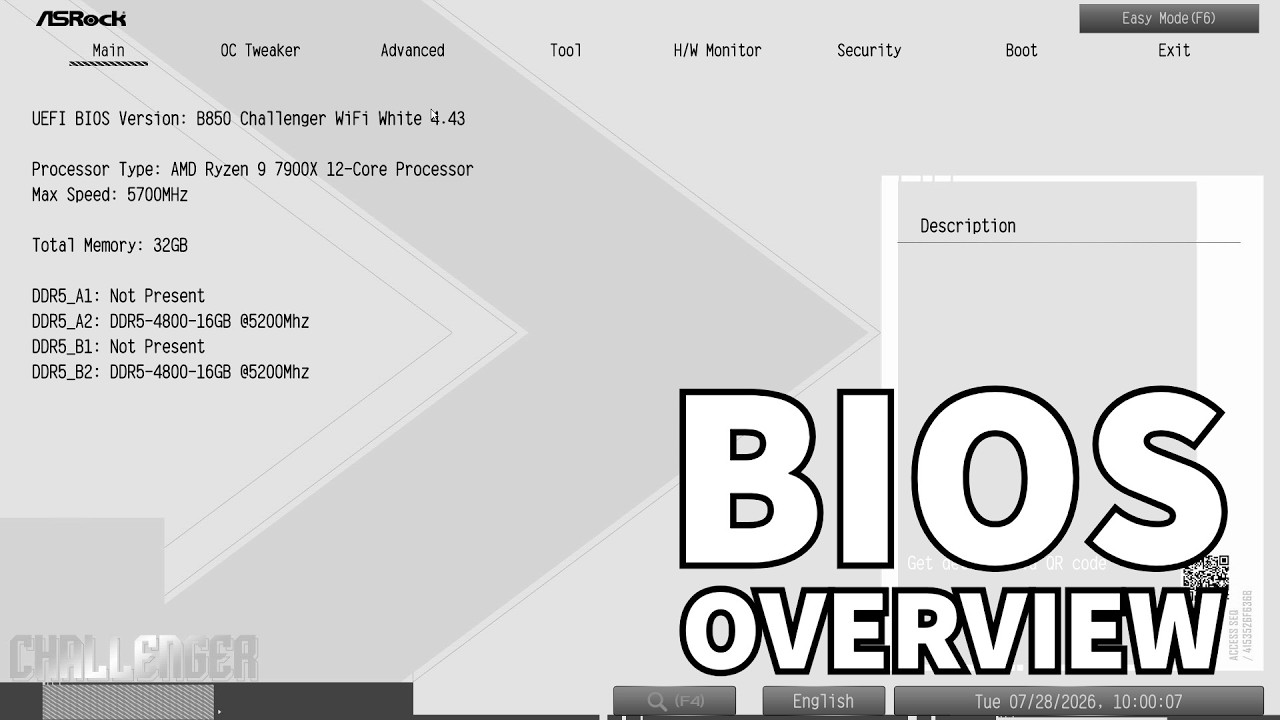
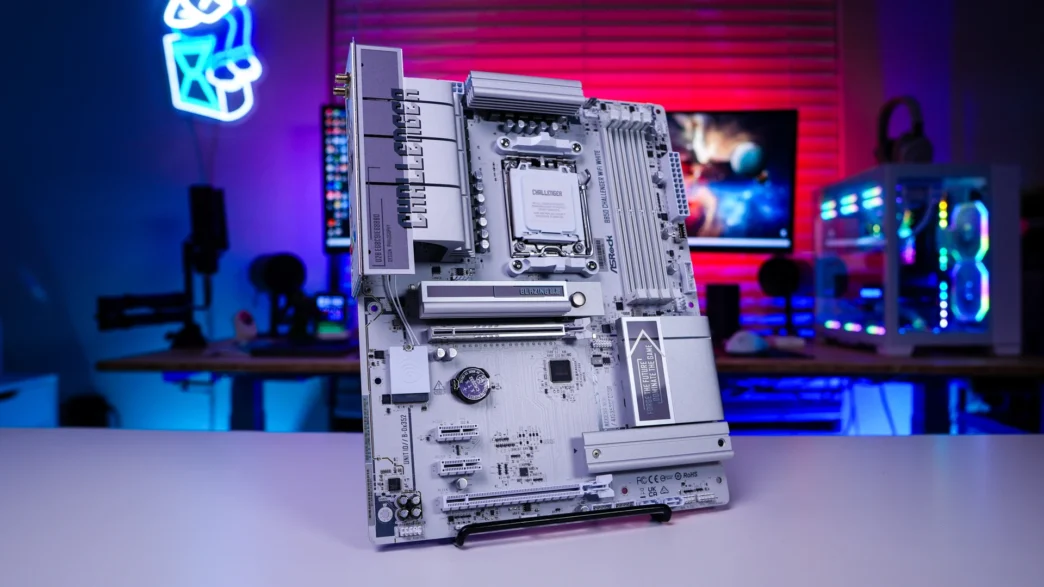
The ASRock B850 Challenger WiFi White uses a standard AMI UEFI BIOS that’s easy to enter from the boot logo screen and defaults to a simplified “Easy Mode” main screen, with an “Advanced Mode” accessible via F6 for deeper tuning, including OC Tweaker, Advanced submenus, a Tool menu, and hardware monitoring/fan control features. Easy Mode itself covers the basics well, letting users select RAM overclocking profiles, enable PBO, and drag-and-drop reorder boot priority, while the board supports both manual and automatic CPU/RAM overclocking for those who want to dig deeper. On the hardware side, it comes with a 64MB BIOS chip, giving it expanded firmware capacity to support future AM5 processors for long-term compatibility. Here is a full walkthrough of the BIOS on the ASRock B850 Challenger WiFi White Motherboard…