ASRock X870 Taichi Creator Motherboard Overview
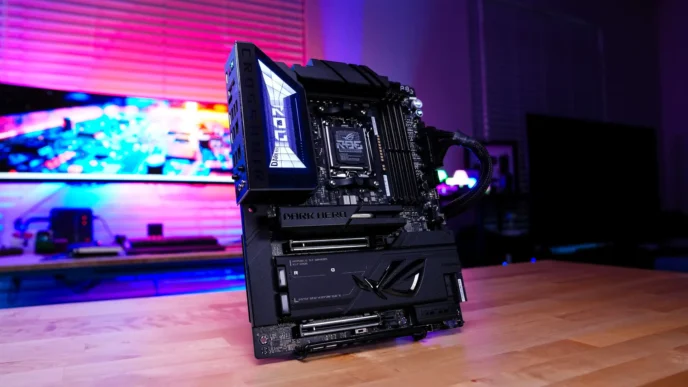
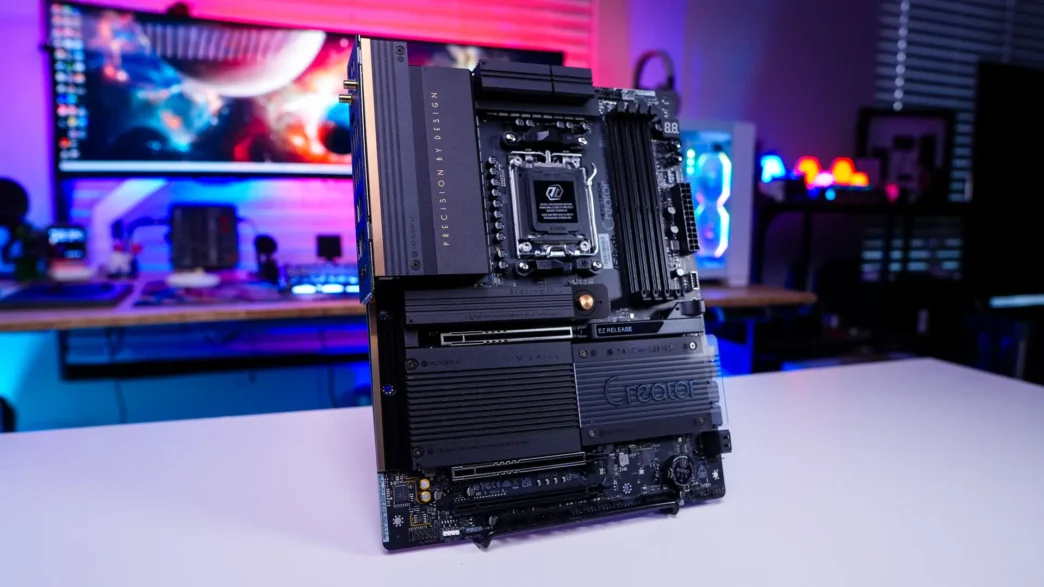
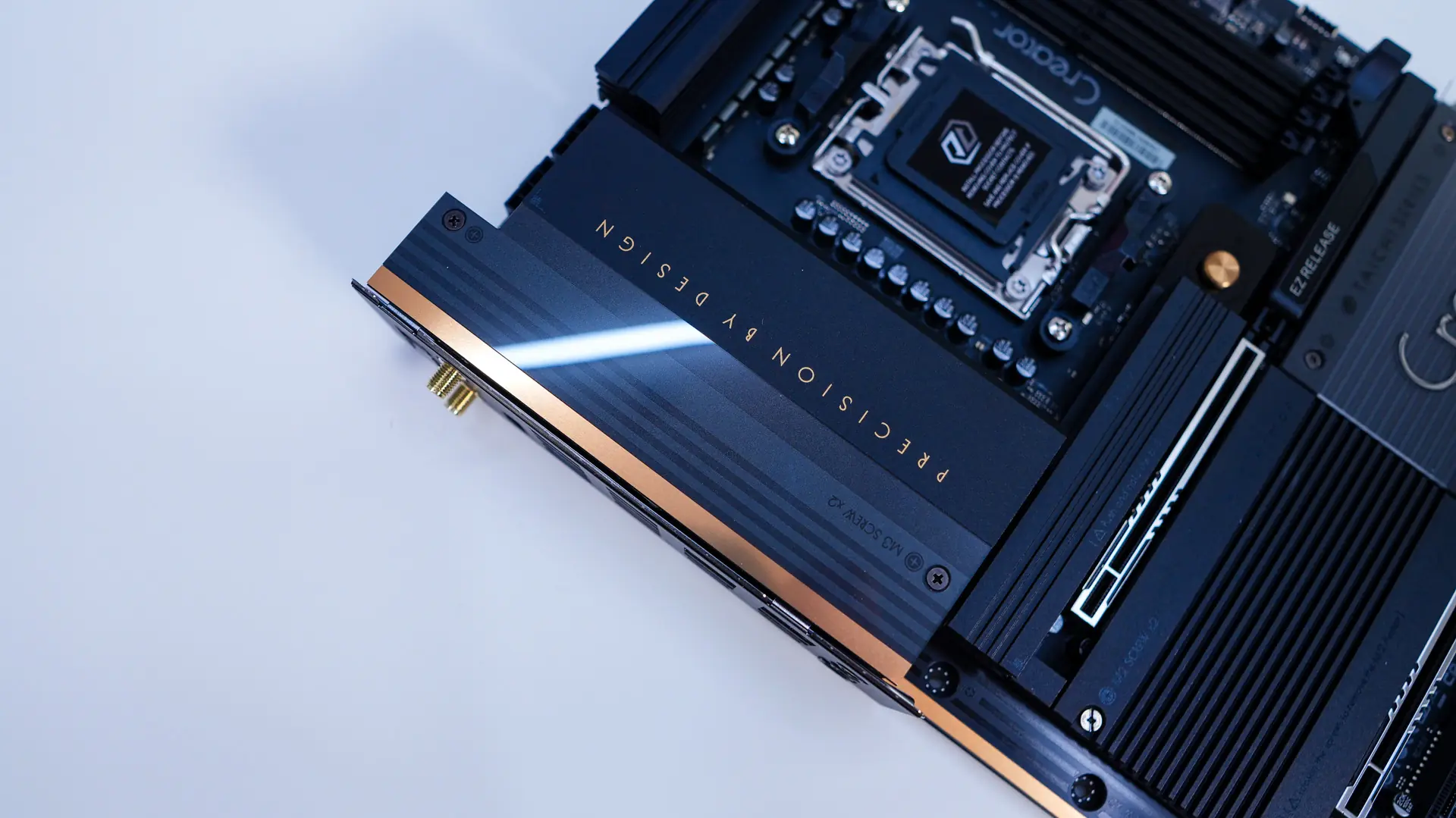
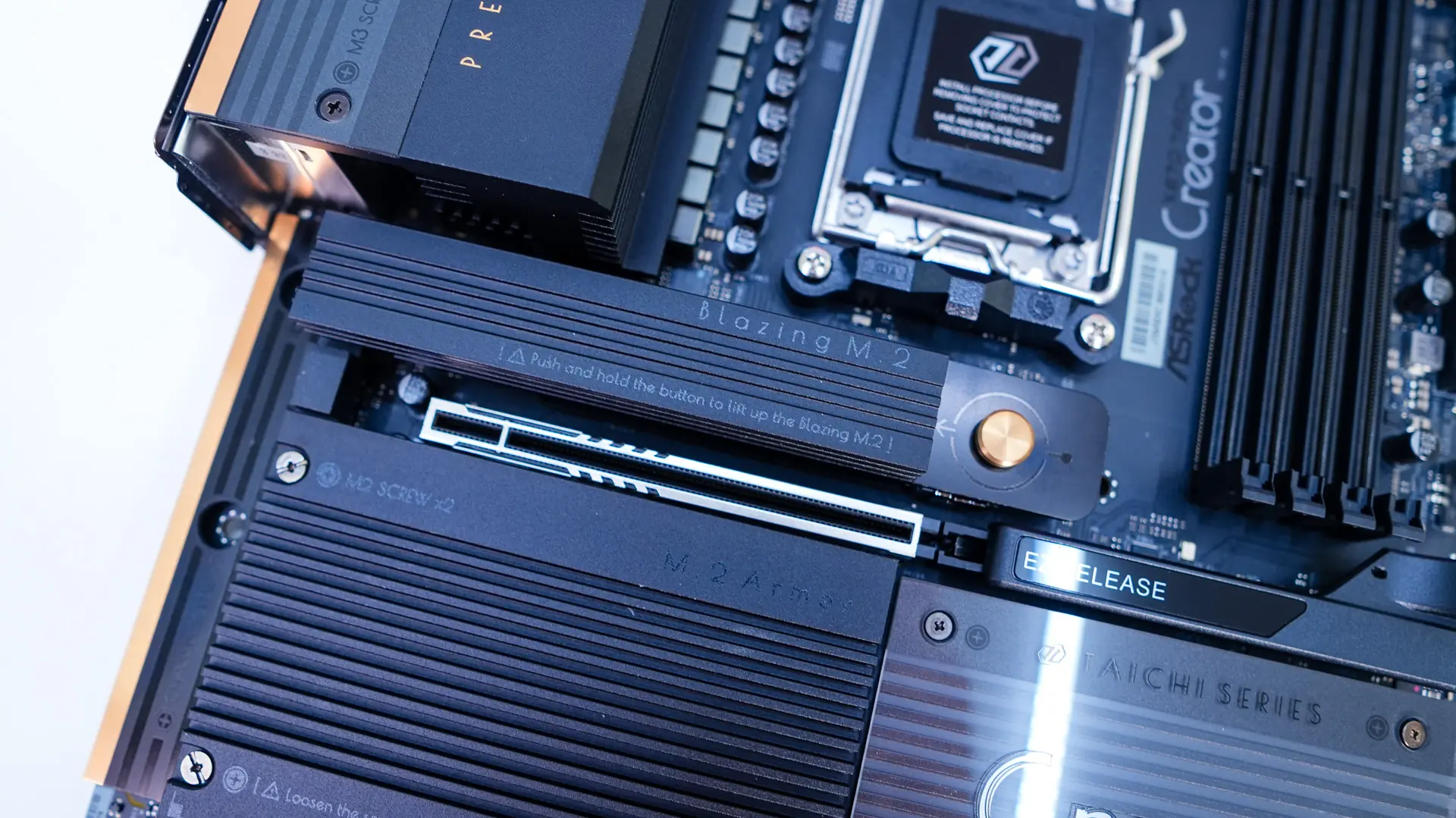
Taking a first look at the X870 Taichi Creator we can see that ASRock has gone with a black and gold design on this board, which does mirror what ASUS does on their creator-focused ProArt products. So we have a black PCB with black heatsinks and then gold accents. There are also clear acrylic pieces which are over parts of the motherboard, which I think look quite good. And if you were wondering this is a standard ATX motherboard.
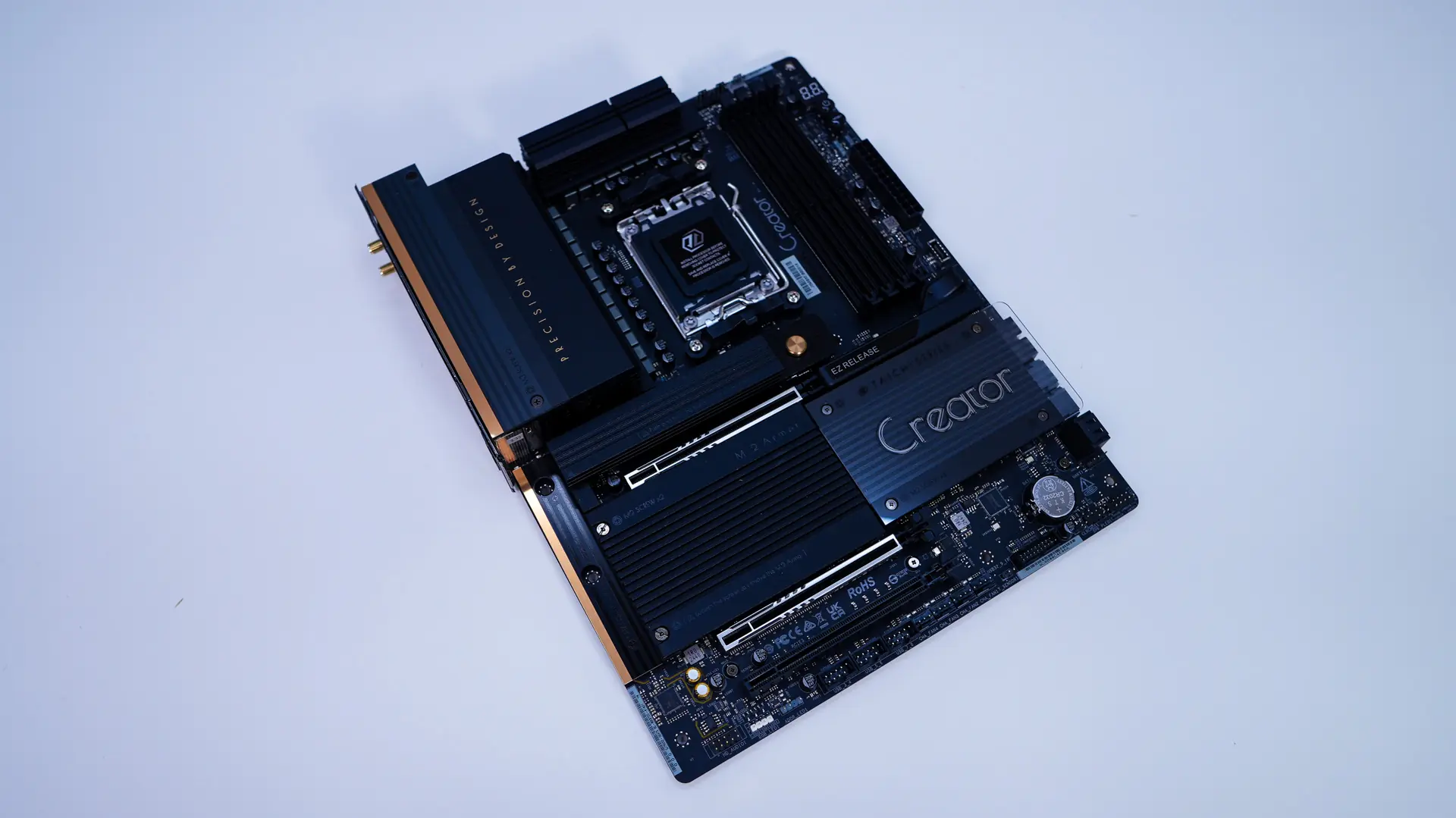
Starting at the CPU socket we have AMD’s AM5 socket, this socket will support AMD’s Ryzen 9000, 8000, and 7000 series processors.
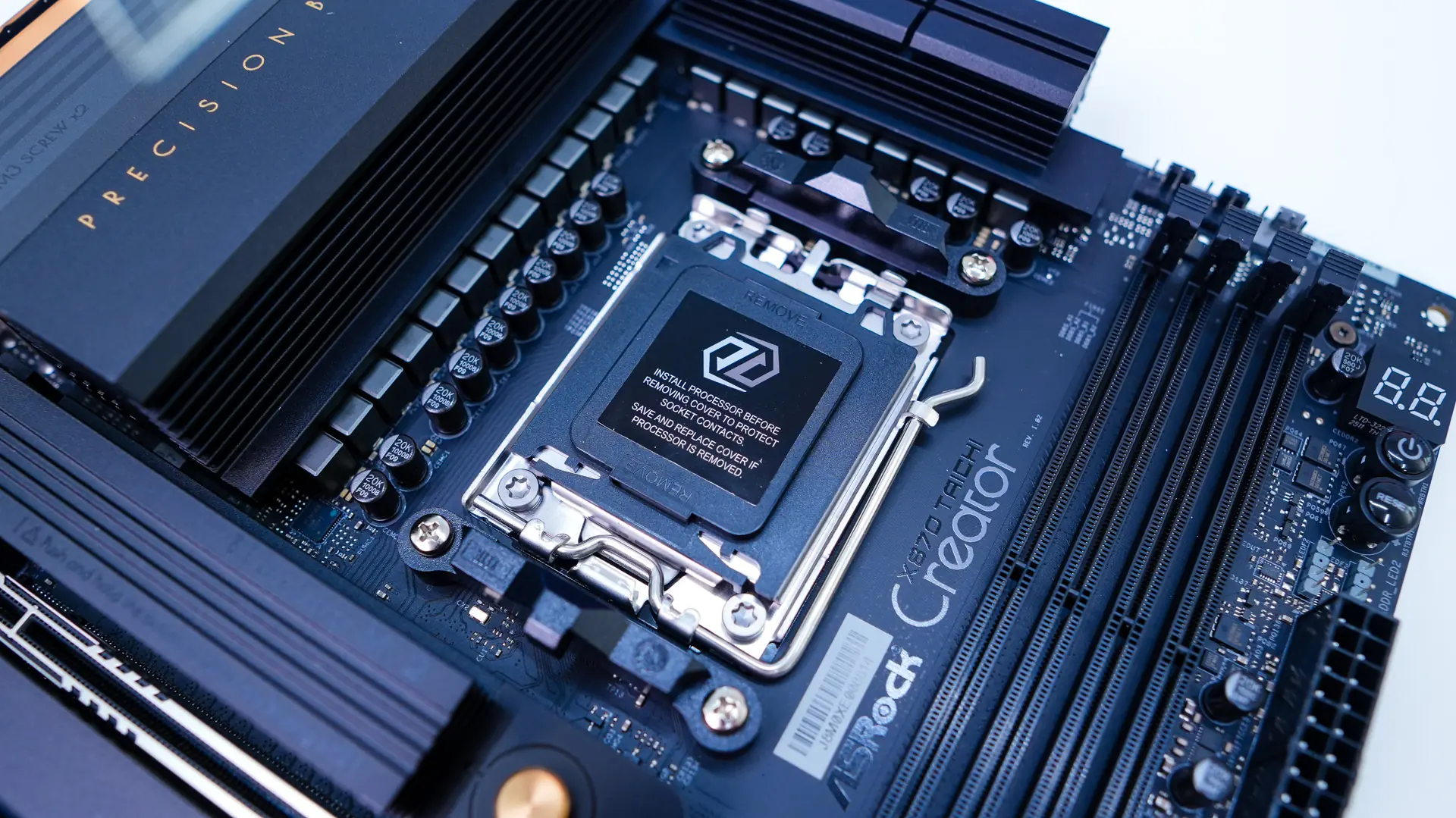
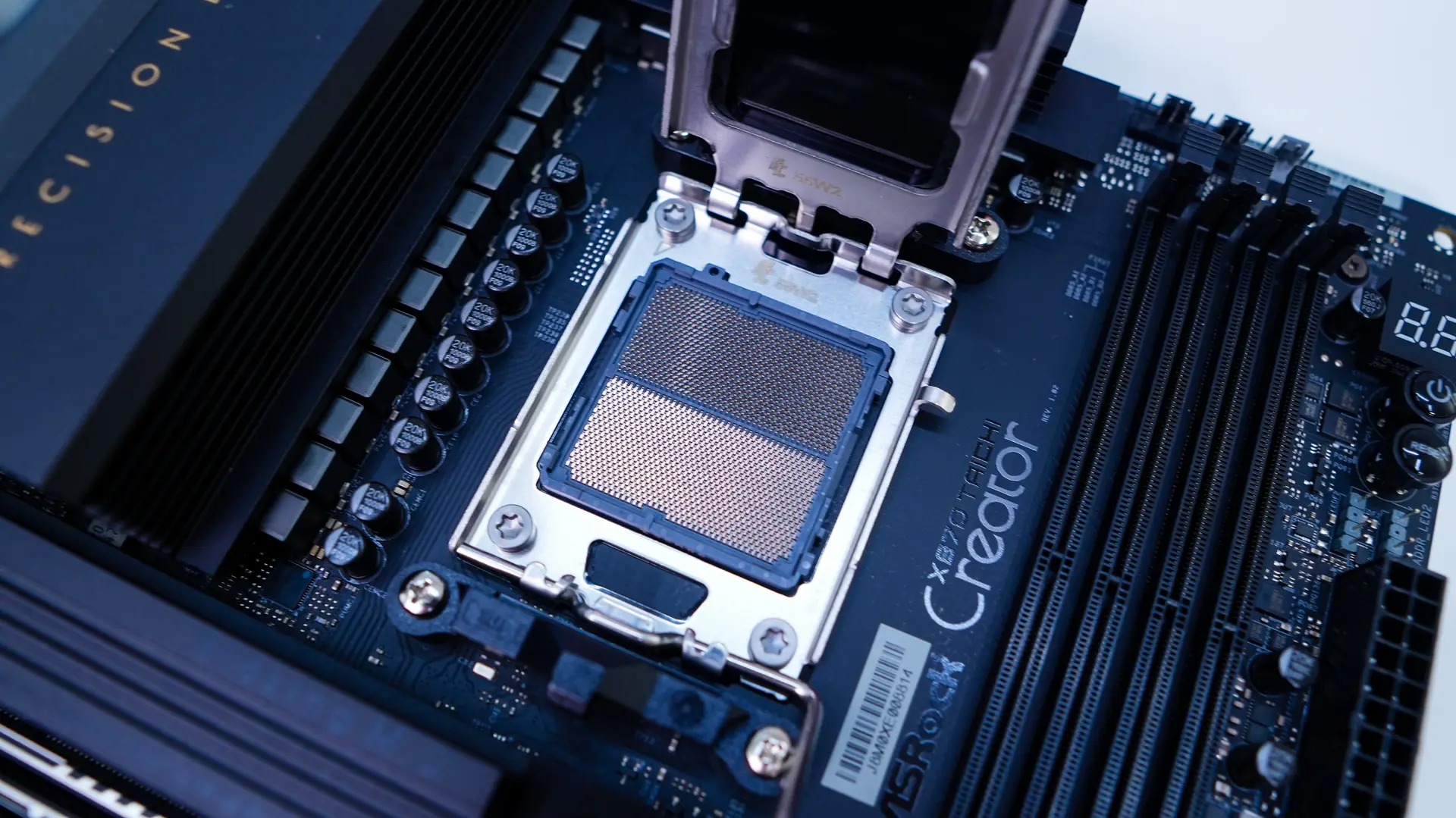
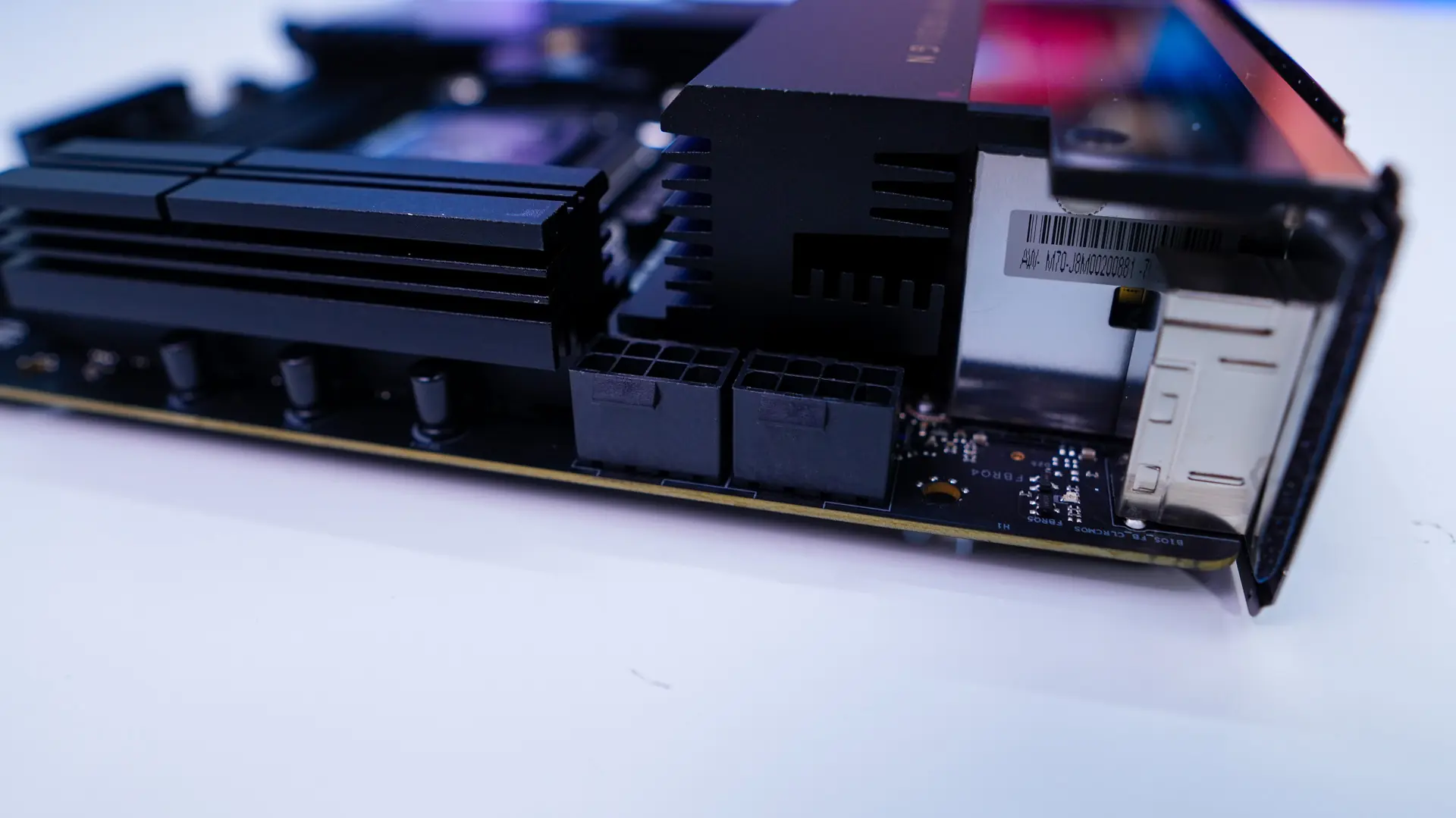
Surrounding the CPU socket we have our power delivery components. ASRock is making use of an 18+2+1 power phase design with the 80A power stages for the CPU. These power delivery components are covered by two large heatsinks. These two heatsinks and the rear I/O cover really bring the top corner of the board together nicely. The I/O cover actually has one of the acrylic pieces on with the gold accent. Hiding in the top corner of the board are going to be your two 8-pin EPS connectors.
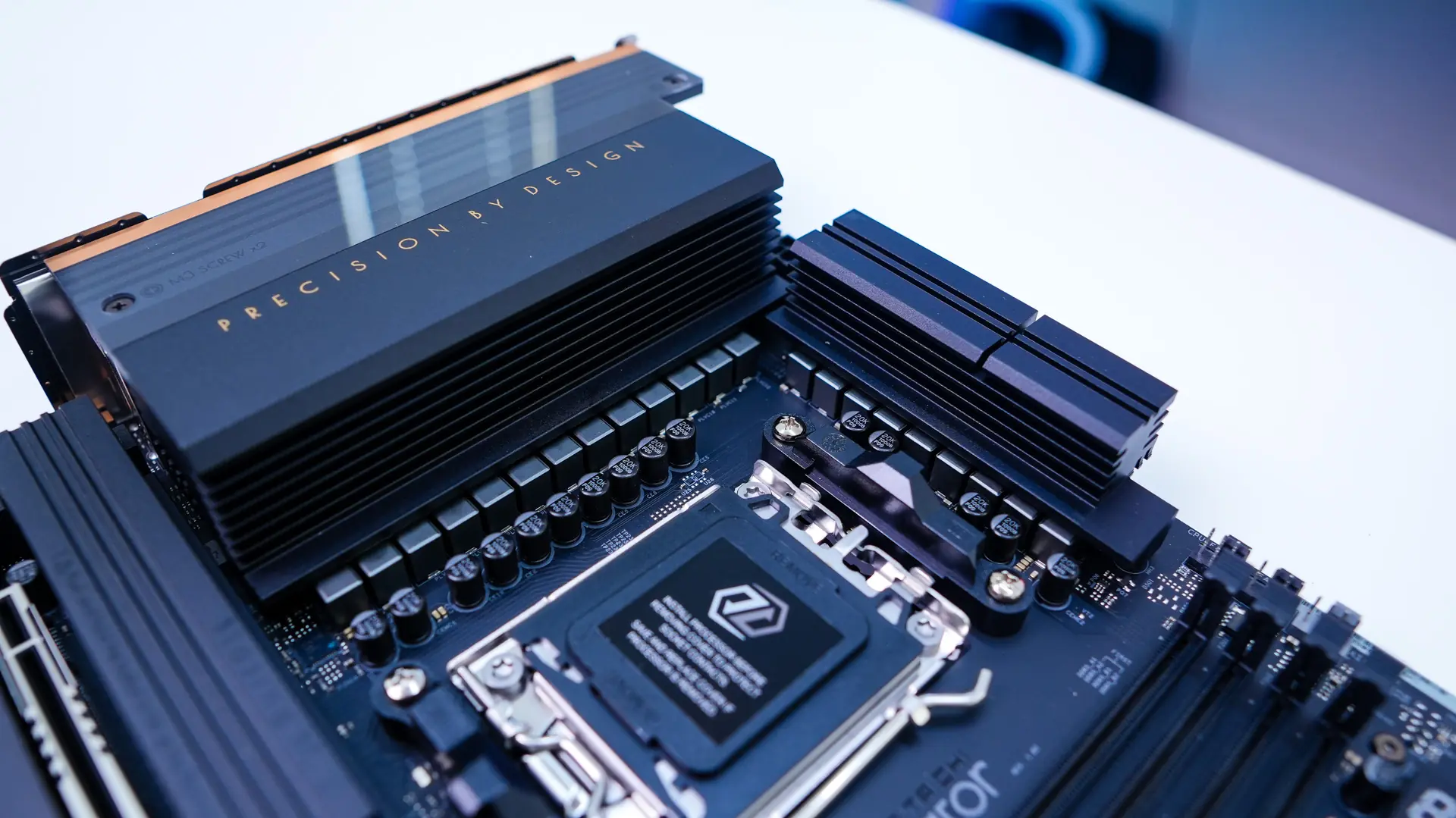
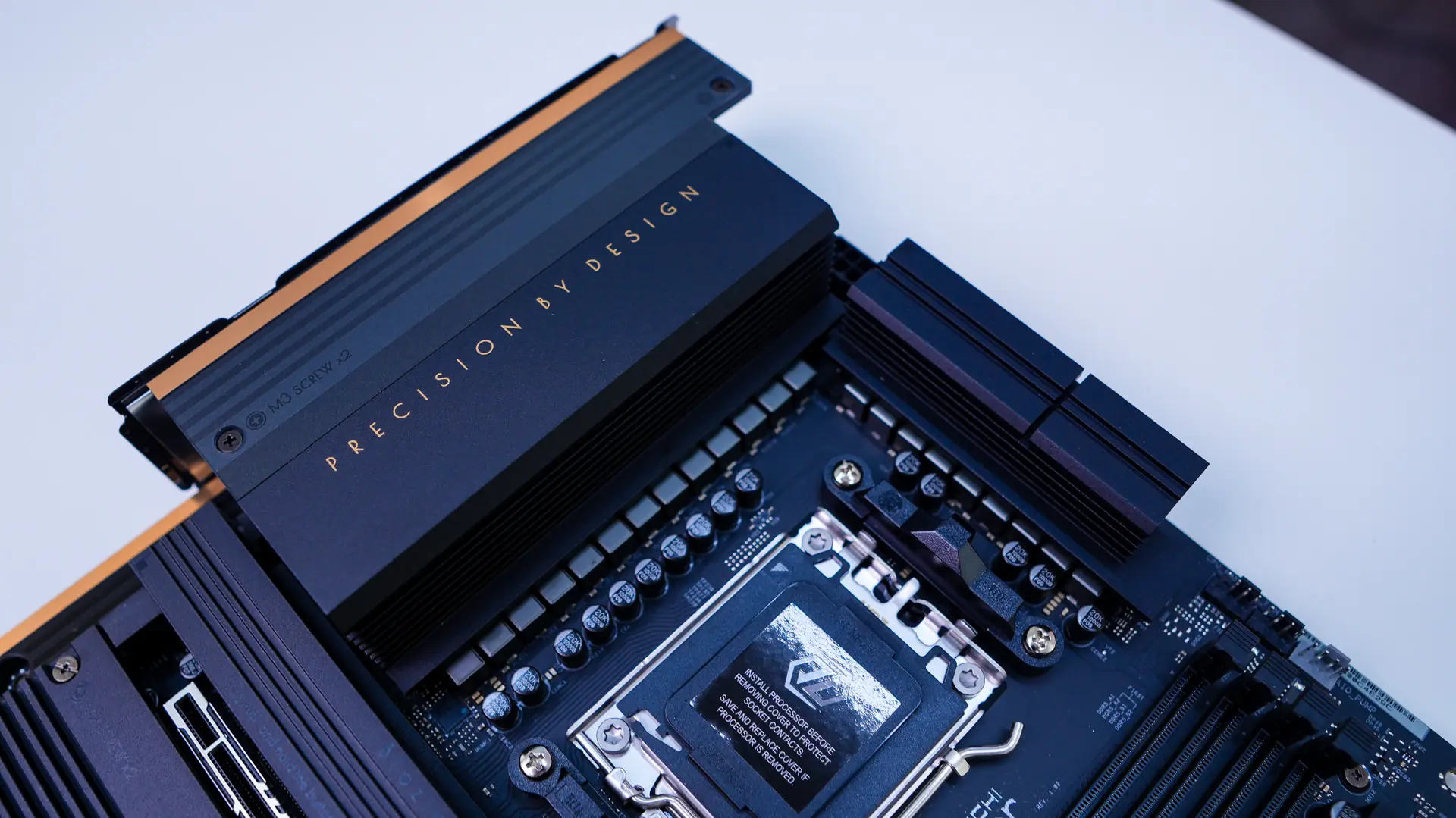
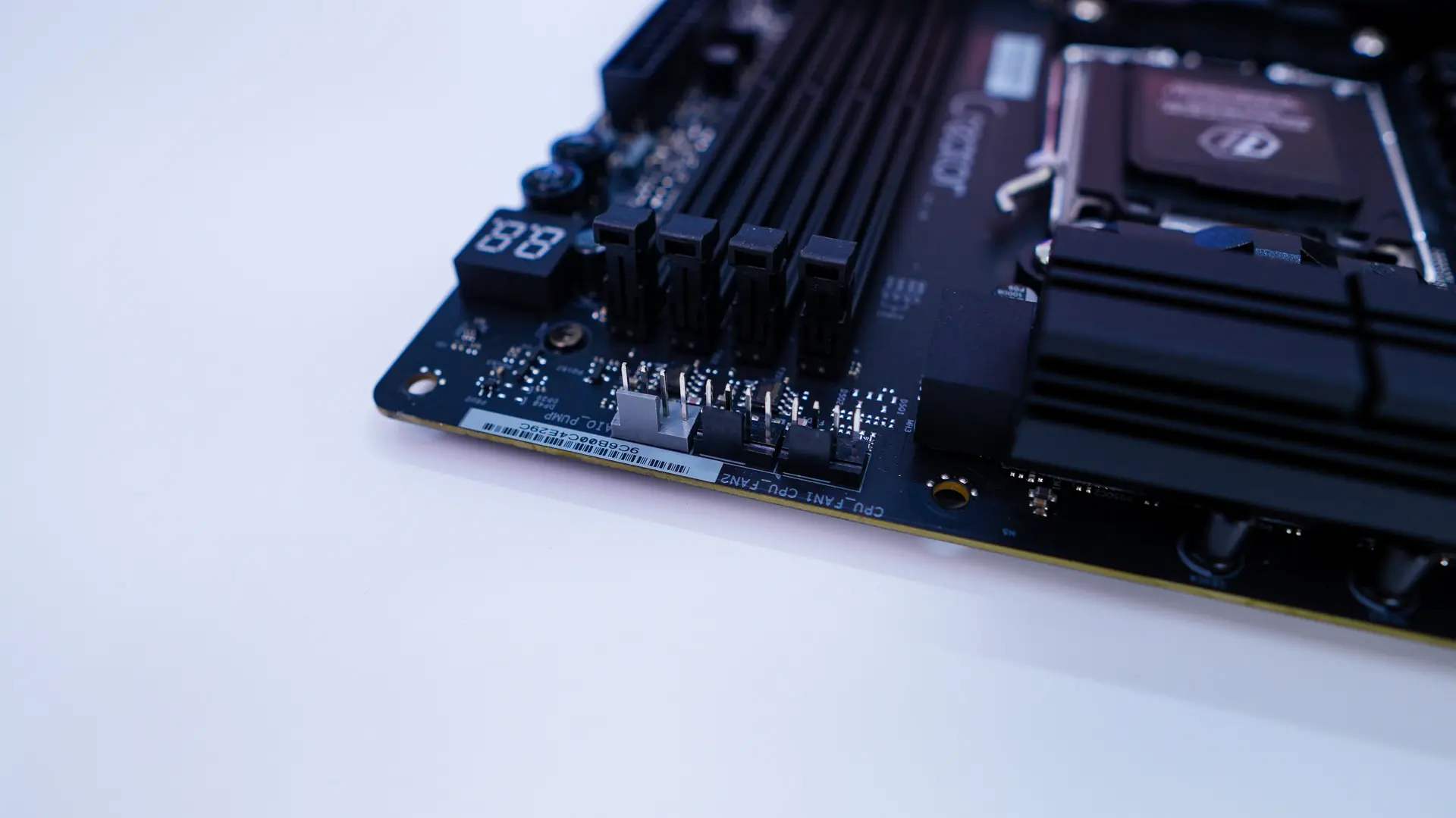
Moving across the top of the board you’ll find three 4-pin headers which include your CPU fan header, optional CPU fan header, and an AIO pump header. Coming to the memory slots we have four DDR5 DIMM slots which support up to 256GB of DDR5-8000 memory. These slots do not have locks on the bottom, which makes swapping out memory with a graphics card installed much easier.
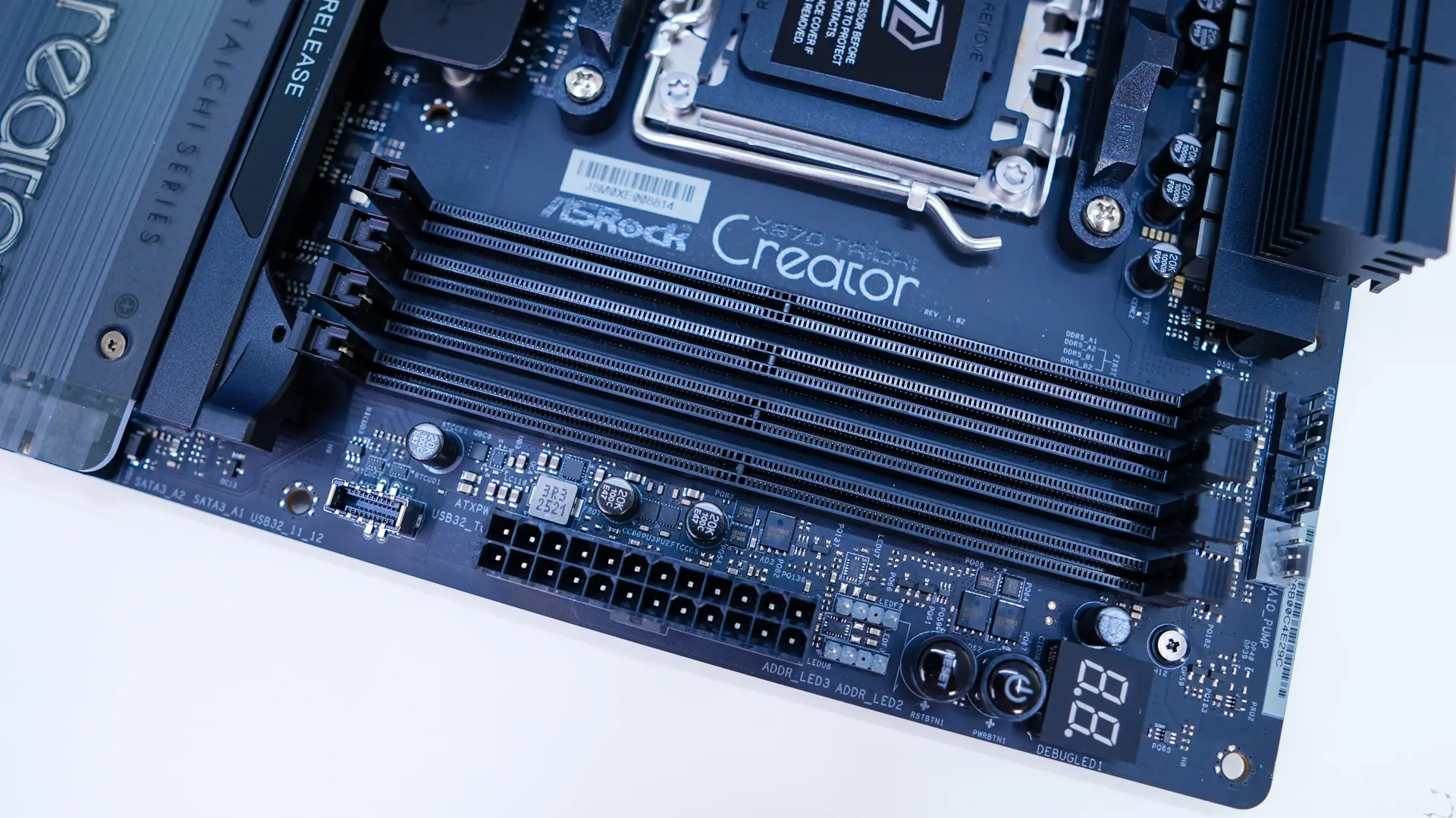
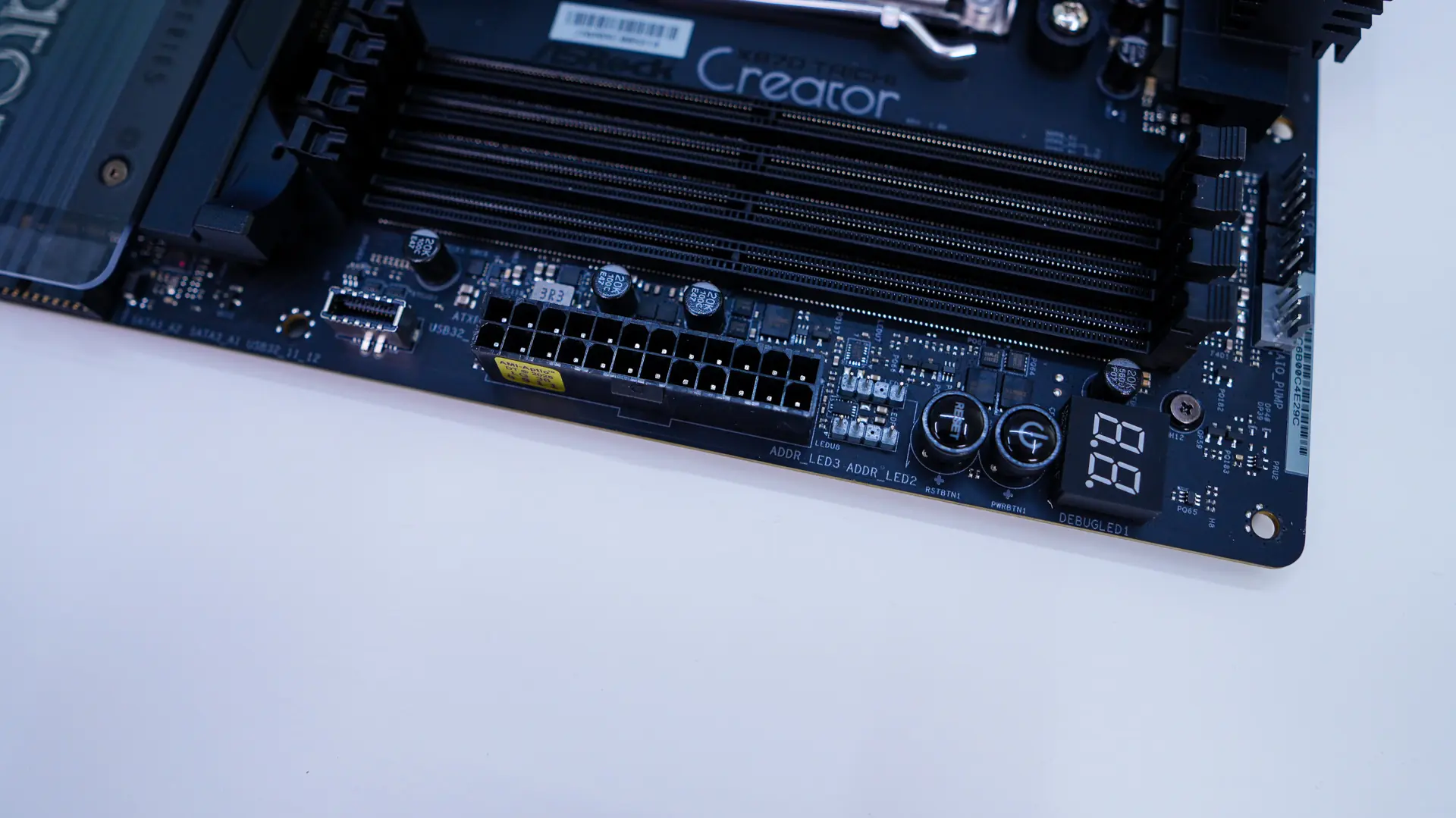
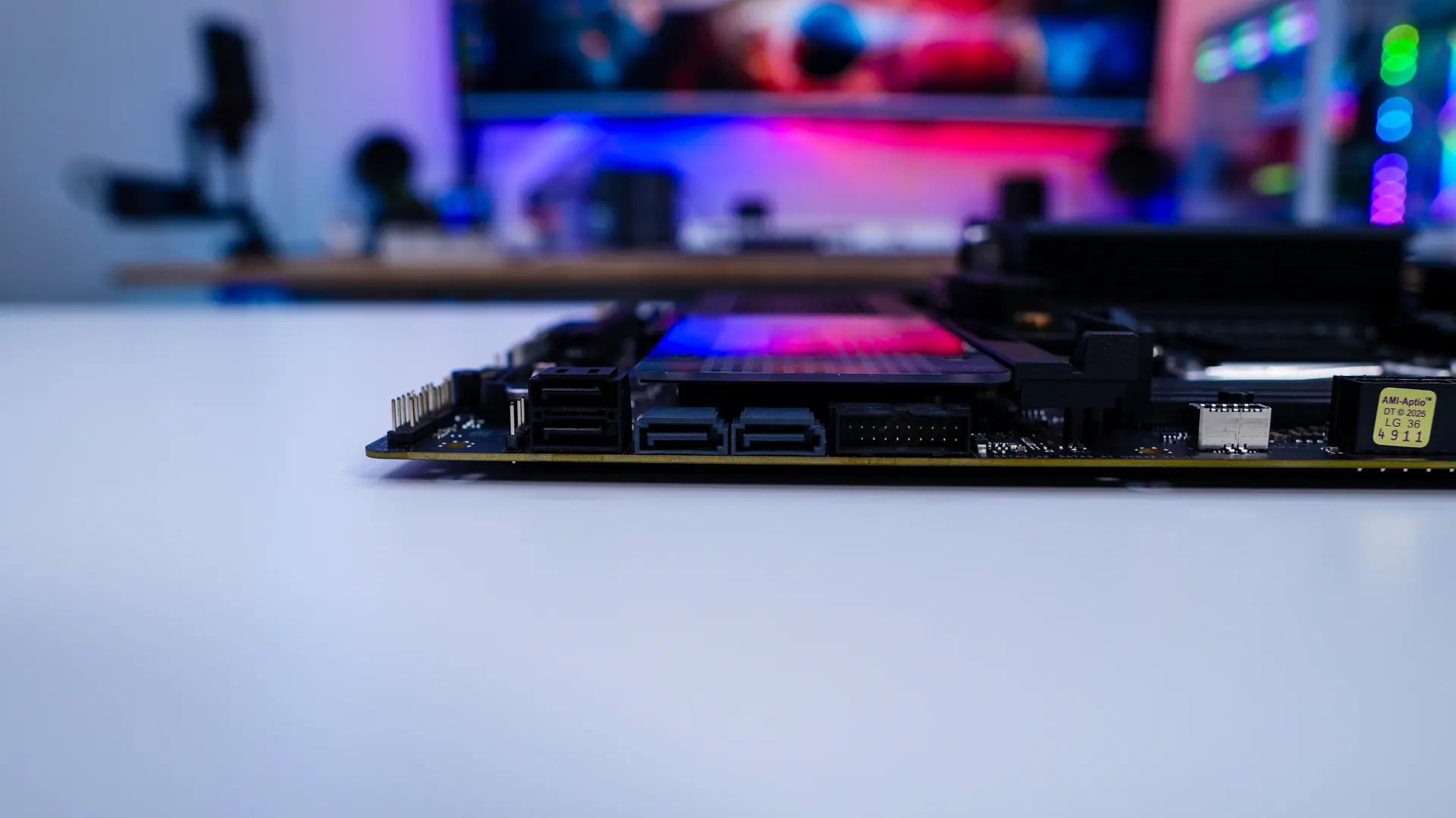
Coming to the edge of the board you’ll find a debug LED, power button, reset button, two 3-pin addressable RGB headers, your 24-pin ATX power connection, and a USB 3.2 gen 2×2 header. As you come down the board you have a USB 3.2 gen 1 header, and four SATA 6GB/s ports. All of these are at a 90-degree angle so they don’t get int the way of your expansion cards.
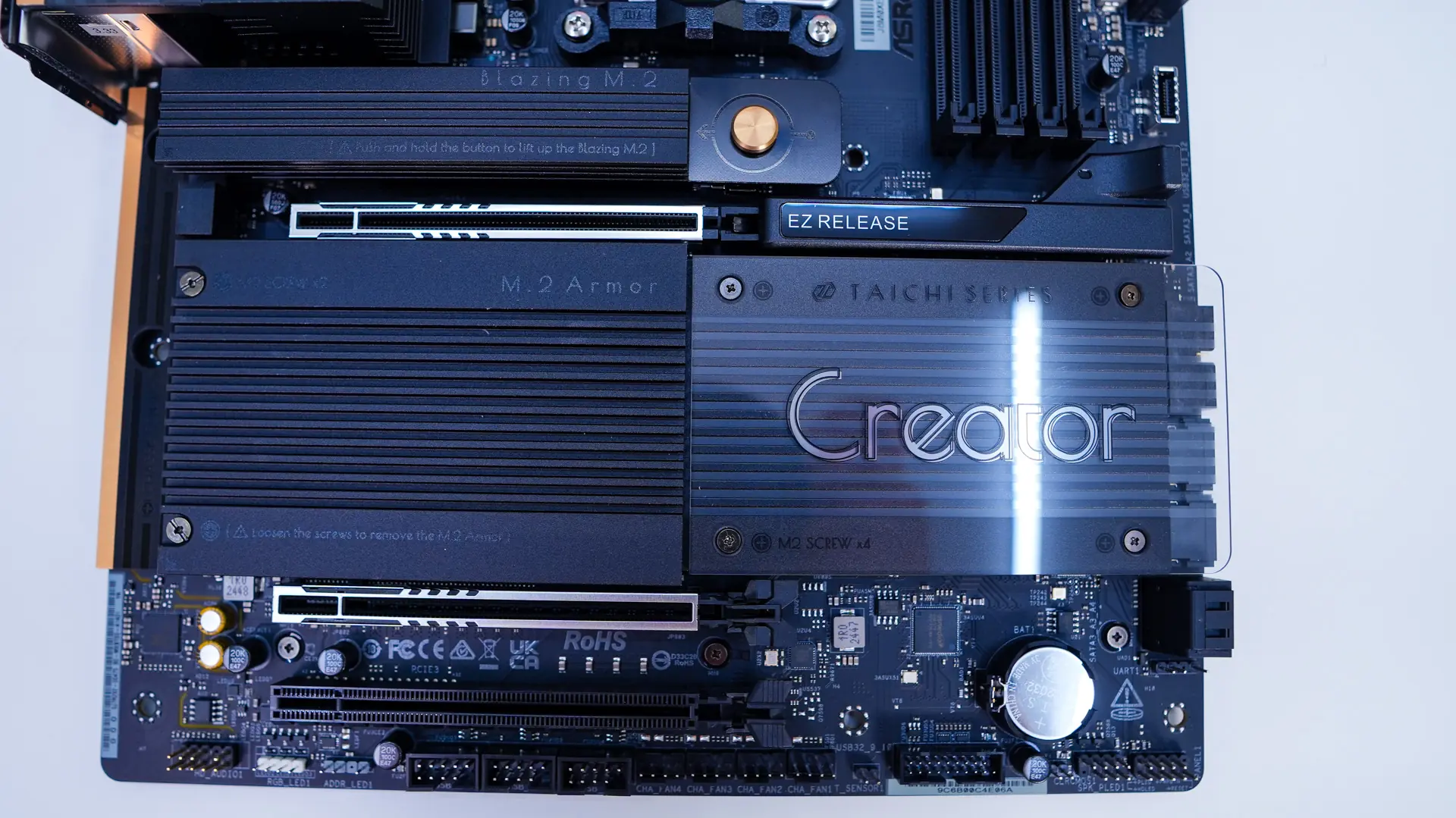
The bottom half of the board is characterized by heatsinks, which is pretty standard these days. One of the heatsinks has a clear acrylic piece on it which says “Creator”. Of course at the bottom of the board you’ll find the rest of your headers. These include your HD audio header, 4-pin standard RGB header, 3-pin addressable RGB header, three USB 2.0 headers, four 4-pin fan headers, a thermistor header, USB 3.2 gen 1 header, clear CMOS header, and your front panel headers.
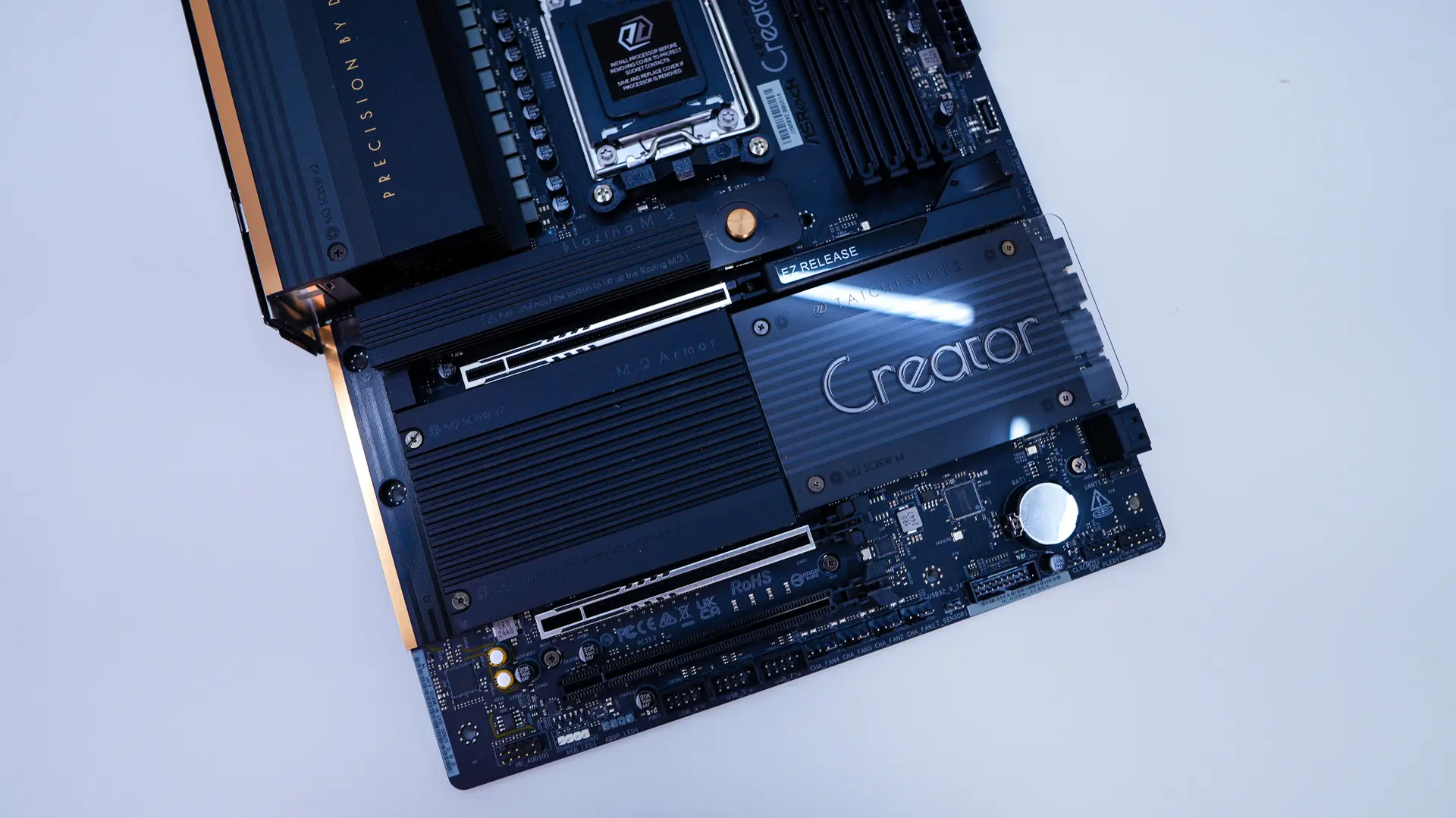
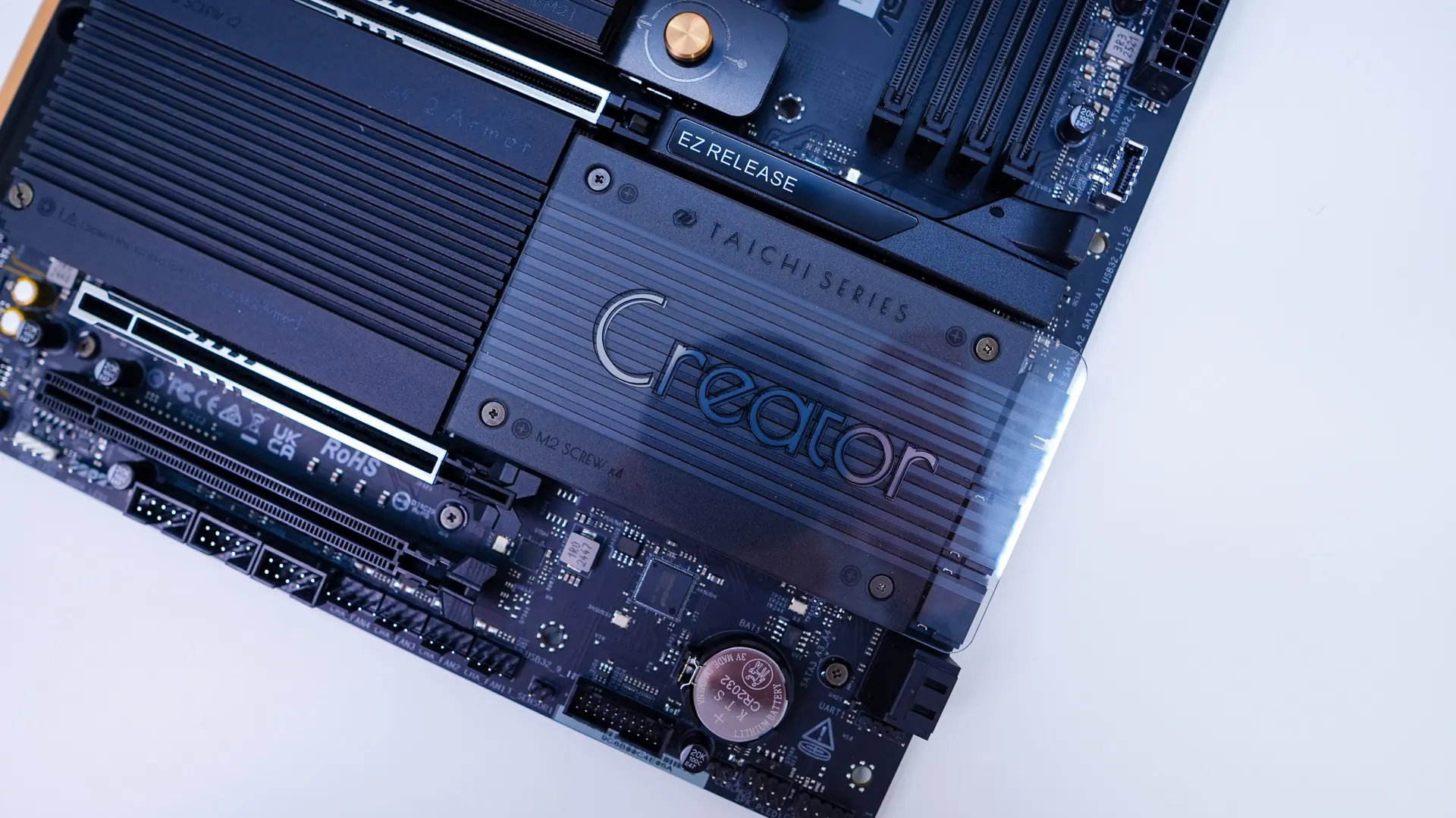
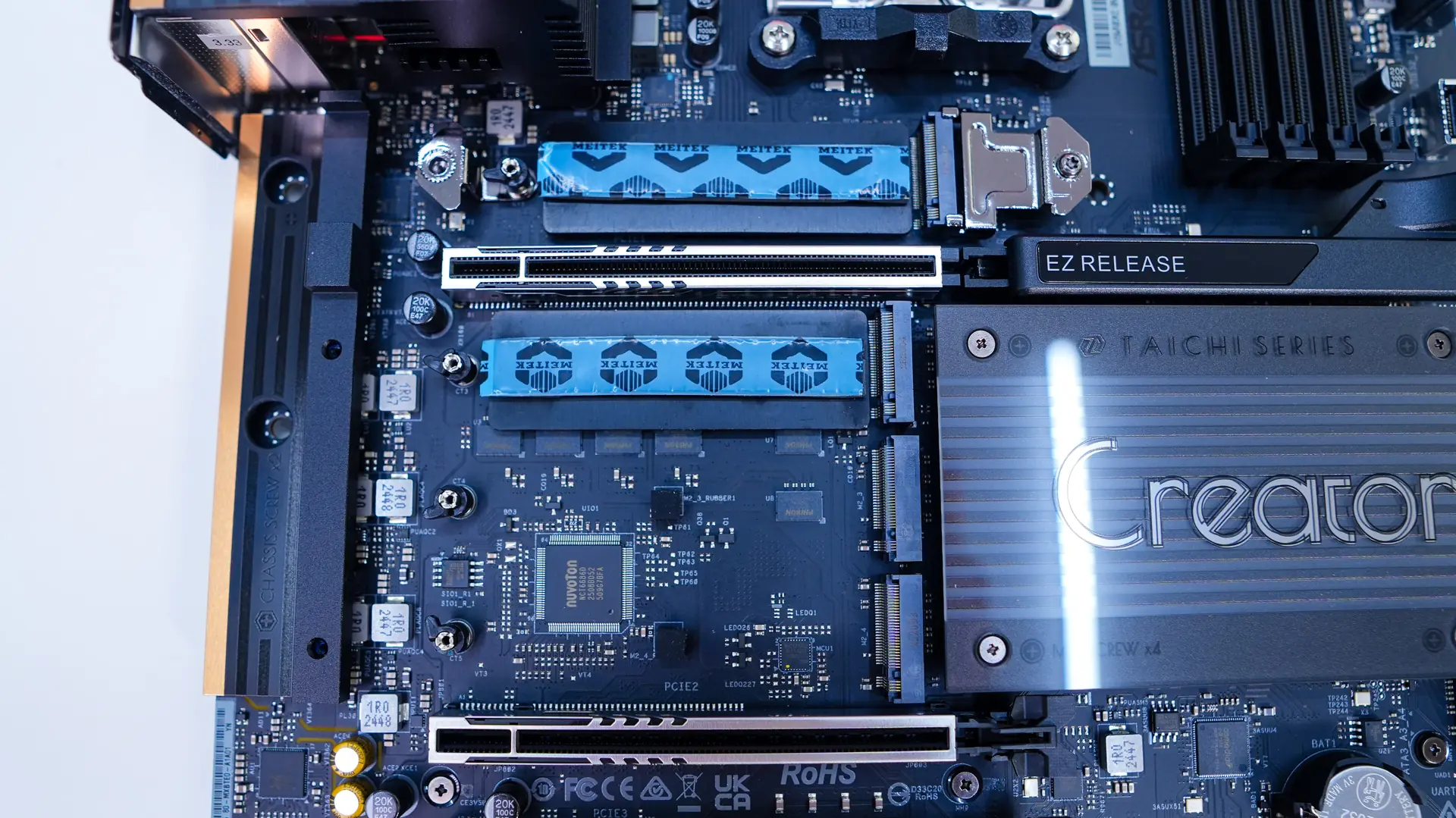
First taking a look at our expansion slots we have two PCI-Express 5.0 x16 slots and a single PCI-Express 3.0 x16 slot (x4 electrical). Having two PCI-Express 5.0 x16 slots is pretty rare on a motherboard these days. This makes this board very appealing if you plan to use two graphics cards for encoding, rendering, or even streaming. If you are wondering these slots will operate at x8 speeds if you have two cards installed. The two main slots are also metal reinforced and the top one makes use of ASRock’s EZ Release which has a lever on it to easily release your graphics card.
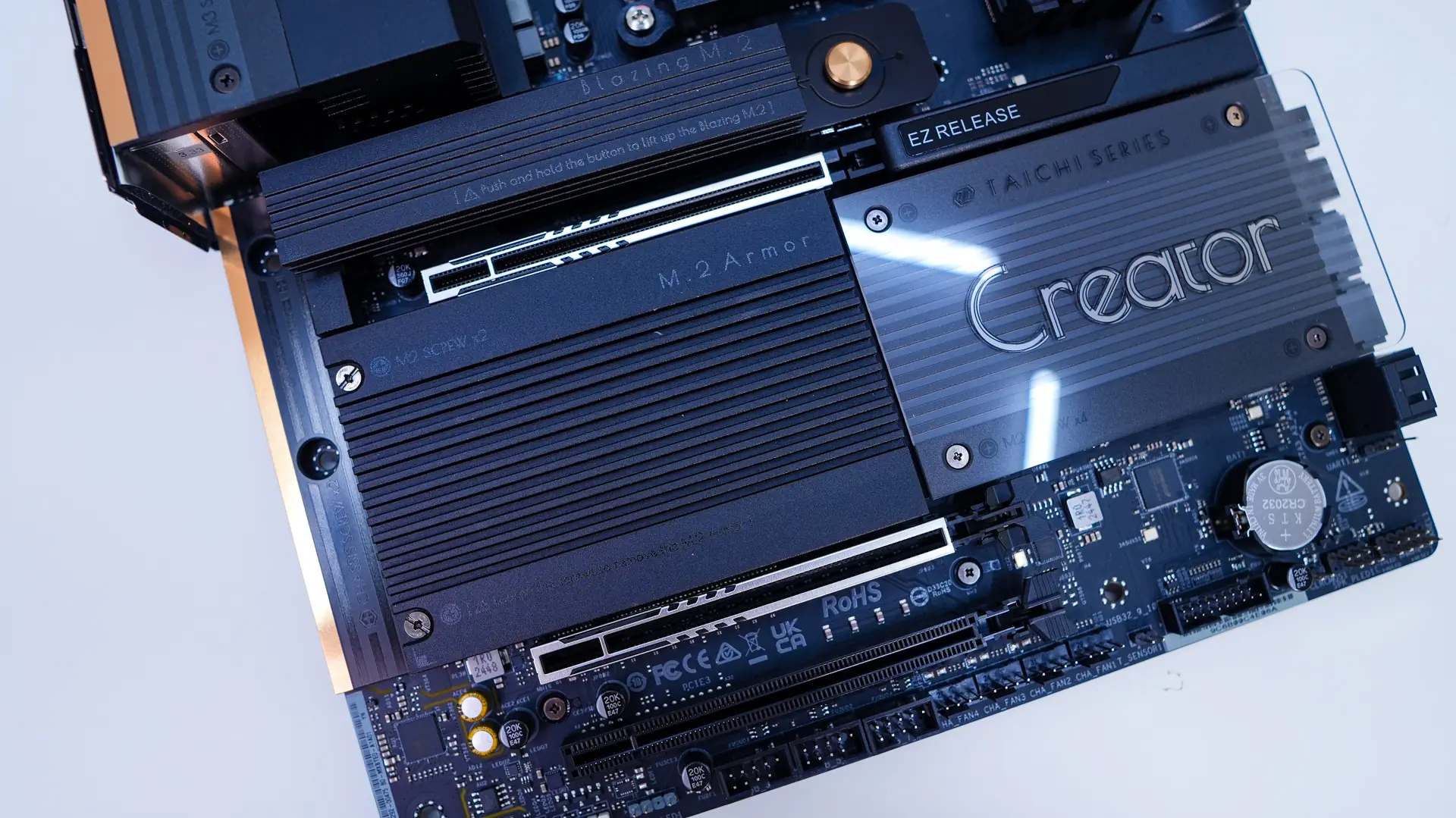
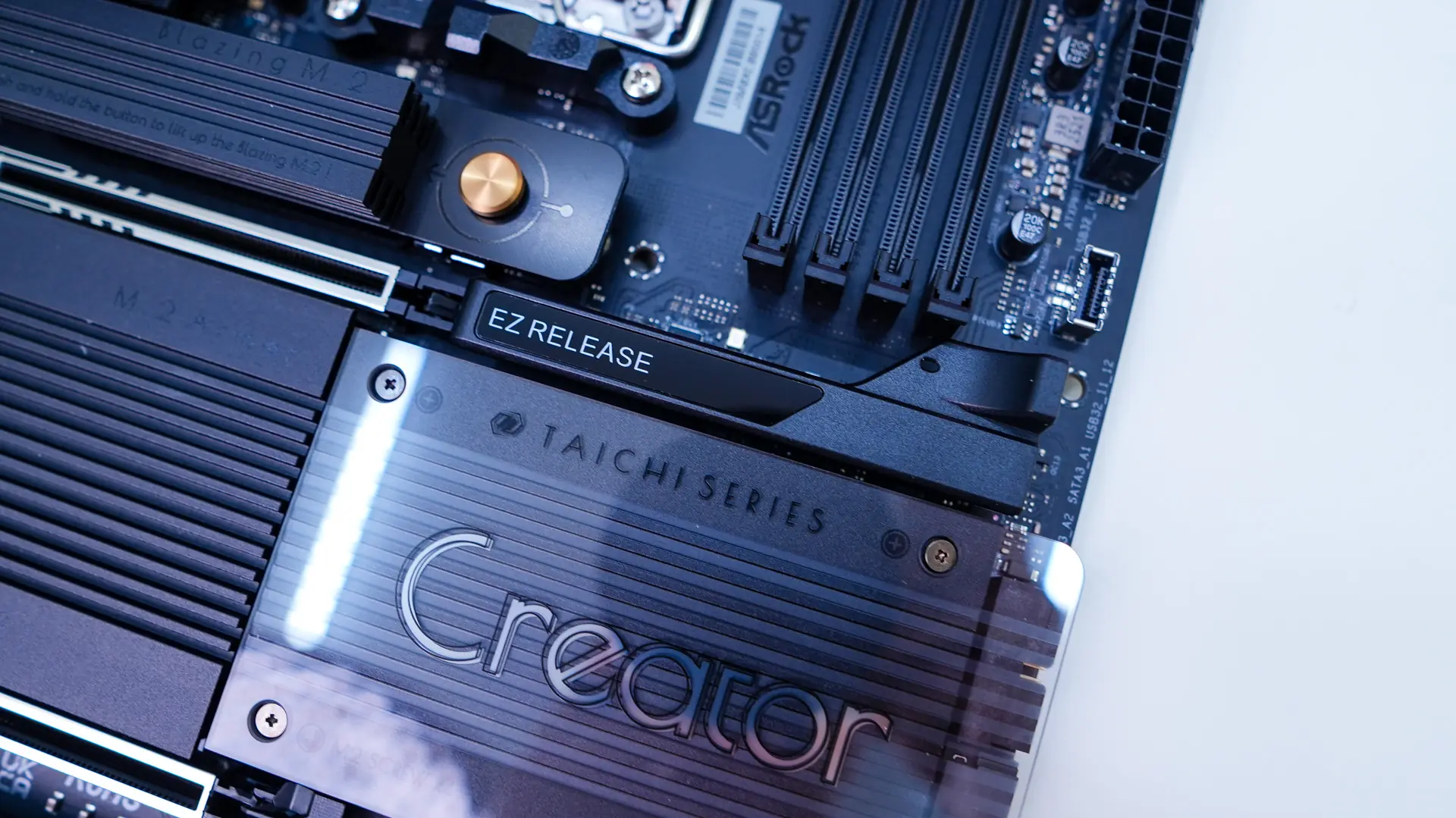
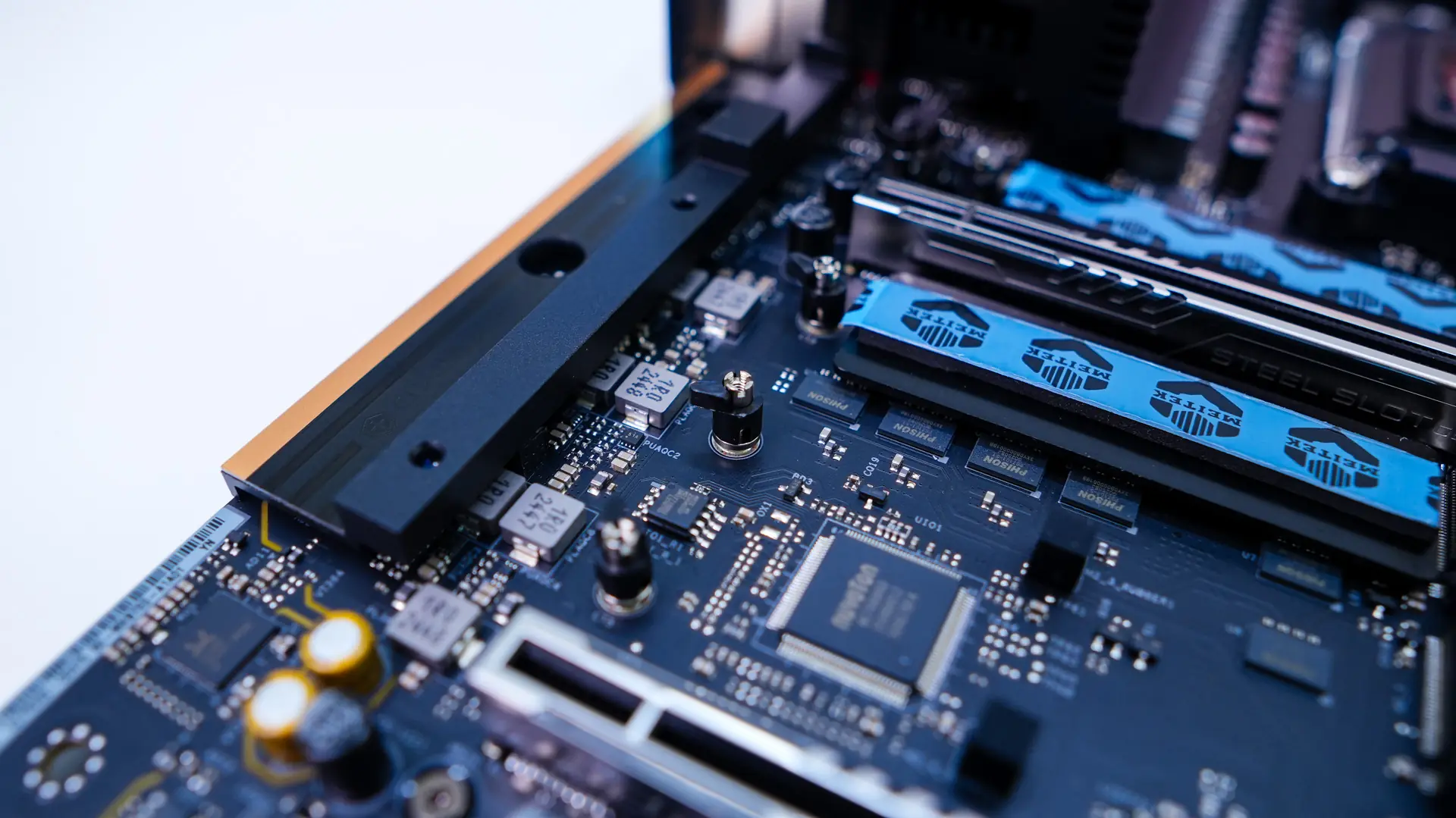
If you haven’t guessed yet you’ll find your M.2 slots under the heatsinks on the board. The top heatsink is much larger than the bottom one as its designed for PCI-Express 5.0 drives. The heatsink features a button that you press down to release it for easy installation of your drive. The bottom heatsink requires you to remove four small screws to reveal the three M.2 slots under it. So as far as the slots go the top two slots are PCI-Express 5.0 x4 slots, while the 3rd is PCI-Express 4.0 x4, and the bottom slot is PCI-Express 3.0 x4. All of these slots feature a tool-less locking system, so no need for those tiny screws.
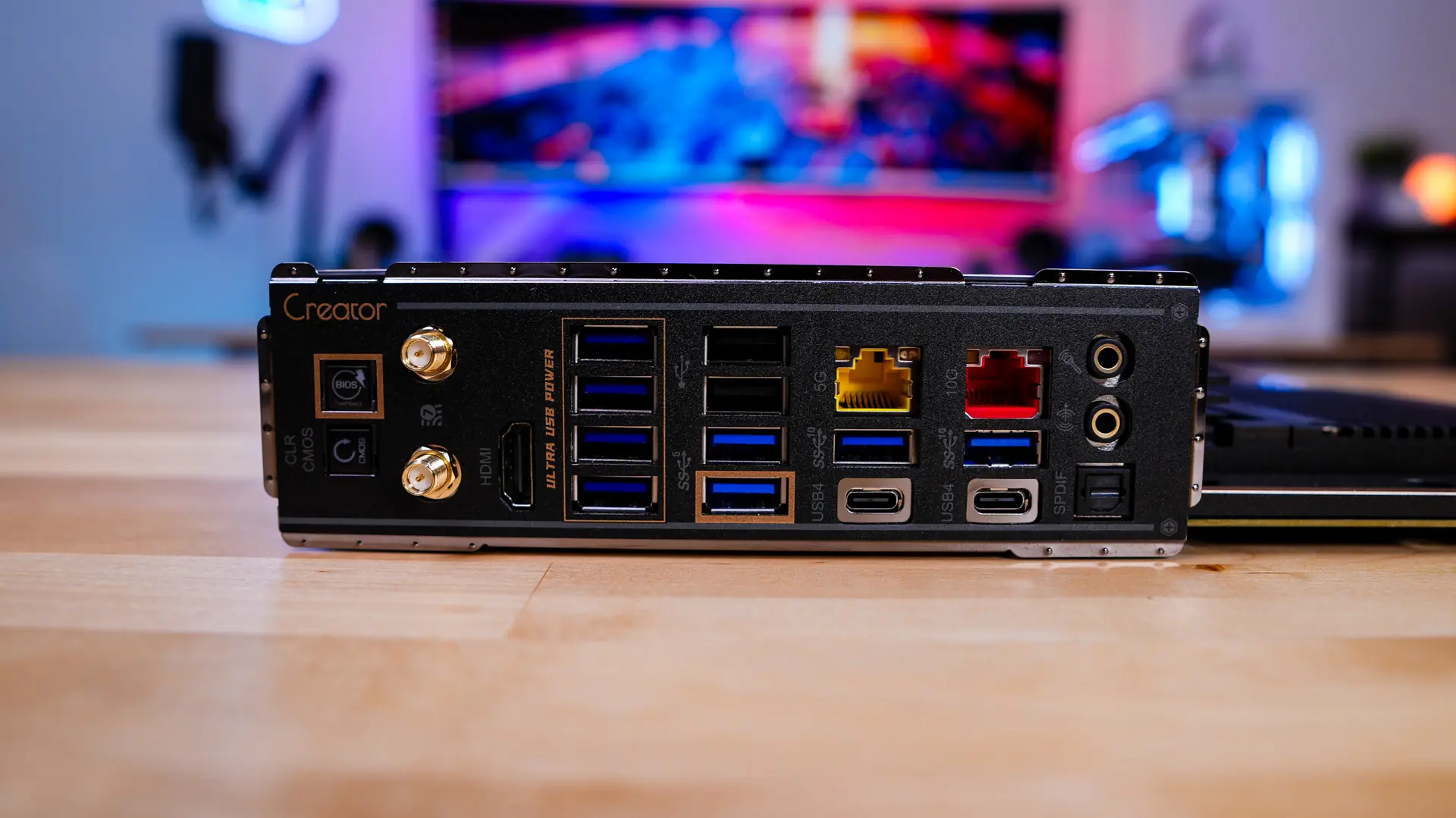
When it comes to the rear I/O you of course have an I/O shield. As far as ports, connections, and buttons you have BIOS flashback and clear CMOS buttons, WiFi antenna connections, HDMI, six USB 3.2 gen 1 Type-A ports, two USB 2.0 Type-A ports, 5G LAN, 10G LAN, two USB 3.2 gen 2 Type-A ports, two USB4 Type-C ports, and then your audio connections. The four purple ports are what ASRock calls their Ultra USB ports. These deliver ultra-stable and low-noise 5V power, not from the PSU’s native 5V rail, but transformed from the +12V line. This is ideal for USB audio interfaces, external DACs, and portable storage.