ASUS ROG Aura Monitor Light Bar Overview & Setup
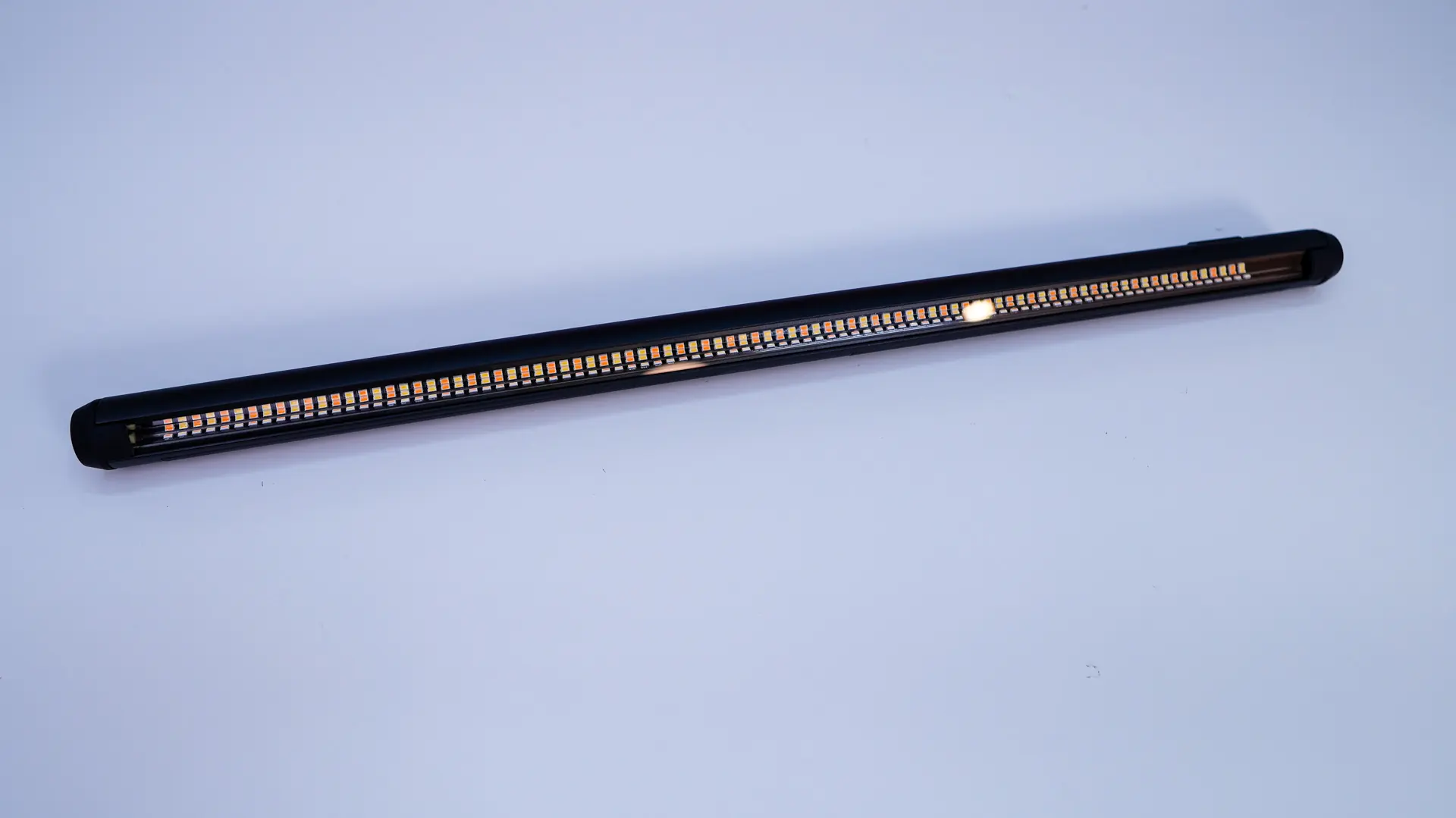
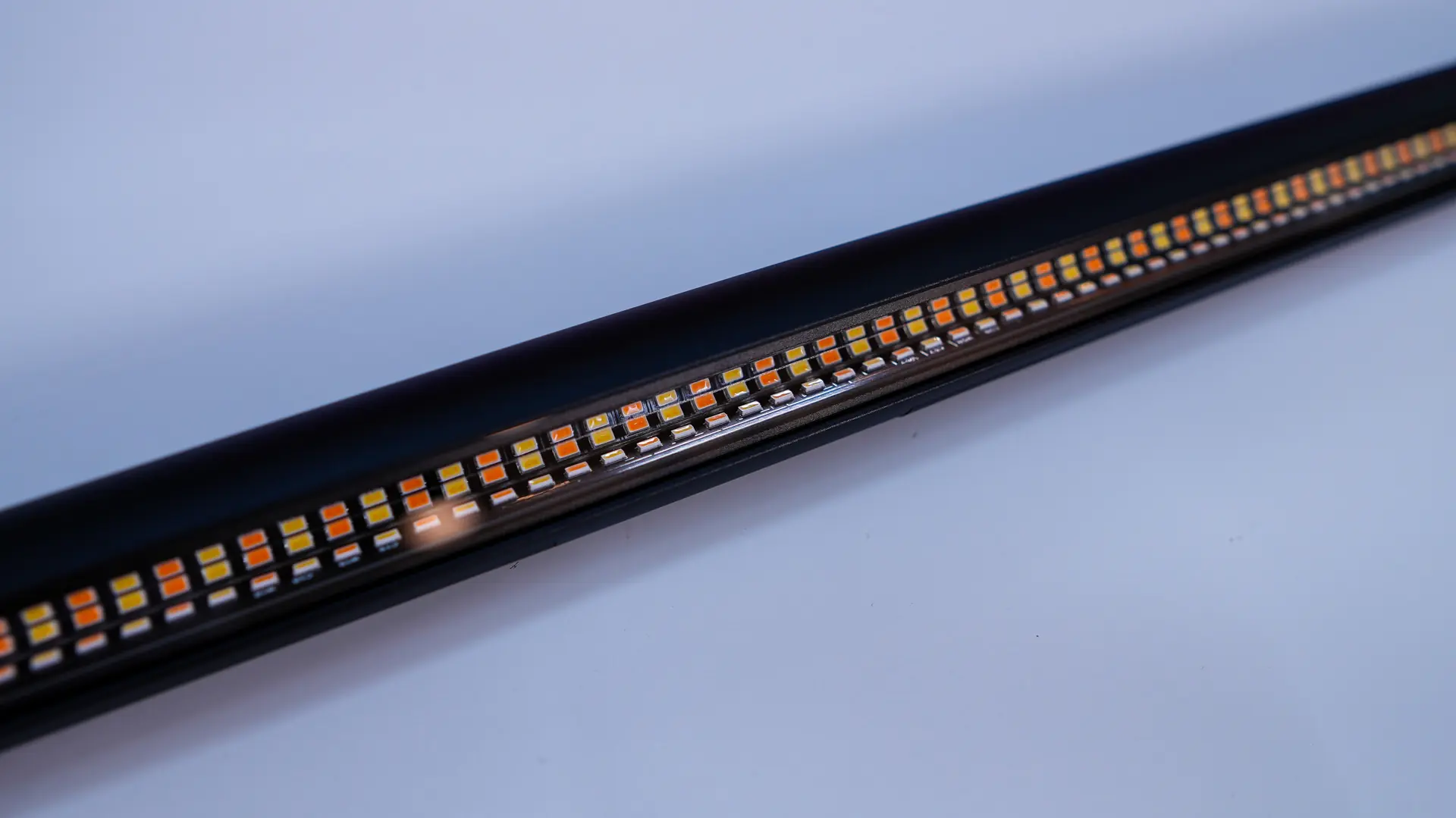
As expected the ROG Aura Monitor Light Bar is a pretty simple device. You have your main set of lights on one side. These offer a color temperature of 2700K to 6500K. This light has an asymmetric design so screen glare is minimized and you are going to get wide lighting coverage which ASUS says provides up to a 60% improvement in uniform lighting compared to other light bars on the market.
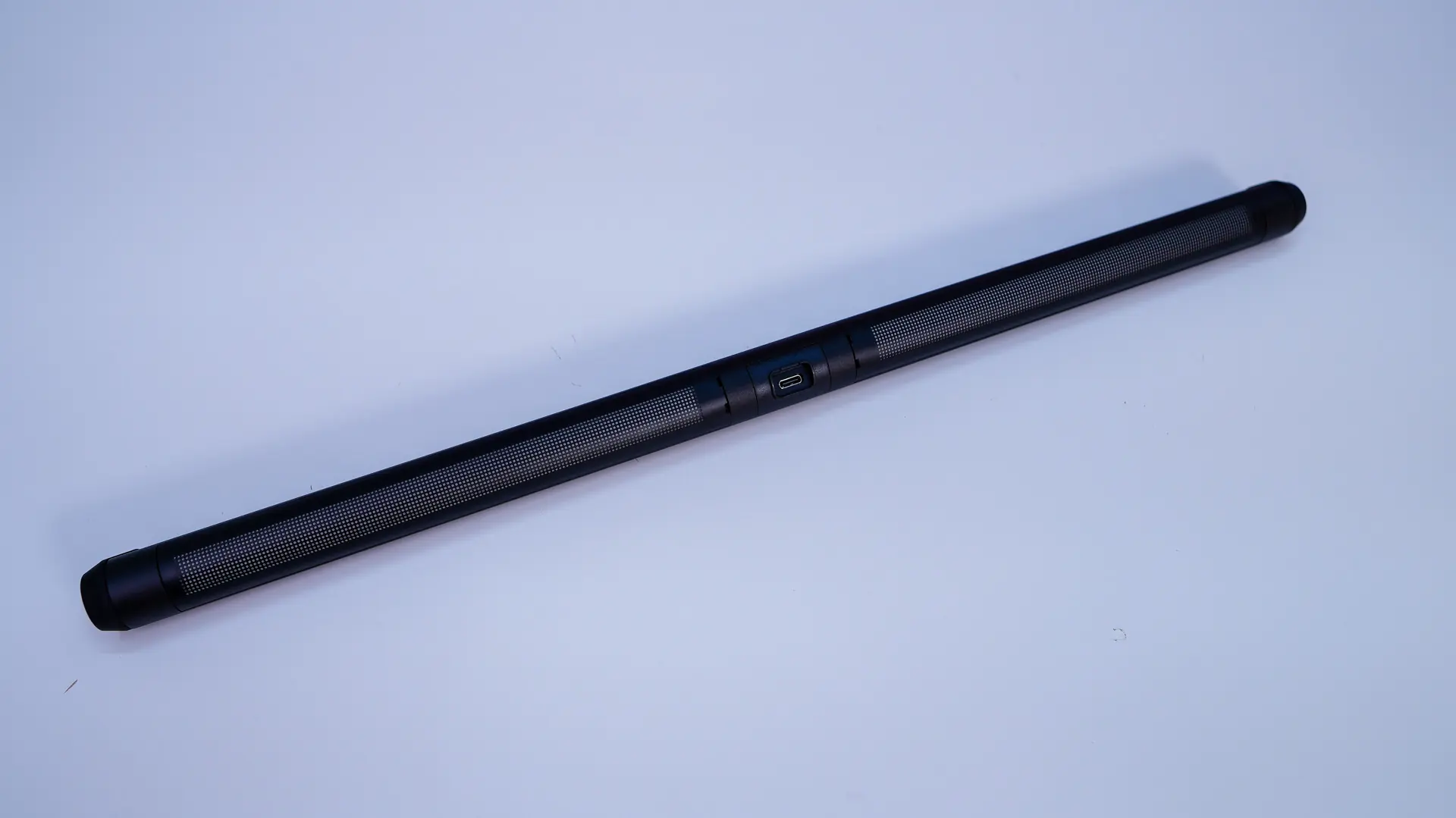
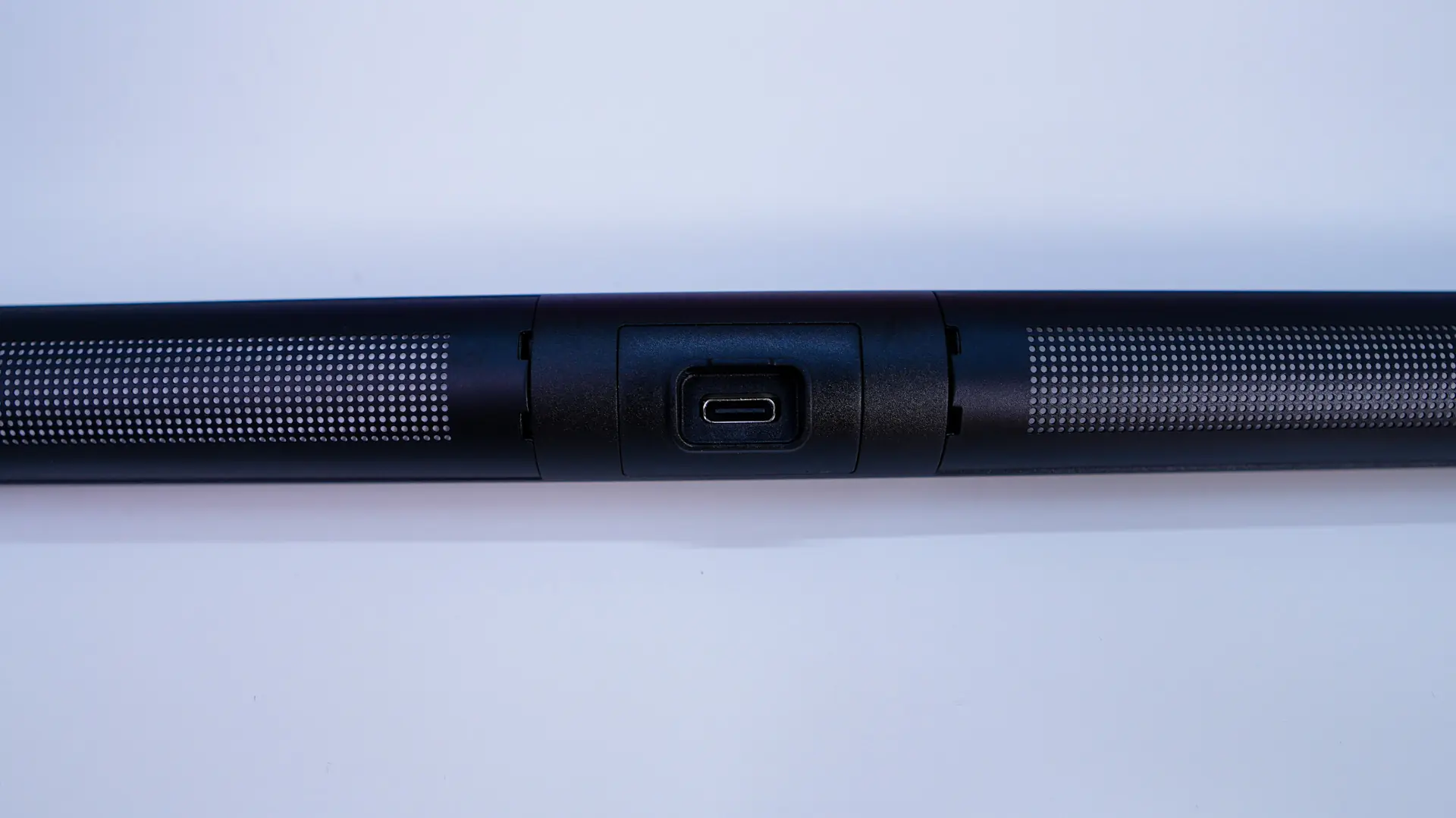
On the other side you have your rear-facing RGB lighting. This of course will give you that nice back-glow for your setup. On this side of the light bar there is a USB-C port which of course you’ll use with the included cable.
Towards one end of the light you’ll find a dial. This allows you to control the brightness of the main light and if you press it in, it will allow you to control the color temperature. On the end of the end of the light bar is a button, this will cycle through the different modes for the back-facing RGB lights.

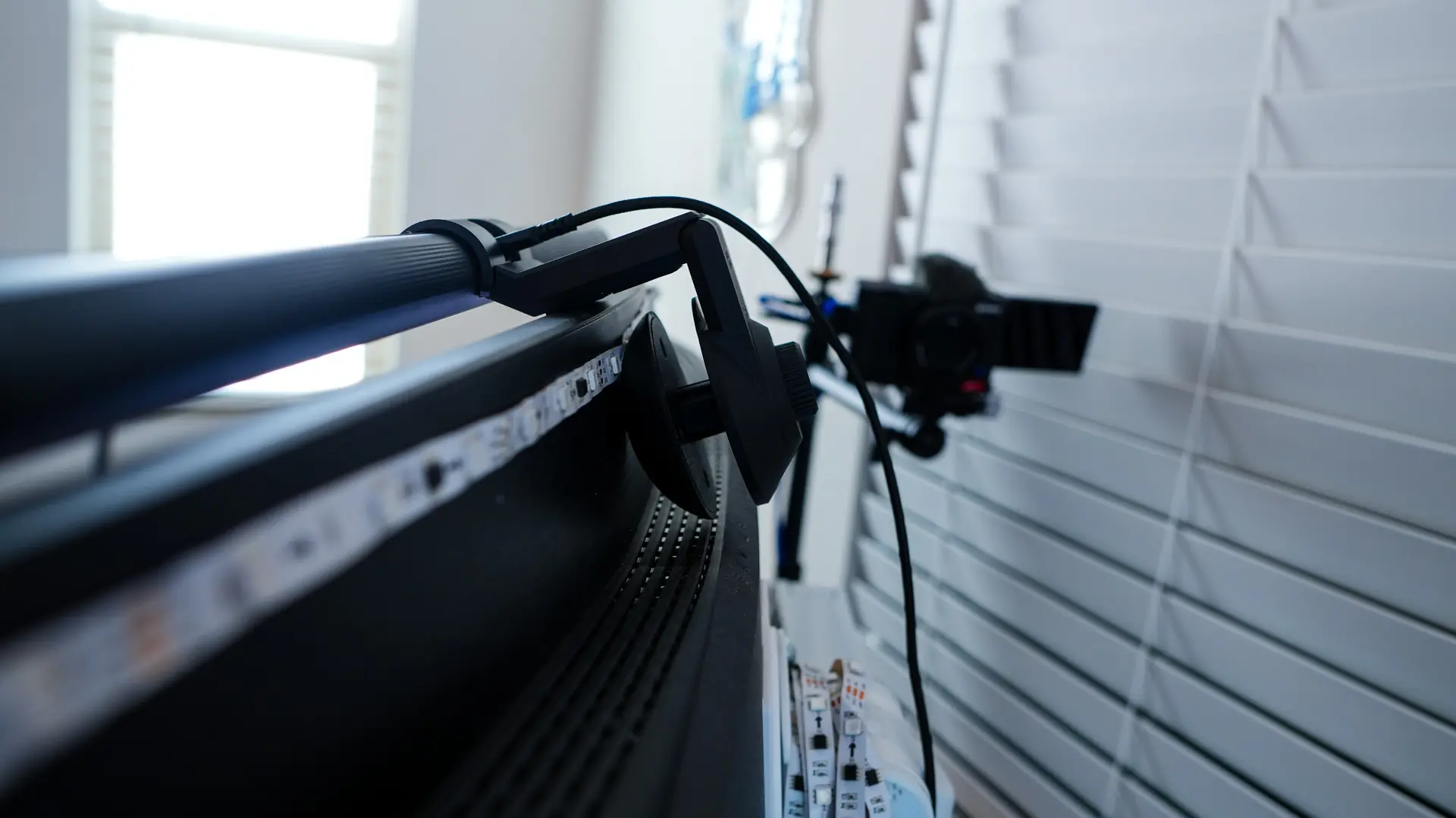
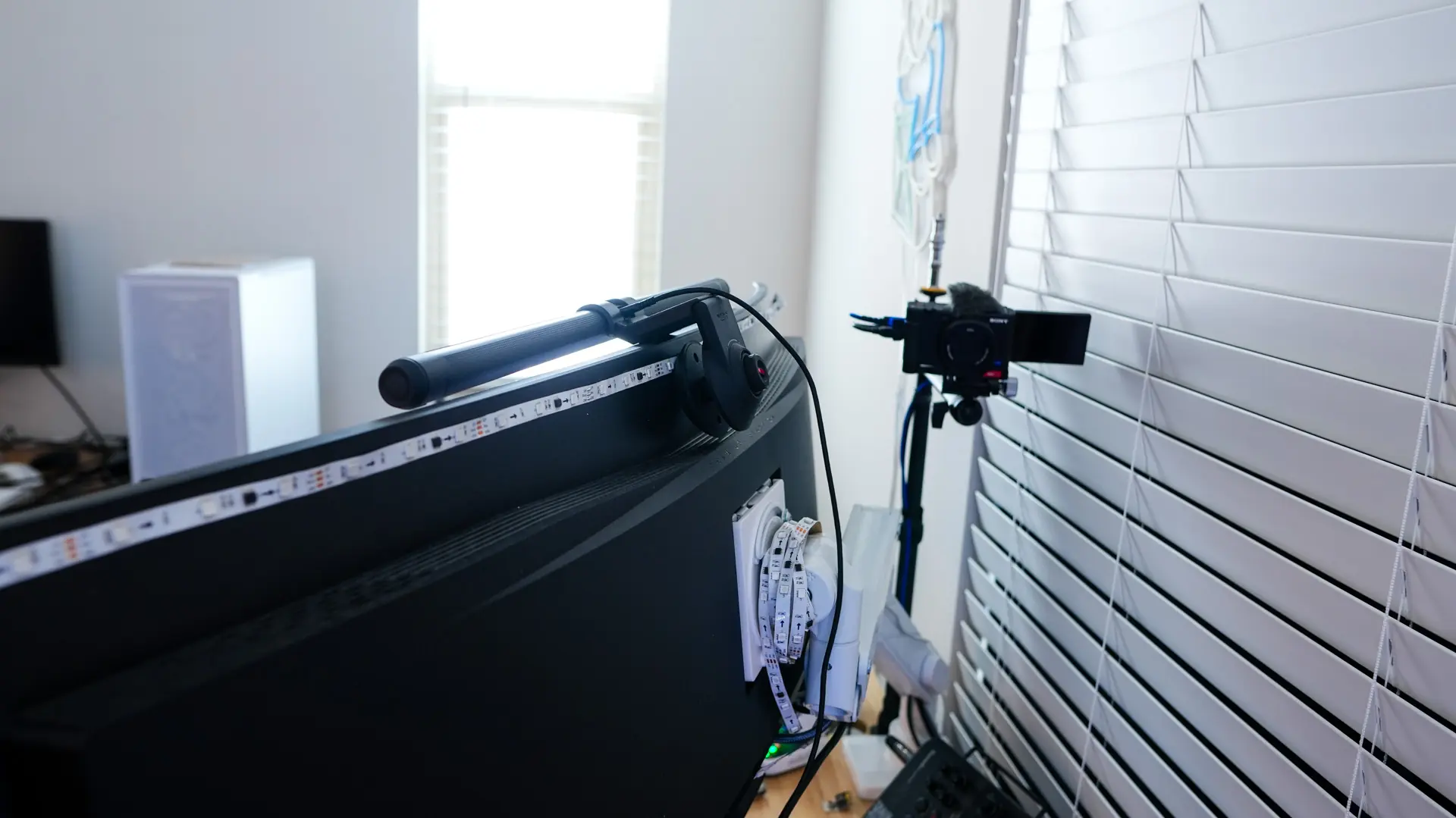
Getting the light bar installed is extremely easy. I will actually be installing it on my 49-inch monitor. First you place the light bar in the clamp, then place the clamp on the top of your monitor. On the back of the clamp there is a dial, you use this to tighten the magnetic buckle to lock the light bar in place. Finally connect the included USB cable and you are good to go!