Using the ASUS ROG Aura Monitor Light Bar
With the ROG Aura Monitor Light Bar installed and ready to go once you turn your PC on it should turn on as well. With it on you can use the controls to adjust the brightness and color temperature. You can also use the button on the end to cycle between different Aura lighting modes.

If you want more fine-tuned control you can download the ASUS DisplayWidget Center. What I found interesting is that I had to use this software rather than Armoury Crate. While Armoury Crate is a much heavier software if I am already running it because I have another piece of ASUS hardware it is sort of a pain to have to download and use another app instead of Armoury Crate. I wish if wanted to run the DisplayWidget Center within Armoury Crate I could, I do get why it is a stand-alone app though.
It is worth noting that you can sync the back-facing Aura lighting with your other ASUS devices using Armoury Crate.
Opening it up we are brought into the light bar settings. Here there are 5 defined lighting modes as well as two custom user modes. Within each mode you can set if the main light is on, its brightness level, and the color temperature. You can also set the aura light effect and the color.
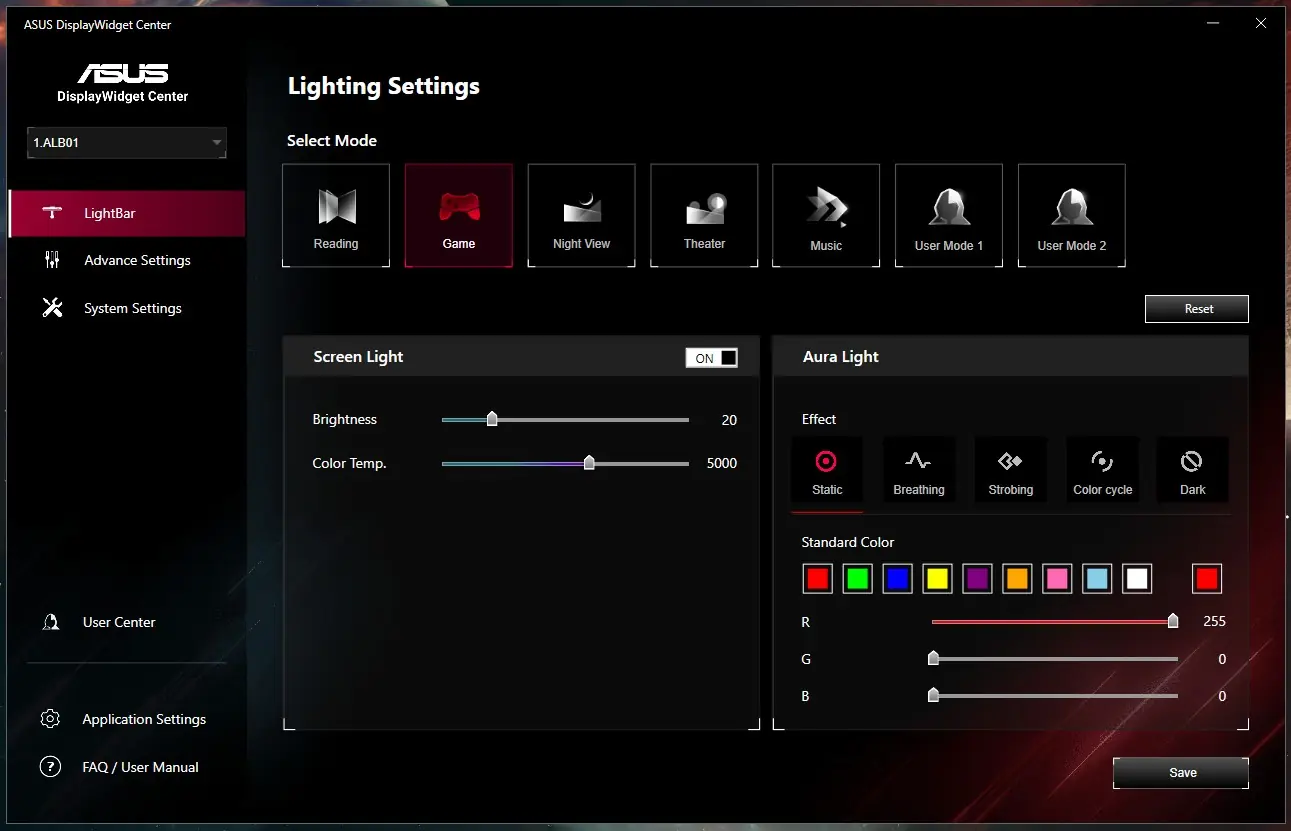
Under advanced settings you can have a conditional setting where the light bar will go into a different mode depending on what app is in use or it can follow a schedule. You can also have it turn off when Windows goes to sleep.

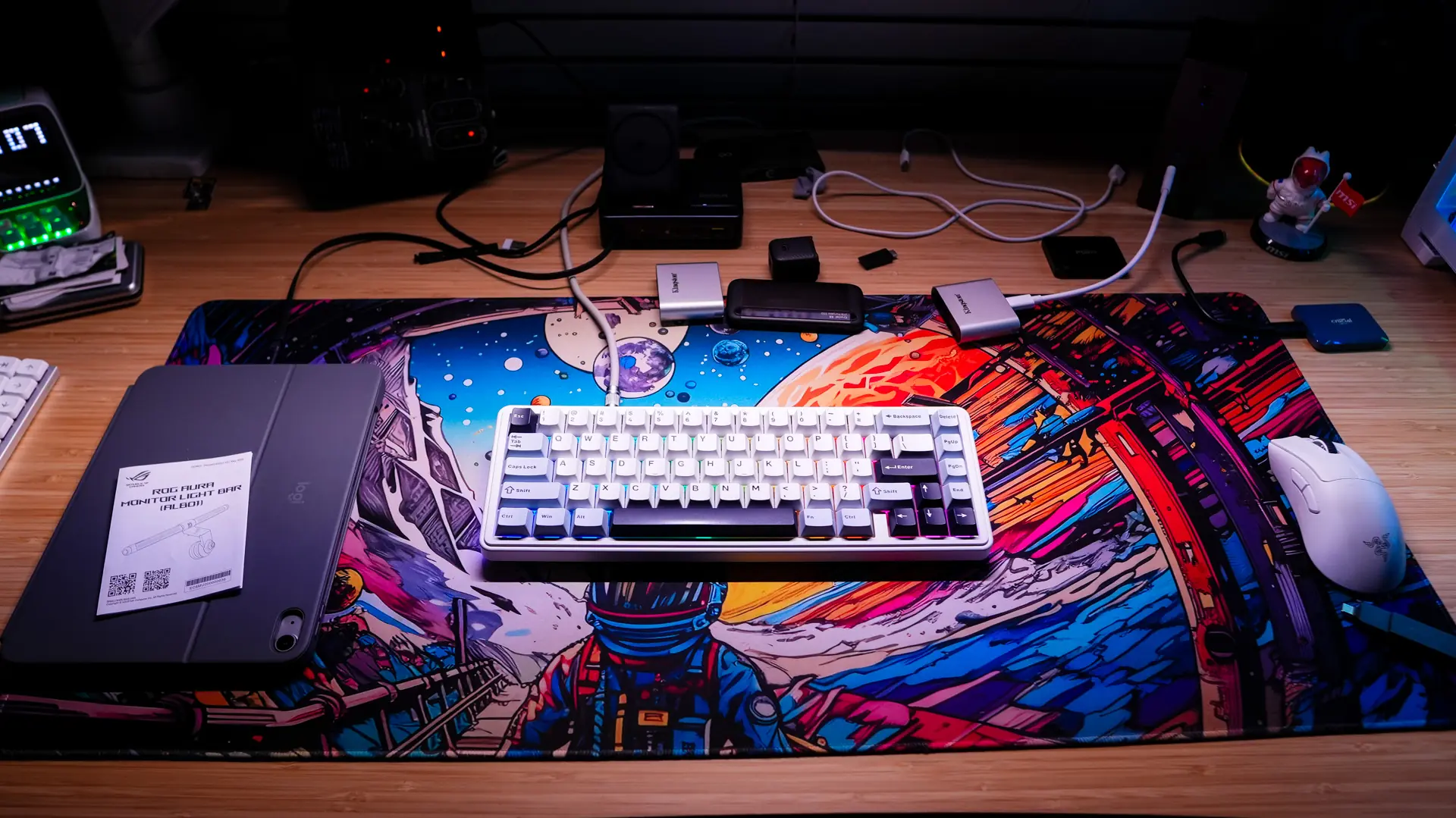
For the main light to give you an idea of how bright it actually is, below are two photos. The first is my desk without the light on. The second is with the light on at 50% brightness. If you are wondering, I had the color temperature set to 6500K.
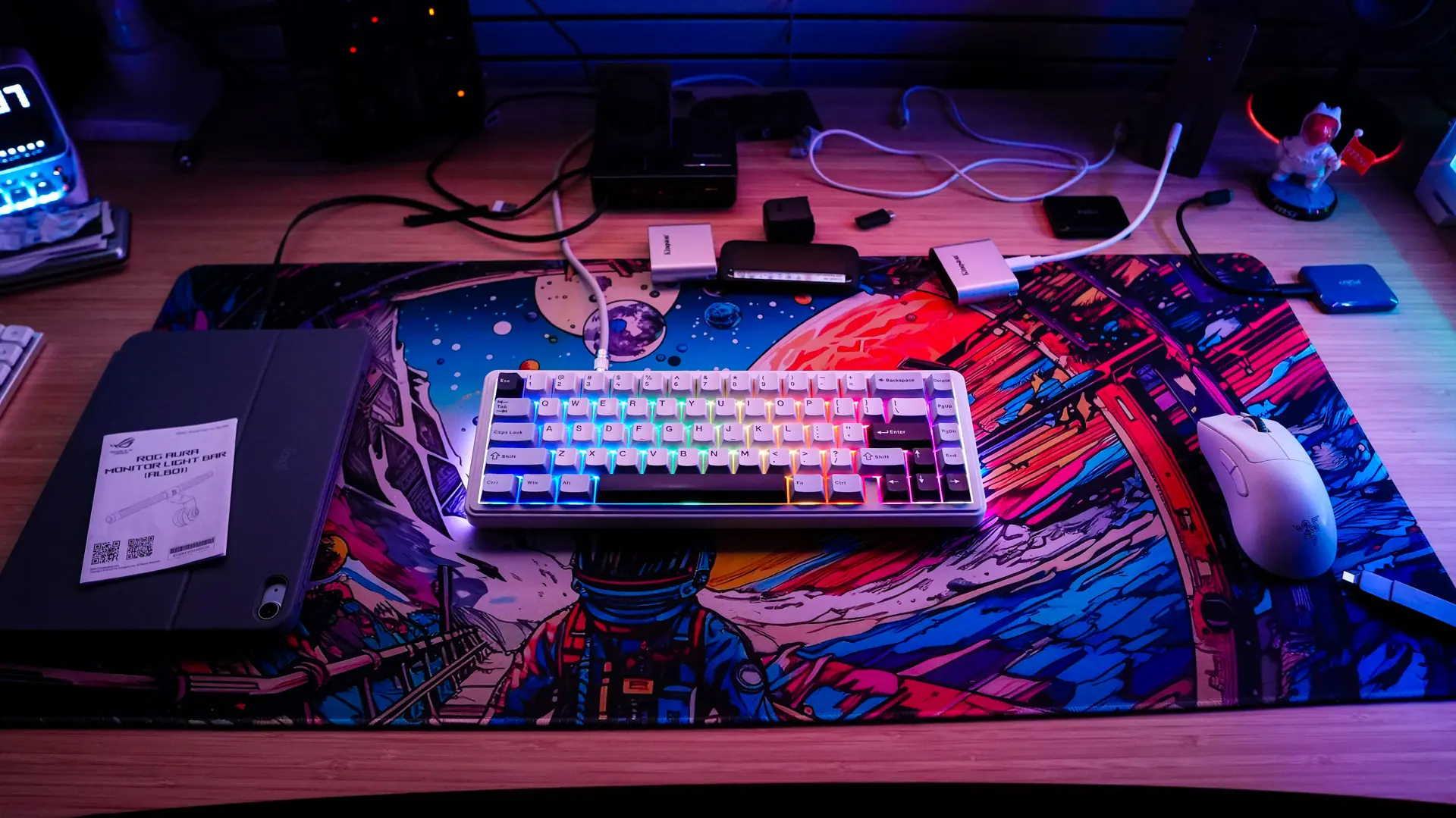
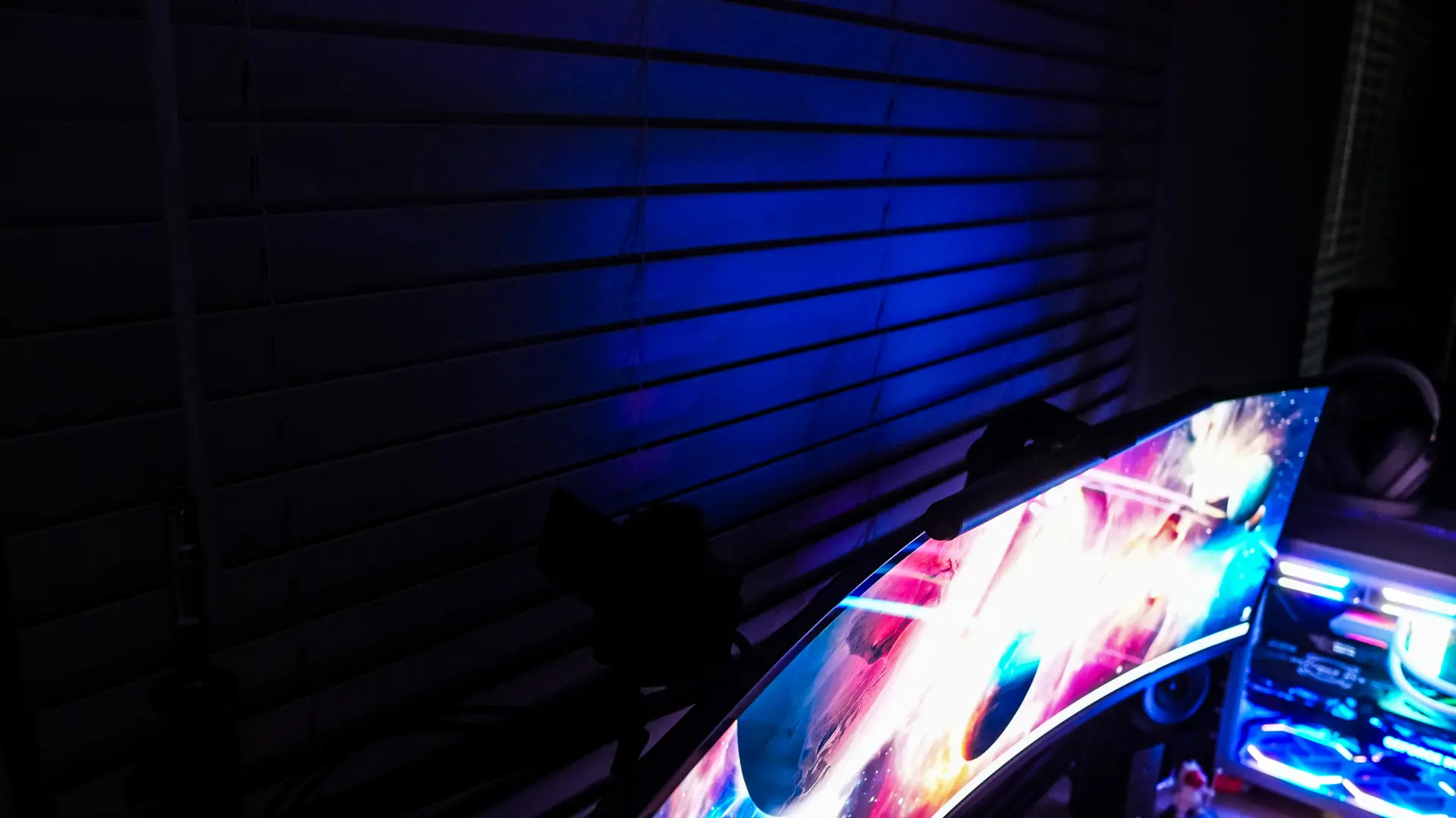
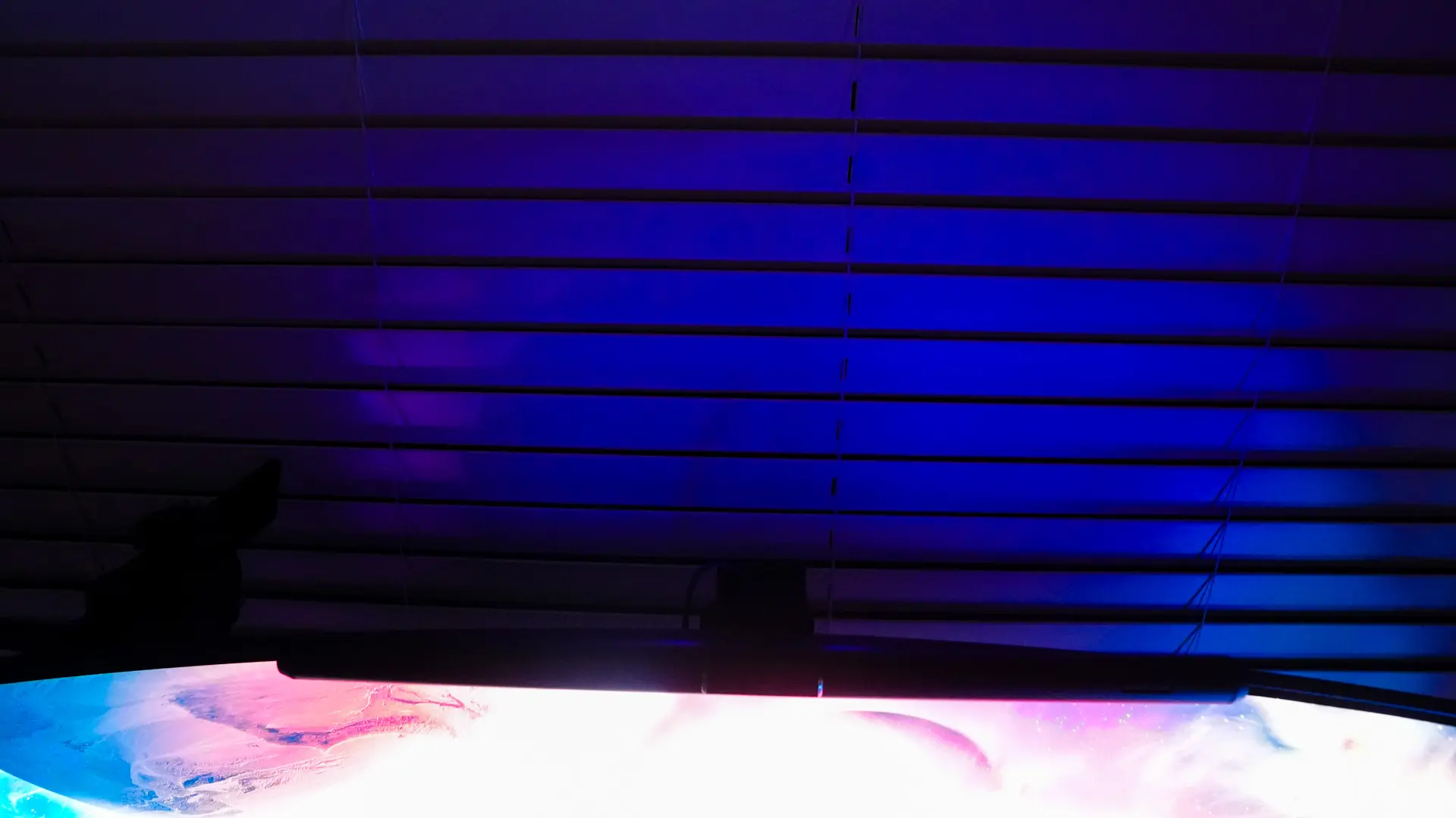
Now when it comes to the rear-facing RGB lighting I have to say I was a little disappointed. While my monitor is a bit large and does not sit exactly against the back wall the RGB lighting just seemed weak. It is worth noting that the rear lighting does not need to be RGB, you can just set it to white if you want.
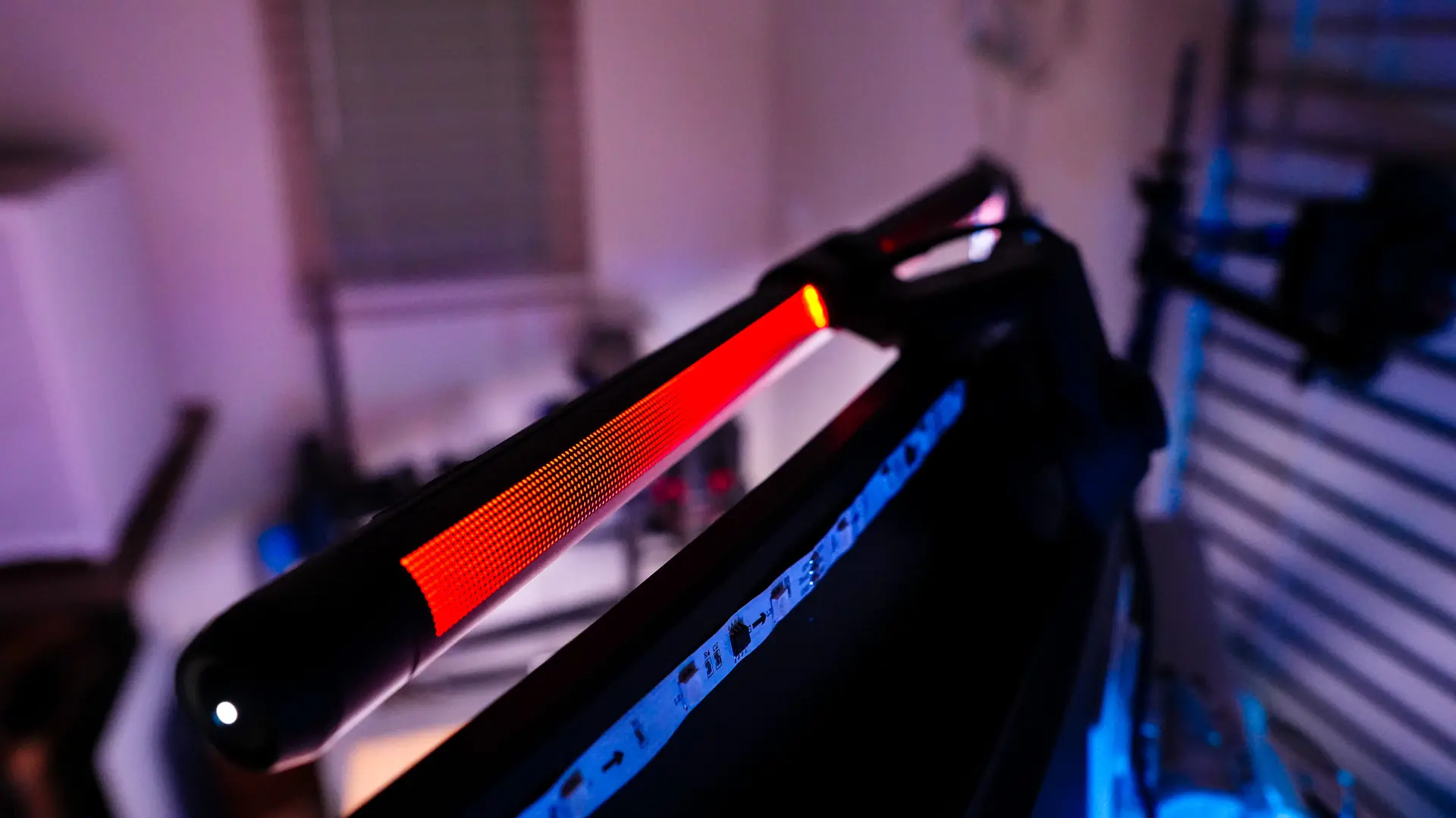
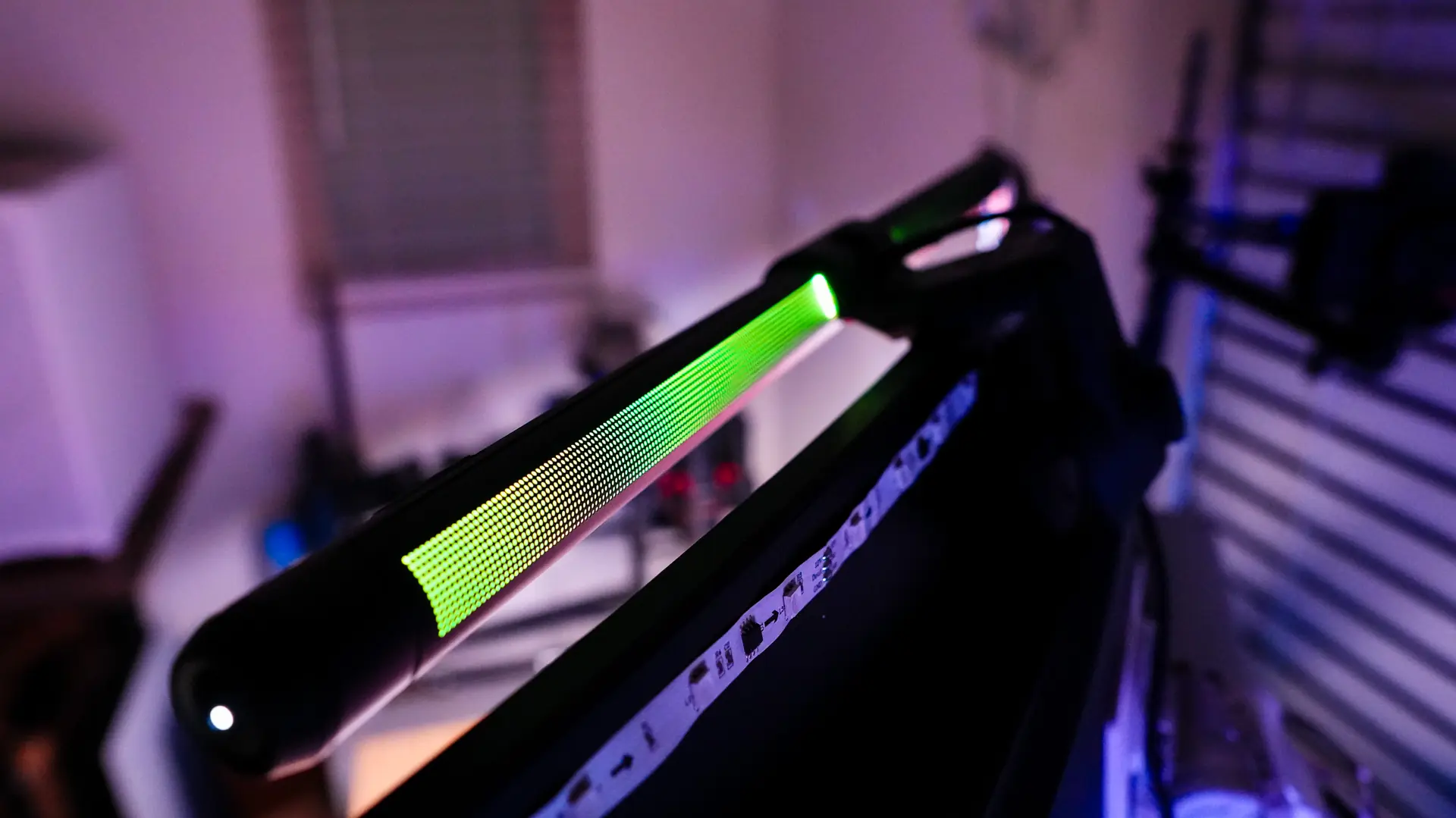
Also since it is not actually behind the monitor you are not going to get that glow like you would from say RGB strips made for the back of your monitor.