Final Thoughts on the ASUS ROG Crosshair X870E Dark Hero Motherboard
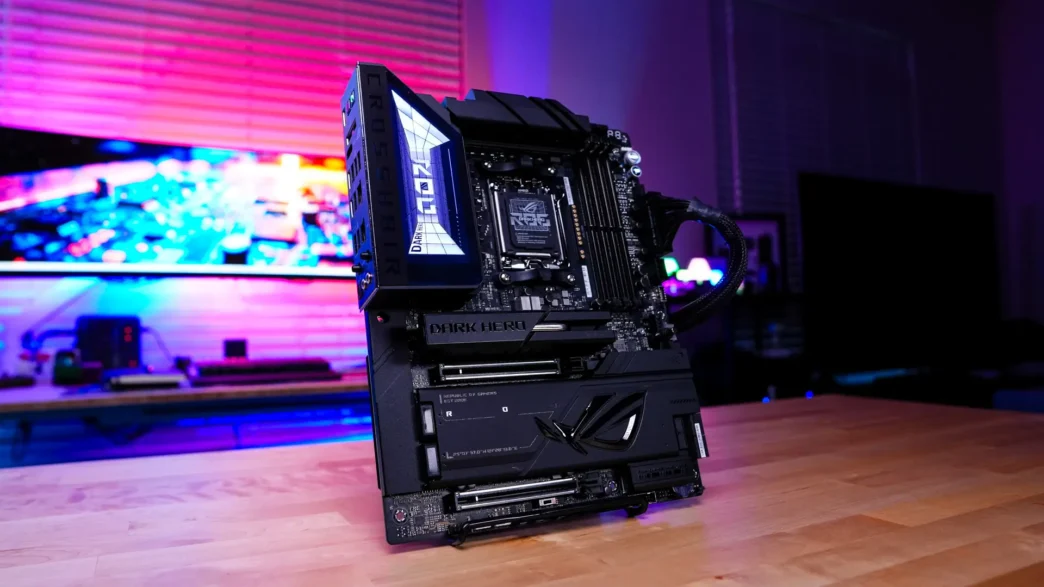
When we see new motherboards come out late in the cycle of a chipset it is always interesting to see what brands do. Do they actually improve upon previous motherboards, add new features, etc or do they simply change the appearance of the board and call it something new? With the ROG Crosshair X870E Dark Hero in typical ASUS fashion we have some very nice upgrades and it is not simply a Crosshair X870E Hero with a darker design.
This board is going to come with an 20+2+2 power design with 110A power stages for the CPU so you know it is going to be able to handle your high-end AMD Ryzen processors. I did not run into any issues with VRM cooling at the power delivery components here are covered by two large heatsinks, which are connected by a heatpipe. Talking about running a stable system, this board makes use of ASUS’s NitroPath DRAM technology. ASUS actually has completely redesigned the DRAM slots to enhance signal integrity. This leads to increased headroom across multiple configurations. So if you were looking to run high frequency DDR5 in your Ryzen build, this is the board to do it on!
You are going to get two PCI-Express 5.0 x16 slots on this board, both of which are metal re-enforced. After some of the issues with the previous PCIe Slot Q-Release Slim mechanism they have gone back to the PCIe Slot Q-Release which is a physical button on the board to release your graphics card. This shows that ASUS does take community feedback and actually implements it.
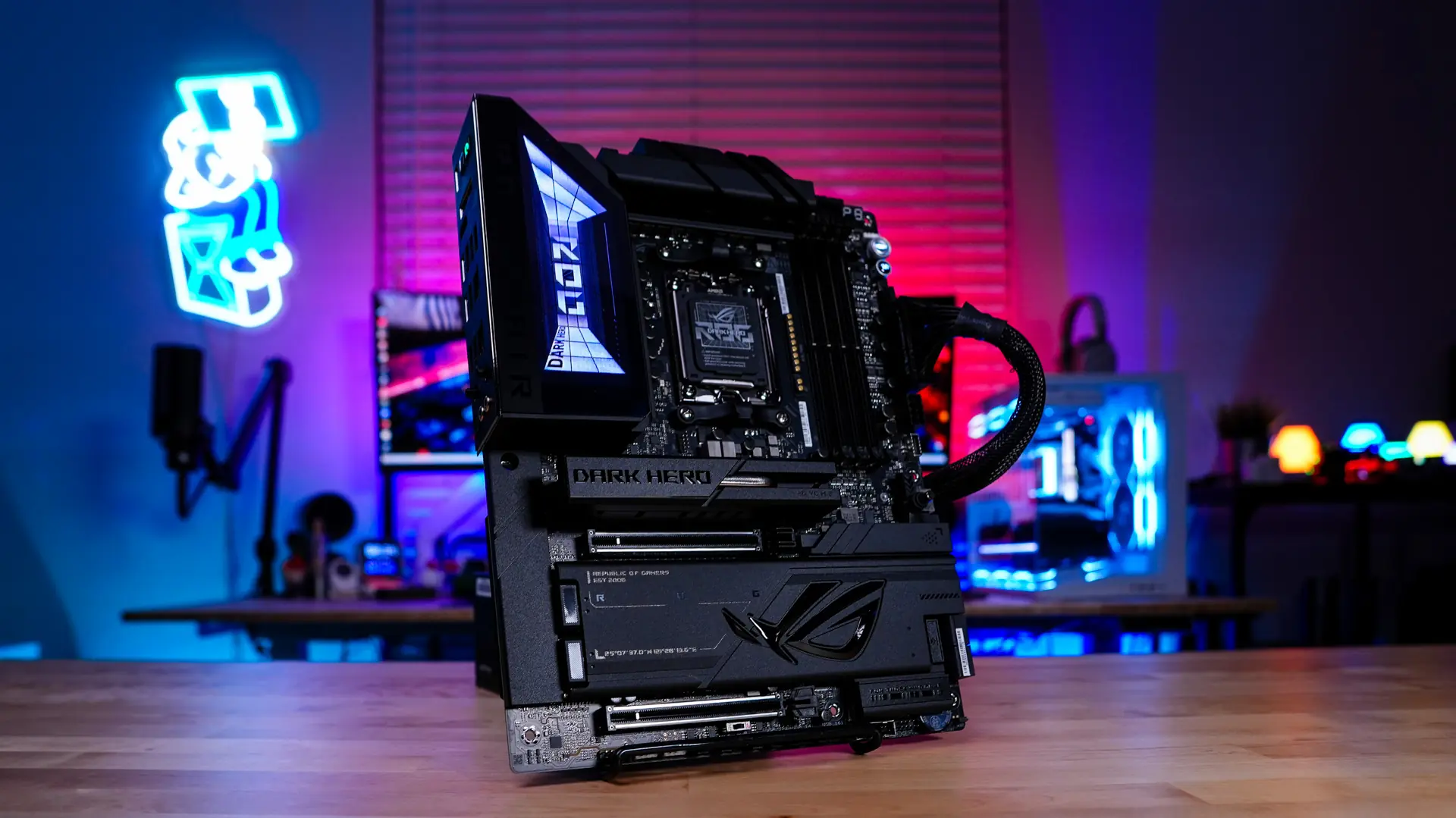
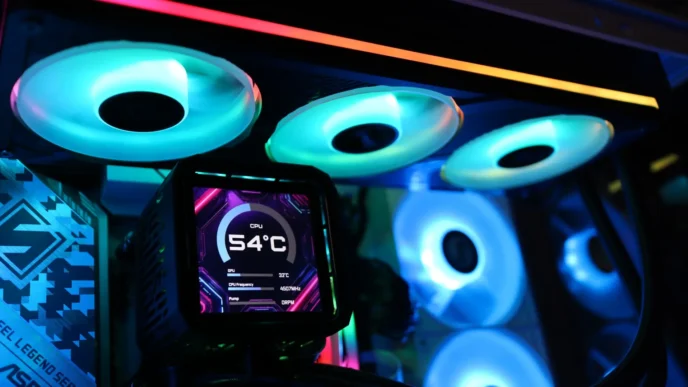
For a high-end X870E motherboard there really is no feature on this board missing. You are getting five M.2 slots (2 of which are Gen5), USB4 connectivity, dual USB 3.2 gen 2×2 front header connectivity, even triple USB 2.0 internal headers, 5G & 10G Ethernet and even full bandwidth WiFi 7. Then of course you have the ease of use features. This has to be the first ASUS motherboard that I’ve reviewed that all of the M.2 heatsinks were completely tool-less. You also have completely tool-less M.2 drive installation. If you are using the WiFi antenna it features the Q-Antenna connections so it is super easy to install. And finally there is the new AIO Q-Connector which is going to work in tandem with new ASUS liquid CPU coolers.
As someone who regularly reviews motherboards one of the things I actually love about this one is the newly redesigned BIOS. One ASUS has given it a facelift so it looks a lot more modern. This EZ Mode has been completely redesigned and it essentially looks and functions much like the main page of Armoury Crate. There is even a new “Quick Settings” section that you can actually add shortcuts to your most used settings. They’ve added in an Essential Mode which is a slightly more advanced EZ mode without having to completely jump into advanced mode. This by far is the best motherboard BIOS that I’ve used.
This is also the first ASUS motherboard that I’ve reviewed that has the pre-installed WiFi driver. So once you install Windows you’ll be prompted to install the WiFi driver. Previously you were only prompted to install the Driver Hub, but if you didn’t have an internet connection you couldn’t download any driver. So I would have to manually download the WiFi driver on another PC, put it on a flash drive, and install it that way. This simple little automation saves so much time!
Now of course there are some platform limitations with this board you should be aware of. Graphics of course is pretty standard but if you have two cards installed they will run at x8 speeds. If you want to run the top slot at full x16 speed the bottom slot will drop down to PCIe 3.0 x4 speed. Also the USB4 ports on the back panel and M.2_2 slot share PCIe 5.0 x4 bandwidth. Both run at PCIe 5.0 x2 when a device is installed in the M2_2 slot. You can switch M2_2 to PCIe 5.0 x4 in the BIOS, but this will disable the USB 40Gbps Type-C ports.
As a refreshed X870E motherboard coming out in 2026 there really isn’t a feature that isn’t present on this board. If you are building a high-end Ryzen system this board needs to be at the top of your list! Right now this board is selling at our favorite online retailer for $699.99. Overall ThinkComputers gives the ASUS ROG Crosshair X870E Dark Hero Motherboard a 10 out of 10 score and our Recommended Award!


Pros:
– Sleek all-black design
– 20+2+2 power design with 110A power stages for the CPU
– Too many easy of use features to count
– Both USB4 and USB 3.2 gen 2×2 connectivity
– Redesigned BIOS
– Full bandwidth WiFi 7 connectivity
– Both 5G and 10G Ethernet
– NitroPath DRAM tech
Cons:
– Price might be high for some