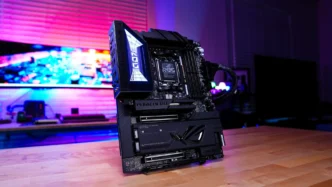
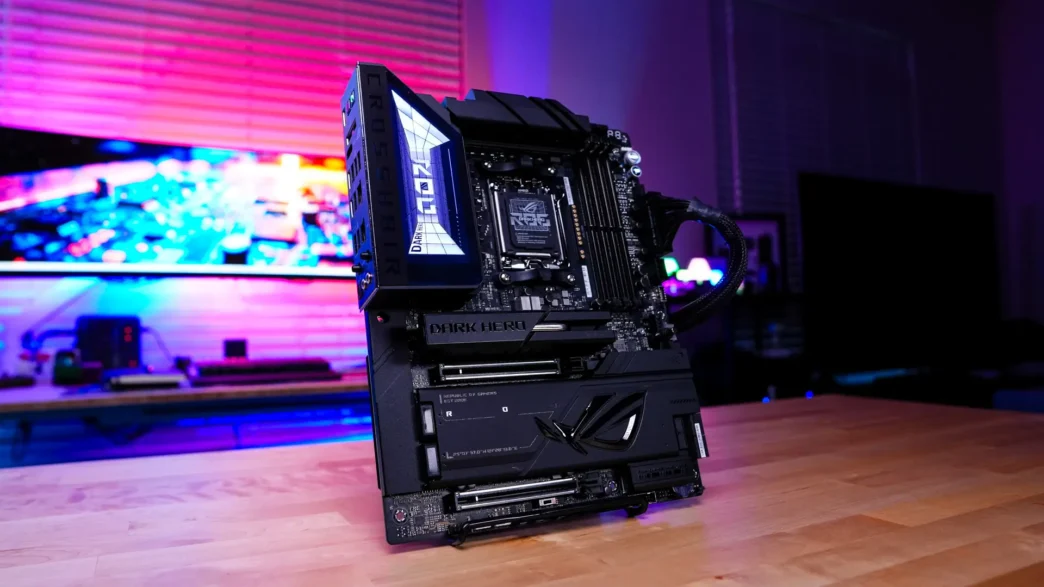
ASUS ROG Crosshair X870E Dark Hero Motherboard Overview
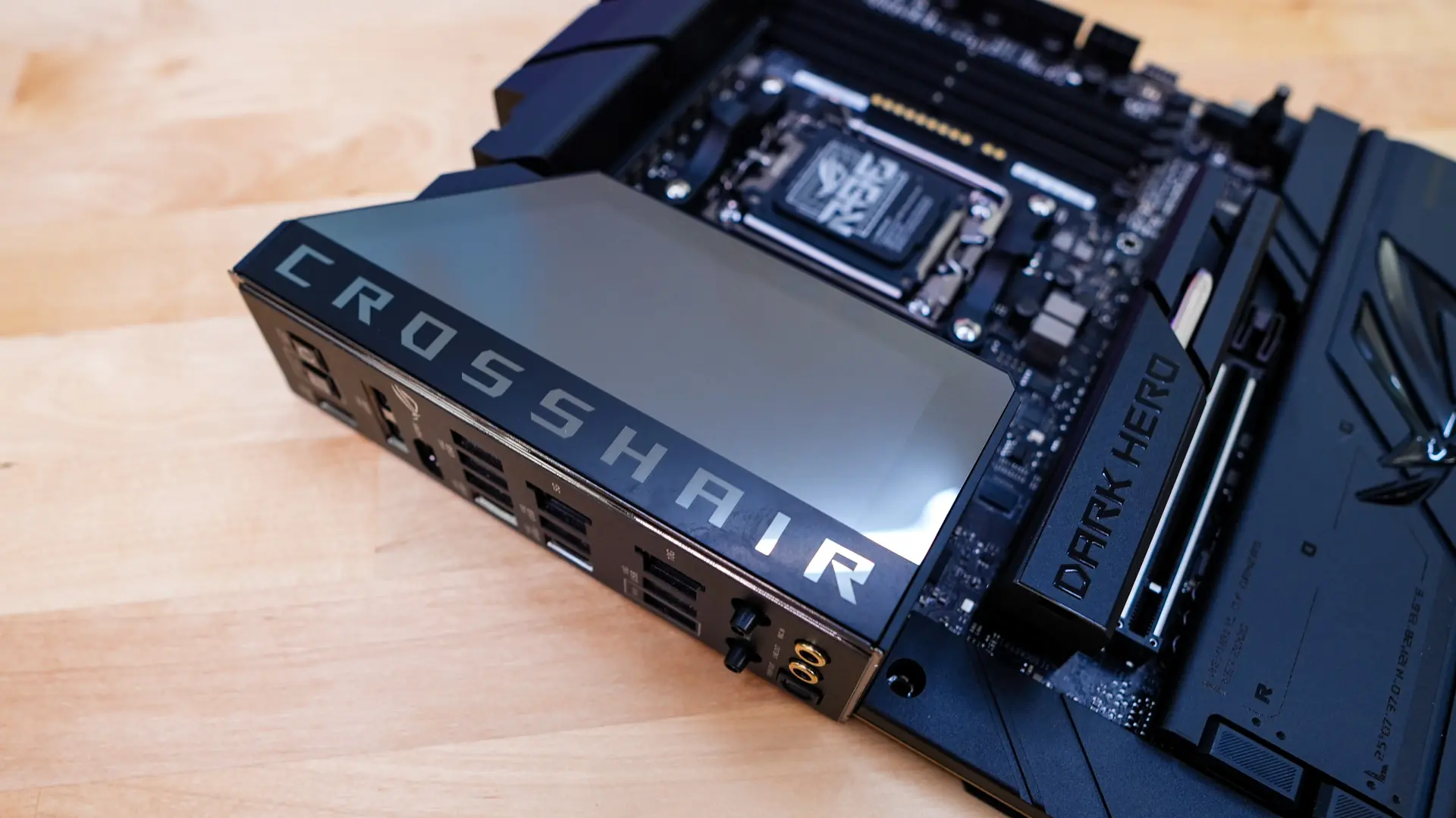
Taking a first look at the ROG Crosshair X870E Dark Hero we can see why it is called “Dark Hero” as we have an all black design. So we have a black PCB with black heatsinks as well as black accents. If you are going for an all-black build this is definitely going to be the board for it. If you are wondering this is a normal ATX-sized board.
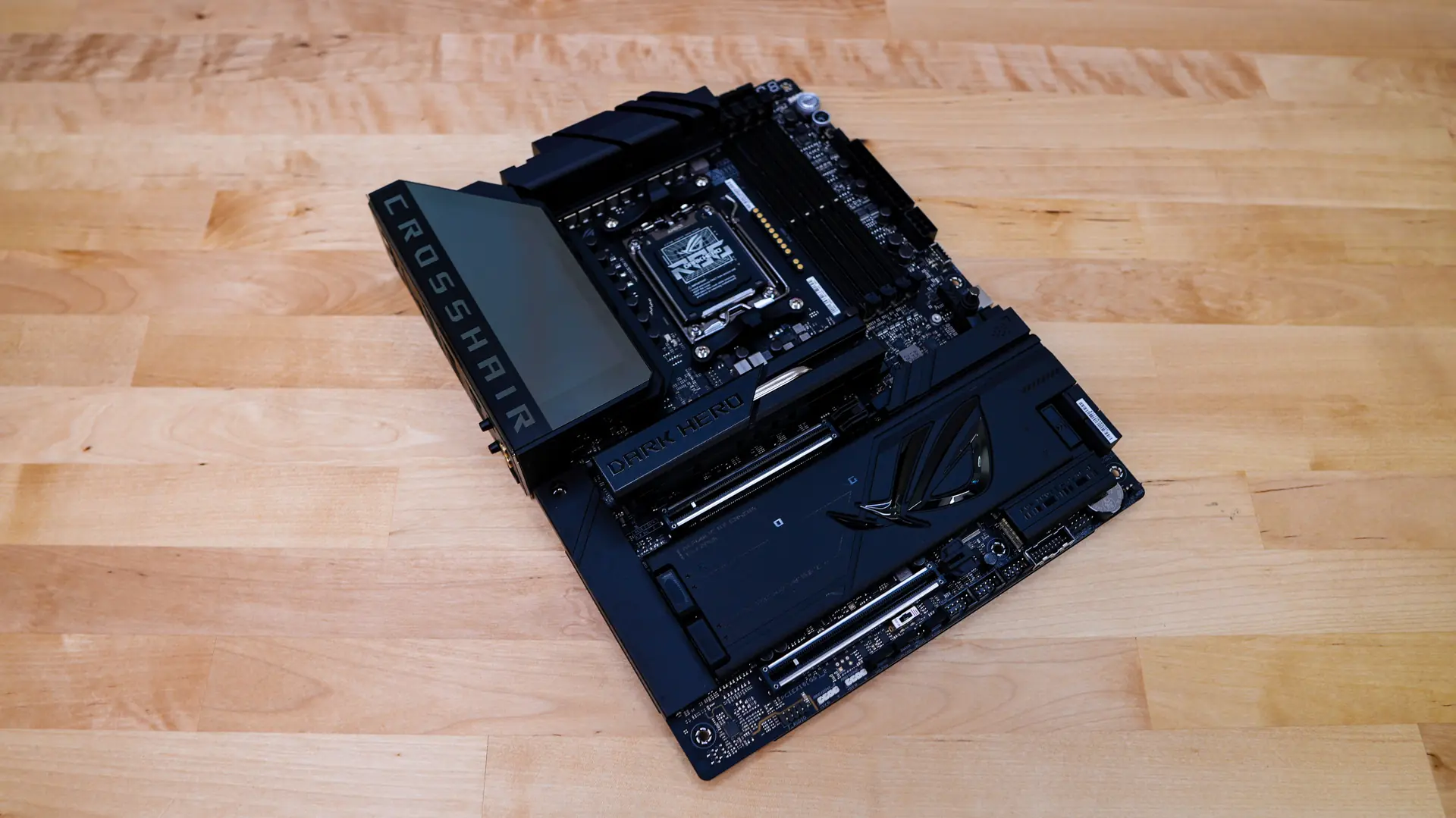
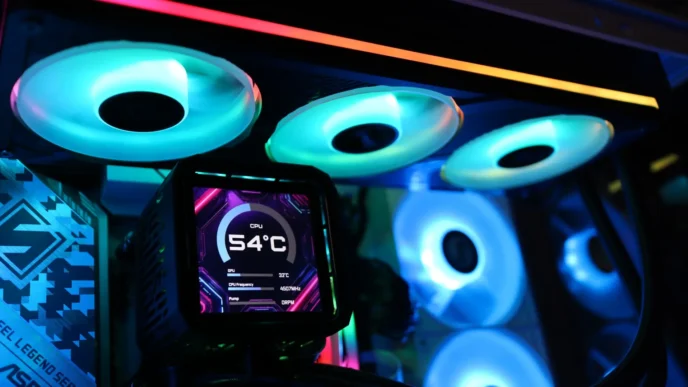
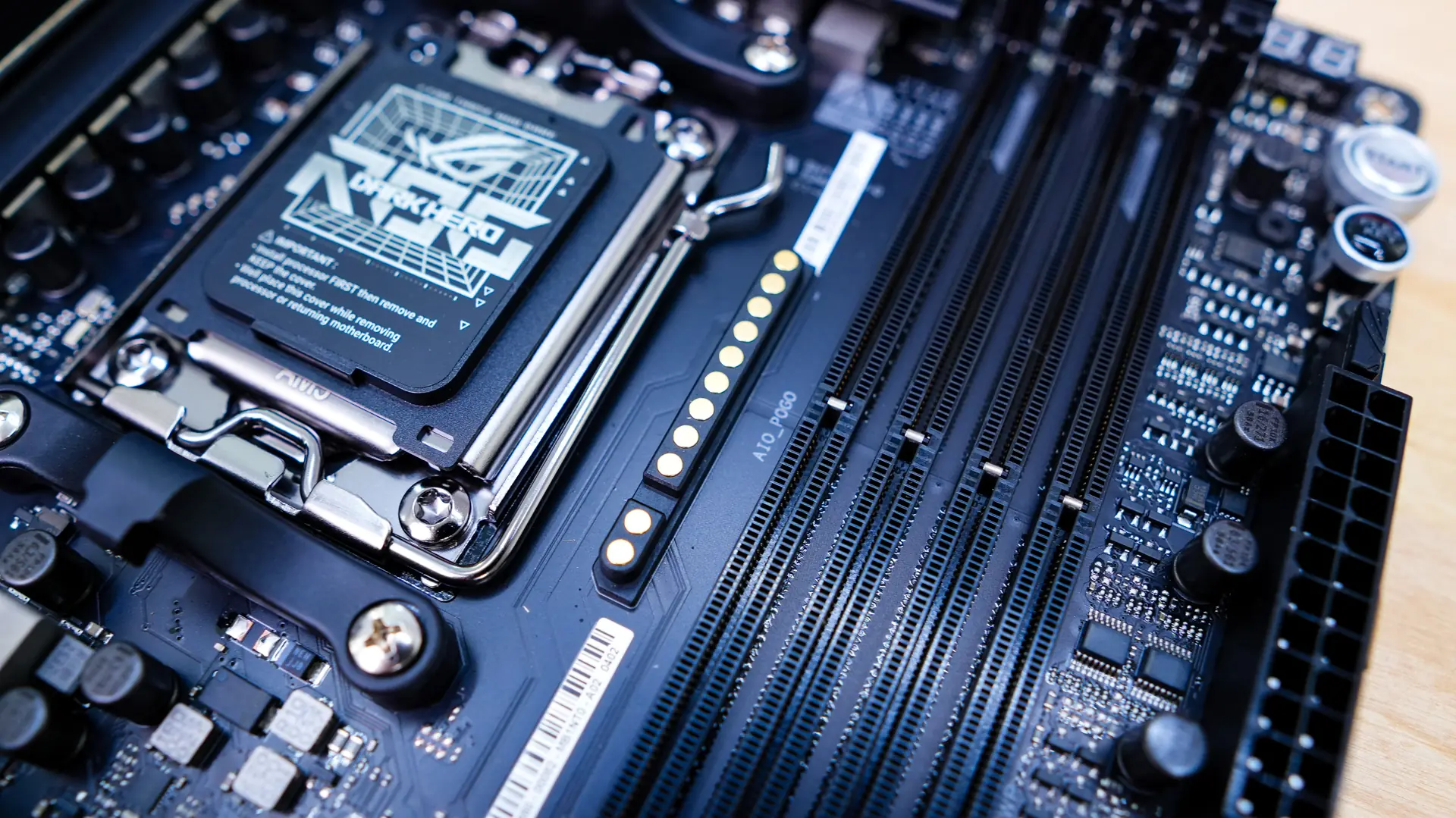
Starting at the CPU socket we have AMD’s AM5 socket. This socket will support AMD’s Ryzen 9000, 8000, and 7000 series processors. Right next to the socket you’ll actually notice a sort of pogo-style connector. This is something you are going to start seeing on new ASUS motherboards and it is their AIO Q-Connector. It will work with new ASUS liquid CPU coolers and essentially eliminates wires coming from the pump-block of the cooler, cleaning up your build even more!
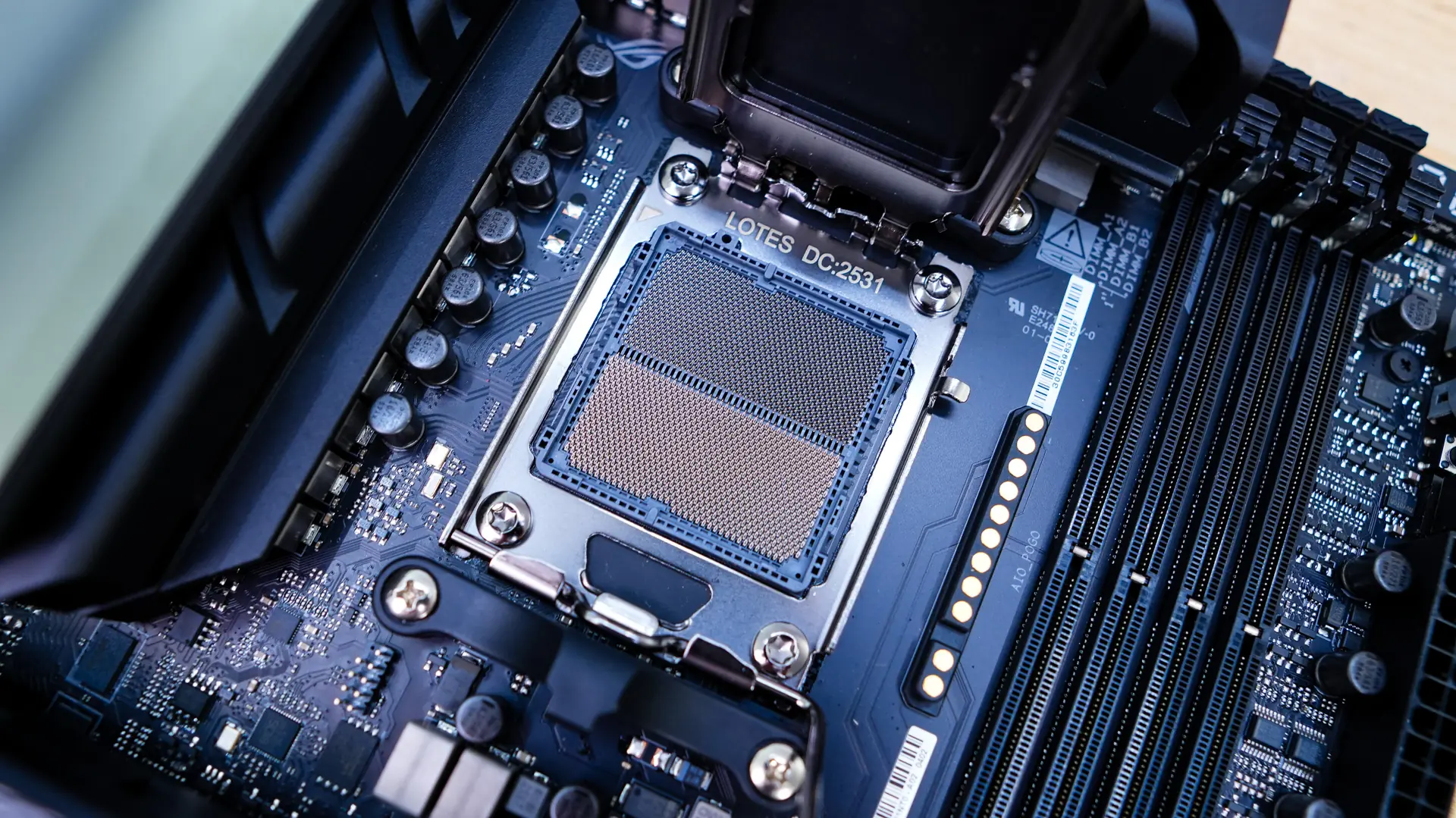
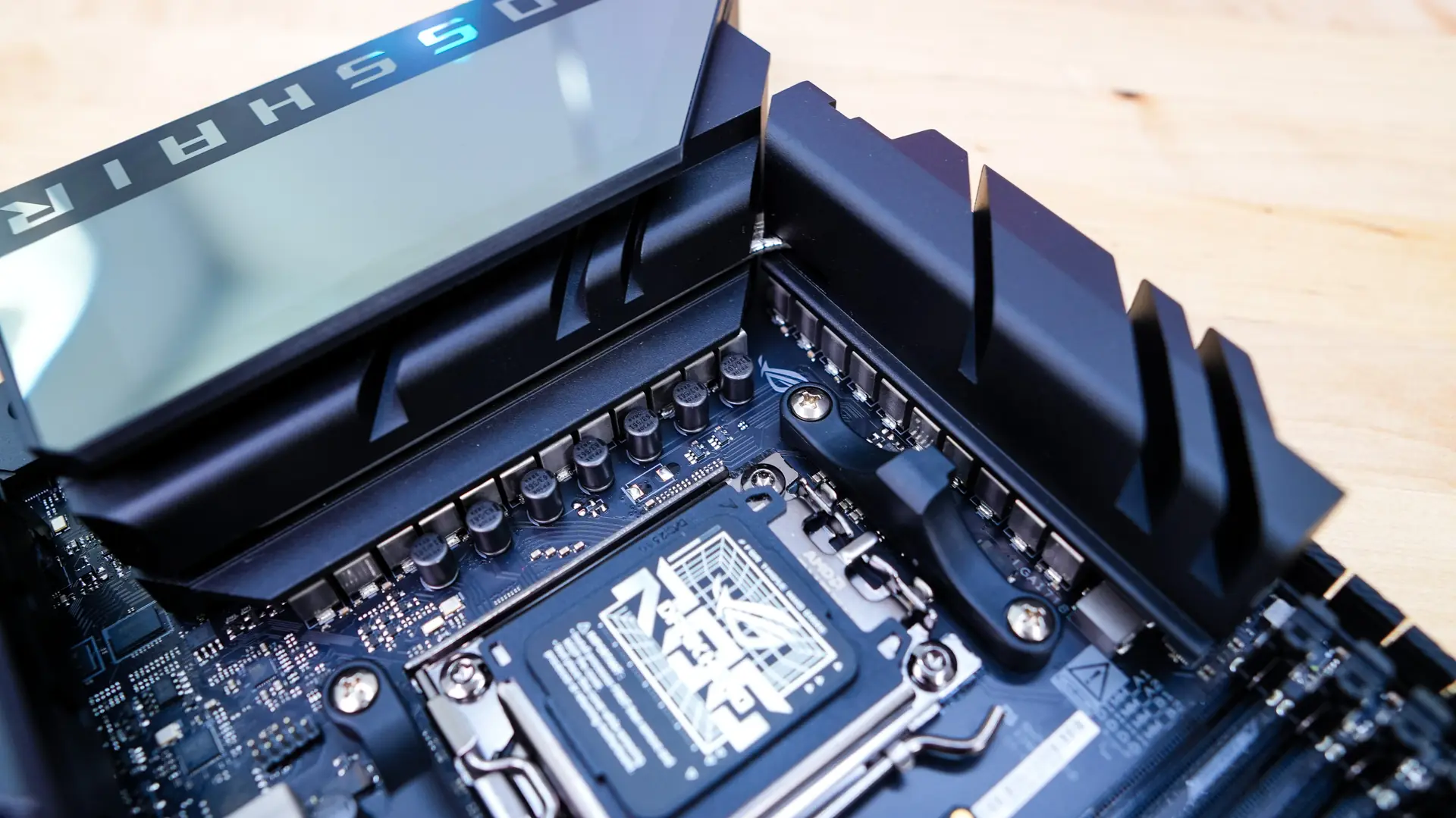
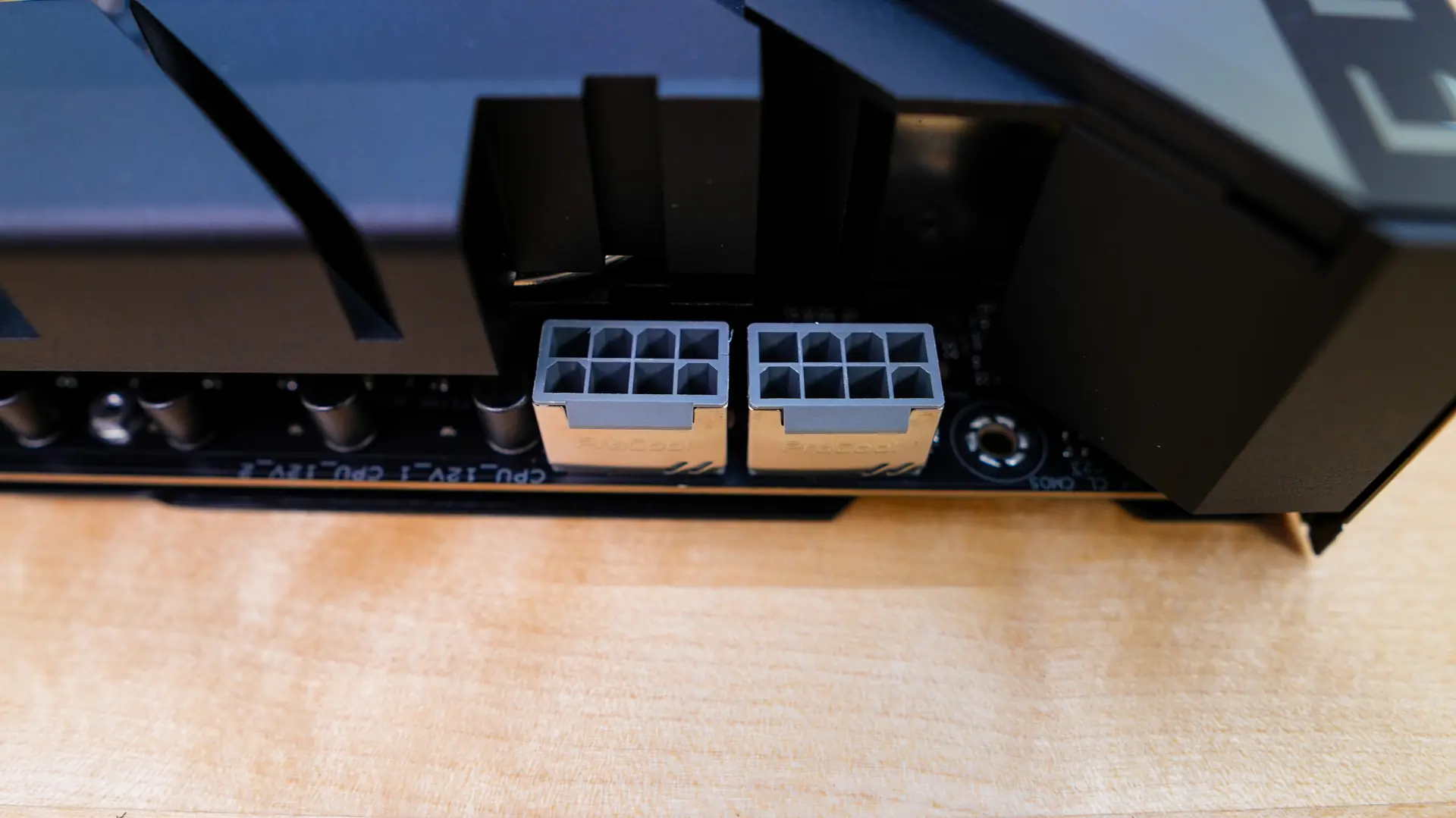
Surrounding the CPU socket you’ll find your power delivery components. ASUS is making use of a 20+2+2 power phase design, with 110A power stages for the CPU and SOC. These power delivery components are covered by two large heatsinks, which are connected by a heatpipe to keep these VRM temperatures in check. The I/O cover actually sits on top of one of the heatsinks and really brings the top half of the board together. The I/O cover has a mirror-link finish on it, but it will light up with lighting when you have your system powered on. In the top corner of the board you’ll find your two 8-pin EPS connectors which are metal-reinforced.
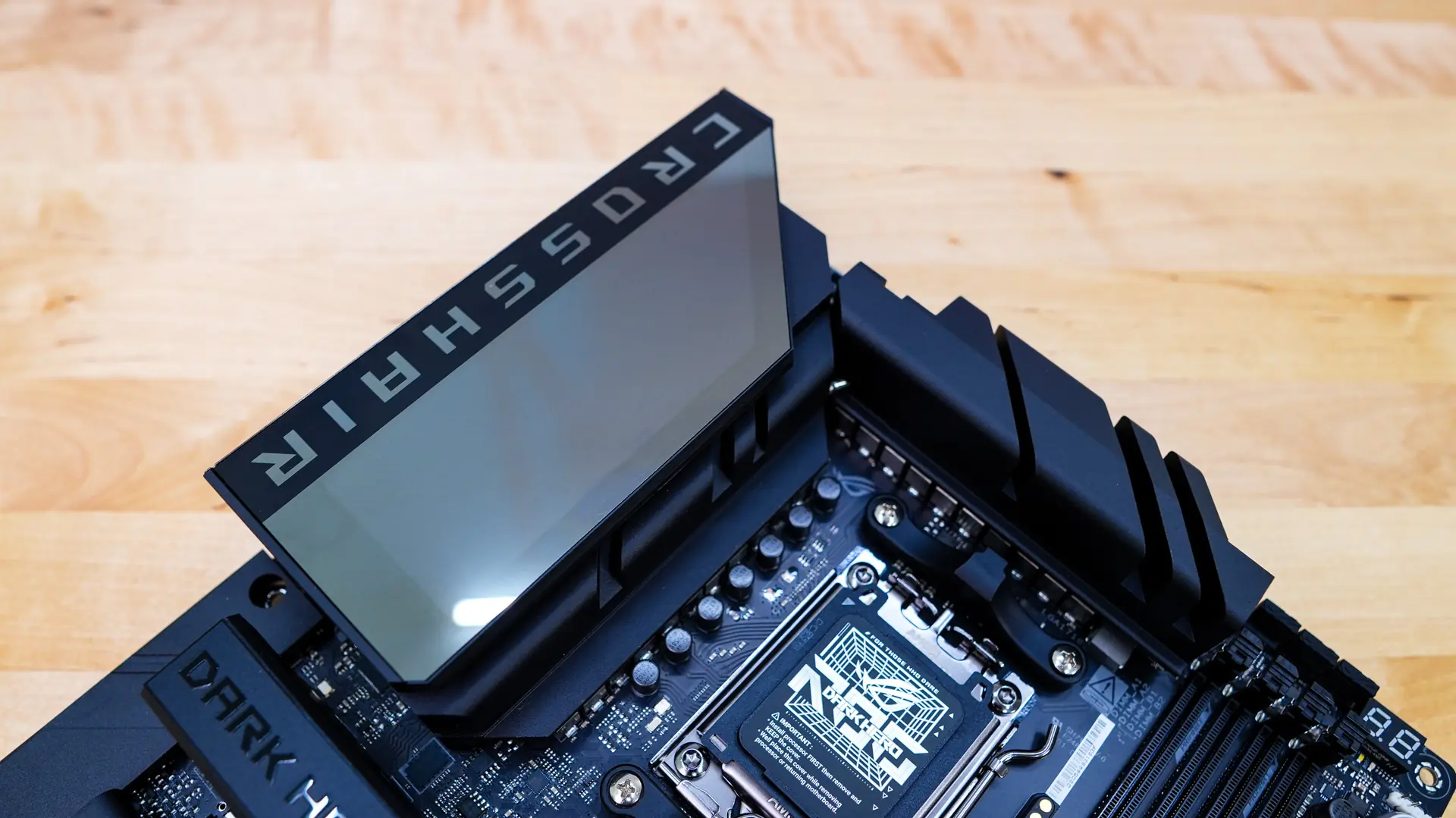
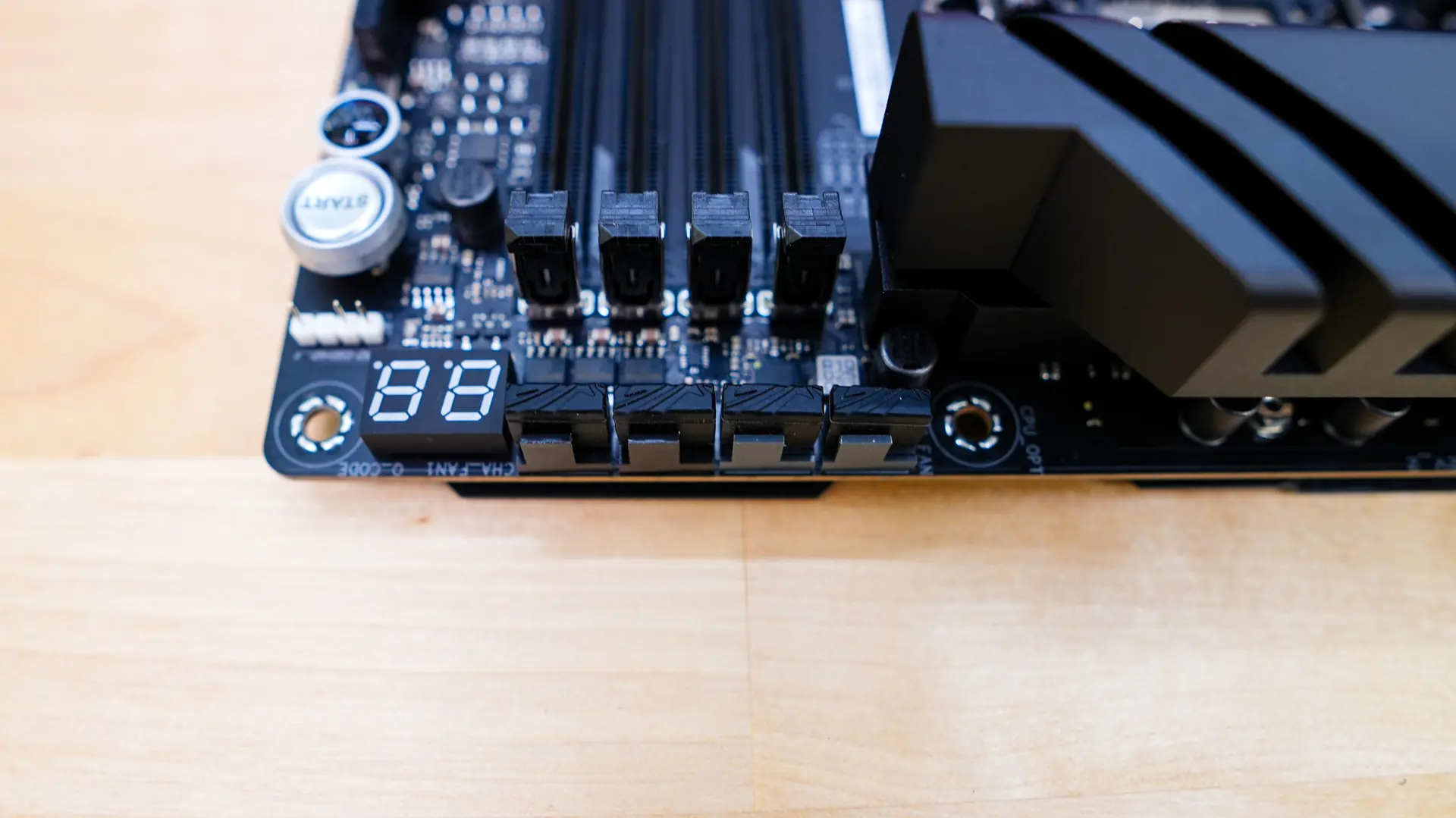
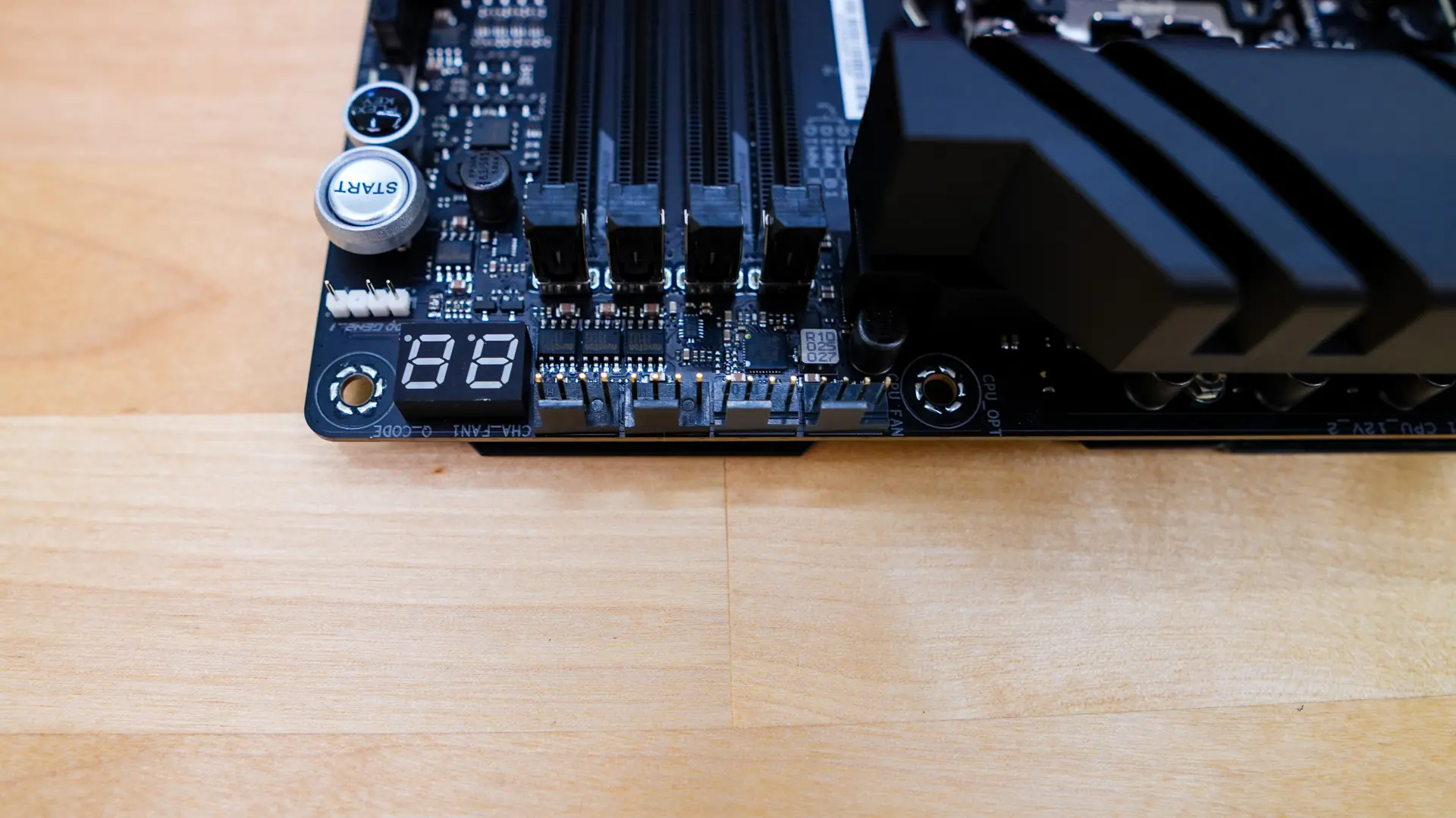
Moving across the top-edge of the board you’ll find four 4-pin headers which do have covers on them. I really like that ASUS has been adding these covers on headers like this as these headers are really easy to accidently bend when you are doing your installation. These headers include your optional CPU fan, CPU fan, AIO pump, and a normal channel fan. Right next to those is going to be your post code display.
As we move to the memory slots we have four DDR5 DIMM slots. These slots will support up to 256GB of DDR5 memory ranging all the way up to 8600 MHz depend on which Ryzen processor you are using. These slots make use of ASUS’s NitroPath DRAM technology. This technology actually completely redesigns the slots so the pins are looped to terminate at the very end, eliminating the resonant excess section of the original design. Internal testing found that the NitroPath DRAM design could lead to significantly increased headroom across multiple configurations.
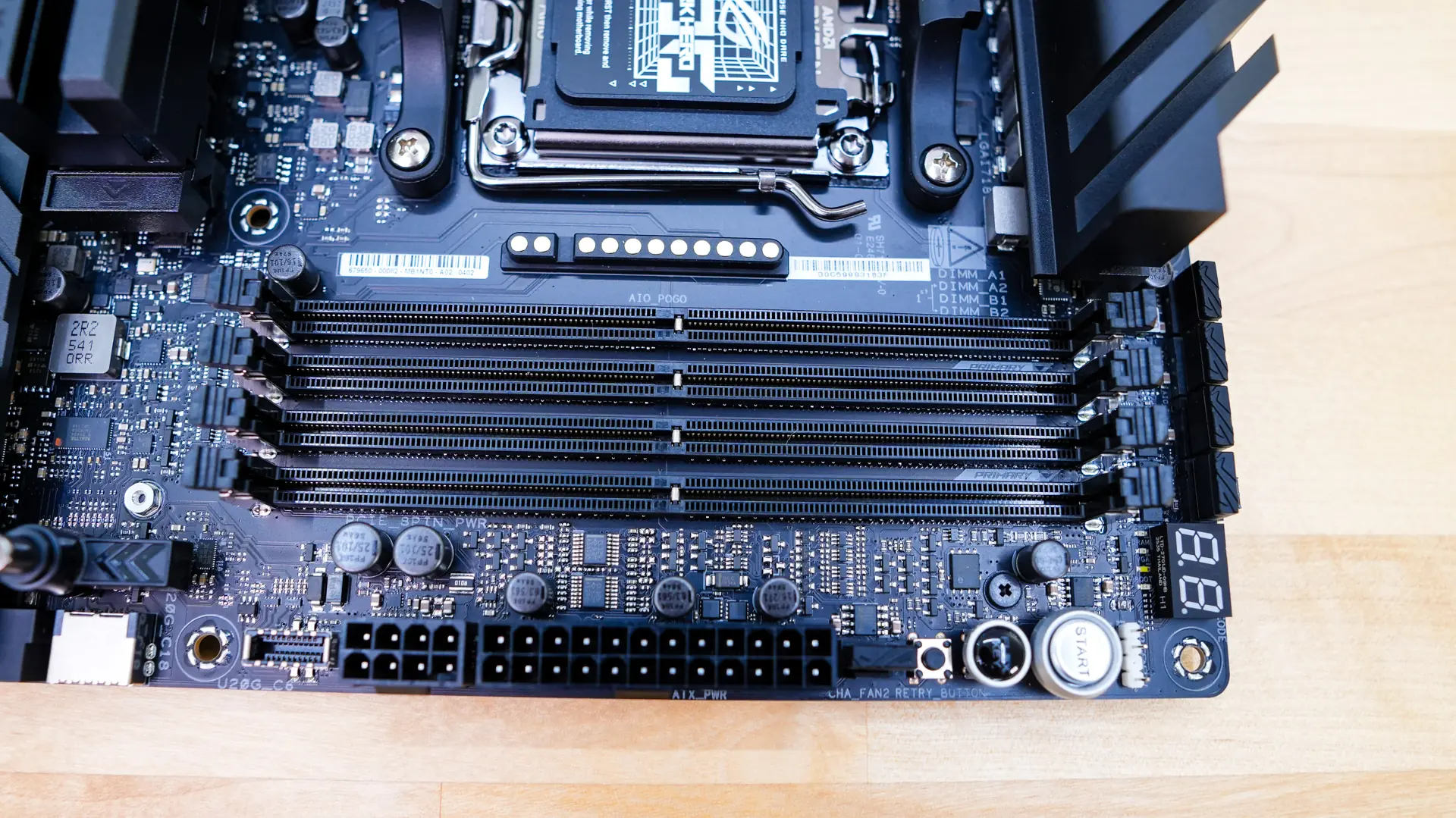
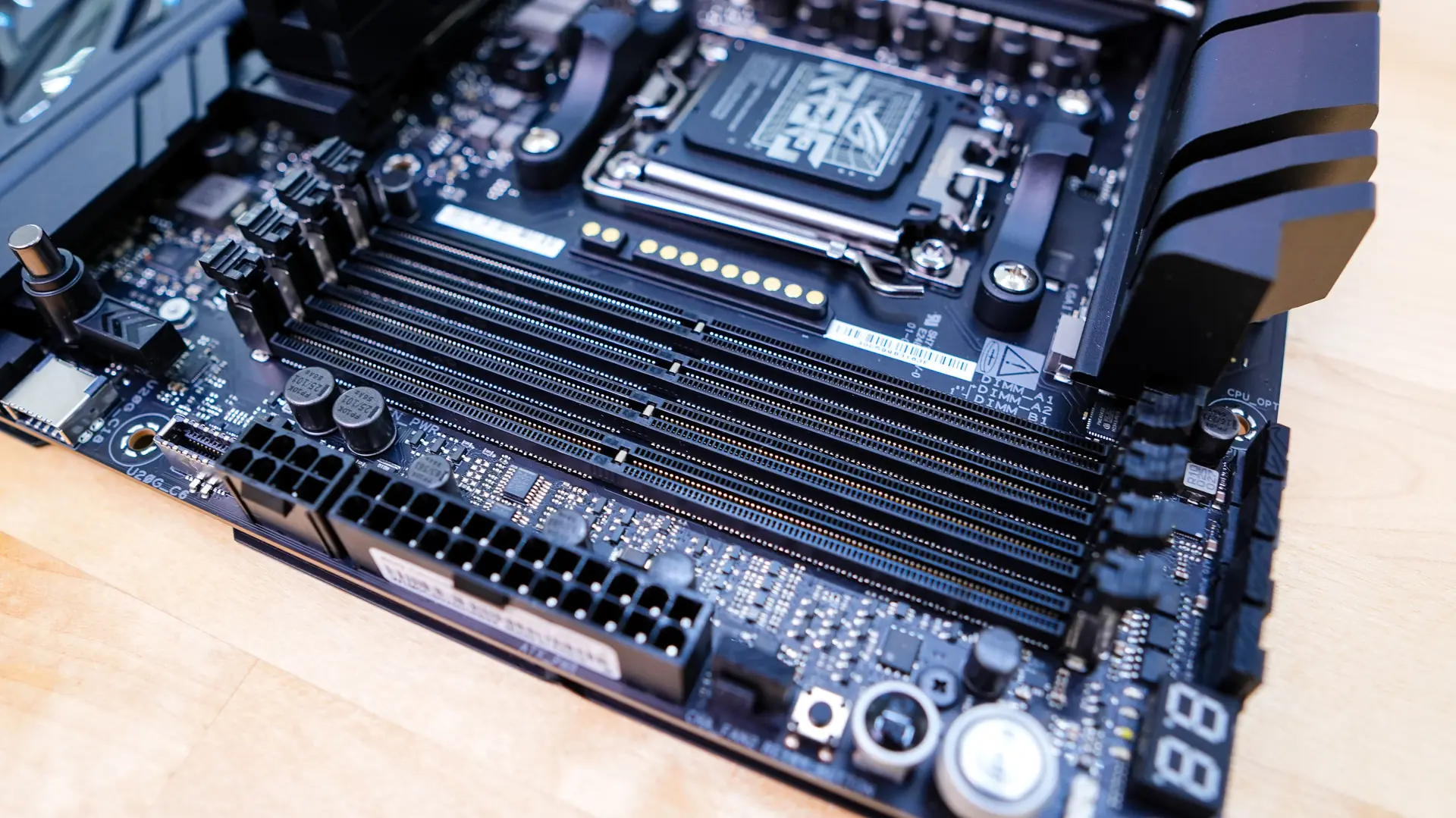
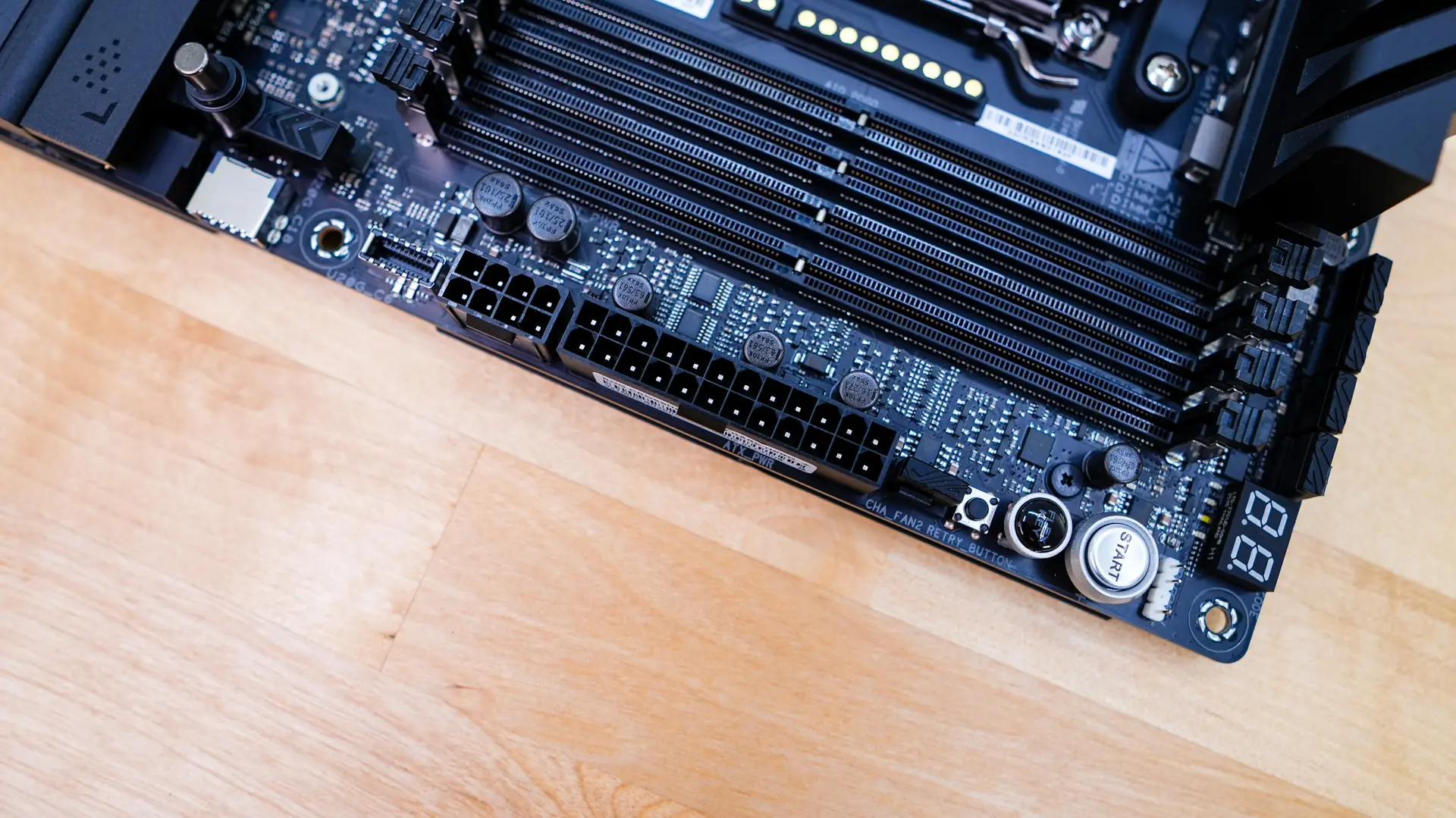
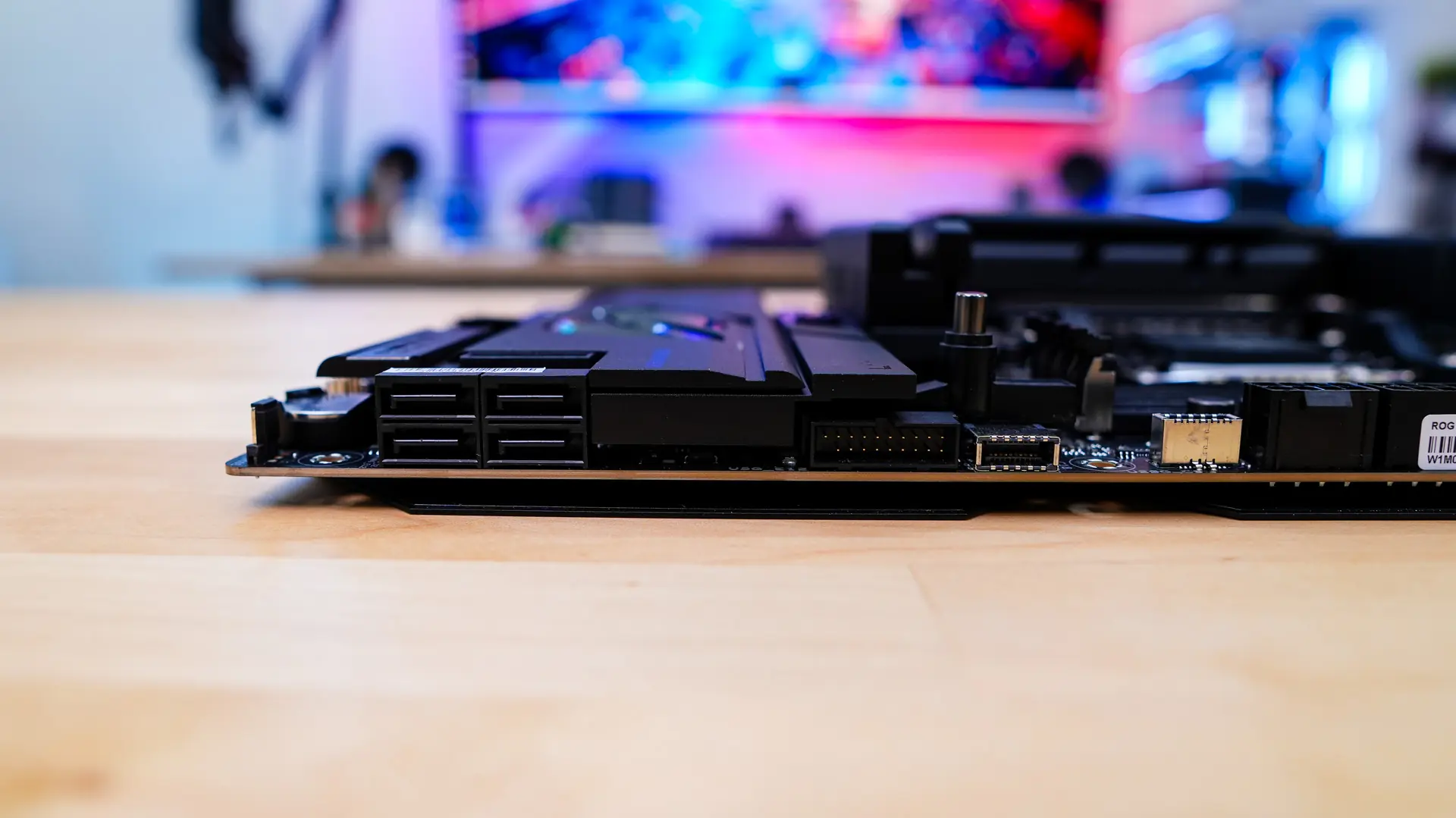
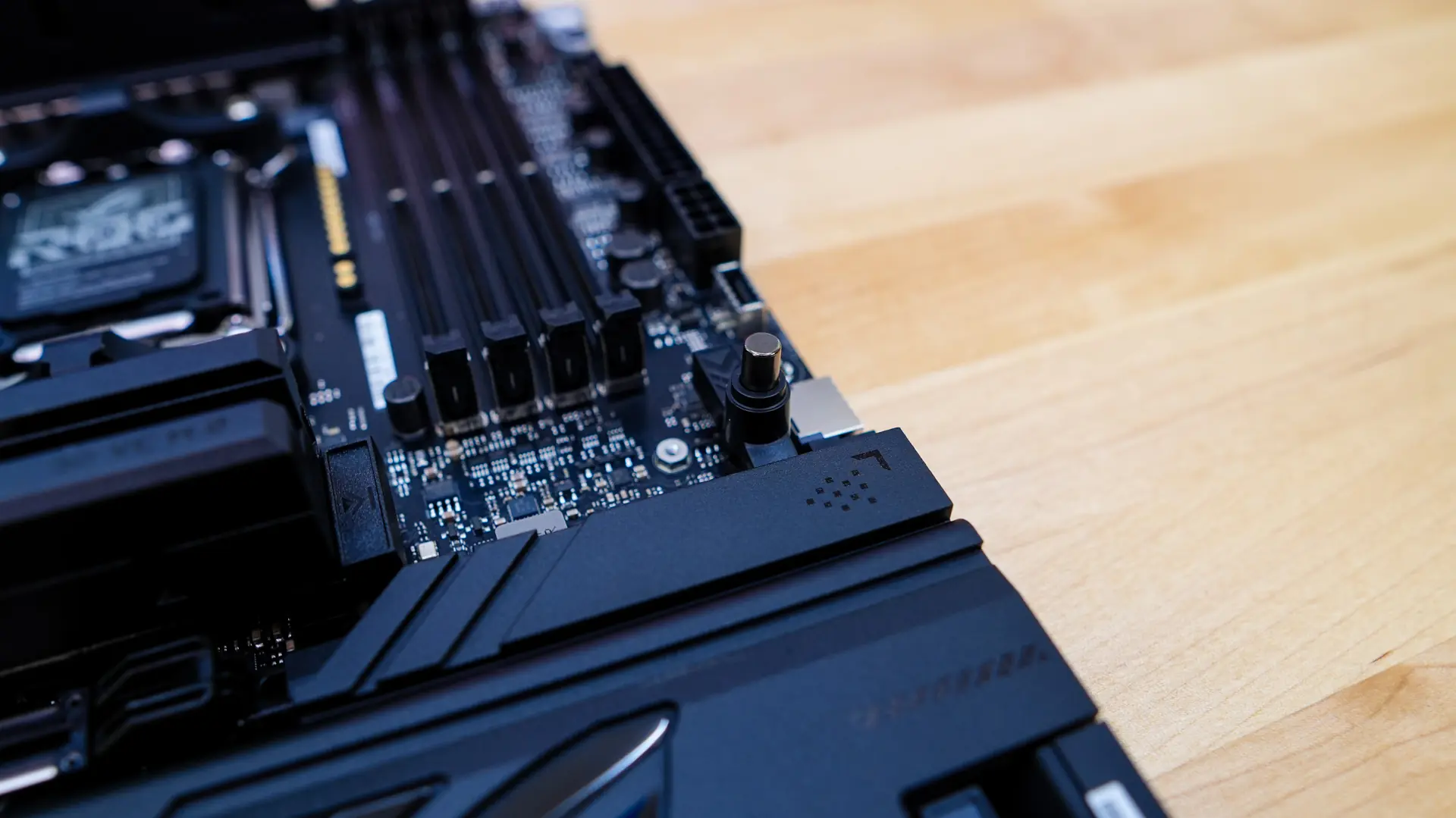
As we come to the edge of the board you’ll find a 3-pin addressable RGB header, start button, Flex key button (programmable), retry button, a 4-pin fan header, 24-pin ATX power connection, 8-pin power connection, a USB 3.2 gen 2×2 header (supports QC4.0), another USB 3.2 gen 2×2 header (at a 90-degree angle), a USB 3.2 gen 1 header, and four SATA ports.
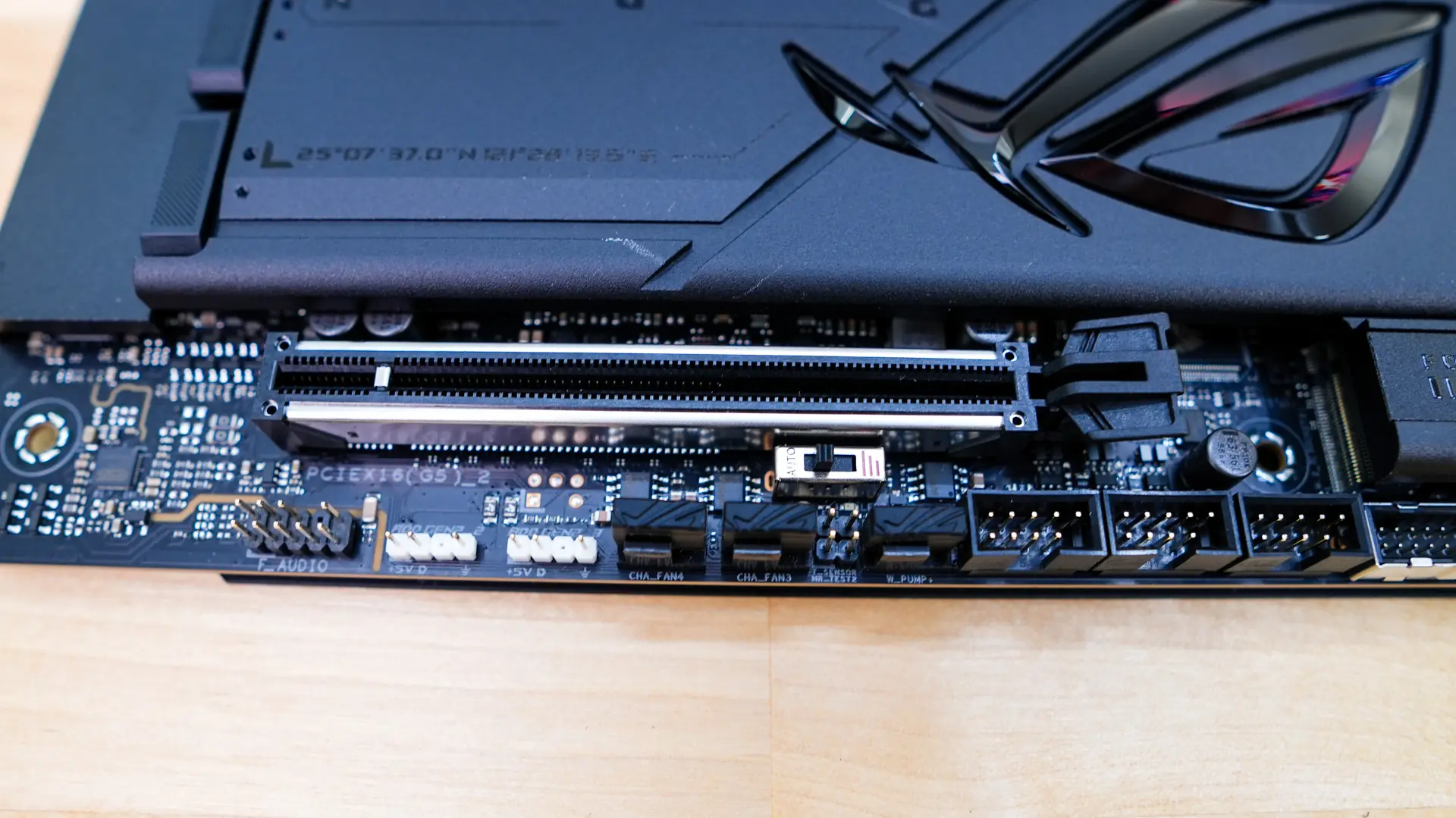
As we come to the bottom of the board you’ll find the rest of your headers and connections. From left to right you have your HD audio header, two 3-pin addressable RGB headers, two 4-pin fan headers, a water pump header, three USB 2.0 headers, a USB 3.2 gen 1 header, front panel headers, and a LN2 mode header.
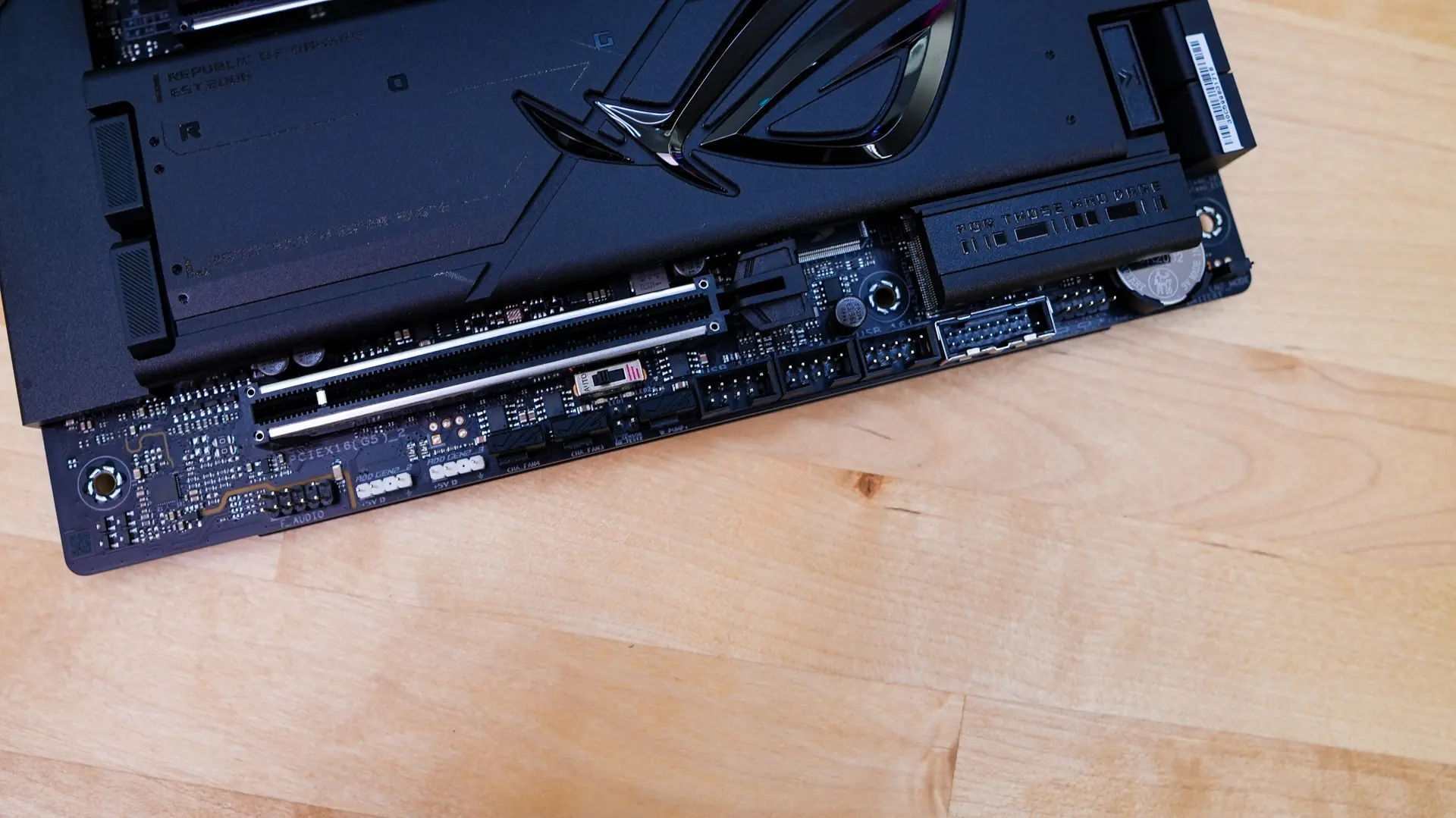
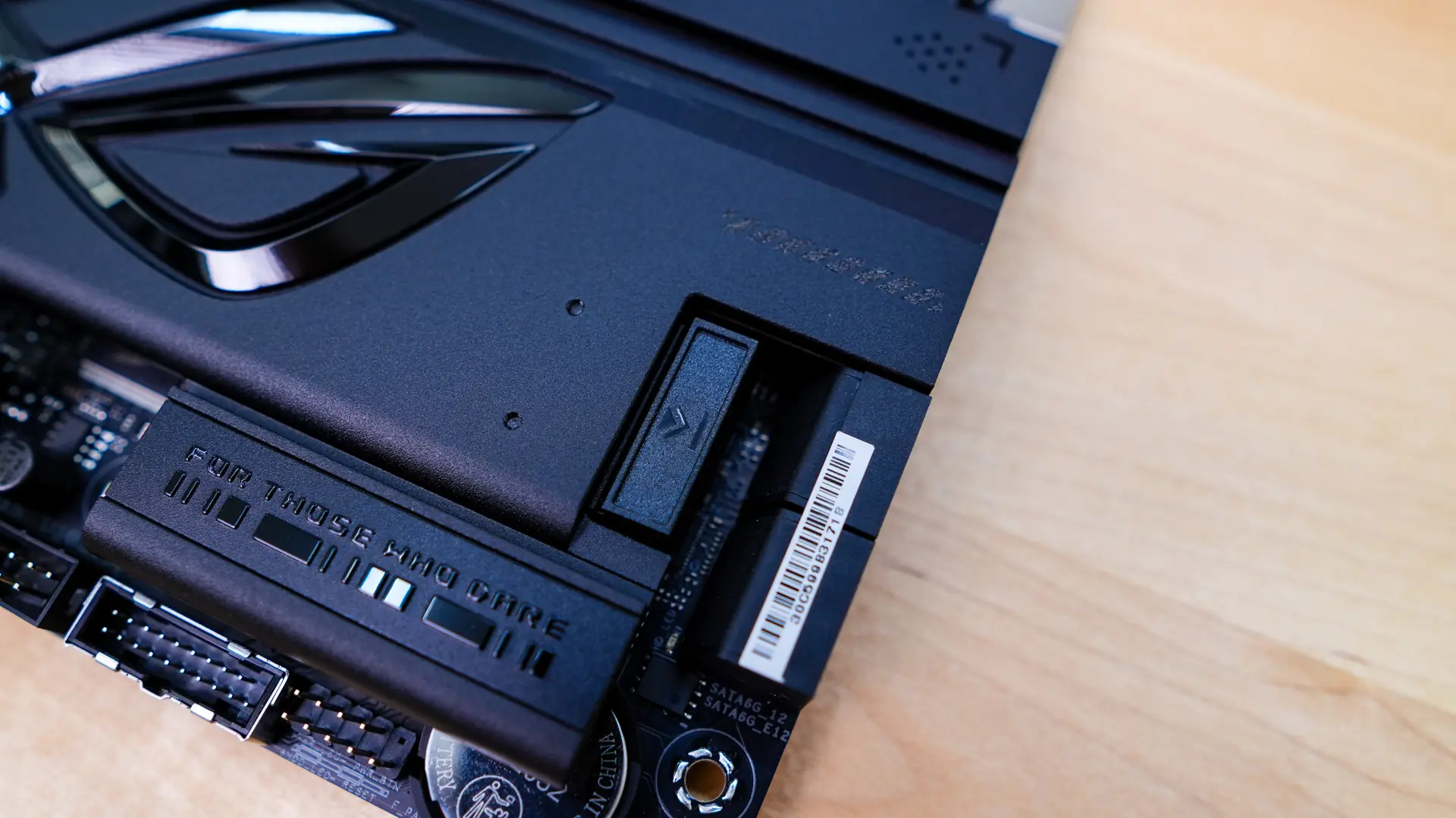
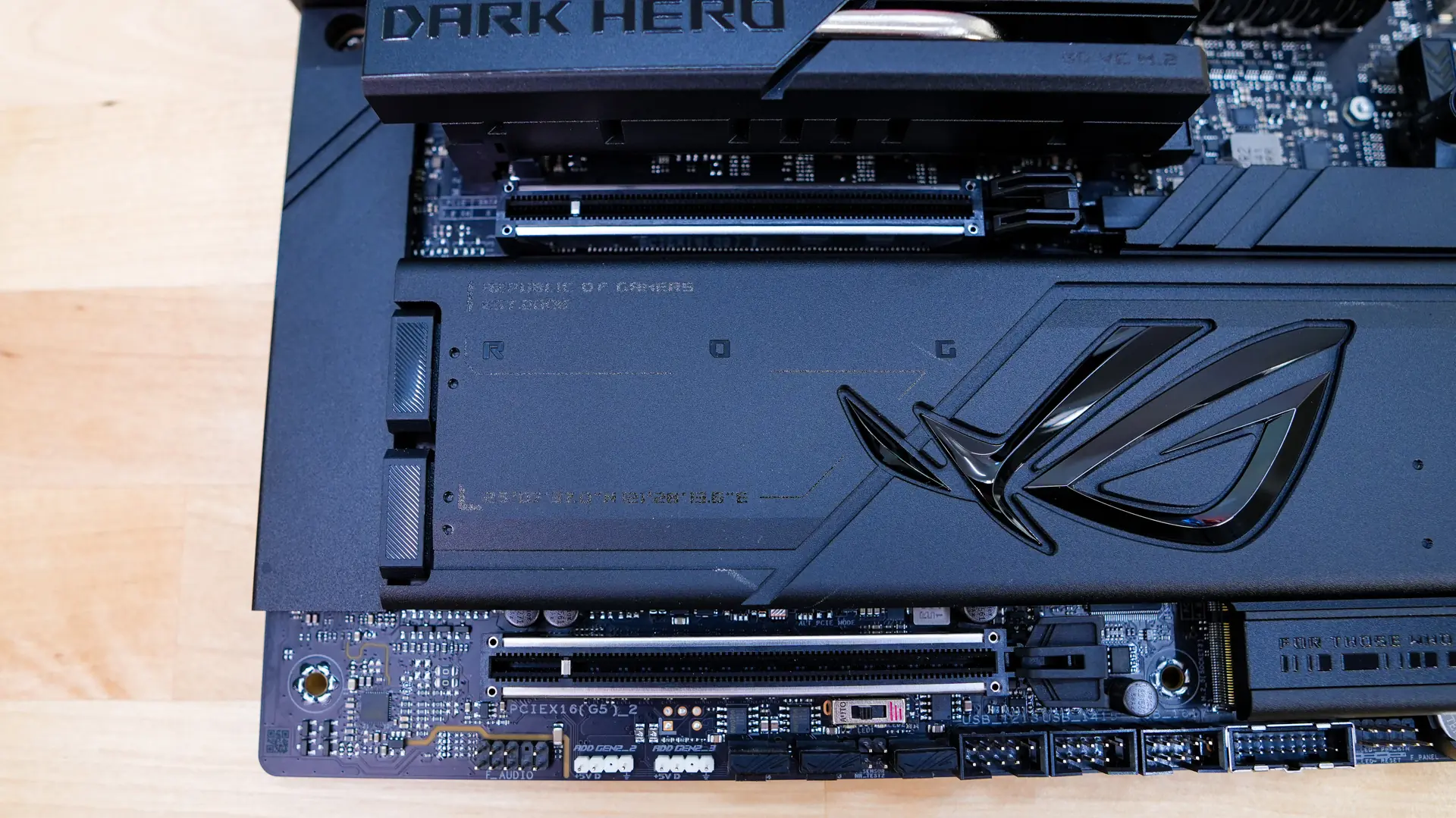
The bottom half of the board is of course mainly made up of heatsinks, one of which has a large ROG logo on it. The smaller heatsink is actually thicker and makes use of a 3D vapor chamber to cool off those Gen5 drives. It makes use of ASUS’s M.2 Q-Release which is simply a button that will release the heatsink. Under the heatsink we find a PCI-Express 5.0 x4 slot which can support drives up to 110mm in length. This slot makes use of the M.2 Q-Slide which you simply slide in place to lock down your drive.
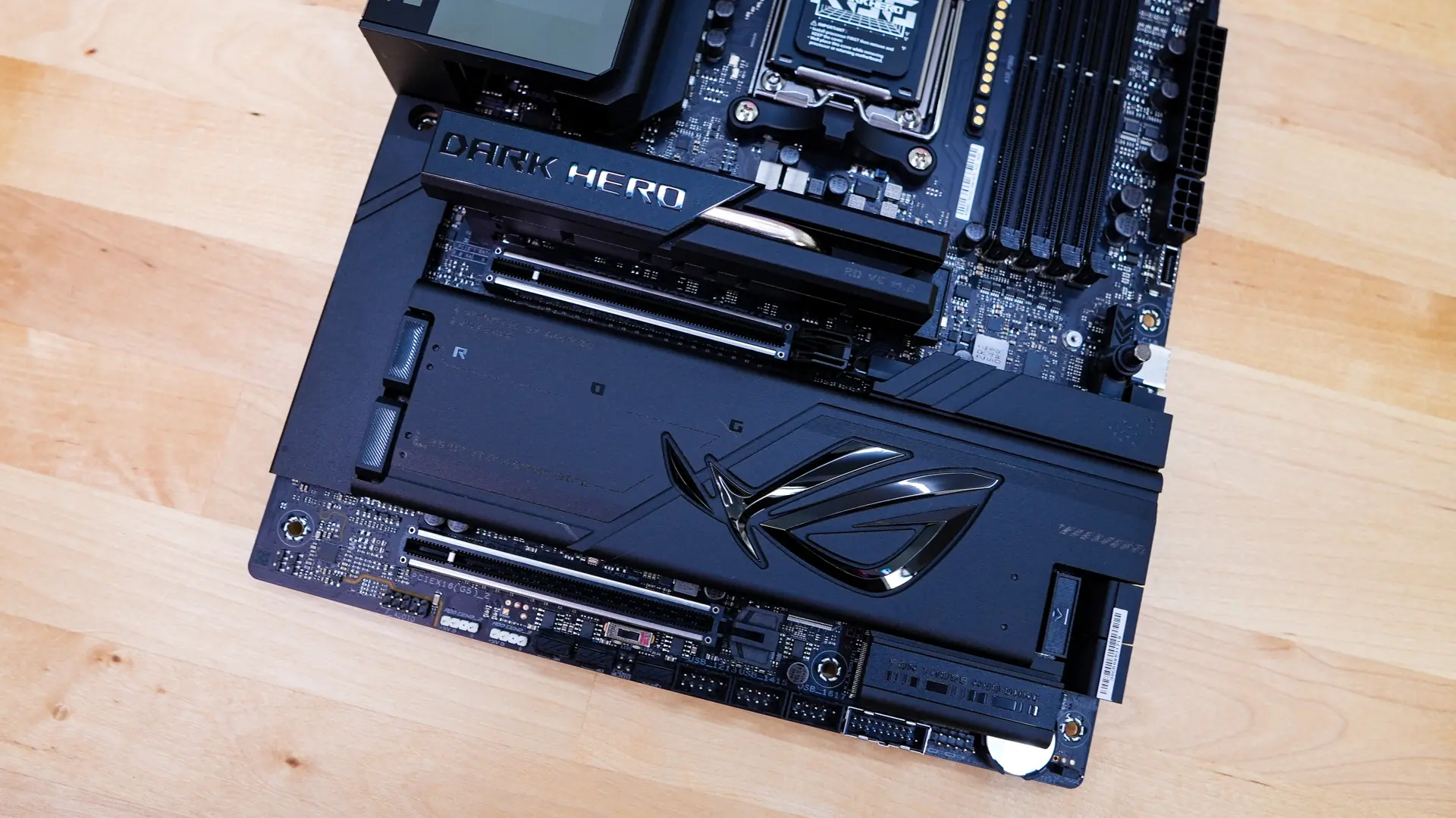
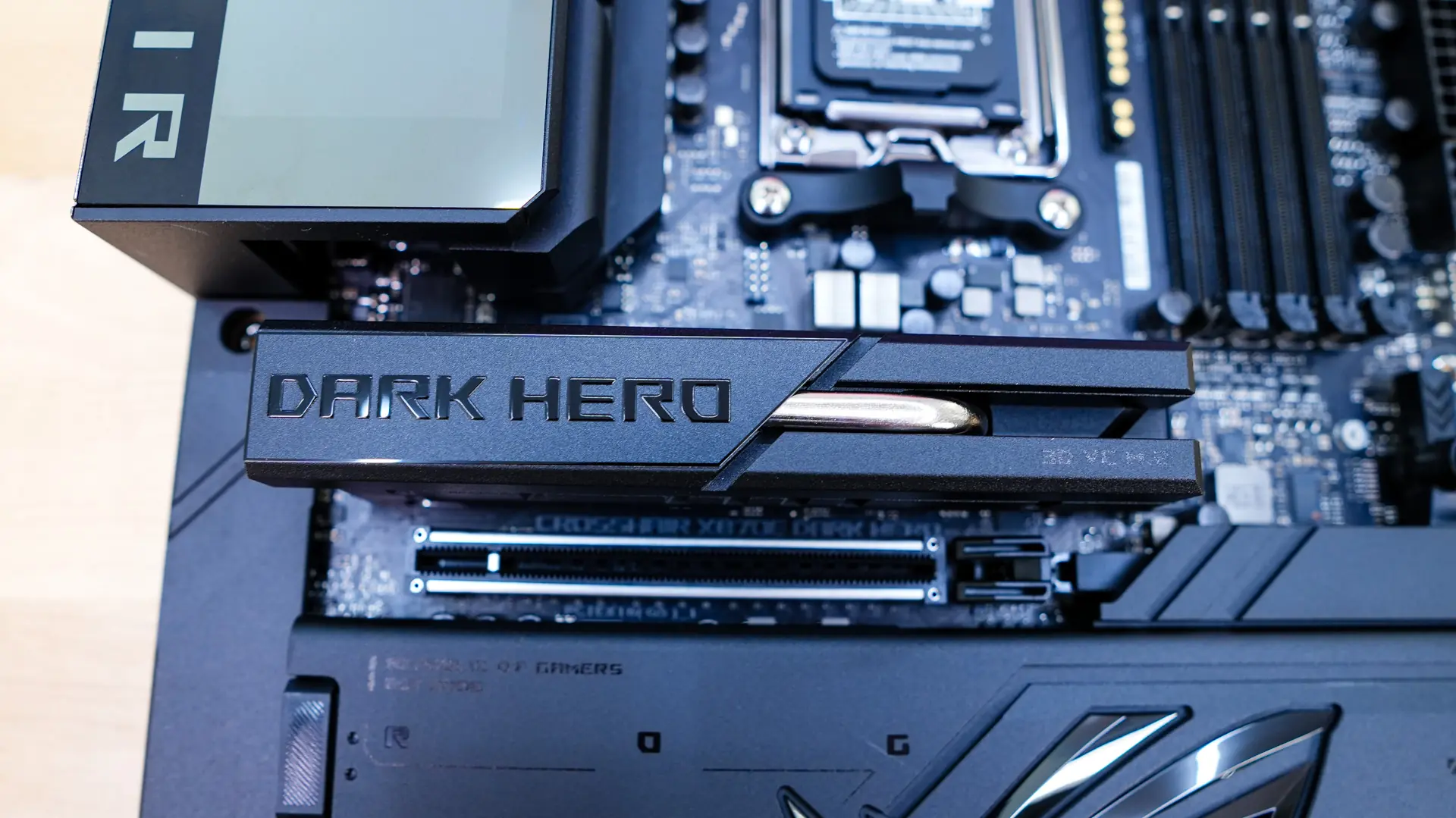
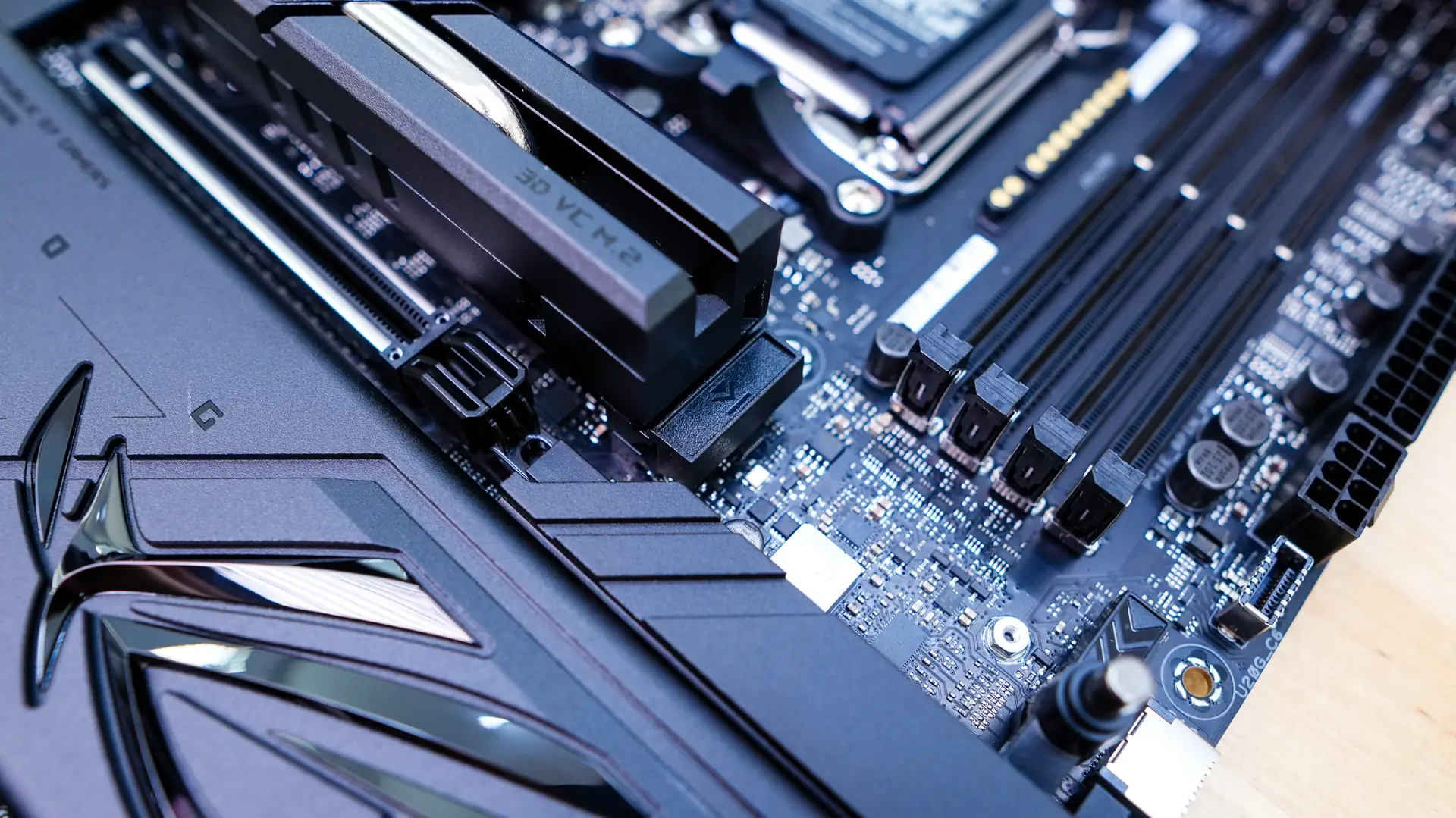
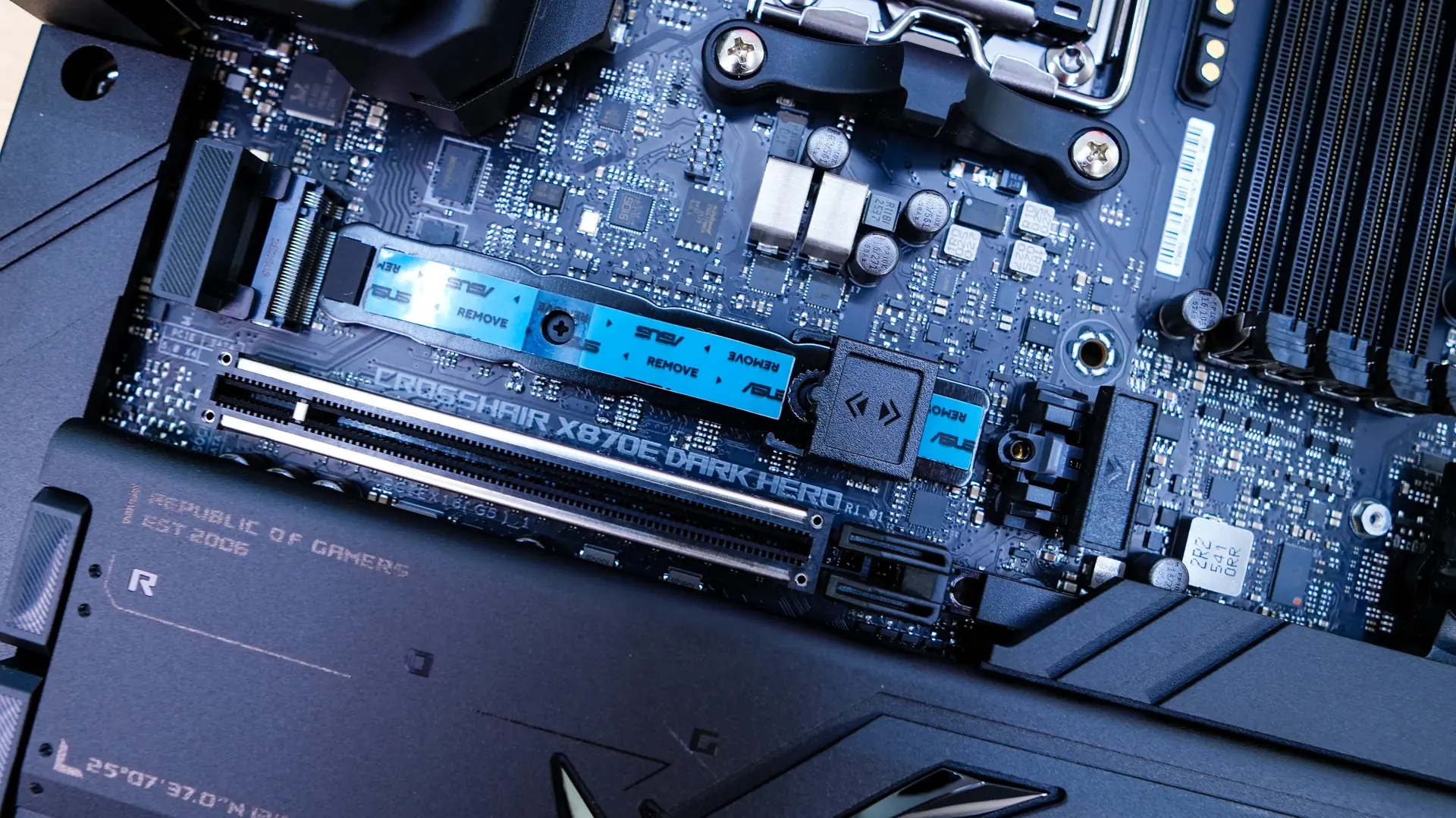
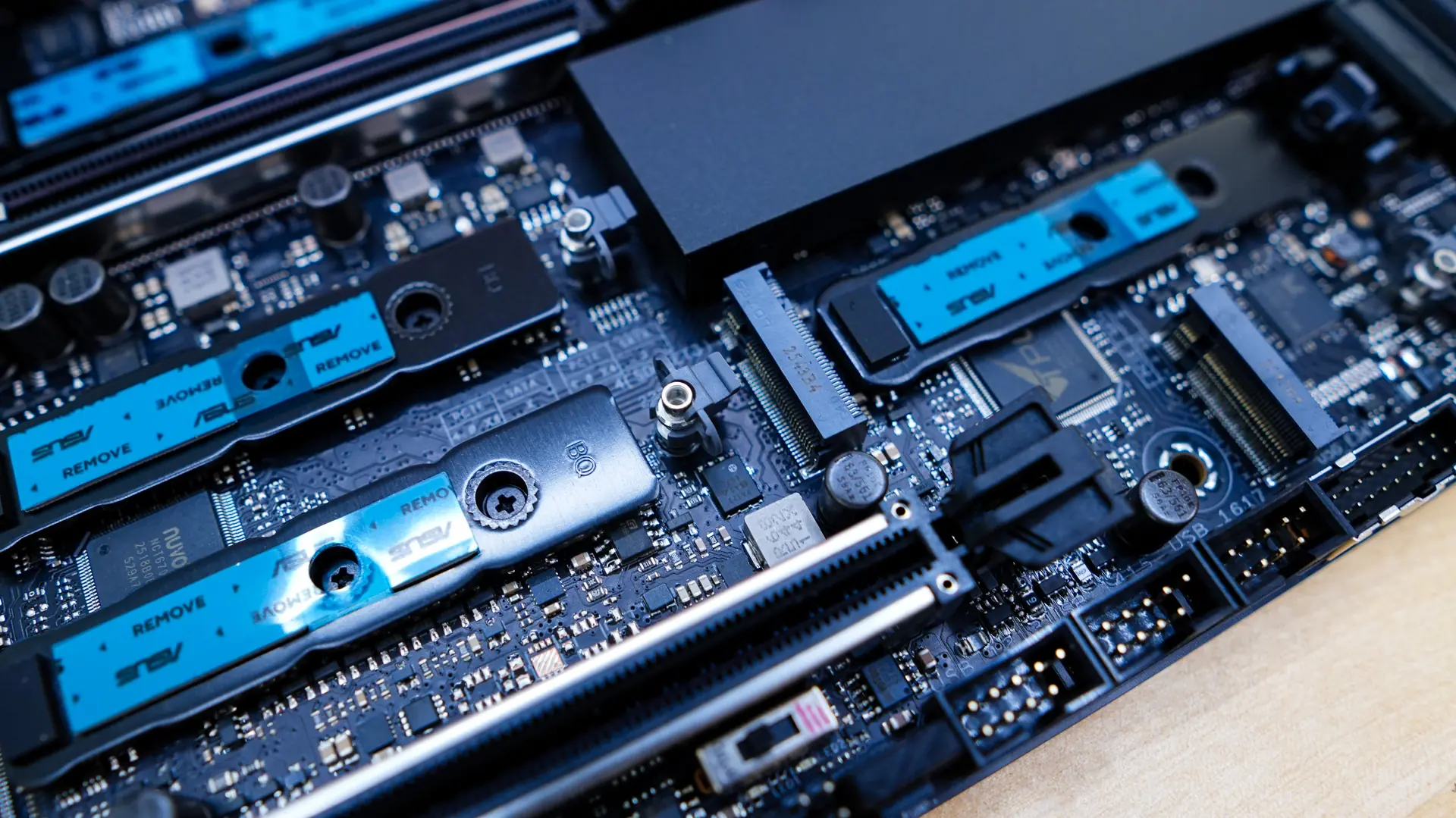
The second heatsink also has the M.2 Q-Release. One we remove this heatsink we find four more M.2 slots. The M.2_2 slot is PCI-Express 5.0 x4, while the remaining two full-size slots are PCI-Express 4.0 x4, with the smallest slot (only supports 2230) M.2_5 is only being PCI-Express 4.0 x2. Keep in mind that the USB 40Gbps Type-C ports on the back panel and M.2_2 slot share PCIe 5.0 x4 bandwidth. Both run at PCIe 5.0 x2 when a device is installed in the M2_2 slot. You can switch M2_2 to PCIe 5.0 x4 in the BIOS, but this will disable the USB 40Gbps Type-C ports. All four of these M.2 slots make use of the M.2 Q-Latch which is a small little latch which will lock down your drives.
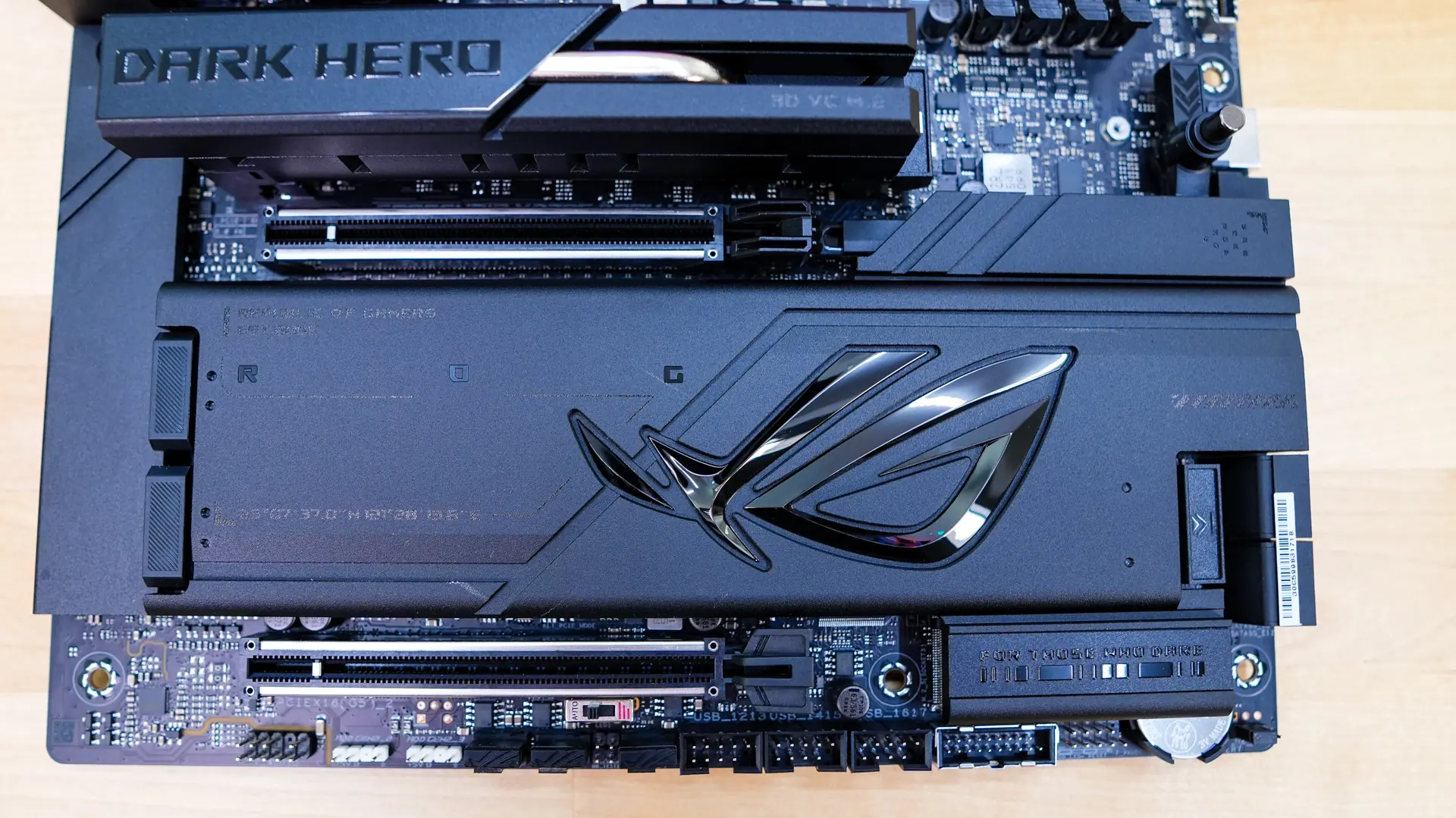
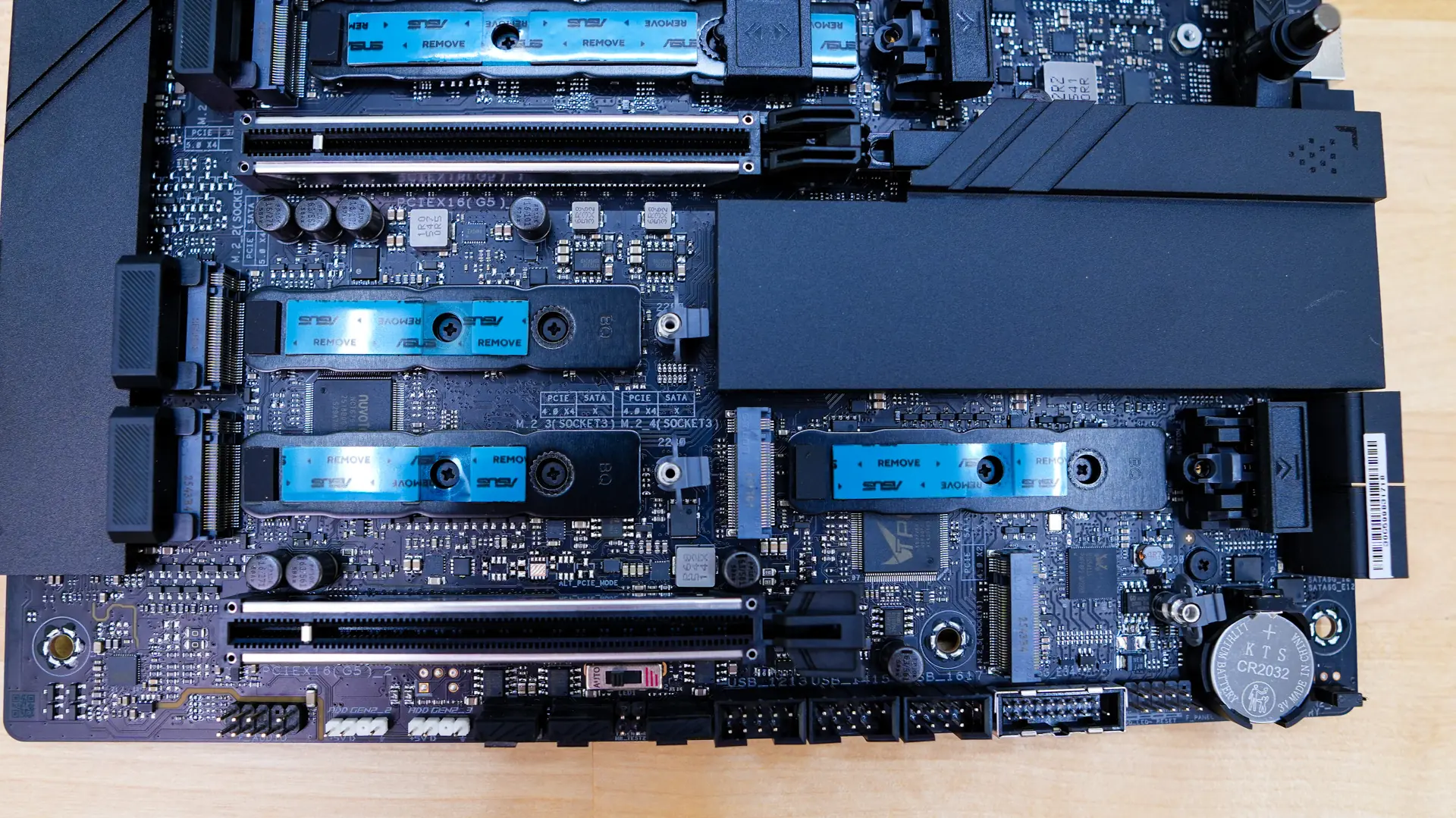
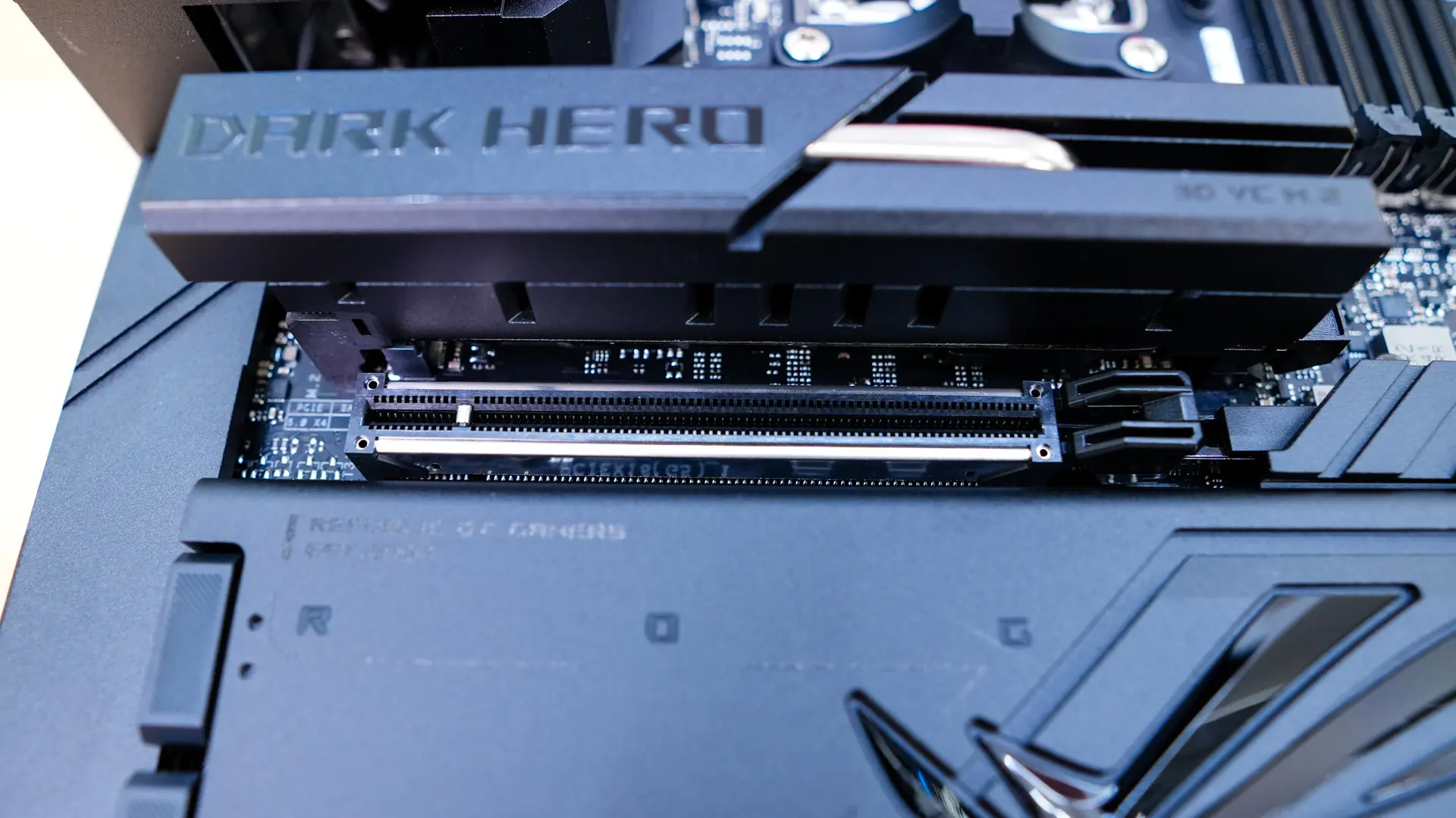
When it comes to expansion slots there are two PCI-Express 5.0 x16 slots (x8/x8 when you have two cards installed). These slots are metal reinforced and the top slot has the new PCIe Slot Q-Release which is a button on the board which will release the slot quite easily so you can remove your card.
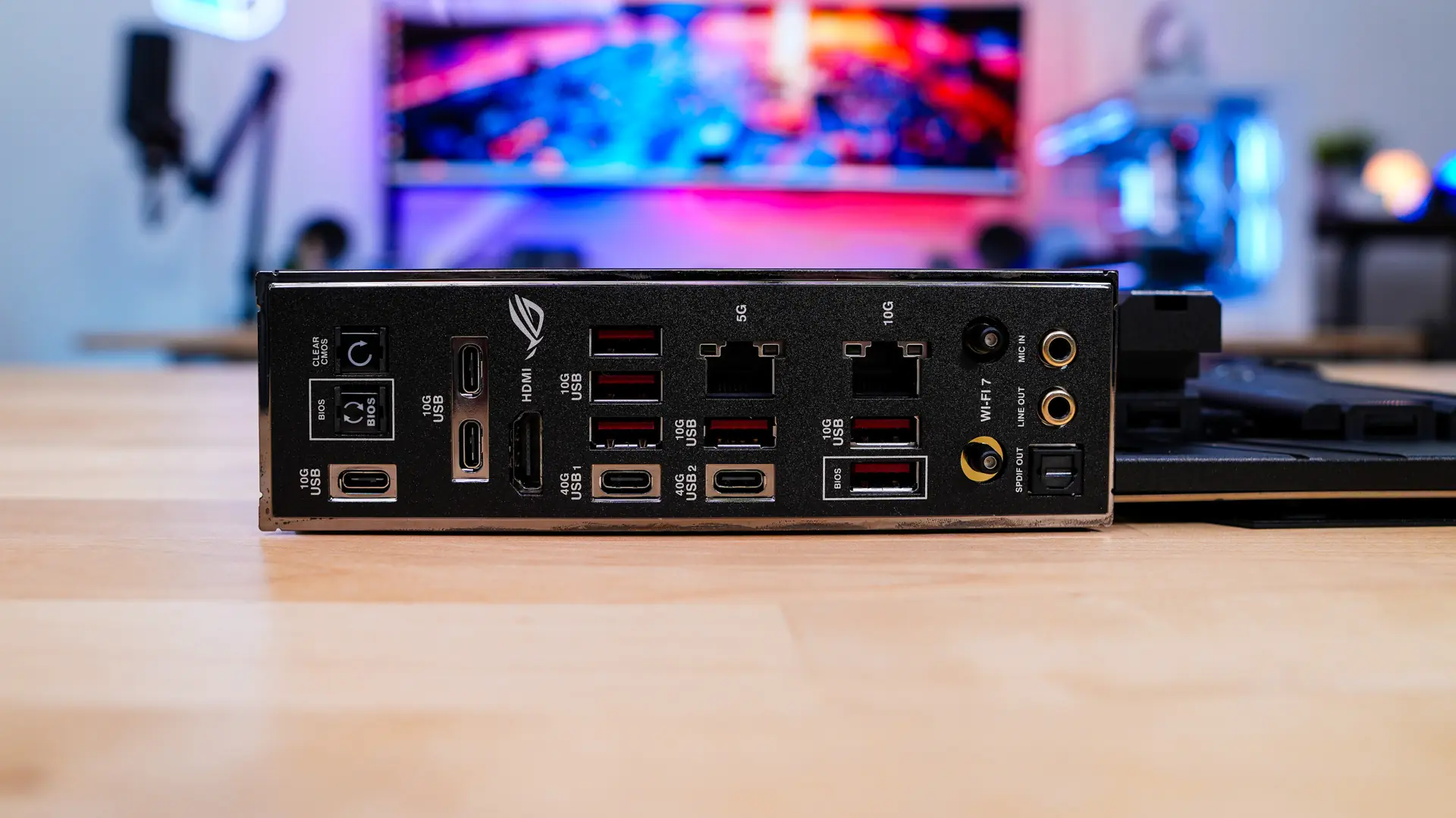
Looking at the rear I/O we of course have a built-in I/O shield. When it comes to buttons and connections you’ll find a clear CMOS button, BIOS flashback button, three USB 3.2 gen 1 Type-C ports, HDMI, two USB4 Type-C ports, six USB 3.2 gen 2 ports, 5G ethernet, 10G ethernet, WiFi 7 antenna connectors, and your audio connections.
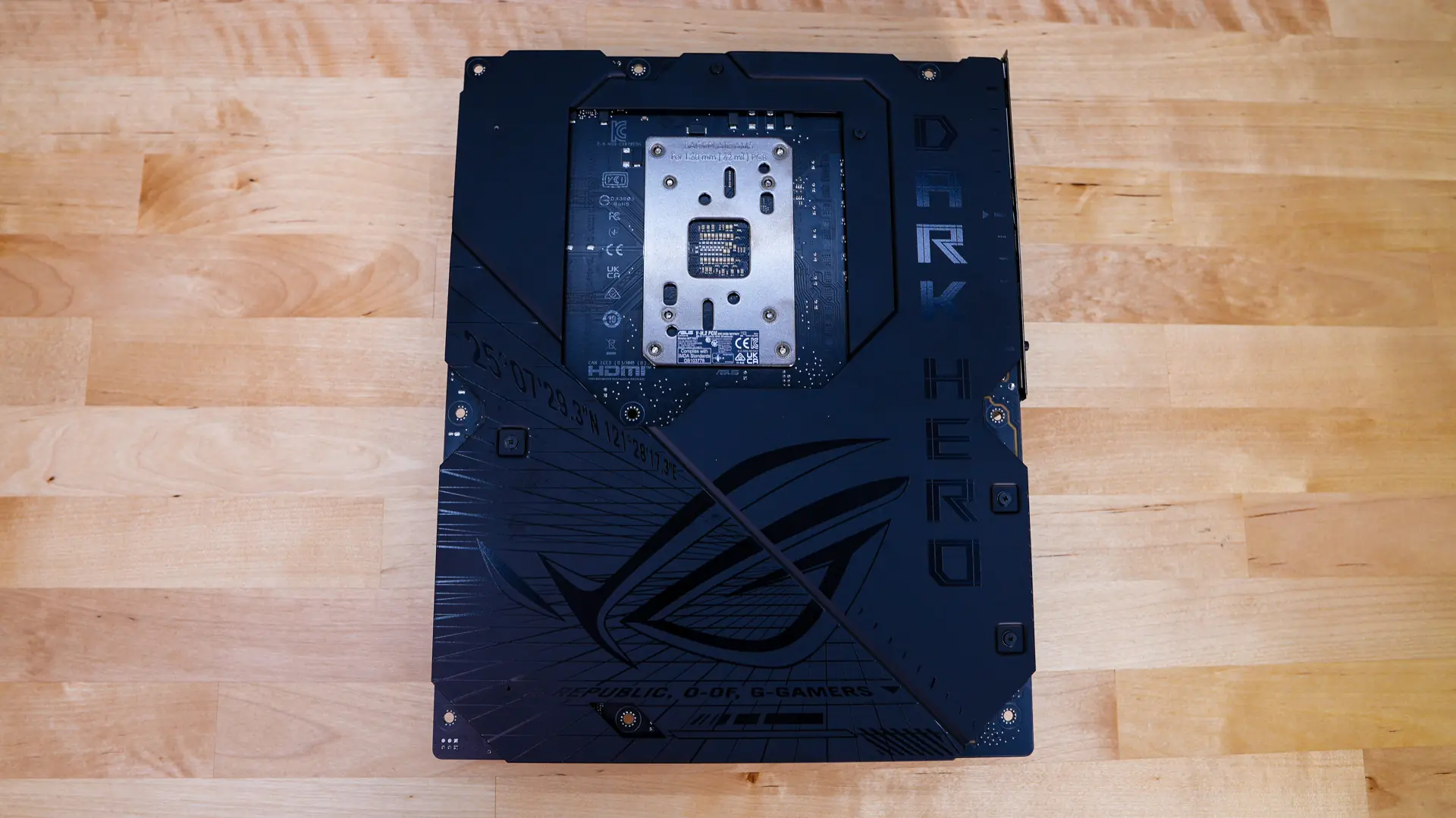
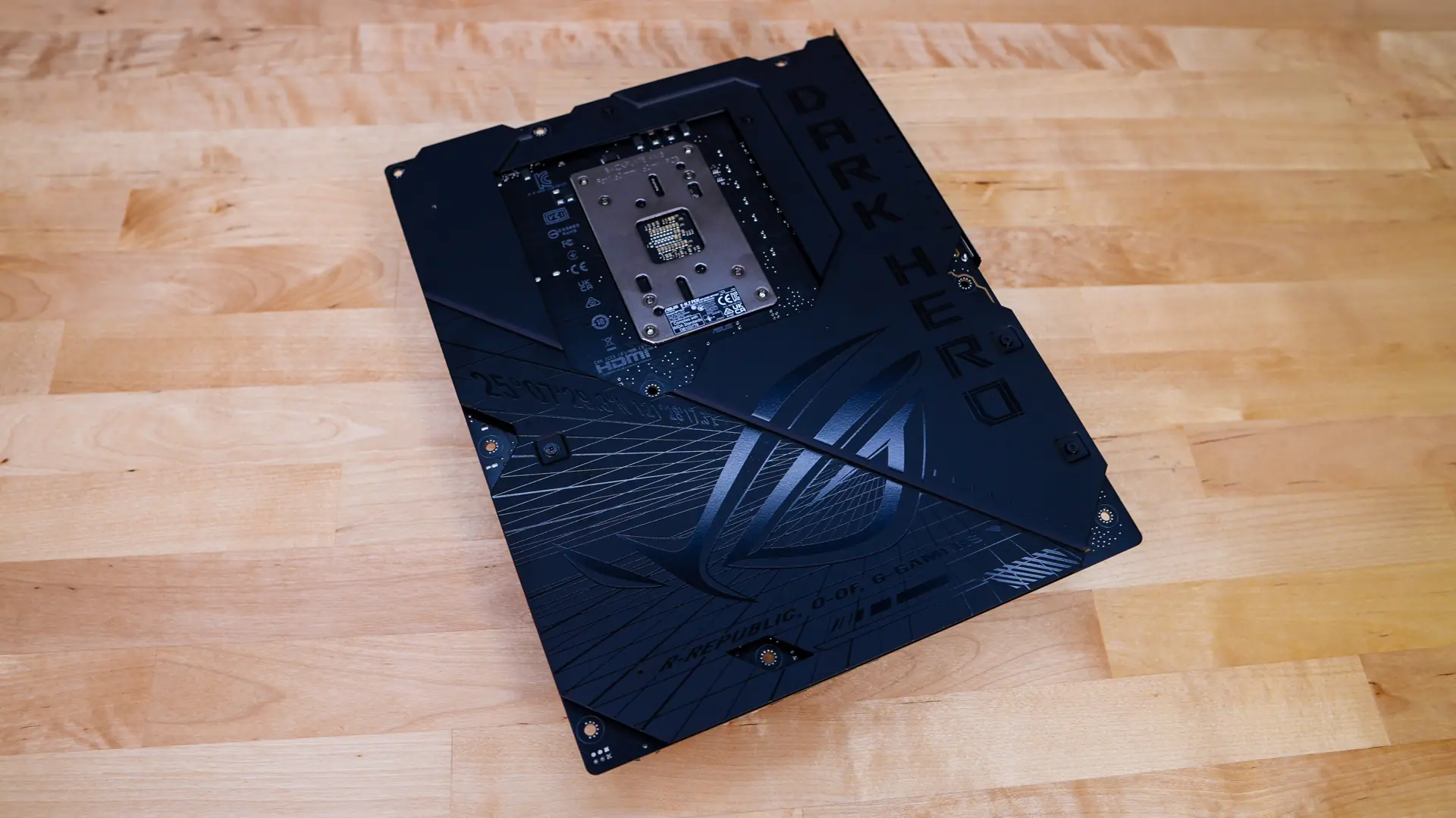
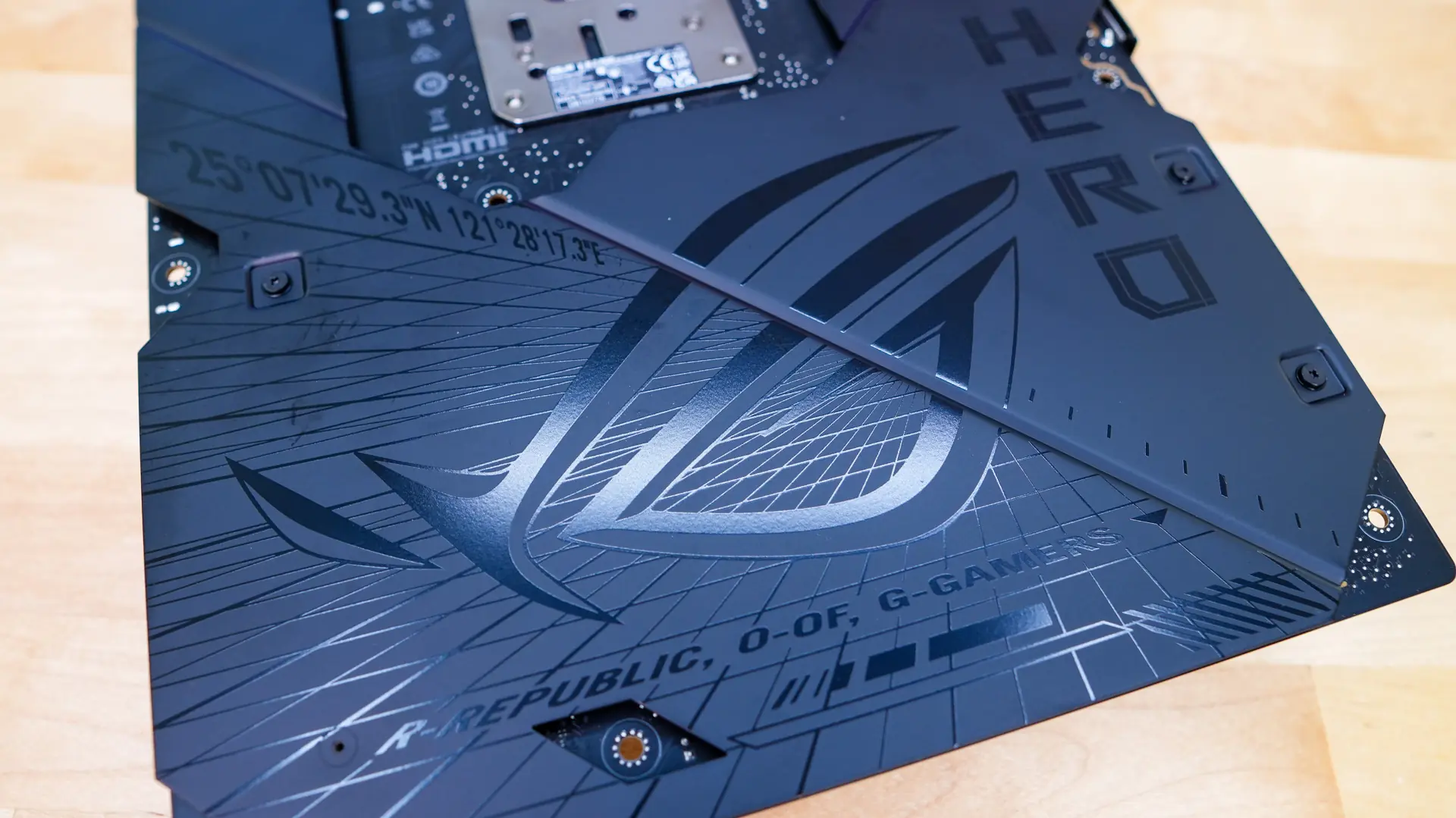
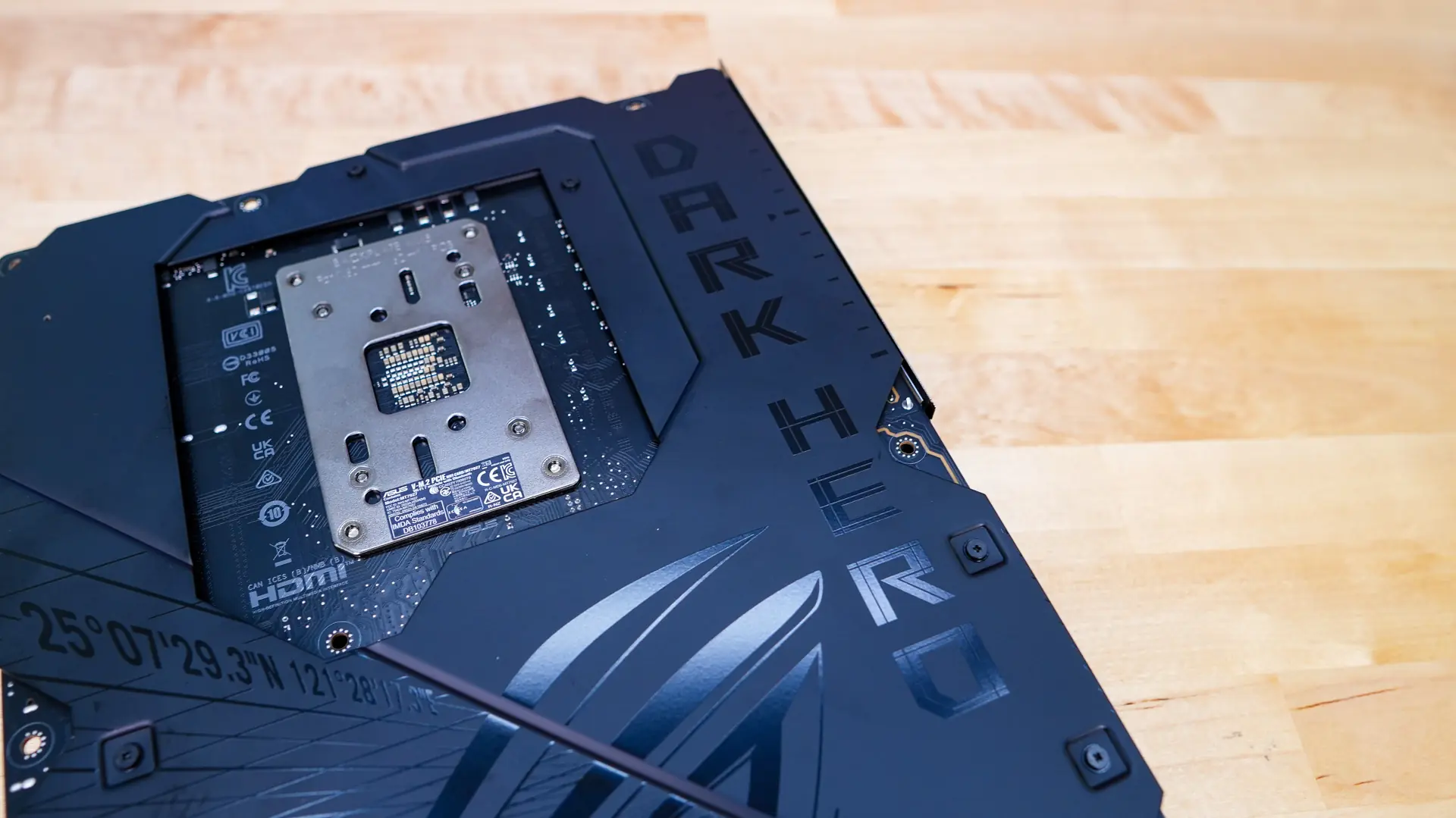
Flipping the board over we can see that it is wrapped in metal, which not only helps with rigidity of the board, but also helps cool components better.