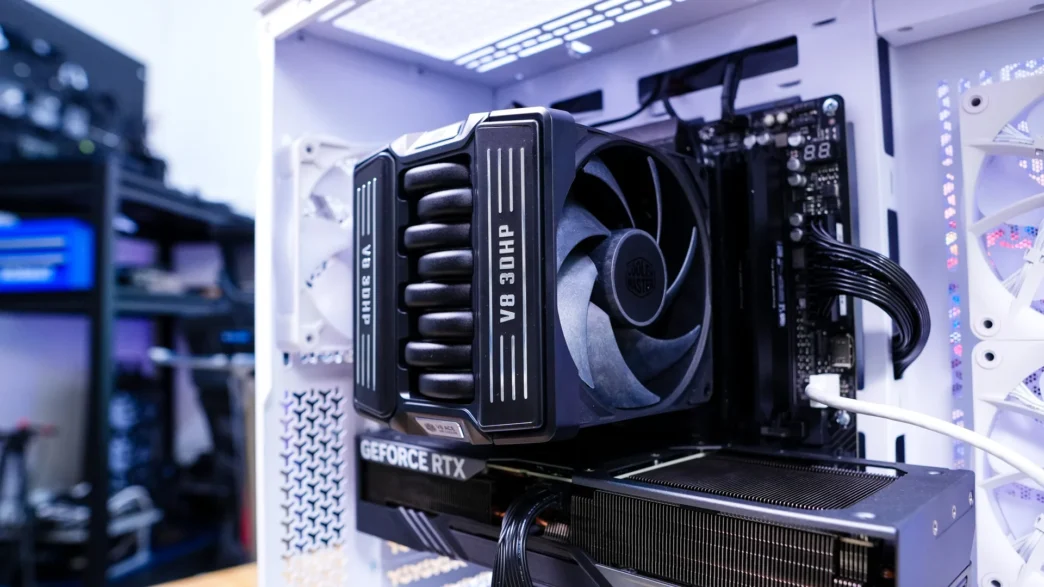
Cooler Master V8 ACE 3DHP CPU Cooler Review

Cooler Master V8 ACE 3DHP CPU Cooler Cooler Master V8 ACE 3DHP CPU Cooler

Is the Cooler Master V8 ACE 3DHP CPU Cooler easy to Install?

Getting the Cooler Master V8 ACE 3DHP installed is quite easy. Now we will be doing our installation on an AMD X870 motherboard so this installation will be for the AM5 socket.

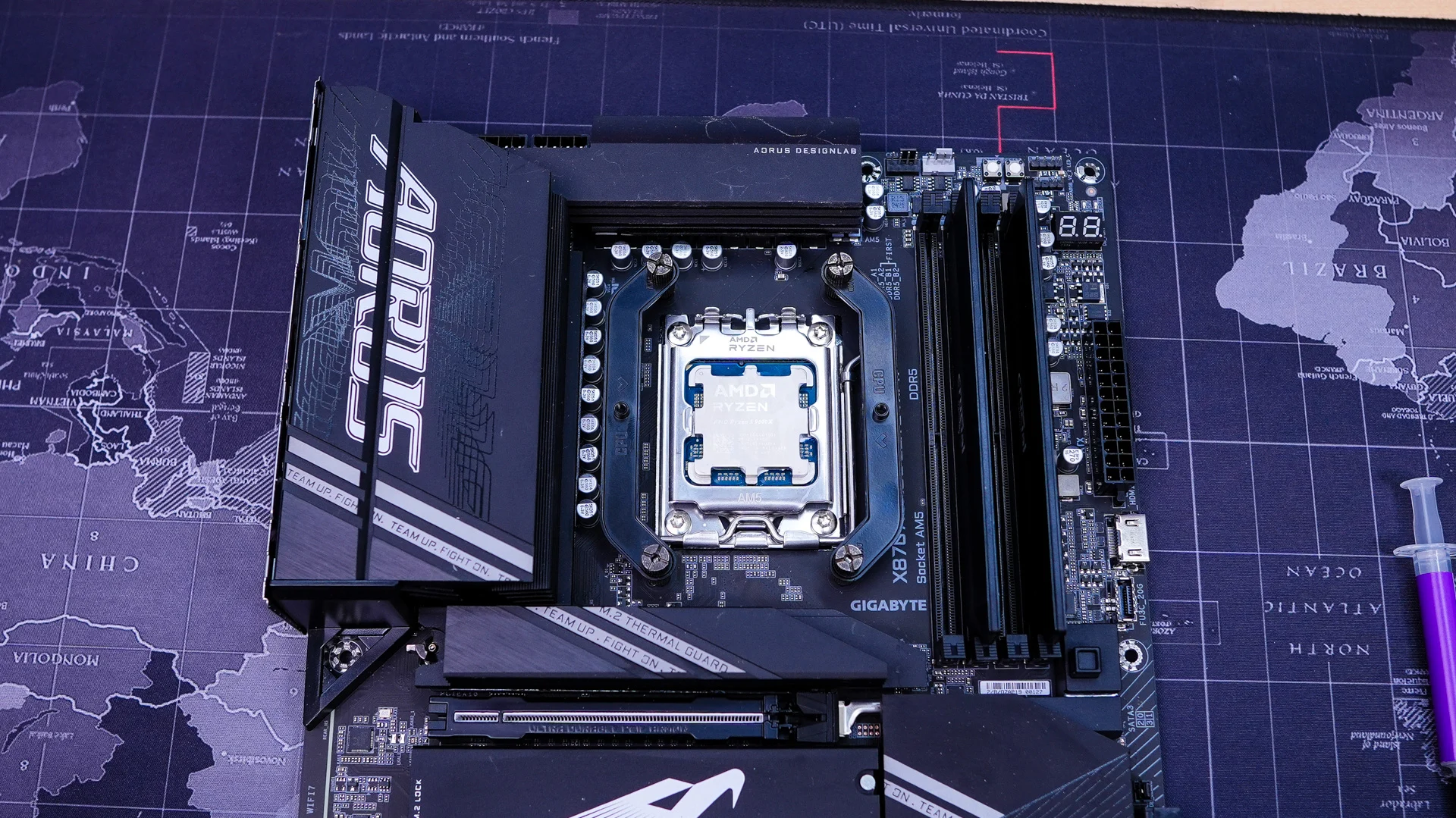
The first thing you are going to want to do is remove the AM5 mounting brackets that are on your motherboard. You will keep the backplate in place though, so your motherboard will look like the photo you see below.
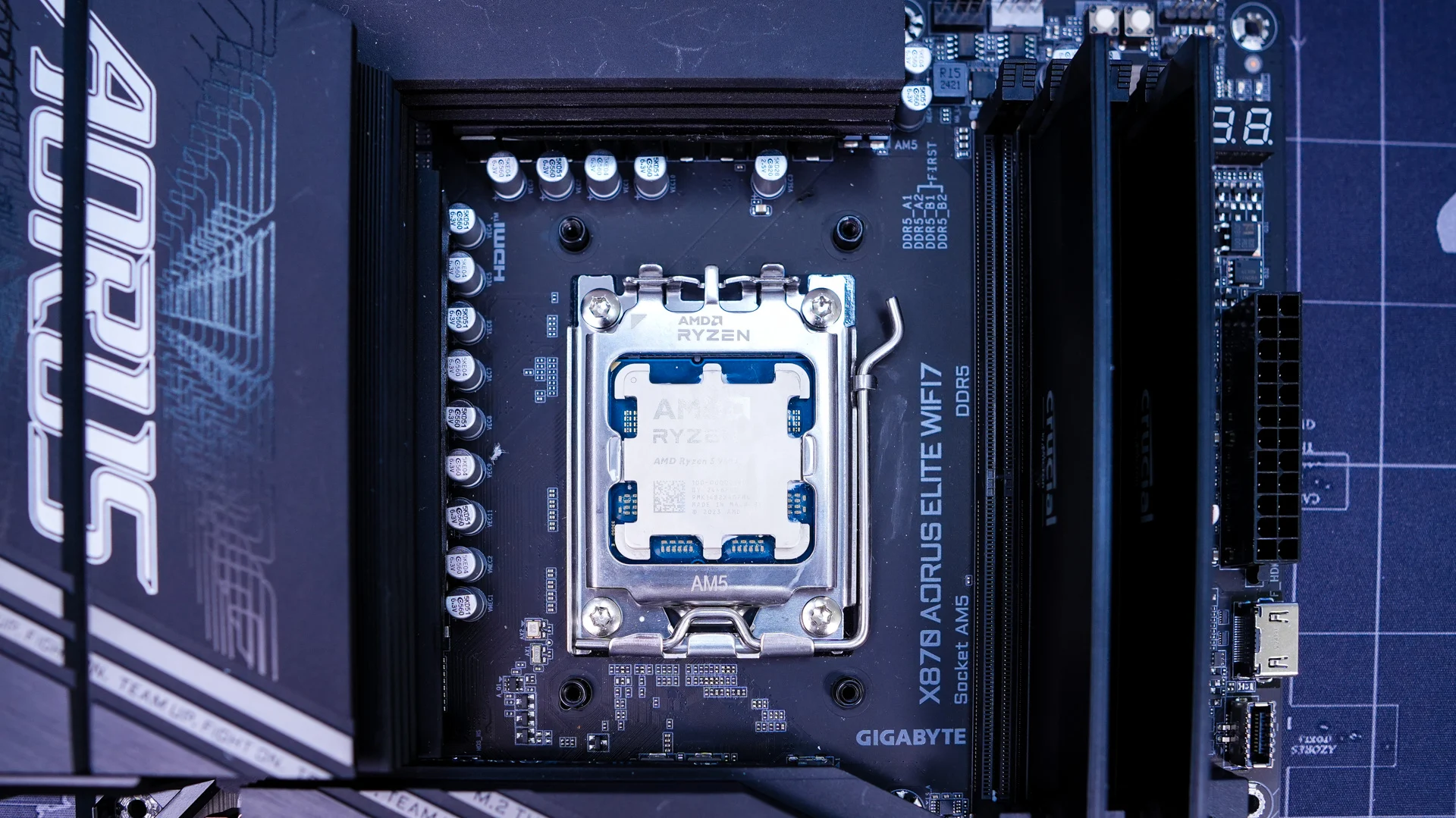
Cooler Master V8 ACE 3DHP CPU Cooler

Next take the AMD spacers and install them into the holes in the AM5 backplate on your motherboard.
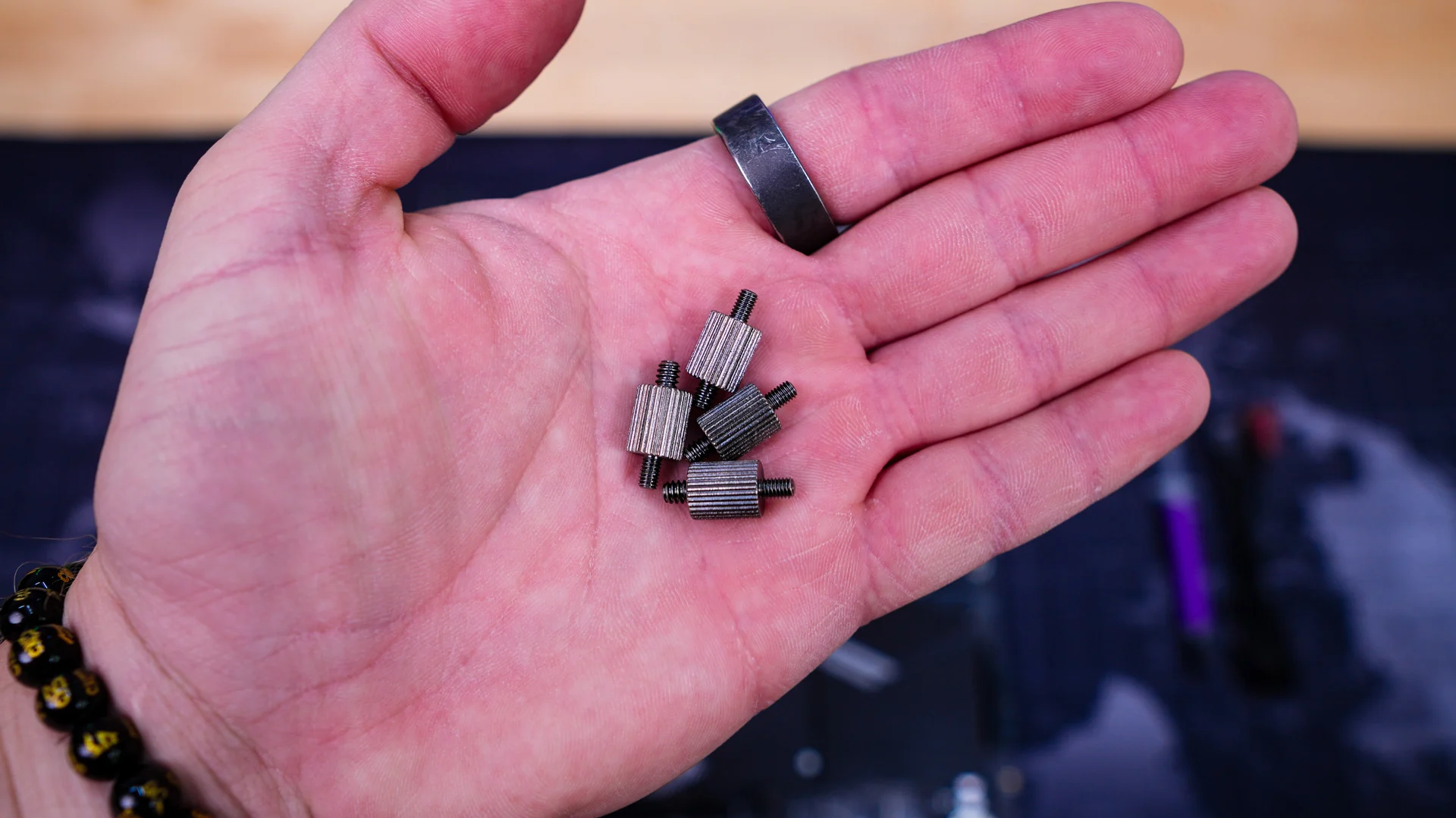
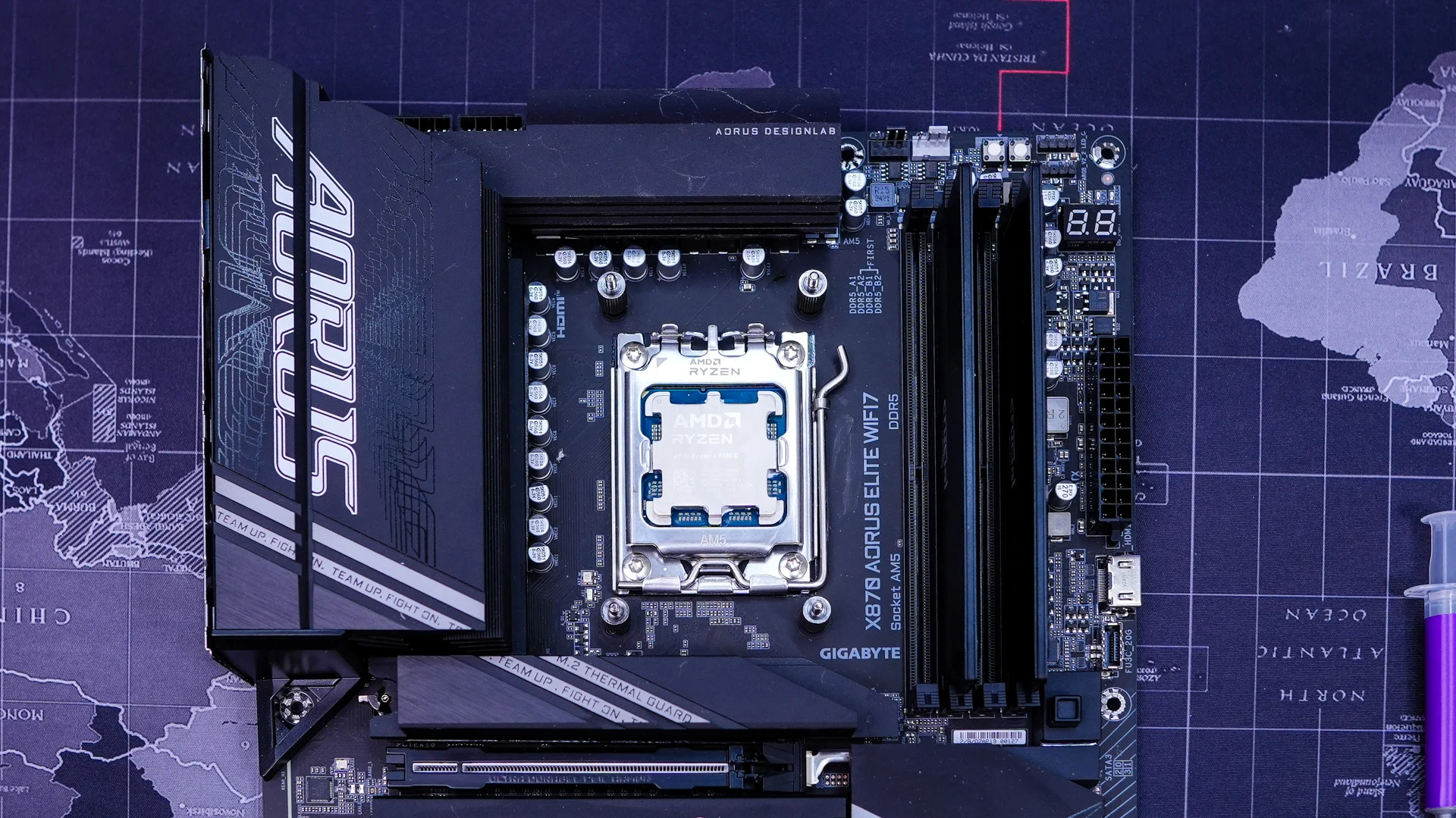
Cooler Master V8 ACE 3DHP CPU Cooler Cooler Master V8 ACE 3DHP CPU Cooler
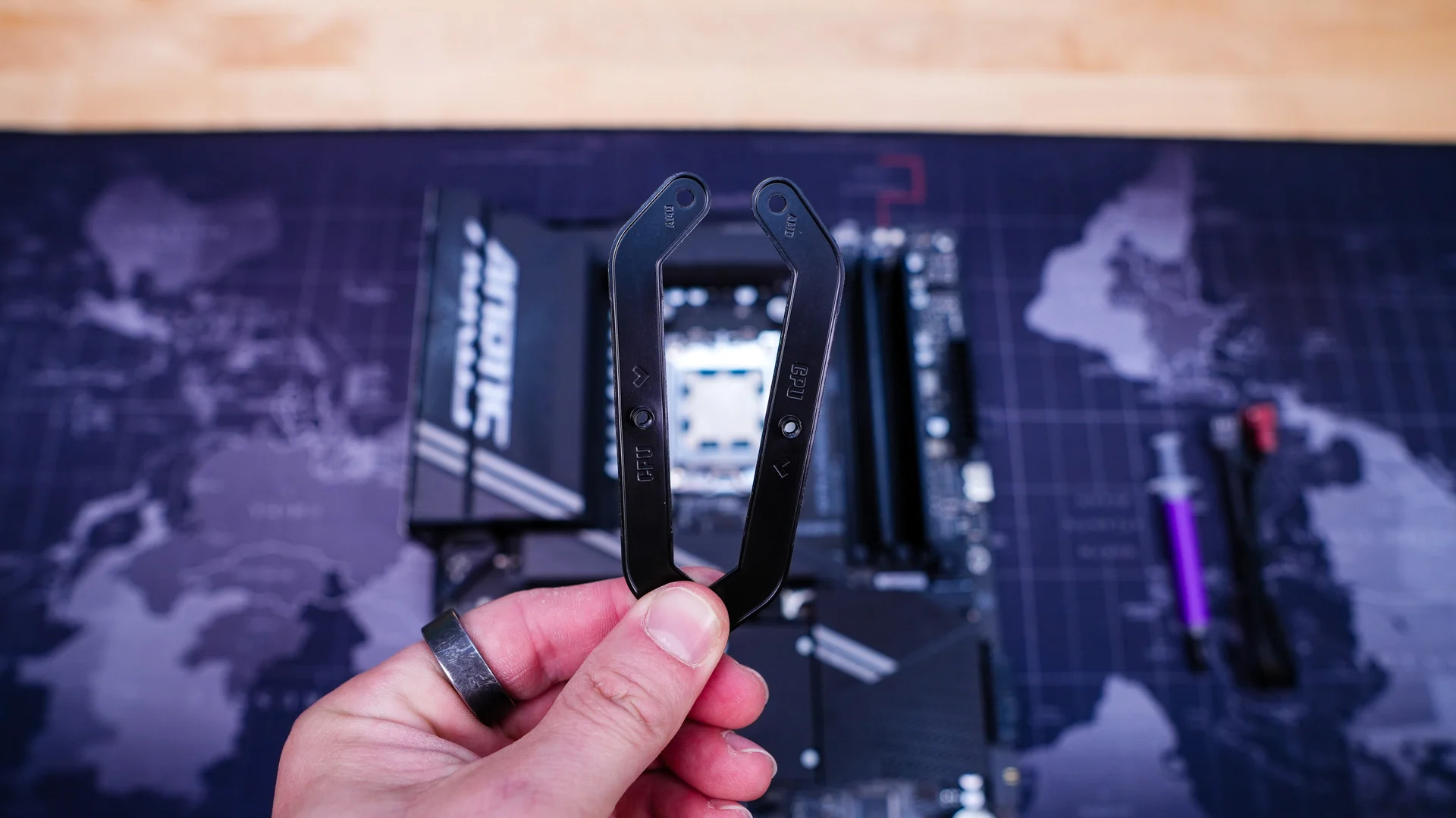
Find the AMD mounting bars, these will be labeled letting you know which side of the socket they get installed on. Install them on top of the AMD spacers, securing them with the included thumbscrews.

Cooler Master V8 ACE 3DHP CPU Cooler Cooler Master V8 ACE 3DHP CPU Cooler
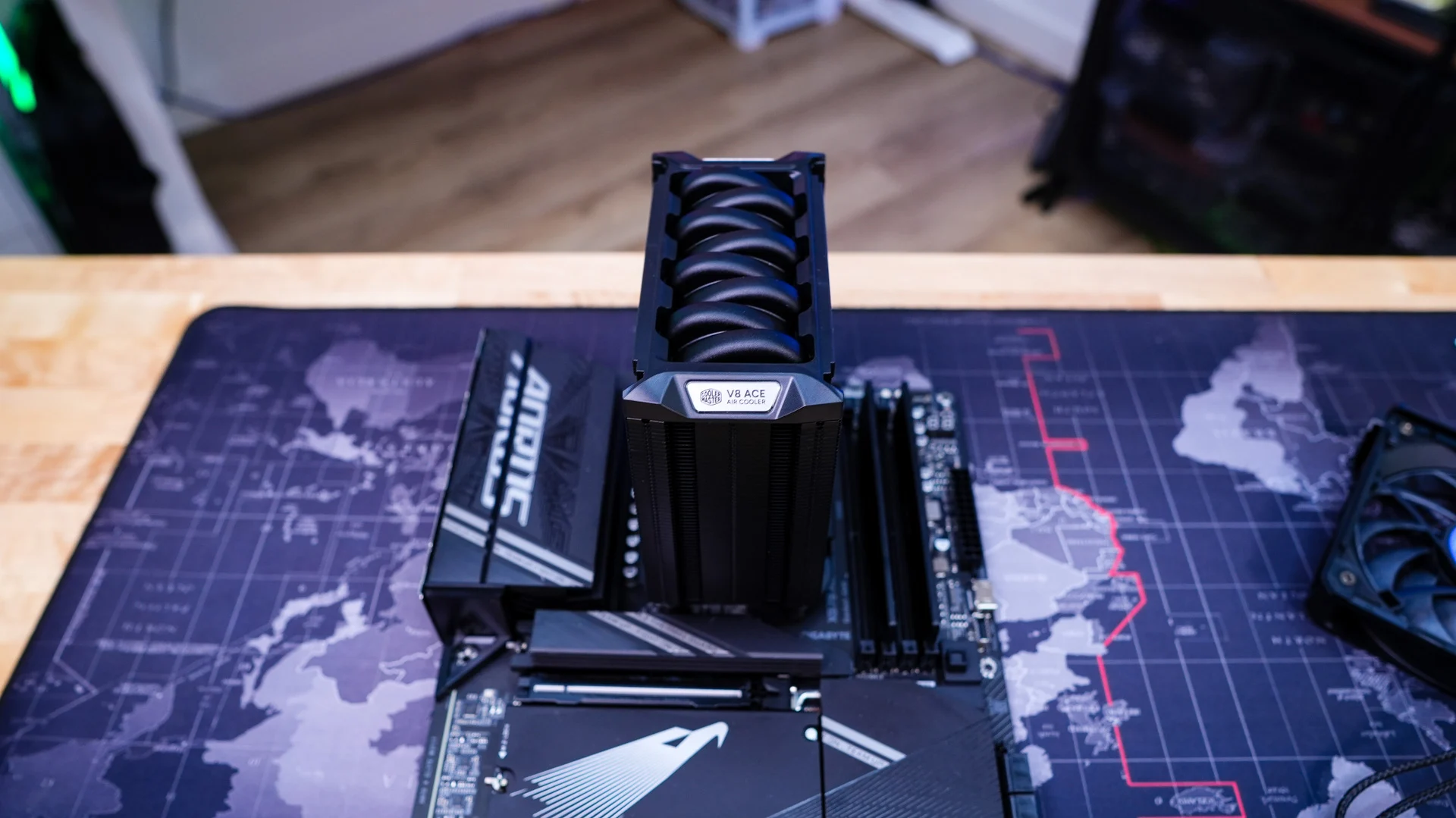
Install the included thermal paste, remove both fans from the cooler, and then carefully place it on top of your CPU. Line up the screws on each side with the holes in the mounting bars and screw in the cooler to secure it.

Cooler Master V8 ACE 3DHP CPU Cooler Cooler Master V8 ACE 3DHP CPU Cooler
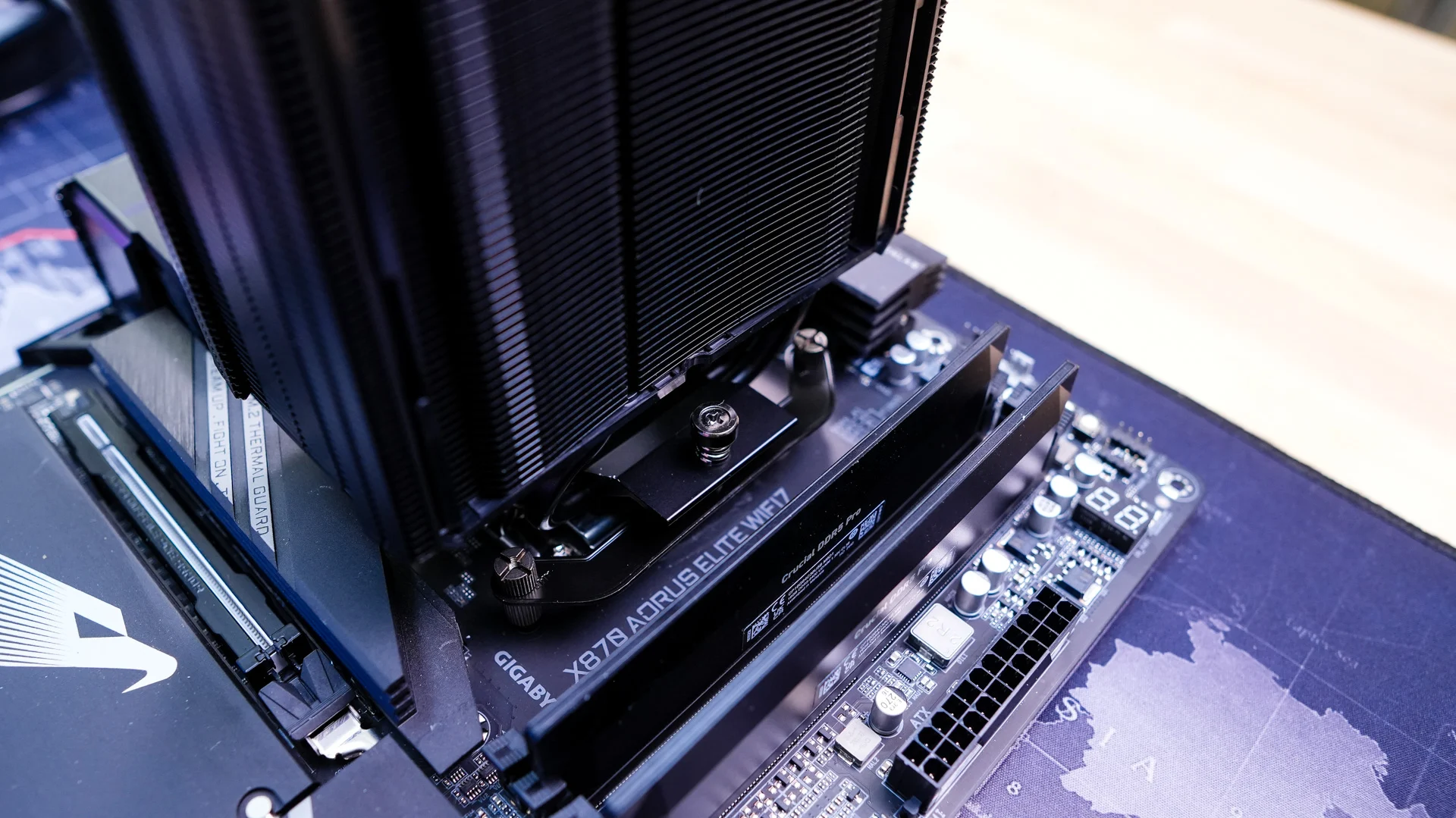
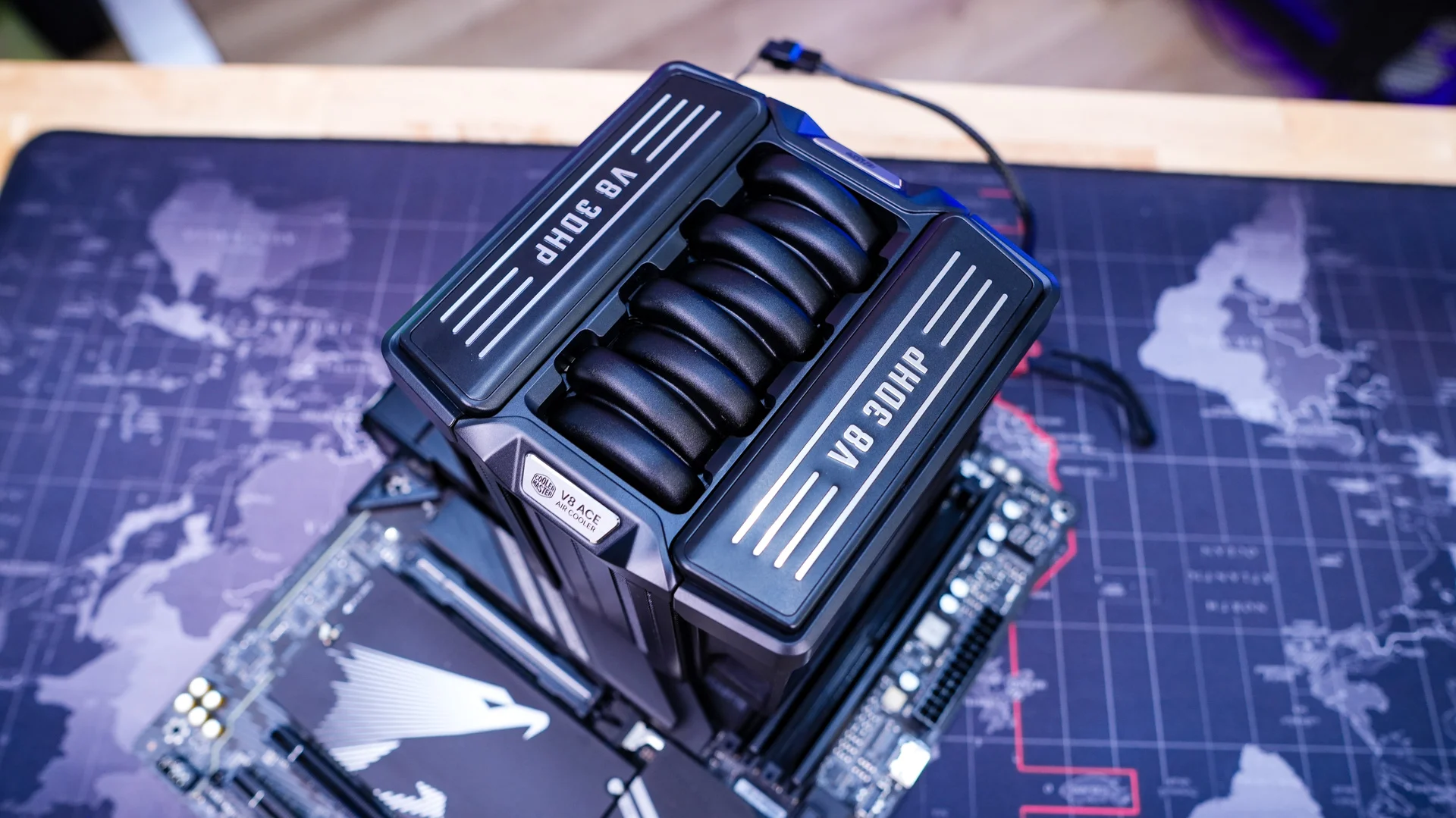
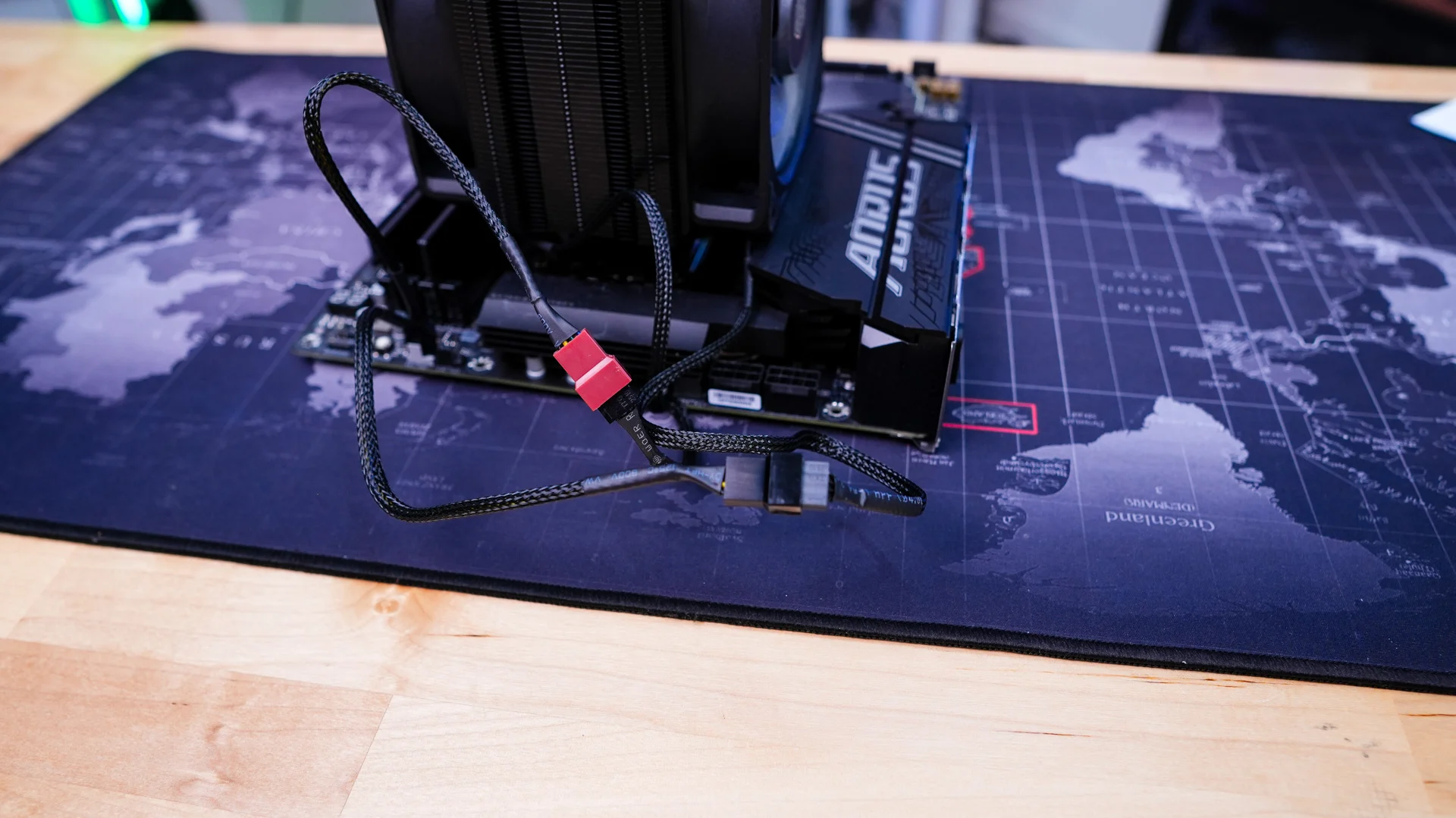
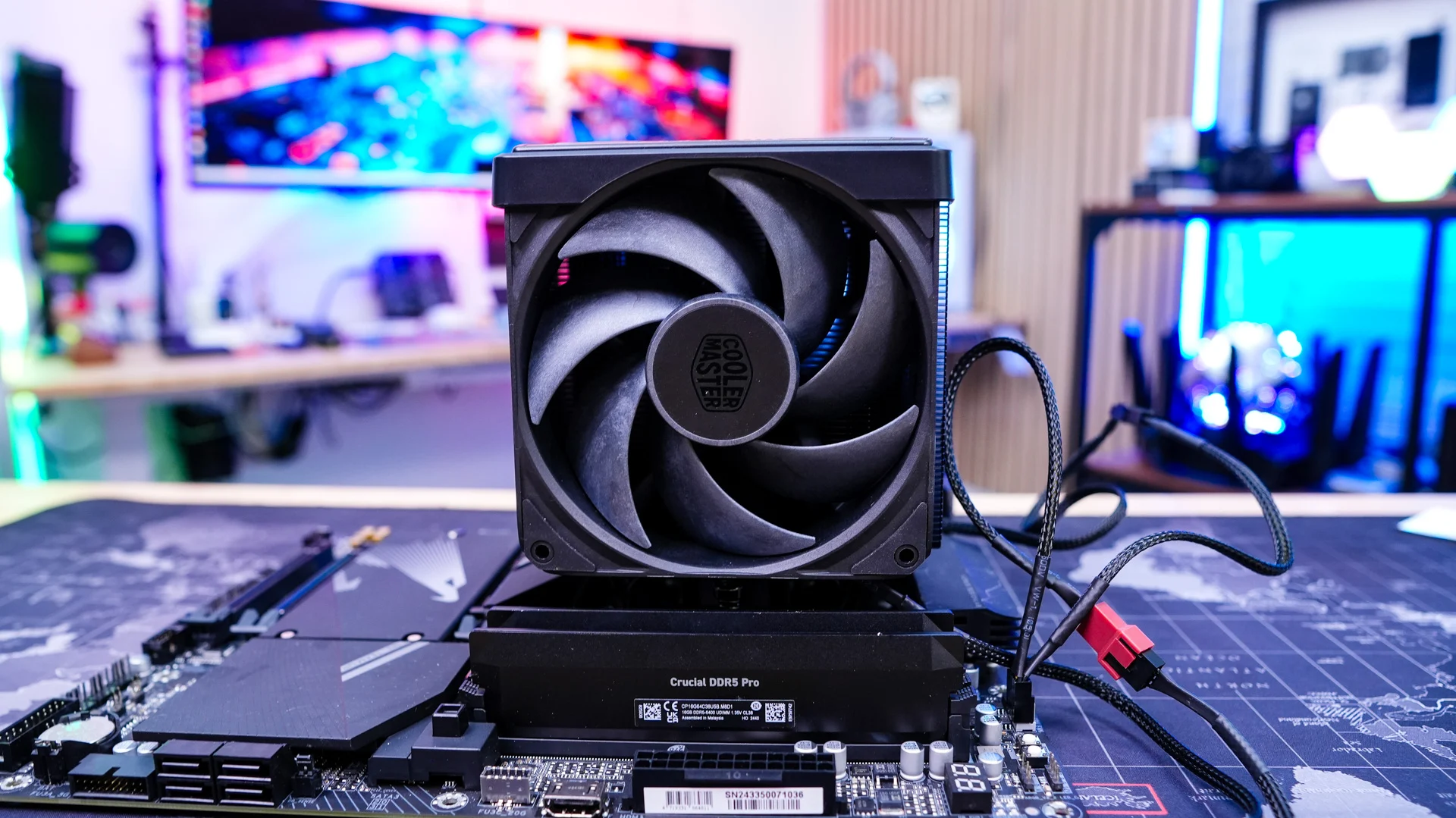
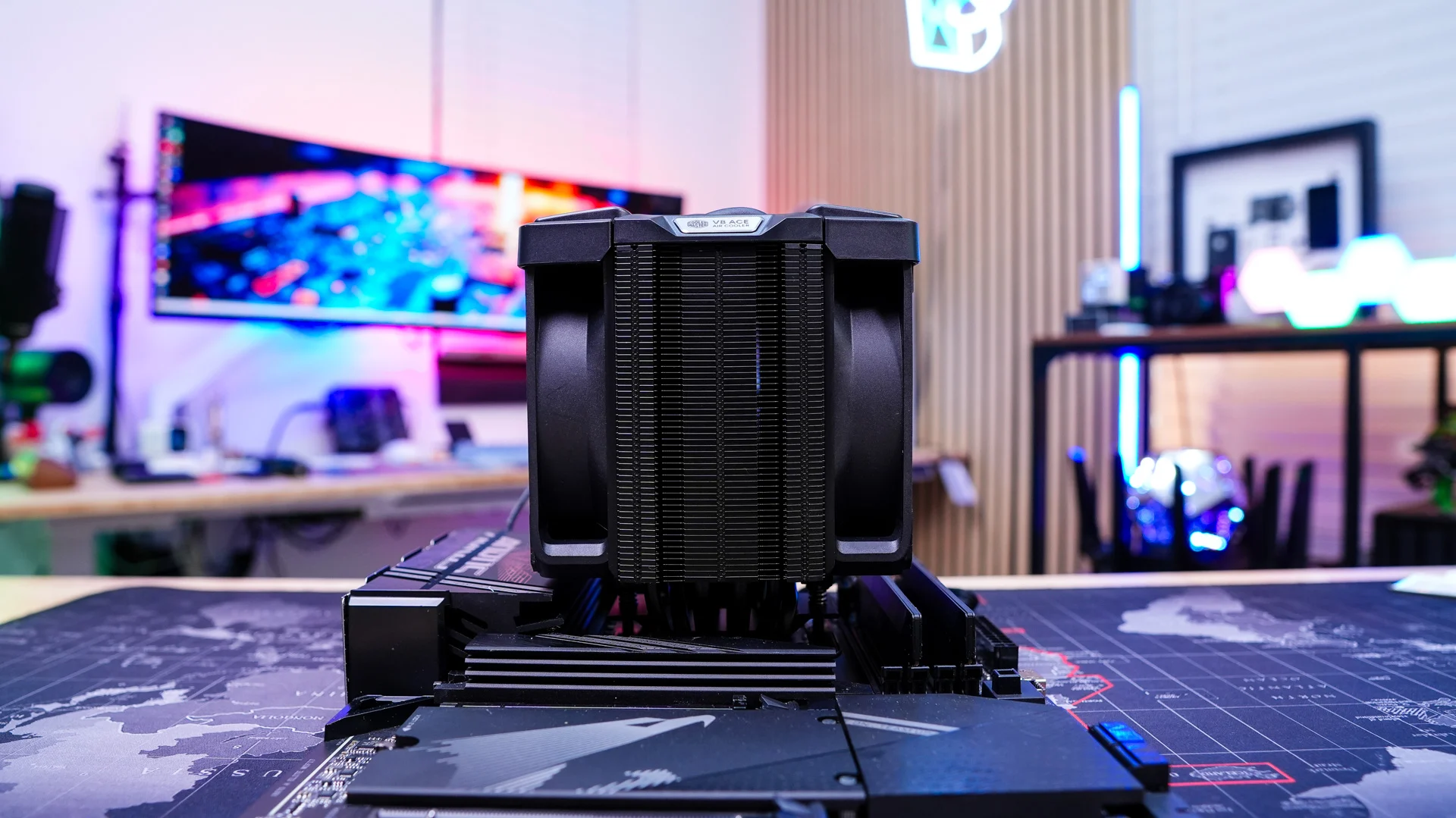
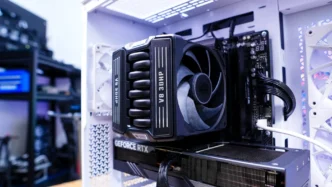
Now go ahead and reinstall the two fans and be sure to connect them to the included Y-connector. Be sure you connect the Y-connector to the CPU fan header on your motherboard. With the cooler installed you can see that even though we have thicker fans we have 100% RAM clearance.
Cooler Master V8 ACE 3DHP CPU Cooler Cooler Master V8 ACE 3DHP CPU Cooler Cooler Master V8 ACE 3DHP CPU Cooler Cooler Master V8 ACE 3DHP CPU Cooler

Add a Comment

Leave a Reply

Your email address will not be published. Required fields are marked *