Corsair Nautilus 360 RS Overview
With the Nautilus 360 RS unboxed, you can immediately see that it has a very subdued look compared to coolers with flashy LCD displays and exotic designs. This all-black design is perfect for anyone looking for a more subdued look inside their case via the side panel window, or even for builds that don’t feature windows – yes, those still exist. As previously mentioned, our review sample is 360mm in size, though it also comes in a 240mm version as well.
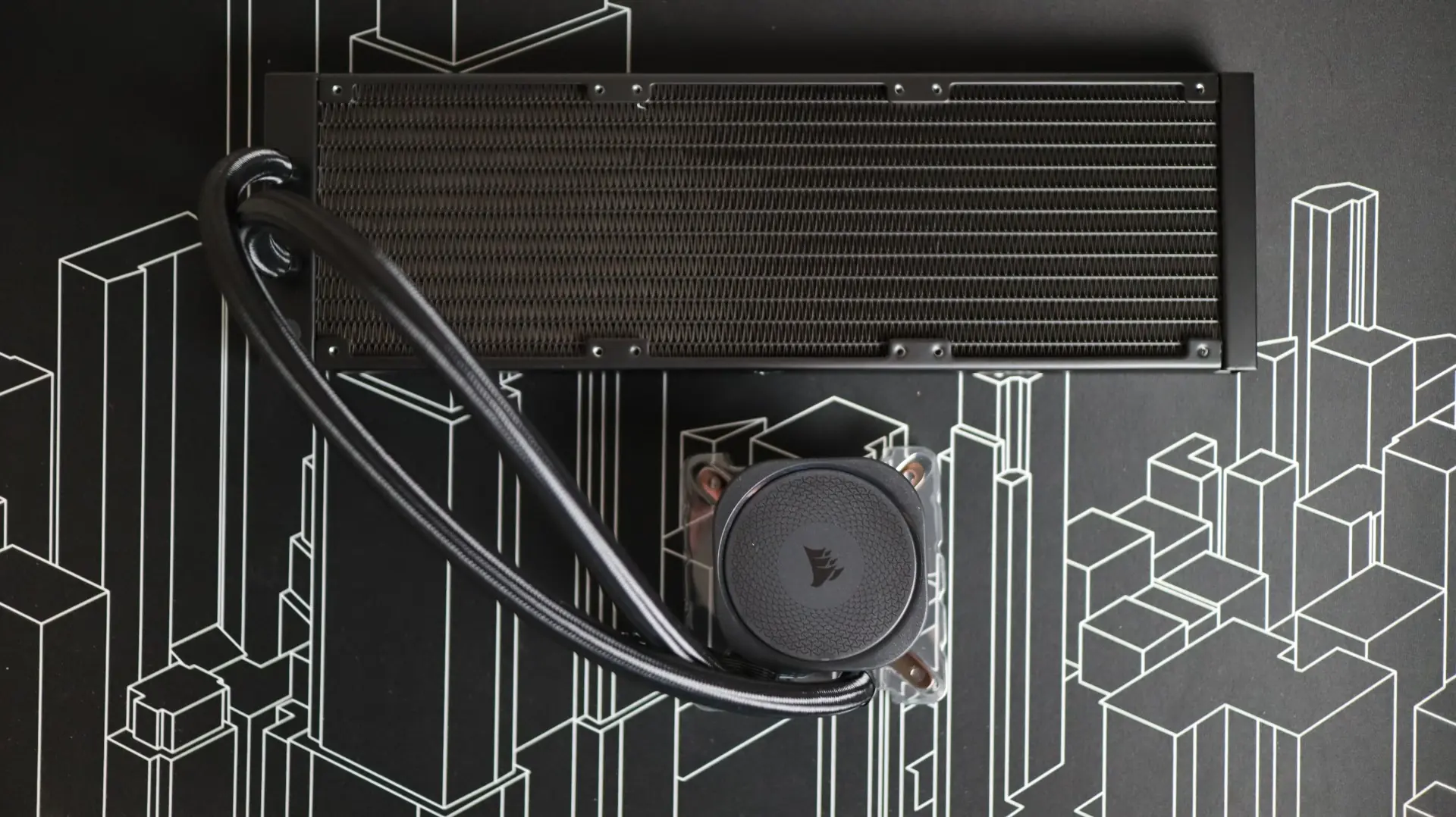
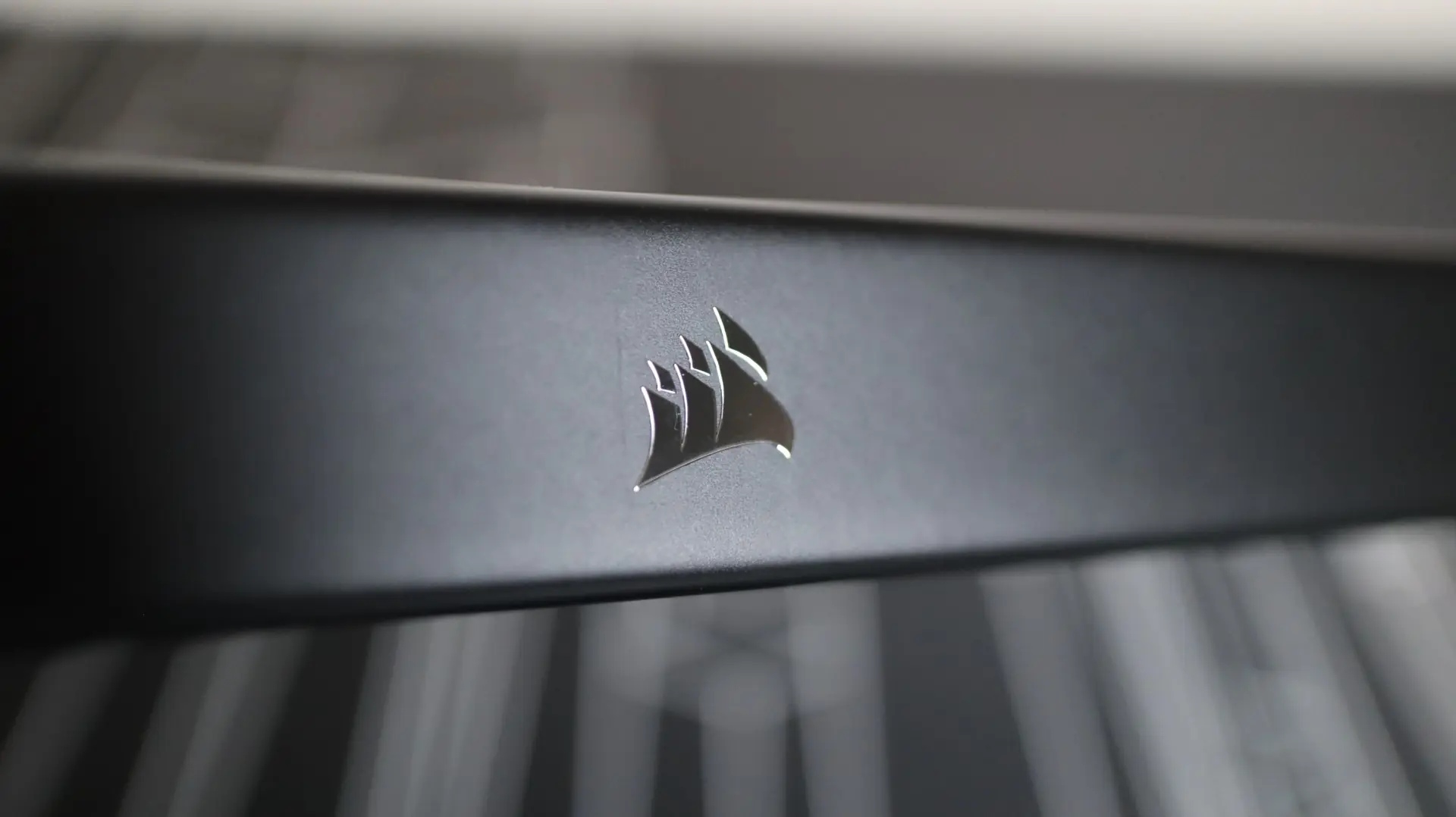
The first component up in our overview is the 360mm aluminum radiator. This radiator is very straight forward in it’s design, with a black paint job and chrome Corsair logos on each side. The 27mm thickness is the standard as far as most AIOs go, which makes fitting this cooler into your build less about size compatibility and more about cooling.
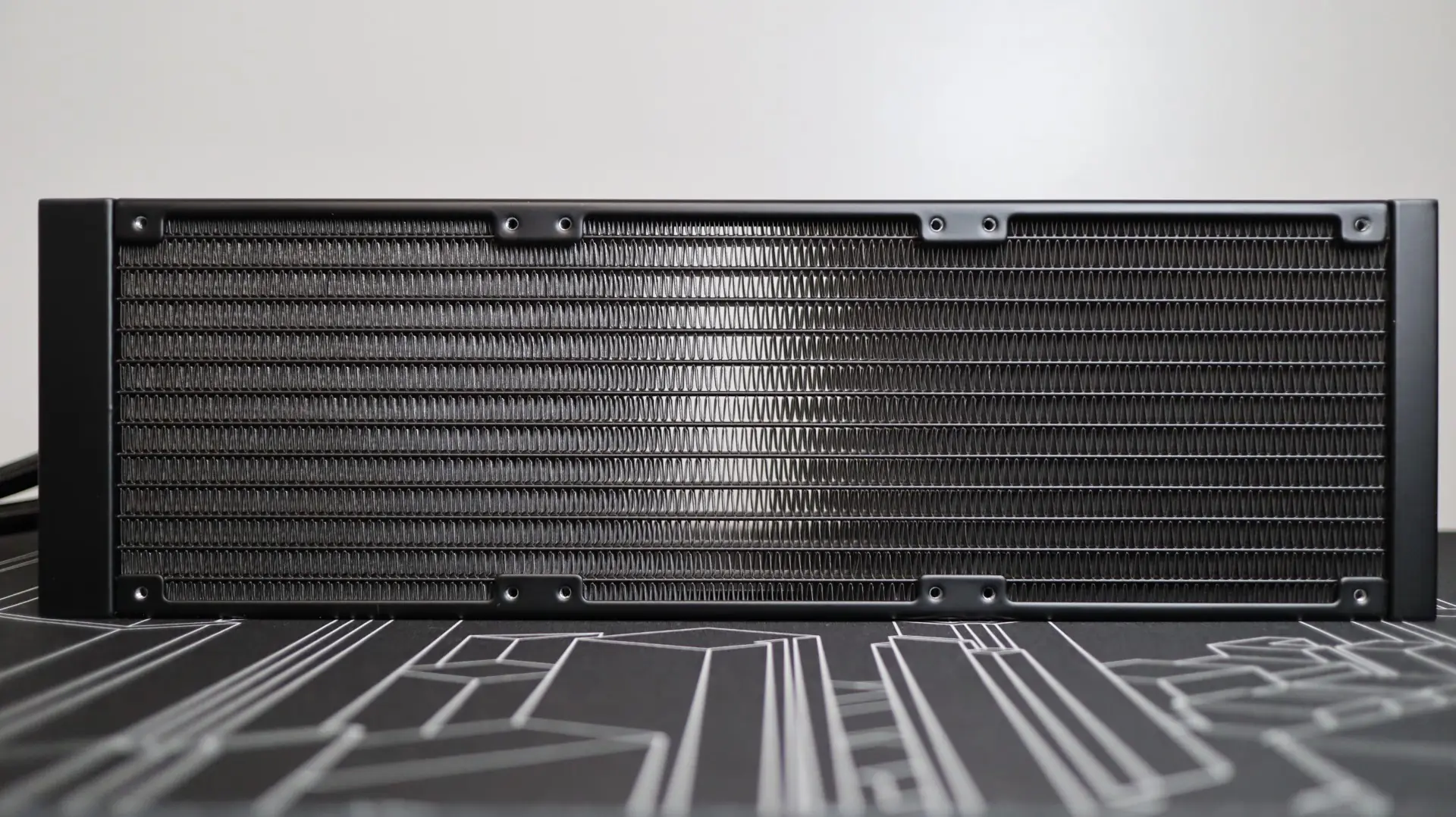
With 20 fins-per-inch, the tight fin density is able to provide adequate surface area while still confined to a 27mm thickness. The 120mm RS120s PWM fans included with the this kit have a static pressure rating of up to 4.15mm-H2O, which is the highest measurement we have seen so far in our new testbed, and should provide plenty of push to get air moving through the radiator fins.
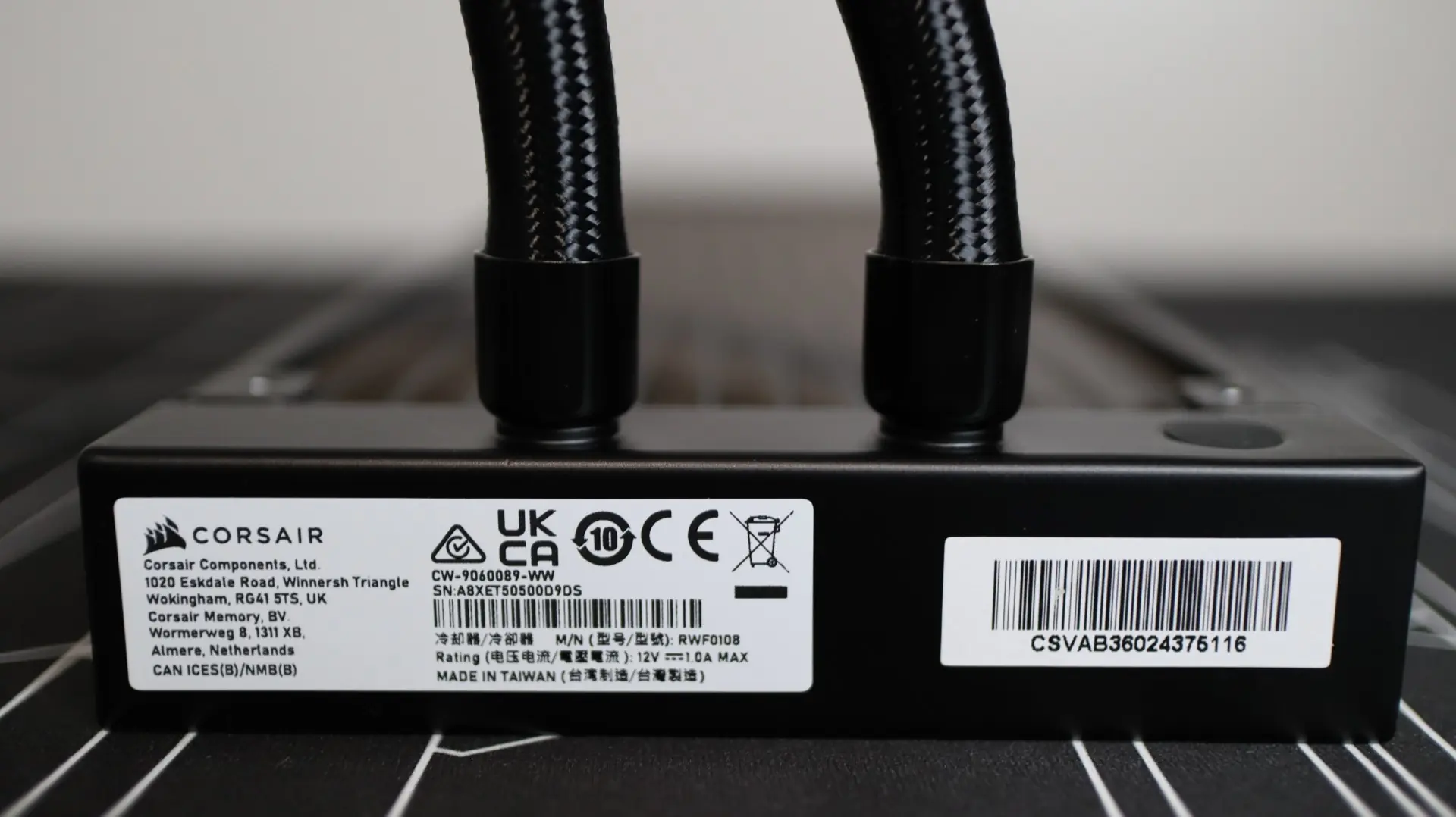
Each braided cooling line exits from one end of the radiator’s end cap, and these lines are connected to the radiator via crimped connectors. One thing I did find to be a bit different with the placement of these connectors on the radiator is that they were much more centered than other manufacturer’s radiators. We have seen this on a few other previous AIOs, and in this instances it is most likely related to the placement of a refill port on the endcap. I found the cooling lines to be quite flexible during installation, and their 450mm length proved to be plenty during installation.
Moving over to the pump housing we find a very plain design – no lighting or LCD screen here. This black design incorporates the Corsair logo on the top, and is essentially the blacked out version of what we previously saw with the iCUE LINK TITAN 360 RX RGB, minus the lighting and adjustable center cap.
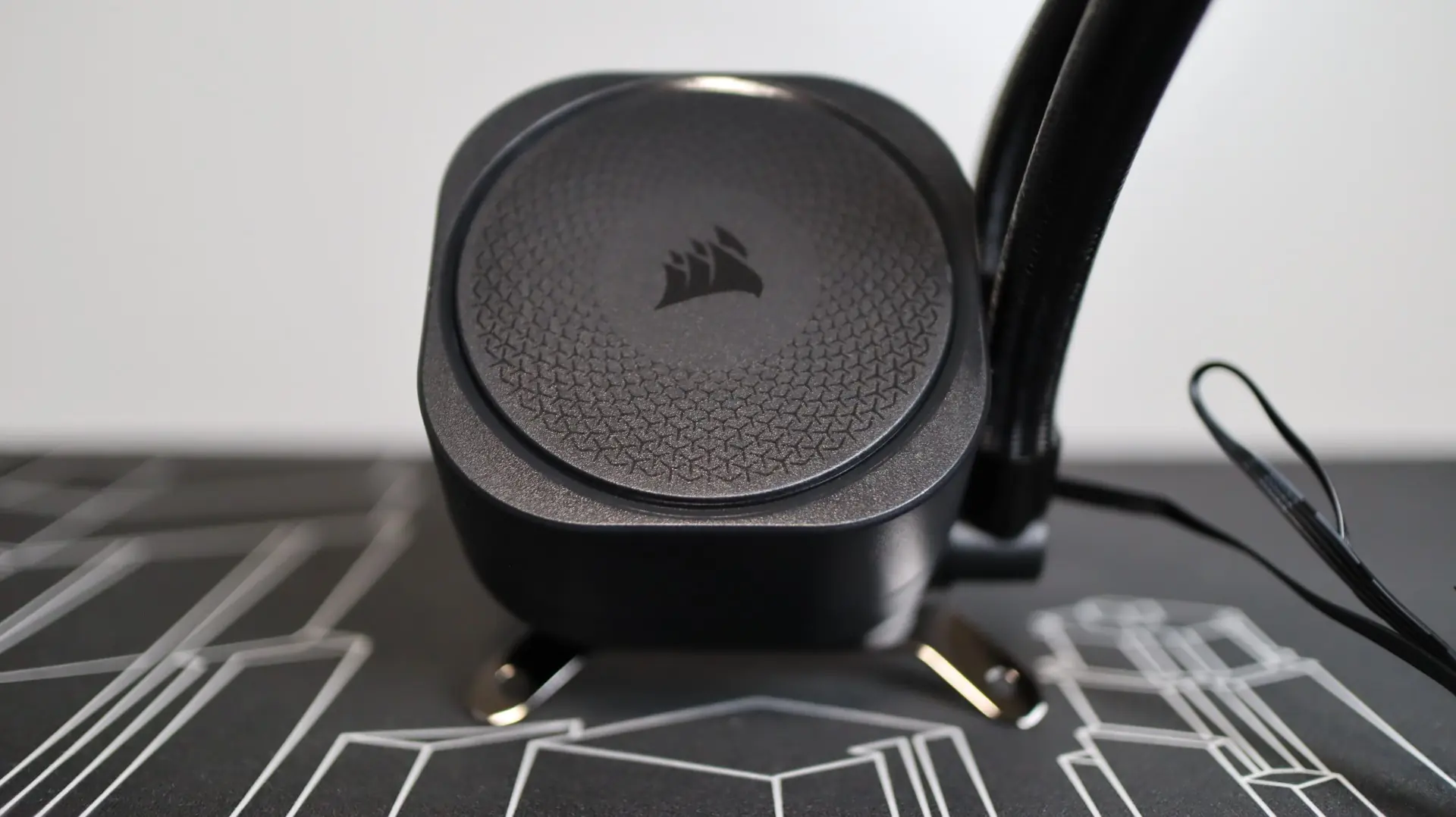
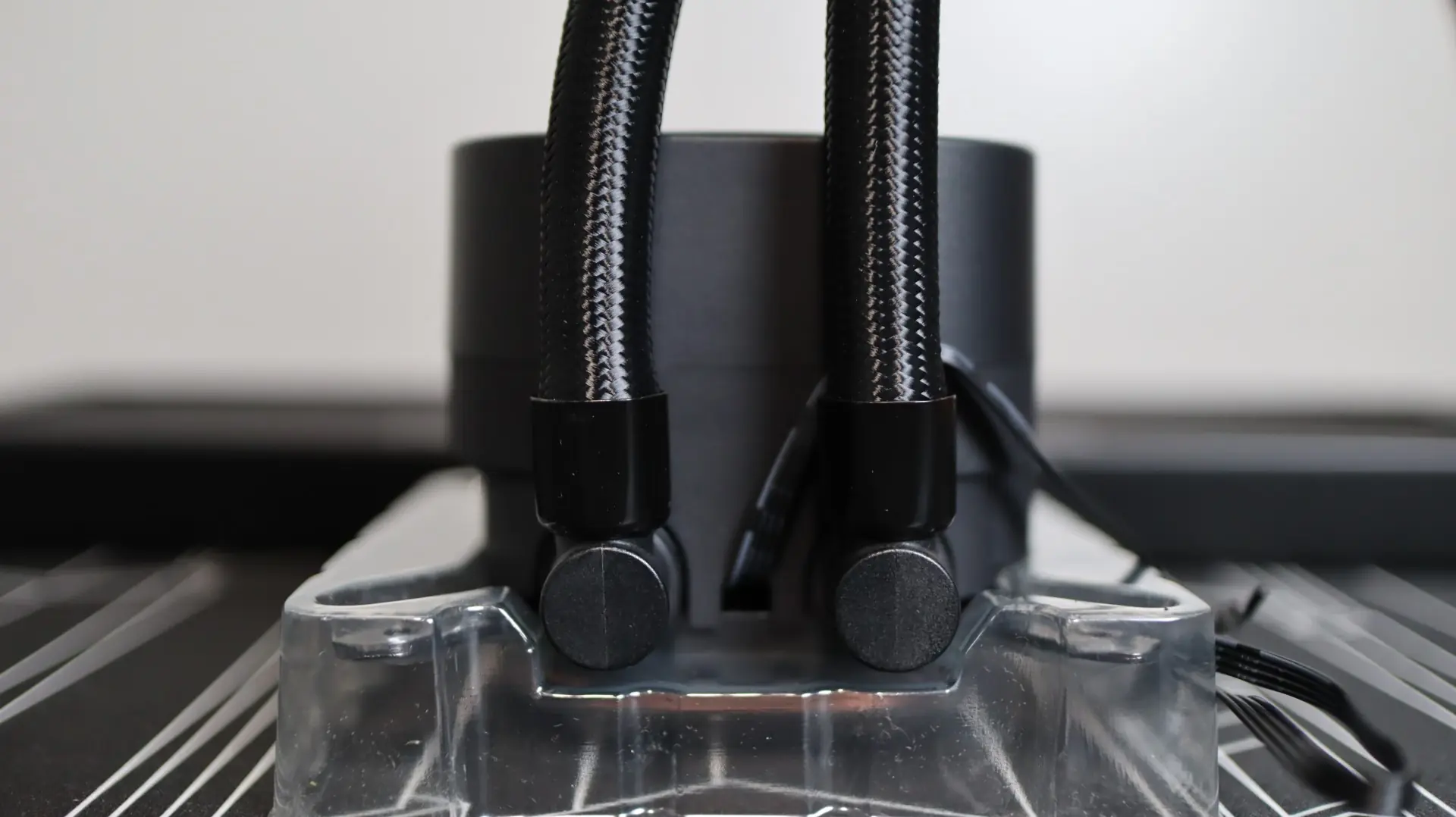
Moving around to the sides we find the two cooling lines exiting from the right side of the pump housing. Each line is paired up with a swiveling fitting to make installation and fitment much easier than with fixed connections. Also on this side is the PWM cable used for providing pump power and monitoring. The remaining sides of the pump housing are clear of any notable features.
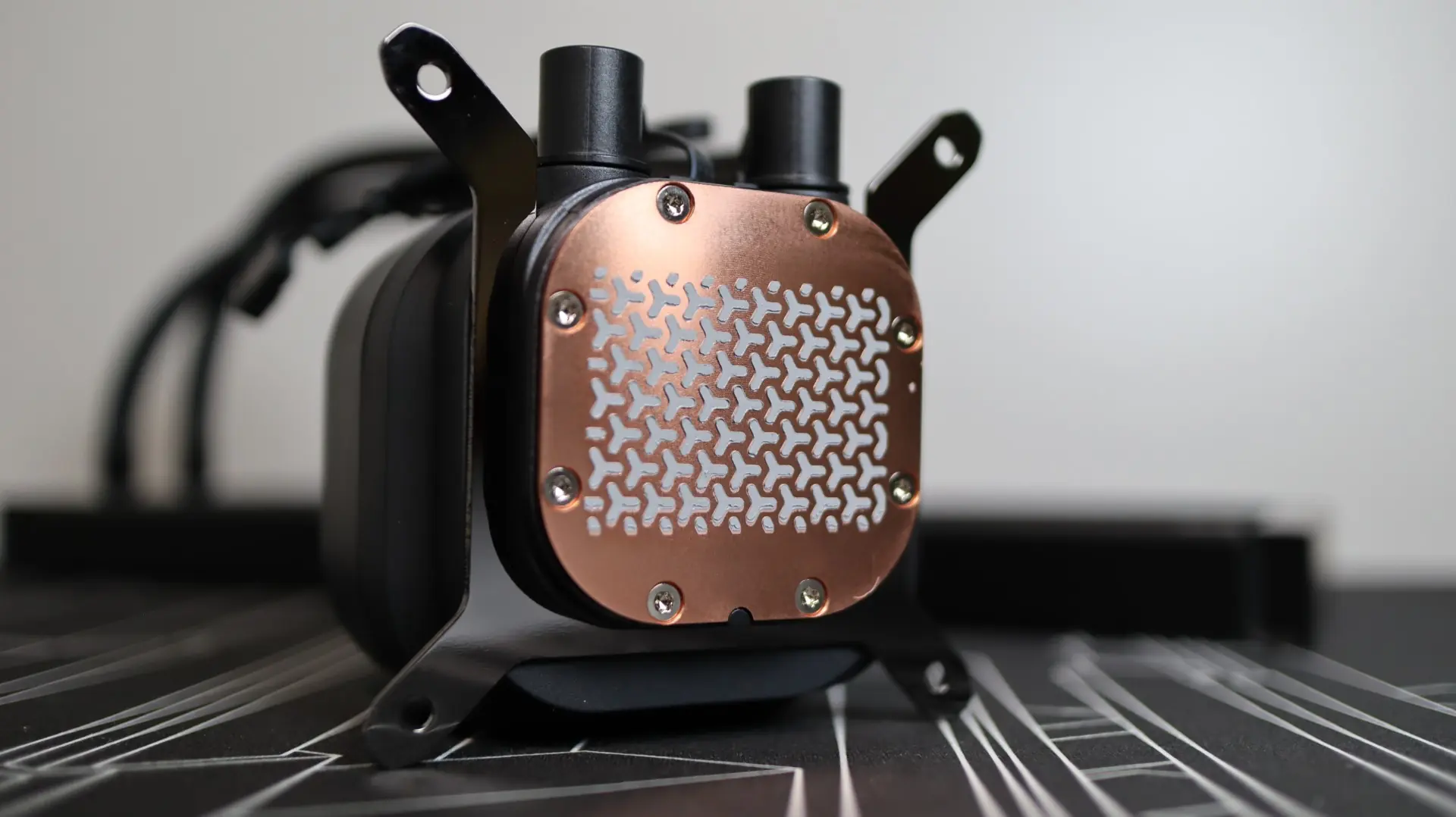
Taking a look at the bottom of the pump housing, we find a large, slightly convex, copper base, which will slightly flex and flatten when tightened down, ensuring equal contact with the CPU heat spreader. Corsair has pre-applied their thermal paste in their standard pattern design, but unfortunately they didn’t include any additional thermal paste for future needs.
Moving along to the fans that are included with the Nautilus 360 RS, Corsair has included three of their 120mm RS120 PWM fans.
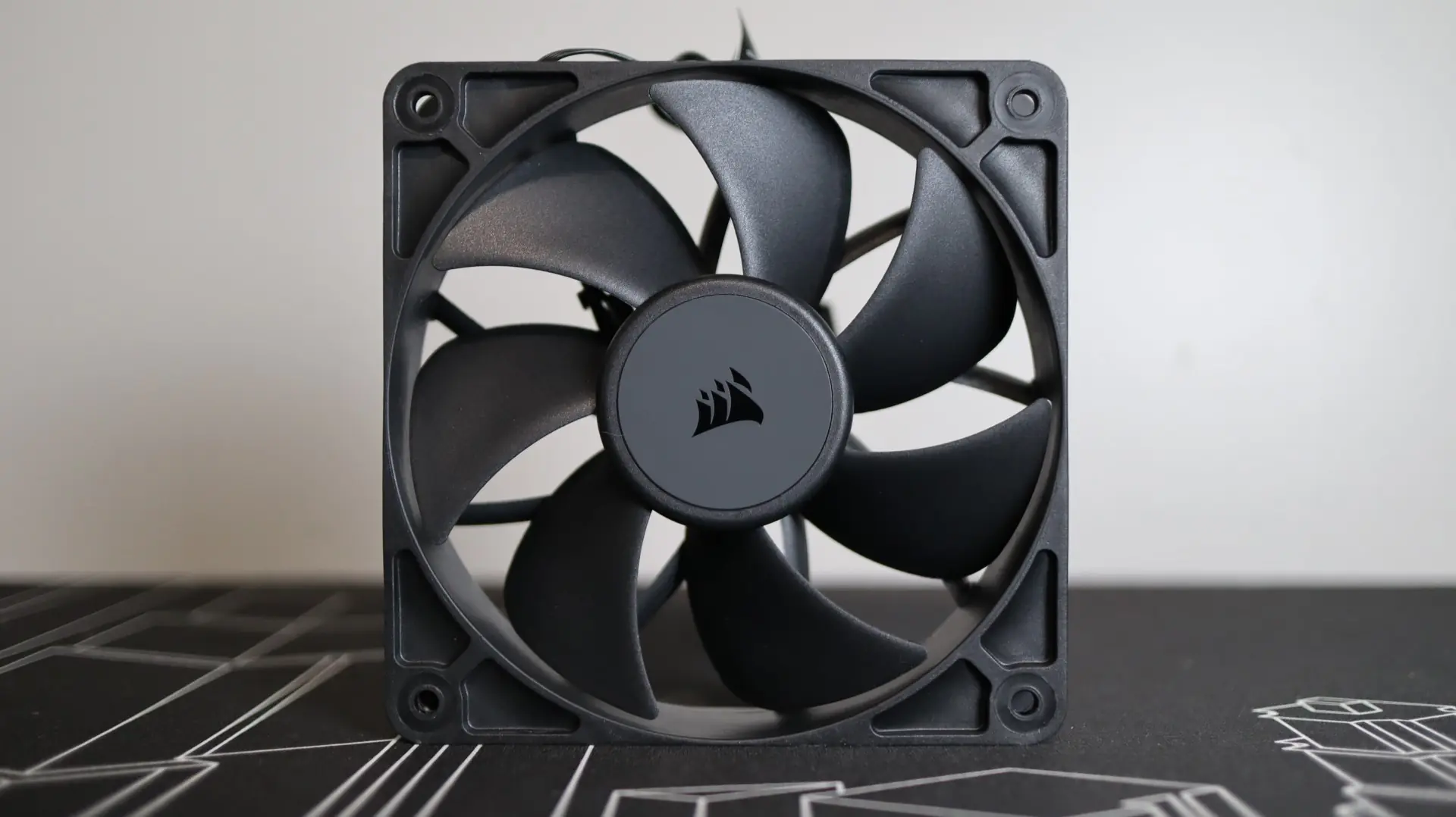
These fans provide up to 4.15mm-H2O of static pressure at full speed, with 72.8 CFM of airflow at their full speed of 2,100 RPM. Corsair’s AirGuide Technology helps direct airflow through the radiator thanks to the shaped fins on the backside of the fan body.
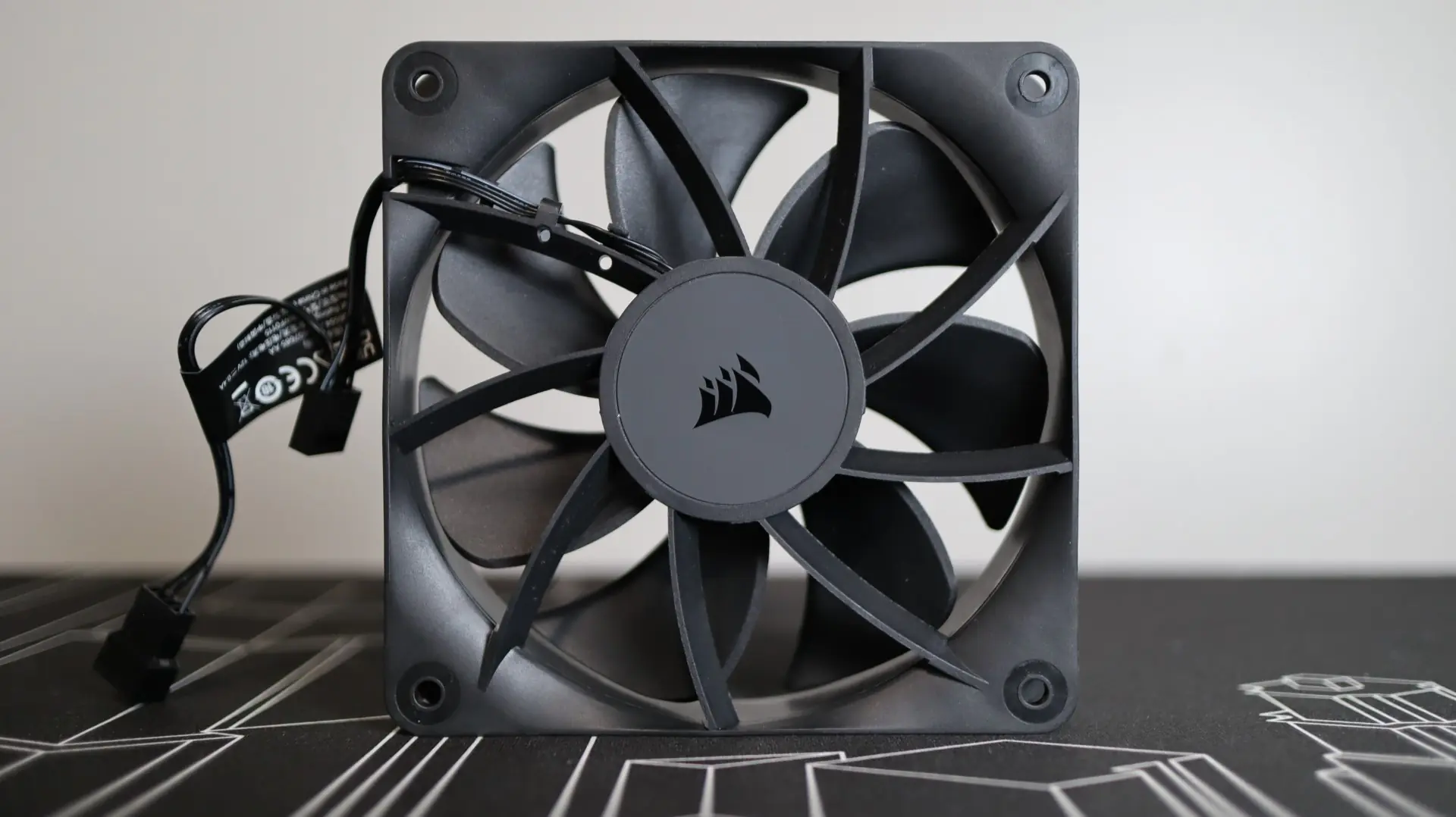
Unfortunately, these fans don’t come with any sort of rubber padding at the corners, which could potentially lead to vibrational noise in some instances.
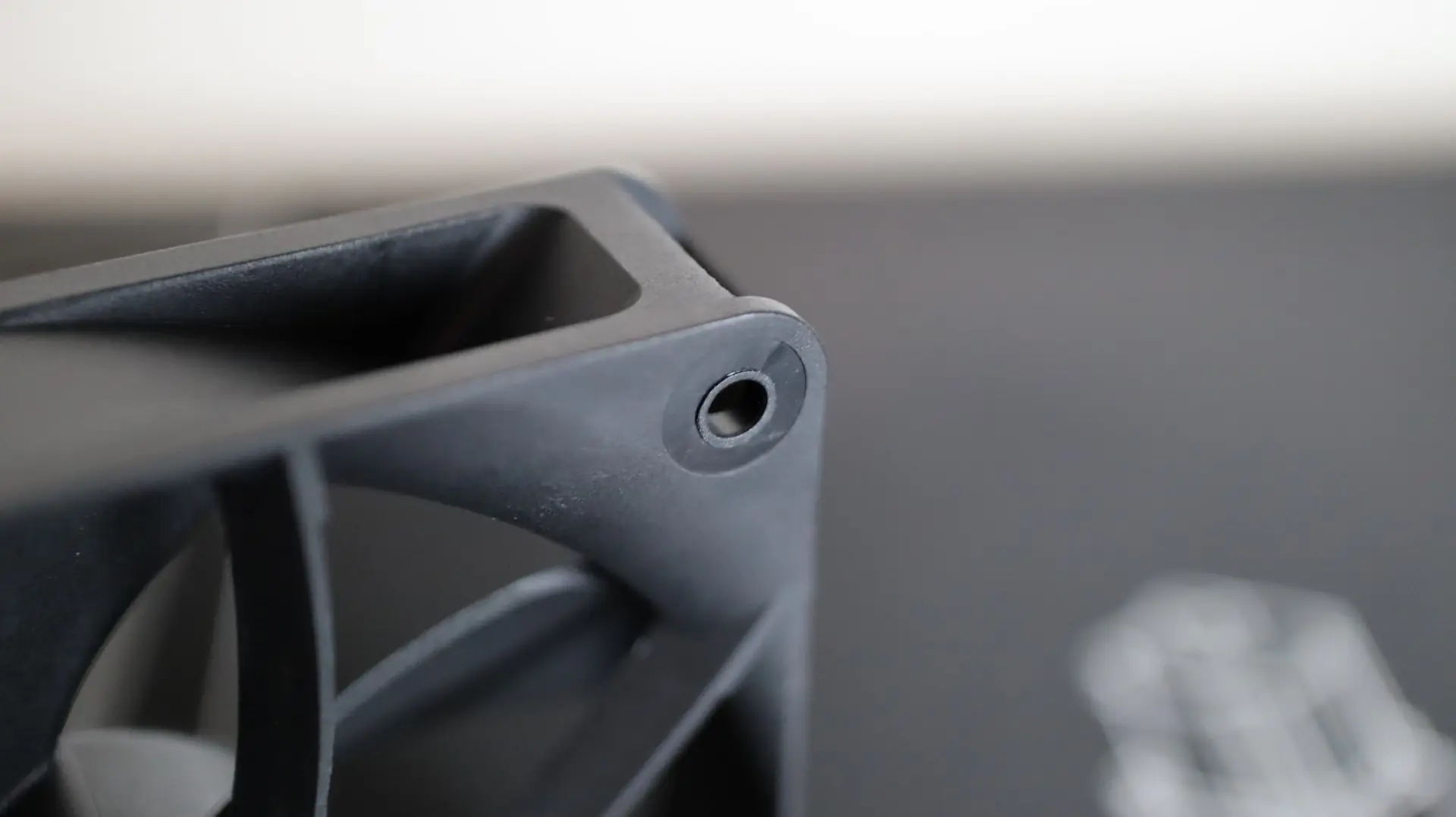
While these fans do daisy chain for less cable clutter, they do not come attached to the radiator from the factory, so you will need to orient and install them in the manner that best suites your build.