


Cyclops Overview
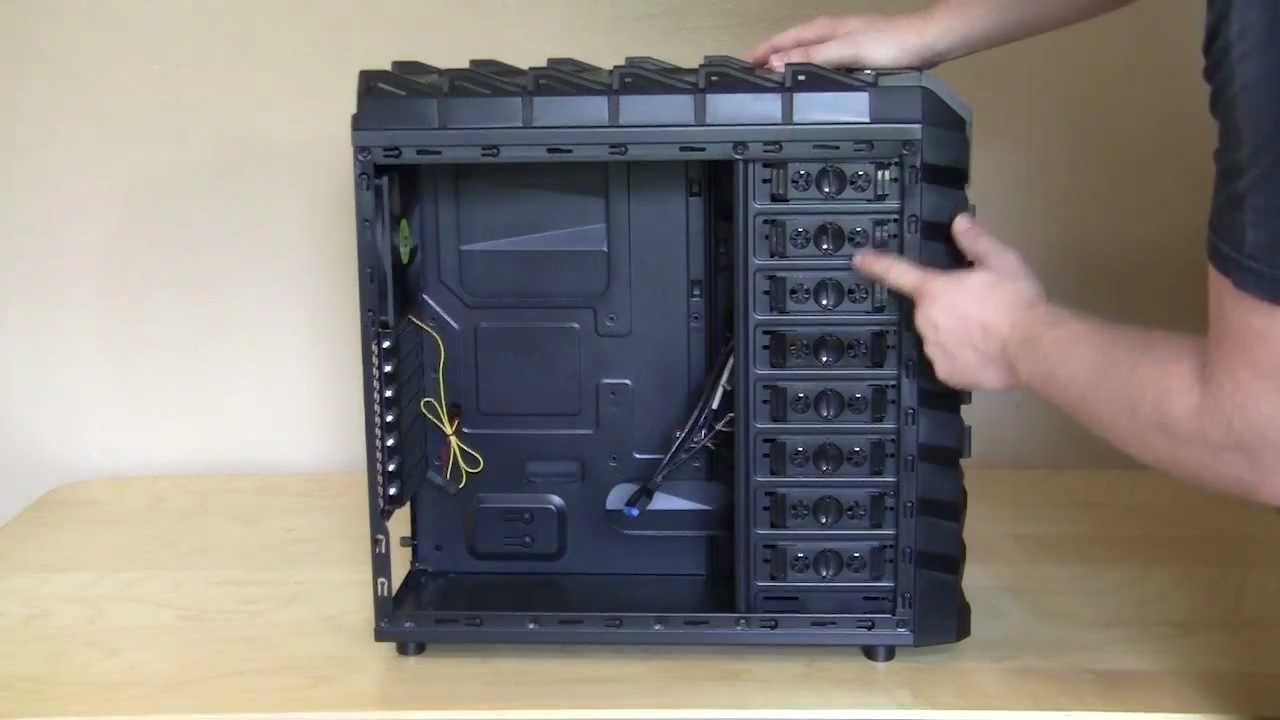
For a video overview of the Cyclops check out our video below.
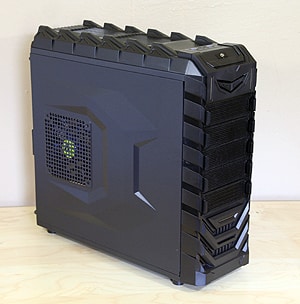
The Cyclops is the size of your typical mid tower case and weighs in at just under 12lbs. The case itself is made of steel with the front and top being plastic. We received the black version of the case and currently that is the only color the Cyclops is available in. The case has an agressive “gamer” style look to it which many people will like.


Starting at the front of the case towards the top you have your power and reset buttons. They are very large and very close together. On each side of the buttons is a small LED strip. Moving down there are a total of 5 drive bays. These are all 5.25-inch drive bays, there are no 3.5-inch drive bays on this case. All the way down towards the bottom there is a another LED strip, but this one is horizontal. Behind it you will find a 120mm intake fan.


At the top of the case you have a small Diablotek logo and a few connections. You have two USB 3.0 ports and your audio ports. Moving back, on the top of the case you have two 120mm fans.


Taking a look at the side panel you can see the very aggressive look with part of the case being pushed out in a pretty cool design. There is a large ventilated section on this side panel that has a 140mm blue LED fan behind it. The opposite side panel has the same design but does not have a fan on it.


Moving around to the back of the case right towards the top you will find 3 watercooling holes, although they are pretty small. Below them is a 120mm exhaust fan. So in total you have 5 cooling fans in this case! Of course like all new cases the power supply is mounted towards the bottom of the case.


Each of the side panels have a small little handle that you can pull out. This makes taking the side panel off the case pretty easy. There are thumbscrews on each side panel, but they are what we consider the “cheap” ones.


There are 4 small feet that lift the case off the bottom of the ground for better airflow. There is also a large ventilated section on the bottom of the case where you can install a 120 or 140mm cooling fan. There is a fan filter here, but you cannot remove it.


Who in their right mind buys these things ? From Diablow-tek PSUs to StillBlow cases.
I bought the case, and i am having troulble with the fans and led lights… can you post a closeup picture or somthing that shows where they are supposed to connect?
Bought this case feb of 2014 and now in late 2015, 3 of the 5 fans went out. Replacing them was a Bitch. 2 of them were the top fans. I had to remove everything… down to the motherboard (okay, I didn’t have to remove the power supply) in order to replace the fans on the top of the case. The tool-less portion of the hard-drives break very easily. The case comes with 3 drive adapters to convert 5.25 drives to fit a 3.5 inch hdd. The rear I/O port panel problem described in the review is correct. you nearly need to use a prybar on your motherboard to get the screws to align. On my case the power supply aligned just fine, but for 1 screw. One of the front USB 3.0 ports died, and is only good now to charge devices. Seriously, not a case that you’d really want to own. I need to install (4) 4 TB hdds. and I can’t find the adapter trays. The company does not support this product or any more