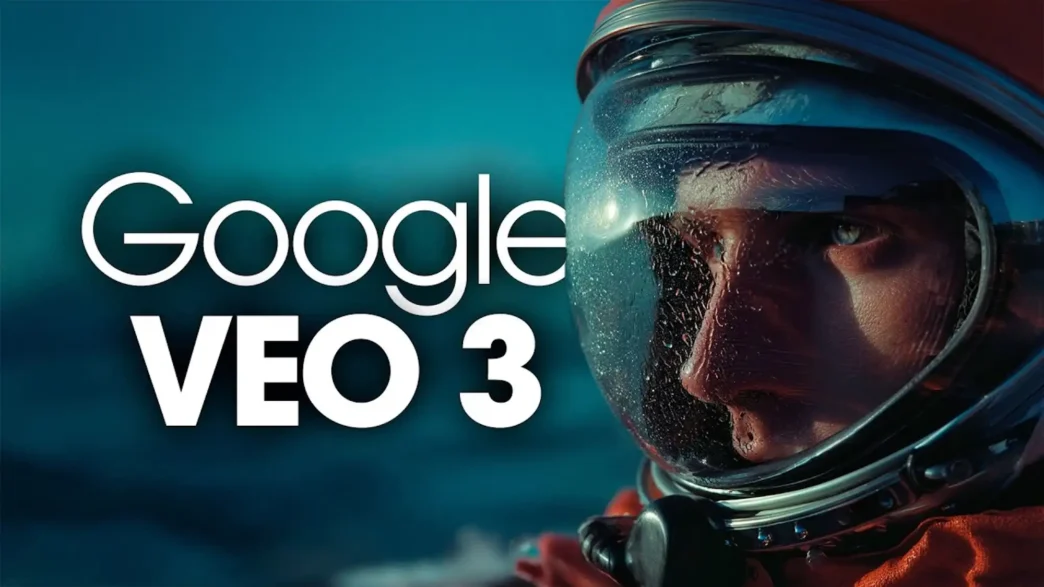
Developed by Google DeepMind, Veo 3 empowers creators to transform text prompts and images into high-quality, cinematic videos complete with synchronized audio. Integrated seamlessly into the ImagineArt platform, Veo 3 offers a suite of features that cater to both novice and professional creators, making it an indispensable tool for modern video production.
What is Google Veo 3?
Google Veo 3 is an advanced video generation model that leverages cutting-edge artificial intelligence to convert textual descriptions and images into dynamic, high-definition videos. Utilizing a multimodal transformer architecture, Veo 3 produces videos with realistic motion, expressive character animations, and cinematic effects, all without the need for traditional filming equipment or editing software. Whether you’re crafting a short film, a promotional video, or a social media clip, Veo 3 provides the tools to bring your vision to life with remarkable ease and speed.
Accessing Veo 3 through ImagineArt
ImagineArt serves as a comprehensive AI creative suite, integrating various AI models, including Veo 3, into a single platform. This integration allows users to access a wide range of AI tools for video generation, image creation, music composition, and more. The user-friendly interface and flexible credit-based system make it accessible to creators of all skill levels, from hobbyists to professionals.
To get started with Veo 3 on ImagineArt:
- Sign Up or Log In: Create an account or log into your existing ImagineArt account.
- Navigate to Video Studio: Access the Imagine Video Studio from your dashboard.
- Select Veo 3: Choose Veo 3 from the list of available video generation models.
- Input Your Prompt: Enter a detailed description of the video you wish to create or upload a reference image.
- Customize Settings: Adjust parameters such as camera angles, lighting, aspect ratio, and video duration to suit your needs.
- Generate and Download: Click the “Generate” button to create your video. Once satisfied, download the high-quality video to your device.
Key Features of Veo 3
Google Veo 3 is a breakthrough AI Video Generator that turns text—and now images—into vivid, sound-rich videos with remarkable realism. Accessible through Gemini for individuals and Vertex AI for developers, it offers both premium paid access and periodic free trials. Whether you’re crafting comedic sketches, ads, or experimental visuals, Veo 3 enables fast, creative storytelling with minimal technical overhead.
1. Text-to-Video and Image-to-Video Capabilities
Veo 3 excels in converting both text prompts and images into dynamic videos. Whether you describe a scene in detail or upload a reference image, Veo 3 interprets your input and generates a corresponding video. This versatility is particularly useful for creators looking to visualize concepts, storyboards, or marketing content.
2. Cinematic Camera Control
One of Veo 3’s standout features is its ability to simulate realistic camera movements. Users can specify camera angles and movements, such as “pan left,” “zoom in,” or “tilt up,” to guide the video’s perspective. This level of control allows for the creation of cinematic sequences with dynamic compositions and transitions.
3. Contextual Audio Integration
Veo 3 introduces native audio generation, allowing creators to add synchronized sound effects, dialogue, and ambient noise to their videos. This feature enhances the storytelling experience by providing a more immersive and realistic audio-visual presentation.
4. High-Quality Output
Videos generated by Veo 3 are rendered in high definition, typically at 1080p resolution, with a frame rate of 24 frames per second. This ensures that the final output is suitable for professional use, including social media, marketing campaigns, and presentations.
5. Diverse Stylistic Expression
Veo 3 offers a range of customization options to tailor videos to specific styles and moods. Users can adjust lighting effects, such as “neon glow” or “soft daylight,” and select camera movements to match the desired tone. The platform also supports multiple aspect ratios, including 16:9, 9:16, and 1:1, catering to various platforms and formats.
Real-World Use Cases
Veo 3’s capabilities make it suitable for a wide range of applications:
- Marketing and Advertising: Create engaging promotional videos that capture attention and convey messages effectively.
- Social Media Content: Produce short, shareable videos optimized for platforms like Instagram, TikTok, and YouTube Shorts.
- Education and Training: Develop instructional videos that illustrate concepts and procedures clearly.
- Entertainment and Storytelling: Craft short films, animations, or visual narratives that entertain and inform.
Getting Started with Veo 3
To explore the full potential of Veo 3, visit the ImagineArt platform and sign up for an account. With a flexible credit-based system and a suite of powerful AI tools at your disposal, you can start creating professional-quality videos today.