Lenovo ThinkPad X1 Fold 16 Overview
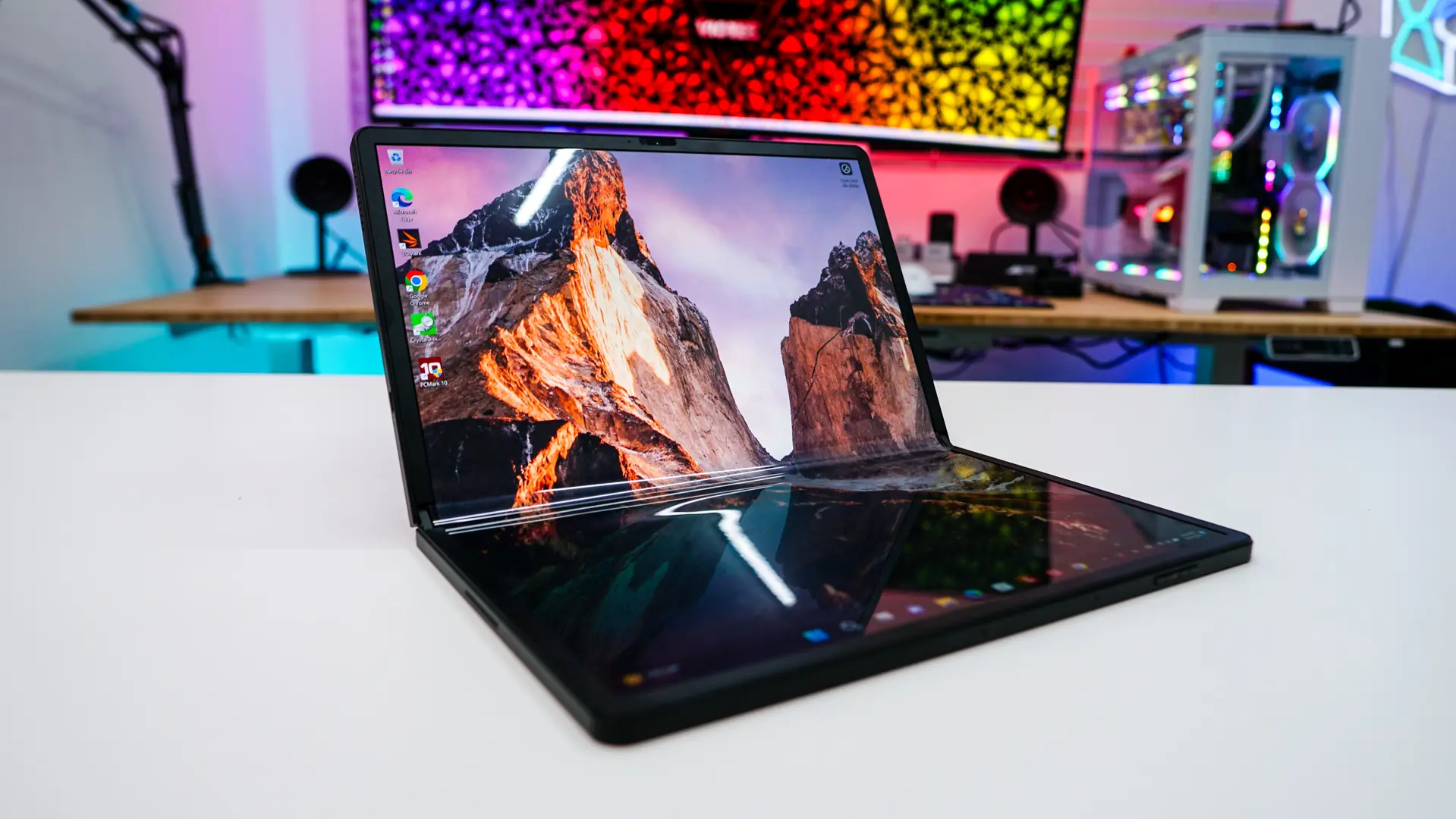
At first glance the X1 Fold 16 looks like a big tablet, and essentially it is. The official dimensions unfolded are 8.6mm x 276.2mm x 345.7mm. The screen itself is a 16.3-inch folding HDR OLED touchscreen with a resolution of 2560 x 2024, 400 nits of brightness (600 nits HDR) with Dolby Vision.
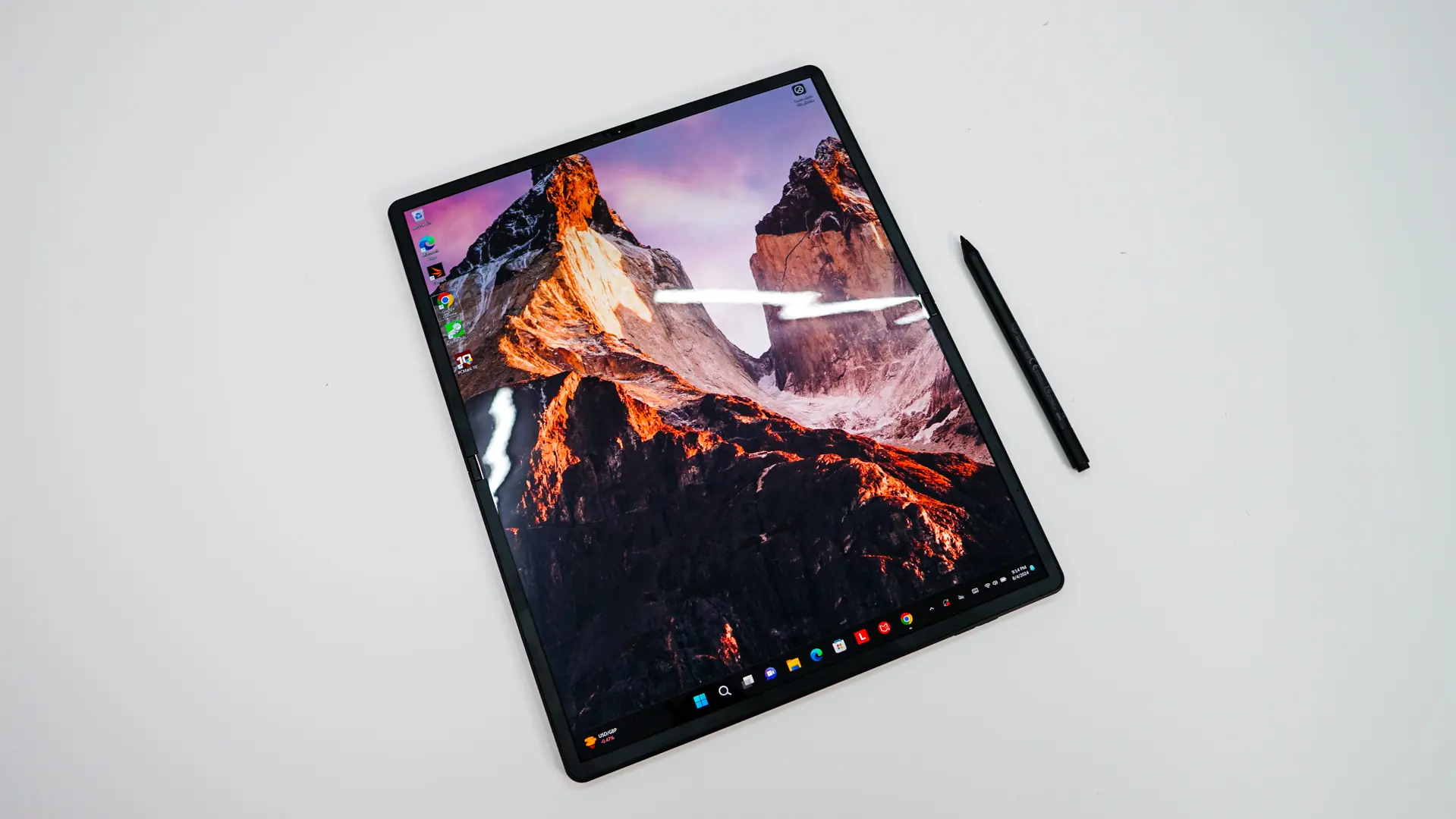
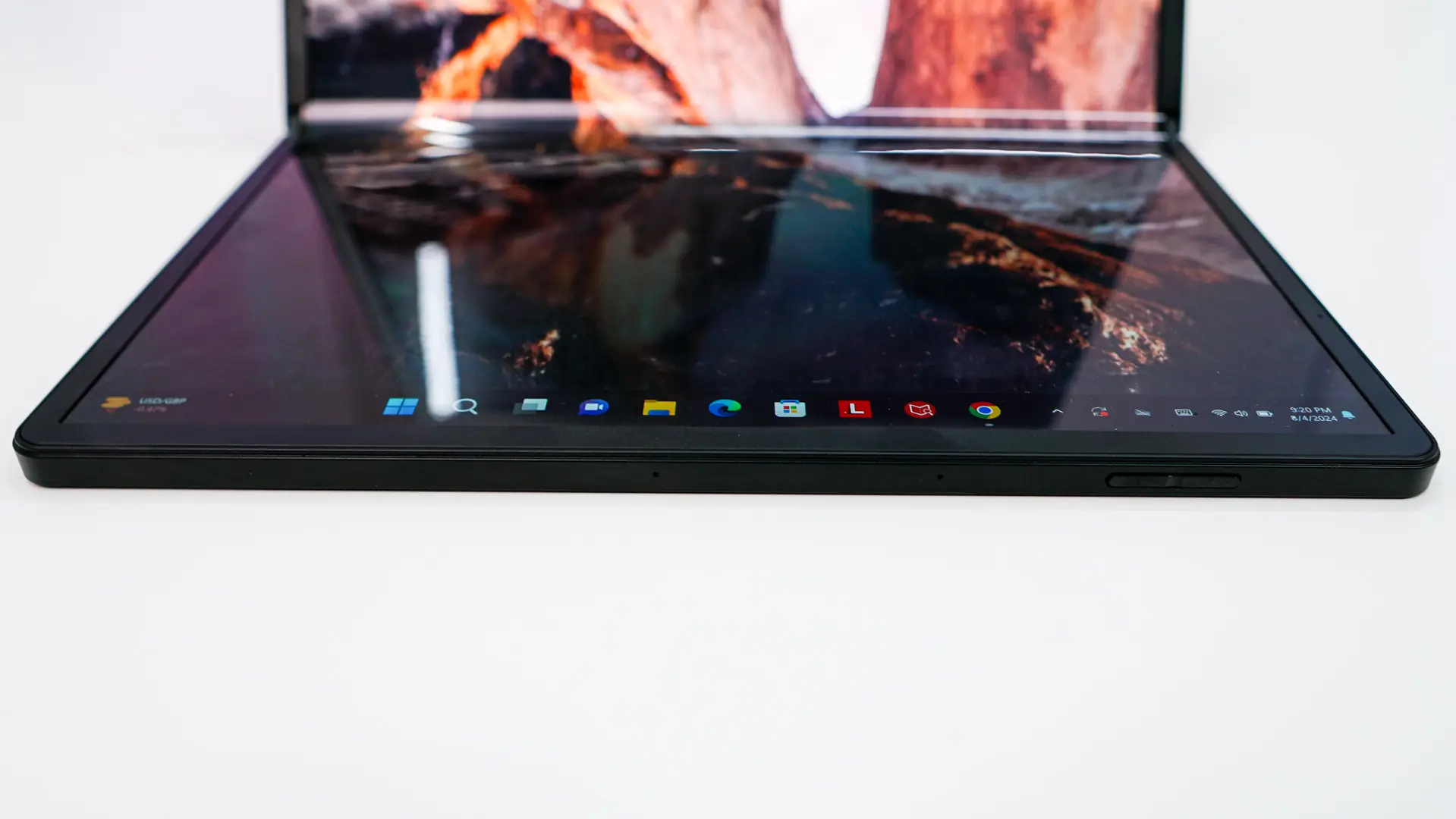
While this might be a pretty big “tablet” to put into a backpack, luckily you can fold it down. This of course is made possible because we have a foldable OLED display. If you’ve never used a device with a foldable screen before, it does feel a bit weird to fold it at first, but after that you get used to it. The foldable screen allows you to turn the 16-inch “tablet” into a 12-inch laptop. When you first fold the X1 Fold 16 the screen will remain the same so you could put the Windows on-screen keyboard on the bottom half of the screen if you wanted to. Now if you did decide to buy the keyboard you can just place it on the bottom half of the screen and it will automatically transform the screen into a 12-inch 2024 x 1240 display.
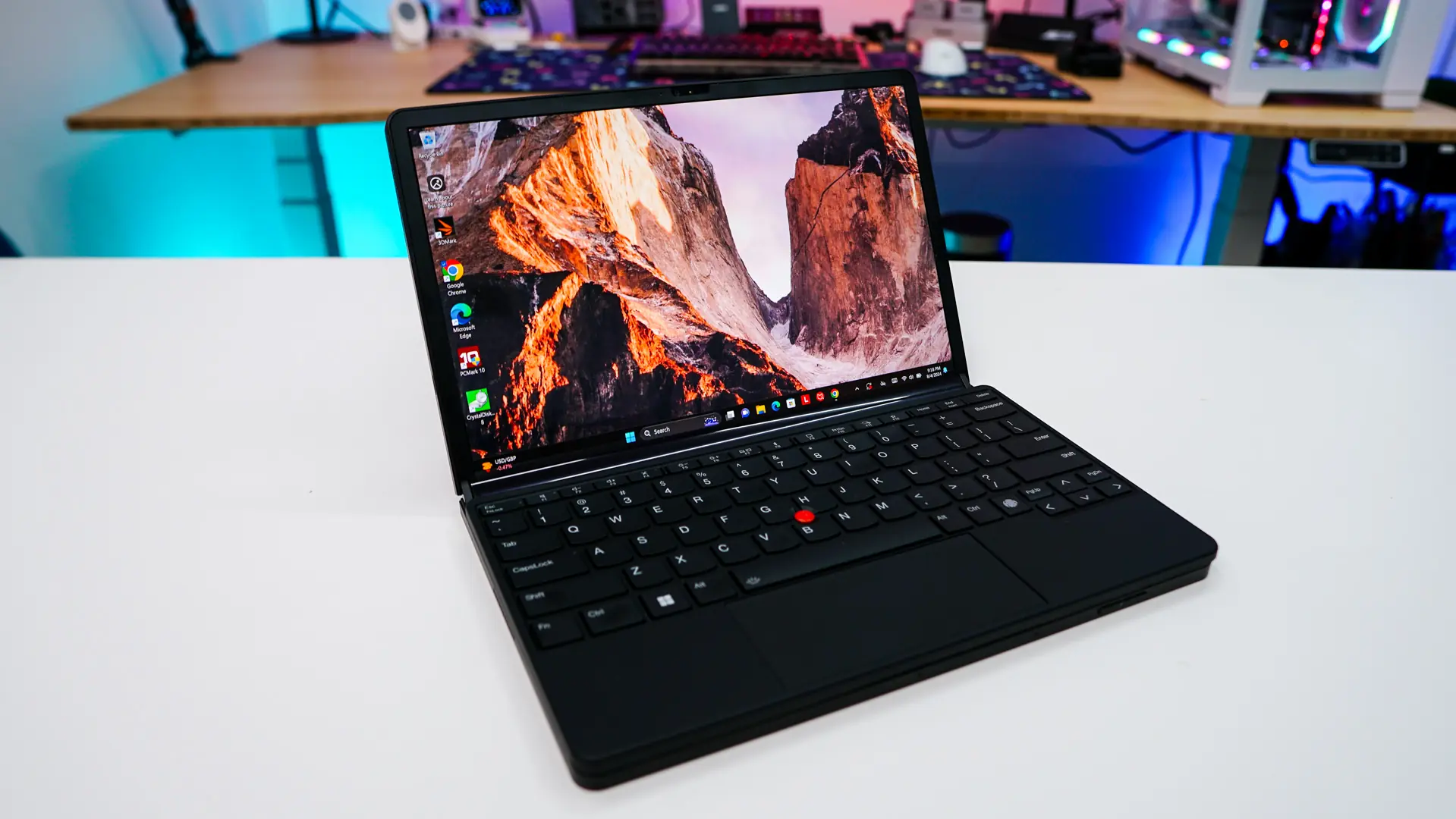
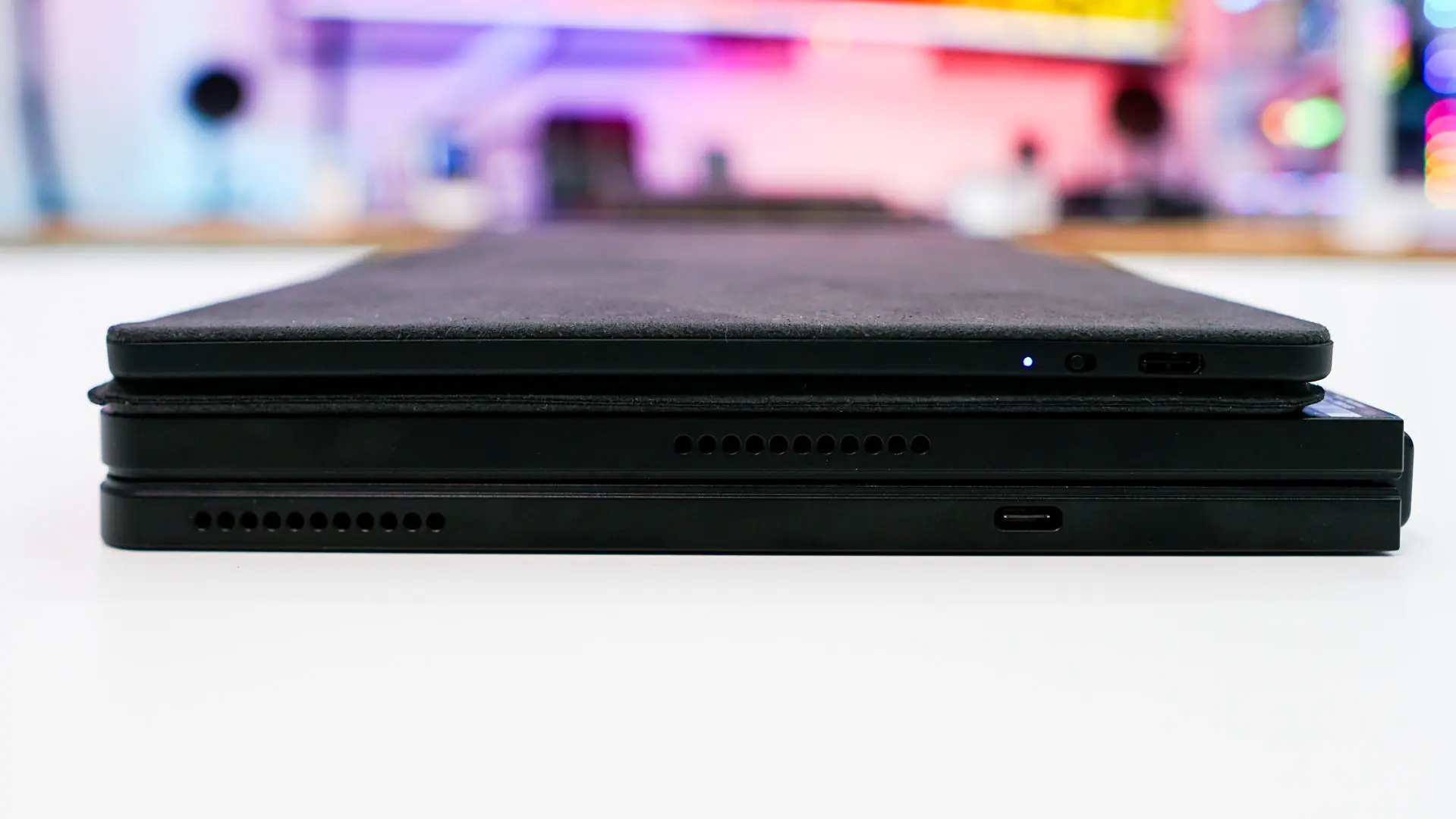
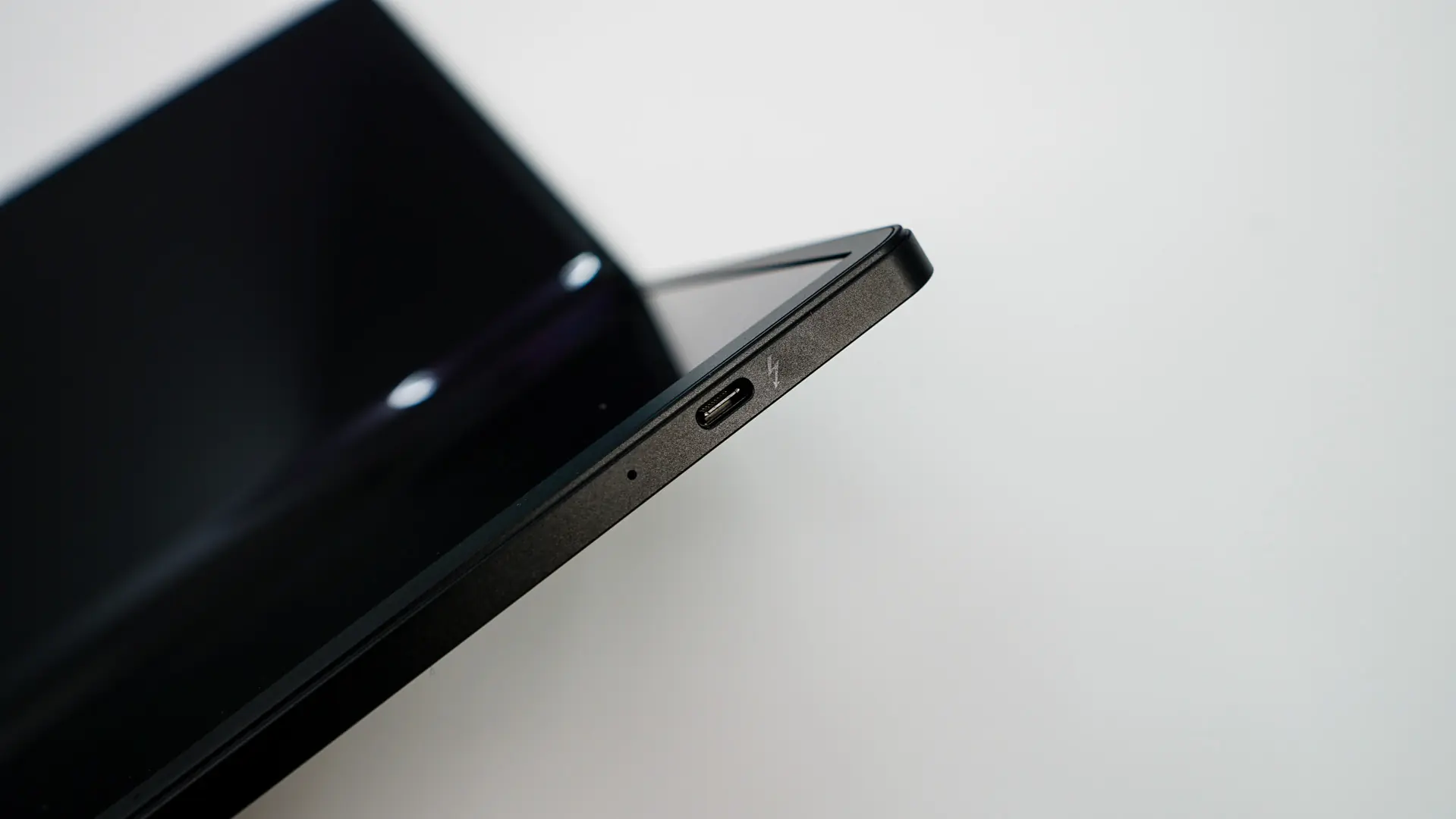
With the ThinkPad X1 Fold 16 in “laptop mode” we can get a look at our connections. On the left side there is a single Type-C port that is Thunderbolt 4 and supports power delivery and DisplayPort. On the opposite side there is another Type-C port that is also Thunderbolt 4. On each side of the device you’ll also find speakers and on the right side is your power button.
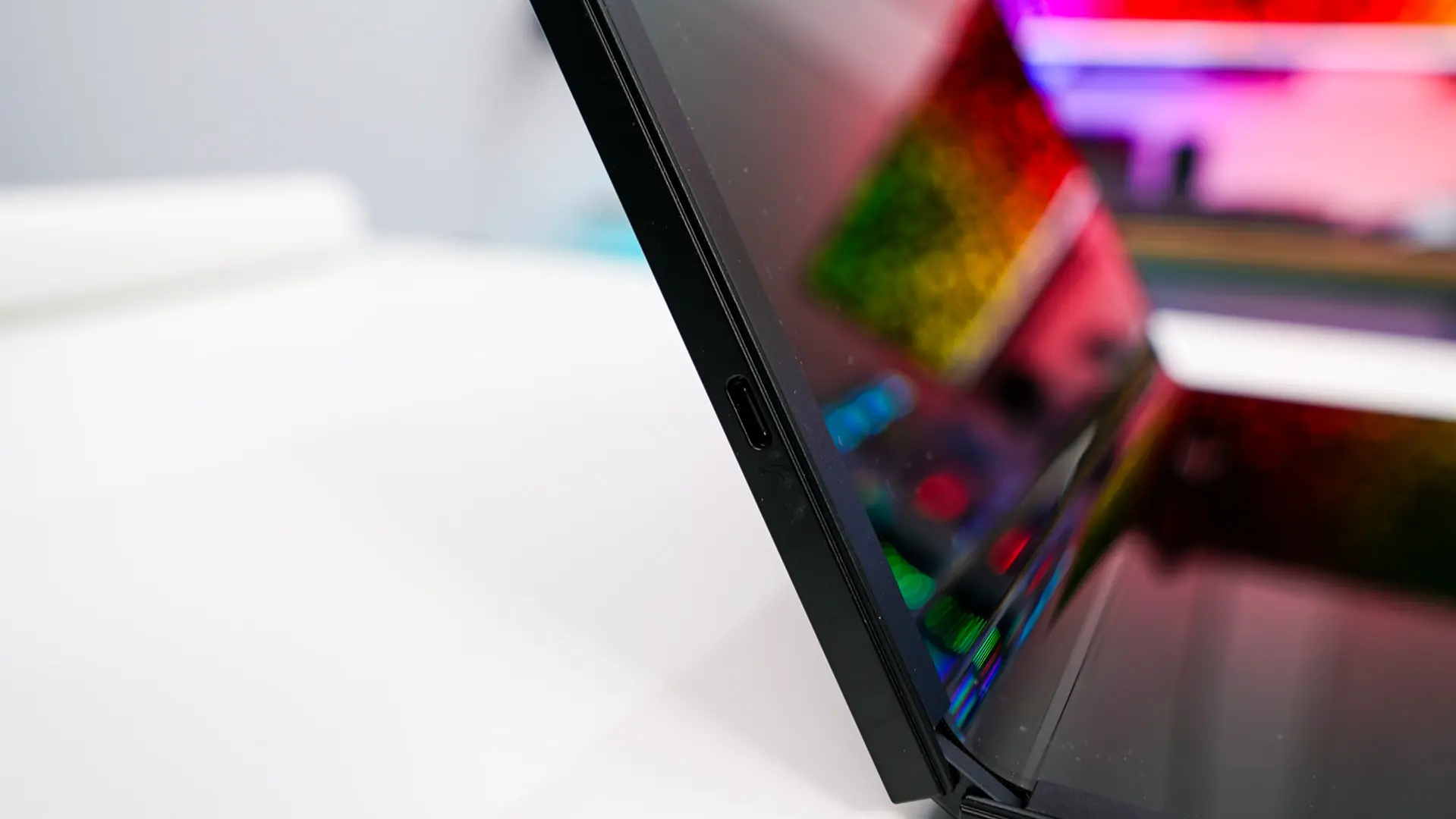
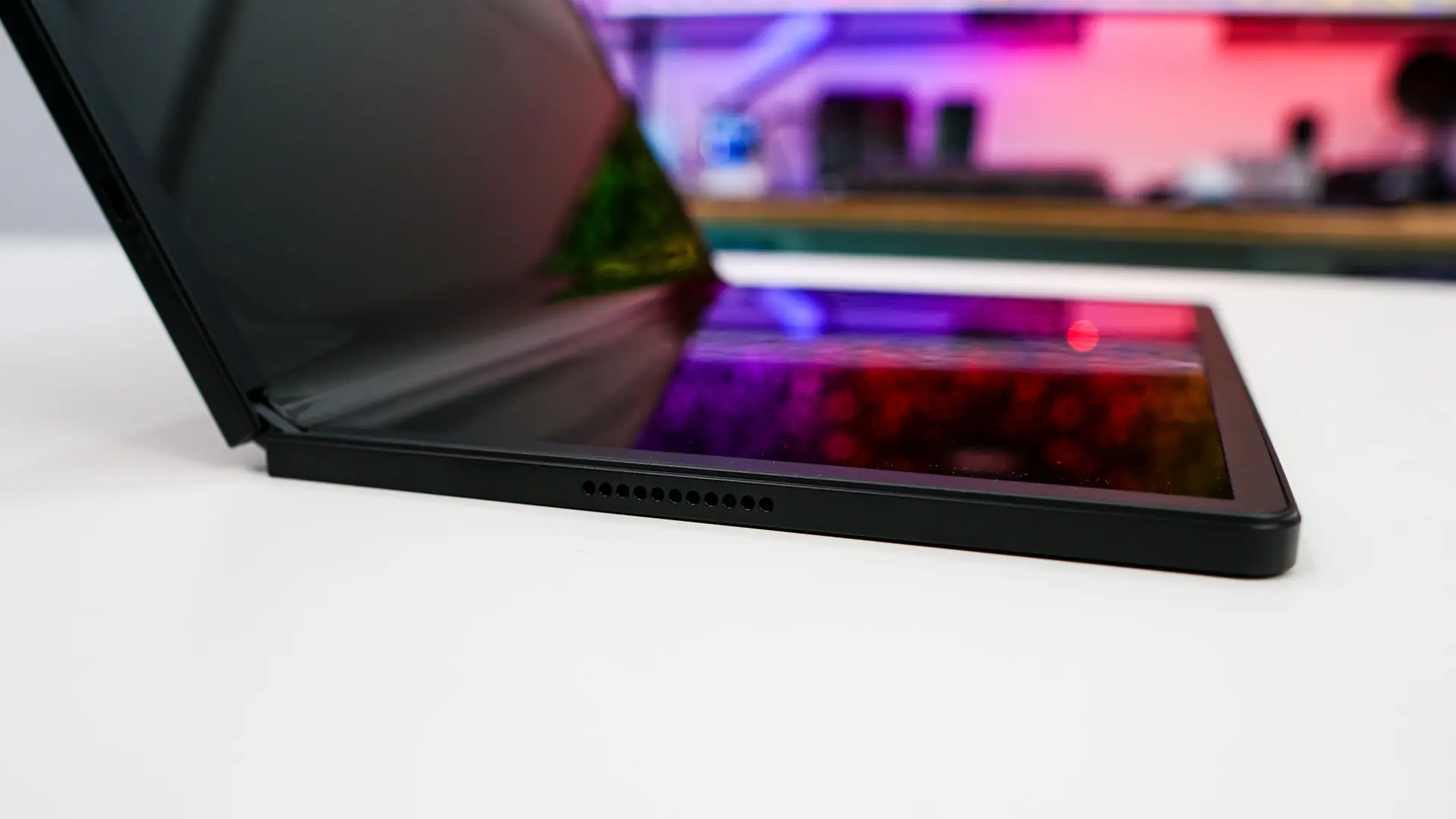
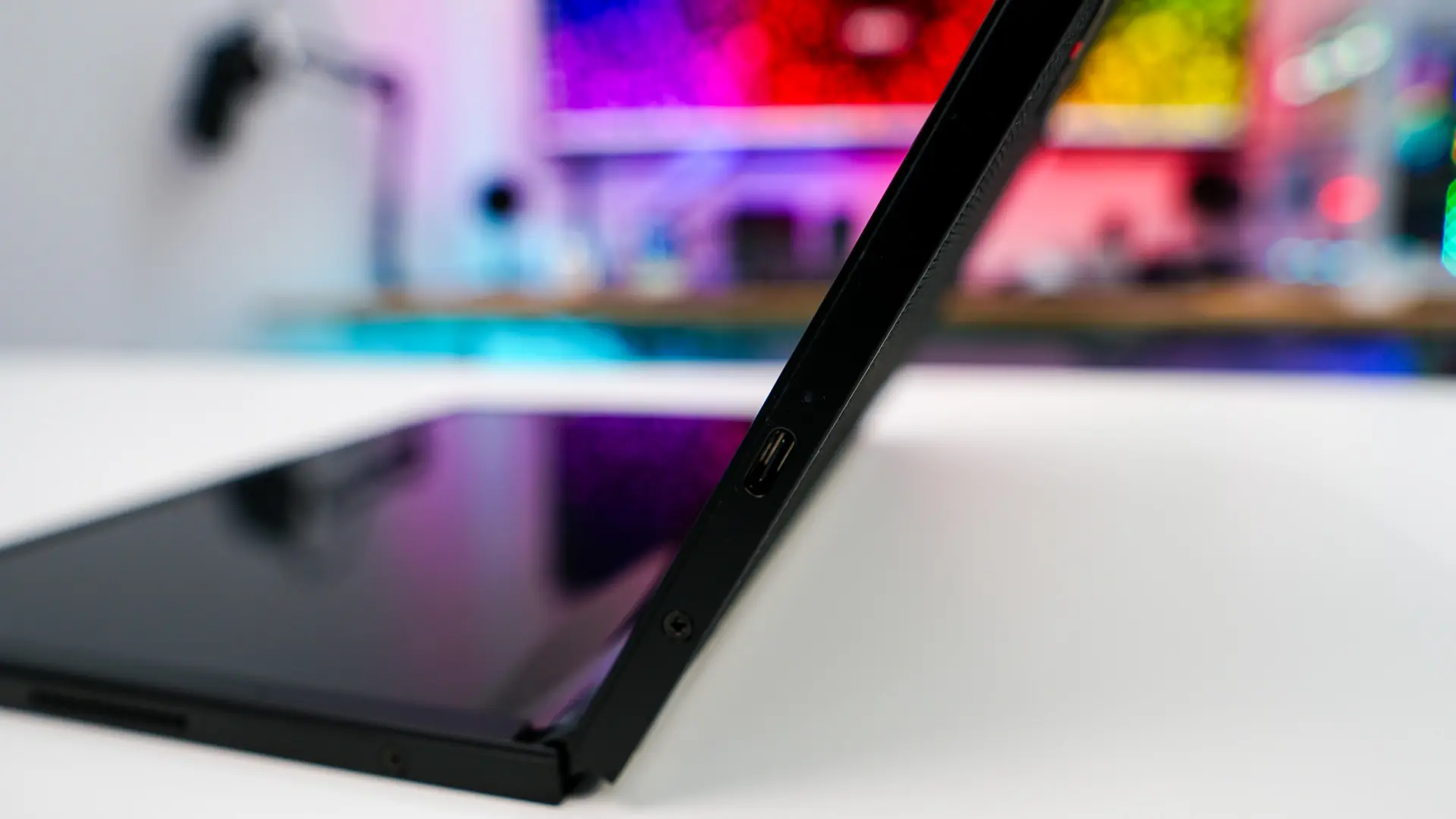
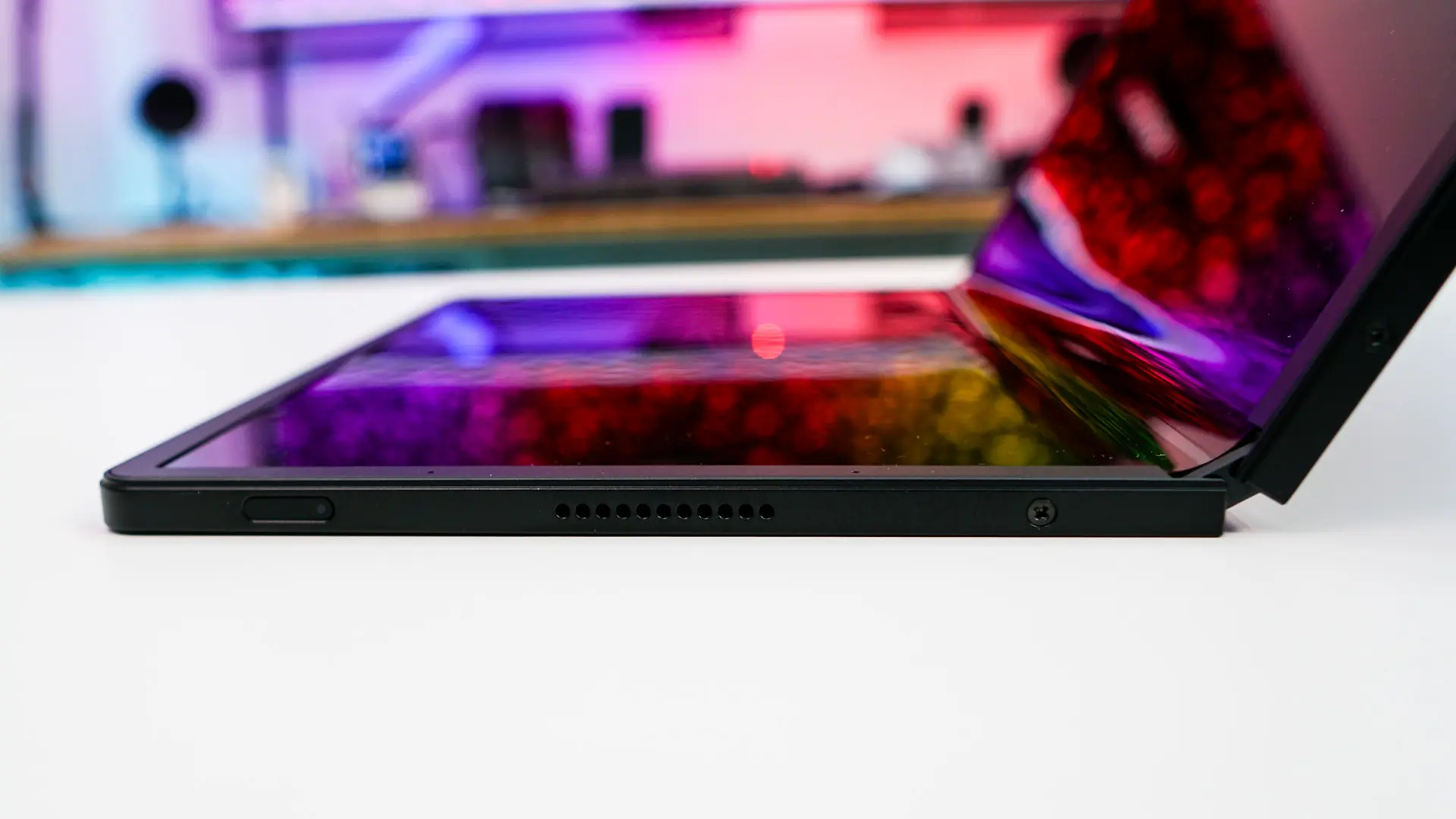
On the top-edge is a third Type-C port which is USB 3.2 gen 2 and supports power delivery and Display port. On the front-edge is a volume rocker and two microphones.
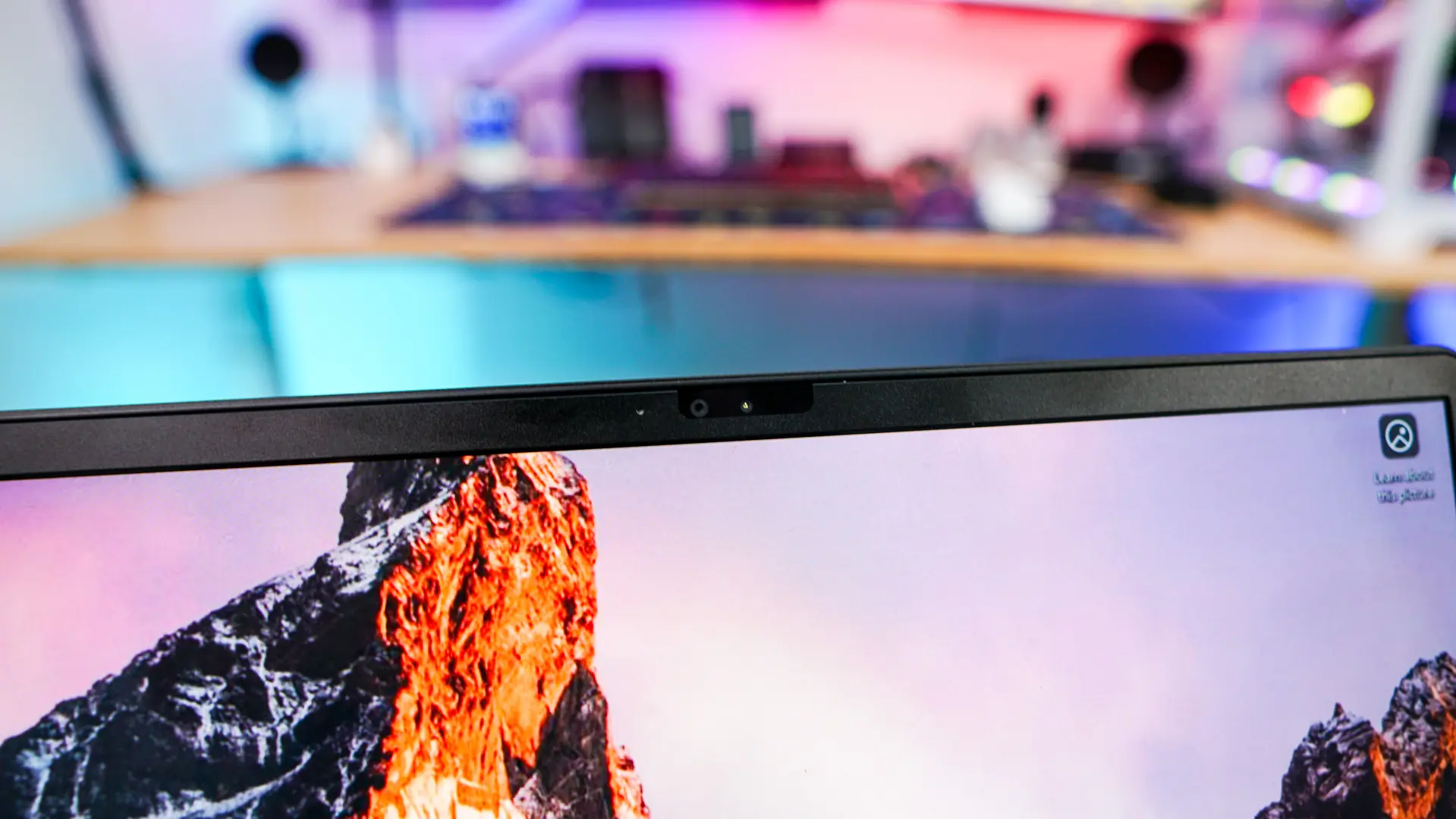
At the top-edge of the screen integrated into the bezel is your camera, which is a 5MP RGB & infrared camera that does support Windows Hello. The camera will automatically detect orientation if you have the X1 Fold 16 in portrait or landscape mode. There is no privacy shutter on the camera though, which is a bit weird for a ThinkPad device.
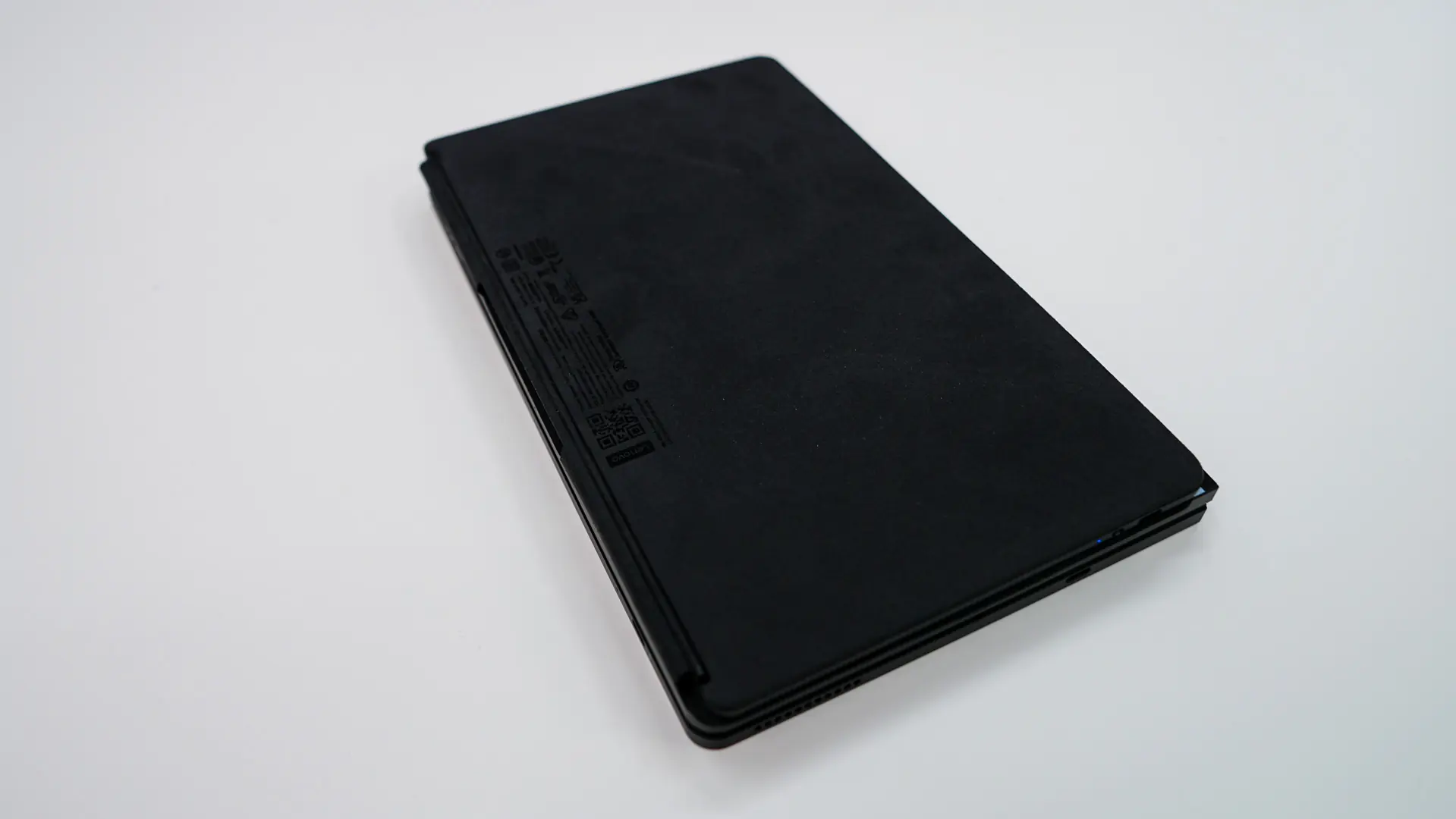
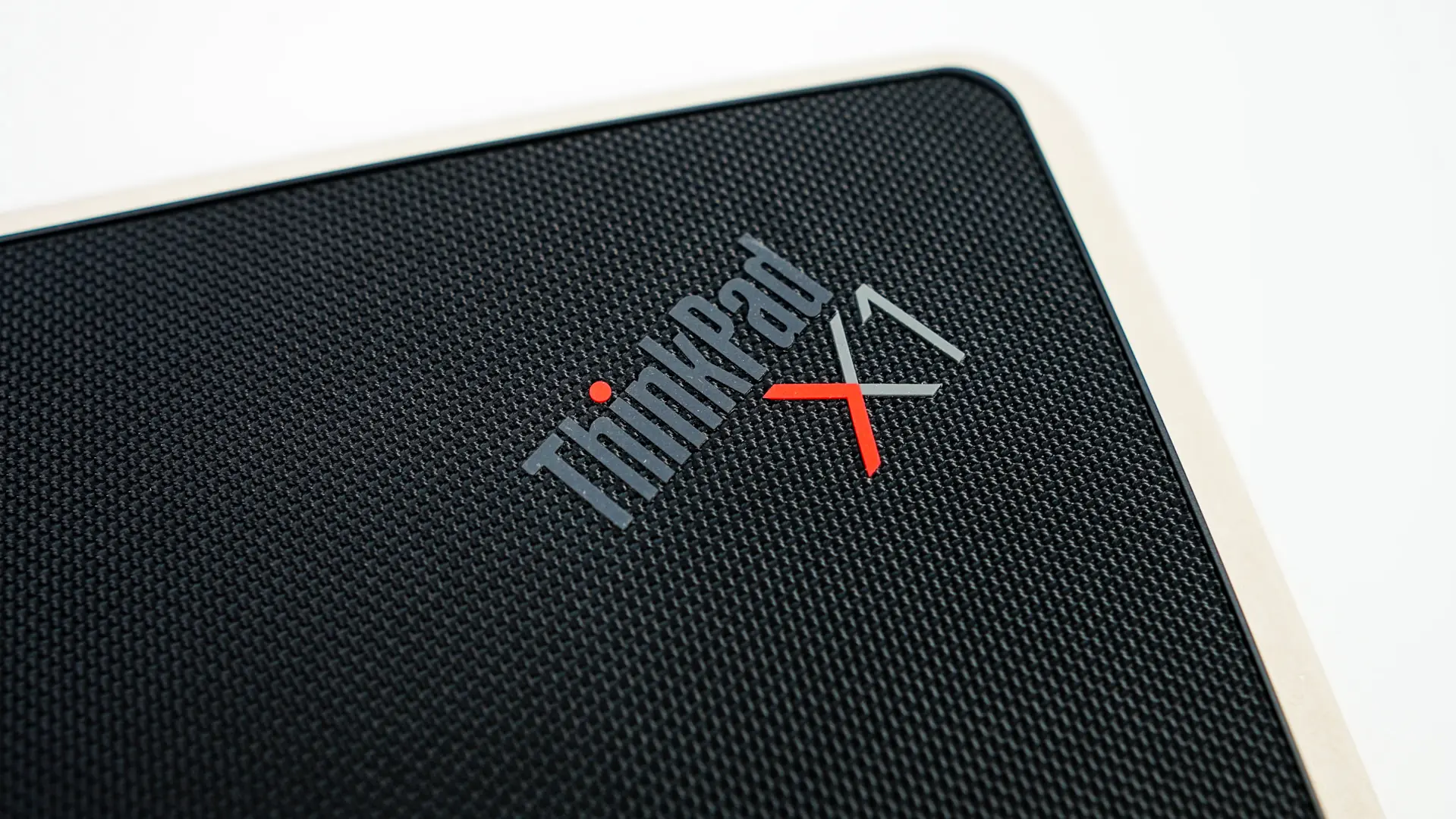
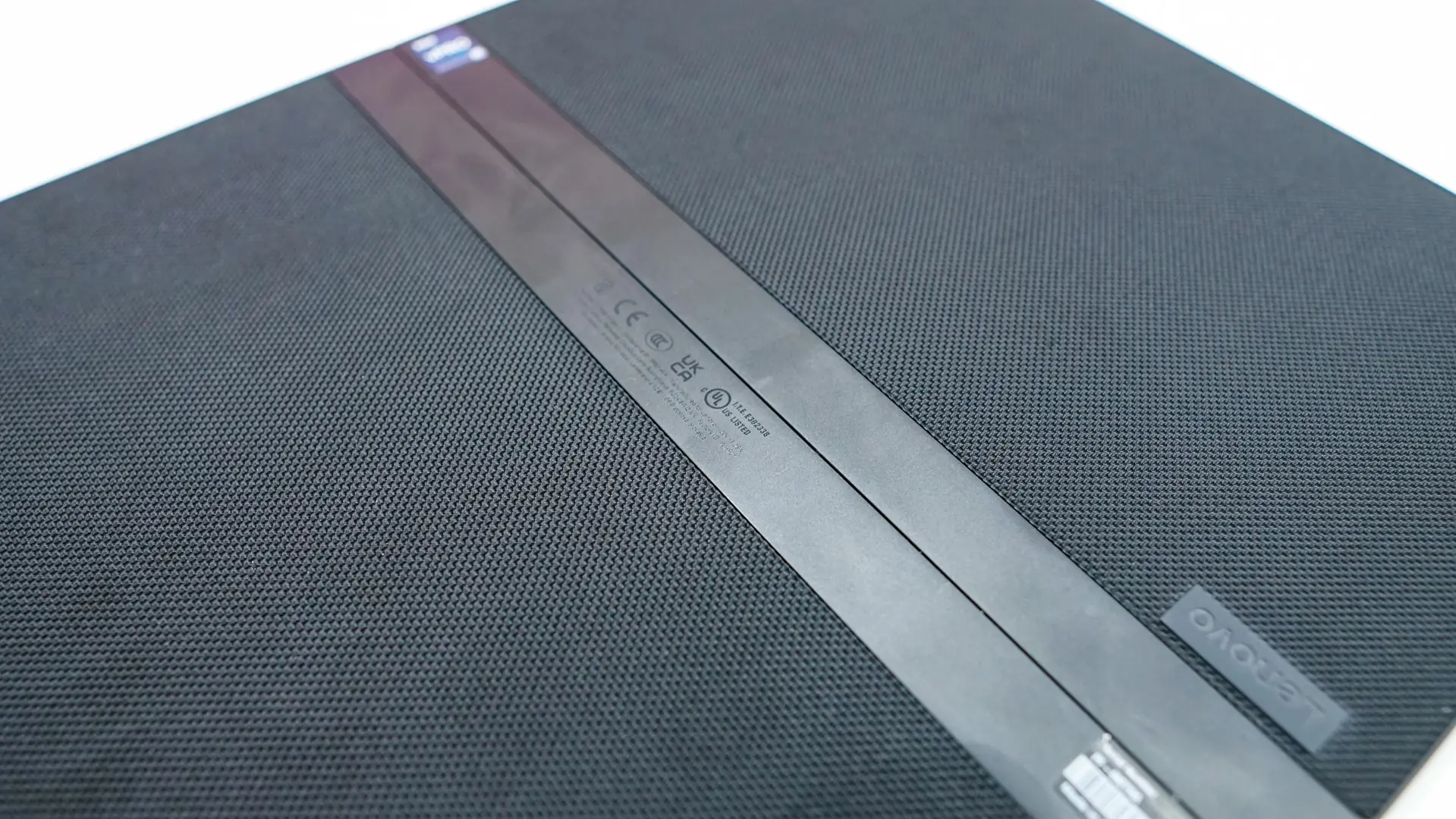
The outer shell of the laptop feels amazing and I really wish all laptops had this type of finish on them. Lenovo is using woven strips of black recycled synthetic fiber, which gives the X1 Fold 16 an amazing feel when you are holding it. There is a small ThinkPad X1 logo in the top corner of the outer shell.
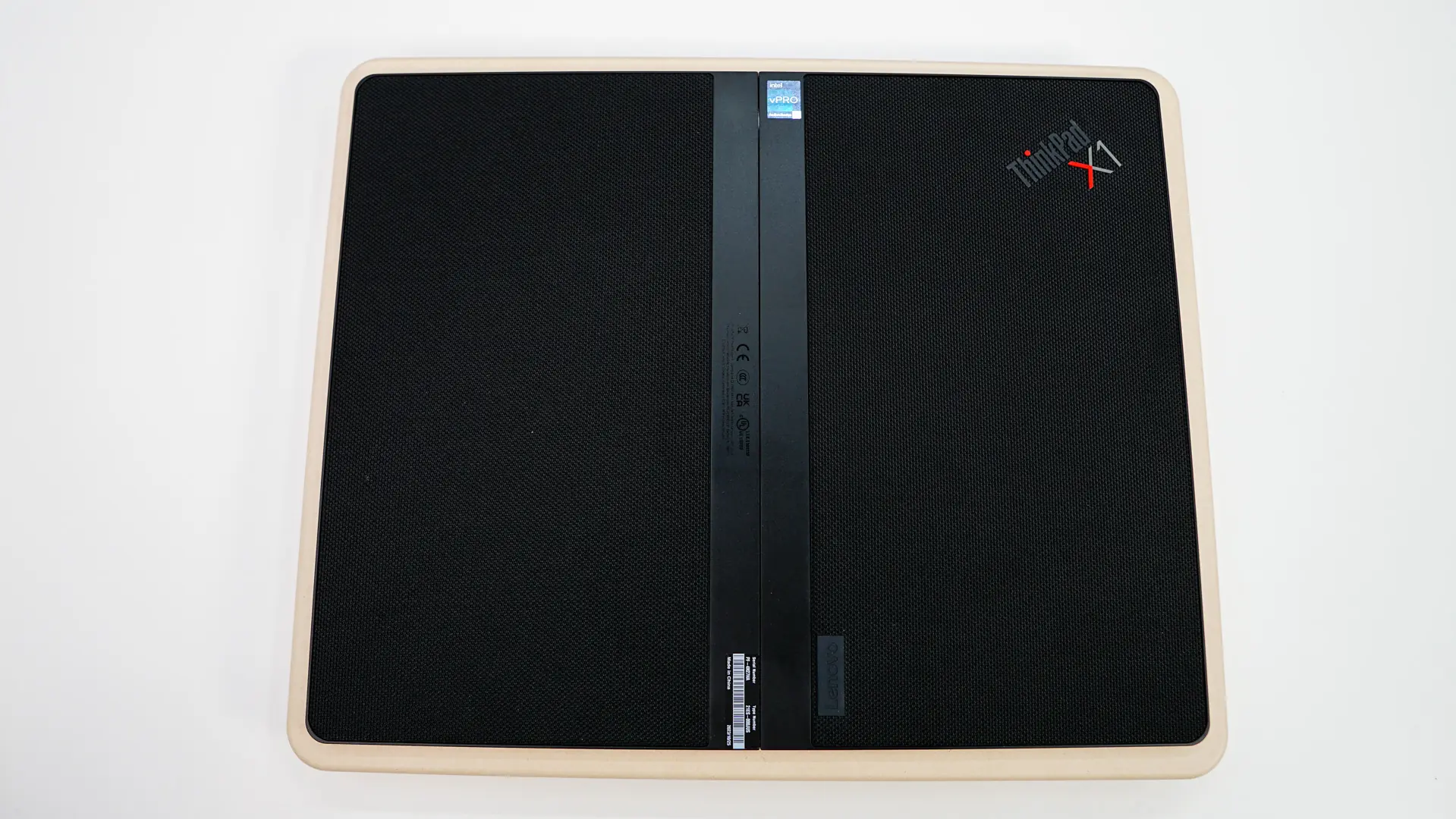
When you have the X1 Fold 16 in tablet mode you really cannot see the hinge from the back, but once you fold it, it becomes visible.
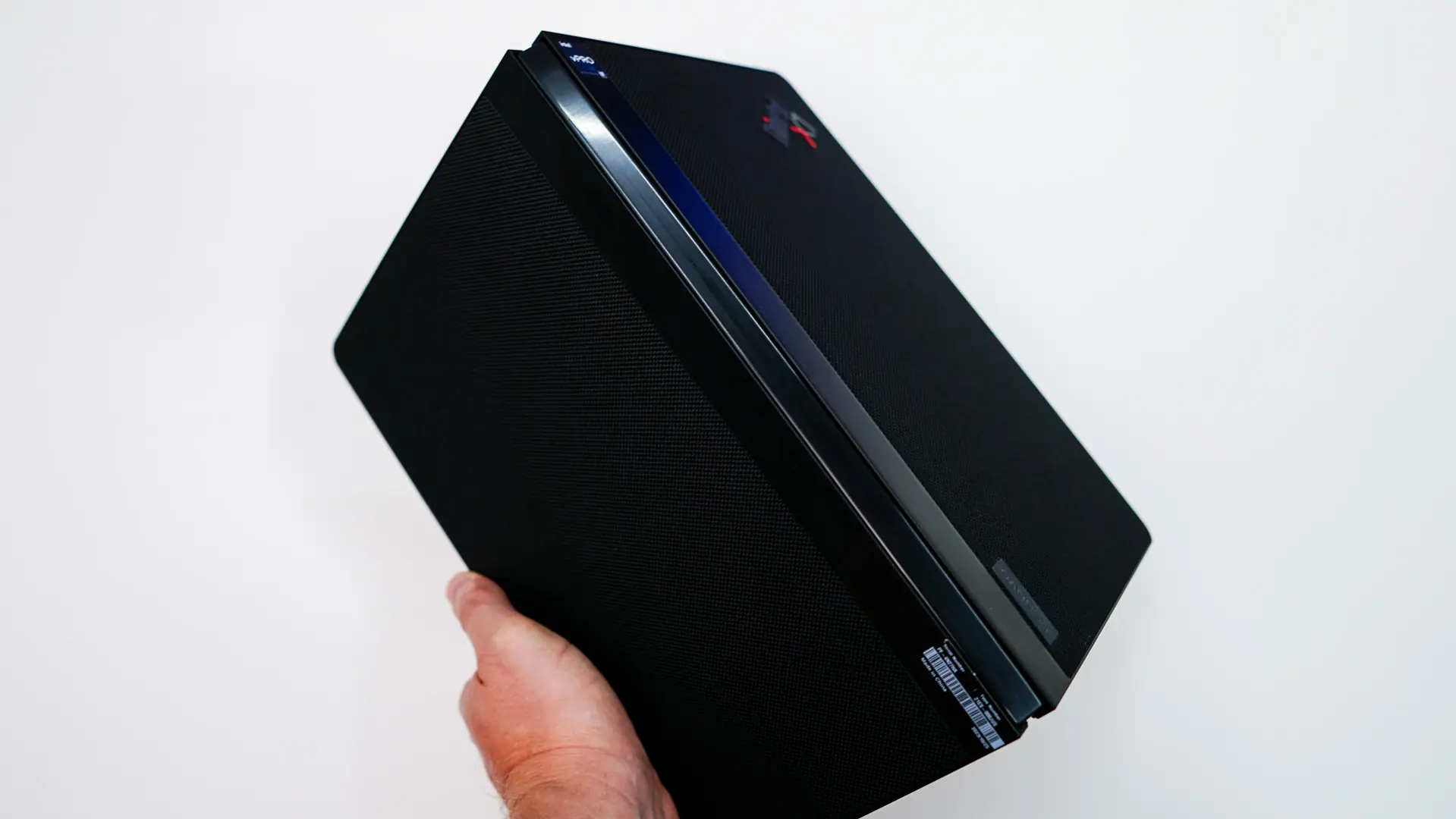
When folded up you can place the keyboard / stand on the bottom side of the laptop and since it is magnetic it will stay there no problem. With everything folded up it is a bit bulky though.