levelplay CL 360 HUD Overview
The HUD line of coolers comes in a 360mm version, and you have the option of white and black colorways, with our sample being the latter of the two. You may not notice at first, but there is a single-piece 360mm ARGB fan used on this cooler. The overall look of the CL 360 HUD is pretty laid back and doesn’t have any of the infinity mirrors or huge, flashy LCD screens.
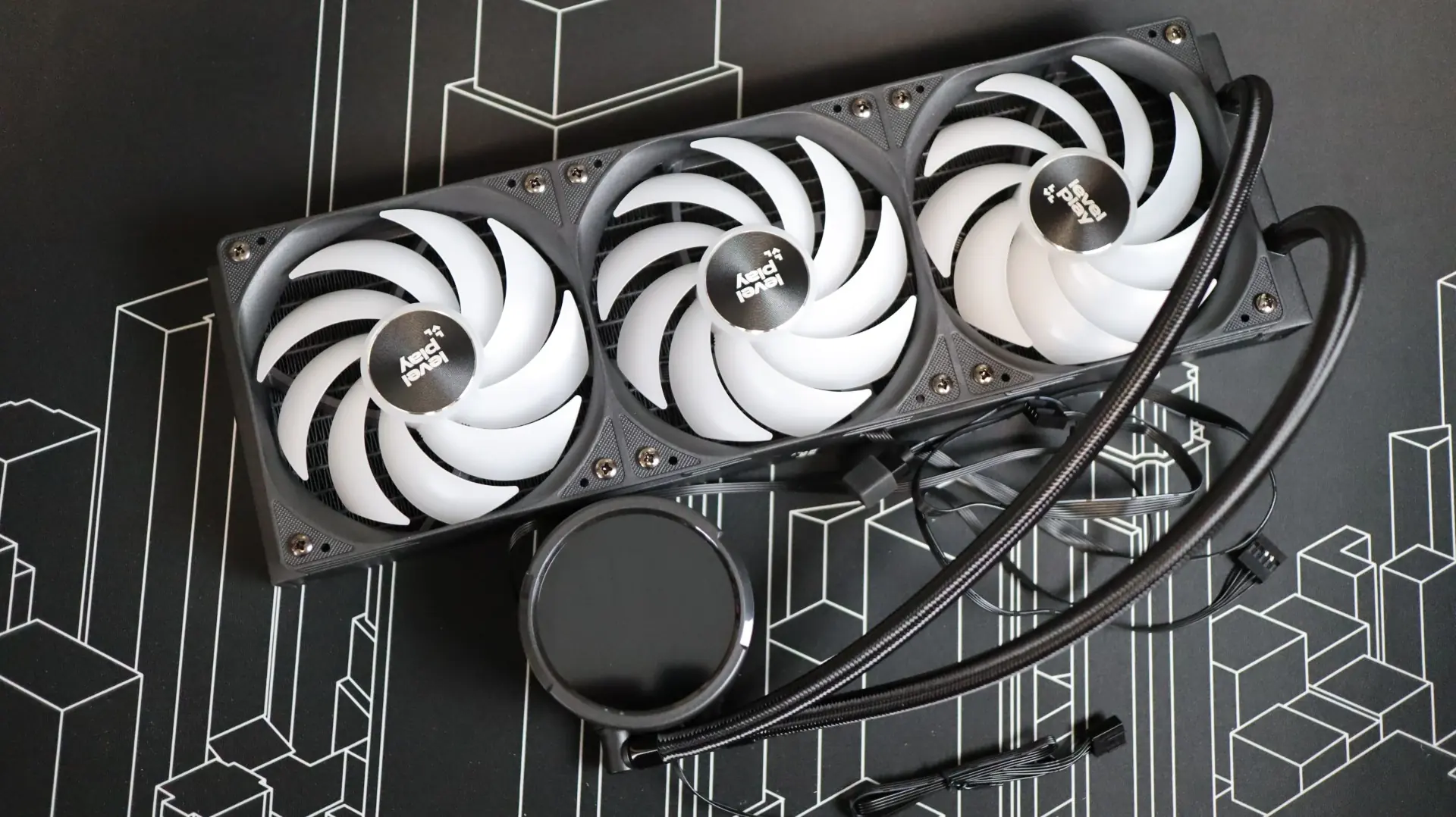
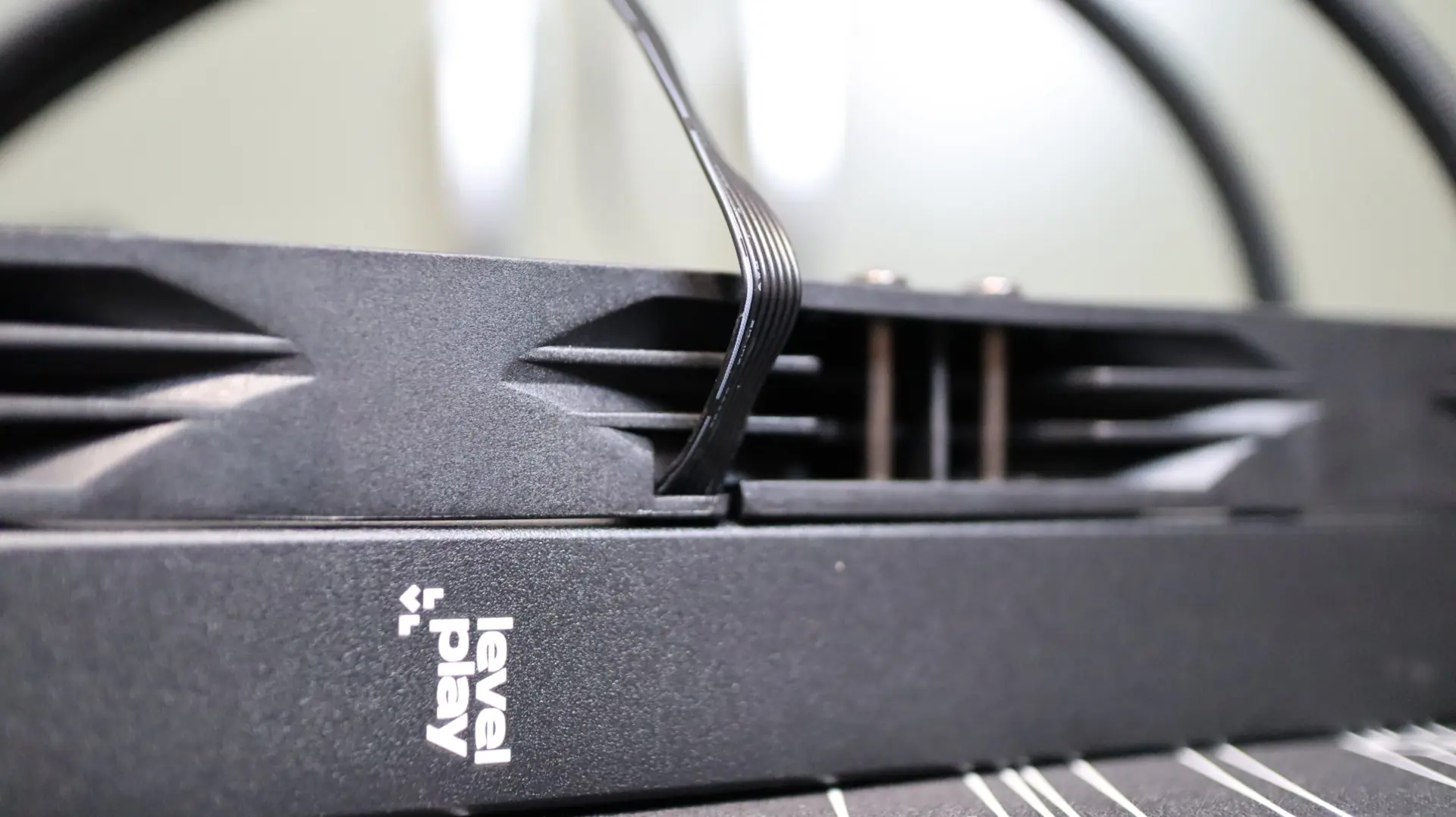
The first component up in our overview is the 360mm aluminum radiator. This radiator is very straight forward in it’s design, with a black paint job and a small levelplay badge painted on each side.
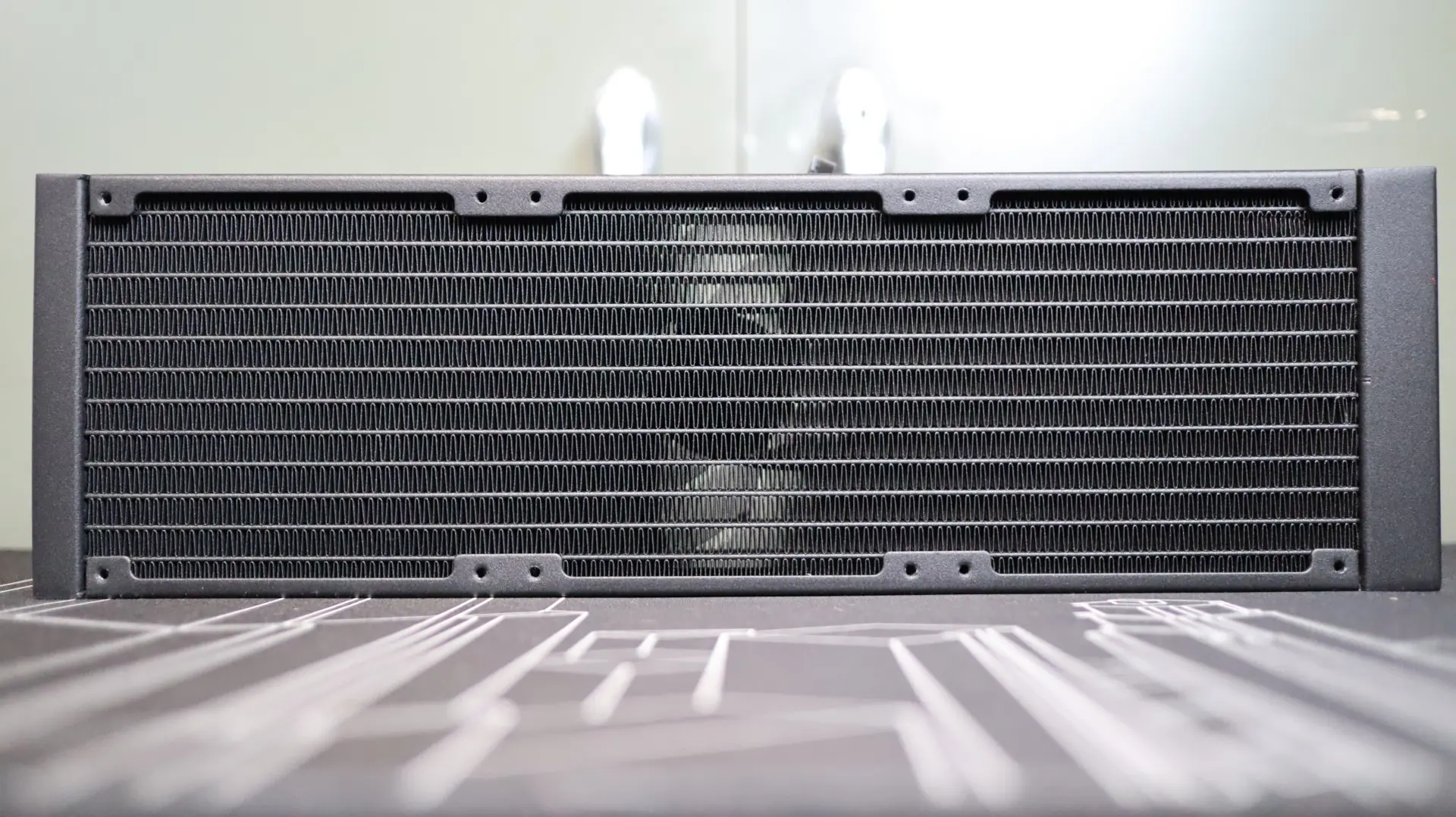
The 27mm thickness is pretty much the standard size we see on most AIOS, and at 20 fins-per-inch, the CL 360 HUD’s fin density is right in the middle of the range that we typically see. The included 360mm ARGB PWM fan comes attached to the radiator from the factory, which simplifies the installation process.
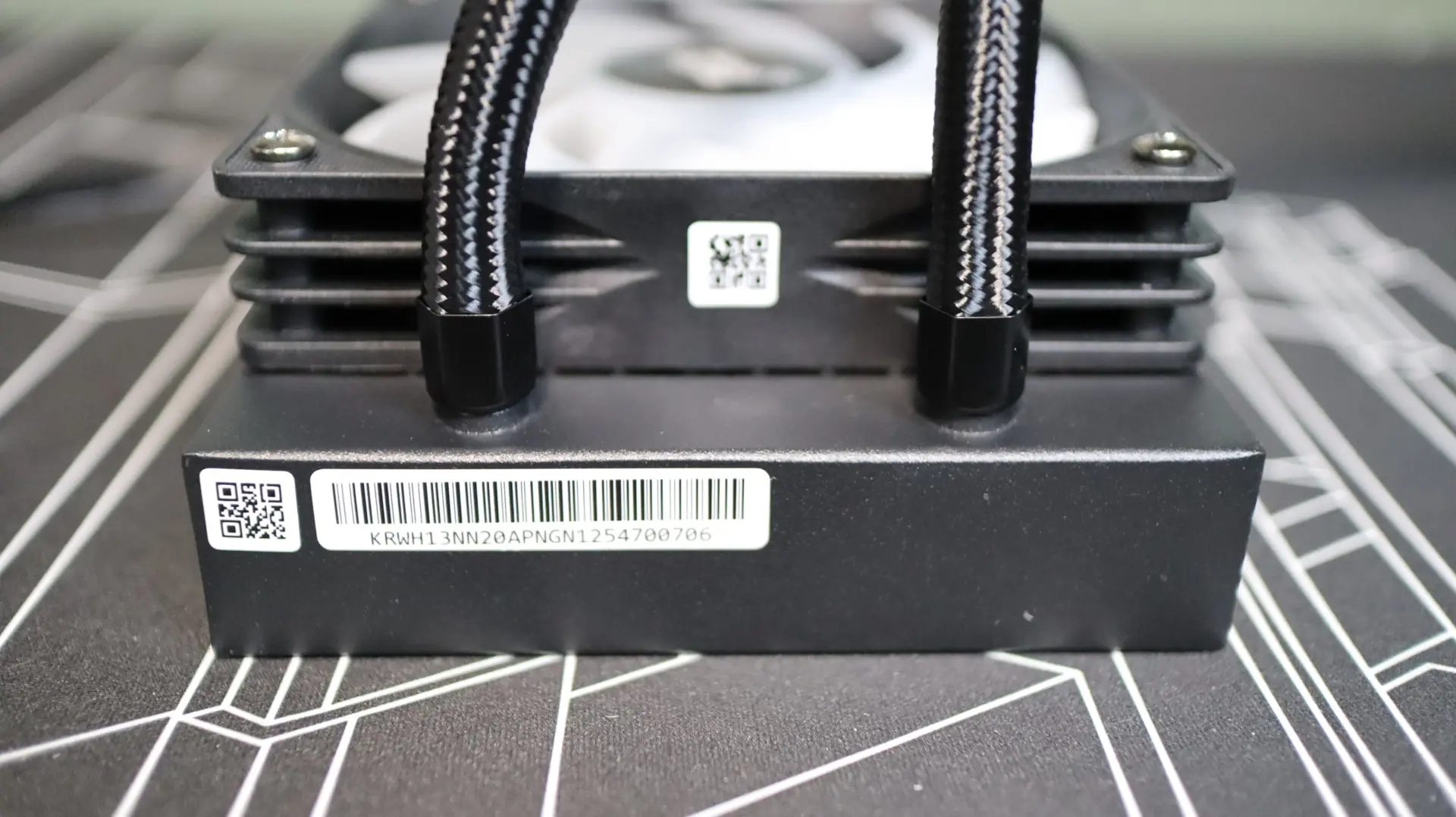
The nylon-braided cooling lines exit from one end of the radiator’s end cap, and connect to the radiator via crimped connectors. These lines are decently flexible, but a bit shorter than I would like to see.
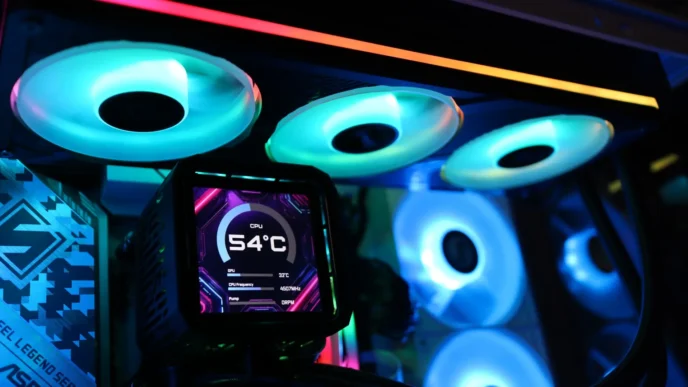
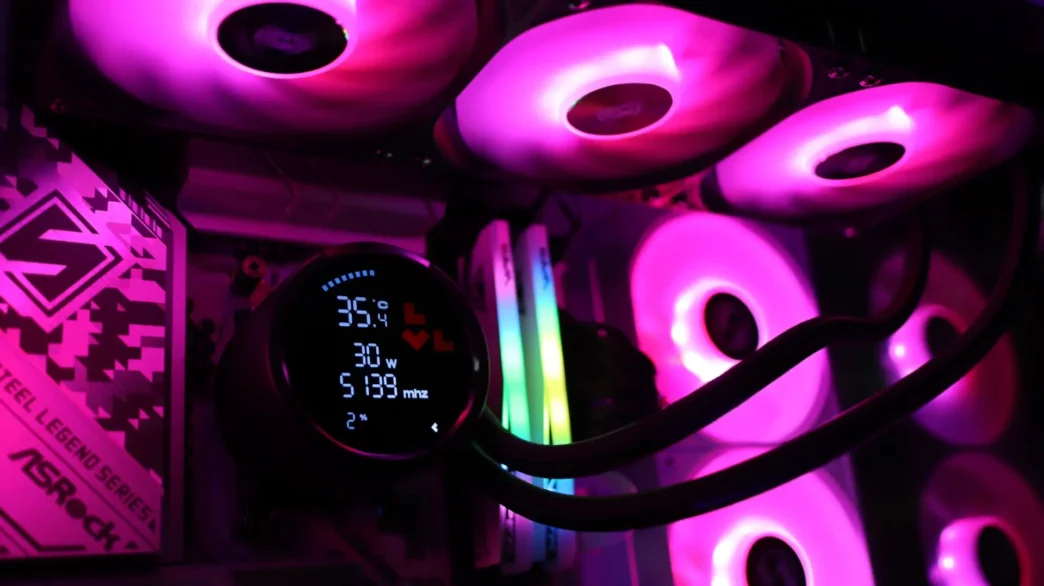
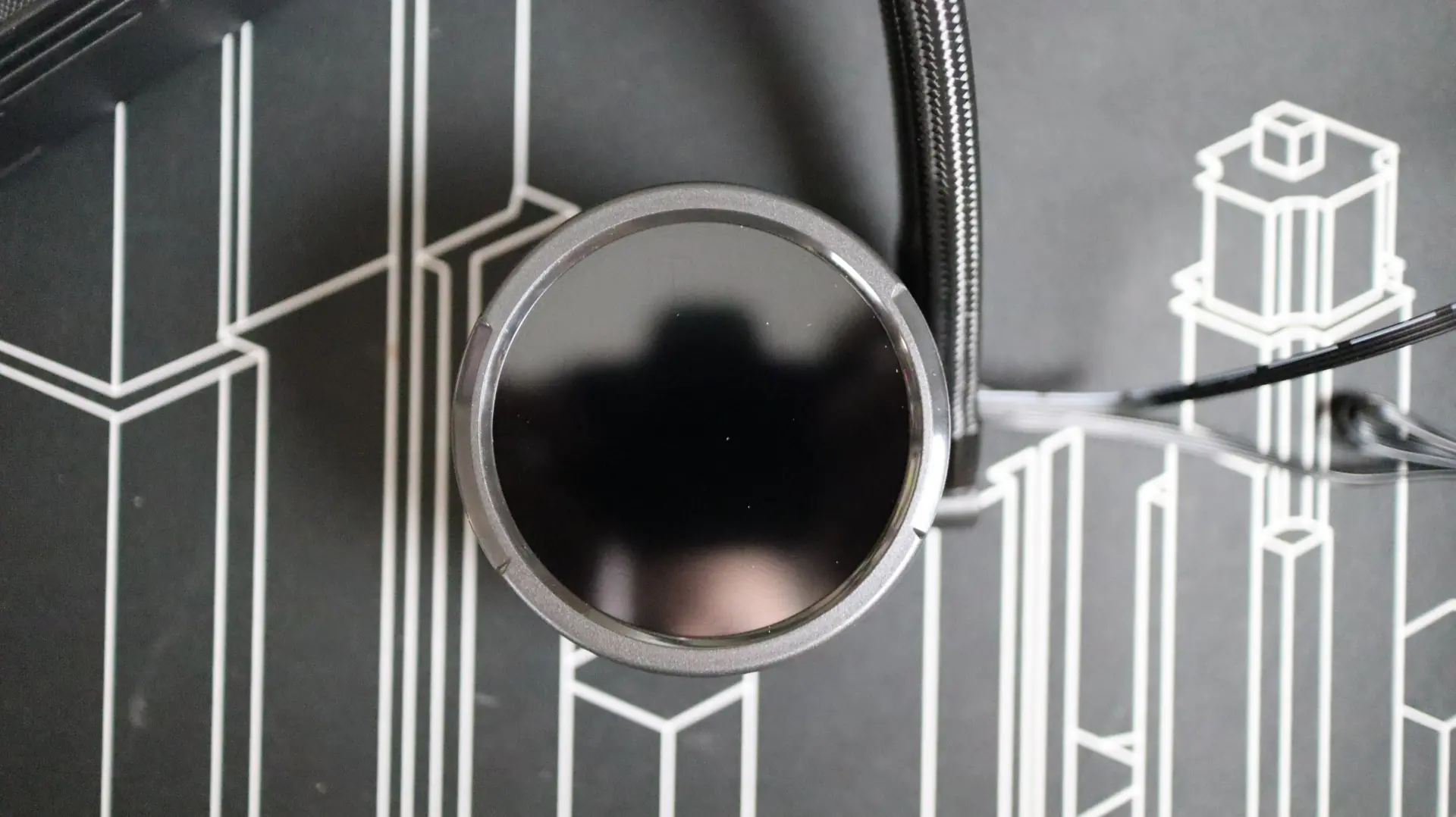
Moving over to the pump housing we find a circular design that conjures up visions of AIOs from other manufacturers. This round design transfers along to the body of the pump housing, and culminates with a dark transparent cover at the top. While not a mirrored design, the top of the pump housing is home to a 2.6″ digital display, though it isn’t an LCD in the sense of it being a screen.
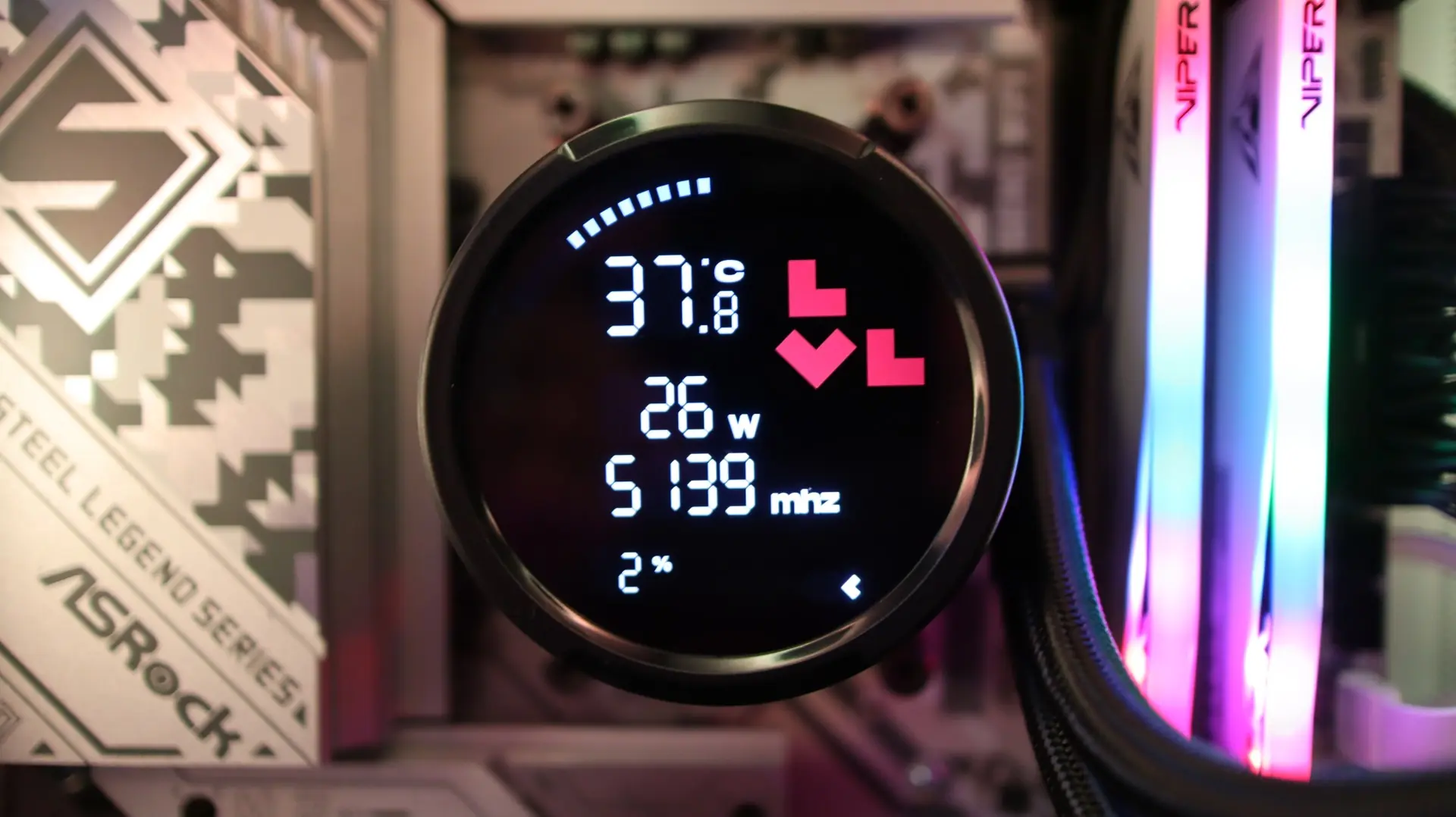
Beneath the transparent cover is a digital display, think alarm clock style, that is preconfigured to show your CPU temperature, wattage, frequency, and load percentage. There is also a dynamic arc at the top that moves with the temperature of the CPU, and a series of arrows at the bottom that correspond with the load percentage. A prominent levelplay icon is also illuminated in red.
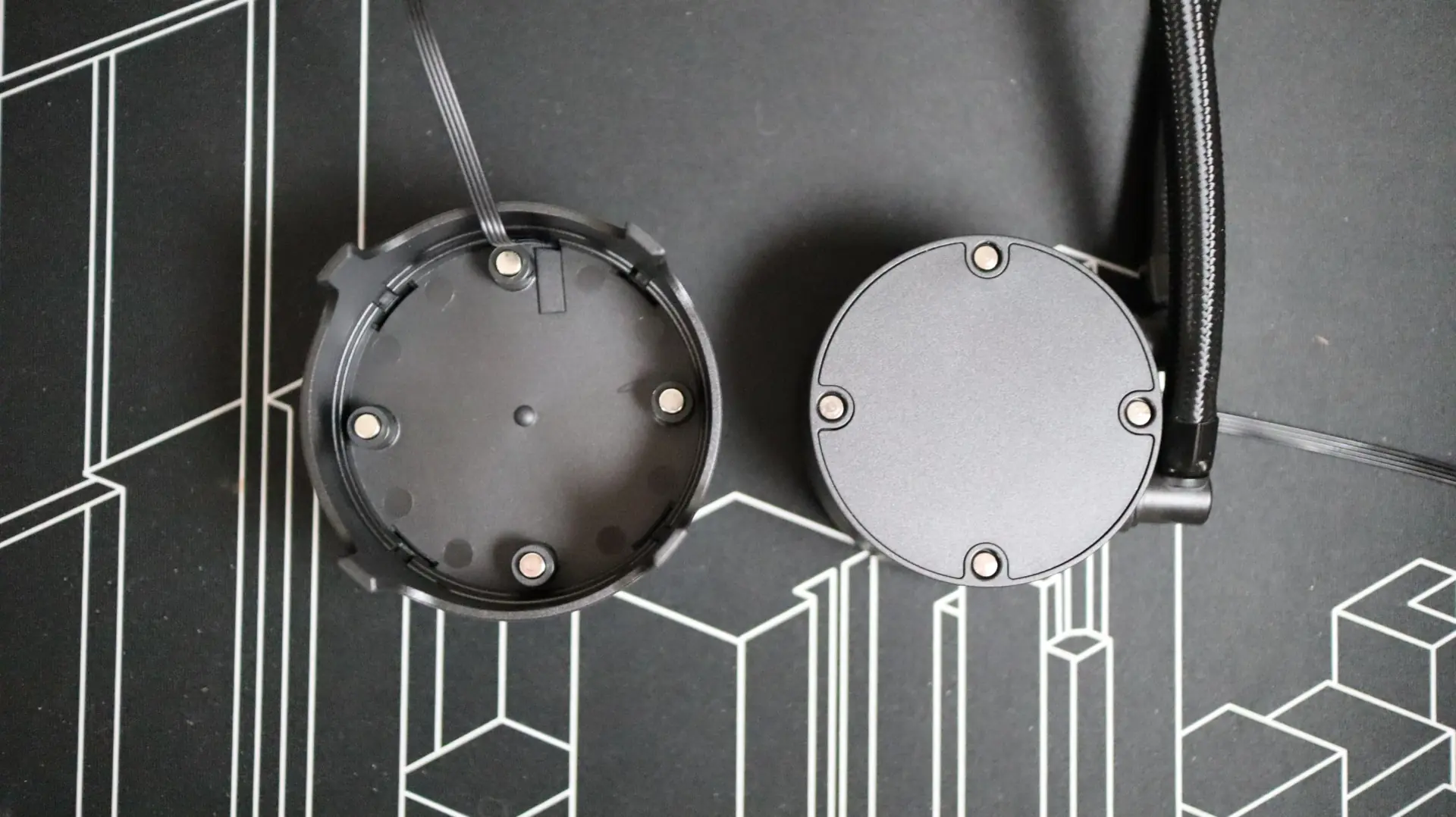
Since this display is not an LCD that can be configured via software, levelplay has included the option to rotate the display in 90-degree increments. Simply pulling the cap off and rotating it to the correct orientation gets the job done, and four magnets hold it in place. Routing the USB 2.0 cable is simple as well, as it is not tied to a particular side of the cap.
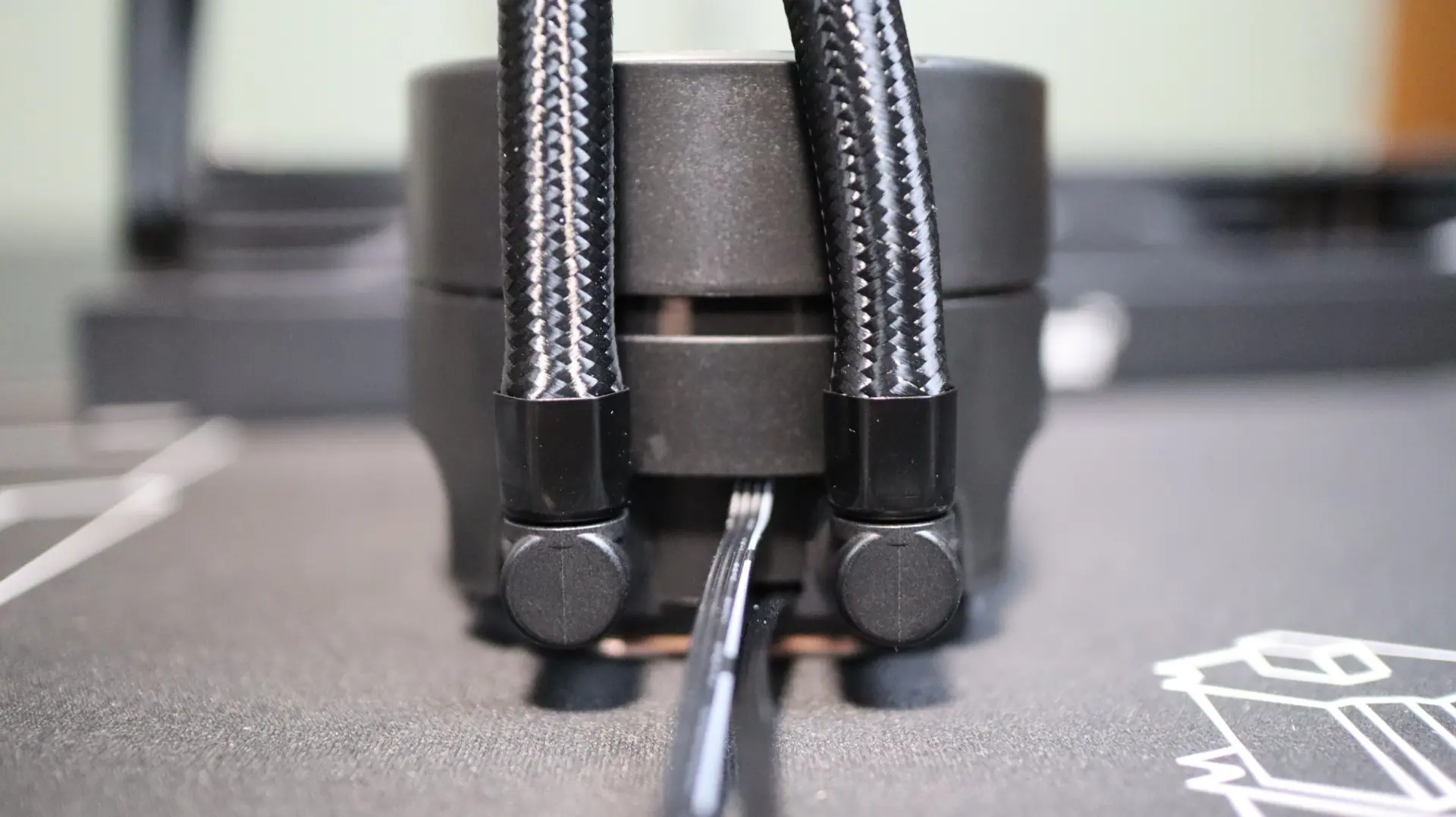
Moving around to the sides we find the two cooling lines exiting from the bottom side of the pump housing. Each line is paired up with a swiveling fitting to make installation and fitment much easier than with fixed connections. While swivel fittings are always appreciated and preferred, the CL 360 HUD’s fittings were particularly tight, making adjustment much more difficult than other coolers. Exiting between the two cooling lines is a 4-pin pump power cable.
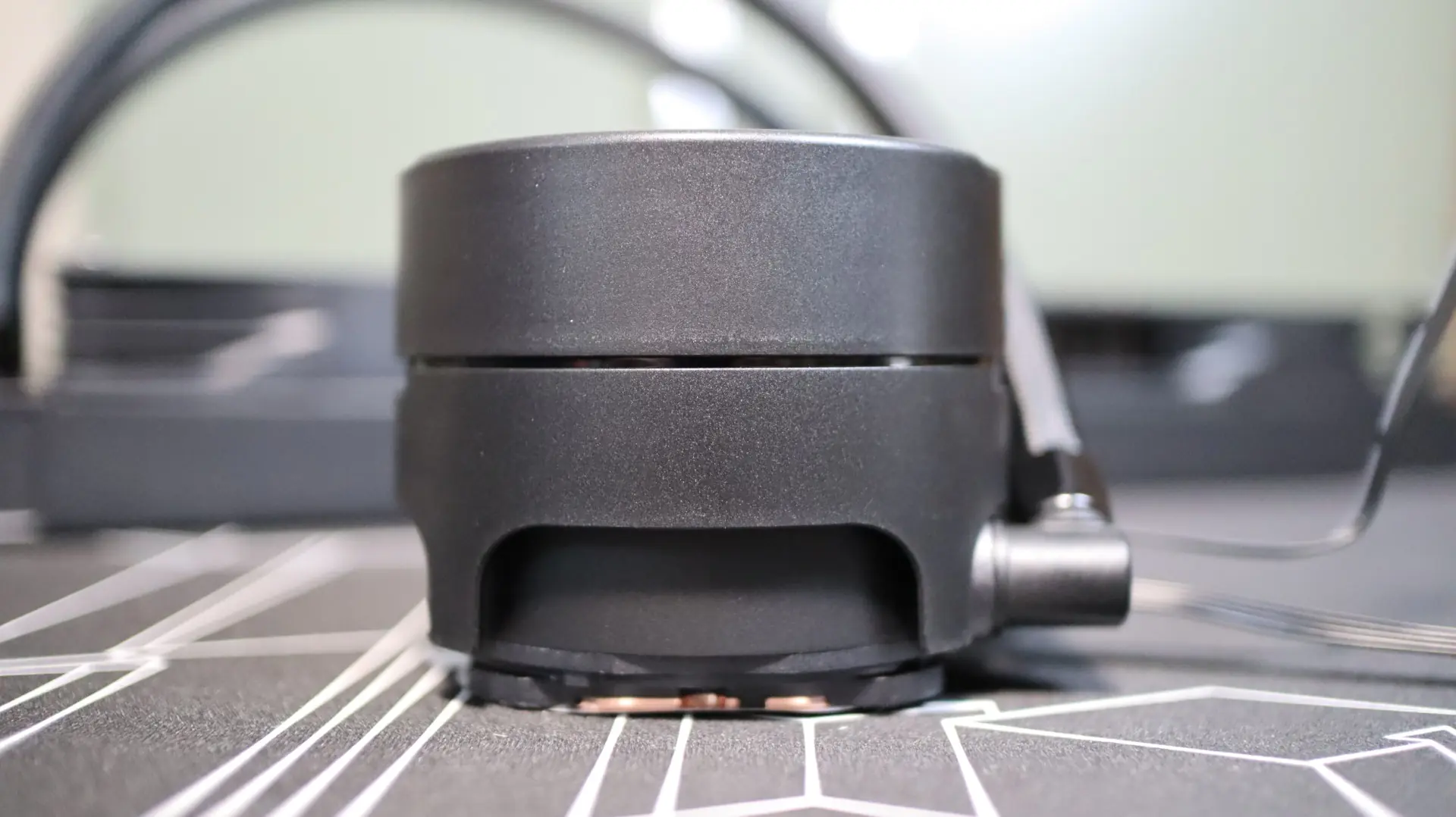
Internally, the pump provides an operating speed range of 800-3000 RPM. The other sides of the pump housing are free from any features, simply providing a seamless curved surface that adds to the understated look of the housing.
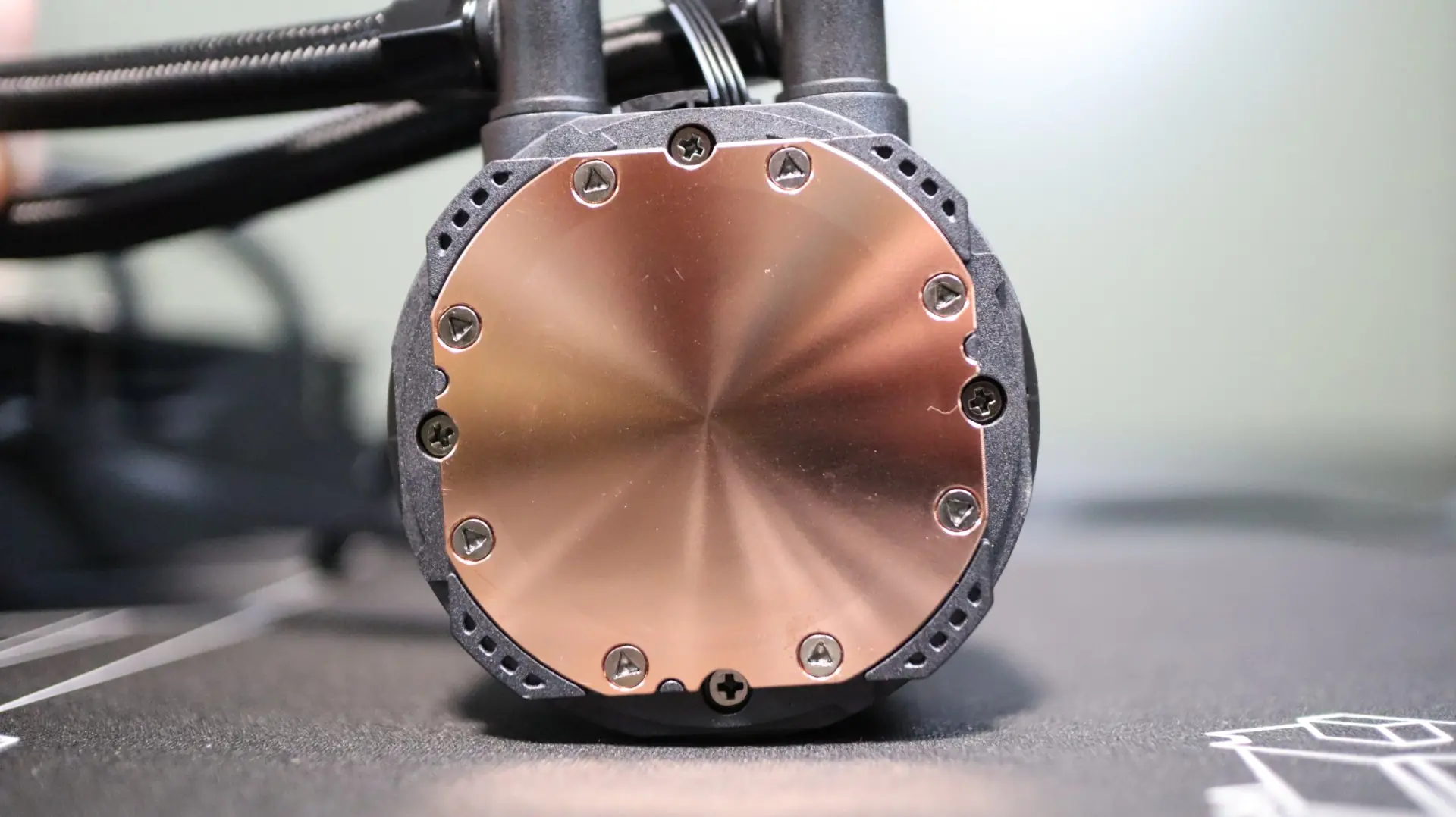
Taking a look at the base of the cooler, we find a large copper base, free from any pre-applied thermal material. The copper base has a satin finish to it, which I tend to prefer over a polished base, as it has a bit more texture and therefore surface area for the thermal paste to make contact with. Levelplay has included a small thermal paste syringe with the cooler, so you’ve got got more than one chance to install the cooler compared to pre-applied paste, which I really appreciate.
As far as the included fans go, or should I say “fan” goes, levelplay has included a single 360mm design that essentially combines three 120mm fans into a single unit. Unfortunately, no information regarding the static pressure and airflow properties of this fan are provided by levelplay, so we will just have to base our impression on the test results. This fan does have an operating speed range of 800-2000 RPMs, which is quite narrow. This will skew our test results a bit, as the 500 RPM test will be running at 800 RPM, and both the 2000 RPM and Max RPM results will be identical.
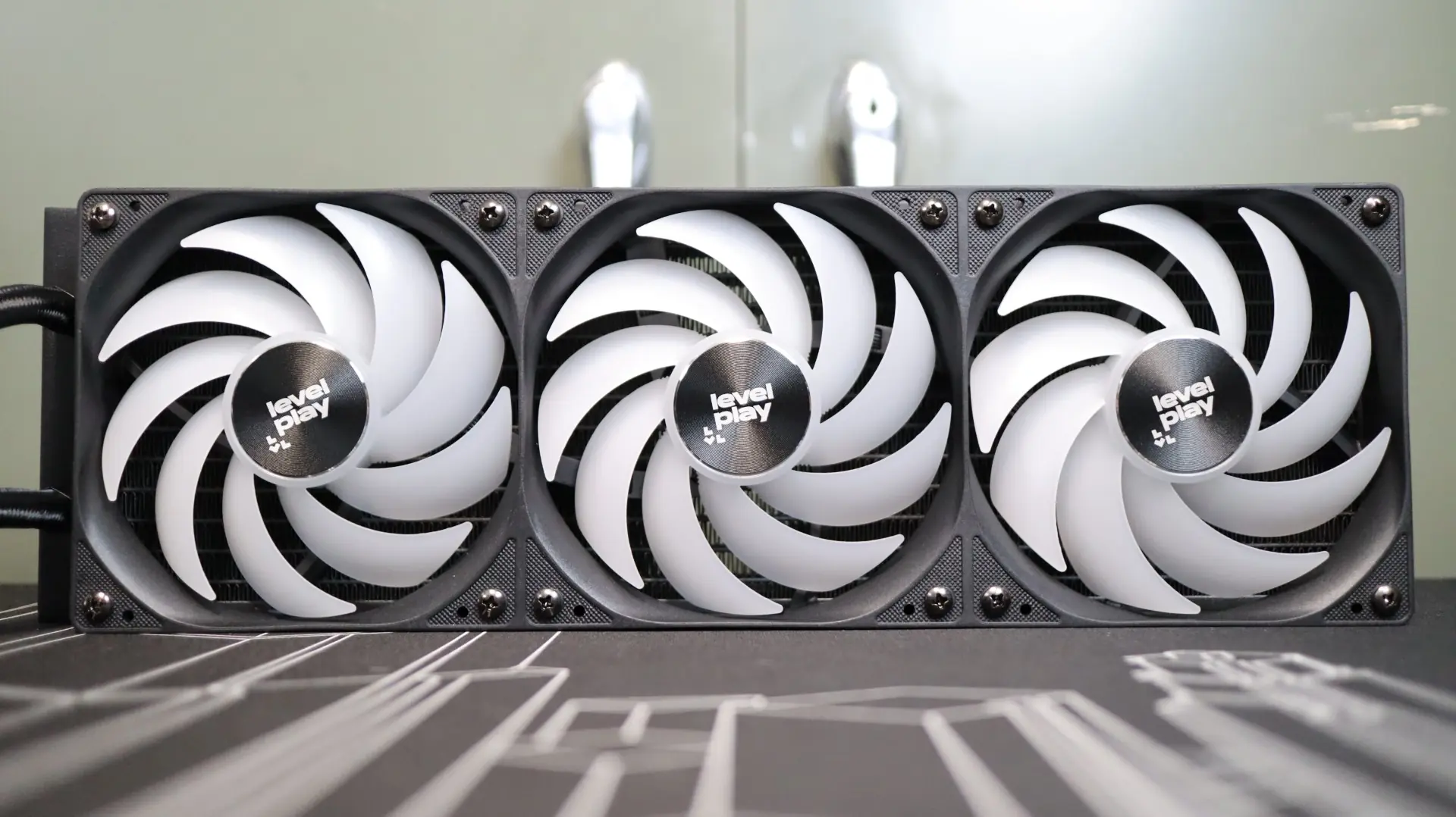
Aside from the vague performance characteristics of this 360mm fan, each individual fan section has an array of ARGB LEDs mounted in the center hub to illuminate the nine fan blades.
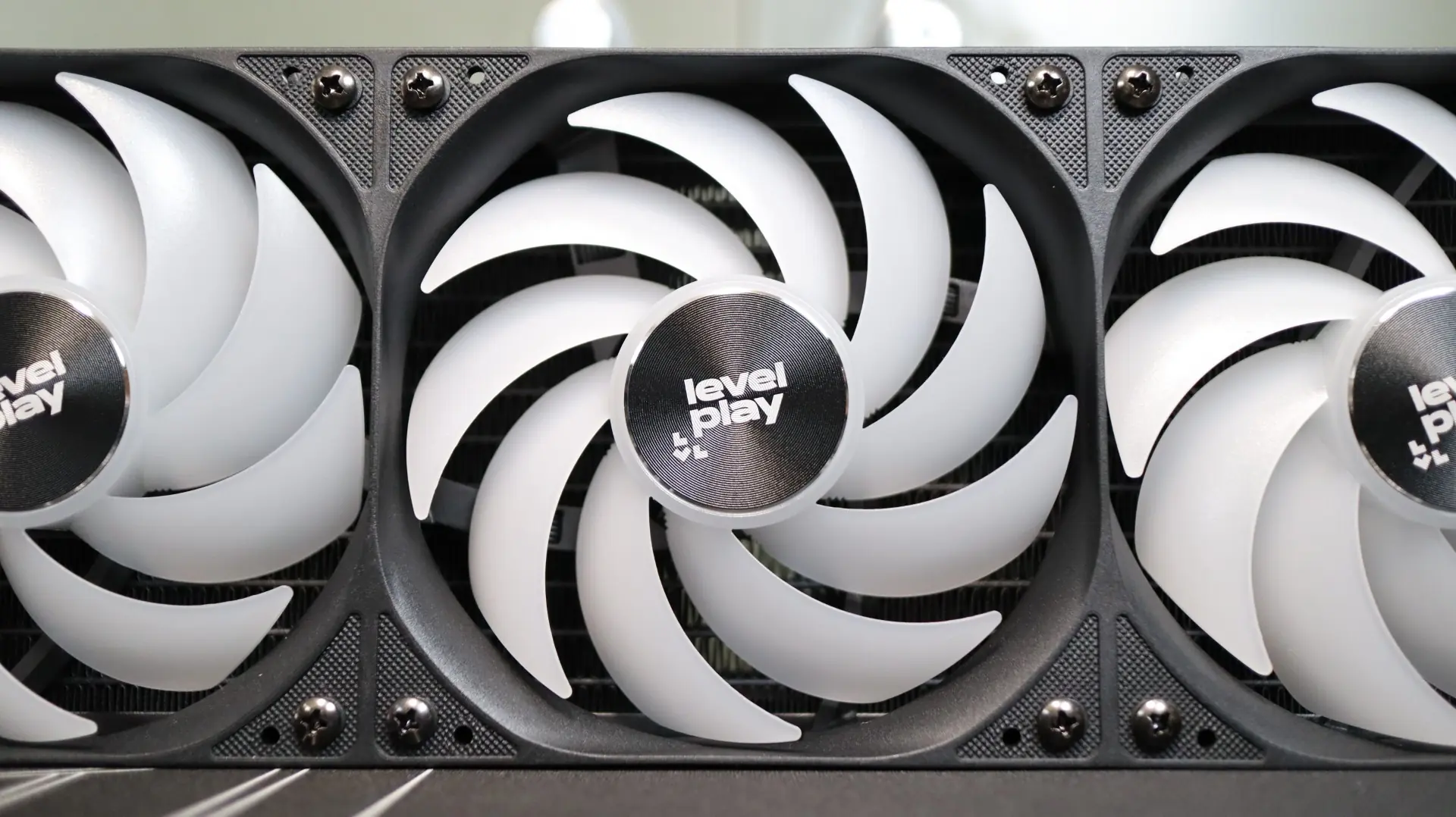
There are no rubber feet at the corners of this fan to help isolate any vibrations, though the use of 12 screws should help keep the fan frame securely attached to the radiator. A maximum noise level of 36 dBA is claimed by levelplay, and we will see just how that translates in our noise testing when it is paired up with the radiator.
Additionally, only a single cable exits from the middle of the long side of the fan, which then splits out to both a 4-pin PWM for power and speed control, and a 3-pin ARGB cable for lighting. This reduction in cable clutter makes installation so much easier and cleaner.