Final Thoughts on the levelplay CL 360 HUD
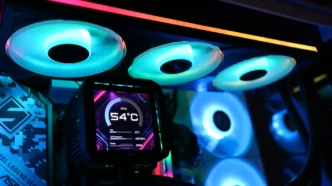
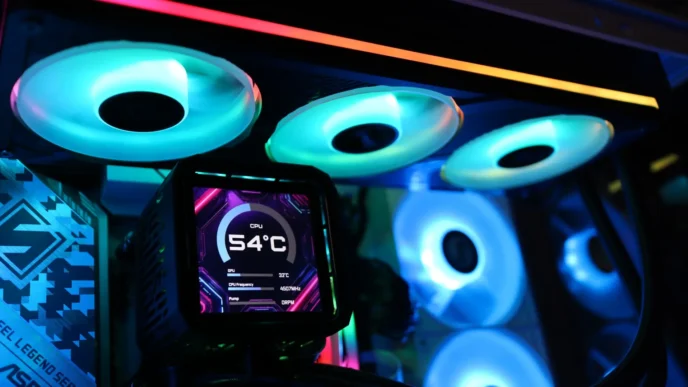
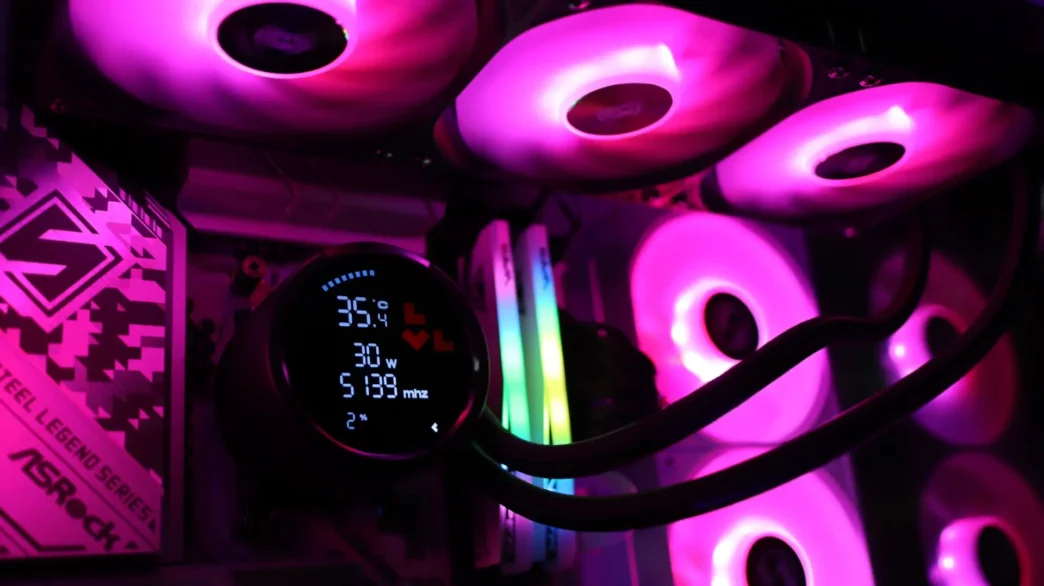
Out of the gate, the levelplay CL 360 HUD is a pretty unassuming AIO. As covered earlier, there is no huge flashy LCD screen, infinity mirrors, or even complex software for control. Instead you get a functional display that gives you all of the real important information all at once, which is really handy if you want to monitor your CPU specs and not just show a looping GIF or video clip. Next you have ARGB LED fans by way of a single-body 360mm fan that simplifies cable clutter and installation, and a simple driver installation to get the aforementioned statistics to display. The CL 360 HUD gives you just that, a heads-up-display of all of the important information in an easy to digest format, with some customization in the form of fan LED lighting.
As far as performance goes, we only have results from this cooler due to our updated case for AIO testing just being implemented. Idle and load results in our CPU-only testing were quite good compared to previous coolers in our previous case however, though combined CPU and FPU testing did see our system thermal throttling in order to stay at or below its TMAX of 95C. Keep in mind though, that combined CPU and FPU testing is a very intensive workload, and the CL 360 HUD was able to keep the system operational with the aide of frequency throttling on the CPU.
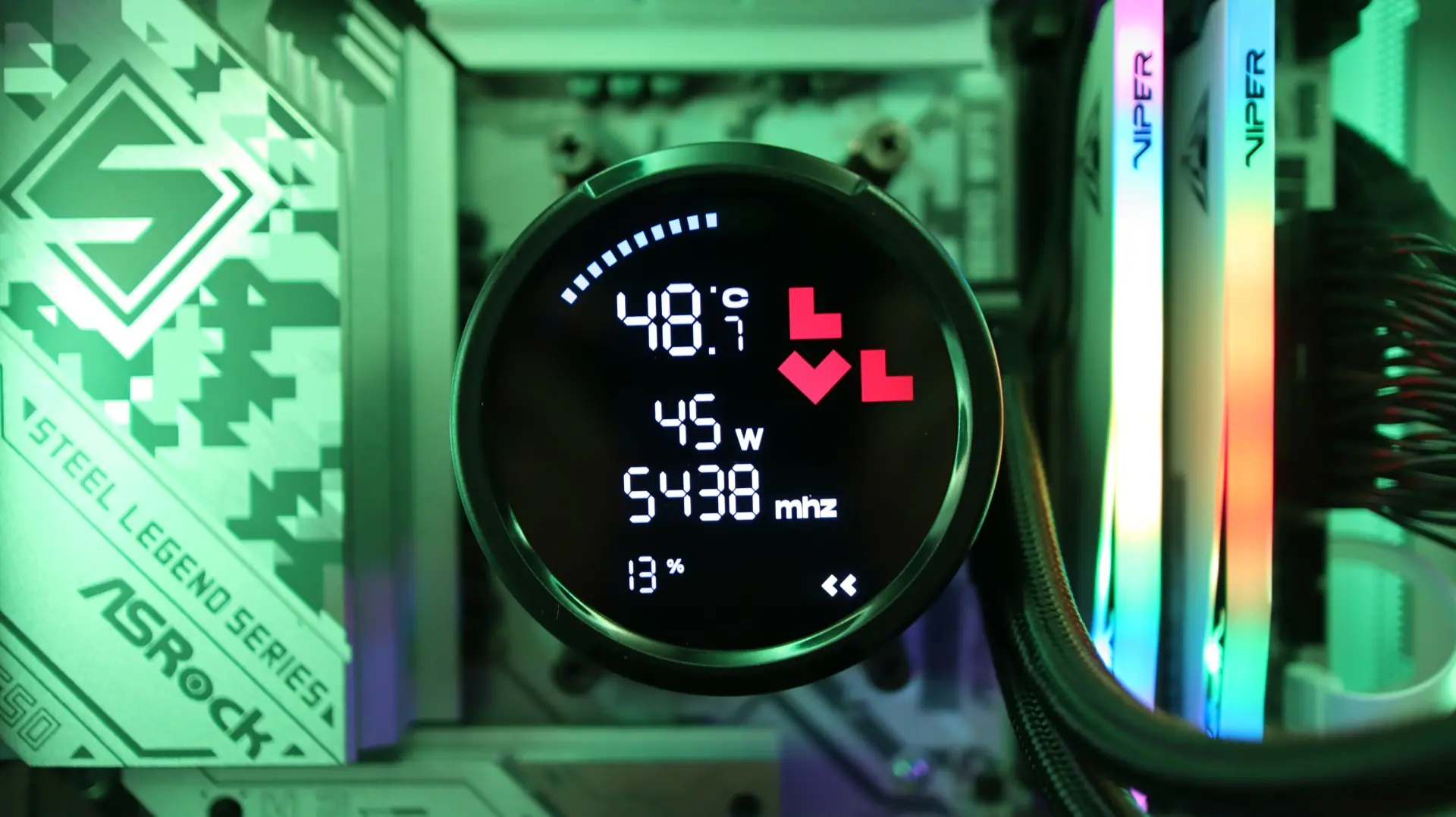
All in all the levelplay CL 360 HUD represents a good mix of form and function – you get crucial system monitoring front and center, in a nicely designed package. The ARGB lighting on the fan and simplified cabling help out to make this a cooler that works well for those that don’t quite want all the flash of a full LCD display, but still want more than just LED lighting. At the time of launch the CL 360 HUD is listed at $95 on our favorite online shop. All said, the levelplay CL 360 HUD earns a 7 out of 10. Please note that this score could move up or down as we perform more testing on previously reviewed AIOs in our new test system.

Pros:
- Idle and Load Performance
- Digital Display for Quick Performance Stats
- 360 Fan Simplifies Installation
- Side-Exit Fan Cabling
Cons:
- No Software
- No Display Customization
- Short Tubing