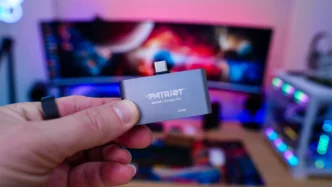
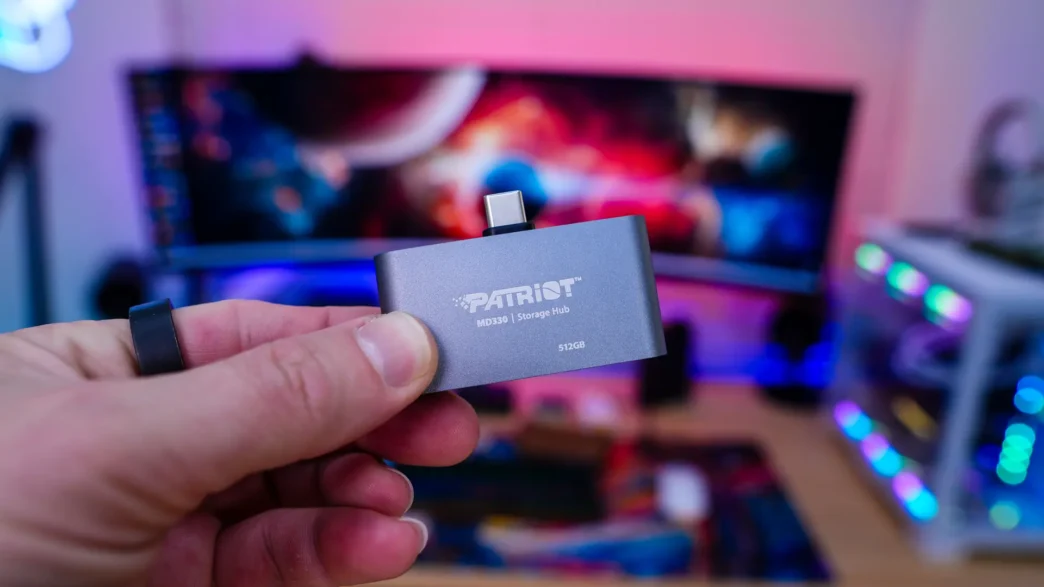
Setup & Using the Patriot MD330 Storage Hub
There really is no setup at all when using the MD330 Storage Hub, you simply just plug it right into your device. Whether it is a phone, tablet, or PC there are no drivers or apps to install.
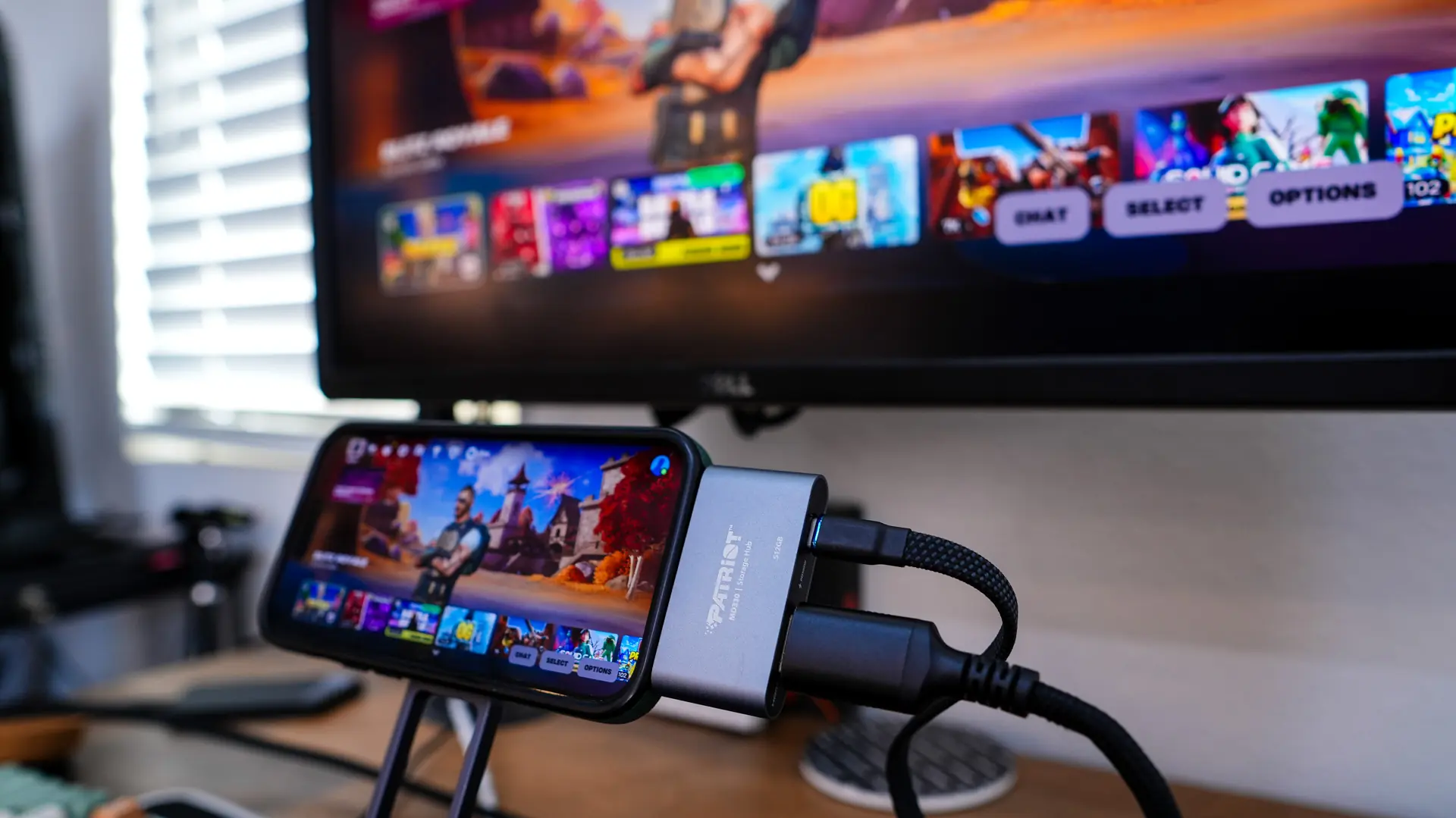
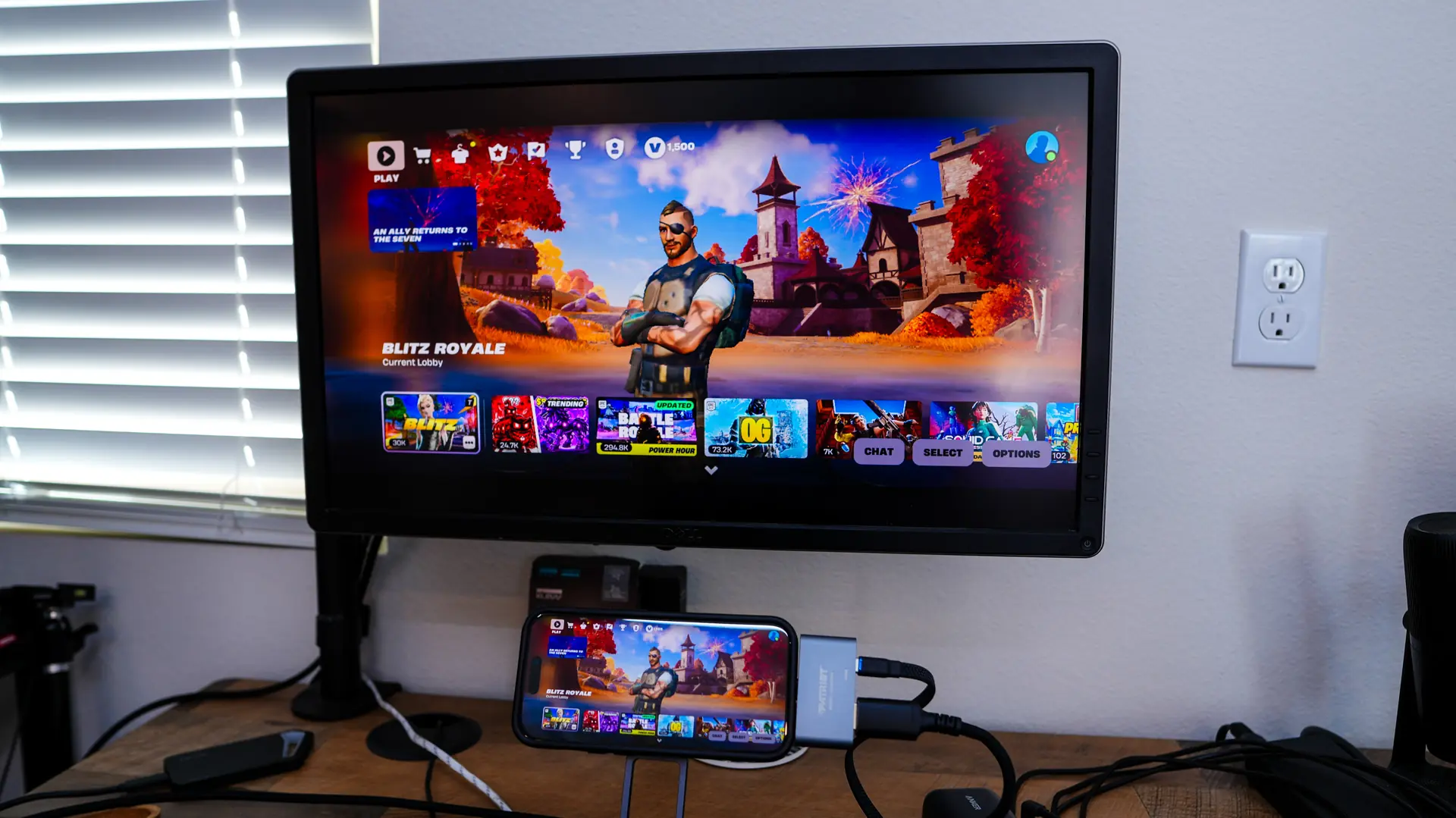
For our first test I will be using my iPhone 15 Pro. I do feel most people will be picking up the MD330 for their mobile devices so this is the perfect test. I then plugged the MD330 in a monitor as well as power. So I was easily able to still charge my phone and at the same time have a large screen for playing games. Again no apps or anything like that were required, it just works.
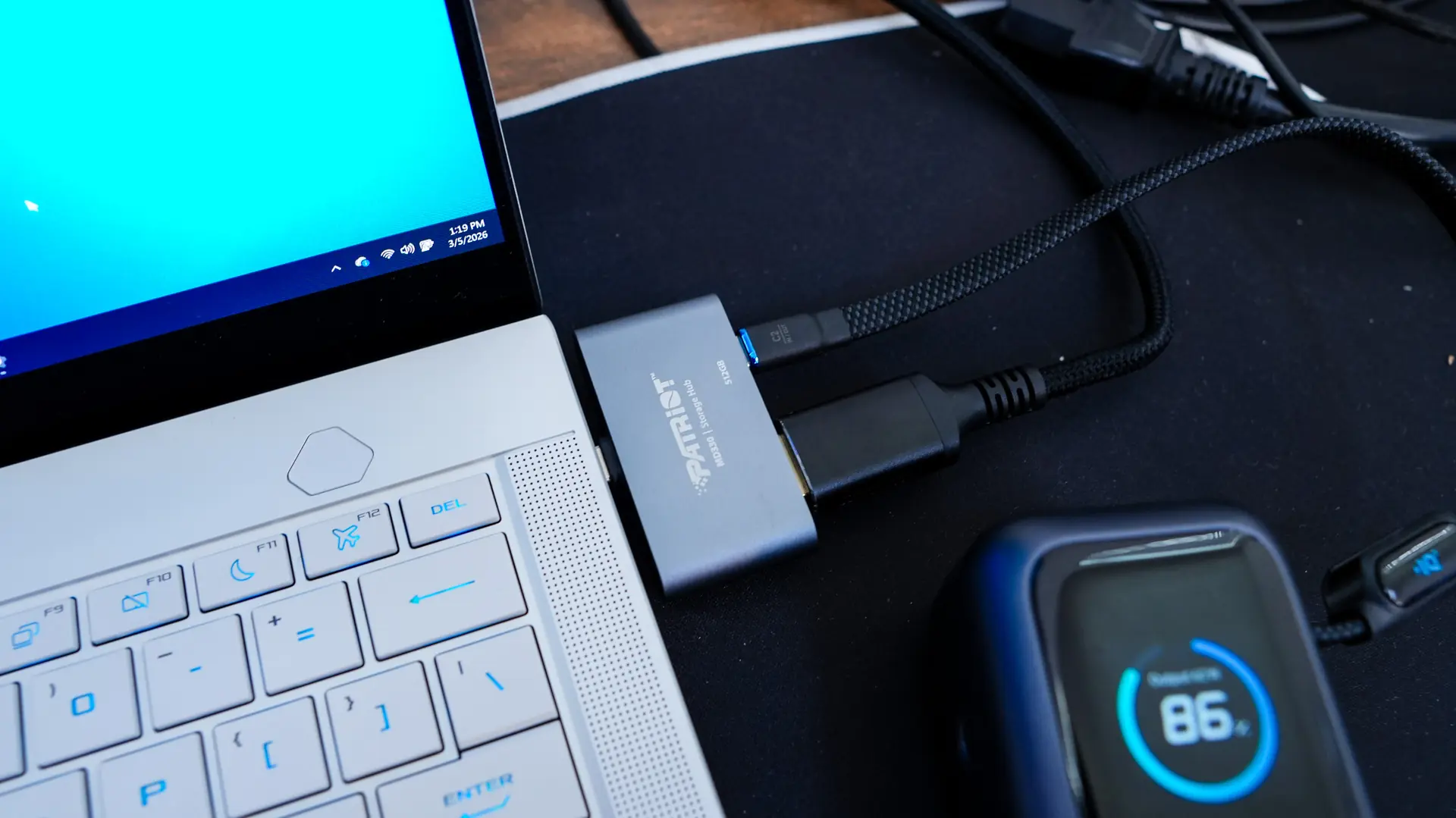
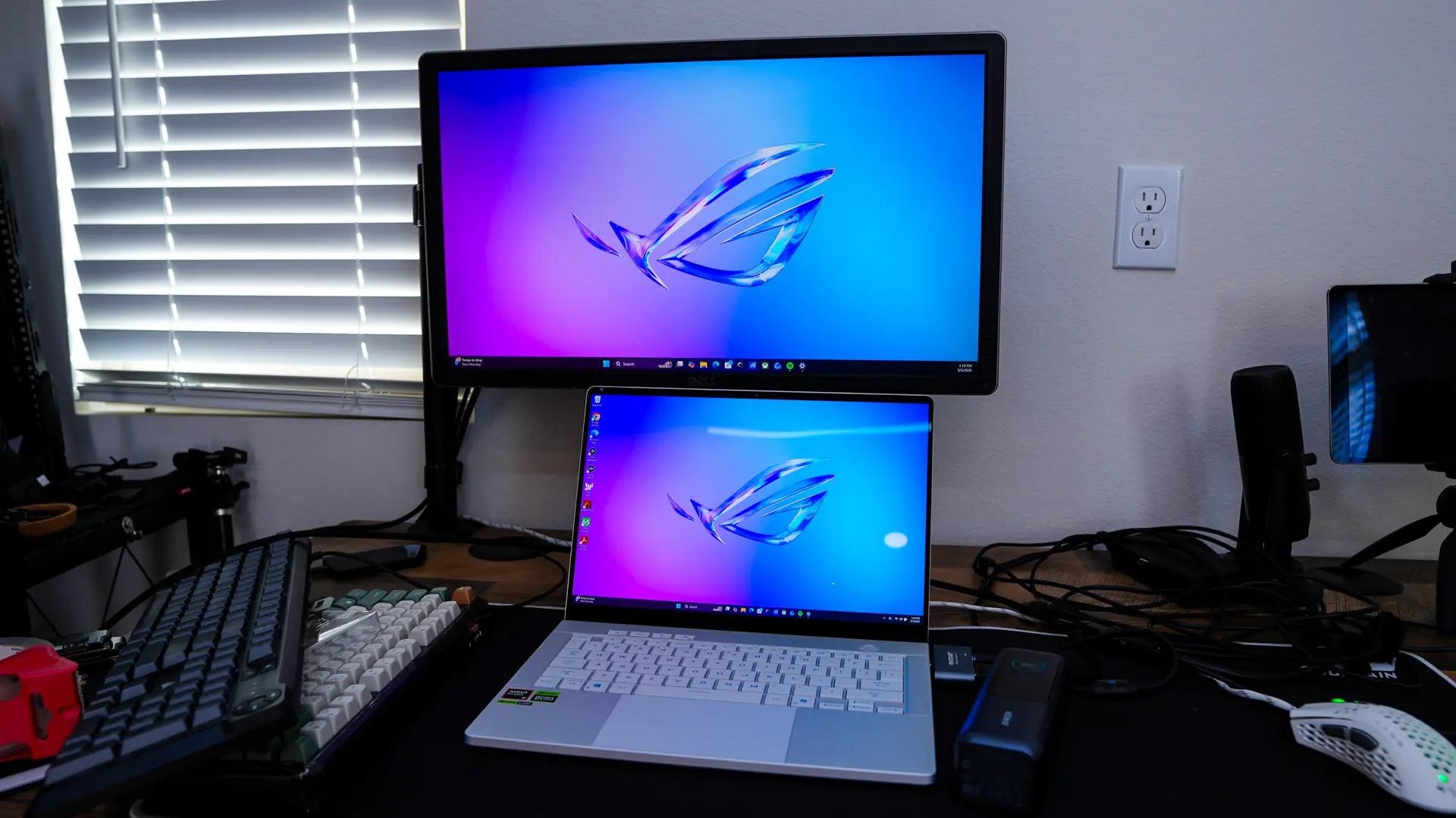
The next thing was to test the MD330 on my laptop. I plugged it into an open USB-C port. No driver or anything like that are required, you do however need a Type-C port that does support DisplayPort Alt mode. Once plugged in I again plugged it into my monitor and boom I was easily able to duplicate or extend my laptop display to the monitor. I even connected a portable battery to it to monitor how much power it could pull through the Type-C connection and the max viewed was 96W, so you can totally keep your laptop charged up while using this!
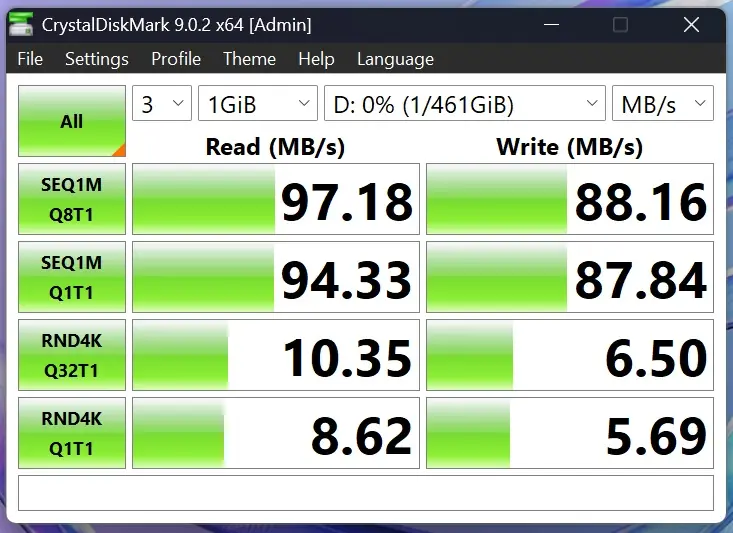
Finally I did want to test the internal storage. Patriot does not list specifications of the what type of storage they are using here, but after asking they did let me know it is embedded storage, so don’t expect any groundbreaking speeds like you would get from a portable SSD. Below is a simple CrystalDiskMark test on the MD330.