Samsung Portable SSD P9 Overview
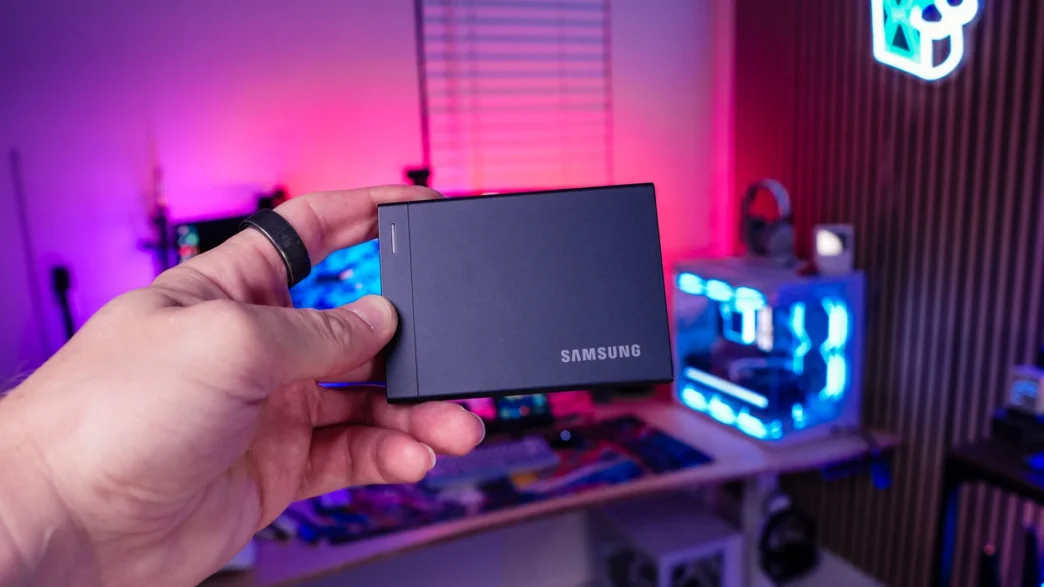
The Samsung Portable SSD P9 measures just 90 x 65 x 8.3 mm (3.54 x 2.56 x 0.33 inches) and weighs 96 grams (3.39 ounces), making it easy to slip into a pocket or tuck into your laptop bag without adding much bulk. Its thin, rectangular metal enclosure has a Jet Black finish, with angular edges that give it a clean, understated look. The top keeps things simple, featuring Samsung branding and a slim LED status indicator that provides a visual indication of drive activity. There are no oversized logos or elaborate patterns here, just a straightforward design that fits nicely alongside a laptop or desktop setup.
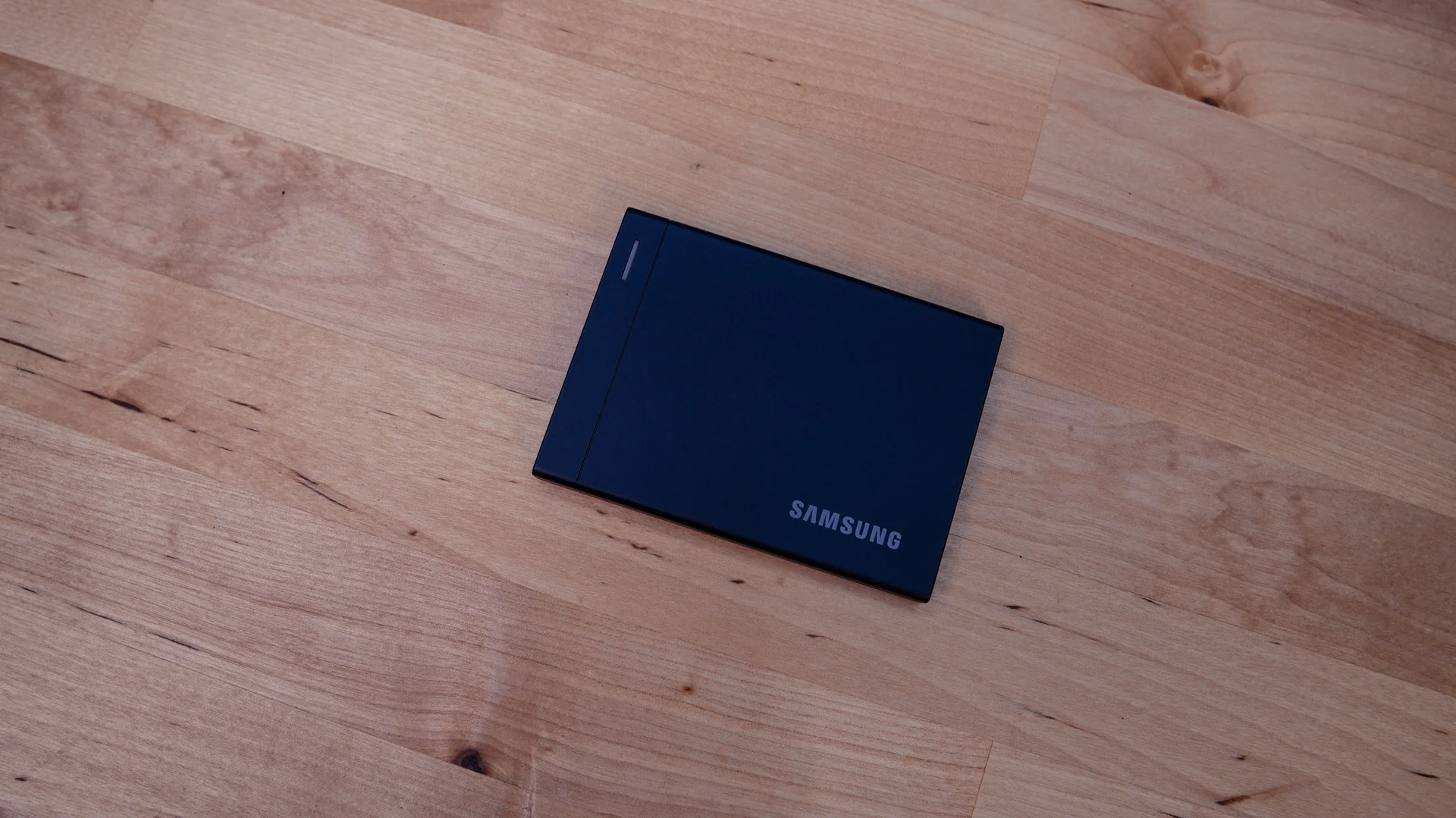
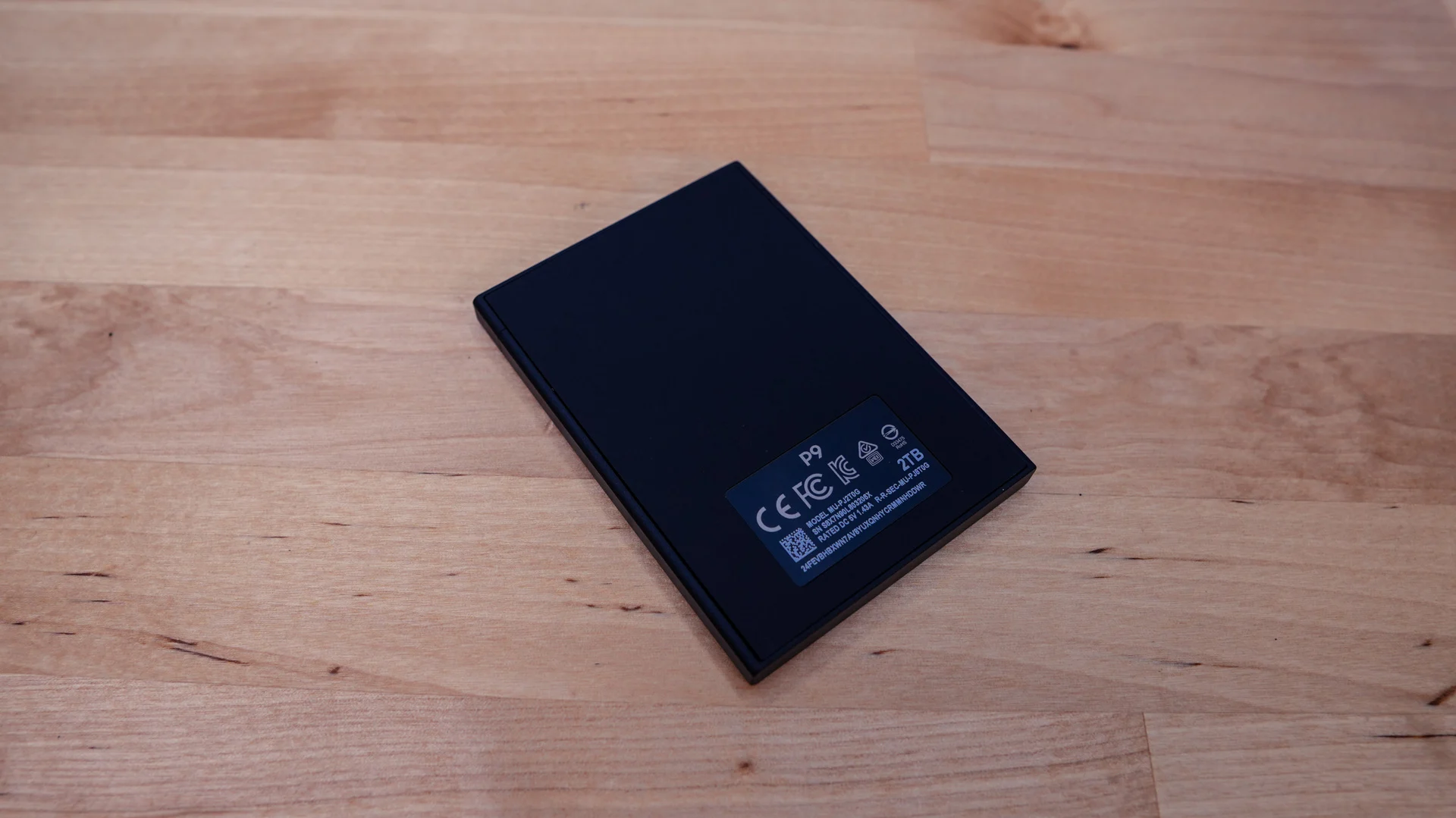
Flipping the Samsung Portable SSD P9 over reveals a thin rubber base that gives the drive some grip when placed on a desk. This helps keep it from sliding around as you move the connected cable and provides a softer contact surface between the metal enclosure and your workspace. It is a practical touch for a drive this small and lightweight, particularly if you plan to leave it connected beside your laptop while working.
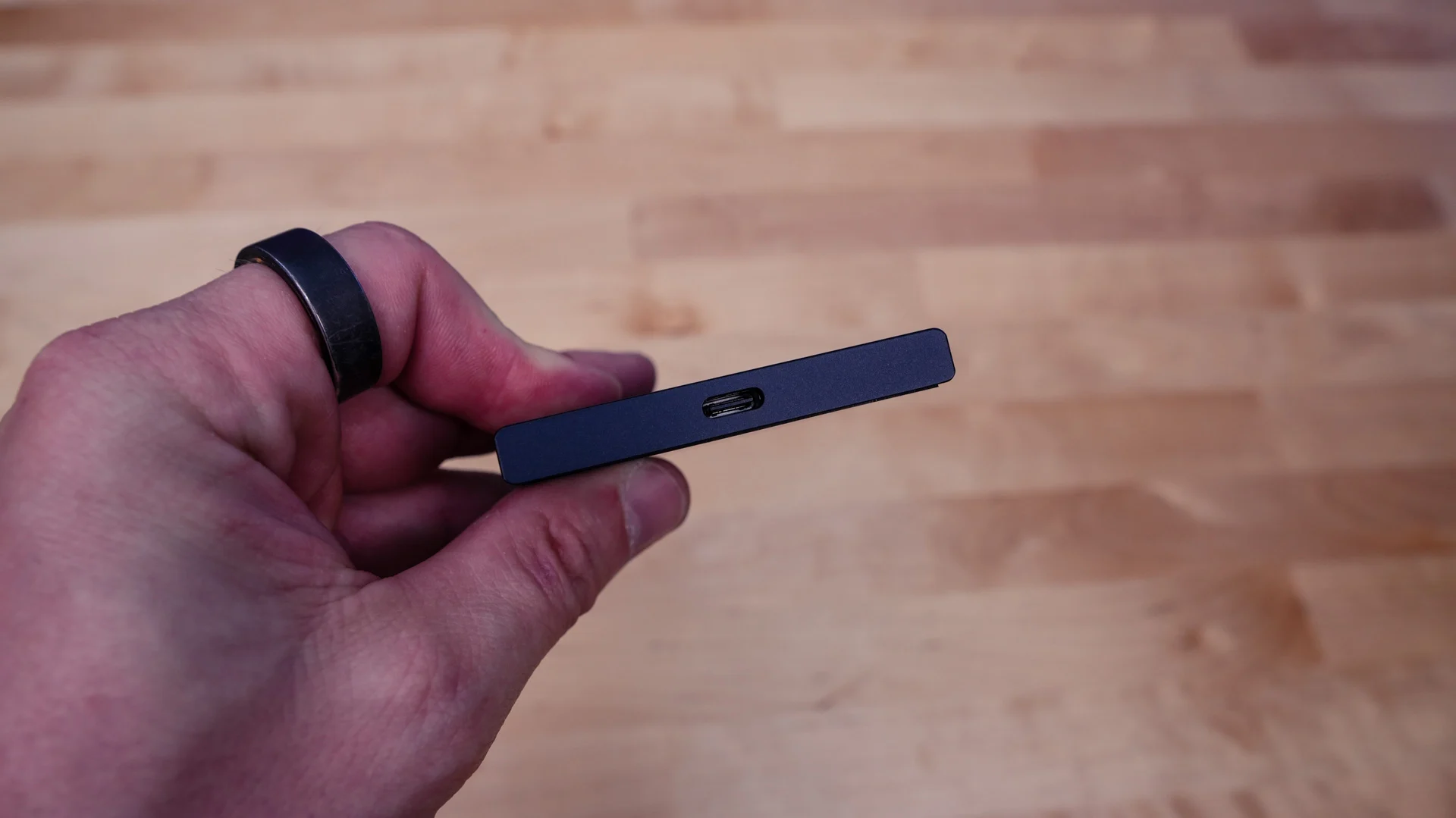
On one end of the Samsung Portable SSD P9 is a single USB Type-C connector, which handles both data transfer and power, so there is no separate power adapter to worry about. This port supports the drive’s USB4 Gen 3×2 interface with up to 40Gbps of bandwidth, and Samsung includes a USB-C to USB-C cable rated for that connection. To take advantage of the P9’s full performance, you’ll need to connect it to a compatible 40Gbps port on your system. It also supports slower USB connections, although transfer speeds will be limited by the connection you use. The detachable cable is a practical choice for a portable drive, allowing you to disconnect it for travel and replace it separately if needed.