The Samsung Magician Software
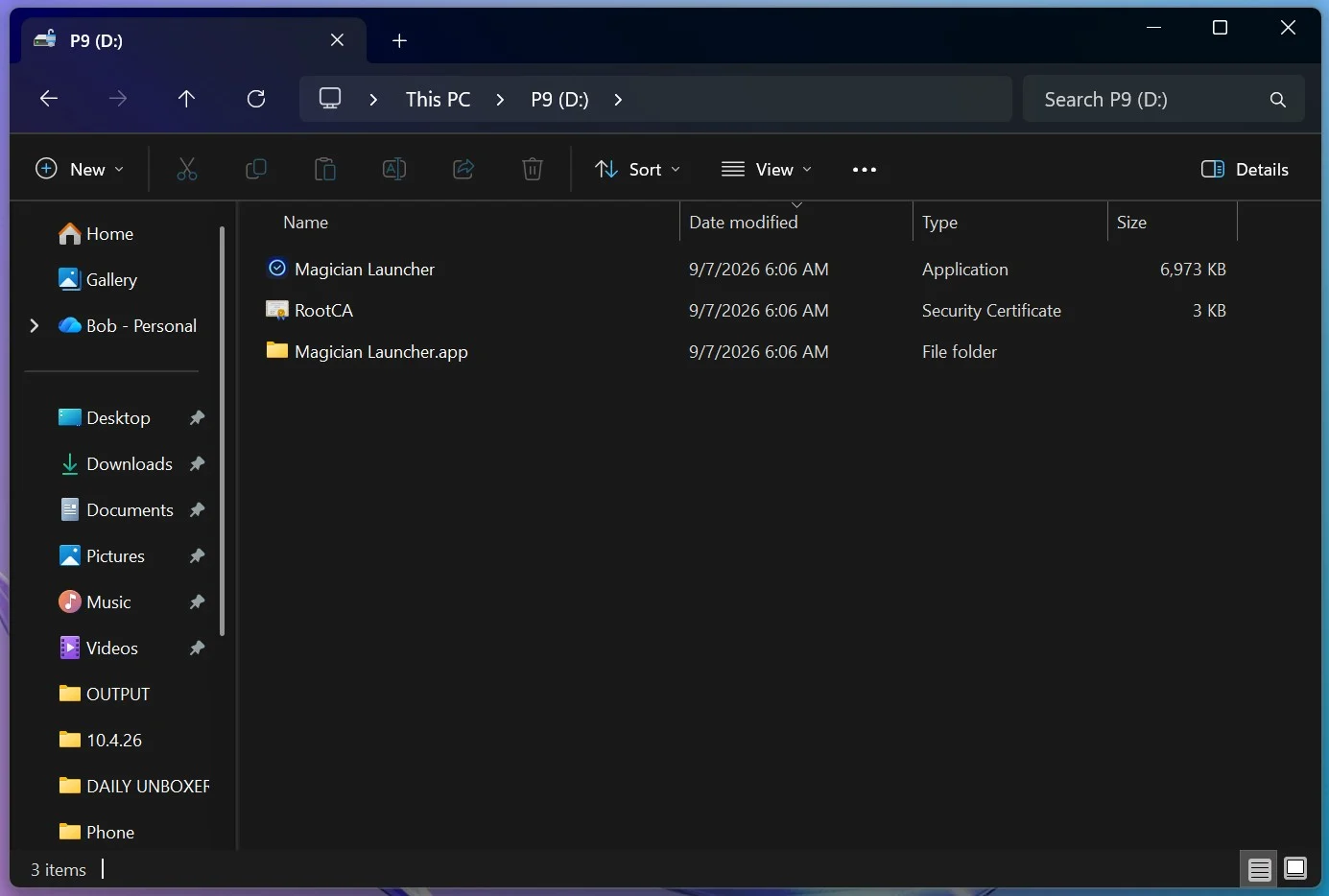
When you open the drive on your device you will find an installer for Samsung’s Magician software.
Samsung’s free Magician software gives the Portable SSD P9 a central place for drive management, monitoring, and security settings. You can check the drive’s information and health status, and use the software to check for and install firmware updates. Having these tools in one application is convenient, especially if you already use other Samsung SSDs in your system. Magician is optional for everyday file transfers, but it is worth installing to access the P9’s management features.
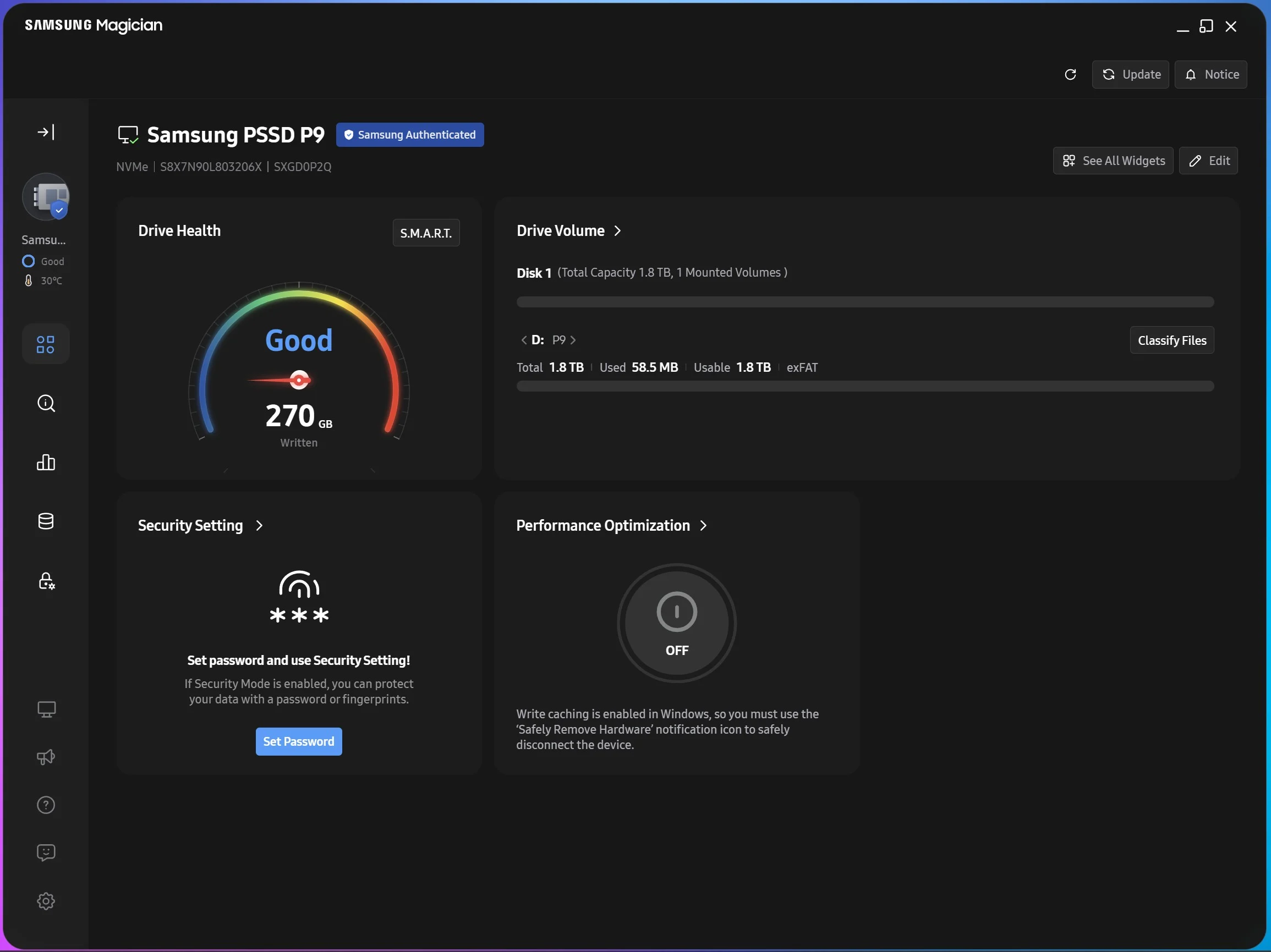
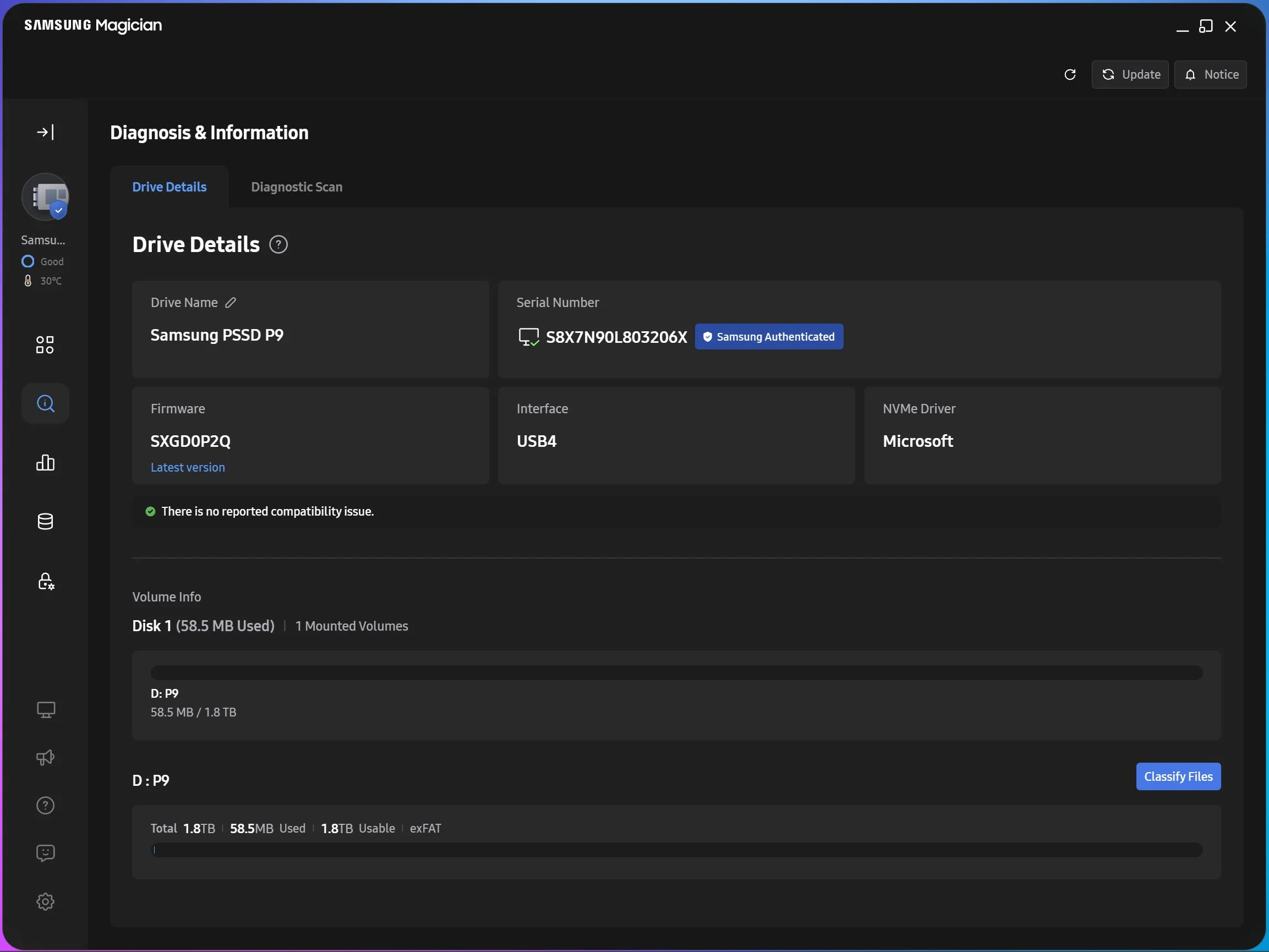
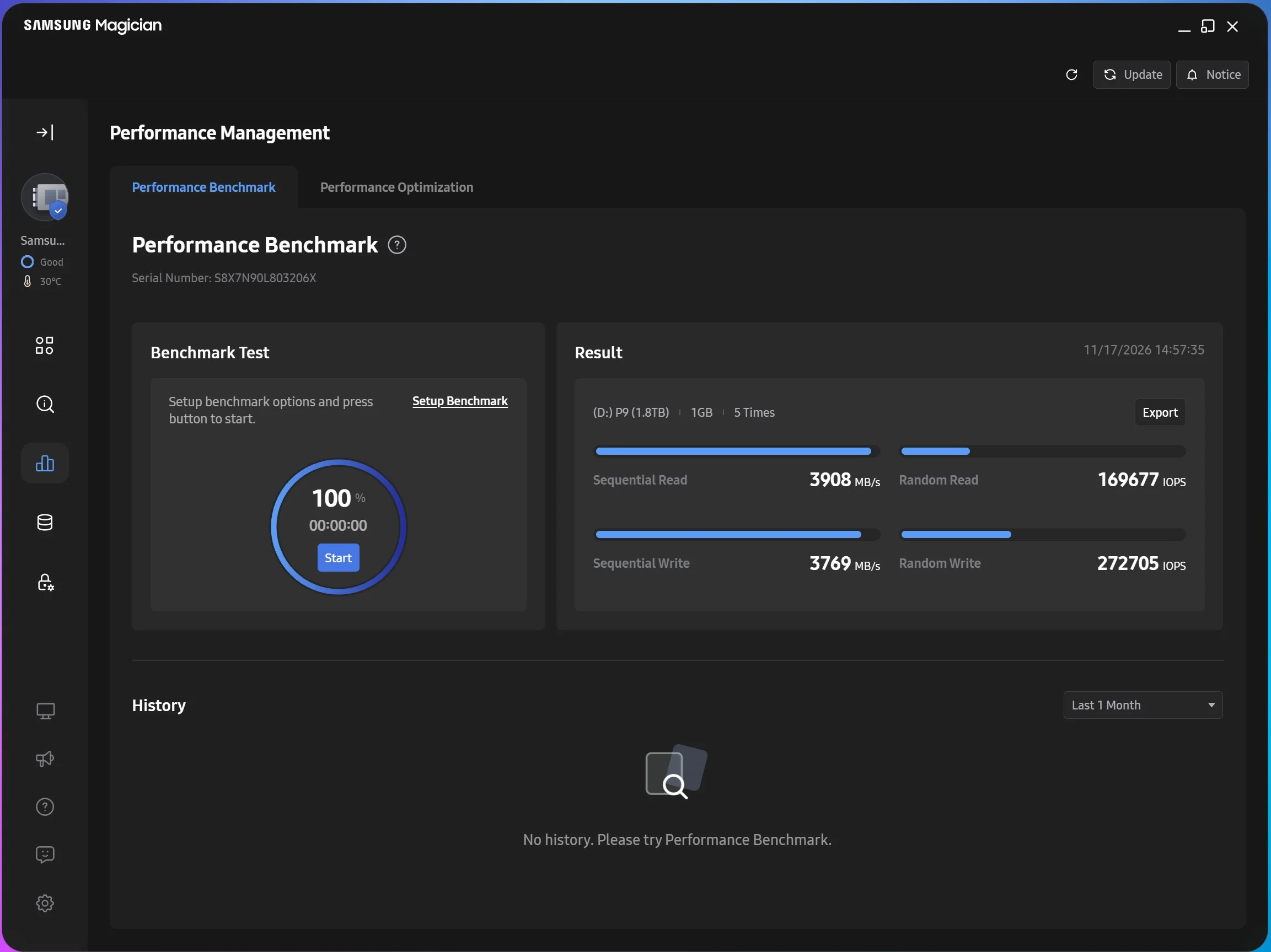
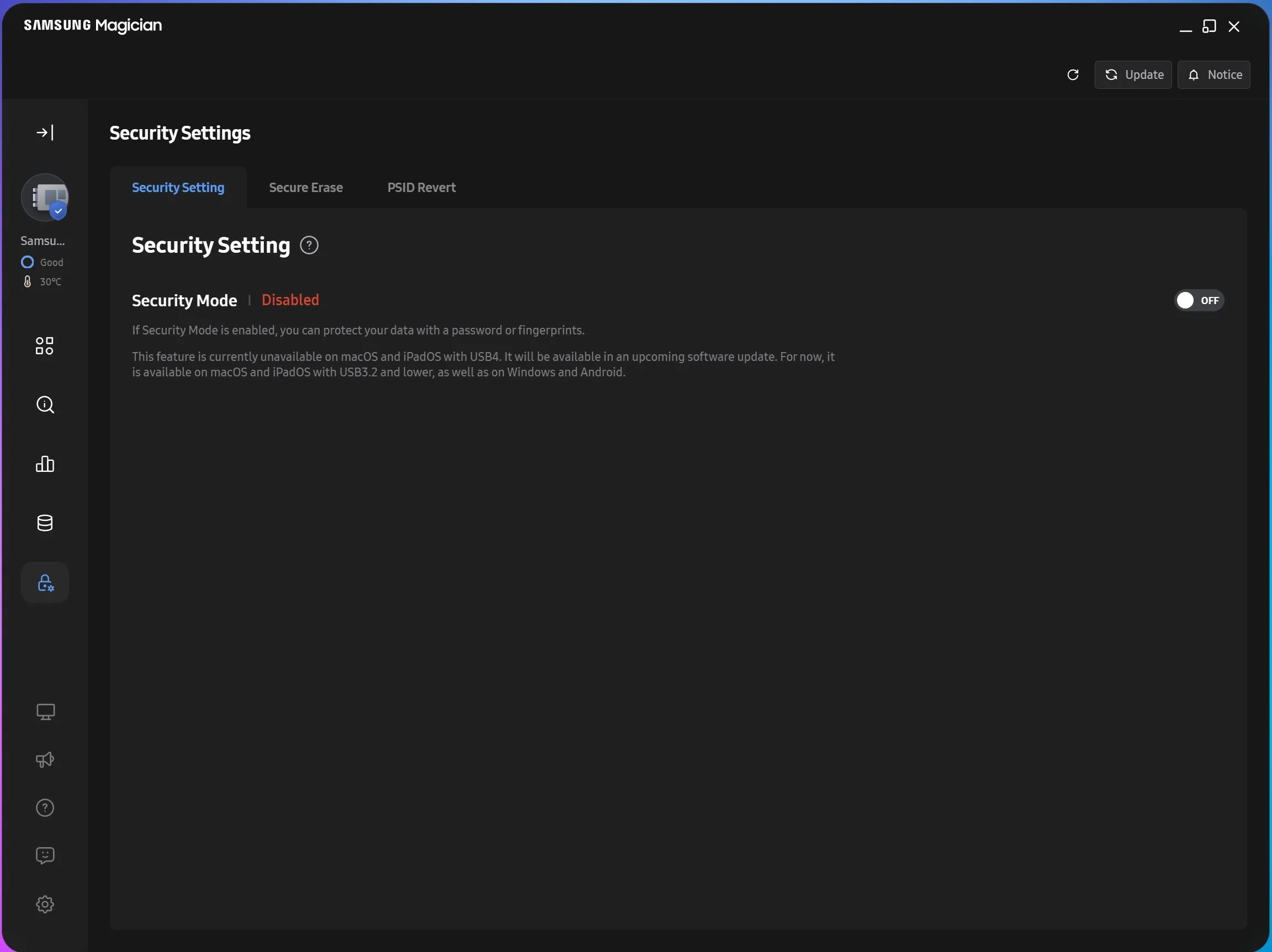
Security is another useful part of the package. Through Magician, you can enable password protection to take advantage of the P9’s AES 256-bit hardware encryption, helping protect your files if the drive is lost or stolen. Once enabled, the drive needs to be unlocked before you can access the protected data. For anyone carrying work projects, personal documents, or unreleased content, this adds a practical layer of protection to a device small enough to take almost anywhere. Available Magician features vary by operating system and drive model. You can also do a full secure erase if you are selling the drive.