Is the Sudokoo SK700V Mach CPU Cooler Easy to Install?
We will be doing our installation on an AMD X870 motherboard so this installation will be for the AM5 socket.
The first thing you are going to want to do is remove the default AMD mounting brackets on your motherboard. After that you are actually going to want to remove the AM5 retention bracket too. Sudokoo does include a tool to make this process easy.
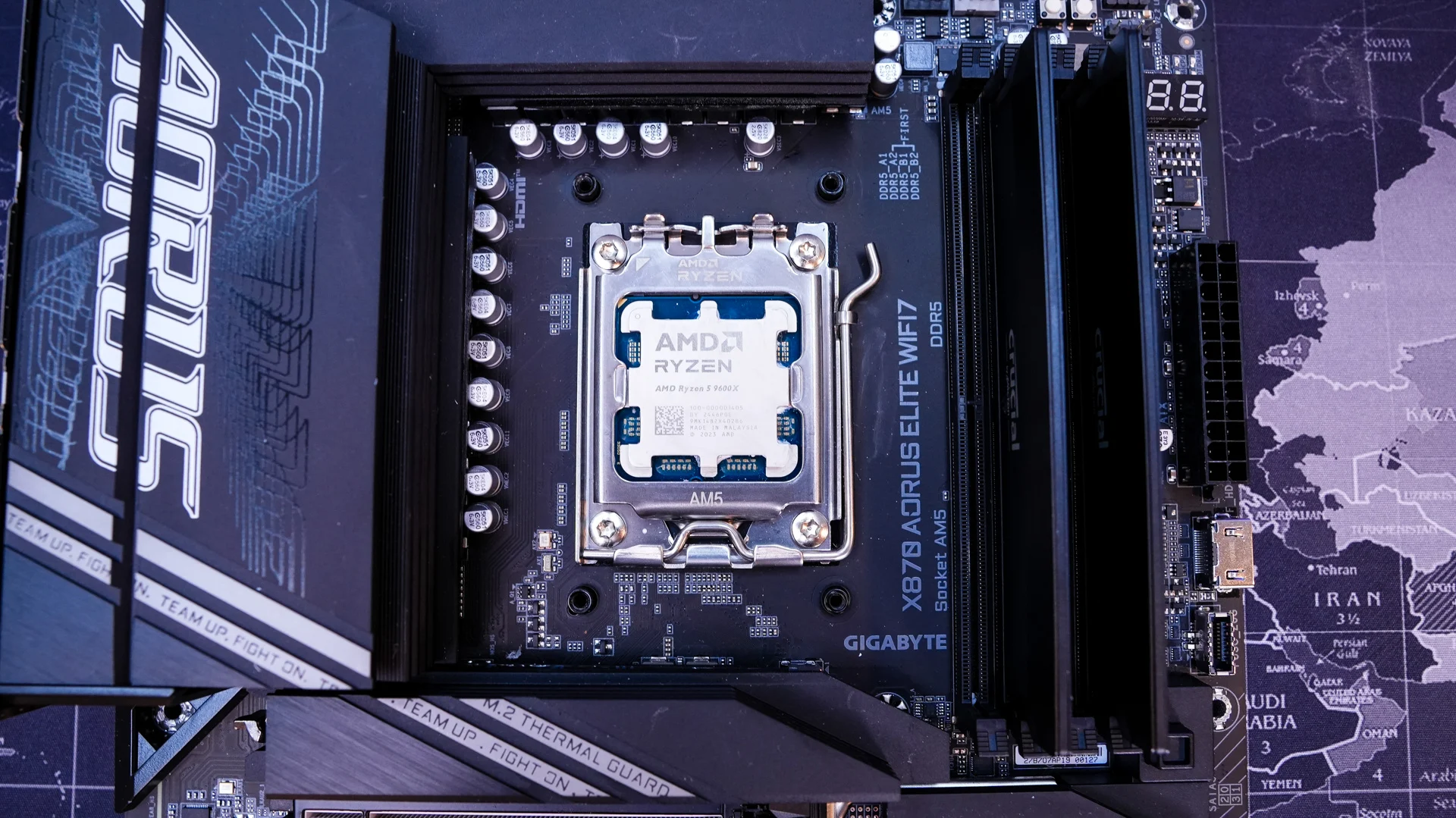
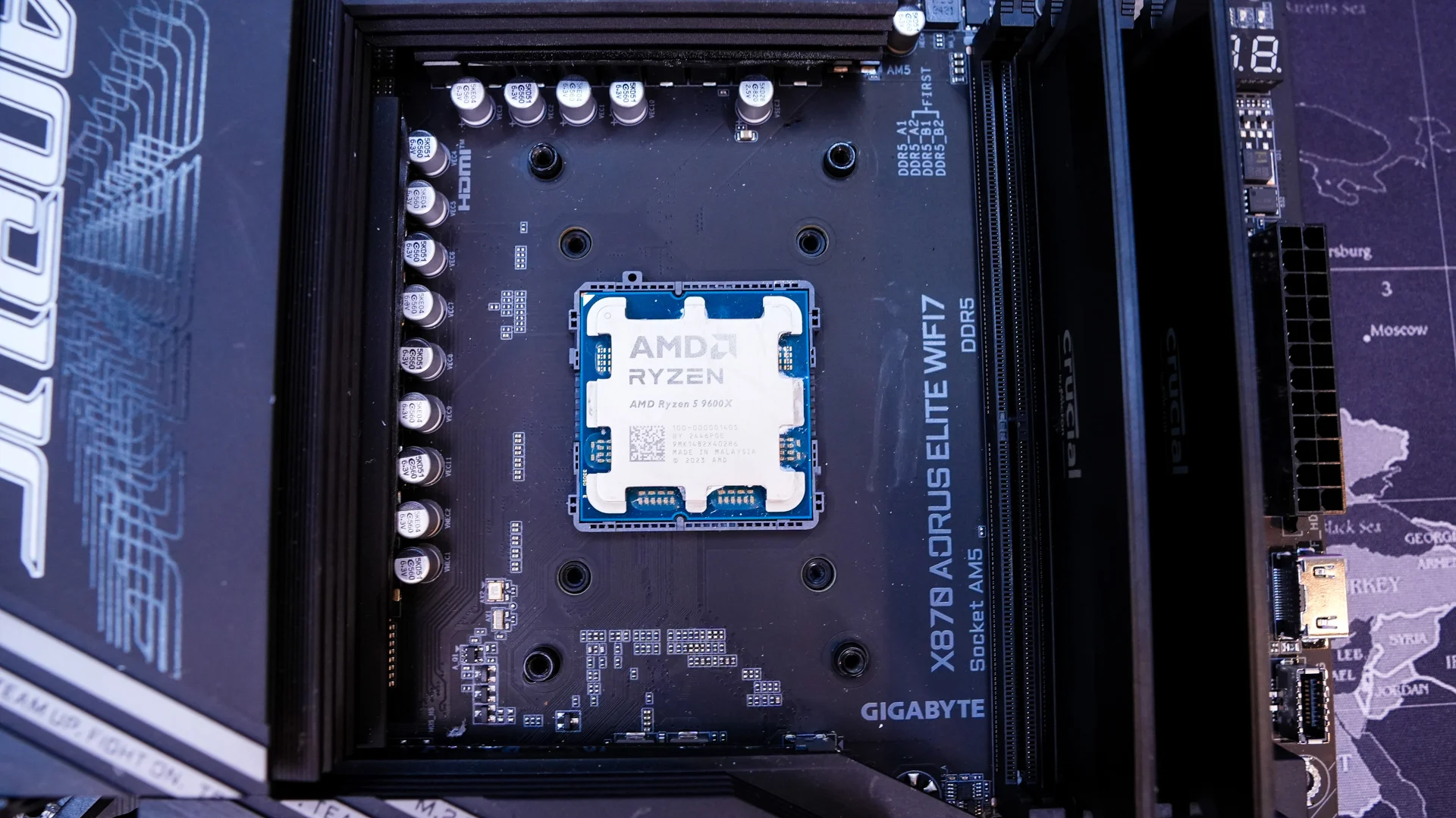
Then go ahead and take the AM5 mounting frame and place it over your CPU, securing it with the supplied screws.
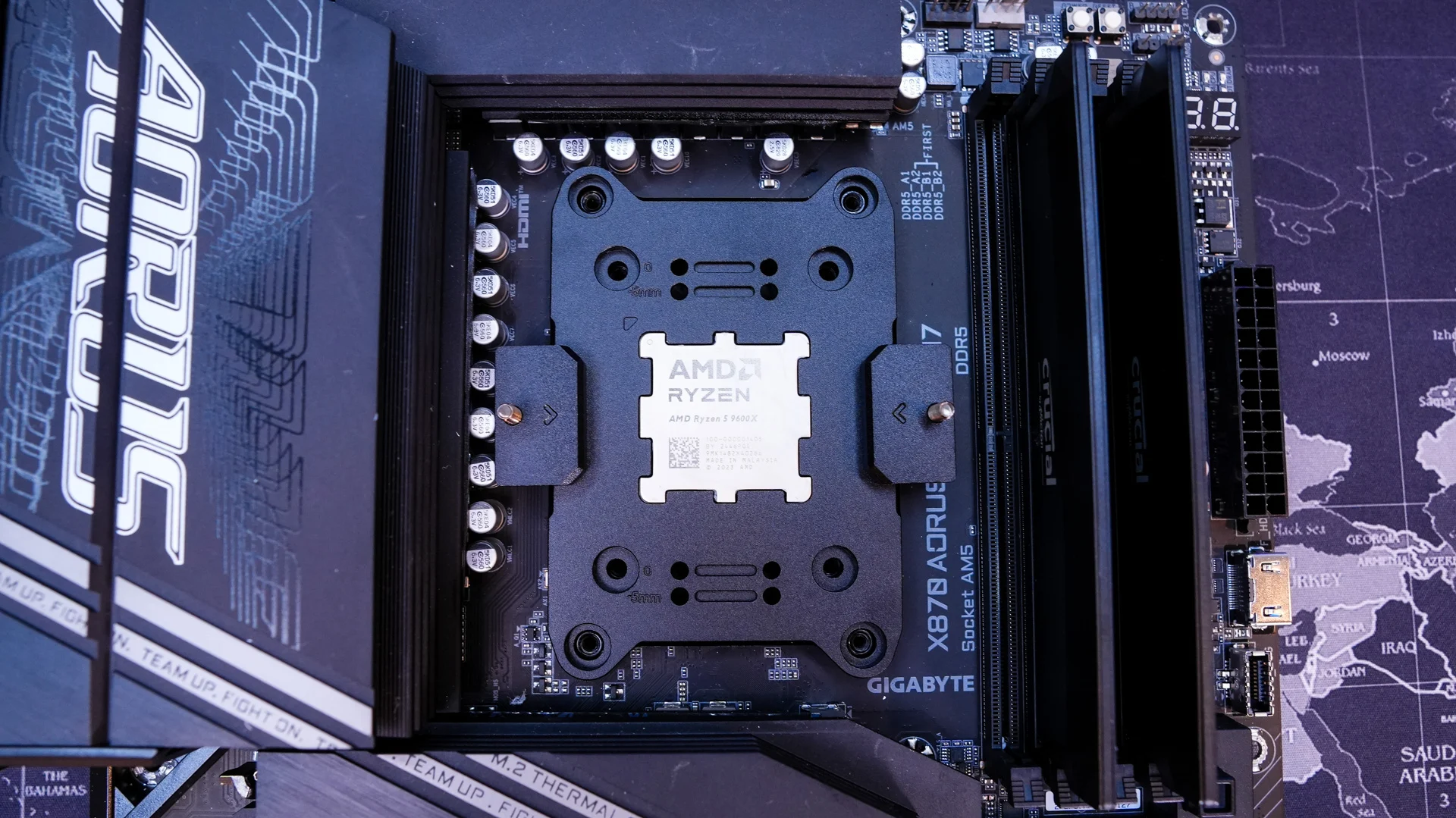
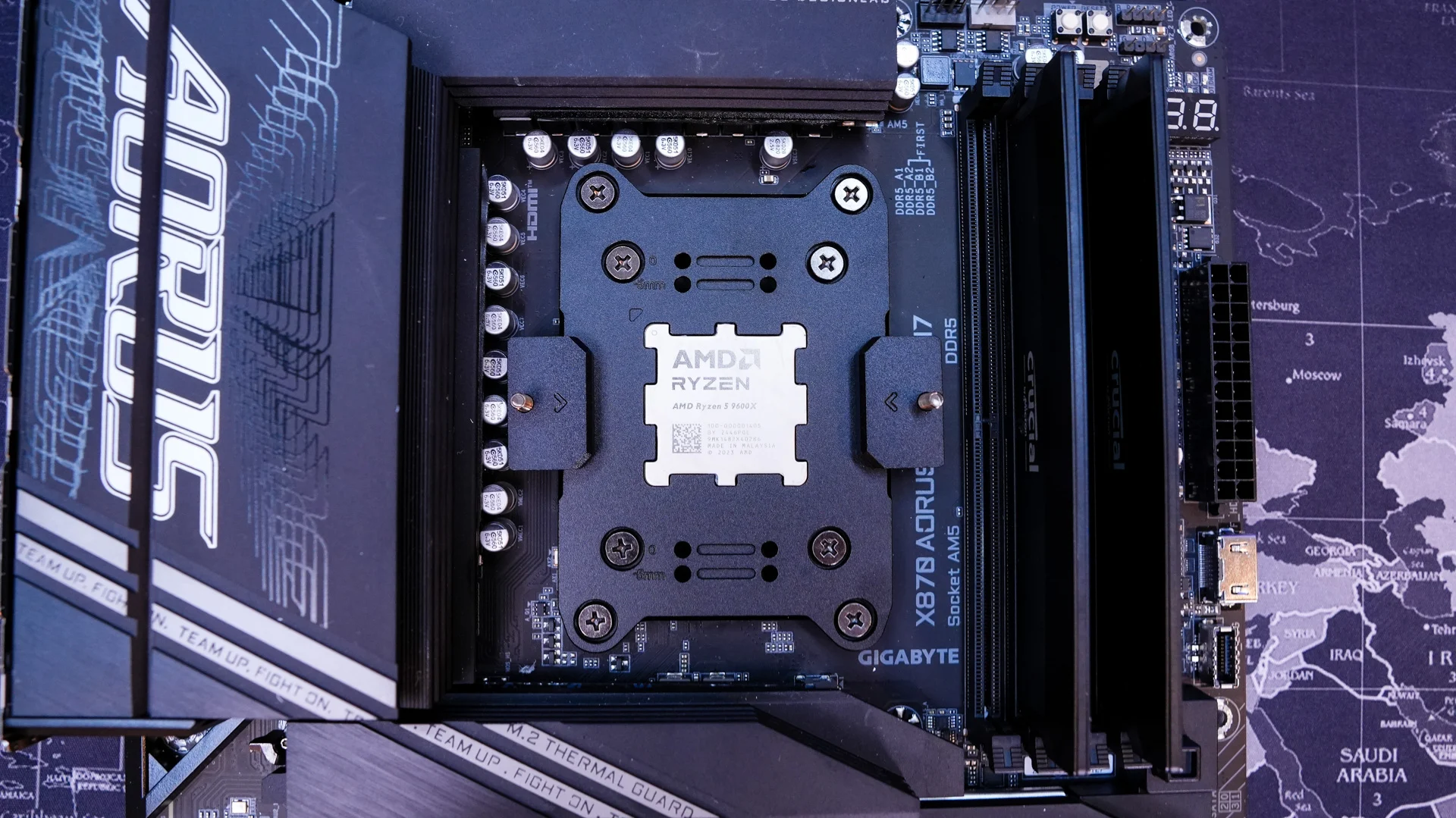
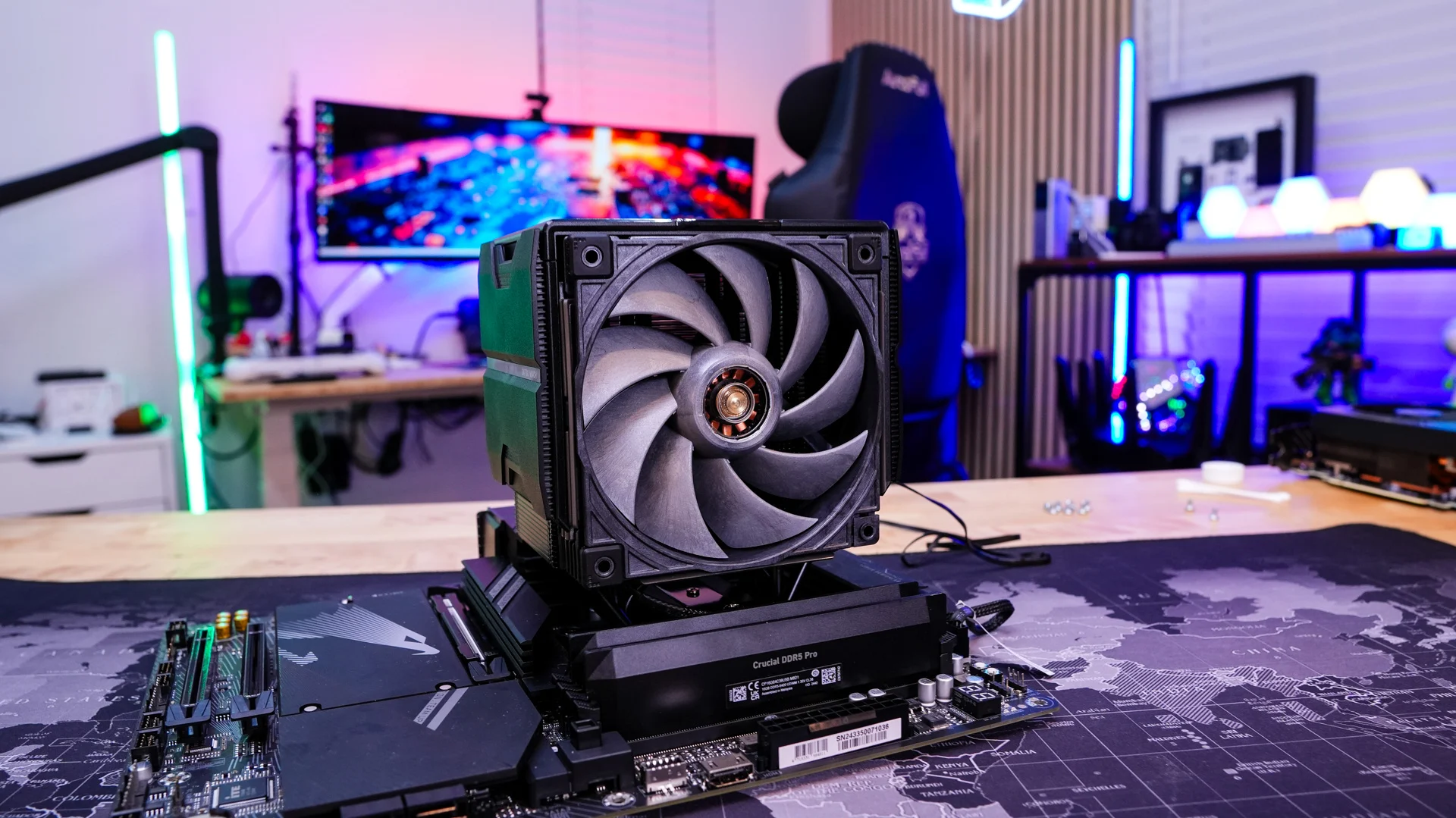
Then go ahead and apply your thermal paste (you have to supply your own), remove the front fan, and place the cooler on top of the CPU lining up the screws on each side with the pegs on the AM5 mounting frame. Using the supplied screwdriver go ahead and secure the cooler.
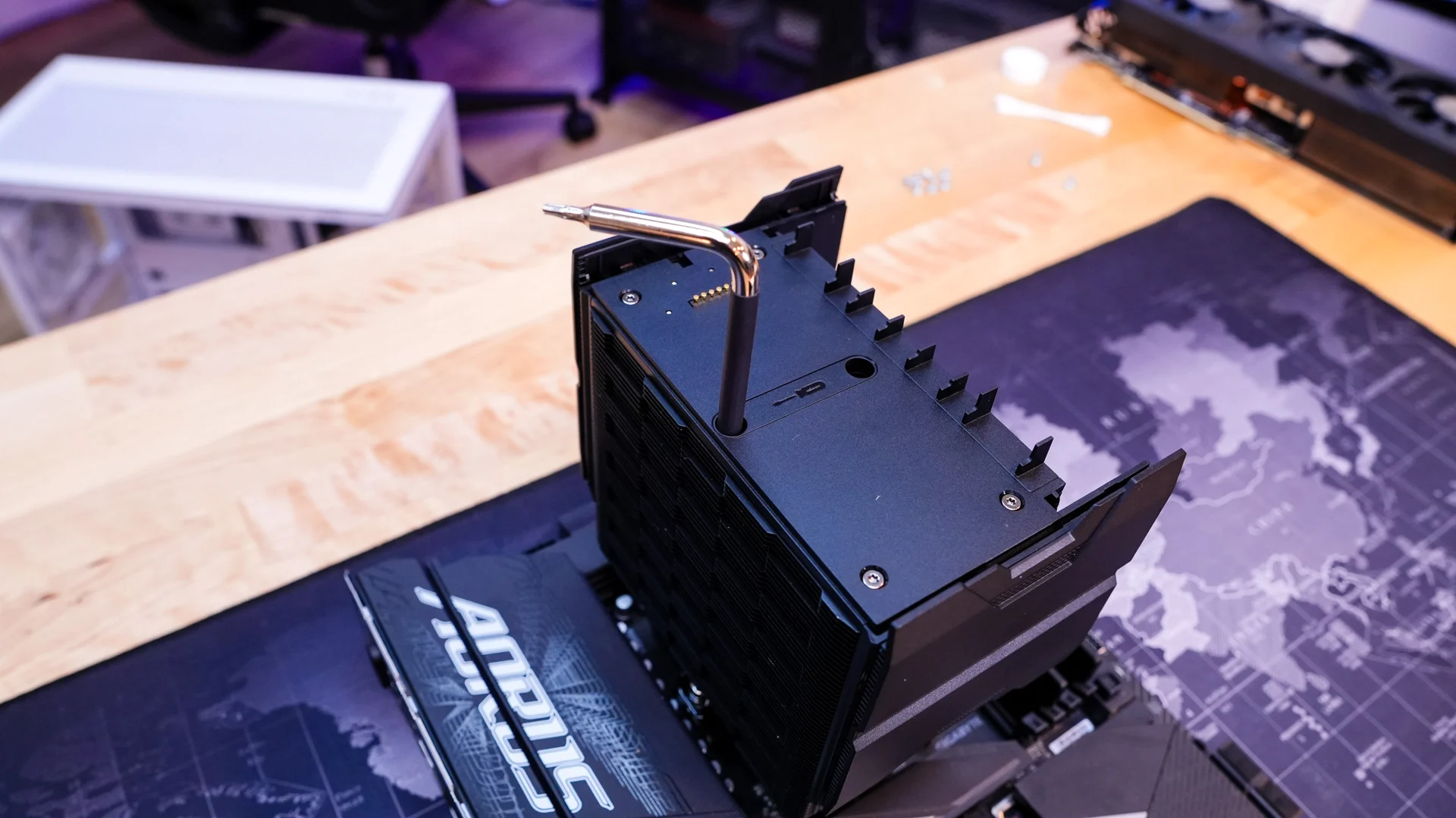
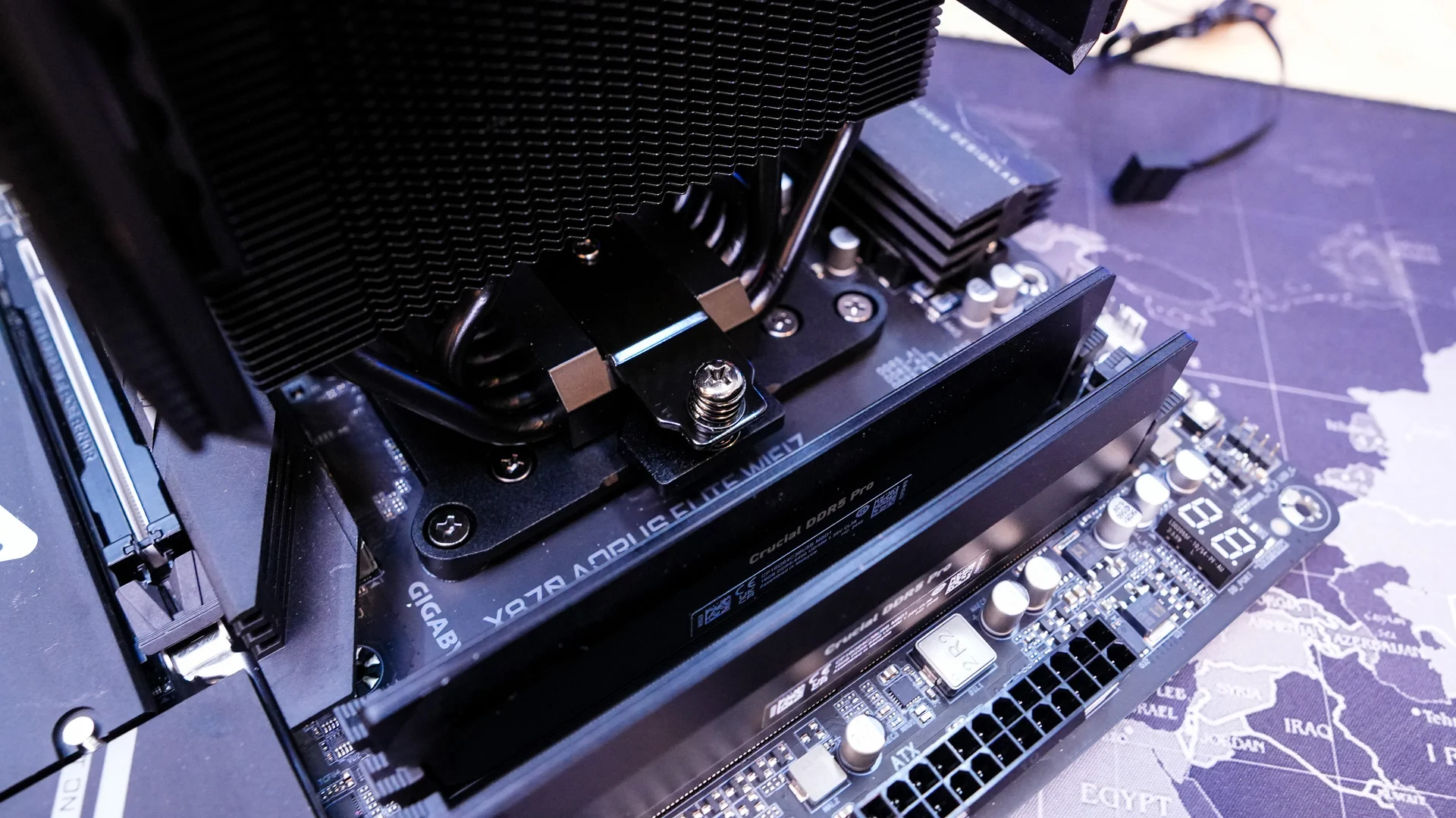
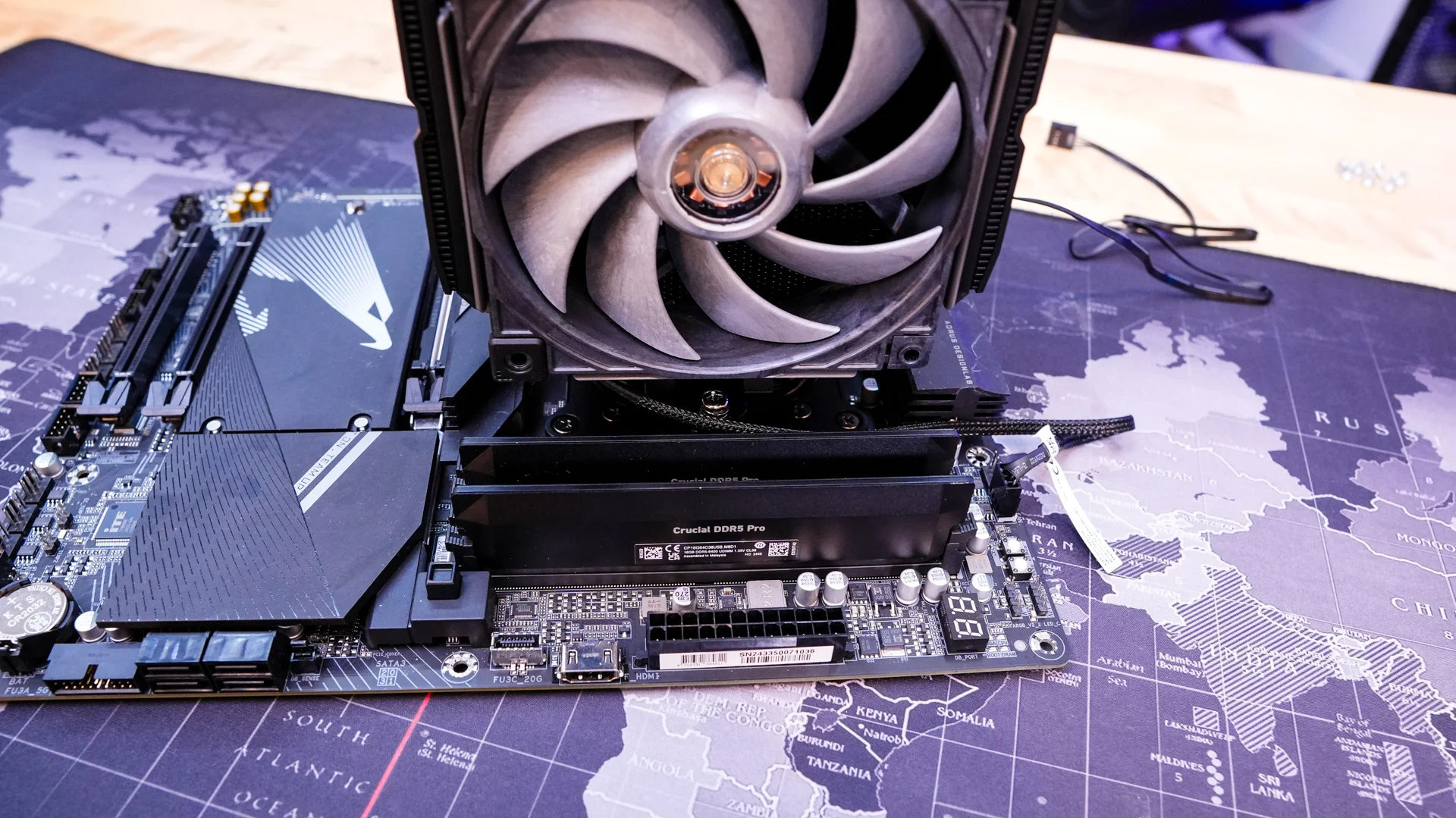
With the cooler installed and the fan reinstalled you can see that we have 100% RAM clearance. The last thing you are going to want to do is plug in the fan to the CPU fan header and the USB header to an open USB 2.0 header on your motherboard. The USB cable was long enough to route behind my motherboard, which definitely was nice.