Software & Display
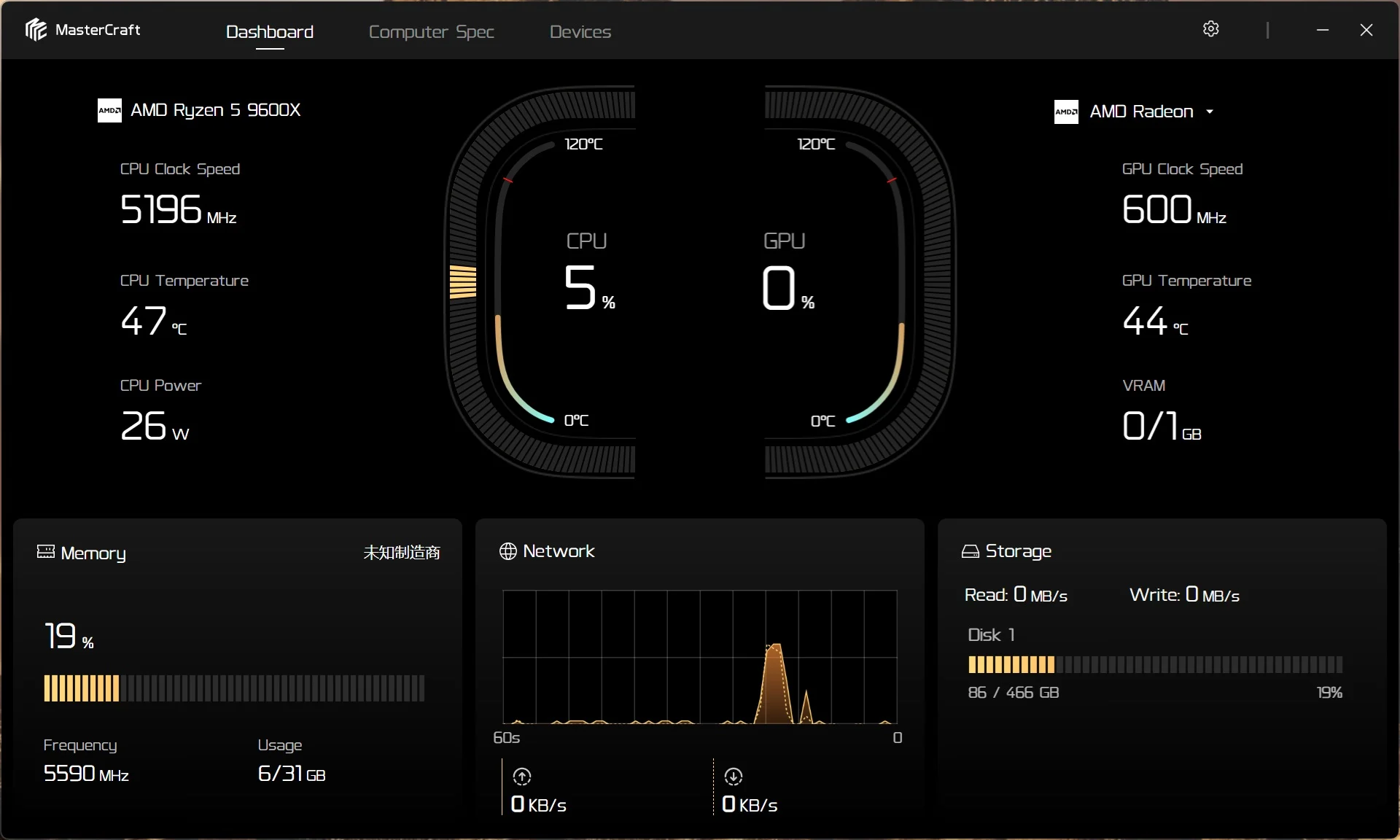
In order for the display to work you’ll need to download Sudokoo’s MasterCraft software. When you first open the software up you’ll be in the Dashboard tab that shows all of your system stats.
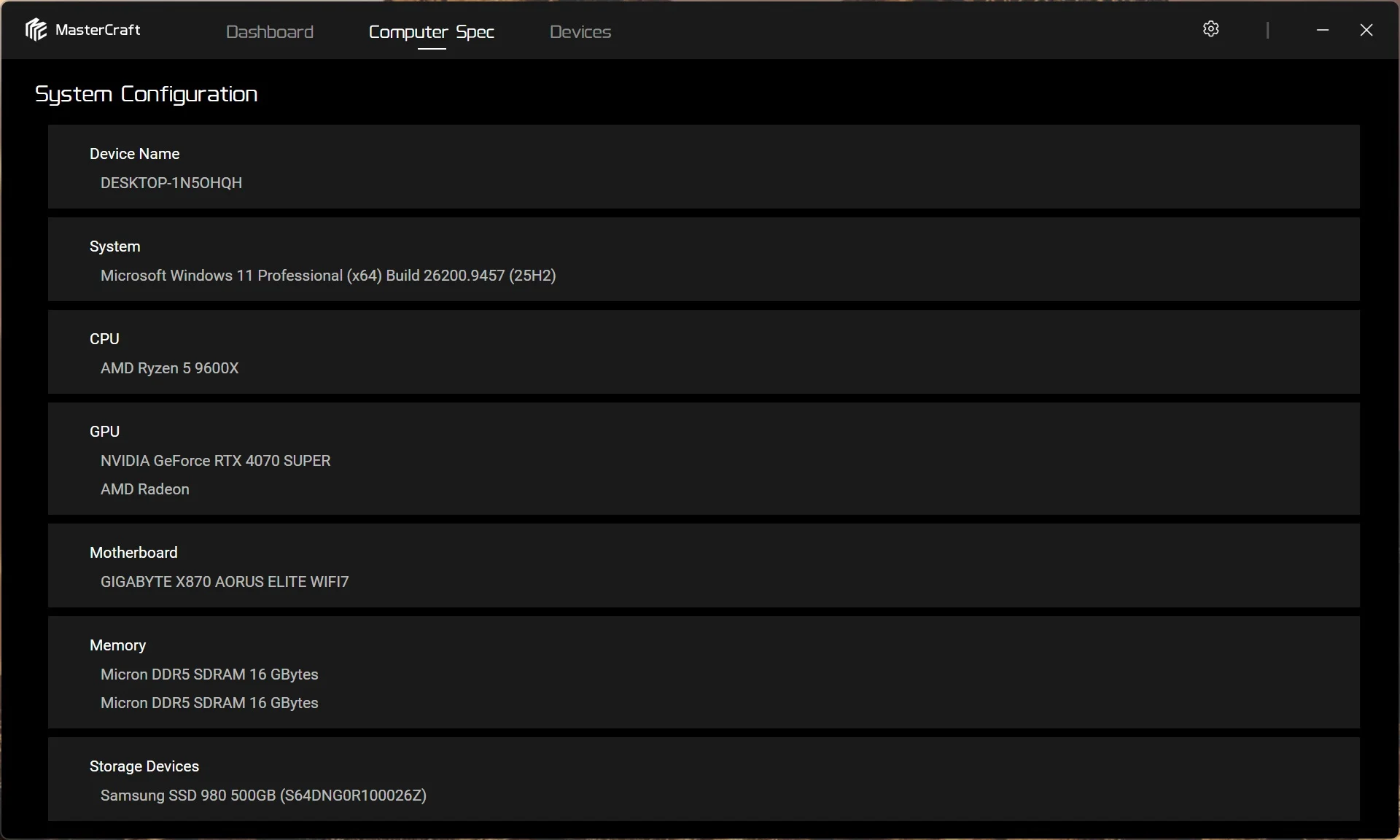
The Computer Spec tab will show you all of your system specifications.
And then finally you have the Devices tab which should show the SK700V MACH. You can turn the screen on and off here, and set a temperature alert.
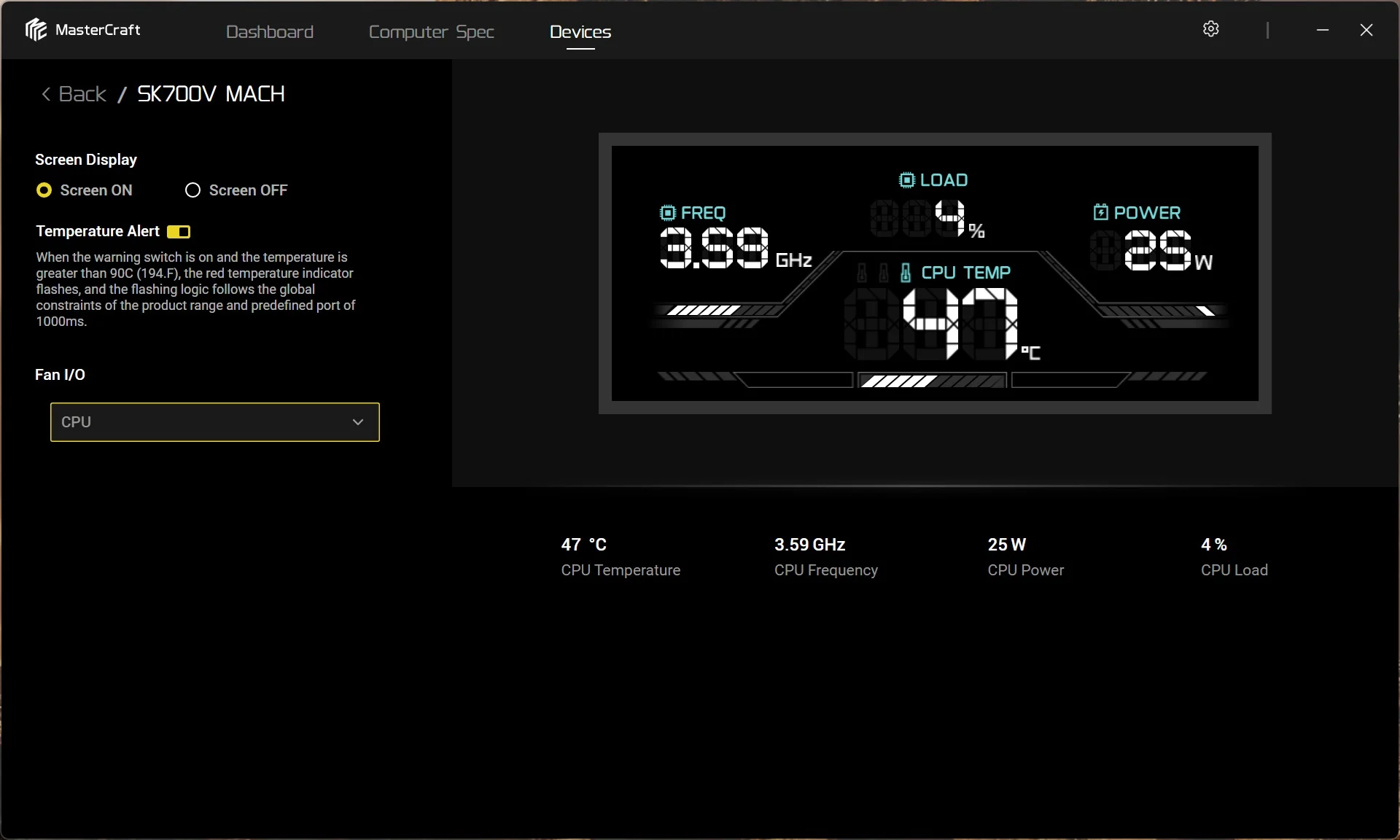
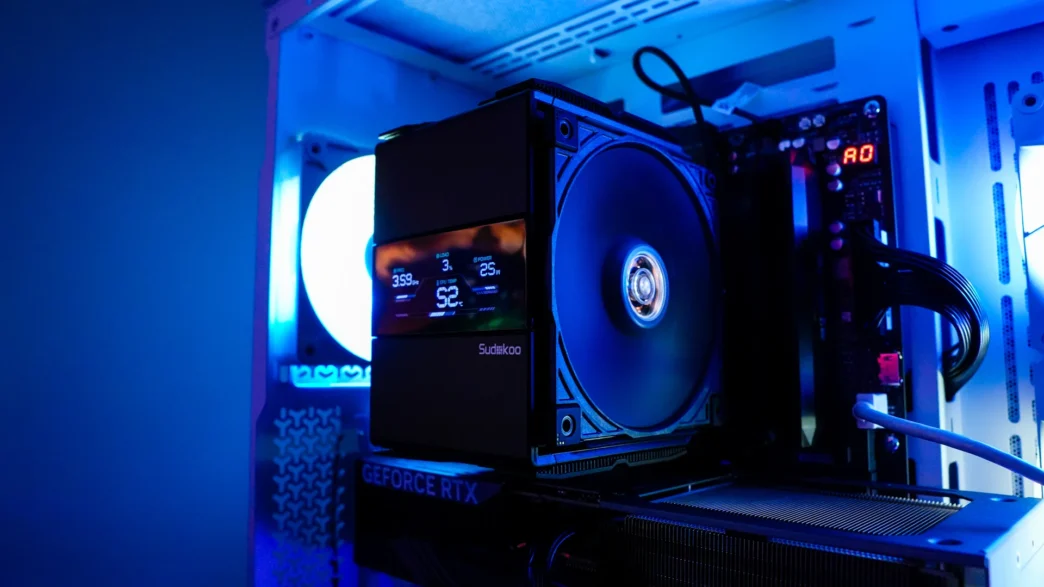
The display itself is just a digital display, so there is not a whole lot you can adjust, but it does look quite nice. It will display your CPU frequency, CPU load, power, and CPU temperature.
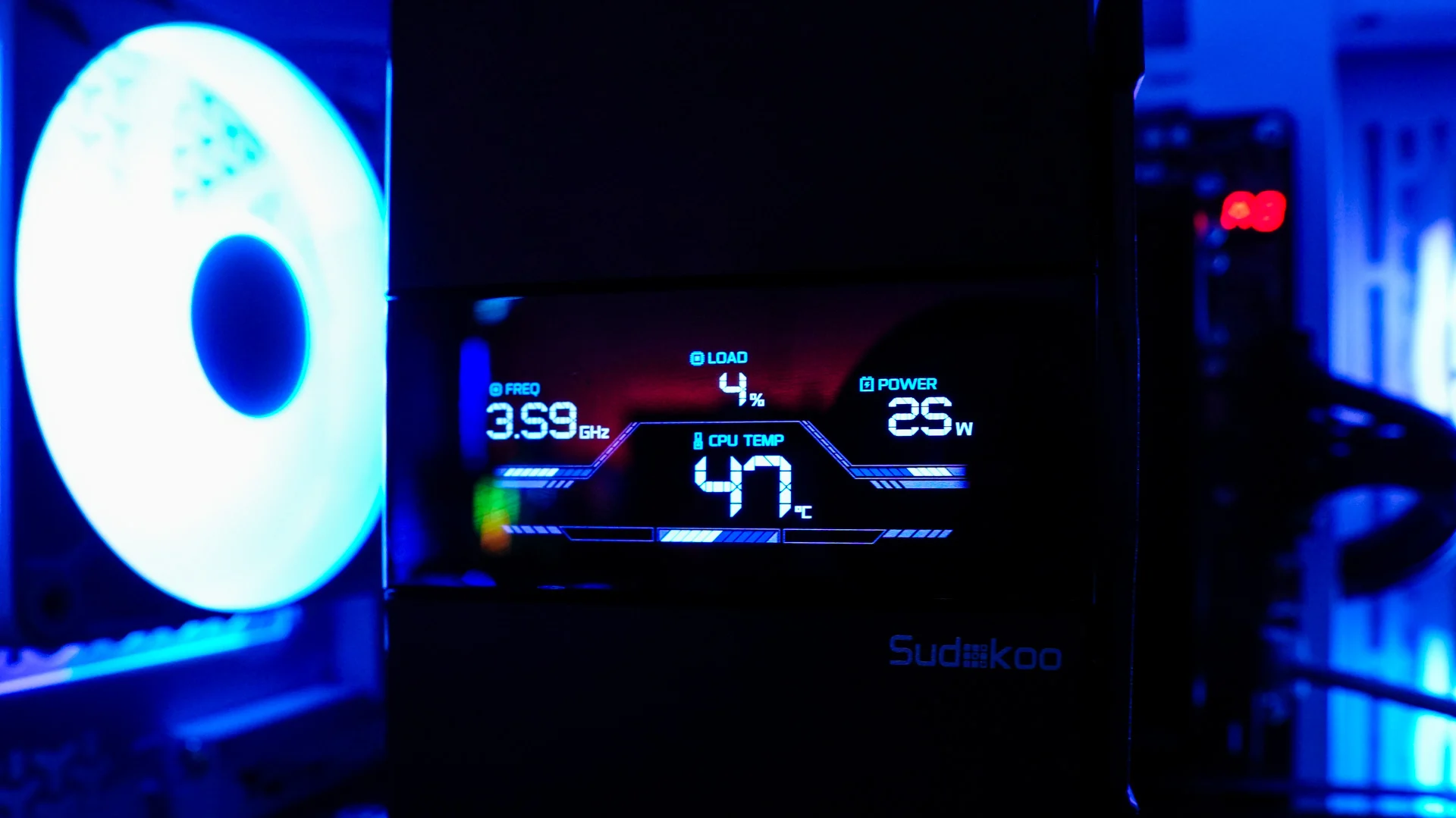
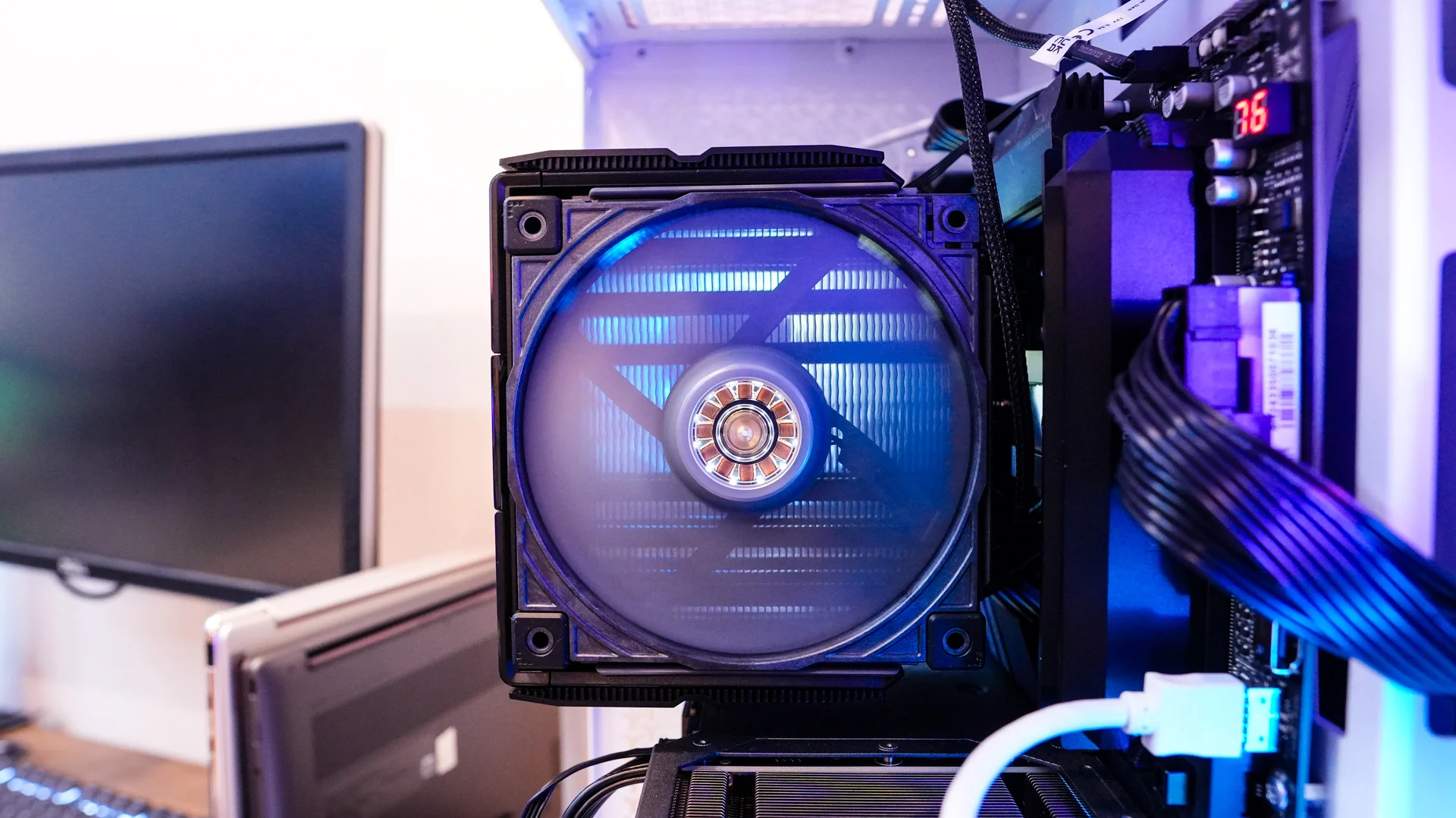
Also the center of the fan has some white LEDs, which makes it look quite cool too, especially if you have a tempered glass front panel on your case.