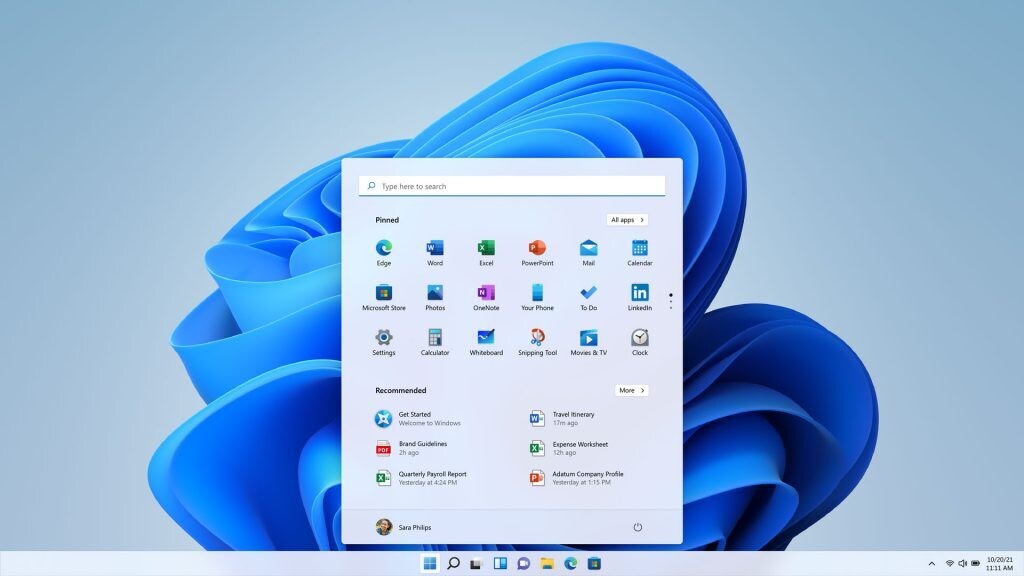
Microsoft has officially released Windows 11 version 25H2, marking the latest annual update for its operating system. This release emphasizes stability and security enhancements over new user-facing features. Delivered as a lightweight enablement package, 25H2 builds upon the existing foundation of version 24H2, promising a faster and more seamless installation experience for users.
Key Takeaways
- Focus on Stability and Security: No major new features, but enhanced security measures and performance improvements.
- Lightweight Enablement Package: Installs quickly by activating features already present in version 24H2.
- Shared Codebase: 24H2 and 25H2 share the same servicing branch, allowing for efficient monthly updates.
- Security Enhancements: Removal of deprecated features like PowerShell 2.0 and WMIC, and improved vulnerability detection.
- Extended Support Lifecycle: Resets the support clock for all editions of Windows 11.
A Streamlined Update Process
Windows 11 version 25H2 is not a complete overhaul but rather a minor update that acts as an “enablement package.” This means it essentially flips a switch to activate features that were already integrated into machines running version 24H2. This approach significantly reduces installation time and downtime, making the transition from 24H2 to 25H2 as simple as a restart.
Both 24H2 and 25H2 utilize the same codebase and servicing pipeline. This shared foundation ensures that new features and security updates can be delivered monthly to both versions with equal efficiency and reliability. The primary difference between the two versions lies in their support duration, with 25H2 resetting the lifecycle clock for all editions.
Enhanced Security Measures
Microsoft’s primary focus with the 25H2 update is on bolstering security. This includes the removal of legacy components like PowerShell 2.0 and Windows Management Instrumentation command-line (WMIC), which have been deprecated due to potential security vulnerabilities. Additionally, the update introduces advancements in build and runtime vulnerability detection, coupled with AI-assisted secure coding practices. For enterprise environments, IT administrators now have the ability to remove pre-installed Microsoft default apps using Group Policy or MDM CSP on Enterprise and EDU devices.
Availability and Installation
Windows 11 25H2 is rolling out gradually through Windows Update. Users can expedite the process by enabling the “Get the latest updates as soon as they’re available” option in Windows Update settings. Microsoft may implement safeguard holds for devices with detected issues, such as driver or application incompatibilities, to ensure a smooth transition. For those eager to install immediately, enablement packages are available for download from Microsoft’s website, or users can opt for a clean installation using the Windows Media Creation Tool.
Via Windows Blog