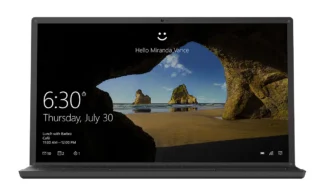
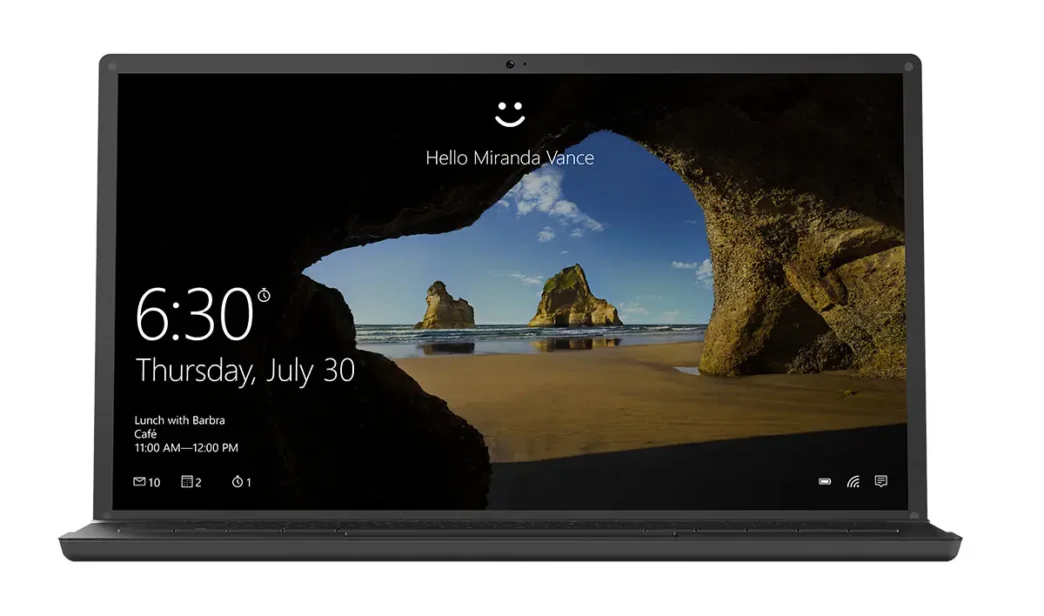
Microsoft has confirmed that its Windows Hello facial recognition feature no longer functions in dark or dimly lit environments, stating this is a deliberate security enhancement rather than a bug. This change, implemented through a recent Windows 11 update, requires both an infrared (IR) sensor and a standard color webcam for authentication, impacting user convenience in low-light conditions.
Windows Hello’s New Authentication Requirements
Previously, Windows Hello relied primarily on infrared sensors to create a 3D map of a user’s face, allowing for seamless login even in complete darkness. This method was similar to Apple’s Face ID. However, a recent Windows 11 update, specifically OS Build 26100.3775 released in April, altered this functionality. Microsoft now mandates the simultaneous use of both the IR sensor and a regular color webcam for facial recognition.
This means that for Windows Hello to authenticate a user, there must be sufficient ambient light for the color webcam to capture a visible image of the face. If the environment is too dark, the system will fail to recognize the user, even if the IR sensor can still detect their features.
Security Versus Convenience
Microsoft’s rationale behind this change is to address a potential security vulnerability, identified as CVE-2025-26644, which allowed for spoofing attempts against Windows Hello. By requiring a visible face captured by a color camera, Microsoft aims to enhance the security protocols and prevent unauthorized access.
While this update bolsters security, it significantly impacts user convenience, particularly for those who frequently use their devices in low-light settings. Users are now forced to:
- Turn on a light source.
- Increase screen brightness to illuminate their face.
- Revert to alternative login methods like a PIN or password.
Workarounds and User Reactions
The decision has drawn mixed reactions from users. Many find the new requirement inconvenient, especially owners of compact laptops who valued the quick, contactless login in all conditions. Some users have discovered a temporary workaround: disabling the regular webcam through Device Manager. This forces Windows Hello to revert to using only the IR sensor, restoring dark-room functionality. However, this also renders the webcam unusable for other applications, such as video calls, making it an impractical solution for most.
Microsoft has indicated that this change is a permanent feature and not a bug, with no plans to revert to the previous IR-only authentication in the dark. This emphasizes a clear prioritization of security over the convenience of low-light facial recognition.
Via Tom’s Hardware