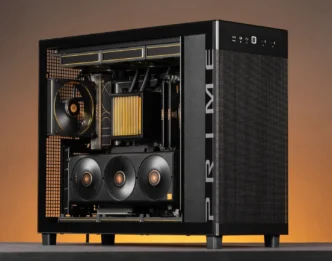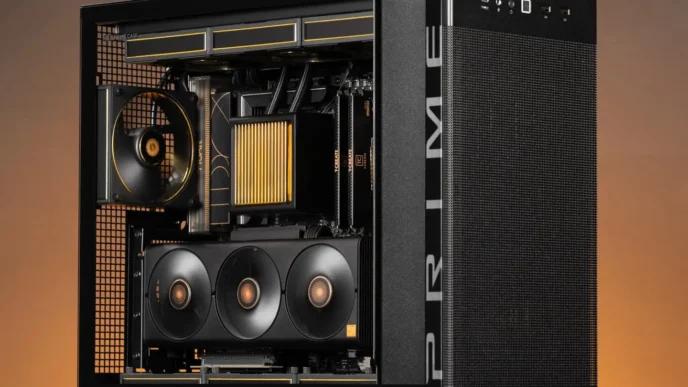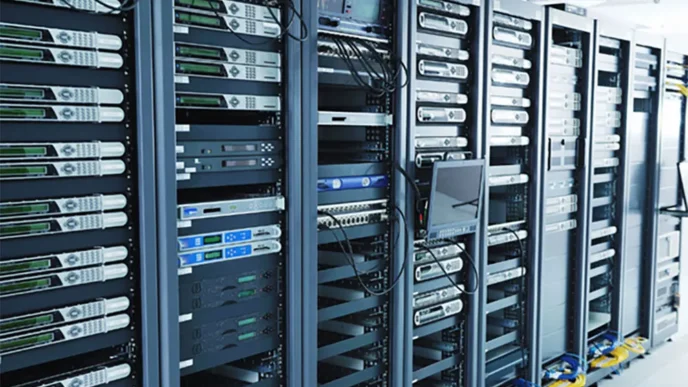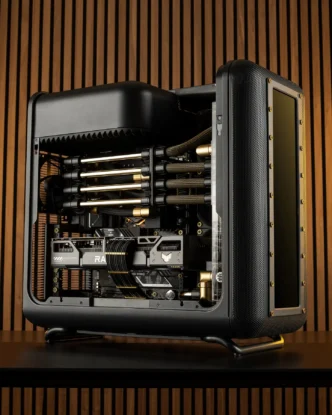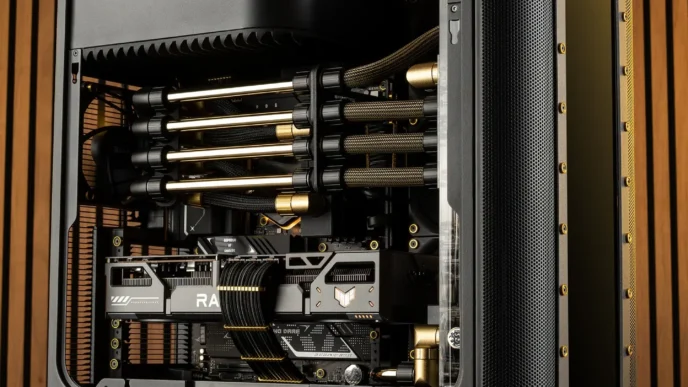

Your PC setup, equipped with various monitors, gaming systems, and other peripherals, makes your home office a hub of technology. However, as you integrate more devices into your personal computing space, the risk of overloading your electrical system increases. Understanding how your PC setup can impact your home’s power consumption is crucial to prevent potential hazards and ensure efficient energy use.
Understanding Your Home’s Energy Consumption
The average household in the United States consumes over 10,000 kilowatt hours of energy each year. As you add more high-tech gadgets and computers, your home’s energy usage can soar beyond this national average. It is essential to monitor the energy consumption of your technology, especially as you introduce more devices to your setup.
When setting up your PC, be mindful of the combined energy consumption of your technology. Computers, monitors, speakers, and other gadgets contribute significantly to your home’s power expenditure. By keeping track of the amount of power your setup requires, you can make informed decisions about energy-efficient technology.
Energy-efficient technology not only reduces the risk of overloading but also offers cost savings on your electricity bill. Investing in energy-star rated devices can significantly decrease your power usage. Moreover, regularly checking the energy ratings of your technology will ensure your PC setup is both powerful and sustainable.
Preventative Measures and Safety Inspections
In newer homes, experts recommend having an electrical safety inspection every three to five years. These inspections identify potential issues before they develop into serious safety concerns. By incorporating regular inspections as part of your PC setup maintenance, you ensure the longevity and safety of your electrical system.
A preventative approach to managing electrical systems can circumvent the risk of overloads. During inspections, electricians check the overall health of your wiring and circuits, verifying they can handle the demands of modern technology. This foresight helps to spot troubles early, preventing issues from evolving into costly or dangerous situations.
Moreover, regularly updating your home’s wiring as necessary during inspections is wise, especially when utilizing heavy technology setups. Outdated systems might not support current energy demands, making upgrades crucial. Consistent evaluations and improvements keep your home equipped to handle the latest technological advancements.
Components of a Safe Electrical System
According to industry standards, a safe electrical system comprises three key components: the field device, an intrinsically safe barrier, and field wiring. Each plays a distinct role in protecting your technology from electrical faults. Ensuring each component functions correctly safeguards your PC setup from unexpected power surges or failures.
Understanding these components gives insight into why certain elements are crucial for your energy setup. The field device, for example, often involves components like surge protectors that act as the first line of defense. An intrinsically safe barrier limits the available electrical and thermal energy, preventing potential combustion in hazardous areas.
Finally, field wiring is essential in ensuring electrical flow is contamination-free and precise. High-quality wiring preserves the integrity of your devices and ensures smooth power delivery. Regular assessments of these components confirm your system can accommodate technological upgrades without risk.
Maintaining a safe and efficient electrical system is vital for any high-tech PC setup. By monitoring your energy usage, scheduling regular safety inspections, and understanding the components of an intrinsically safe system, you can protect your home from overloading. Stay informed and proactive to enjoy a reliable and safe technology-powered environment.