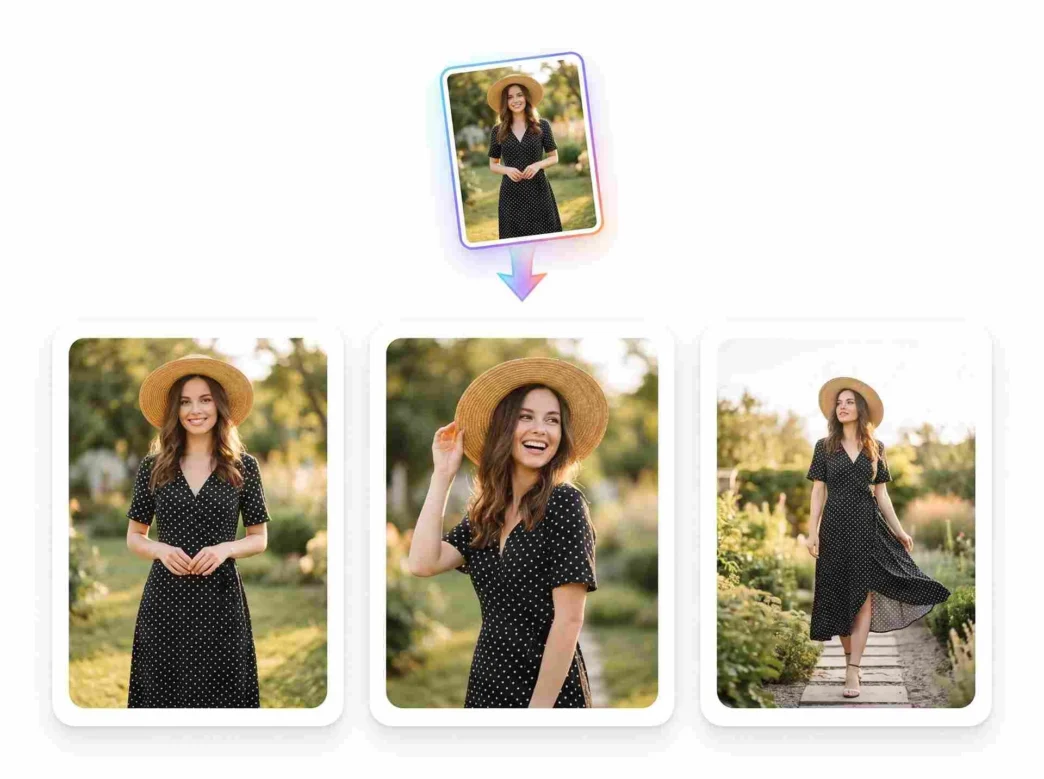
Creators often spend too much time on repetitive tasks. Fixing a blurry photo or removing a background used to require expert skills and expensive software. Now, anyone can edit and transform photos online with just a few clicks. These tools use machine learning to understand what is in a picture. This allows the software to make smart choices without human input.
Many creators also struggle with old or small files. You might have a great photo that is too small to print or use on a website. You can improve low-resolution images with AI to make them look sharp and clear again. This process adds missing pixels based on patterns the AI has learned from millions of other images. It saves hours of manual reconstruction work.
Use Case 1: Restoring Heritage and Family Photos
Many families have old photographs that are fading or damaged. These physical prints often have scratches, dust marks, or water stains. In the past, a professional would need to spend days using a clone stamp tool to fix these issues one by one. This was a slow and expensive process that most people could not afford.
AI tools now offer a way to bring these memories back to life instantly. The software identifies cracks and scratches automatically. It fills in the gaps by looking at the surrounding colors and textures. This means a photo from fifty years ago can look like it was taken yesterday. Creators who specialize in genealogy or history use these tools to preserve important records for future generations.
Beyond just fixing damage, AI can also add color to black and white images. It recognizes objects like grass, sky, and skin tones. It then applies the most likely colors to those areas. This makes old photos feel more relatable and alive. It changes how we view history by making it look more like the world we see now.
Use Case 2: Scaling E-commerce Product Photography
Online sellers need high quality images to sell their products. However, taking professional photos for hundreds of items is a huge task. A seller might take a photo in their living room, but the background looks messy. Cleaning up these images manually for an entire catalog would take weeks of work.
AI helps these creators by automating the background removal process. The software can tell the difference between a product and the floor or wall behind it. It cuts out the object perfectly in seconds. This allows the seller to place the product on a clean, white background or a stylish digital set. It creates a professional look without the cost of a studio.
Consistency is another big benefit for e-commerce. AI can apply the same lighting and color balance to every photo in a collection. This ensures that the online store looks uniform. When a customer scrolls through a page, they see a cohesive brand. This builds trust and makes the shopping experience much better.
Use Case 3: Enhancing Social Media and Marketing Assets
Social media managers often have to work with images provided by clients or fans. Sometimes these images are low quality or taken in bad lighting. A grainy photo can make a brand look unprofessional. Since social media moves fast, there is no time to wait for a reshoot.
AI tools allow managers to fix these photos on the fly. They can brighten dark areas without making the whole image look washed out. They can also remove unwanted objects from the background, like a stray trash can or a person walking by. This level of control helps maintain a high standard for visual content even when the original source is not perfect.
Designers also use AI to resize images for different platforms. A photo that works for a vertical Instagram Story might not fit a horizontal Facebook banner. AI can expand the edges of a photo by generating new content that matches the original. This is called outpainting. It prevents the image from looking stretched or awkwardly cropped.
Benefits per Scenario
Each of these use cases shows how AI solves specific problems for different types of creators. The benefits go beyond just saving time.
|
Scenario |
Primary Benefit |
Secondary Benefit |
|
Family Photo Restoration |
Emotional value preservation |
Cost savings on professional services |
|
E-commerce Photography |
Faster time to market |
Improved brand consistency |
|
Social Media Management |
Higher engagement rates |
Ability to use user generated content |
For family historians, the benefit is emotional. They can see the faces of ancestors clearly for the first time. The AI handles the technical difficulty of grain and noise. This lets the user focus on the story behind the photo rather than the pixels.
For business owners, the benefit is financial. Time spent editing is time not spent selling. By using AI to handle product shots, they can launch new items faster. This speed gives them a competitive edge in a crowded market. It also reduces the need to hire expensive photo editors for basic tasks.
For social media creators, the benefit is flexibility. They are no longer limited by the quality of the photos they receive. They can turn a mediocre snapshot into a professional asset. This allows them to post more often and keep their audience engaged with high quality visuals.
Practical Workflow for AI Image Editing
Using AI tools does not mean you lose control over your creative work. It just changes the steps you take to reach the finish line. A typical workflow is simple and easy to follow.
First, you upload your original image to the AI platform. You should choose the specific tool that fits your goal. If you have a blurry photo, look for a sharpening or upscaling tool. If you need to change the background, look for a removal or replacement tool. Most modern platforms have a clear menu for these options.
Second, you let the AI perform the initial pass. This usually takes between five and thirty seconds. The AI will analyze the image and apply the requested changes. You will often see a before and after comparison on your screen. This helps you judge if the AI made the right choices.
Third, you can make manual adjustments if needed. While AI is very smart, it might not always get every detail perfect. You can use simple sliders to tweak the brightness, contrast, or the strength of the AI effect. This ensures the final result matches your specific vision.
Finally, you download the high resolution file. Many tools allow you to choose the format, such as JPG or PNG. You can then use this image for your website, social media, or print projects. The entire process is much faster than the old way of doing things.
Common Obstacles and Solutions
Some people worry that AI will make all photos look the same. This is not true because the AI reacts to the unique data in your specific photo. It enhances what is already there rather than replacing it with a generic template. You still provide the original creative spark.
Others worry about the learning curve. However, most AI tools are designed for people who are not tech experts. They use simple buttons and clear labels. You do not need to know about layers, masks, or color theory to get a great result. The software handles the complex math in the background.
If an AI tool makes a mistake, such as cutting off part of an object, you can usually fix it with a brush tool. You just paint over the area you want to keep or remove. This hybrid approach combines human intuition with machine speed. It is the most efficient way to work in a modern creative environment.
Conclusion
AI tools have changed the way creators handle visual content. They remove the boring, repetitive parts of photo editing. This allows people to focus on being creative and telling stories. Whether you are fixing an old family heirloom or preparing a product for an online store, these tools make the job easier.
Using these technologies helps you stay productive. You can produce more content in less time without losing quality. As the software continues to improve, the gap between an amateur and a professional will continue to shrink. This opens up the world of high quality design to everyone.
Start using AI in your workflow today to see the difference. You will find that tasks that used to take an entire afternoon now take only a few minutes. This extra time can be used to plan your next big project or simply enjoy your creative hobbies more. The future of image editing is here, and it is faster and more accessible than ever before.