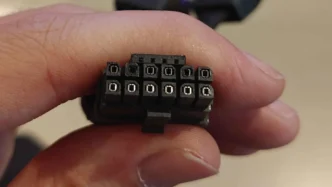
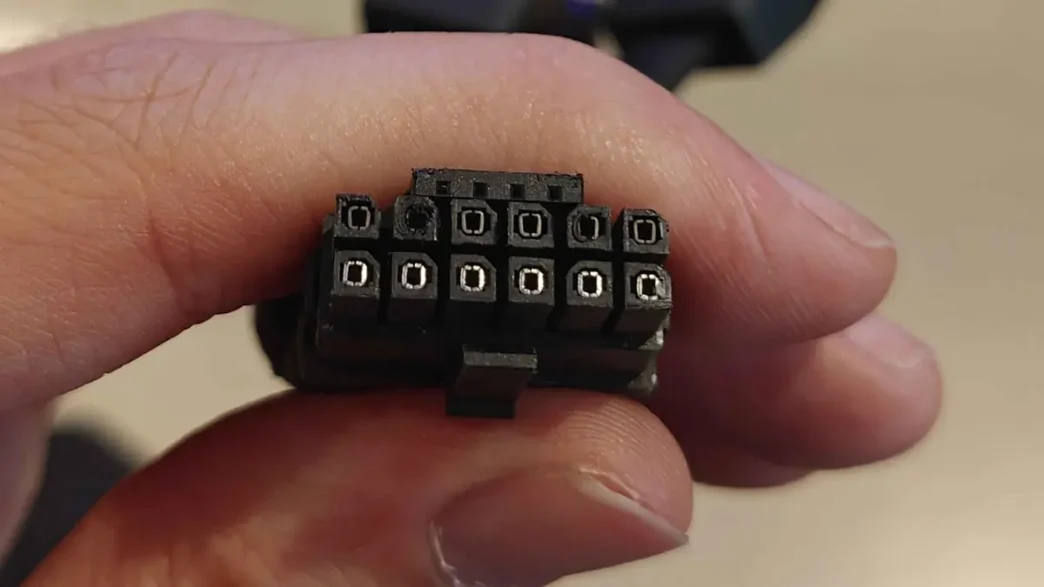
A concerning incident has emerged in the PC hardware community as the first reported case of a 16-pin 12VHPWR connector melting on an AMD Radeon RX 9070 XT graphics card has surfaced. This issue, previously associated primarily with NVIDIA’s high-end GPUs, now extends to AMD’s latest offerings, raising questions about the reliability of the power connector standard.
First Reported Melt on AMD Card
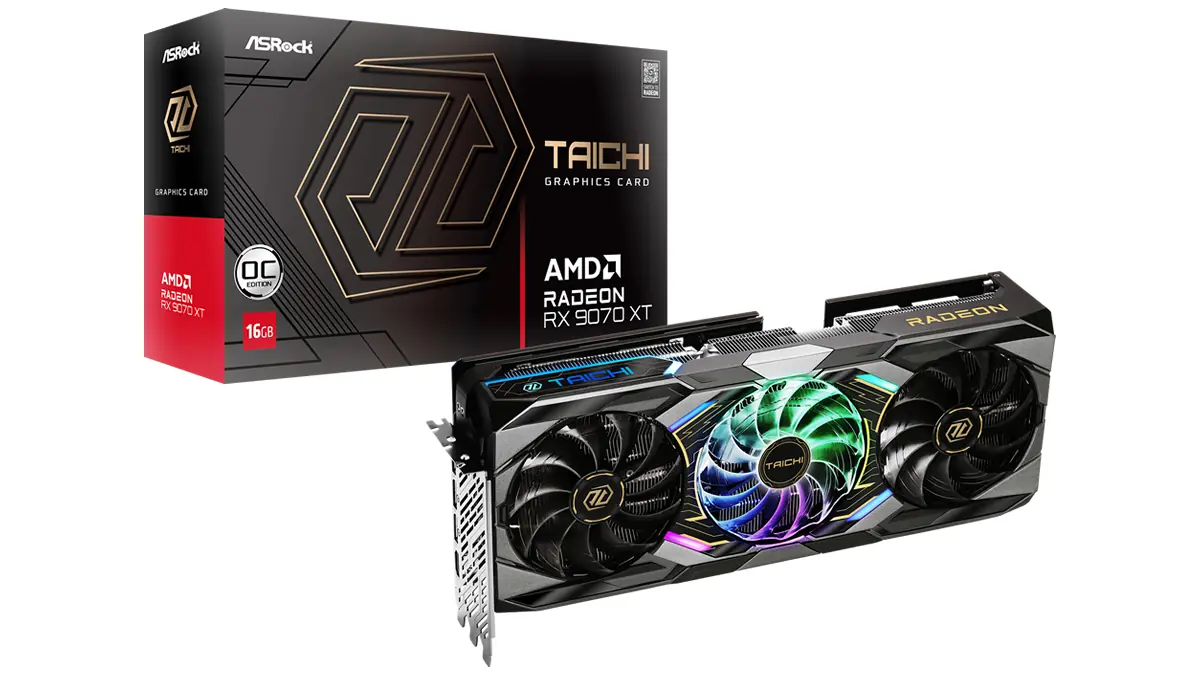
The incident involved an ASRock Taichi OC RX 9070 XT, with the user reporting that the 12VHPWR connector began showing signs of discoloration before ultimately melting. While the graphics card itself appears to have survived the ordeal, the melted connector highlights potential vulnerabilities in the power delivery system.
Potential Causes and User Error
Initial reports suggest that the user was employing a 3x 8-pin to 12VHPWR adapter, which has been implicated in previous connector melting incidents. Furthermore, the user mentioned using a 700W power supply, which is below the 850W recommended by ASRock for this particular GPU. These factors, combined with the possibility of an improperly seated cable, point towards a confluence of potential causes, including user error and the inherent sensitivities of the 12VHPWR connector.
Broader Implications for the 12VHPWR Standard
While AMD has historically favored more traditional 8-pin PCIe connectors for their cards, the adoption of the 12VHPWR by some partners for the RX 9000 series brings them into the same territory as NVIDIA regarding this specific power connector issue. This case serves as a stark reminder for all users of high-power GPUs to ensure proper installation, use high-quality components, and adhere to manufacturer recommendations regarding power supplies.
Recommendations for Users
To mitigate the risk of similar incidents, users are advised to:
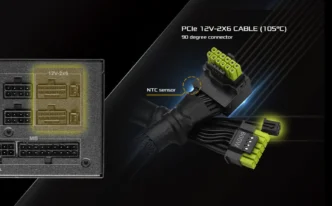
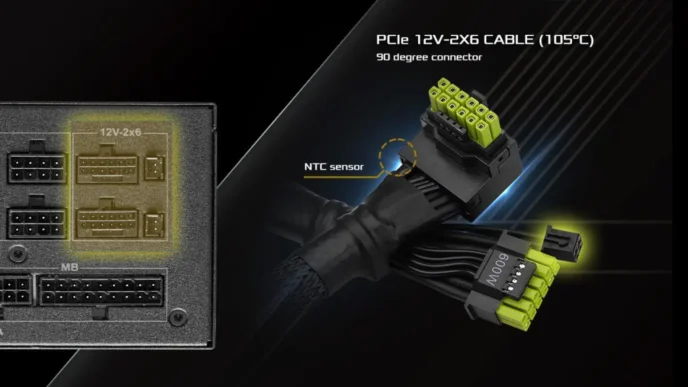
- Whenever possible, use native 12VHPWR cables directly from an ATX 3.1 compliant power supply.
- Avoid using third-party adapters if a native solution is available.
- Ensure the 12VHPWR cable is fully and securely seated in the GPU.
- Check for any sharp bends or strain on the power cable.
- Use a power supply unit that meets or exceeds the manufacturer’s recommended wattage.
Neither AMD nor ASRock have officially commented on this specific incident. The PC hardware community will be closely monitoring for any further reports as more users adopt GPUs featuring the 12VHPWR connector.
Via Reddit