Overclocking
Overclocking on Ryzen has not changed all that much since the last generation. It is actually quite easy to do. Now with AMD’s Ryzen Master software you should be able to overclock in Windows, without even having to go into the BIOS.
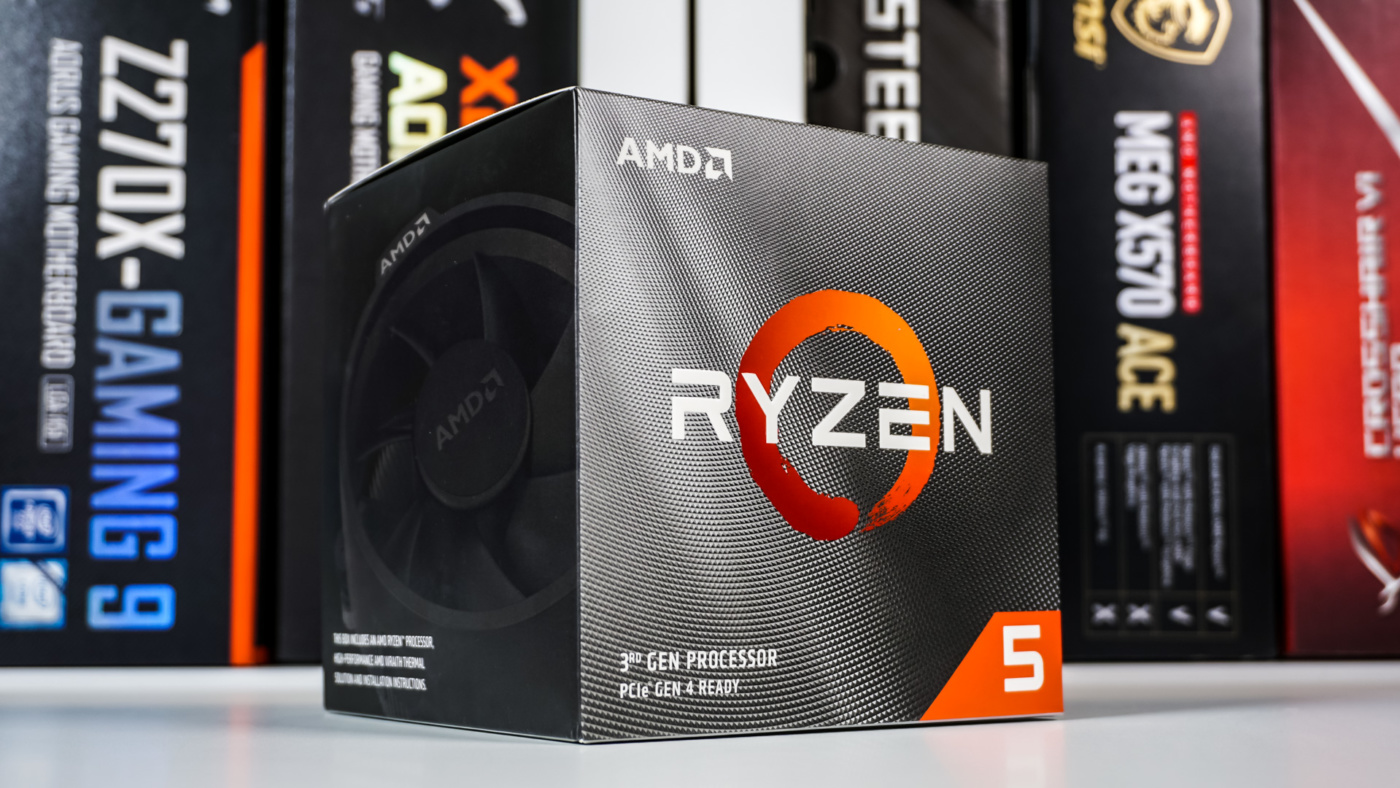
The Ryzen 5 3600X has a base clock of 3.8 GHz and boosts up to 4.4 GHz. Now that boost is only on 1-2 cores. By overclocking we can set all cores to run at the same speed all of the time. This will give us better performance, especially in multi-core workloads.
Using the AMD Ryzen Master software we set a custom profile with the settings that we wanted.
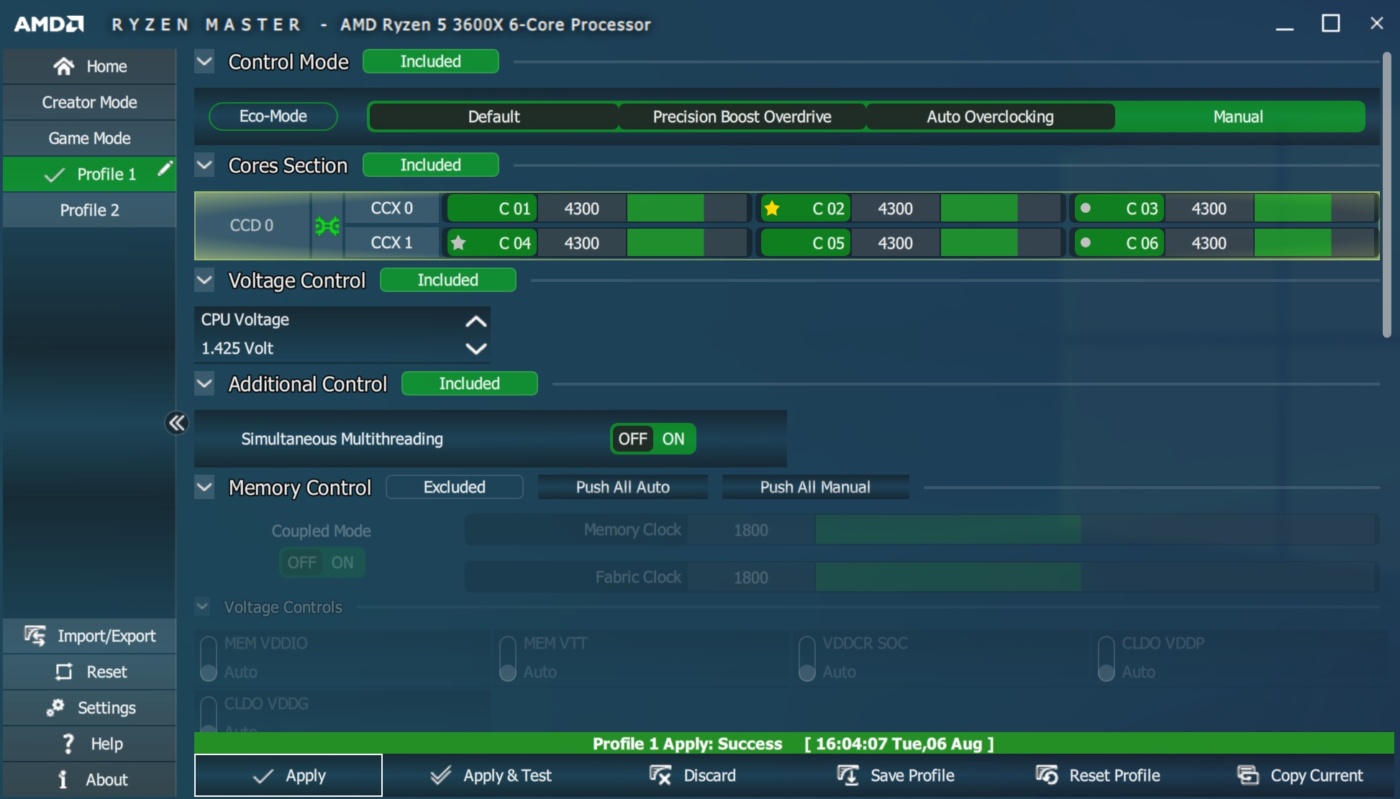
When it comes to overclocking I would suggest starting at the base clock of your processor and moving up in small steps. So for the Ryzen 5 3600X it would be 3800, 3900, 4000, etc. You are likely going to have to adjust your voltage as well. A good starting point is 1.35-1.40V Vcore. Each time you overclock load into Windows and run a stability test, we use AIDA64 and CINEBENCH, but any CPU-focused benchmarking program would work. When running the stability test / benchmark be sure to keep an eye on your temperatures as well. If your system does not boot up try upping your Vcore. If that does not help you could try settings your load line calibration higher.
After much testing we were able to get our Ryzen 5 3600X running at 4.3 GHz on all 6 cores!

Our load temperature was pretty high around 83C, which would not be the best for a 24/7 overclock. 4.0-4.1 GHz would be pretty stable temperature-wise if you are using the stock cooler. If you are using watercooling then 4.3 GHz is very attainable.