Final Thoughts on the ASRock Phantom Gaming 360 LCD
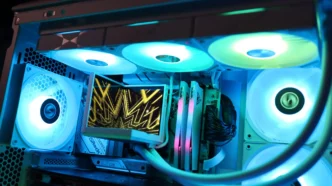
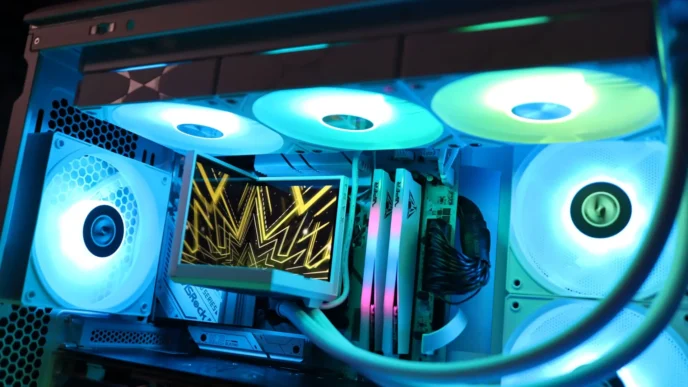
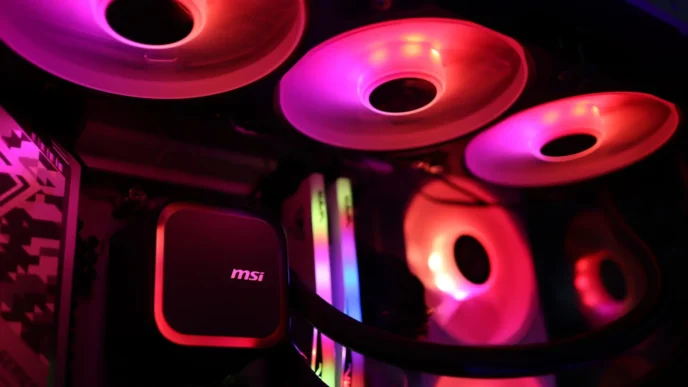
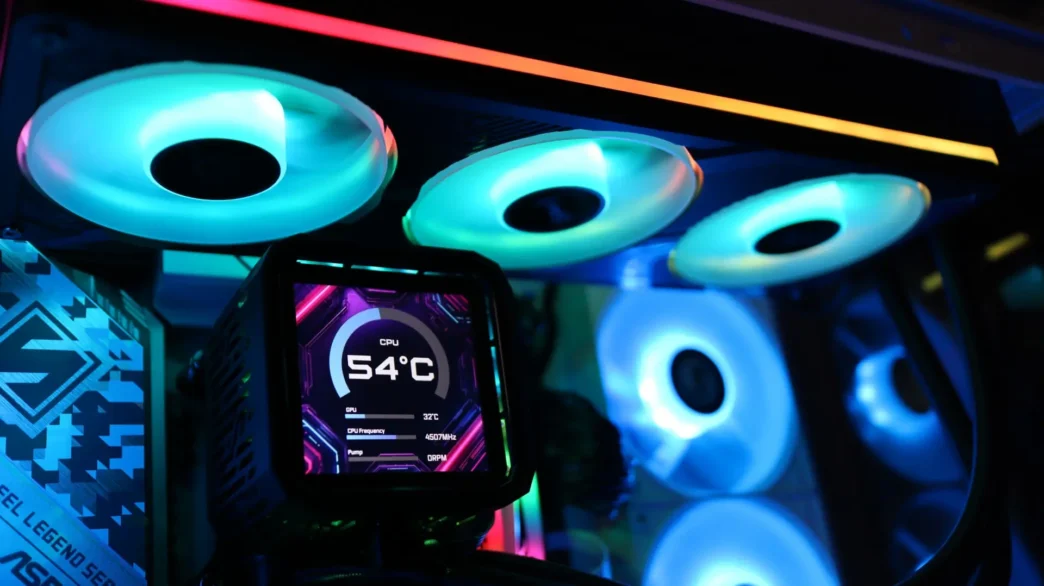
Great looks and great performance. That is how I would sum up the ASRock Phantom Gaming 360 LCD AIO. Starting with looks, you have the obvious 3.4″ LCD display. It has crisp visuals and smooth animations, though I do wish you had a bit more room to work with regarding the size of files you can show on this screen. This isn’t one where you are going to be able to show off your latest YouTube video on. You’ve also go the integrated ARGB LEDs in the pump housing, as well as in each individual fan of the fan array, and all along the surrounding edges of the array frame. There is also that cool reflective holo design on the fan array and top of the pump housing, and all of the on-brand Phantom Gaming design language found on the pump housing.

As far as performance goes, the Phantom Gaming 360 LCD came in with the best performance out of all of the coolers we have tested in our latest benchmark system. This is true for both idle and load cooling testing, though this cooler is a bit on the louder side of things when it comes to noise. That said, a mid-range speed of 1500 RPMs is a nice sweet spot when you want some extra cooling performance while gaming if you don’t mind some extra noise, but if you want to maintain a quiet environment, anything lower than 1200 or so RPM is going to be quiet and still keep your system cool. Plus, you have the integrated VRM fan if you want to boost things to the next level without having to worry about your power delivery getting too warm.
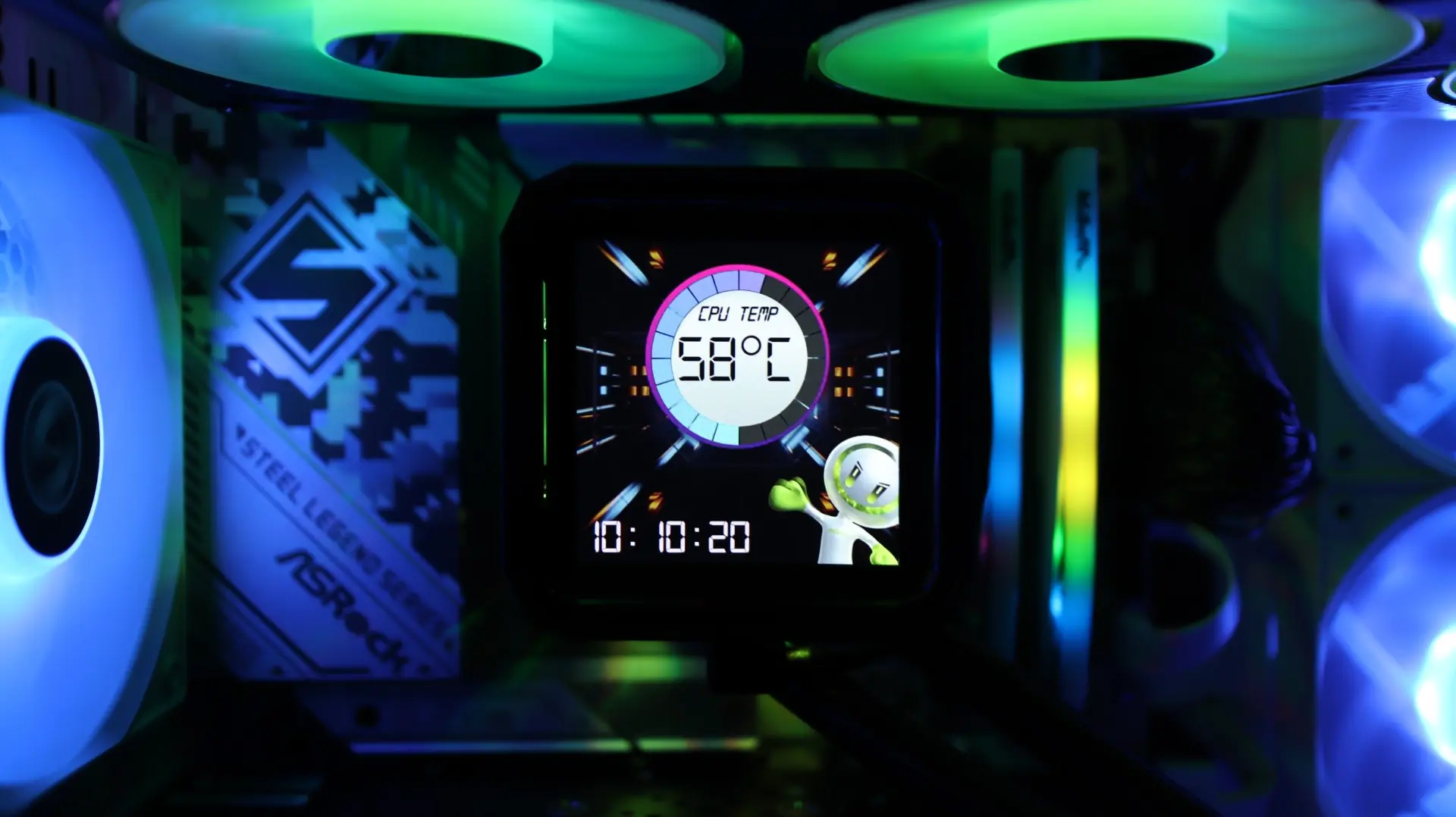
The only real downside I found with this cooler is that it takes three applications in order to fully control it. Polychrome Display is needed to control the LCD display, but that’s all it can do. Then you have to use Polychrome Sync or another LED controller or software to control the RGB lighting, and then you need to use your motherboard software, BIOS settings, or an application like Fan Speed to control the fan and pump speeds. This is just ridiculous in my opinion, and should not be something we are working with in 2026. ASRock could really do a lot of good building out some software that could integrate all of these functions into a single pane, much like the loved or hated Corsair iCUE.
All in all, the ASRock Phantom Gaming 360 LCD provides a great option for cooling your CPU while looking good doing it. This cooler does come at a bit of a cost however, running $189.99 at our favorite online retailer. If you’re looking to keep that new CPU cool under pressure, and want your system to look good doing it, definitely consider the ASRock Phantom Gaming 360 LCD, which earns a 9 out of 10.

Pros:
- Idle and Load Performance
- 3.4″ LCD Display
- 360 Fan Simplifies Installation
- VRM Fan
- End-Exit Fan Cabling
Cons:
- Three Applications to Control