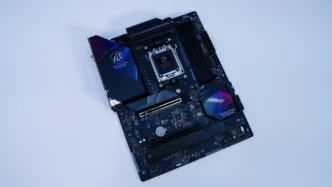

ASRock Phantom Gaming X870 Riptide WiFi Motherboard Overview
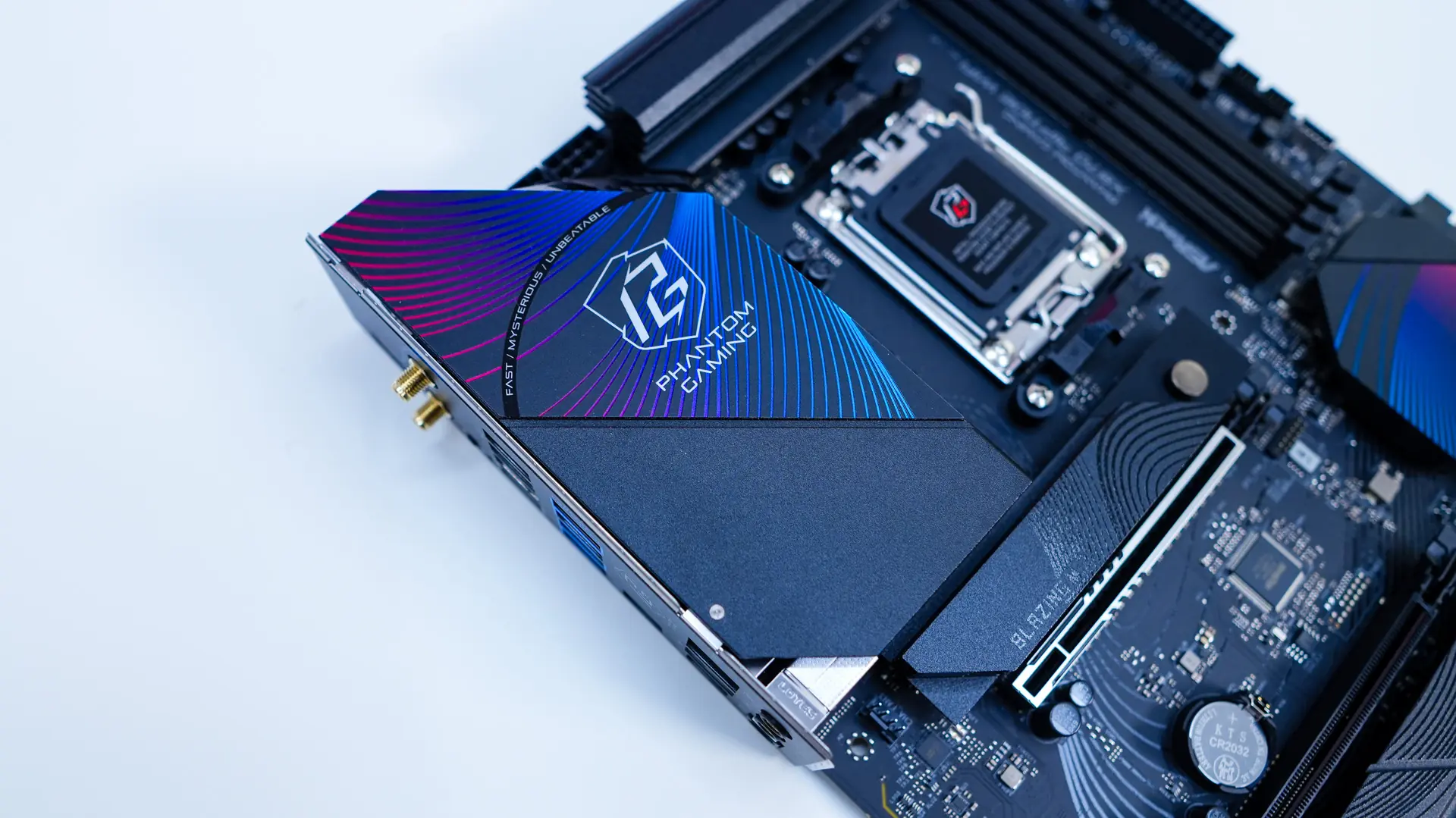
Taking a first look at the ASRock Phantom Gaming X870 Riptide WiFi Motherboard we can see that ASRock has gone with a mainly black look with a black PCB and most of the heatsinks being black. The PCH heatsink as well as the I/O cover have a sort of blue wave design on them, hence why this series is called Riptide. Overall the board looks good and will appeal to most gamers out there.

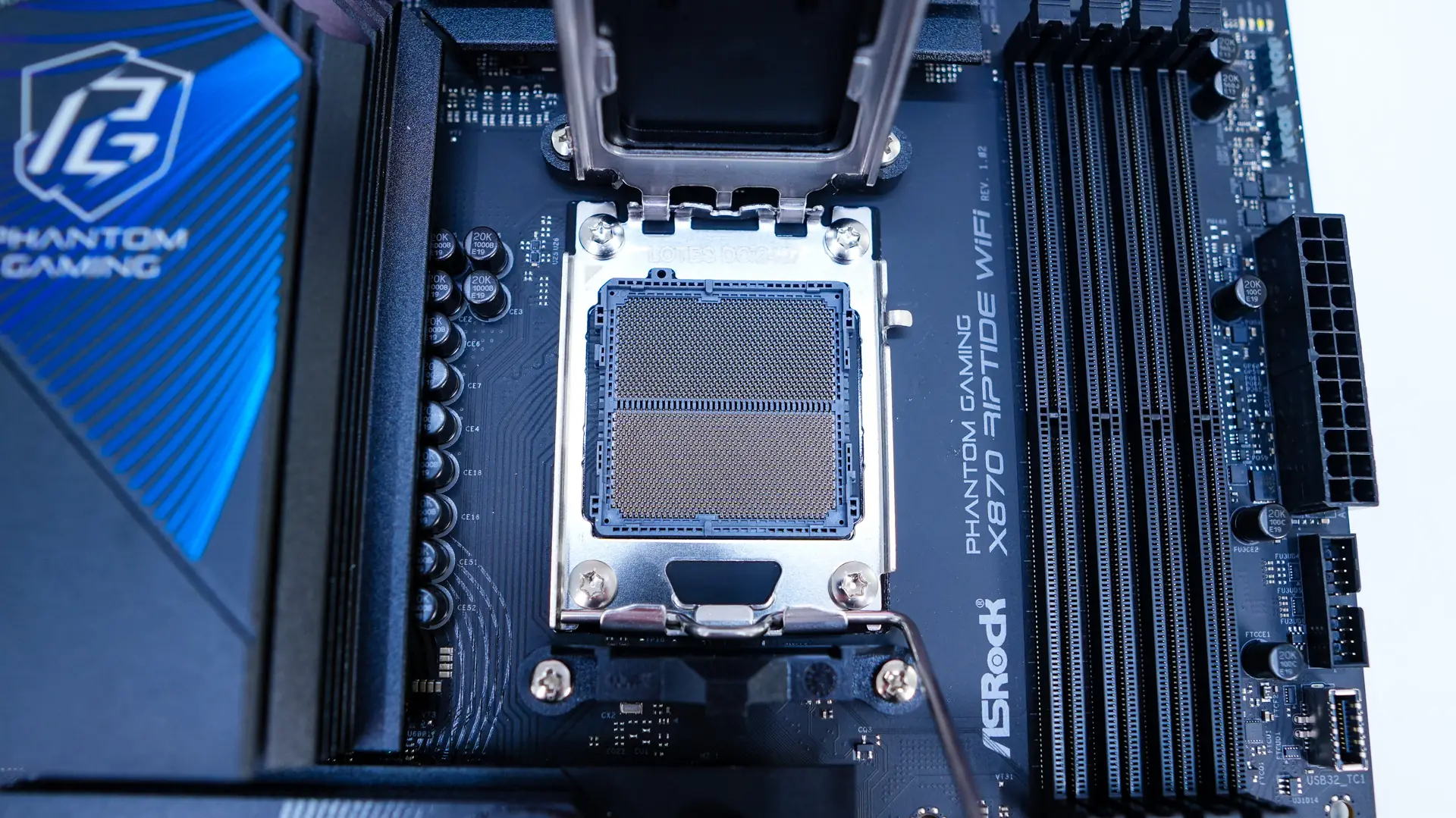
Starting at the CPU socket we have AMD’s AM5 socket. This socket will support AMD’s Ryzen 9000, 8000, and 7000 series processors. Surrounding the CPU socket we have our power delivery components. ASRock is going with a 14+2+1 power phase design, with the 14 power stages for the CPU being 80A. The power delivery components are covered by two large heatsinks.
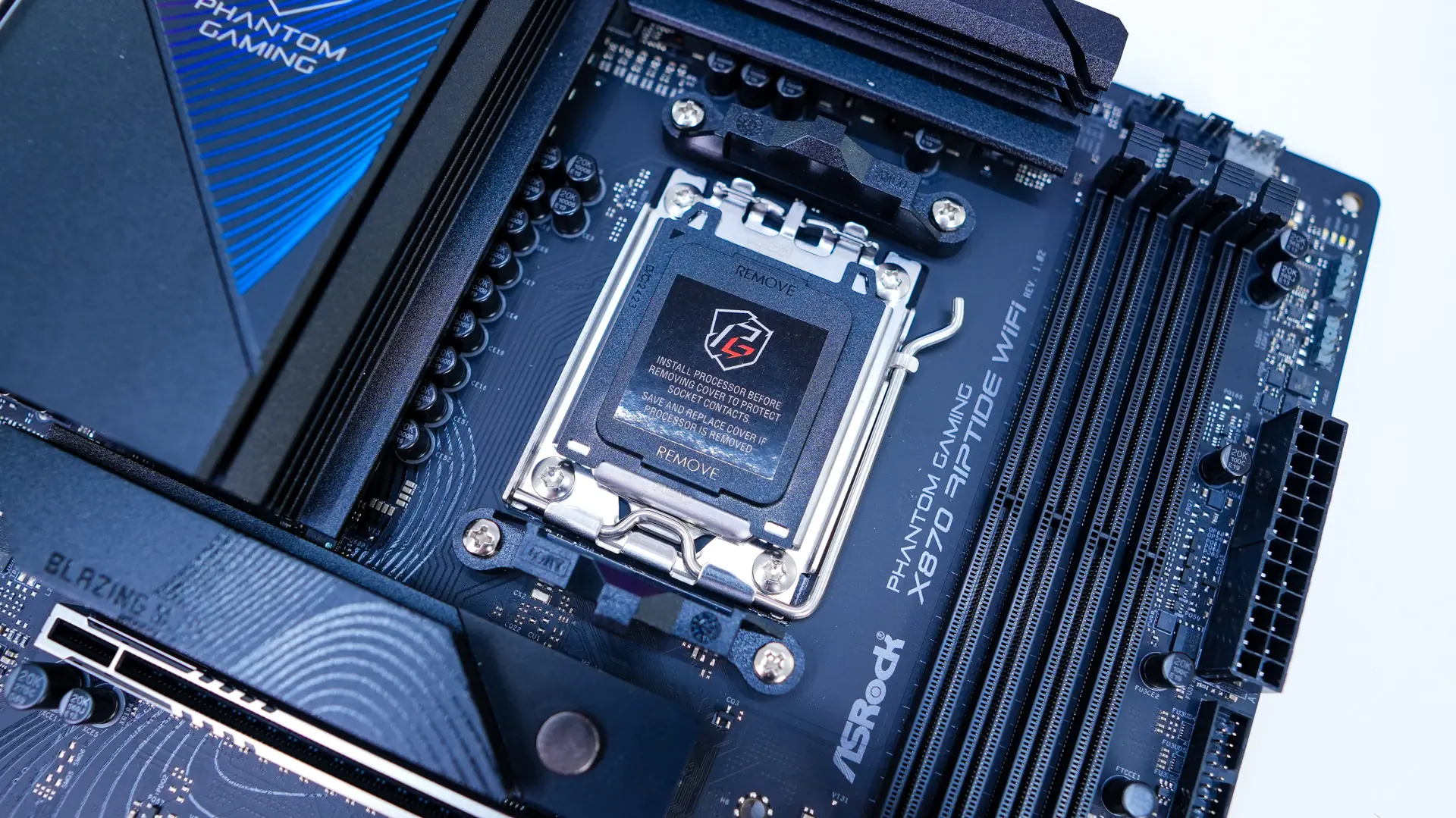
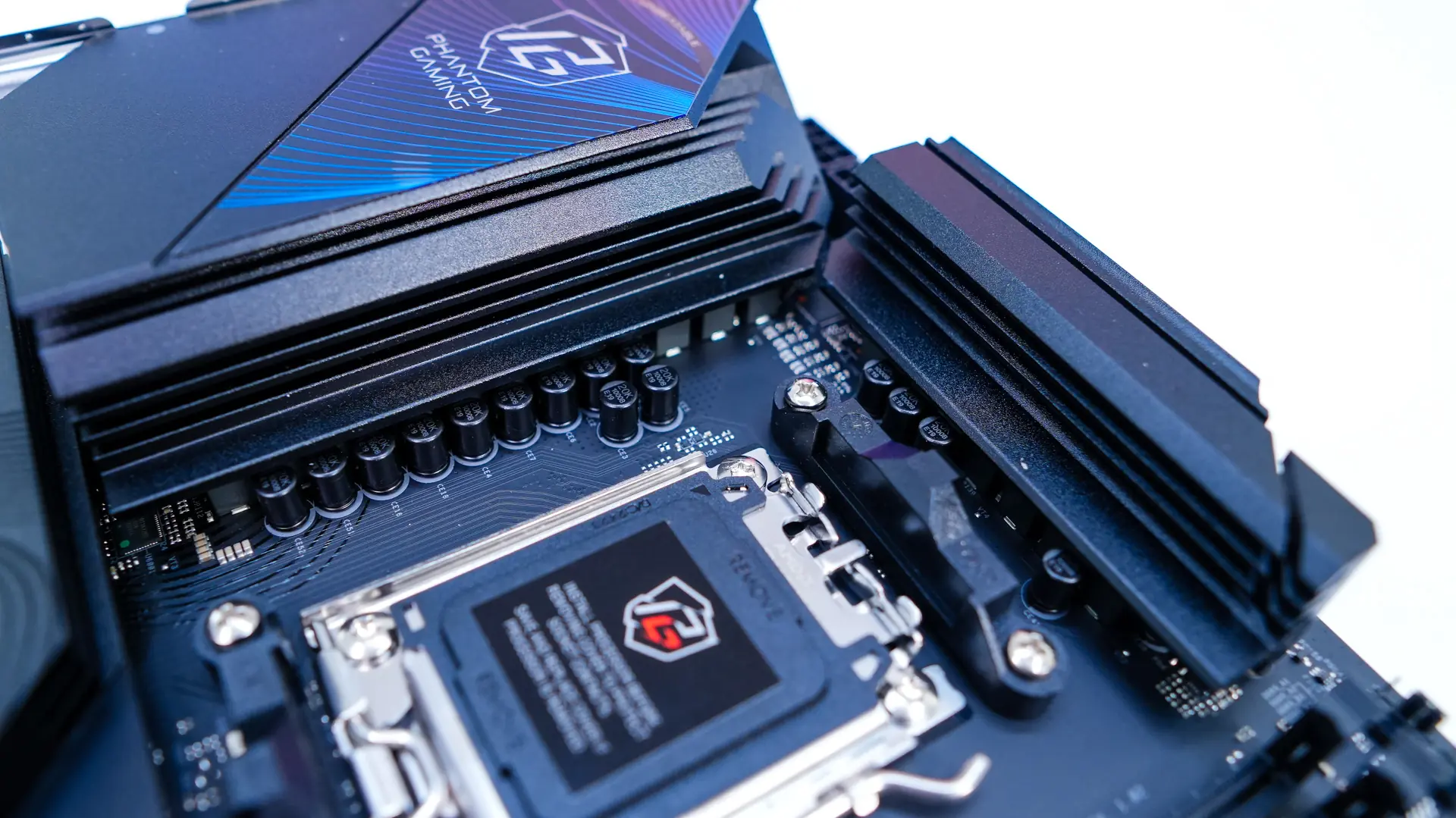
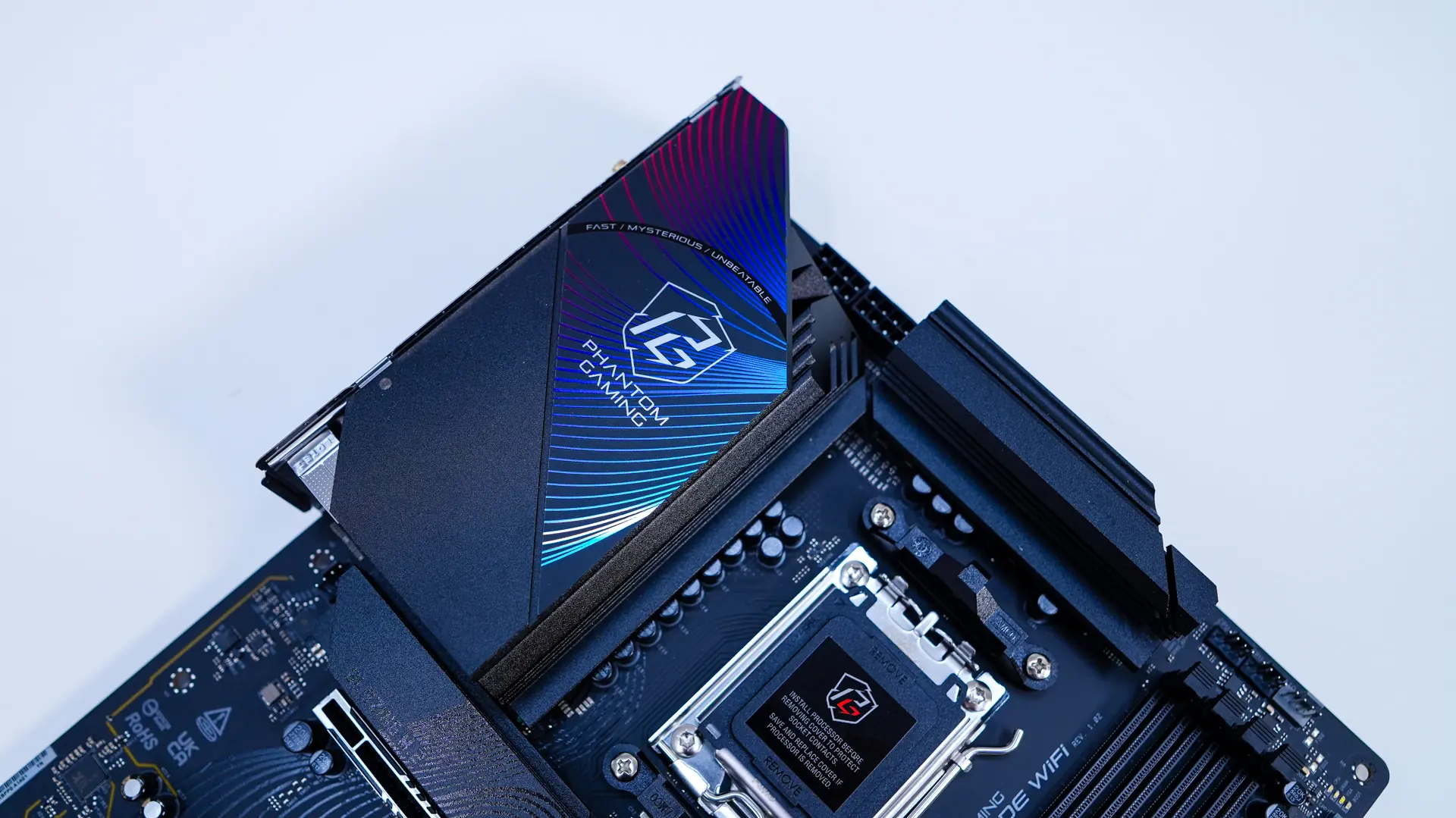
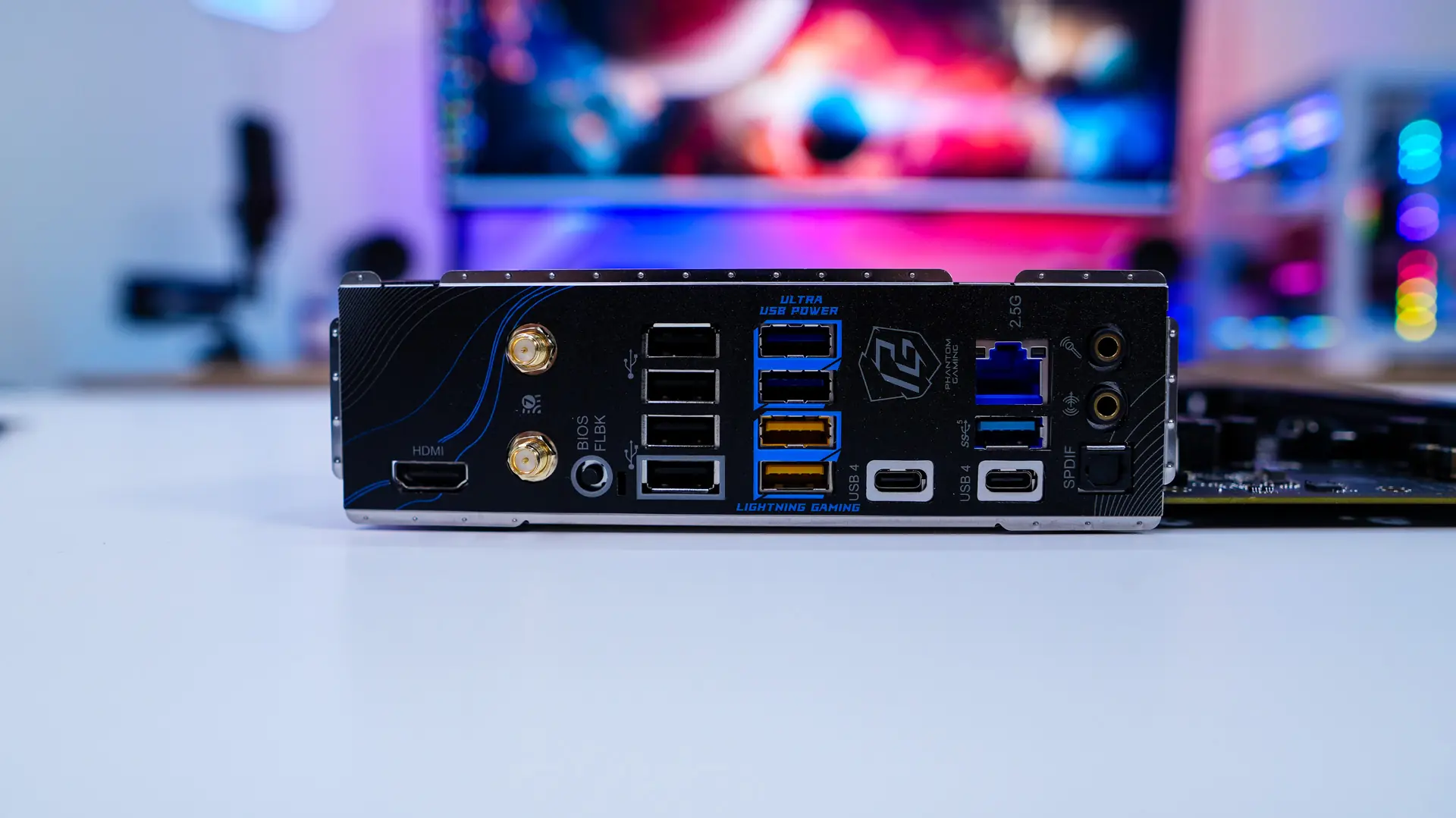
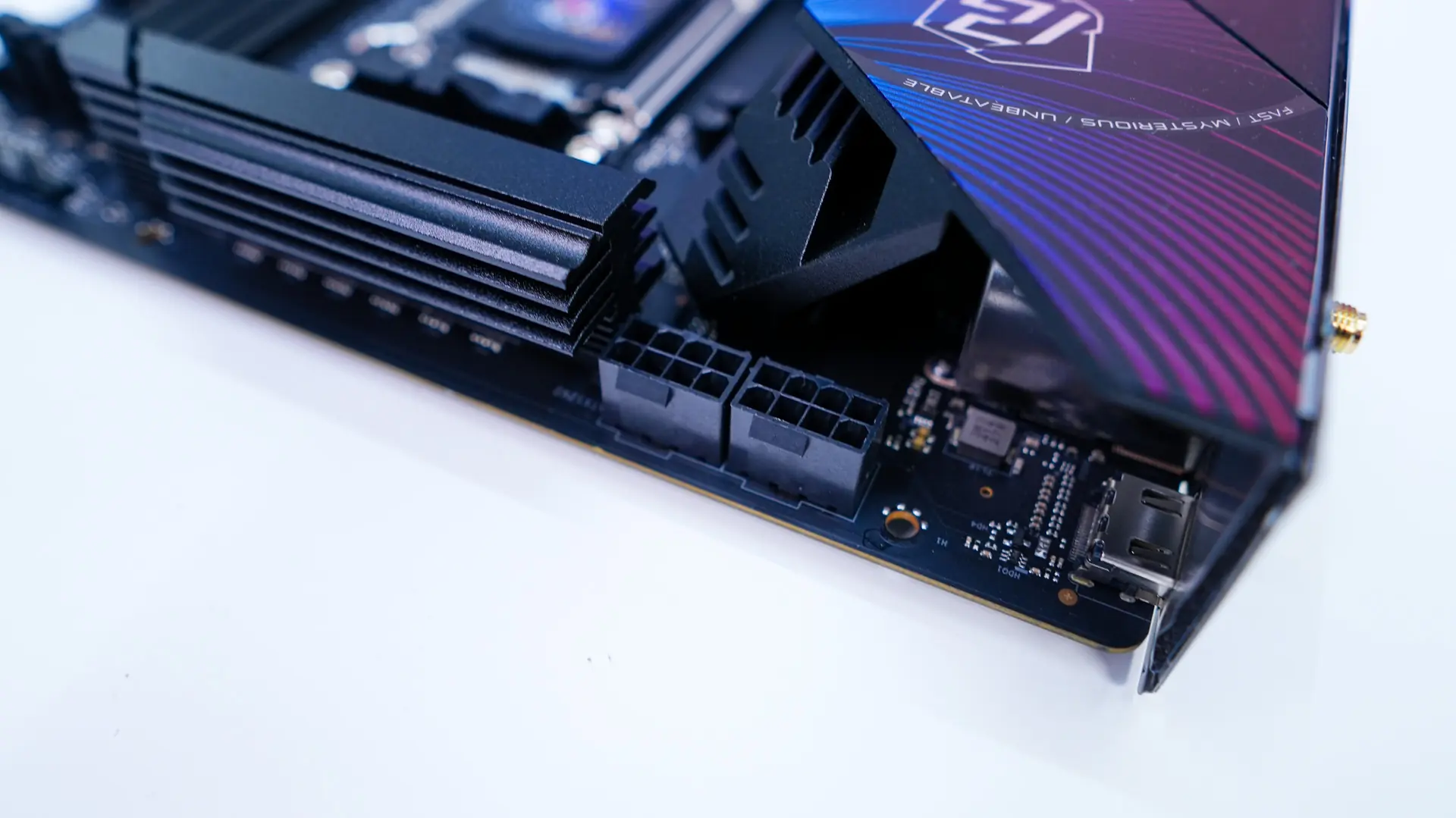
The top corner of the board comes together with a very large rear I/O cover that has that sort of Riptide wave designed on it as well as the Phantom Gaming logo. Hiding in the very top corner of the board are two 8-pin EPS connectors.
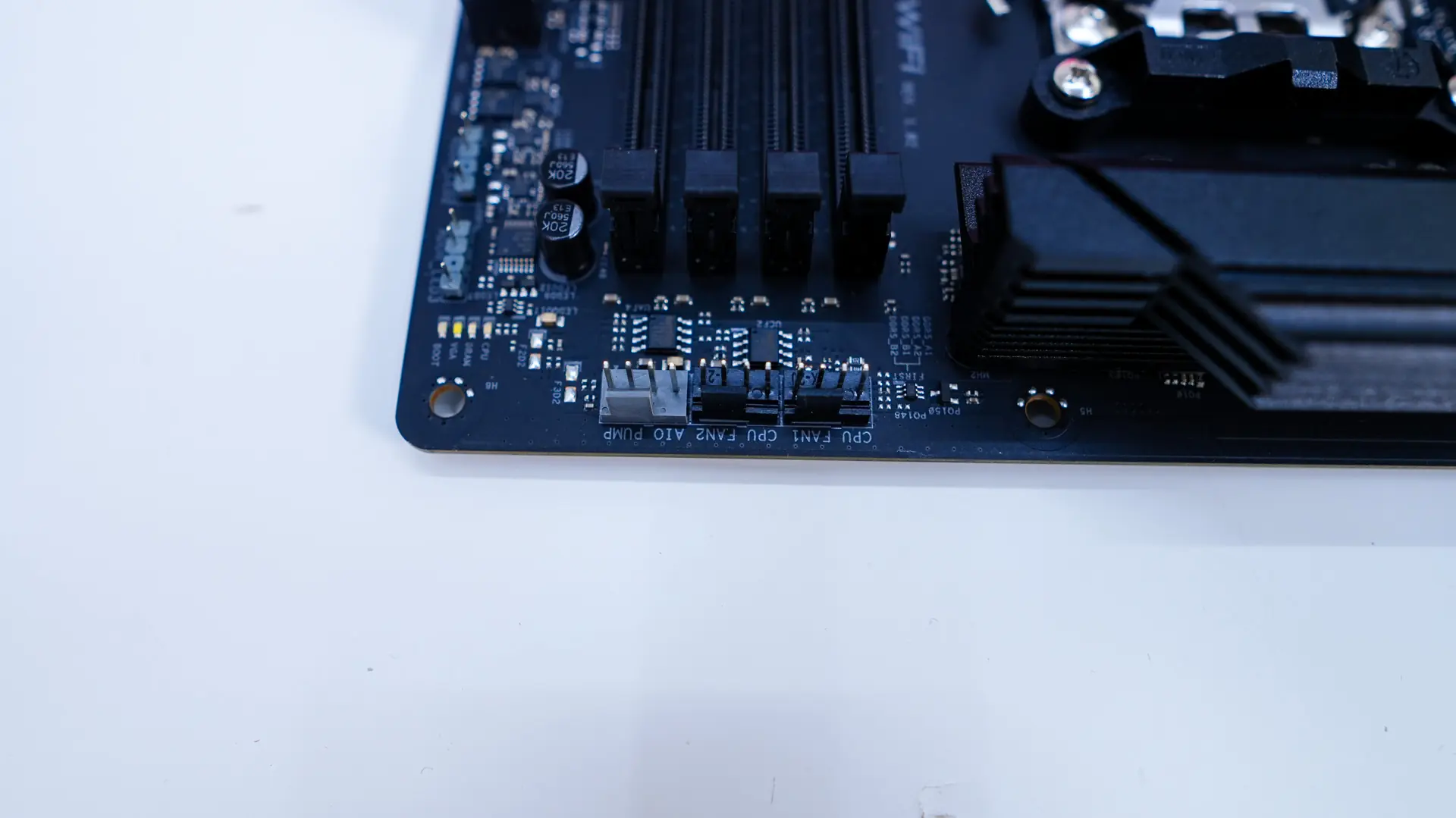
Moving across the top-edge of the board you’ll find three 4-pin headers which are your CPU fan header, optional CPU fan header, and your AIO pump header. Coming to the memory slots there are 4 DIMM slots that support DDR5 memory up to 8000 MHz.
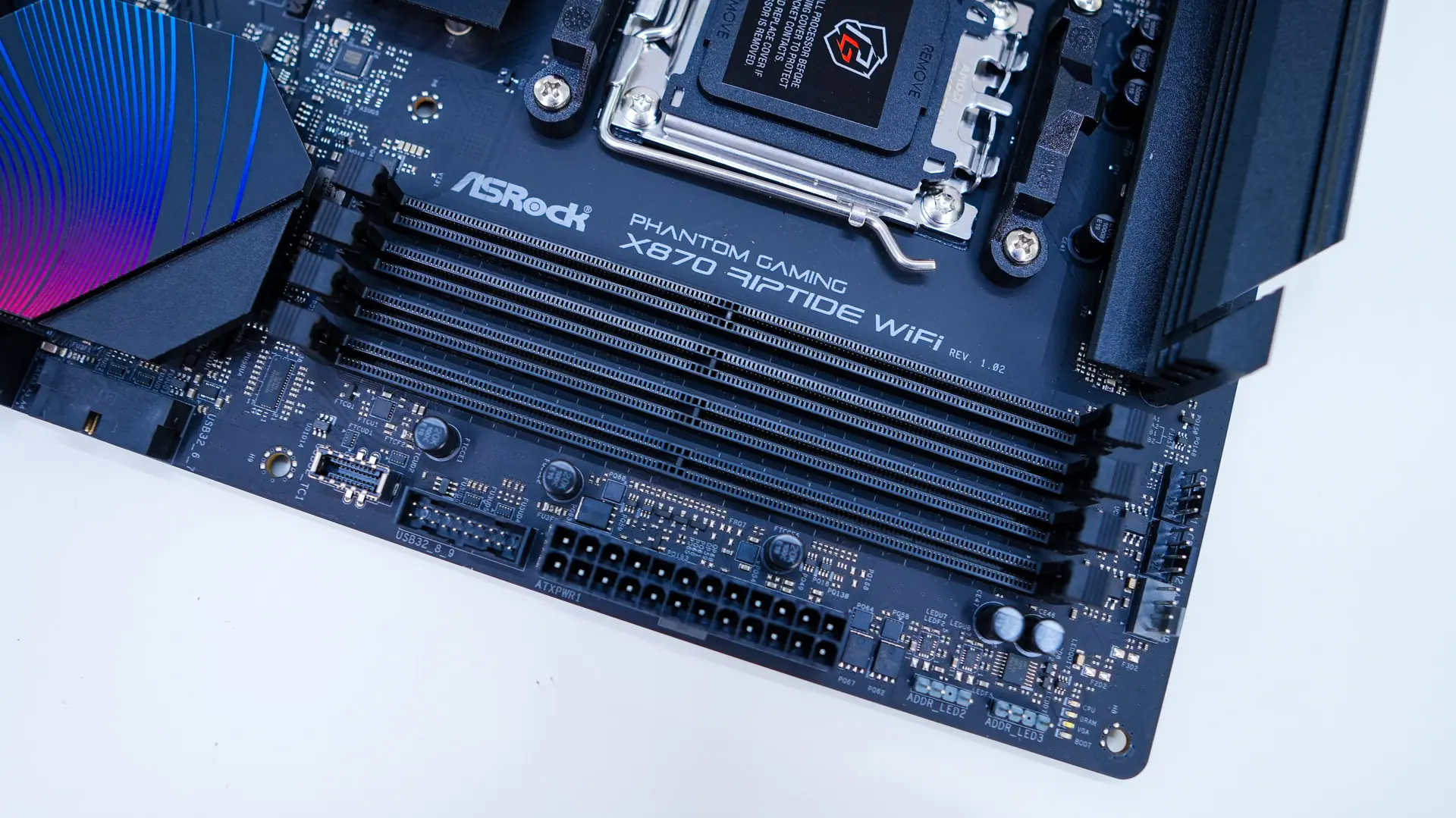
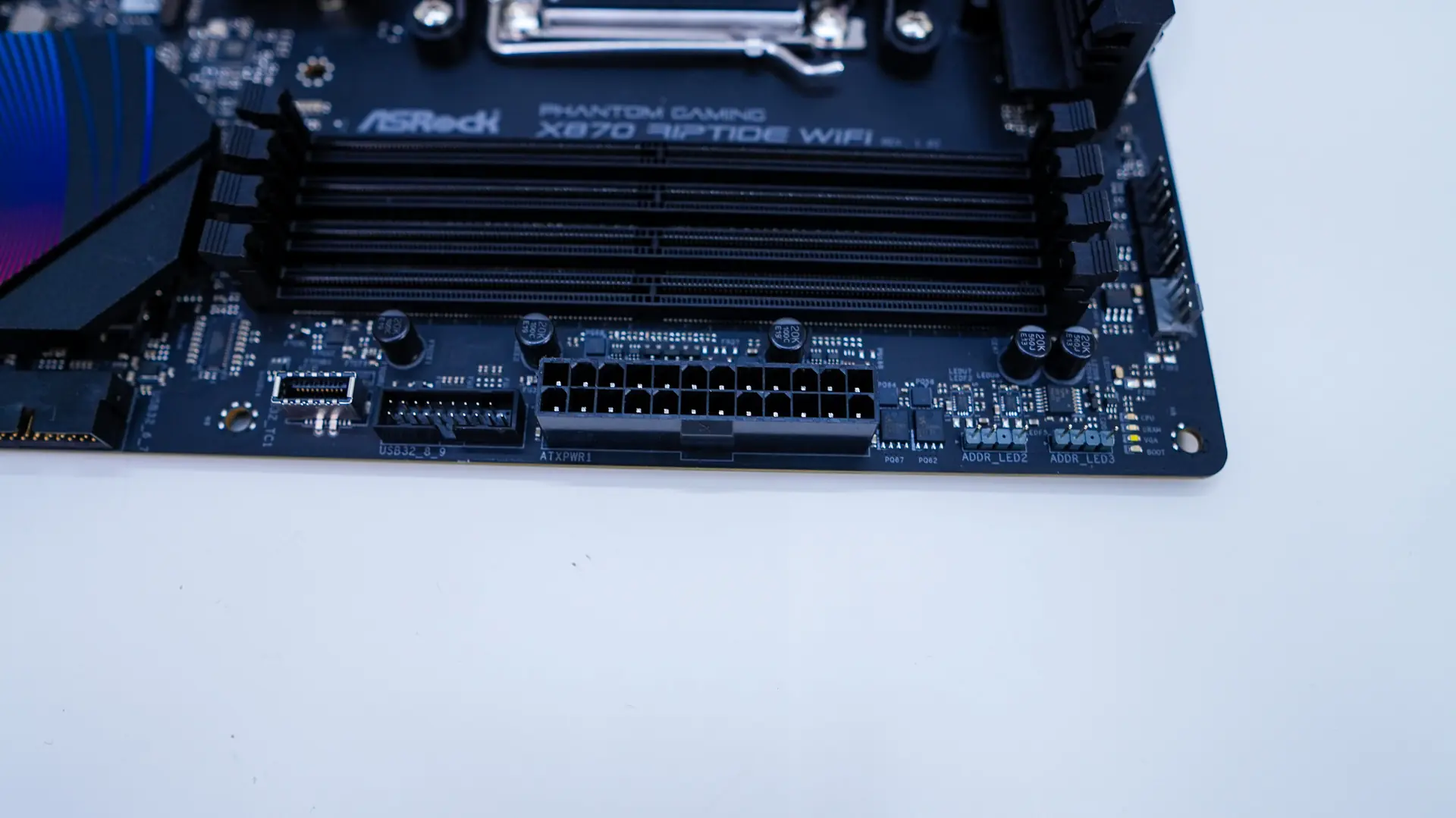
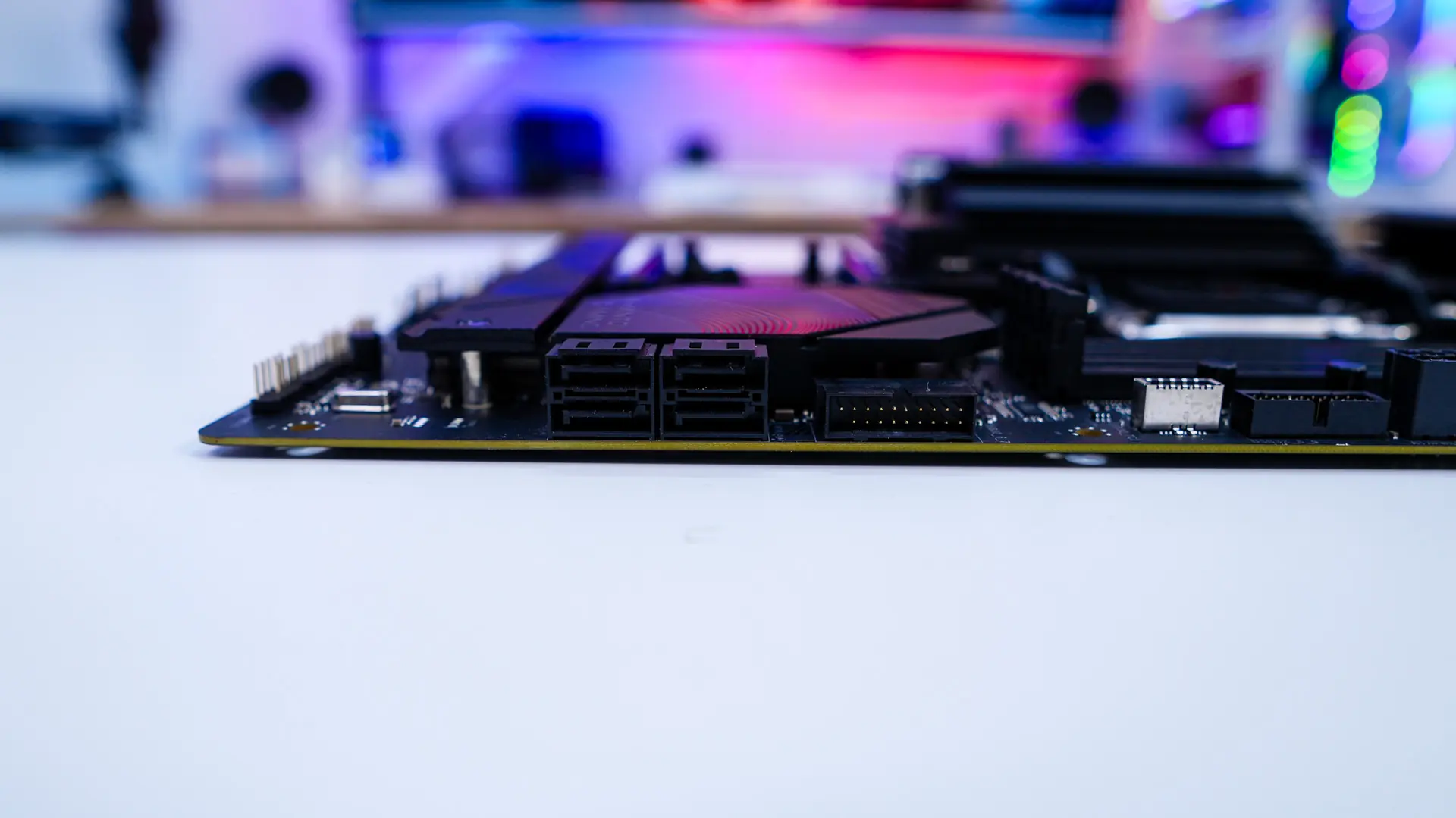
At the edge of the board you’ll find two 3-pin addressable RGB headers, 24-pin ATX power connection, a USB 3.2 gen 2 header, a USB 3.2 gen 2×2 header, another USB 3.2 gen 2 header, and four SATA 6GB/s ports. The bottom USB 3.2 gen 2 header and your SATA ports are at a 90-degree angle so they do not get in the way of your expansion cards.
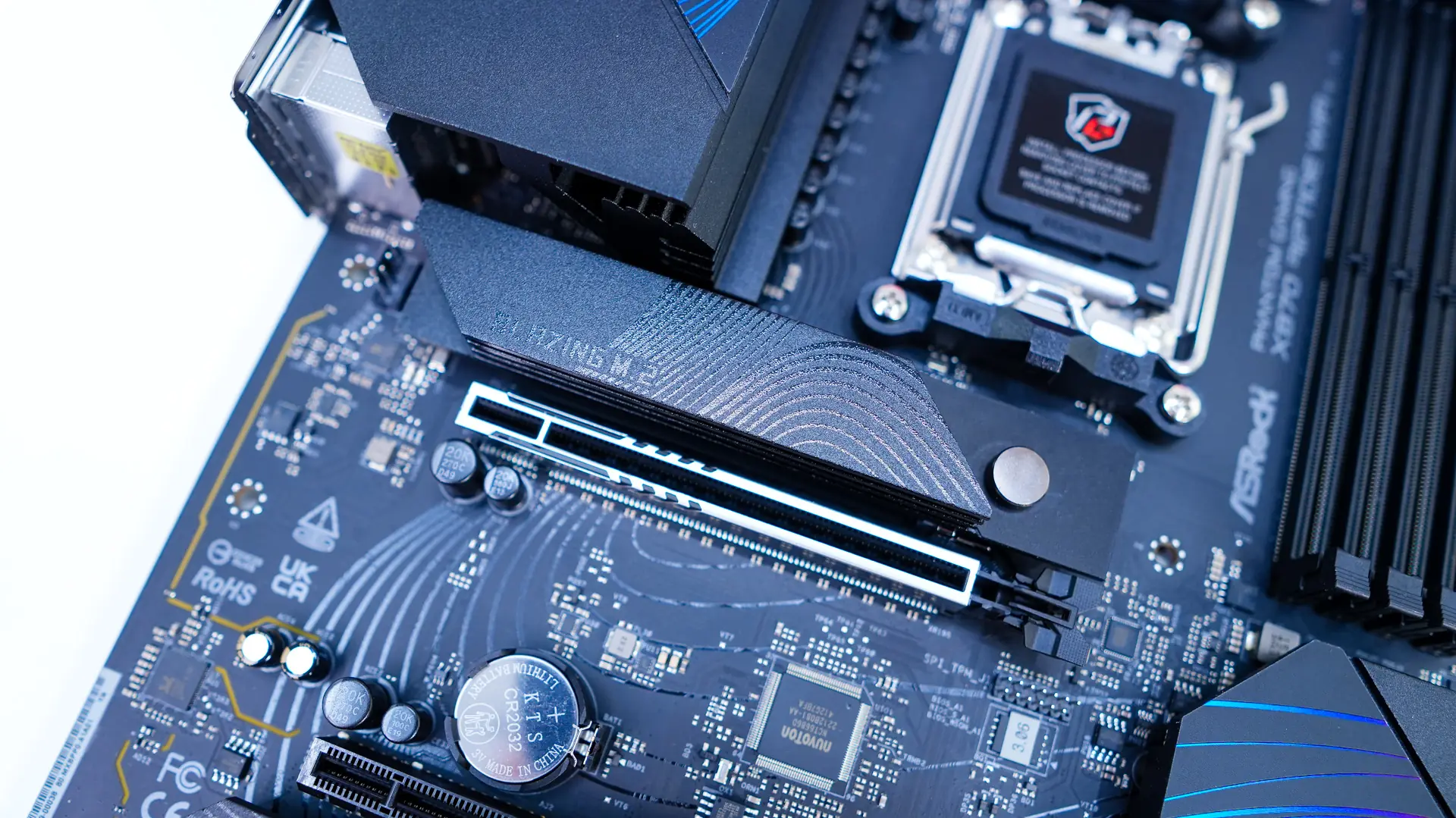
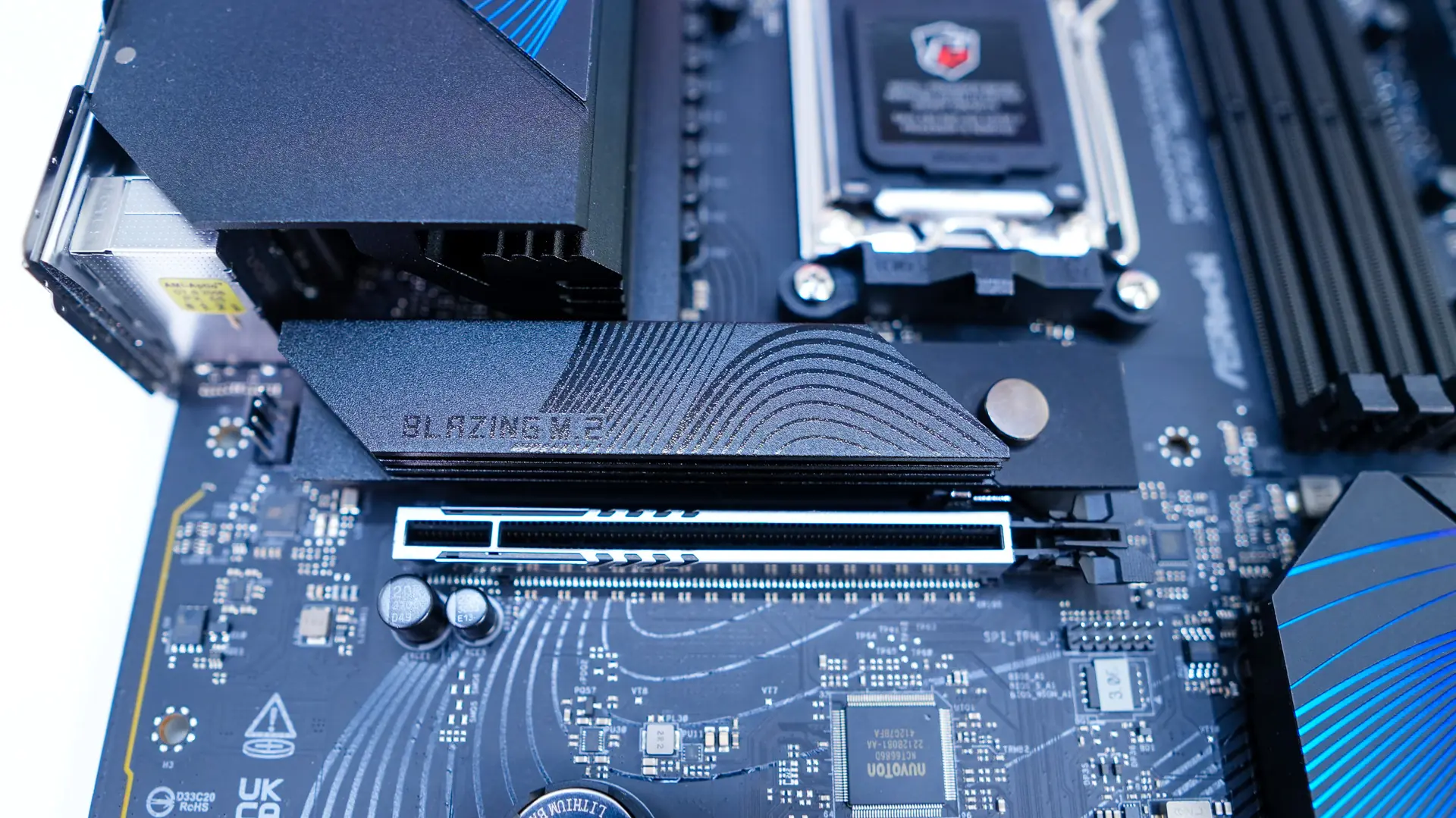
The bottom-half of the motherboard is not completely covered in heatsinks compared to other motherboards we’ve seen lately, but we have two main distinct M.2 heatsinks. The top one is thicker and is made to cool off a PCI-Express 5.0 drive. This heatsink has a tool-less design where you press the little circle in towards the slot and the heatsink releases. It is a quite seamless process.
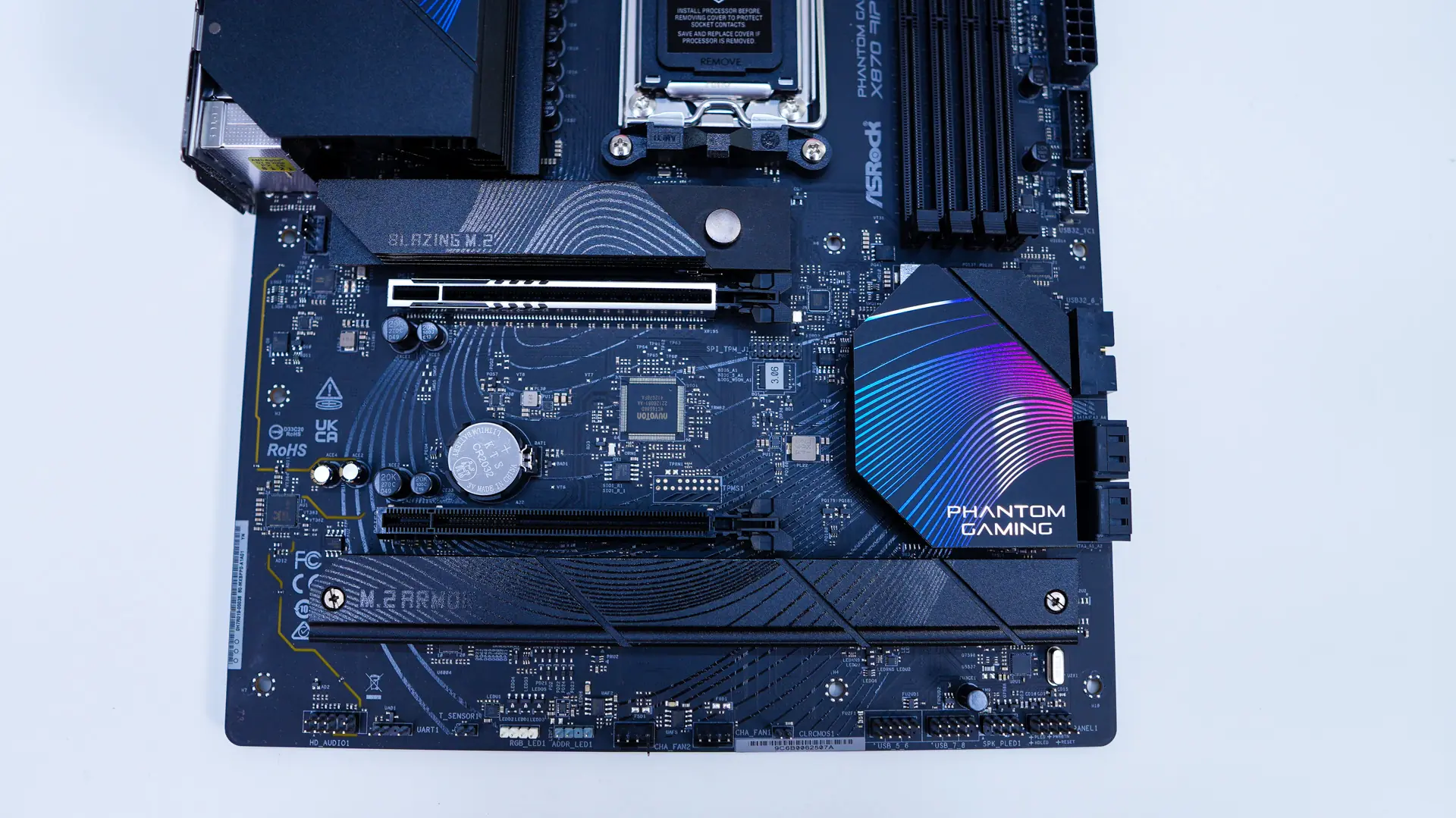
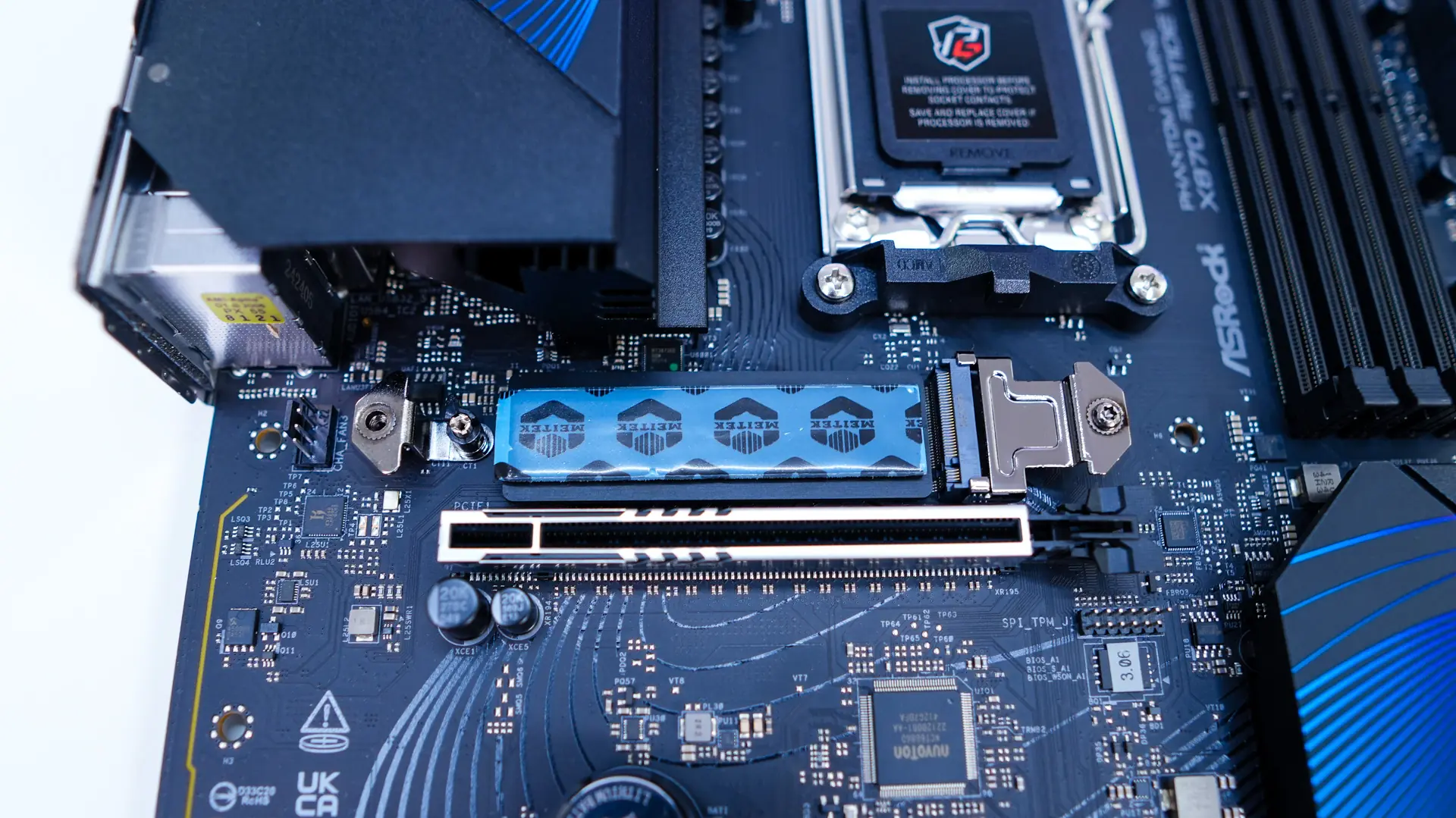
Removing the heatsink we find a Blazing M.2 slot (PCI-Express 5.0). The slot itself makes use of a tool-less design which makes it really easy to lock in your drive. Also right next to this slot is a 4-pin fan header, which is going to be perfect for an exhaust fan in your system.
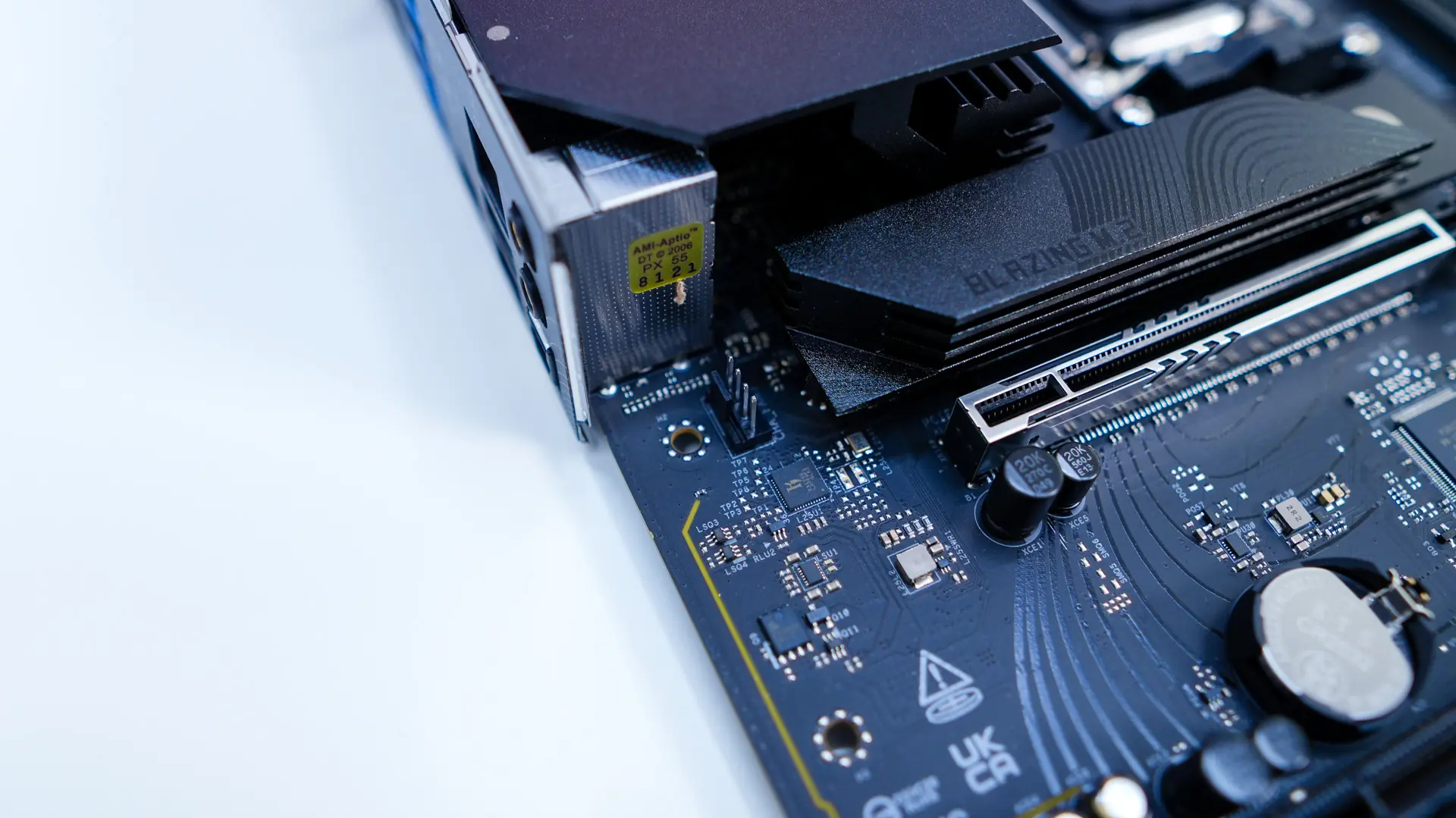
Right below the top M.2 slot is going to be your expansion slots which include a PCI-Express 5.0 x16 slot as well as a PCI-Express 4.0 x16 slot (x4 electrical). The top slot is metal reinforced.
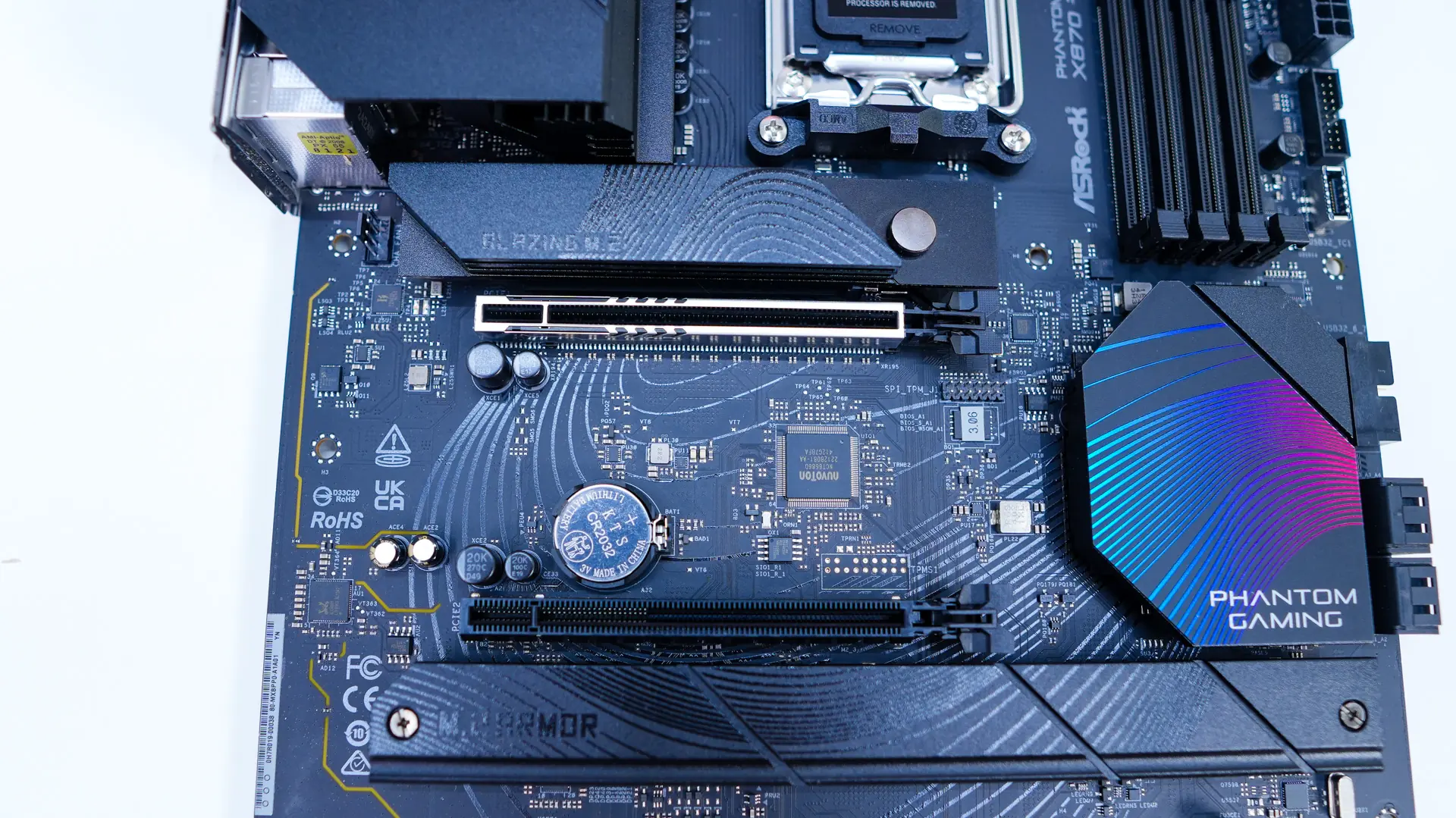
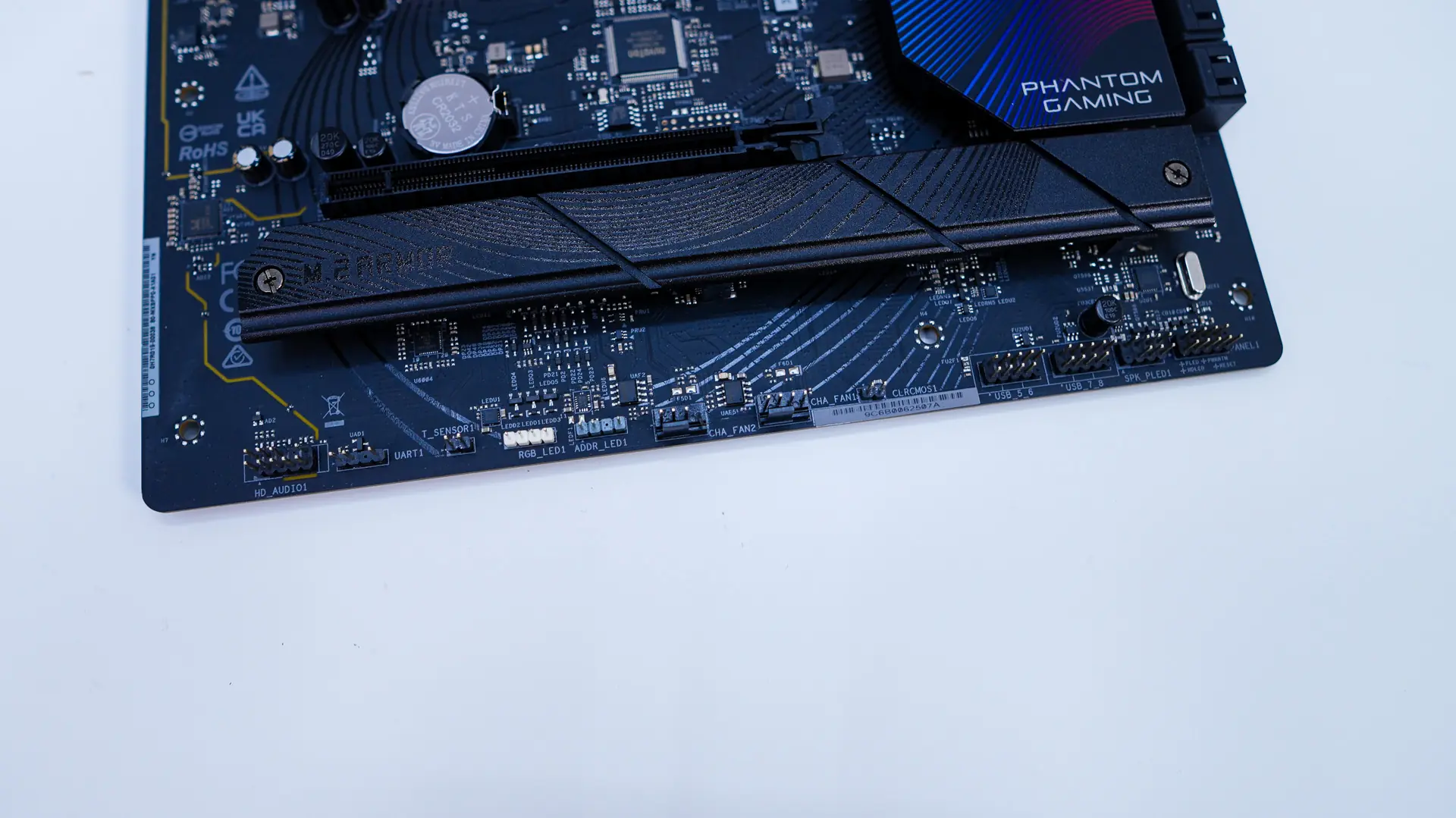
Below the bottom PCI-Express slot is going to be a long heatsink. This one is not tool-less, but can be easily removed by the two small screws that are holding it into place. With it removed we find two Hyper M.2 slots (PCI-Express) which also have the tool-less locking system for your drives.
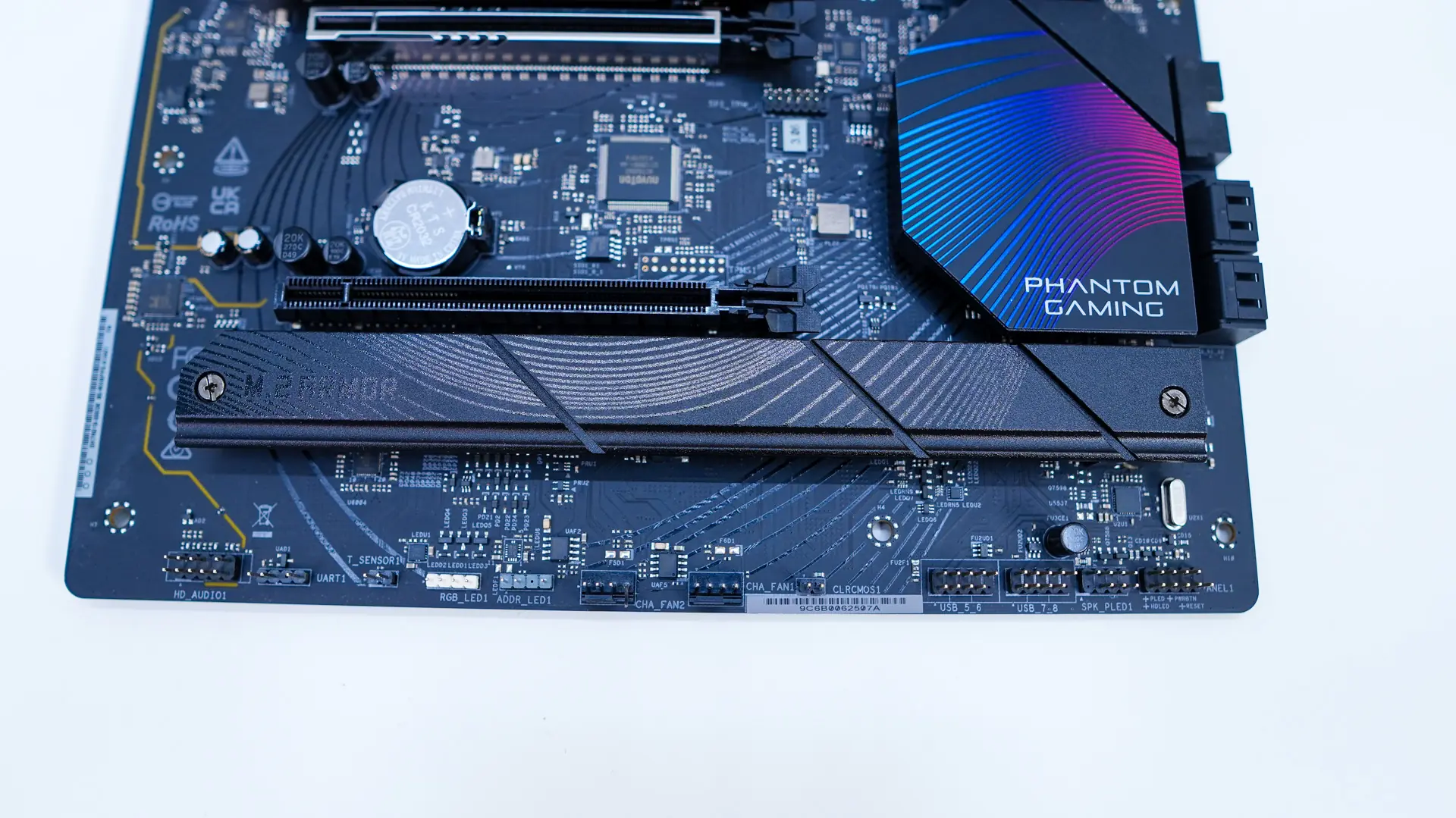
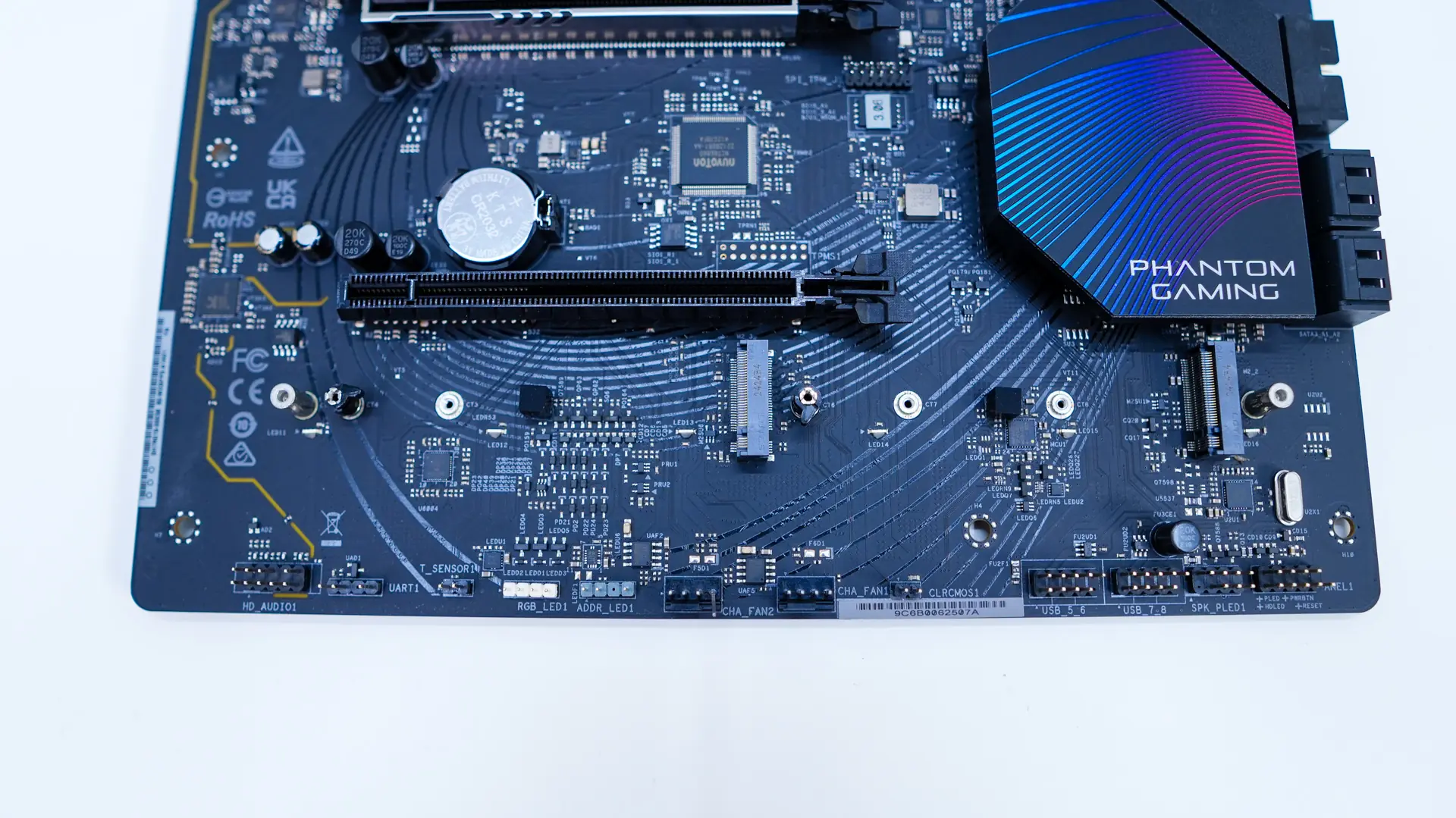
At the bottom of the board you’ll find the rest of your headers and connections. From left to right you have your HD audio header, Thermal sensor header, 4-pin standard RGB header, 3-pin addressable RGB header, two 4-pin fan headers, a clear CMOS jumper, two USB 2.0 headers, and finally your front panel headers.
Like most motherboards these days we have an integrated I/O shield. As far as our rear I/O connections go we have HDMI, our WiFi antennas, BIOS flashback button, four USB 2.0 ports, two USB 3.2 gen 2 ports, three USB 3.2 gen 1 ports, two USB 4 Type-C ports, 2.5G Ethernet, and your audio connections. For those wondering the Ethernet is the Killer E3100G.