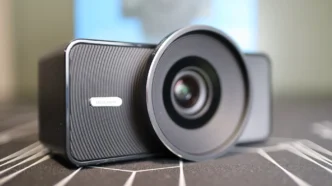
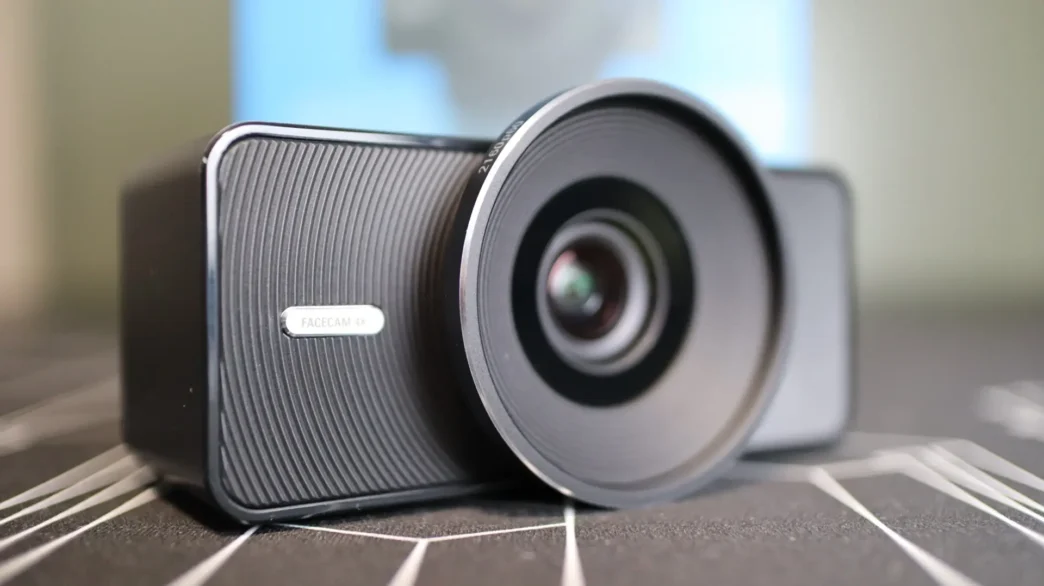
Elgato made a name for themselves starting with their easy-to-use capture cards, but they have really branched out into nearly every area of the streaming hardware landscape over the last 5-7 years. In this review we are taking a look at the Facecam 4K, their latest USB-connected webcam. With a premium Sony sensor, up to 4K60 output, and robust control software, the Facecam 4K is here to help you step up your streaming and video creation game.
Special thanks to Elgato for providing the Facecam 4K review sample!
Specifications

Packaging of the Elgato Facecam 4K
The Facecam 4K is packaged in a compact carboard box that shows off the camera on the front, with a few feature callouts.

The back of the box provides a list of features, including those on the front of the box, as well as another angle of the camera, and a small image of the Camera Hub software that Elgato provides to give you full control over the camera’s settings.

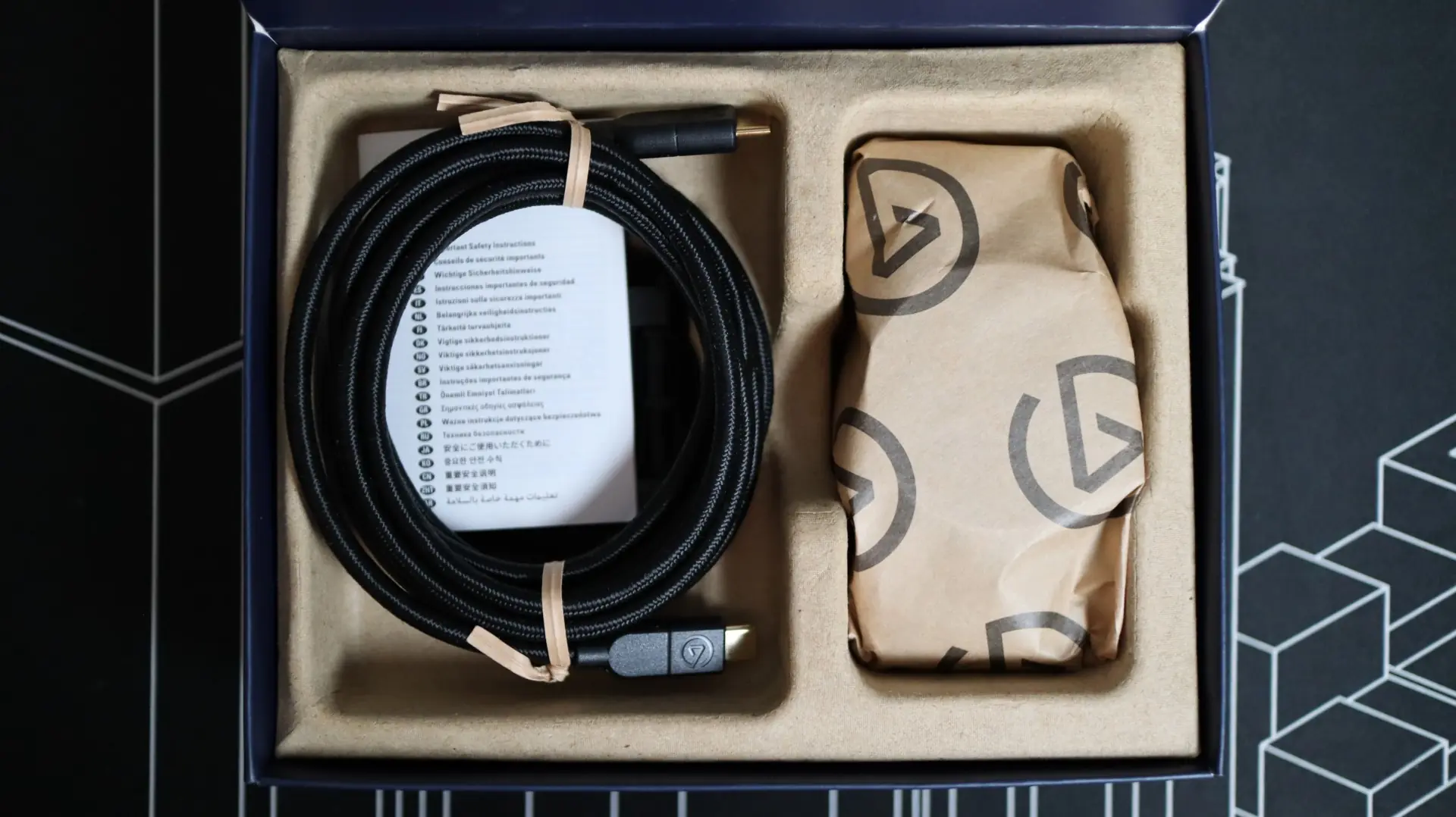
Inside the outer box is a molded paper tray that contains the camera itself, as well as a nice braided USB 3.0 5Gb/s cable. Elgato is working to move away from plastic for their packaging, and that can really be seen here with the Facecam 4K.
Accessories That Come With The Elgato Facecam 4K
Elgato has provided just the essentials with the Facecam 4K, and that includes the aforementioned 79in USB 3.0 Type-C to Type-C braided cable, as well as a monitor mount for the camera.
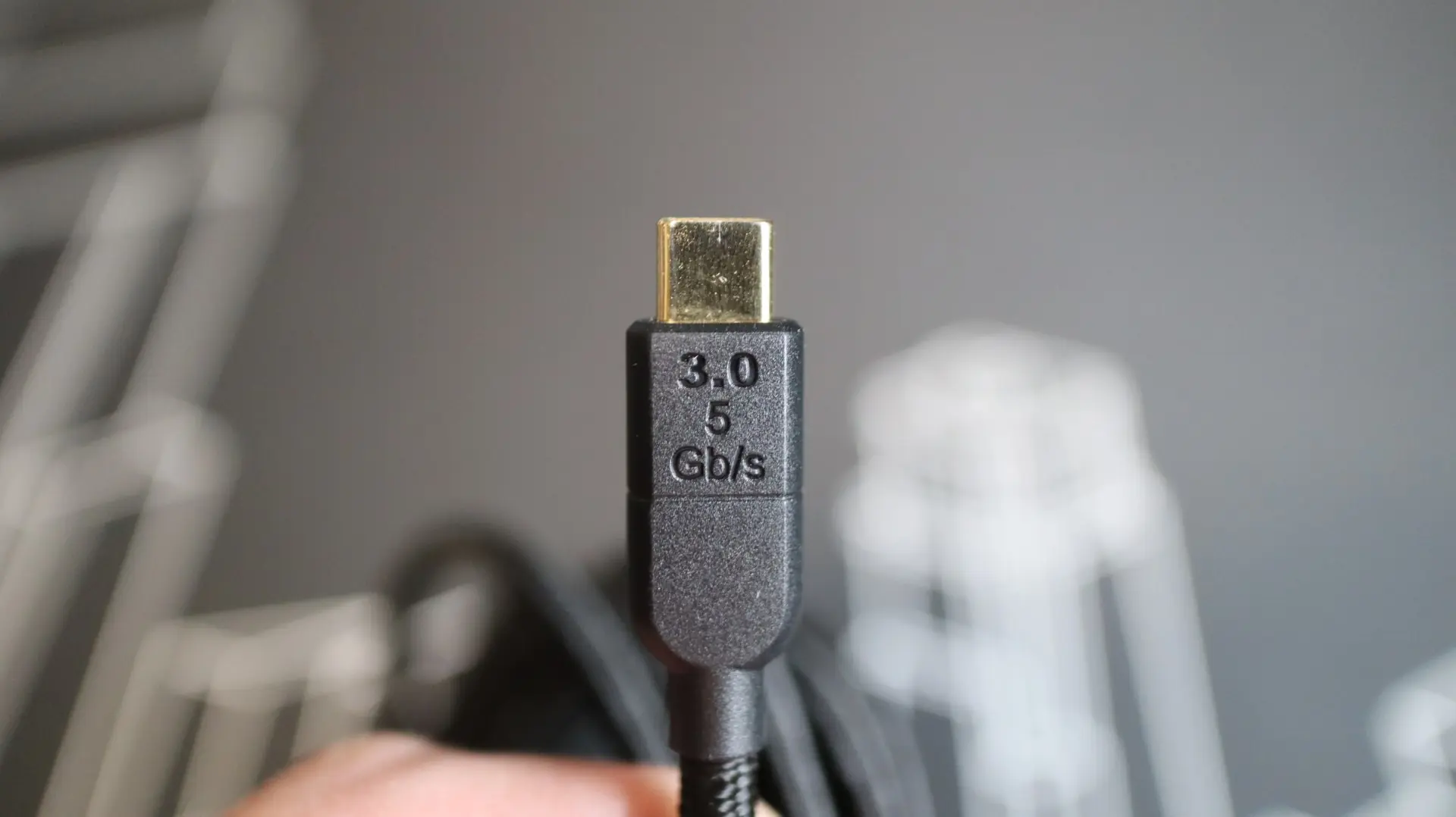
At just over 6.5ft in length, the USB Type-C cable provides a good amount of length for positioning the camera where you need it, and the thickness of the braided cable provides protection and durability, while still offering plenty of flexibility. Each end of the cable has a gold-plated USB Type-C male adapter that protrudes from a hefty plastic body.
As far as the monitor mount goes, it is pretty basic, but offers a 1/4-thread for the camera, as well as multiple pivot points that most of us have come to expect from modern webcams. A couple of rubber pads ensure the camera stays in place when placed on your monitor or flat surface, and the hinges have just the right amount of stiffness that you don’t have to worry about them losing their positioning once you have everything aligned.

Regarding a user manual or setup guide, Elgato has chosen not to provide a printed version, so you will have to head over to their website to get your hands on a digital copy. With their move to a more sustainable packaging agenda, I think this makes perfect sense.