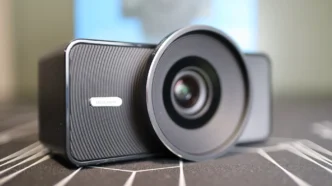
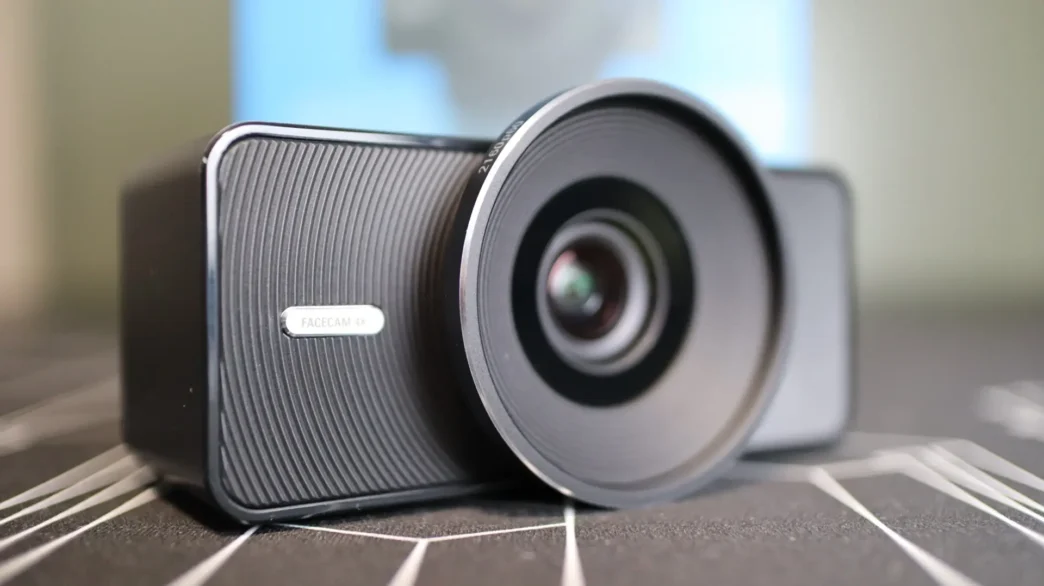
Elgato Facecam 4K Overview
Unlike most webcams, the Facecam 4K isn’t just available in black, but also in white, carbon, and pine versions. That said, it is just the front face of the camera that provides a bit of an accent color, but I think it is kind of cool to offer a few options other than just all black.

Keeping with the reduced plastic packaging, you will see that the camera body is wrapped up in craft paper like a nice steak from the butcher, with an Elgato sticker keeping things tight.

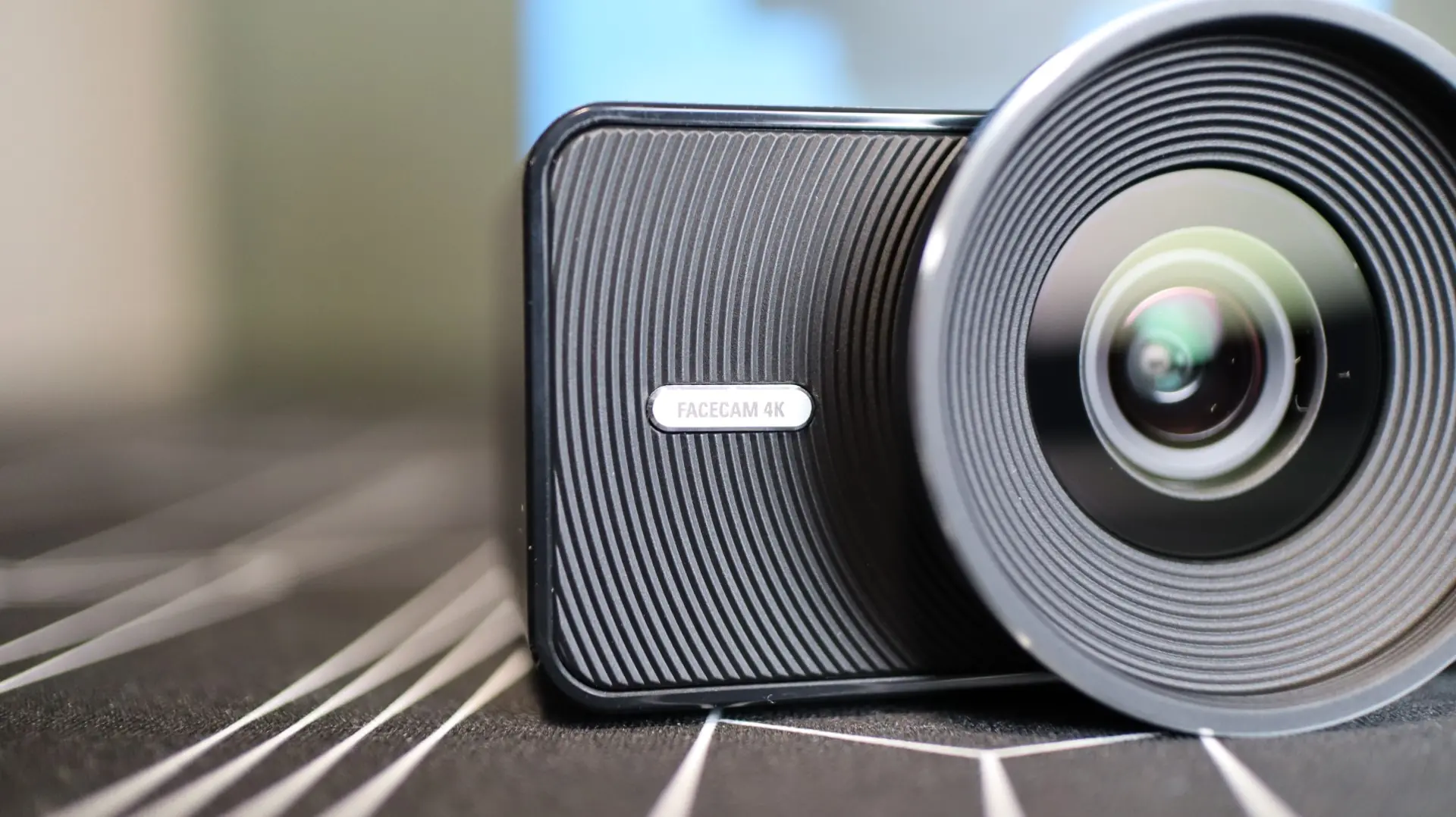
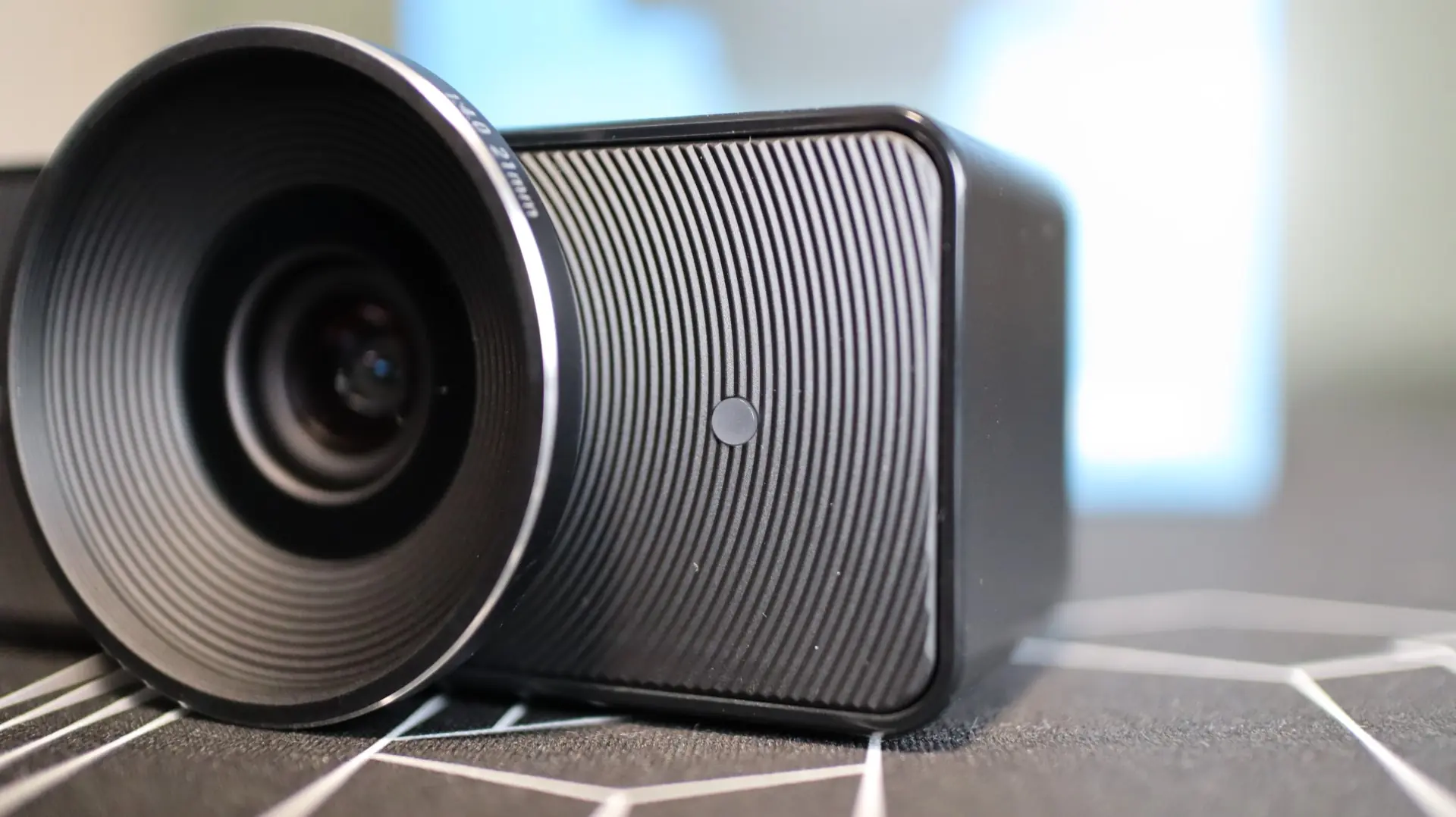
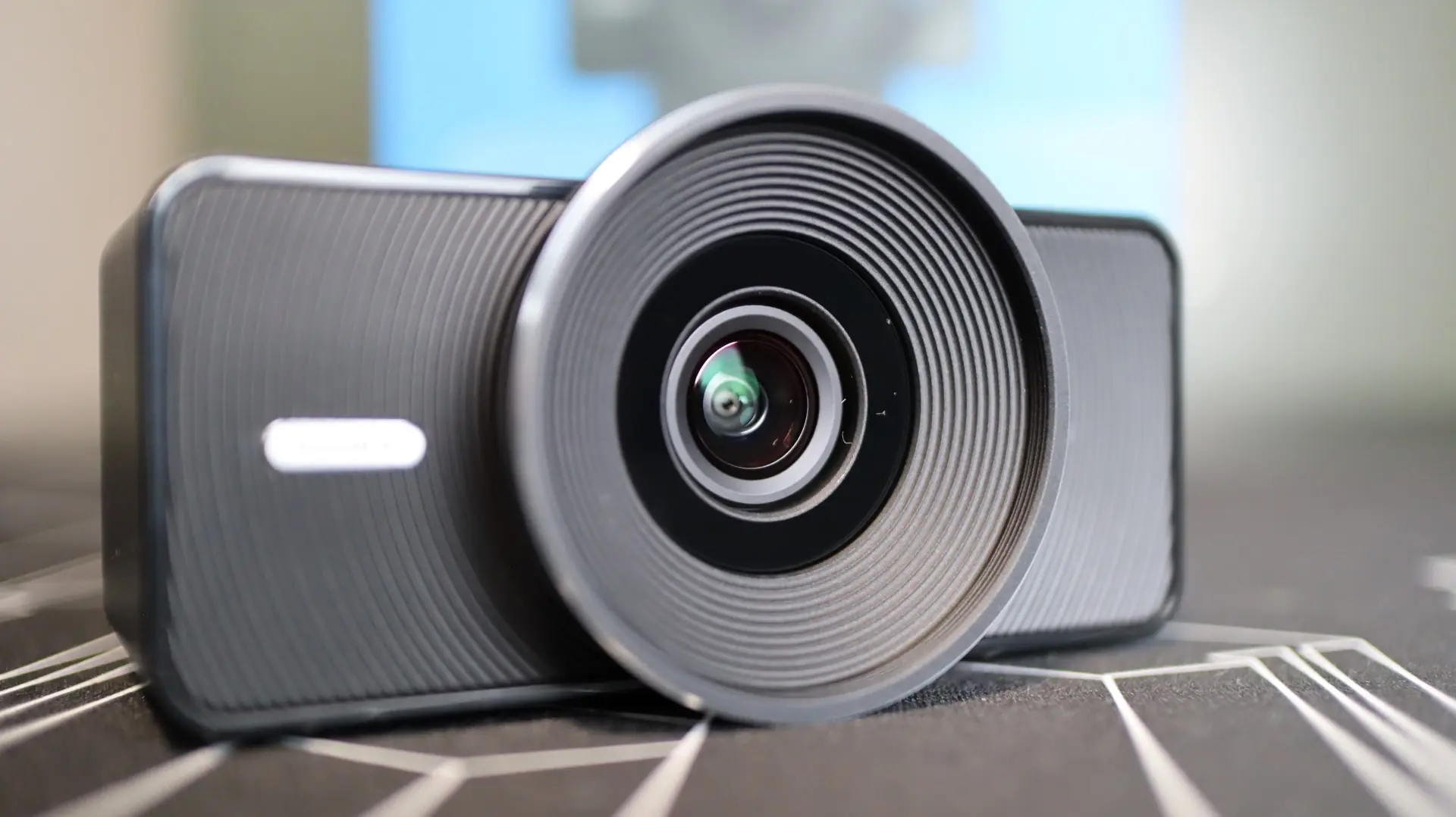
Once unwrapped we have a body that is really quite plain, other than the large ring at the front of the camera. This large ring not only provides the ability to protect the glass lens at its center, but to also support 49mm lens filters for a custom look without the need for a fancy camera setup. At the very edge of the lens is a polished silver ring that adds just a touch of reflective color to our all-black sample camera.
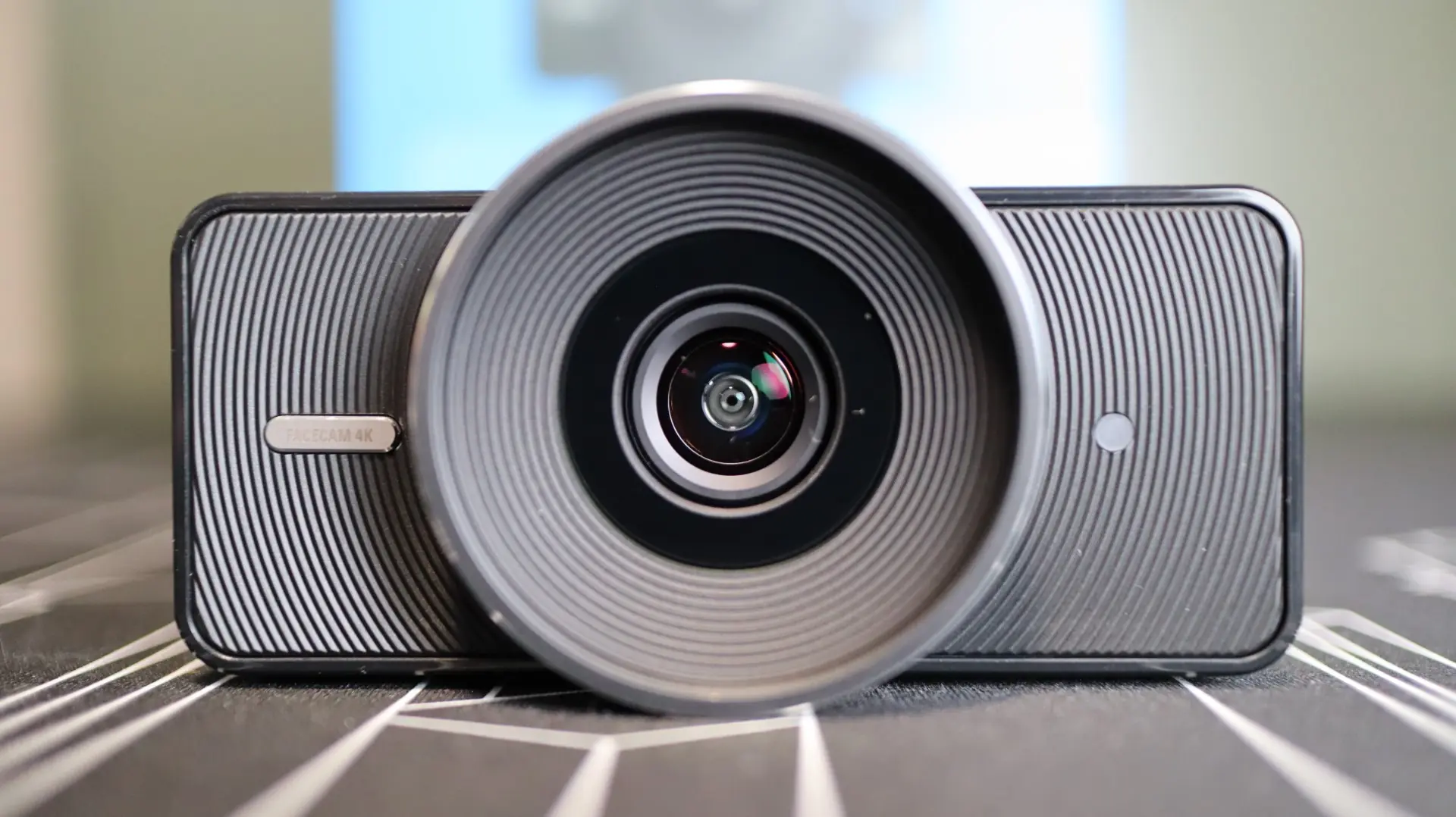
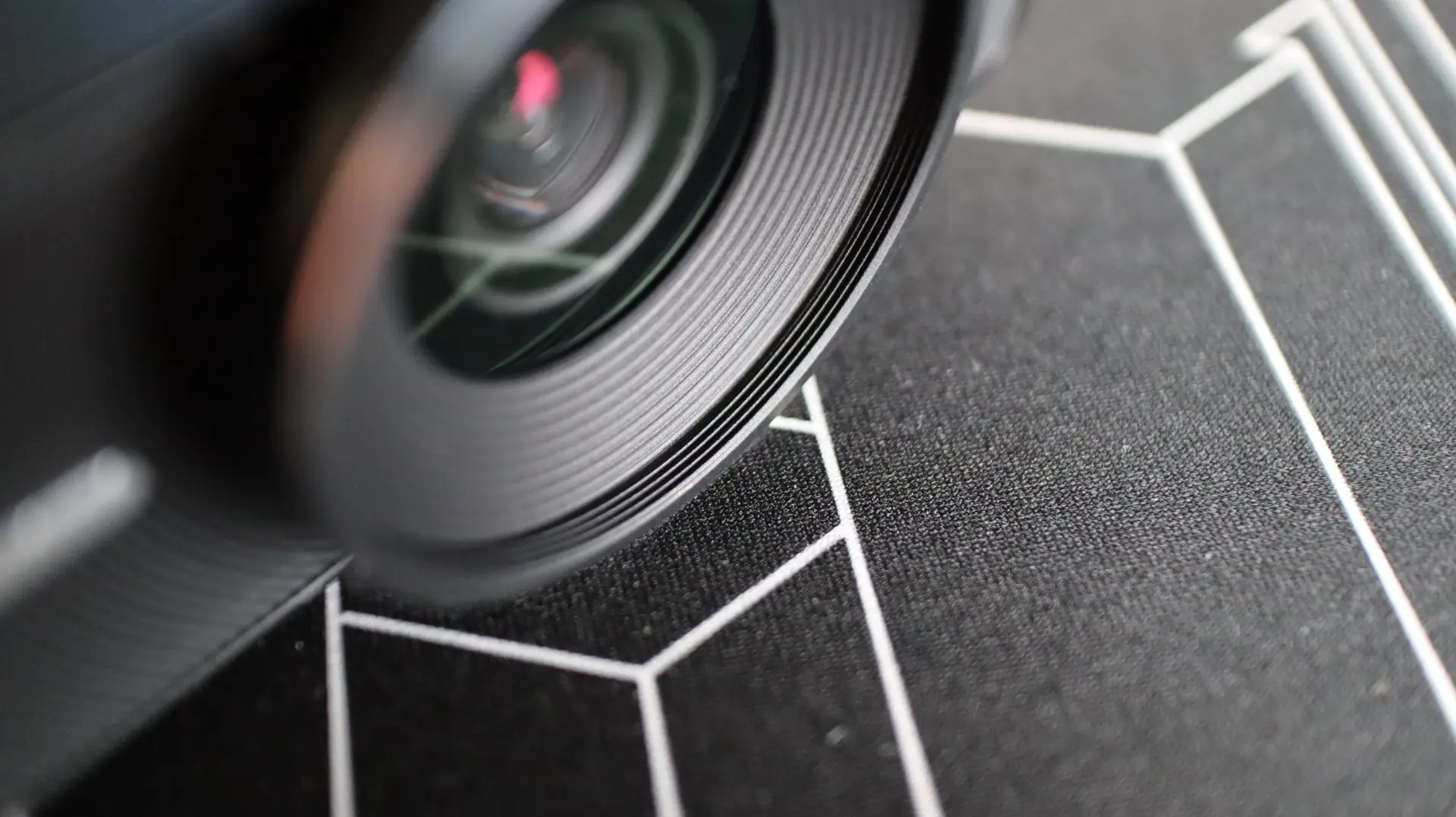
As you can see here, there is threading available for custom 49mm filters to thread right onto the camera body. Additionally, around the built in lens we can see labeling indicating that this is a prime lens (no physical zooming, and a fixed focal length) with a focal length of 21mm, and that the camera is capable of 2160p60 (4K at 60fps). We also find the camera features an aperture of f/4.0, for those camera enthusiasts that want all the details.
Flanking the left and right sides of the lens are a small silver badge with the Facecam 4K name on it, as well as an LED indicator that is used to provide status information when the camera is in use or having its firmware updated.
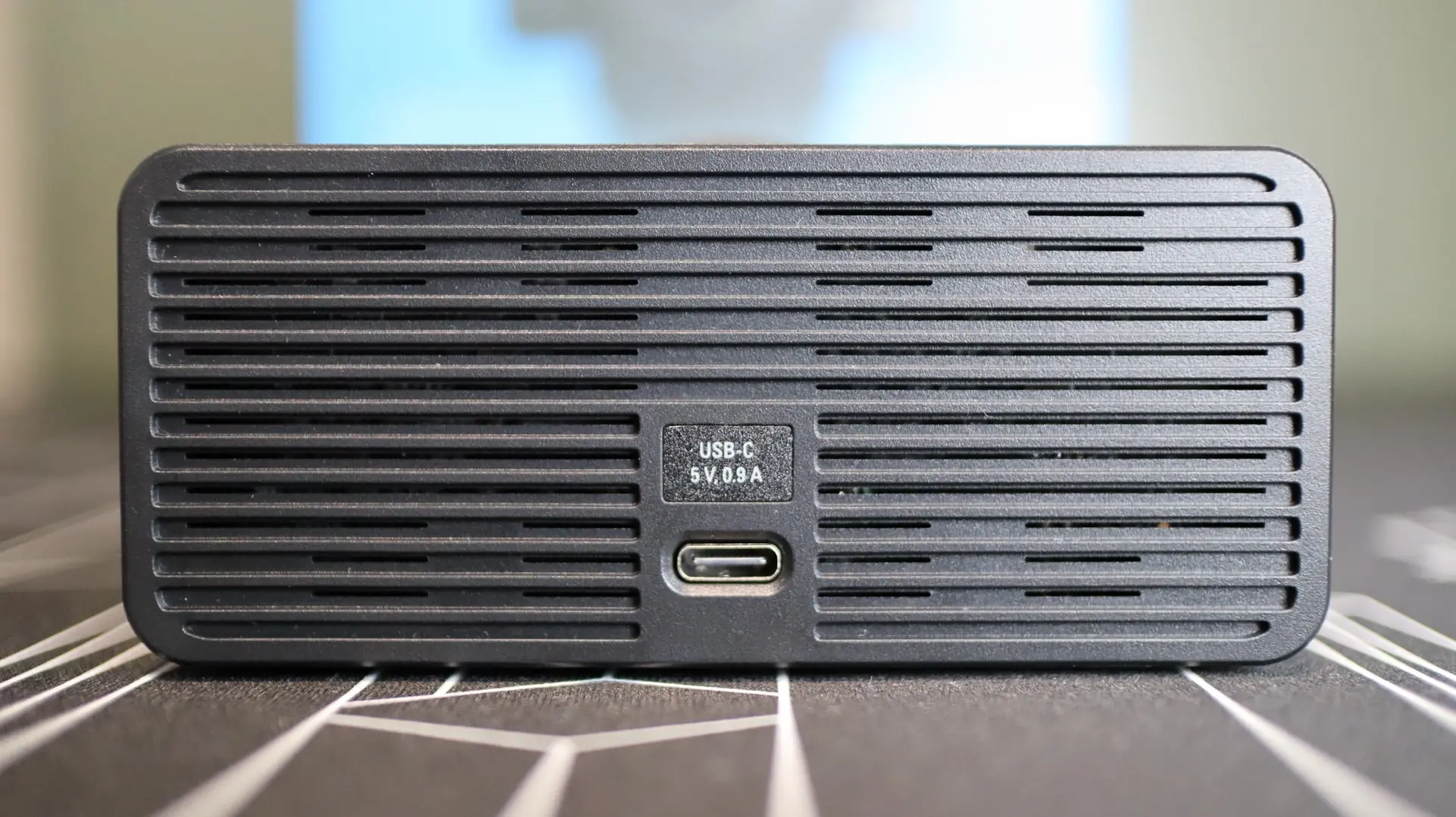
Around back we see a very basic design, with horizontal venting slots for some passive cooling, and a center-aligned USB Type-C port.
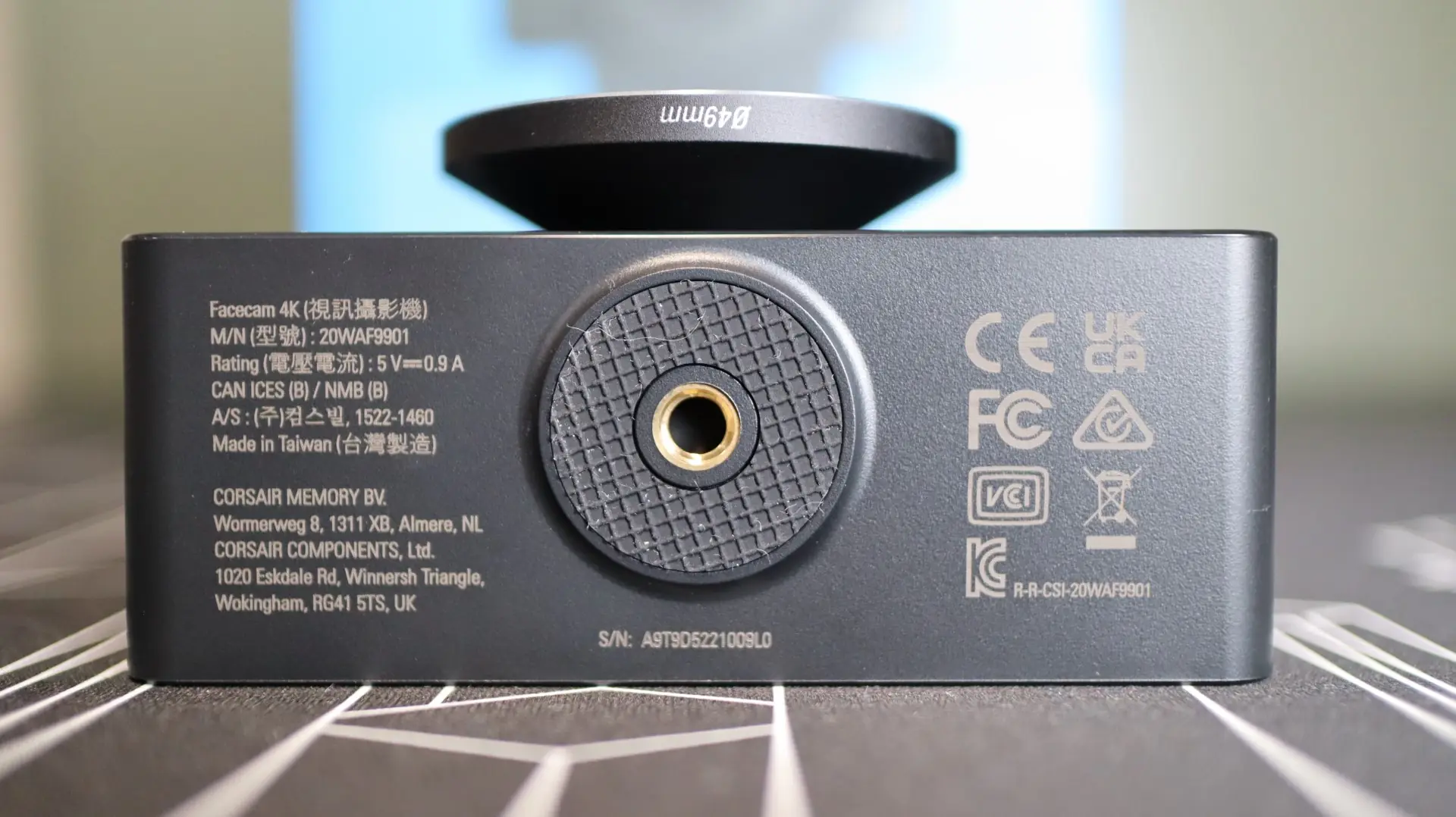
At the base of the camera is a the female 1/4-thread hole, which is surrounded by a rubber ring to help the camera body stay positioned where you want it. There is also some text for all of the various certifications and regulatory requirements.
Internally is where the real action is, and that is mostly due to the use of the SONY STARVIS 2 1/1.8 inch CMOS sensor, which is paired up with Elgato’s latest processing chip. The SONY STARVIS 2 used in the Facecam 4K does have an aperture of f/4.0, which will see it not being the best in low-light situations, but this can be slightly accommodated for via the Camera Hub software. The Facecam 4K offers a wide range of resolution and framerate options, going all the way from 540p30 up to 2160p60, so you should be able to find the best option to suit your video needs with this camera. The use of USB 3.0 connectivity also allows the Facecam 4K plenty of bandwidth for offer zero compression, which translates into reduced latency and higher detailed images.
Keep in mind that the Facecam 4K is strictly a camera device, and does not have an integrated microphone like most other webcams.