ASUS ROG Harpe Ace Mini Gaming Mouse Overview
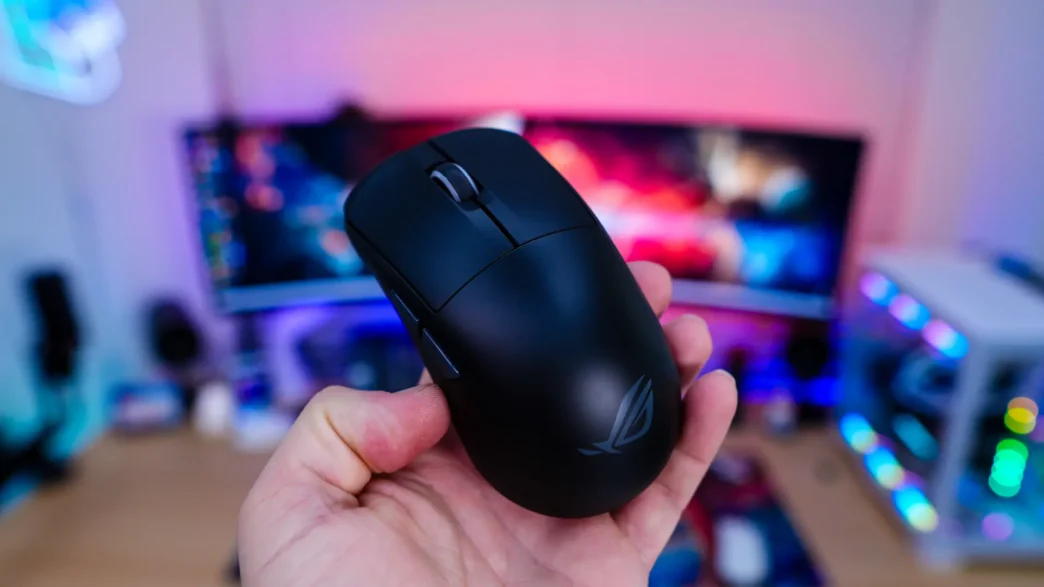
Taking a first look at the Harpe Ace Mini it is definitely smaller than your typical gaming mouse. The official dimensions are 117mm x 63mm x 37mm (LxWxH). As I mentioned the mouse is quite light at only 49 grams. This weight is going to be without the mouse grips installed.
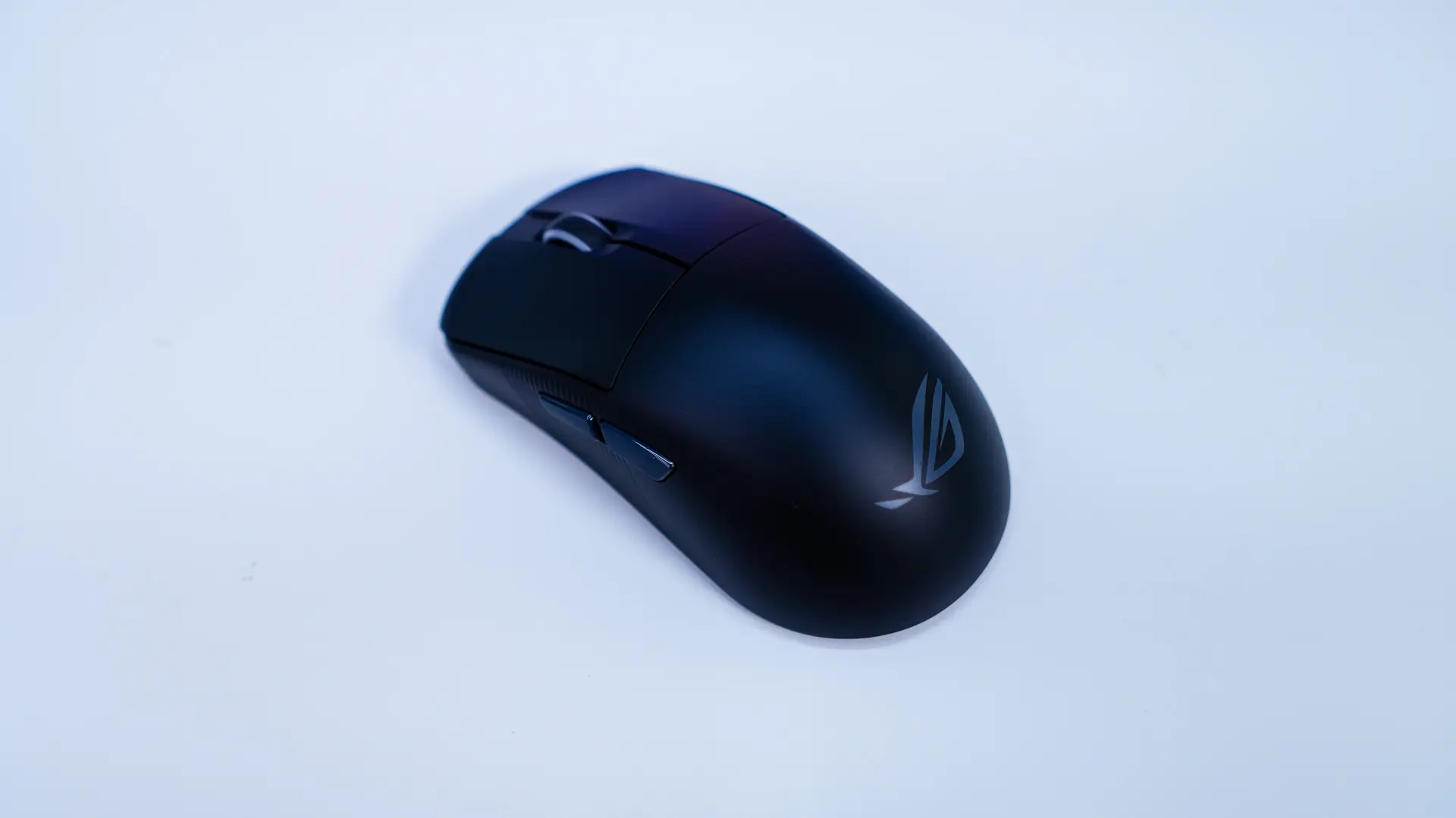
We did receive the black version of the mouse, which is a matte black. ASUS does also offer the Harpe Ace Mini is a white color. There is an ROG logo on the palm rest of the mouse and we can see that the “hump” on the mouse is more pronounced than what we saw on the original Harpe Ace.
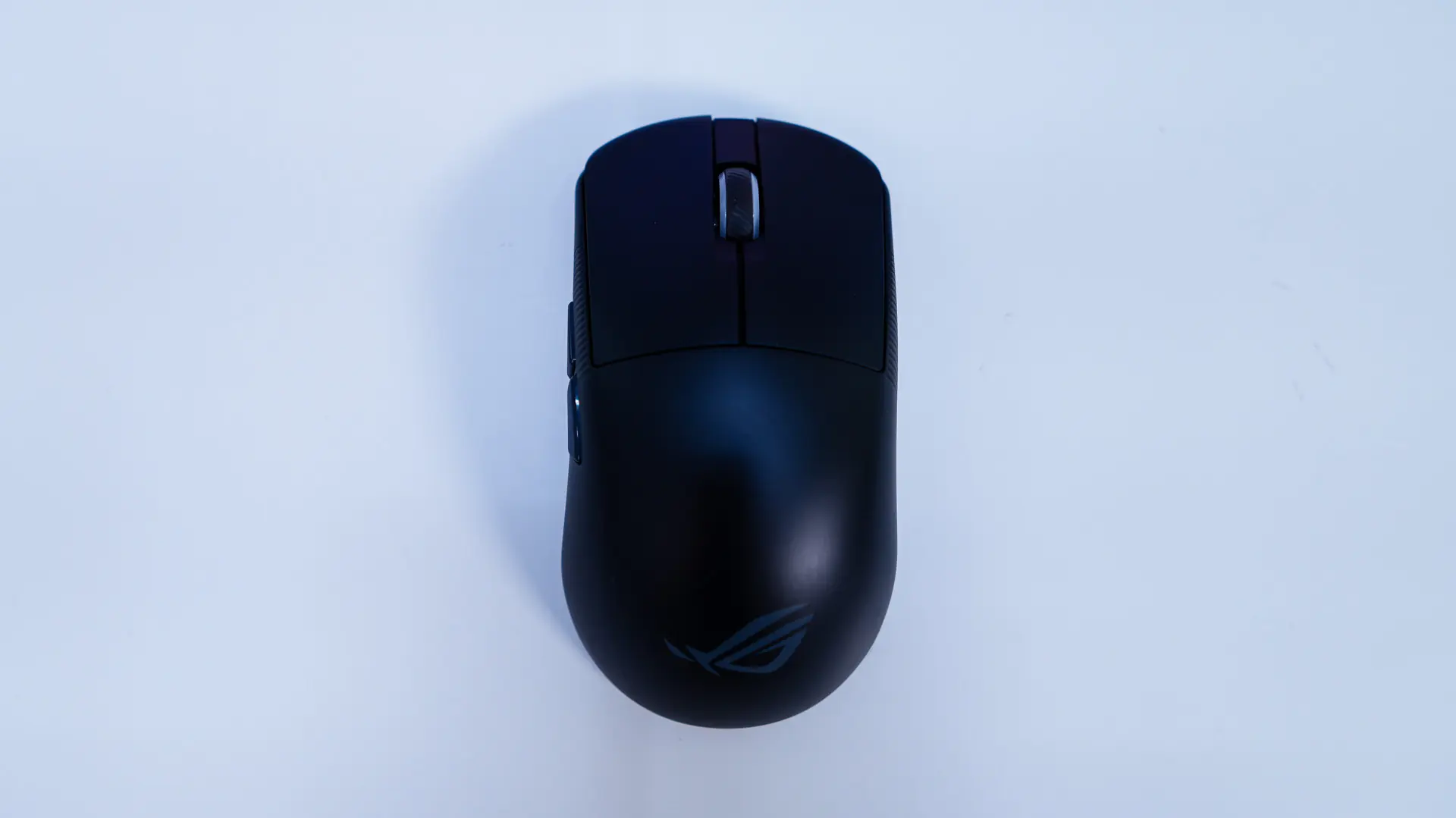
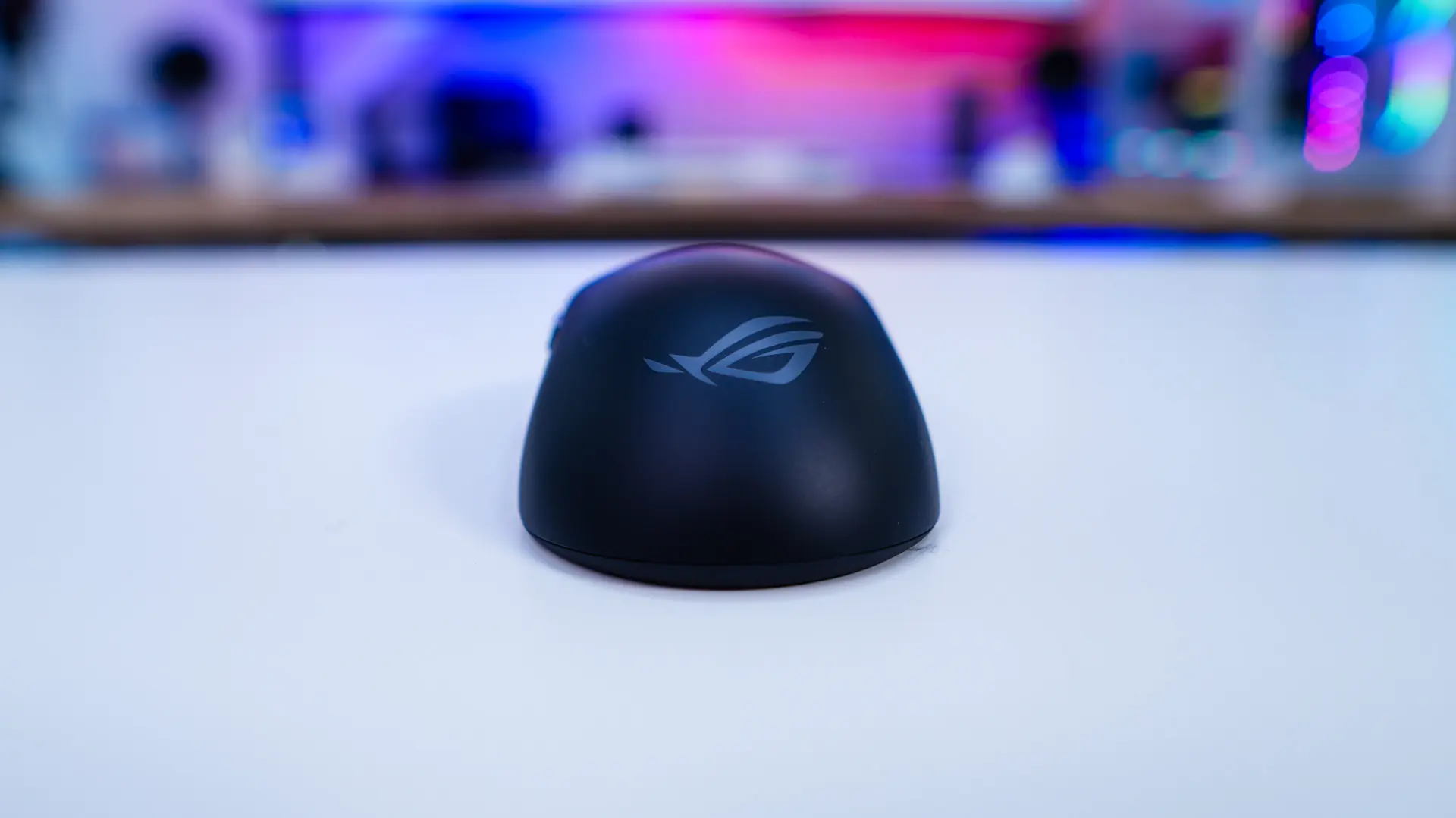
There are two main buttons on the mouse which are powered by the ASUS ROG optical micro switches. These are rated for a 1-million click lifespan. Between the left and right buttons is going to be your scroll wheel which is wrapped in rubber so it should be quite comfortable to use.
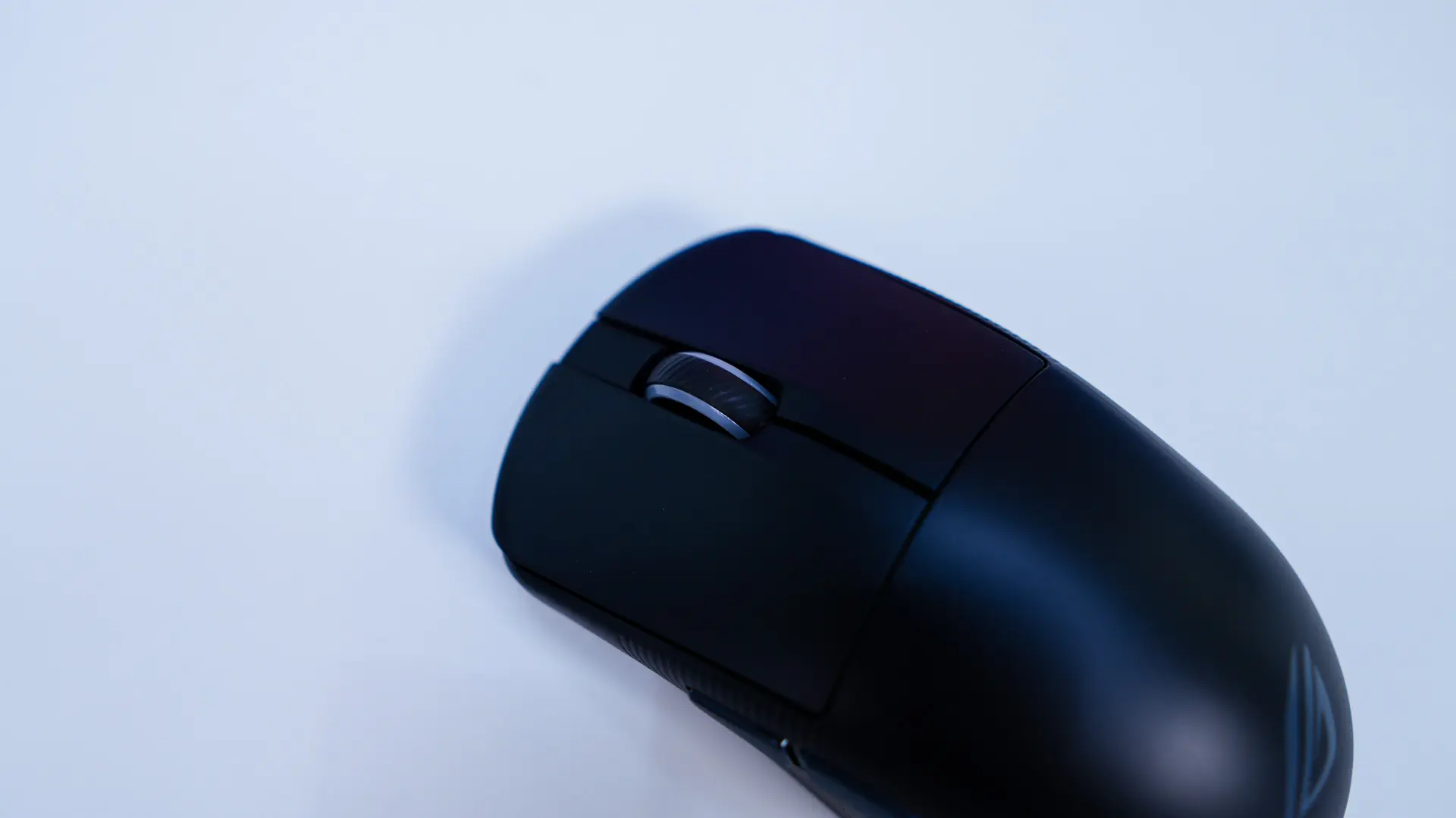

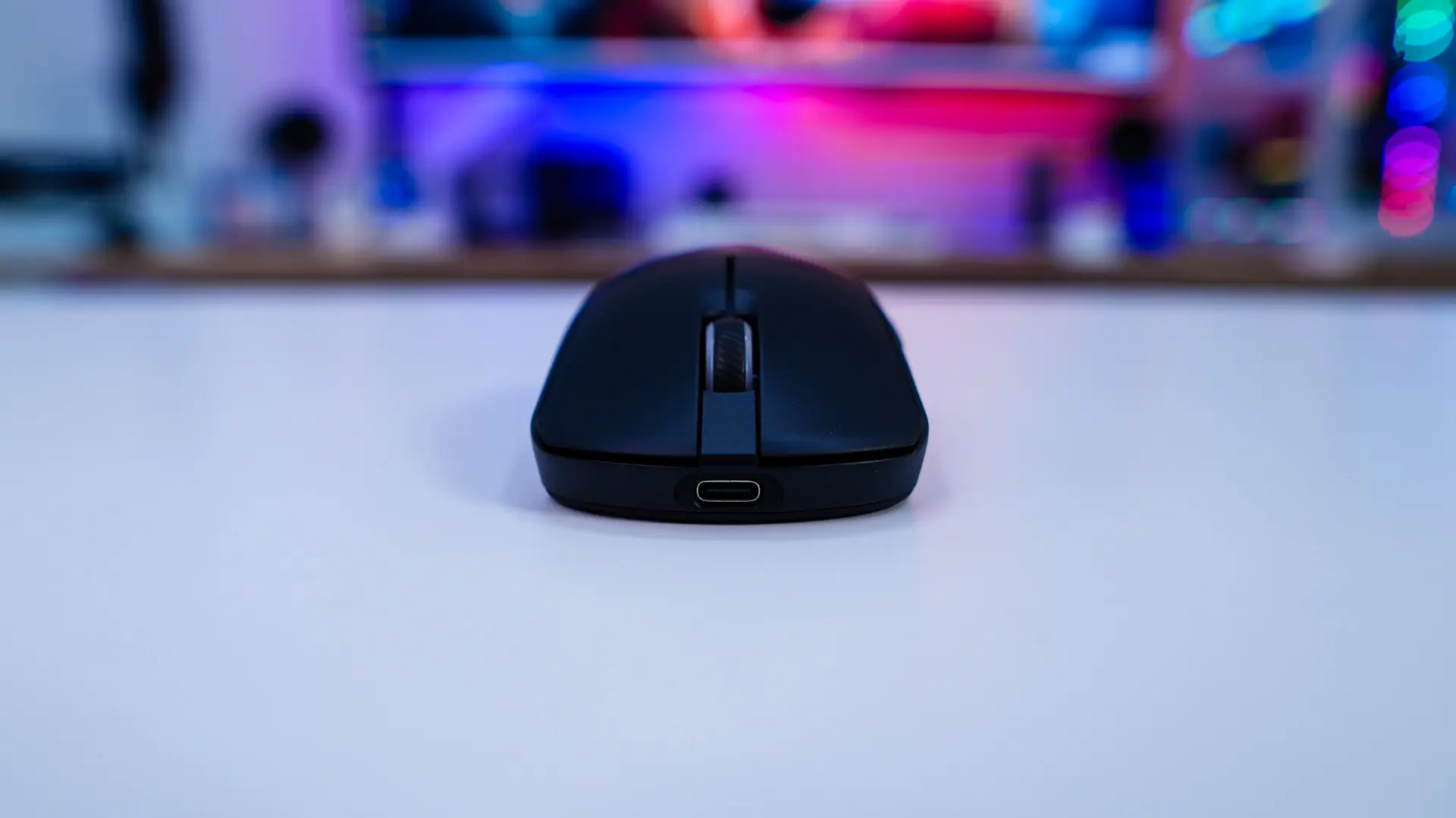
Looking at the mouse from the front we can see the slope of those buttons and the USB-C port on the front of the mouse. This can be used for charging the mouse up or using it wired mode with the included USB cable.
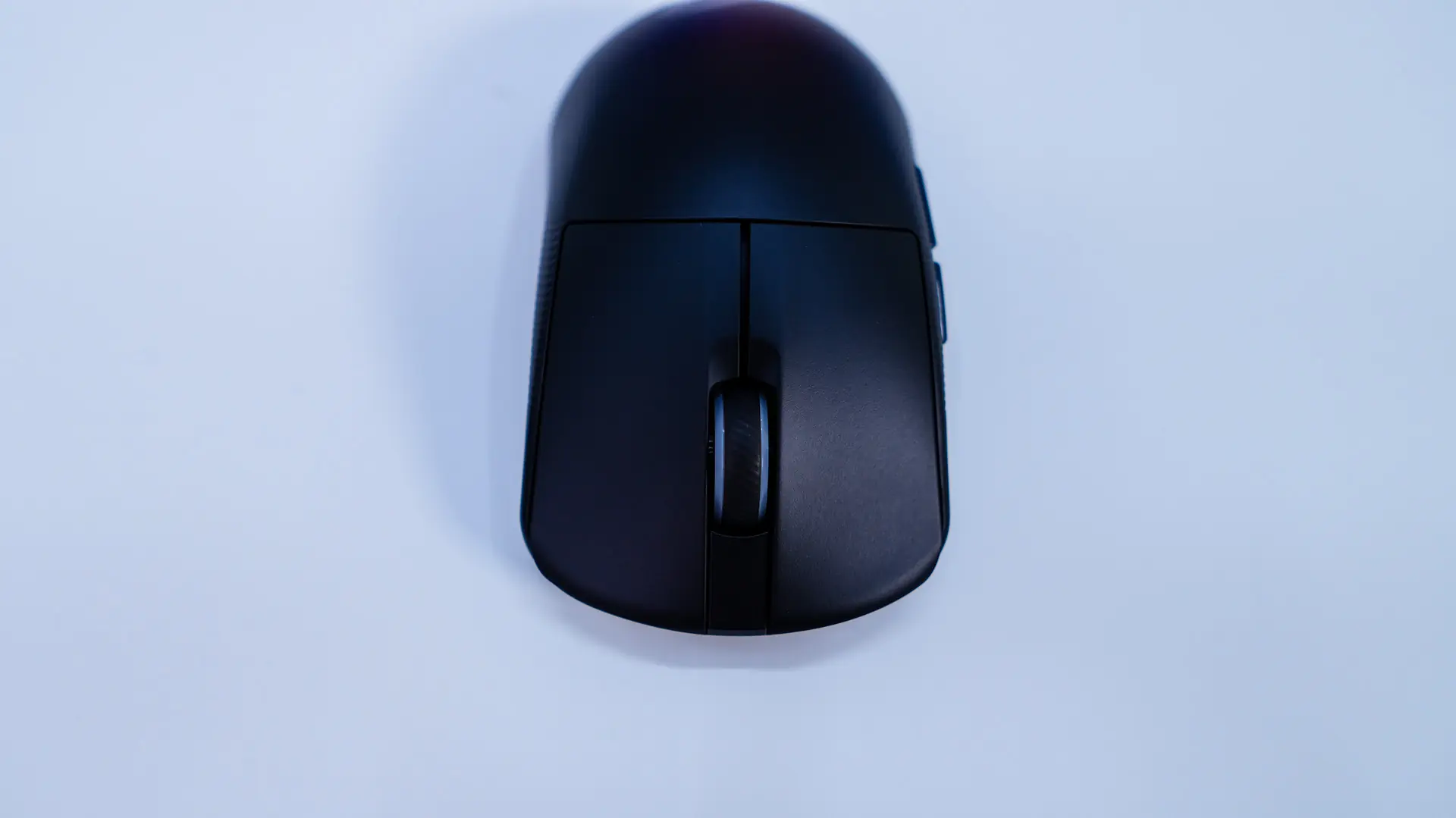
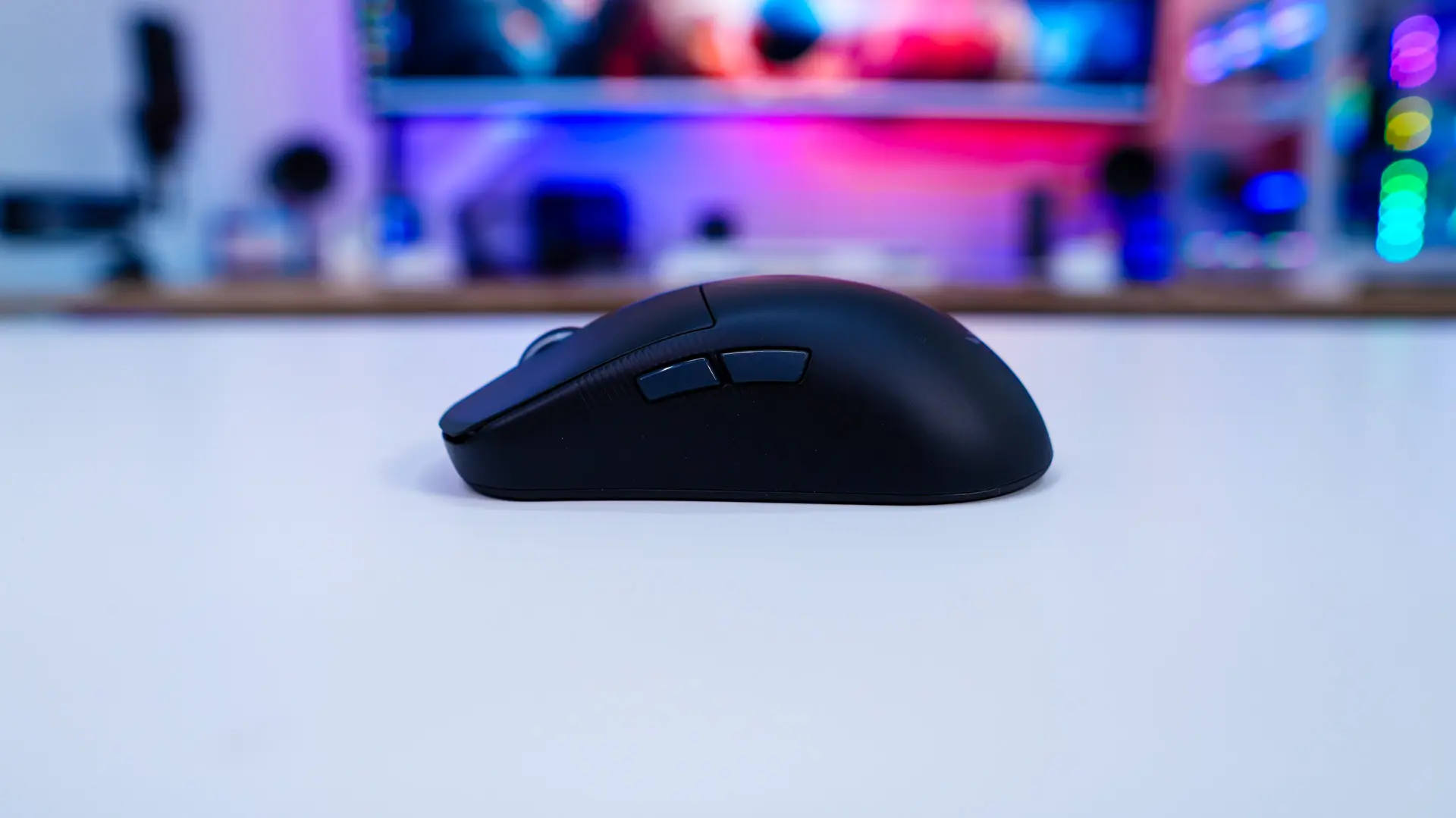
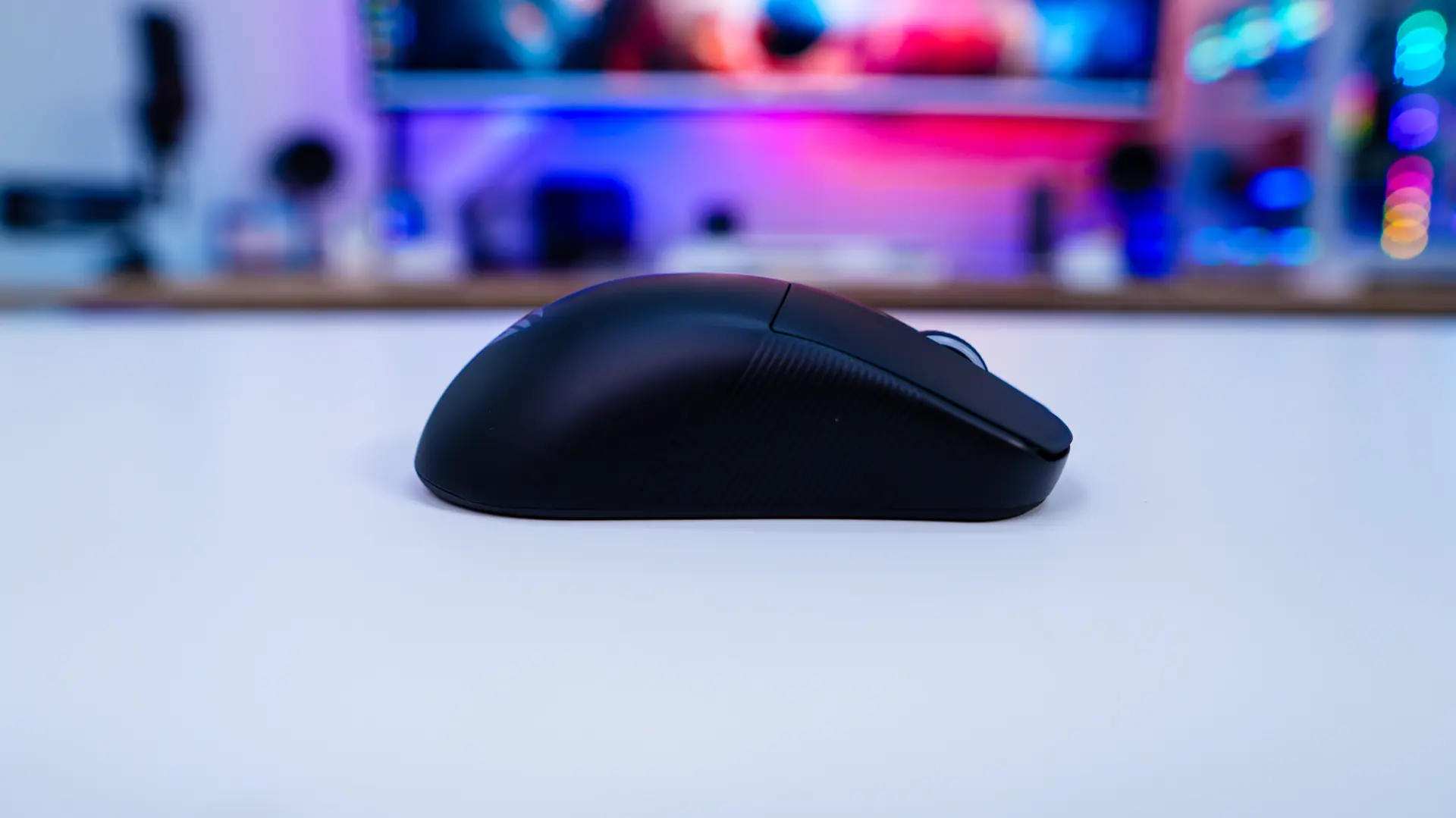
Looking at the side of the mouse it really gives us a good idea of the shape of the mouse. On the left side of the mouse we find out back and forward buttons. The opposite side of the mouse does not have any buttons. It is worth noting that while this mouse is primarily made for right-hand use (side the side buttons are on the left), its shape is quite ambidextrous.
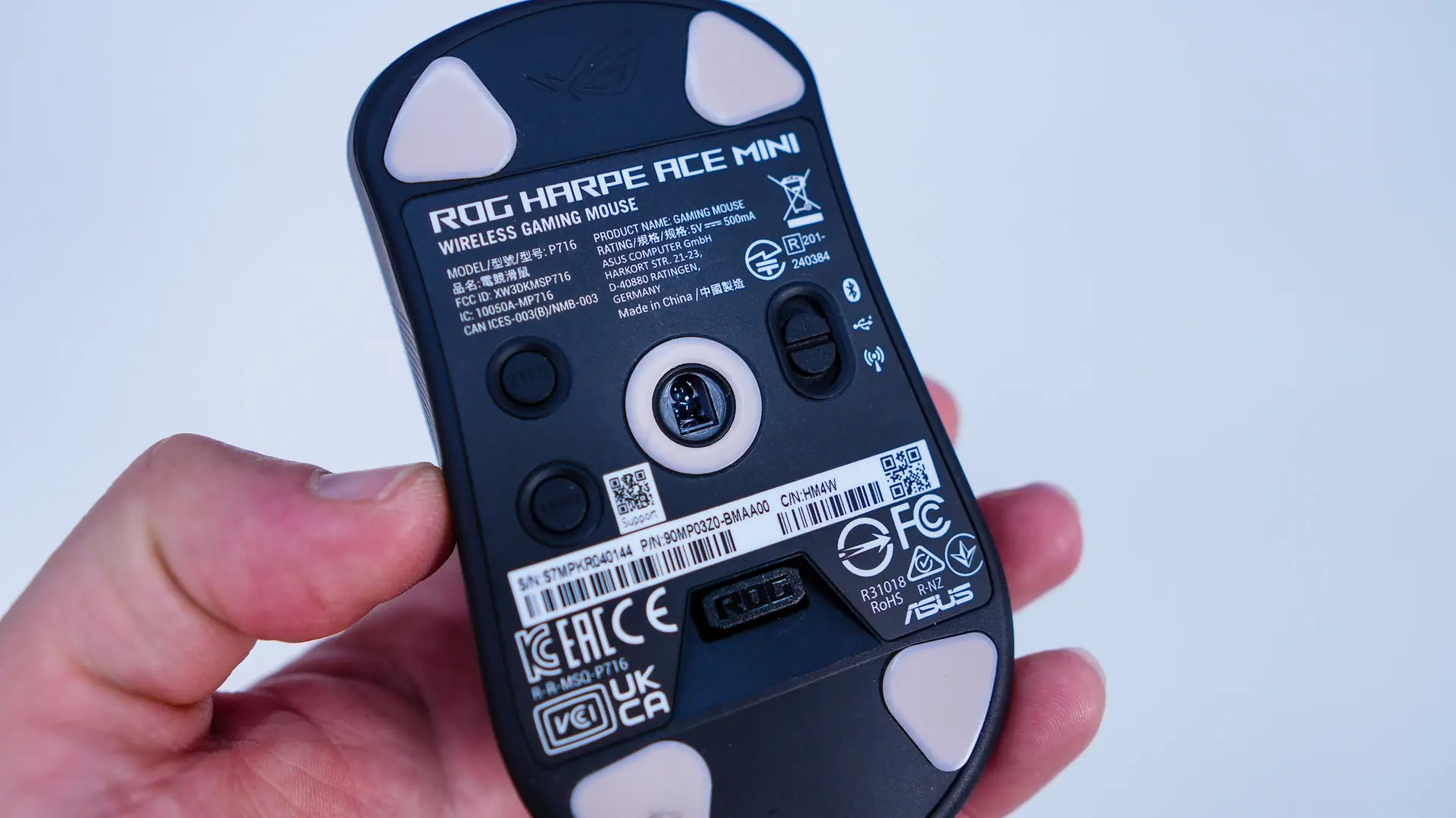
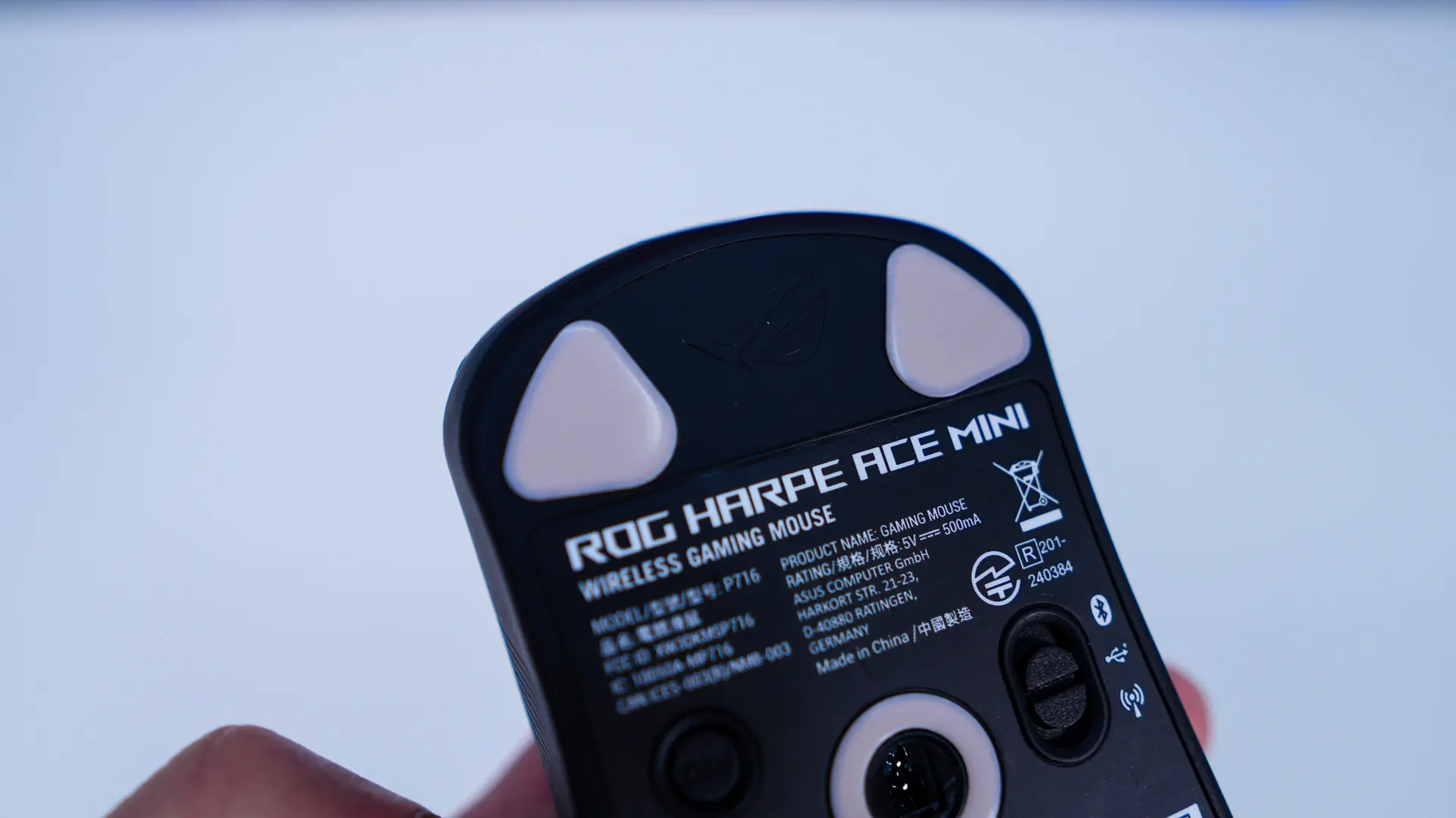
Flipping the mouse over we find four triangular PTFE mouse feet positioned in each corner of the mouse. In the center we have our sensor which is the ROG Aimpoint Pro. This optical sensor has a max DPI of 42K, speed of 750 IPS, max acceleration of 50G and can track on glass. Right next to the sensor is a mode button toggle. You can select between wired, Bluetooth, or 2.4 GHz. On the opposite side there are two smaller buttons, one is a DPI cycle button, and the other can adjust the polling rate and lift off distance on the fly. There is a spot in the bottom of the mouse to hold the 2.4 GHz USB dongle. This is ASUS’s omni receiver, which allows you to connect multiple ASUS ROG devices using a single dongle.