


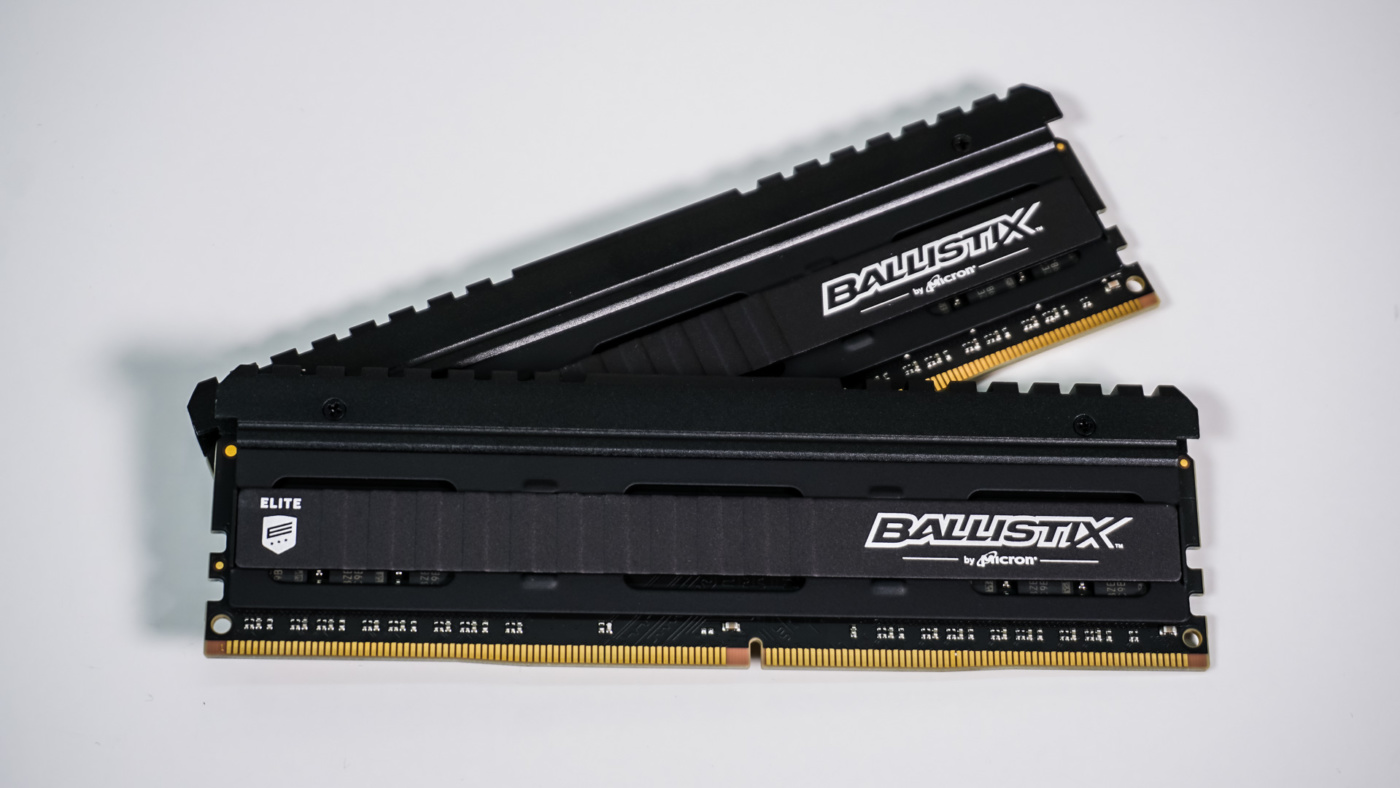
Ballistix Elite Overview
Taking a first look at the Ballistix Elite kit you can see that we have an all-black design. So we have a black heatspreader with and matching black PCB. One thing I did noticed when I picked the modules up was that they were quite heavy. This speaks to the quality of the modules and the heavy-duty heatsink.
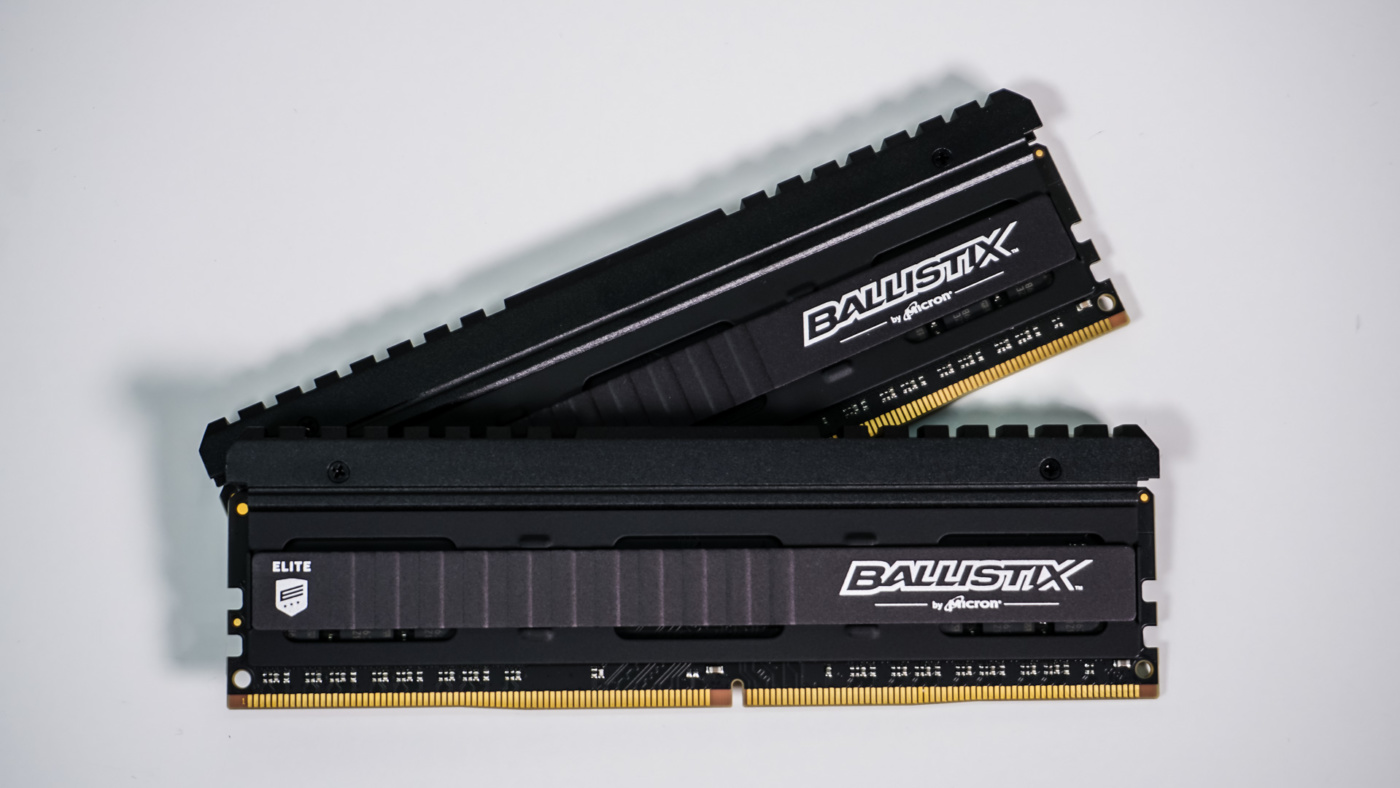
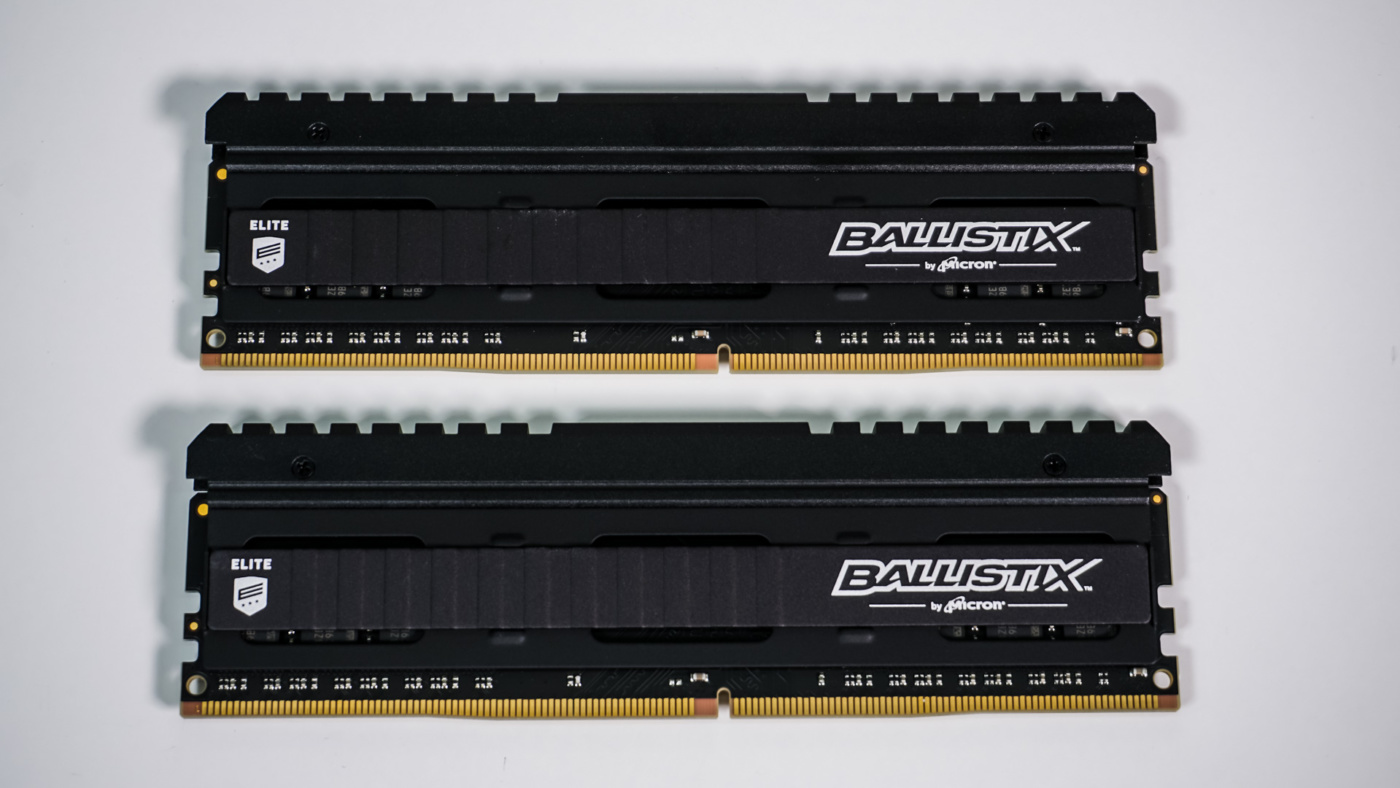
On the main side of the heatsink we have a small “Elite” logo on the left and a larger Ballisitix logo on the right. For those wondering about color choices, currently these kits are only available in black, although we think a white version would look quite amazing.
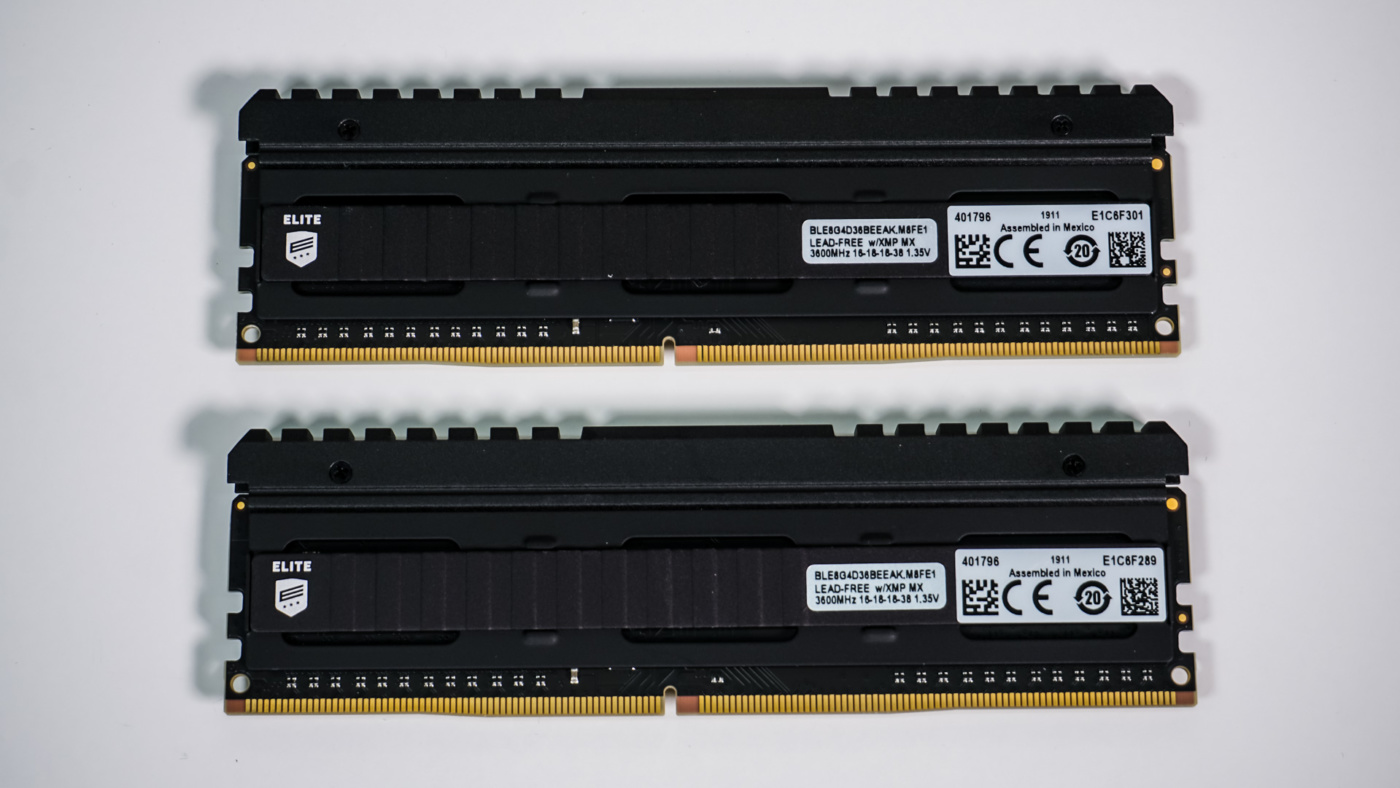
Flipping the modules over to the other side we have pretty much the same layout, but instead of the Ballistix logo there are stickers will all of the information about the modules. As a reminder this is the LE2K8G4D36BEEAK kit, which is a 16GB (2x8GB) kit running at 3600 MHz with timings of 16-18-18-38 at 1.35V.
At the top of each module is a pretty hefty heatsink. This heatsink can actually be removed from the modules. On the top of each heatsink is a Ballistix logo right in the center. If you happen to have a window in your system this will let everyone know you are rocking Ballistix memory.
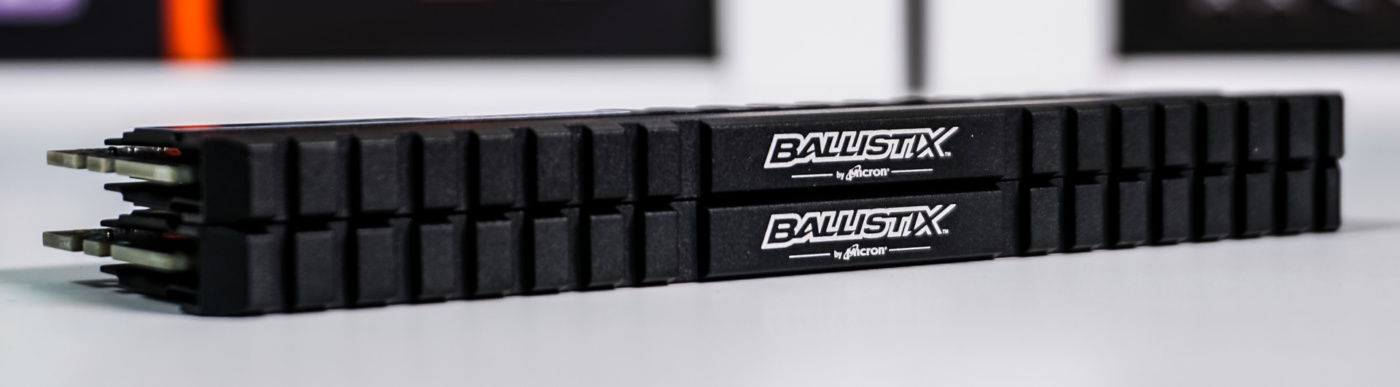
These modules are only 39.6 mm tall, which means they are not all that tall. You shouldn’t run into any clearance issues with larger CPU coolers.

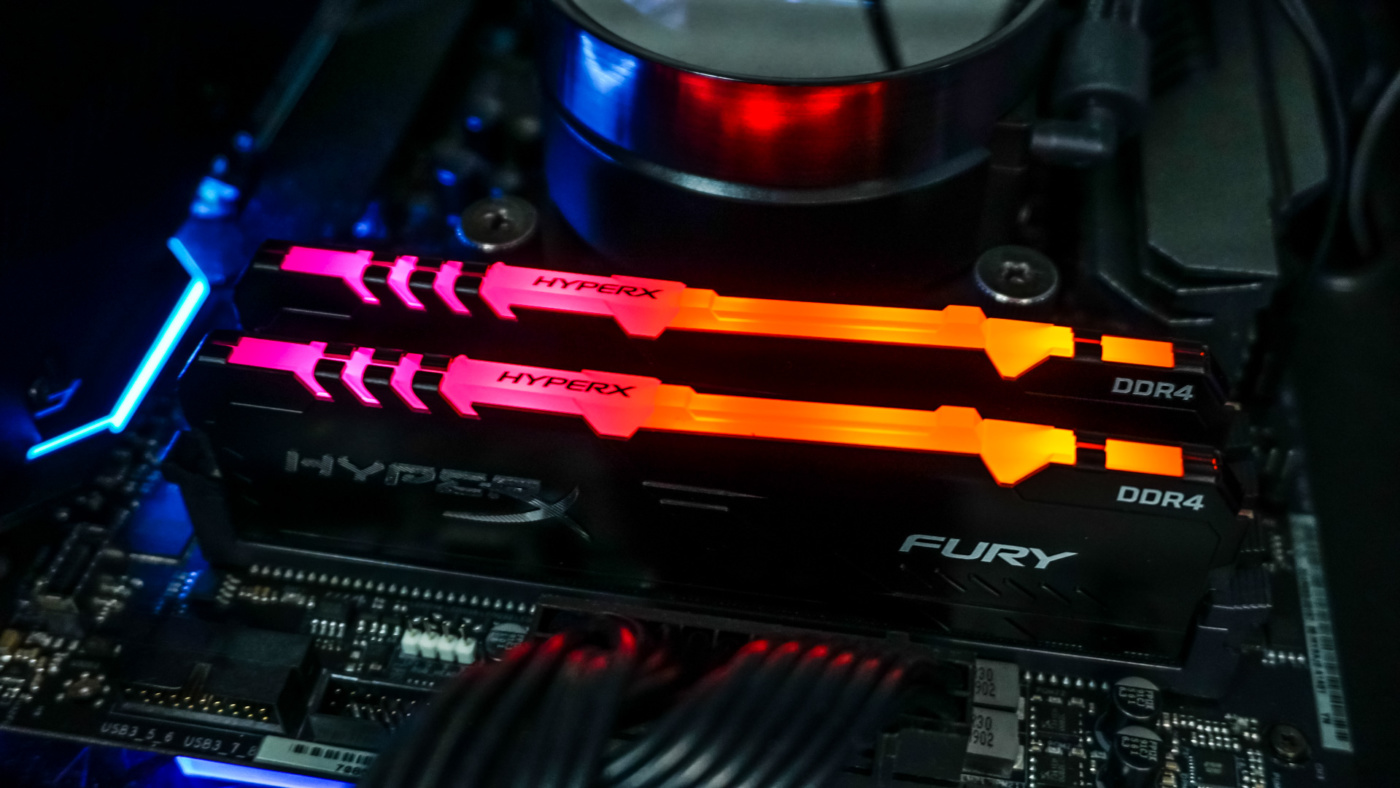
I really appreciate seeing a high-performance kit that doesn’t look like a Christmas tree. I’m glad you mentioned the built-in thermal sensor and the M.O.D. utility for real-time monitoring—that’s a feature I wish more brands would prioritize over flashy lights.
From my own experience setting up home lab clusters with older Infiniband cards https://serverorbit.com/hba-and-controllers/infiniband and dedicated HBA controllers, heat management is always the biggest headache. These high-throughput cards can run incredibly hot, and when they’re sitting right next to the memory slots in a cramped chassis, having that extra telemetry on the RAM is a lifesaver. It really helps when you’re trying to figure out if a random crash is due to aggressive timings or if your HBA is just dumping too much heat onto the DIMMs. I’ve definitely had a few “stealth” builds where the lack of RGB actually made cable management around those bulky controller cards a lot cleaner, too.
Do you think the inclusion of a thermal sensor will eventually become standard for high-frequency kits, or will it remain a niche feature for “elite” lines like this?