


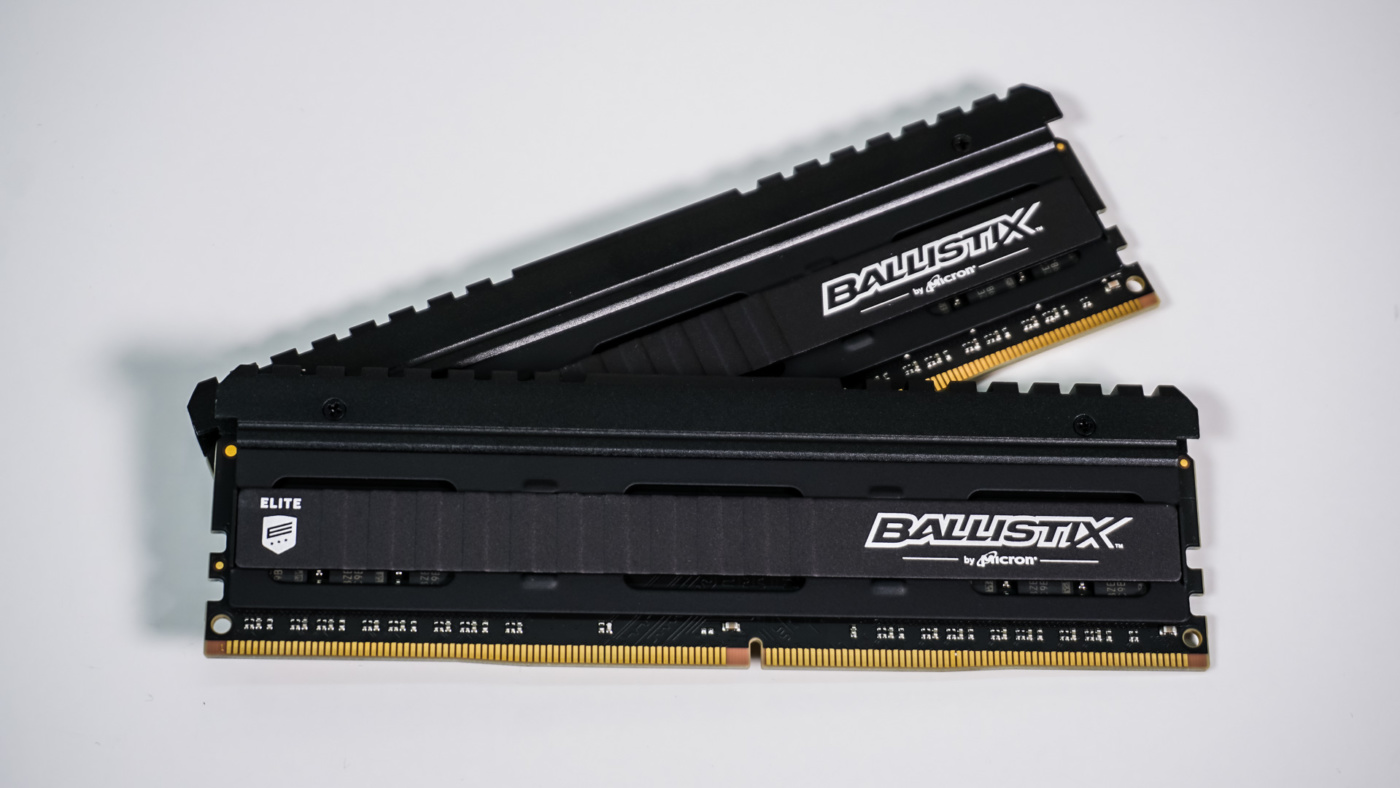
Overclocking
The easiest way to overclock on the Intel platform is to simply change the frequency divider in the BIOS. To achieve the best overclock we try to stay with the timings that the XMP profile recommends. If we run into any issues we will bump up the voltage to see if we can get our system to boot and become stable.
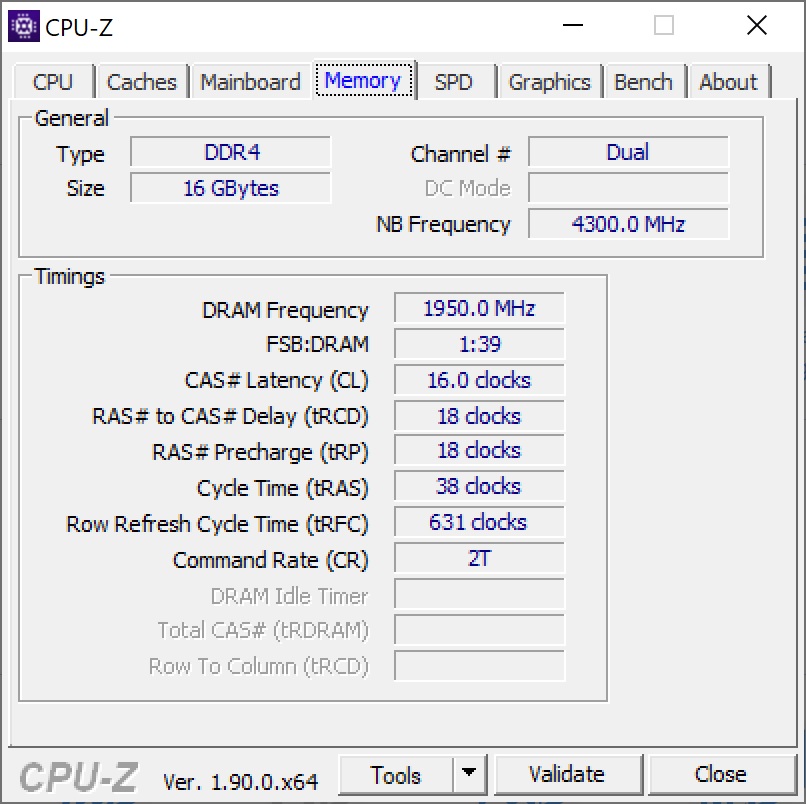
The XMP profile puts this kit at 3600 MHz. In the BIOS I started moving up the frequency divider without changing the timings or voltage. I was able to get up to 3800 MHz without changing anything. At 3900 MHz the system would not boot, but a slight bump in voltage to 1.4V gave us a stable system. We were not able to get past 3900 MHz.
I really appreciate seeing a high-performance kit that doesn’t look like a Christmas tree. I’m glad you mentioned the built-in thermal sensor and the M.O.D. utility for real-time monitoring—that’s a feature I wish more brands would prioritize over flashy lights.
From my own experience setting up home lab clusters with older Infiniband cards https://serverorbit.com/hba-and-controllers/infiniband and dedicated HBA controllers, heat management is always the biggest headache. These high-throughput cards can run incredibly hot, and when they’re sitting right next to the memory slots in a cramped chassis, having that extra telemetry on the RAM is a lifesaver. It really helps when you’re trying to figure out if a random crash is due to aggressive timings or if your HBA is just dumping too much heat onto the DIMMs. I’ve definitely had a few “stealth” builds where the lack of RGB actually made cable management around those bulky controller cards a lot cleaner, too.
Do you think the inclusion of a thermal sensor will eventually become standard for high-frequency kits, or will it remain a niche feature for “elite” lines like this?