A limited upgrade budget works best when each part solves the main performance limit. A new graphics card helps little when an old processor, weak power supply, low memory capacity, or slow storage holds the system back. The right order depends on monitor resolution, frame rate target, game type, and current hardware age.
You may use your PC for different purposes, such as gaming, streaming, studying, working, or chatting with Polish brides to meet new people online. Even with that everyday mix, the upgrade plan should stay focused on frame rate, thermals, storage speed, power headroom, and reliable parts.
Parts That Decide the Upgrade Path
A gaming PC should be checked as a complete system, not as isolated parts. The graphics card, processor generation, RAM capacity, SSD, monitor, cooling, and power supply all affect the result. A balanced build gives smoother frame pacing and avoids spending the whole budget on the wrong component.
GPU Bottlenecks
The graphics card is the first part to check when a game runs poorly at 1080p, 1440p, or 4K with visual settings raised. High texture quality, ray tracing, anti-aliasing, and higher resolution all increase GPU load. If GPU usage sits near full load while the processor has spare headroom, the card is the main limit.
Frame rate targets change the decision. A 60 Hz monitor needs less graphics power than a 144 Hz screen, especially in shooters and racing games. A player chasing 144 fps at 1440p should prioritize a stronger GPU before small storage or cosmetic upgrades.
CPU Generation Limits
The processor matters most when games rely on high frame rates, complex simulation, large multiplayer scenes, or strong single-core speed. Older 4-core chips struggle more in modern open-world games and background app use. A newer 6-core or 8-core processor often improves minimum fps and reduces stutter.
CPU generation matters as much as core count. A modern midrange chip with faster instructions, stronger cache behavior, and newer memory support often beats an older high-end processor in games. Platform age also affects upgrade cost because a CPU swap may require a motherboard and memory change.
RAM Capacity
RAM affects smoothness when modern games, browsers, launchers, voice chat, and recording tools run together. For budget gaming, 16 GB is a practical baseline, while 32 GB suits heavier multitasking and newer large games. Capacity matters most when the system starts paging data to storage during play.
Several memory checks help prevent wasted spending before buying a new kit:
- Two matched sticks improve dual-channel bandwidth compared with one lonely module.
- Empty motherboard slots leave room for a cheaper capacity upgrade.
- BIOS updates sometimes improve memory compatibility on older platforms.
- Background launchers and browser tabs should be counted when estimating real RAM use.
SSD Load Times
An SSD does not raise fps like a better GPU, yet it improves the feel of a system. Game launches, level loading, texture streaming, patching, and Windows response all benefit from solid-state storage. Moving from a hard drive to a SATA SSD is one of the clearest quality-of-life upgrades.
The best upgrade order depends on what blocks the target experience. A 1080p esports player, a 1440p single-player fan, and a casual gamer with a hard drive all need different first purchases.
The following comparison shows how each part affects gaming value:
| Upgrade part | Gaming impact | When to prioritize |
| GPU | Highest for resolution, visual settings, and ray tracing | GPU usage stays near full load below the desired frame rate |
| CPU and platform | Strongest for high fps, simulation games, and stutter reduction | GPU usage stays low while processor threads sit under heavy load |
| RAM | Important for multitasking and modern game stability | The PC has 8 GB, one memory stick, or heavy background app pressure |
| SSD and PSU | SSD improves loading, while PSU supports safe power delivery | The PC uses a hard drive or lacks power headroom for a new card |
A Smart Order for Better Frames
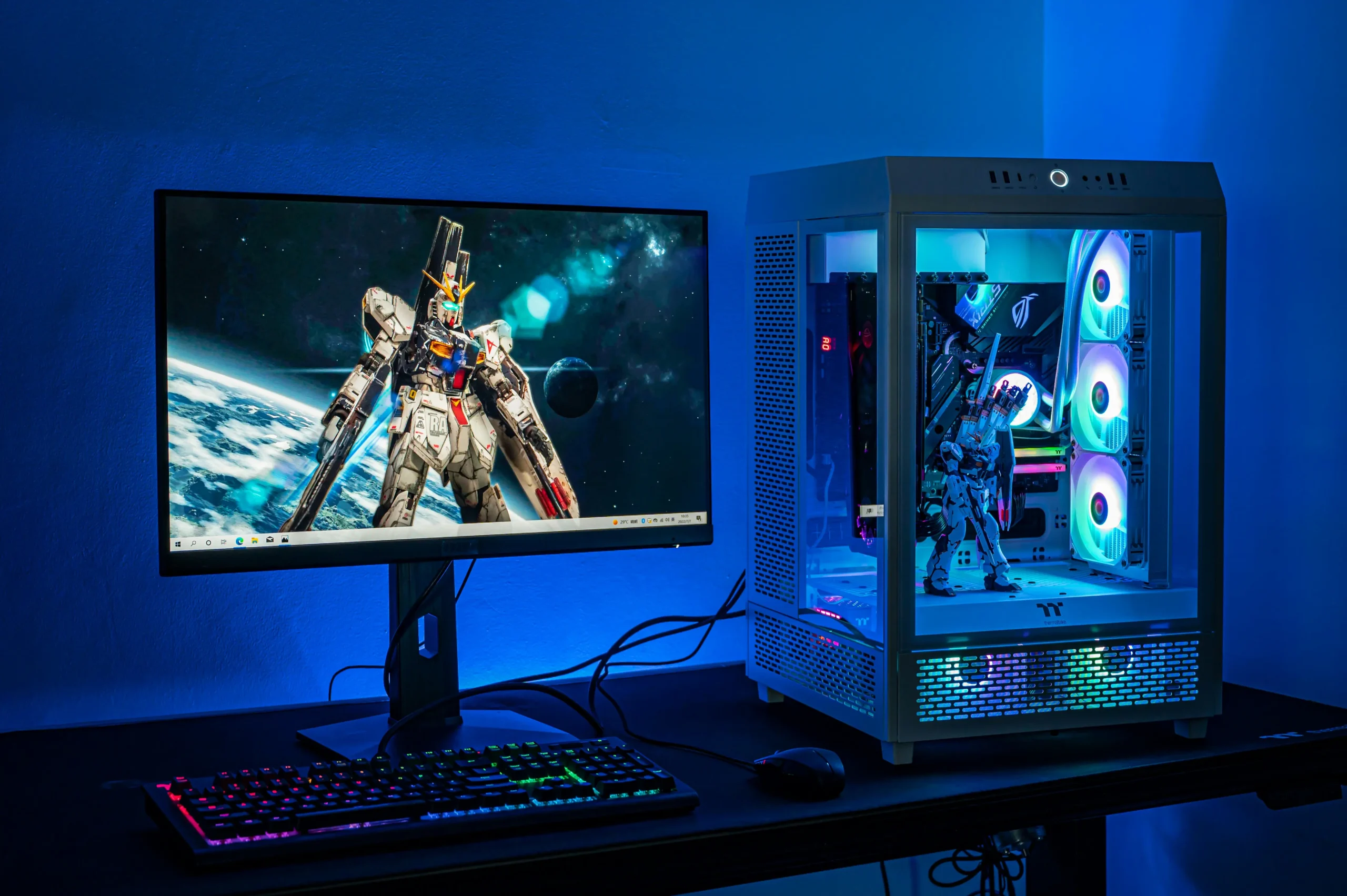
A good budget sequence starts with measurement. Check monitor resolution, target fps, GPU usage, CPU load, RAM use, storage type, temperatures, and power supply wattage before buying parts. Built-in overlays, motherboard software, and game benchmarks reveal the real limit during play.
Storage and power should never be ignored. A small SSD fills quickly with modern game installs, and a weak or low-quality power supply turns a GPU upgrade into a reliability problem. Thermal limits matter too, because a hot processor or graphics card lowers clocks and wastes money already spent.
The best upgrade order removes the current bottleneck without creating a new one. For a limited budget, that means GPU first when visuals and resolution are the problem, CPU first when frame pacing is weak, RAM when capacity is tight, and SSD or PSU when daily reliability and load times hold the system back.