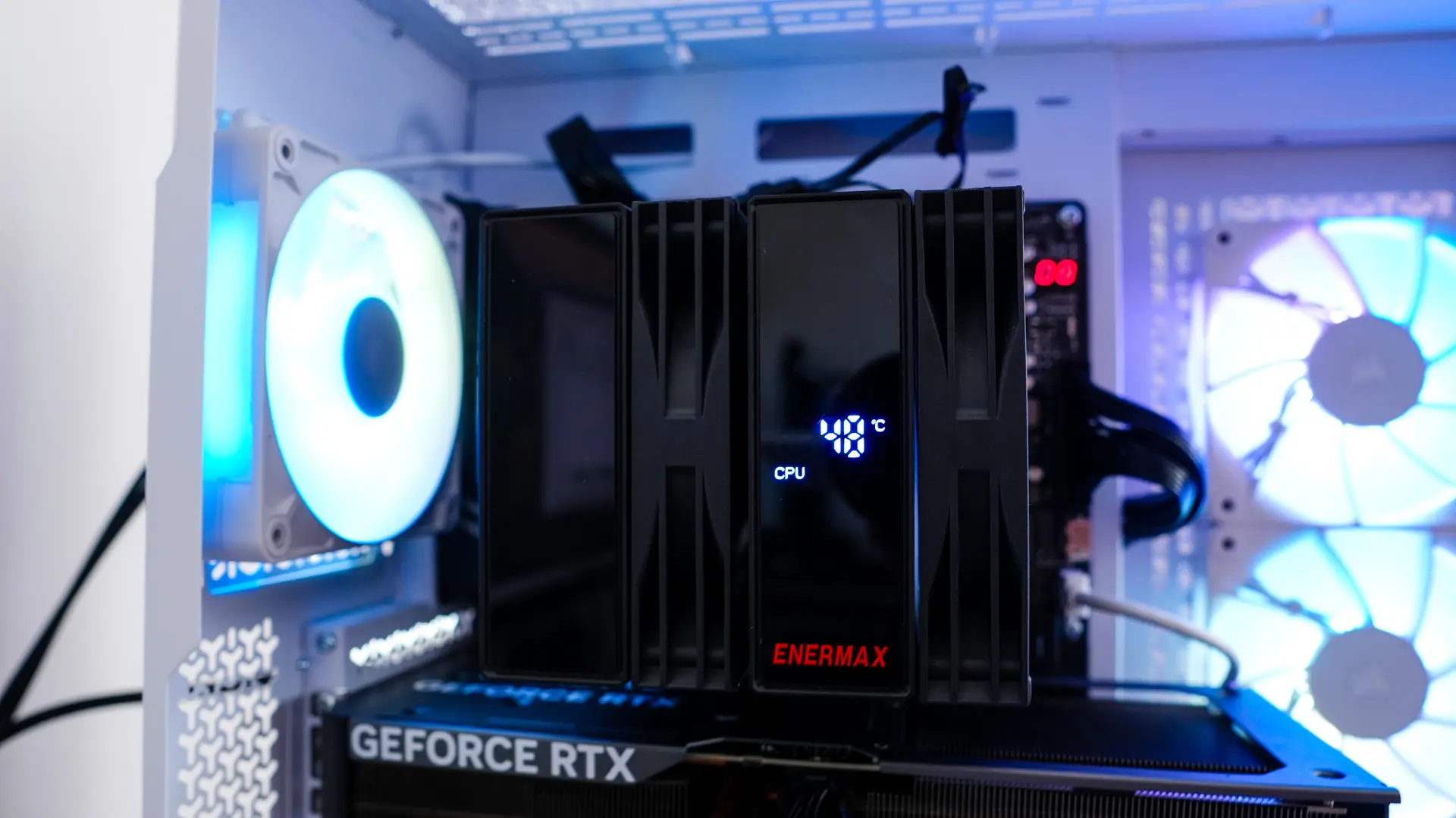
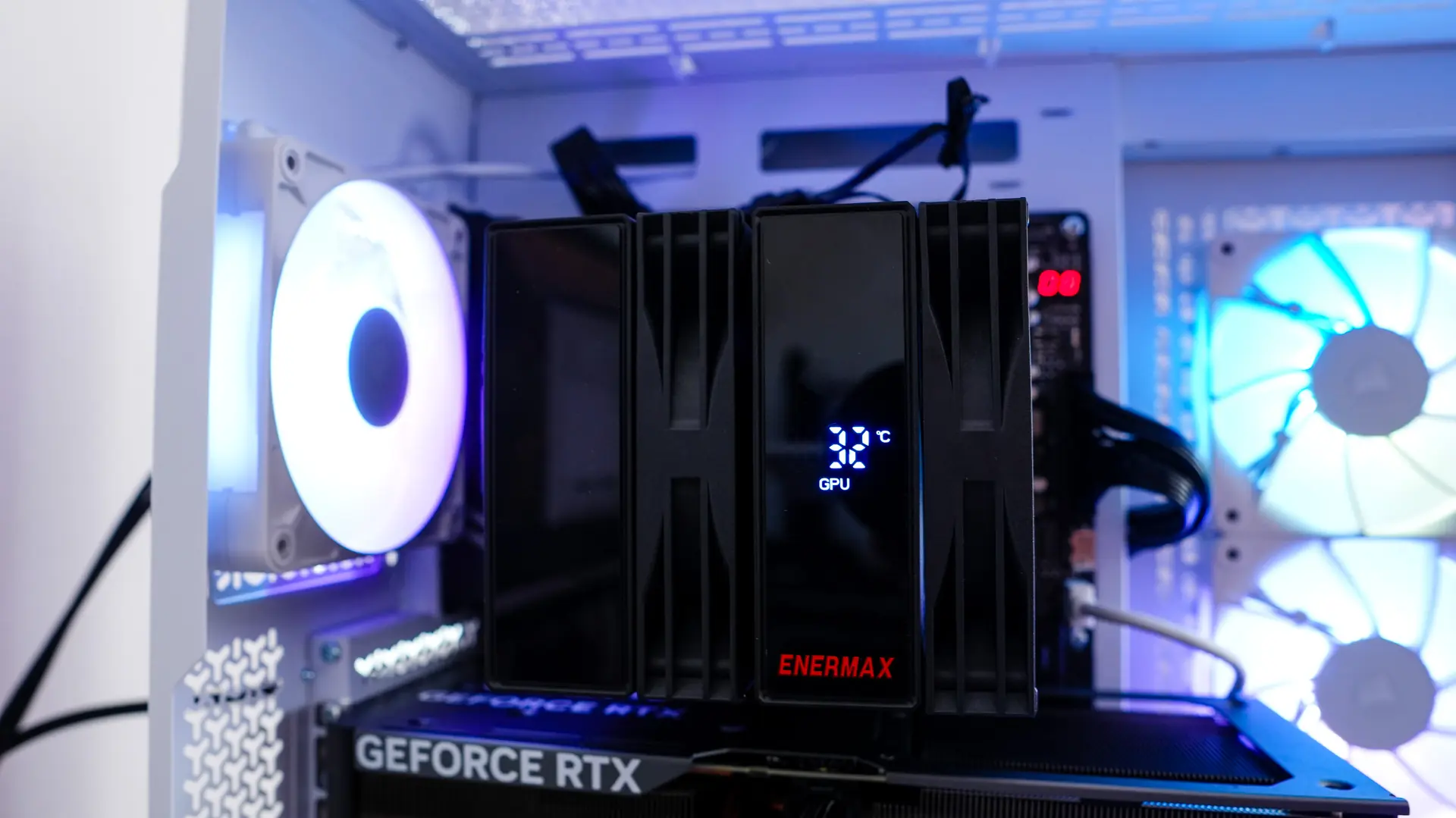
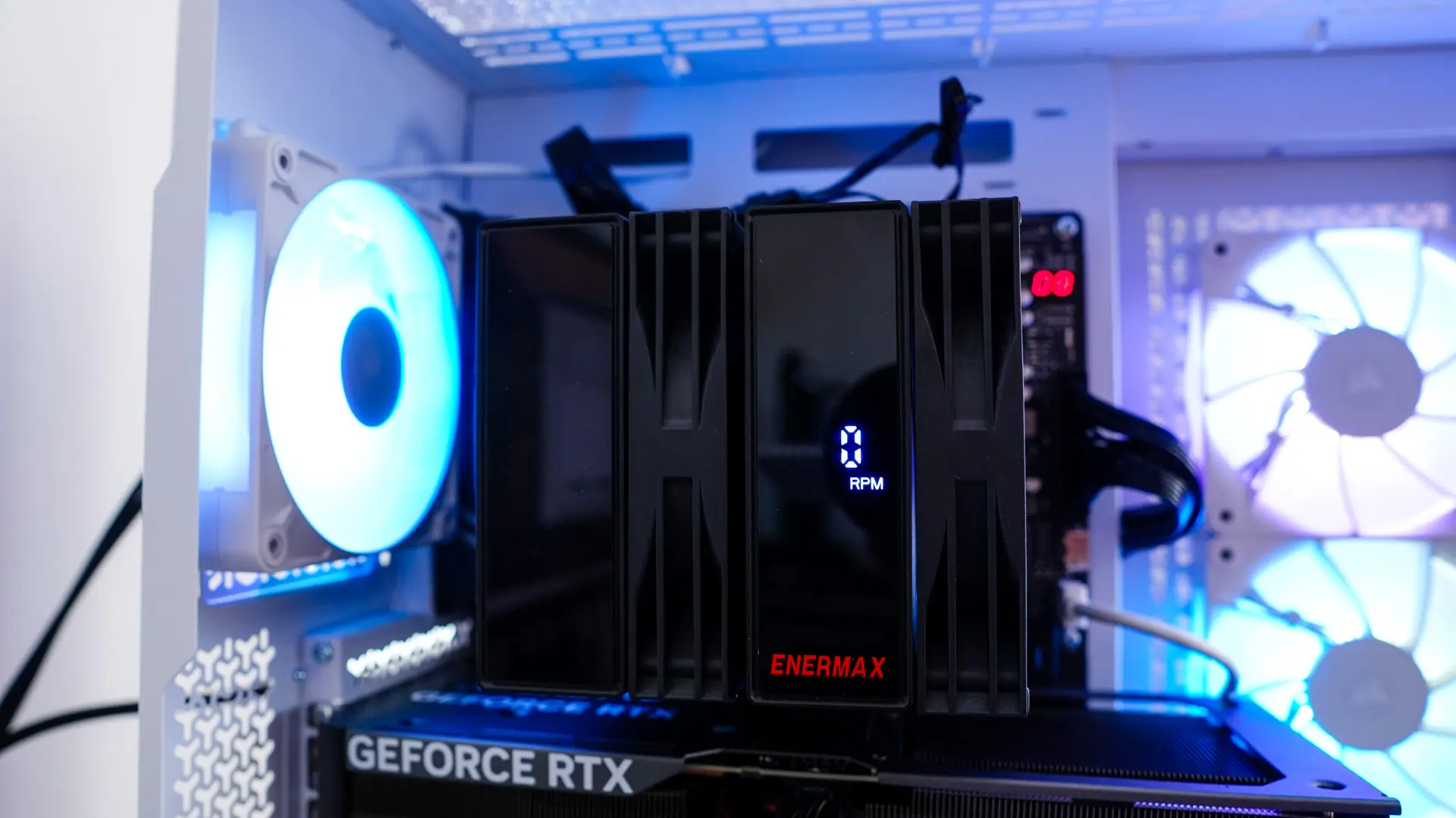
The Digital Display on the Enermax ETS-TD60 Digital CPU Cooler
In order for the digital display on the cooler to work you’ll have to install the Enermax Tuner software.
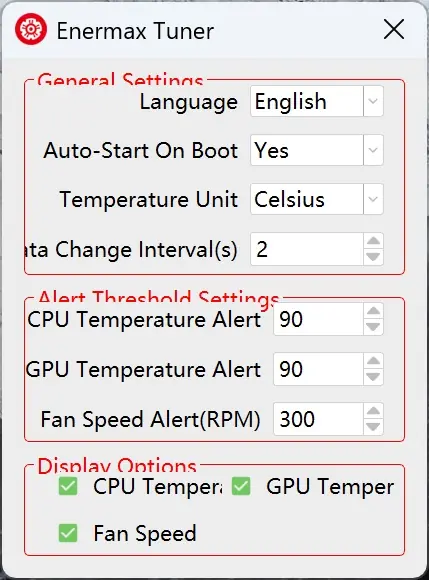
This software allows you to select what is displayed on the digital display so you have the choice to rotate between CPU Temperature, GPU Temperature, and Fan Speed. You can also set alerts and how often the display switches between what is being displayed.
We were easily able to get the display to show CPU Temperature and GPU Temperature, but for some reason the fan speed always displayed 0. Luckily you are able to toggle it off.