EPOMAKER x AULA F65 Keyboard Overview
Taking a first look at the EPOMAKER x AULA F65 keyboard as I mentioned this is a 65% keyboard with 67 keys. I’ve come to really love the 65% form factor as it is a more compact version of a tenkeyless keyboard where you still get your arrow keys, but the entire function row has been removed from the keyboard itself. Unlike a full-on 60% keyboard you also retain the Delete, Page Up, Page Down, and End keys. This is also a compact 65%, where there is no extra space between the arrow keys and the rest of the keyboard.

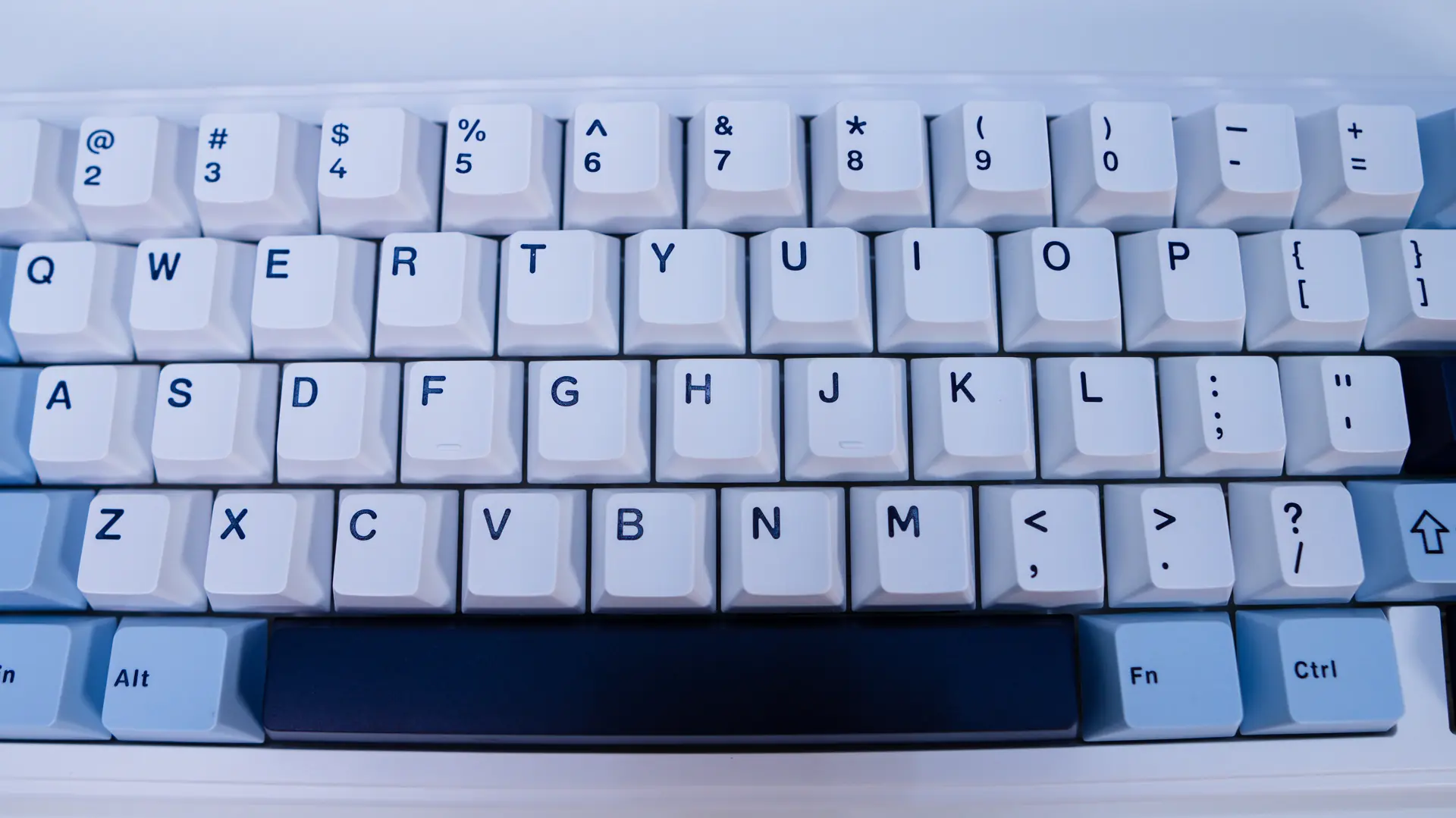
We received the “Blue” version of the keyboard, which essentially is a white keyboard with blue accents. So the chassis of the keyboard is white then you have mostly white keycaps with some keycaps towards the outside of the keyboard being either light blue or dark blue. Overall I have to say this keyboard does look pretty good.
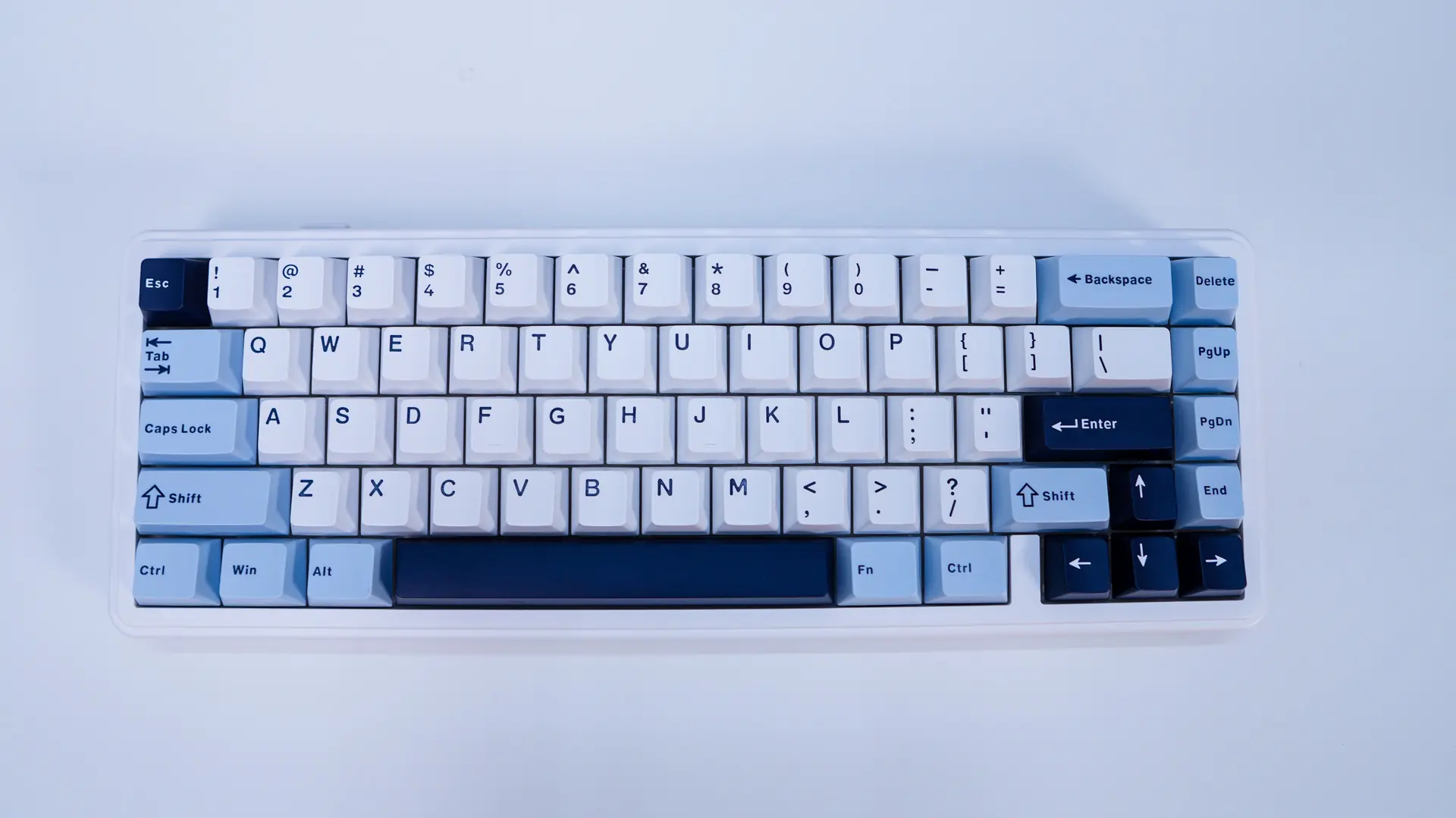
When it comes to the keycaps we have double-shot PBT keycaps that do have a Cherry profile. The white keycaps have blue legends, while the dark blue keycaps have white legends, and then finally the light blue keycaps have dark blue keycaps. These legends are not see-through so the RGB lighting that is below will not shine through.
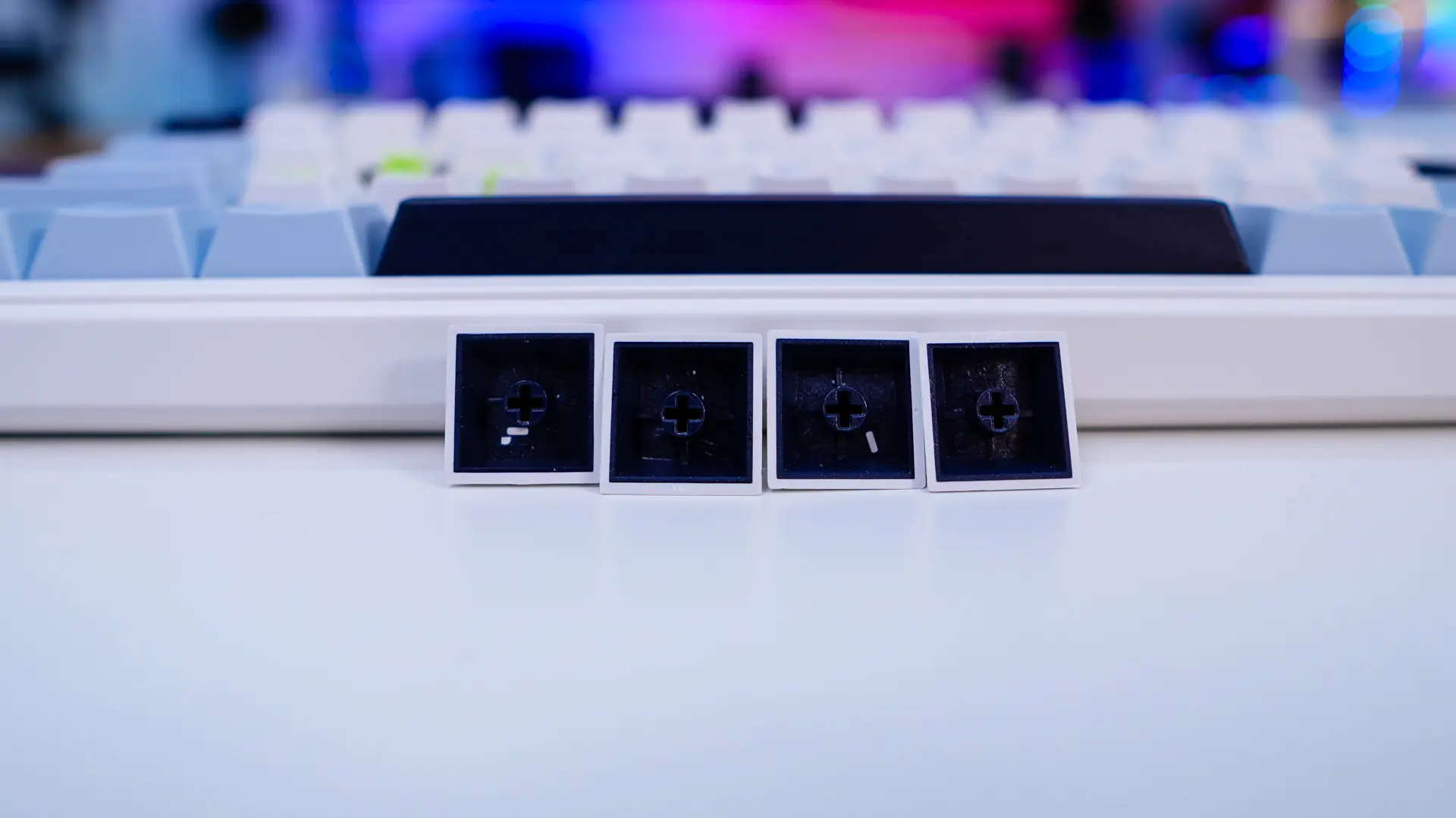
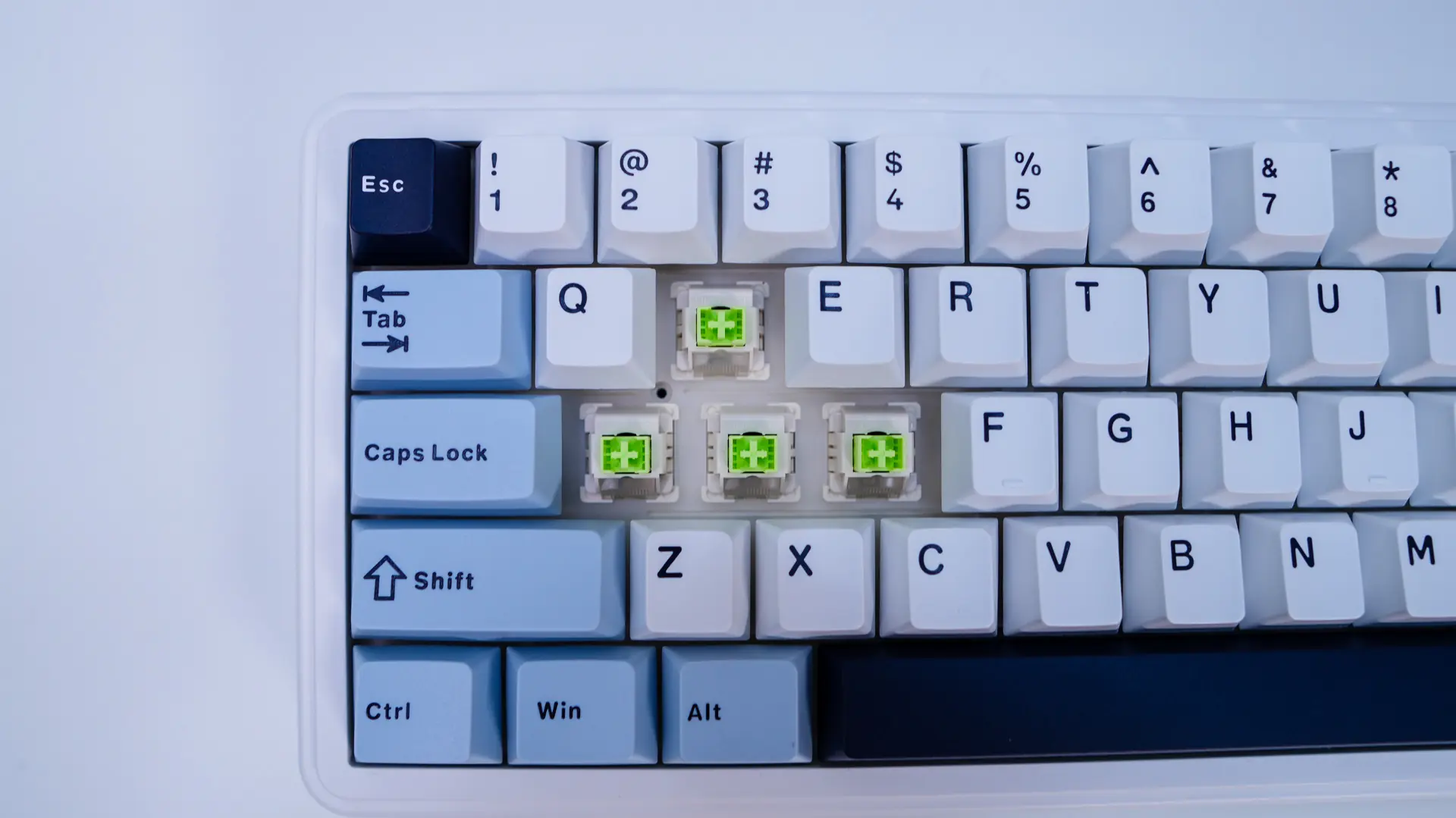
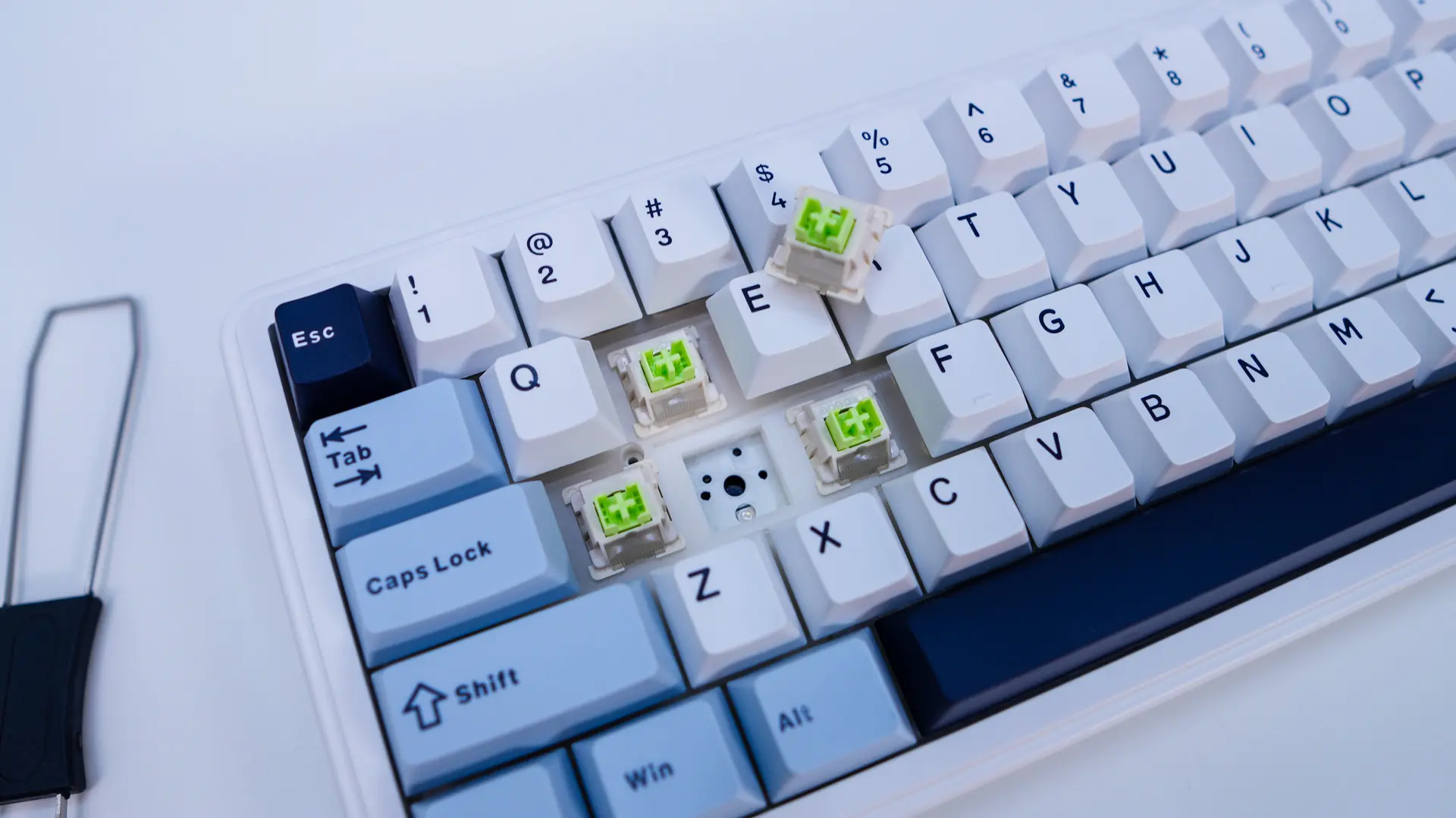
Under these keycaps you’ll find the LEOBOG Reaper mechanical key switches. These are a linear switch that have an actuation force of 45g and a bottom out force of 55g. They are rated for 60 million key strokes. The keyboard features a hot-swappable design so you can easily remove these switches and swap them out down the line if you like. If you are wondering this board is compatible with 3 or 5-pin mechanical switches.
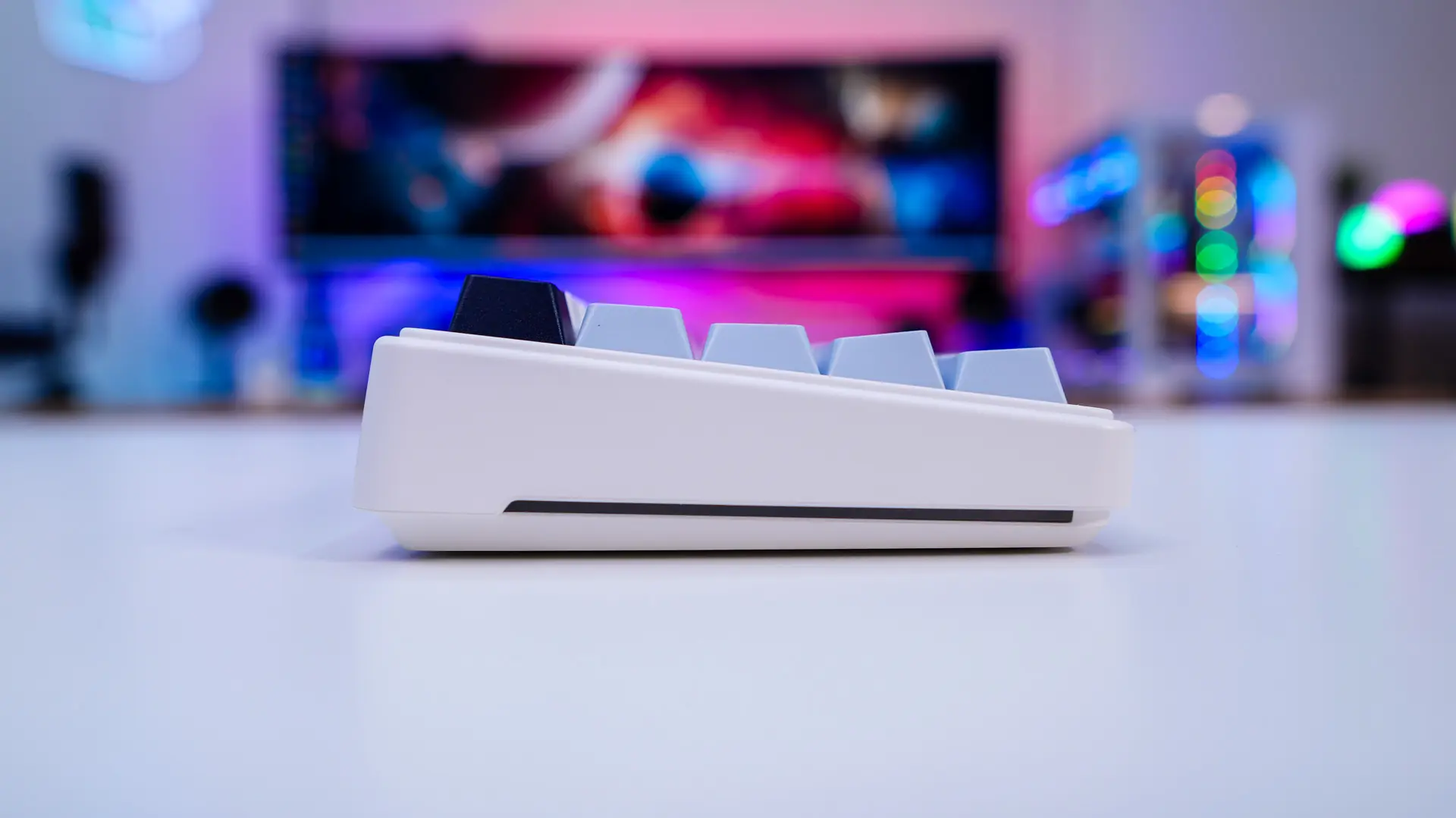
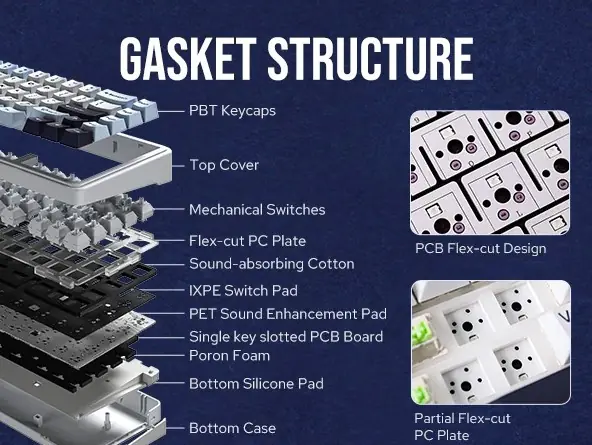
Looking at the keyboard from the side we can see it is set at an angle. This is the only angle you are going to get as there are no pop-out feet on this keyboard. We can also see the a small RGB strip, which you’ll find on both sides of the keyboard. If you are wondering the chassis of the keyboard is made of plastic, but it feels solid overall. Under the hood is going to be a five-layer sound and shock-absorbing design, including two layers of Poron foam, an IXPE switch pad, a PET sound enhancement pad, and a bottom silicone pad. The top plate is a flex-cut PC plate, so you are going to see more flex than say an aluminum top plate.
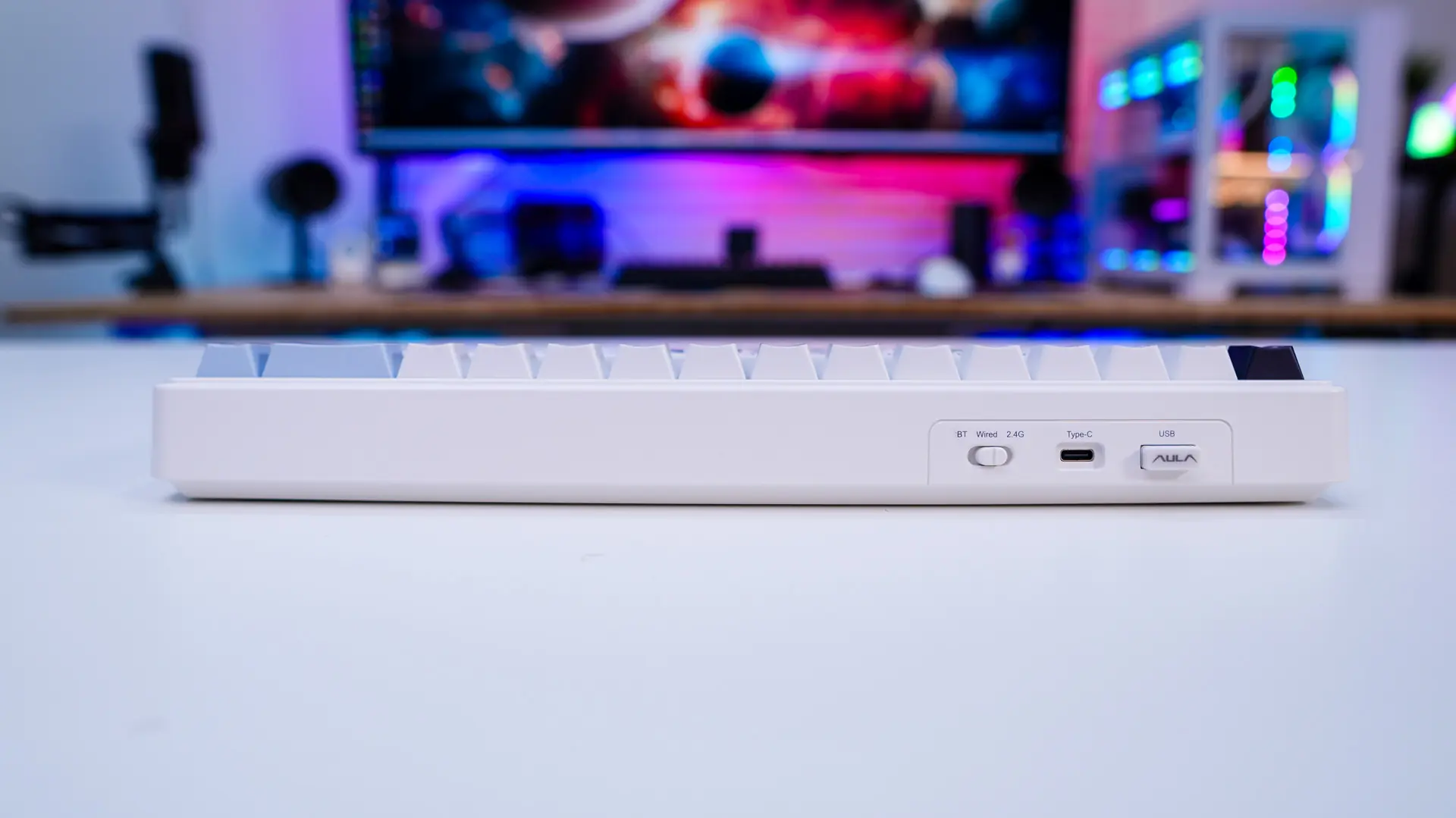
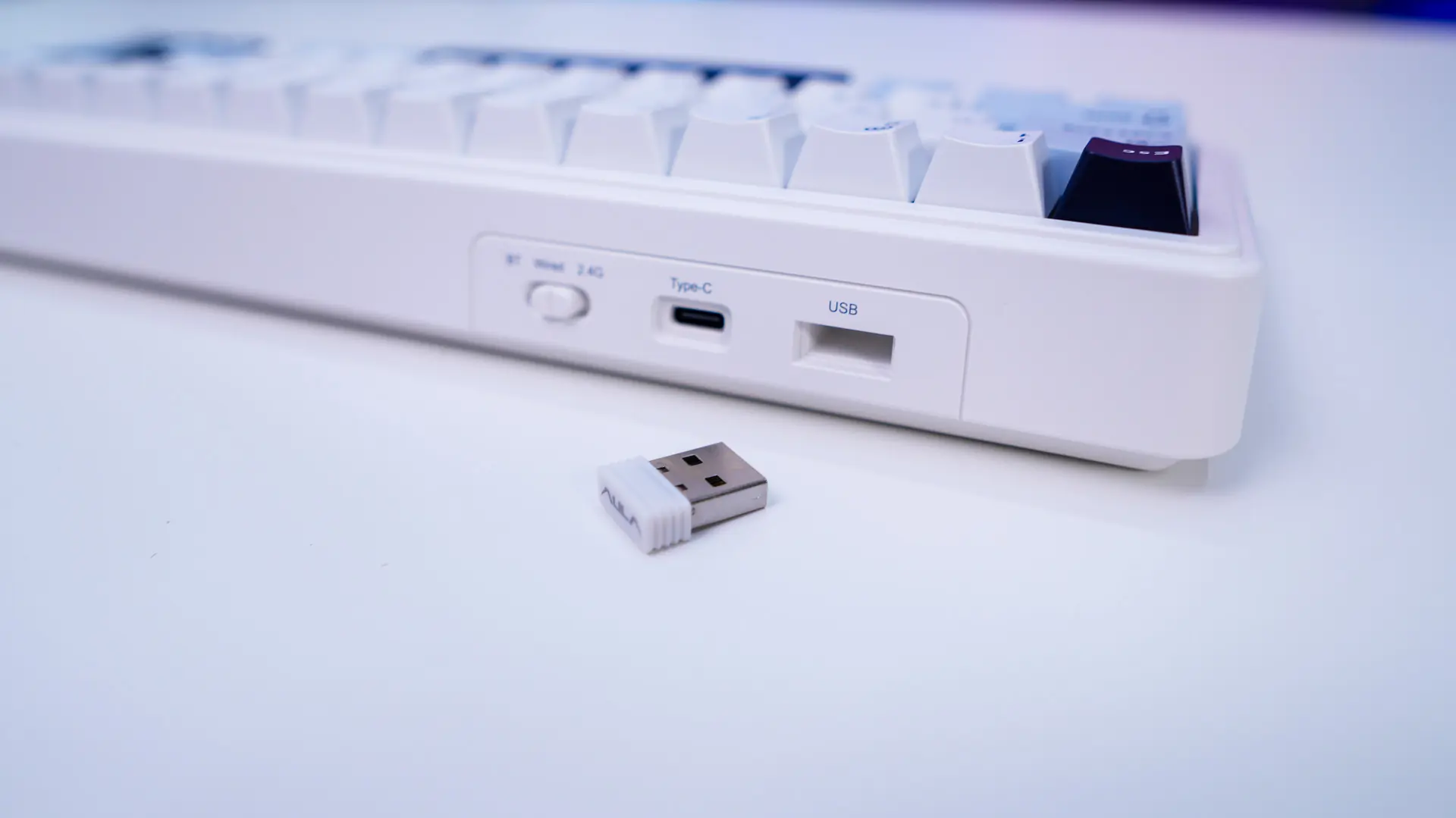
On the top-edge of the board you’ll find a switch to toggle between Bluetooth, wired, or 2.4 GHz modes, a Type-C connection, and your 2.4 GHz dongle. The dongle is your typical USB mini dongle and it gets conveniently placed into the keyboard when you are not using it.
Flipping the keyboard over we find four rubber feet which will keep it from moving around on your desk. Remember there are no pop-out feet so there is no height adjustment.