Lighting on the EPOMAKER x AULA F65 Keyboard
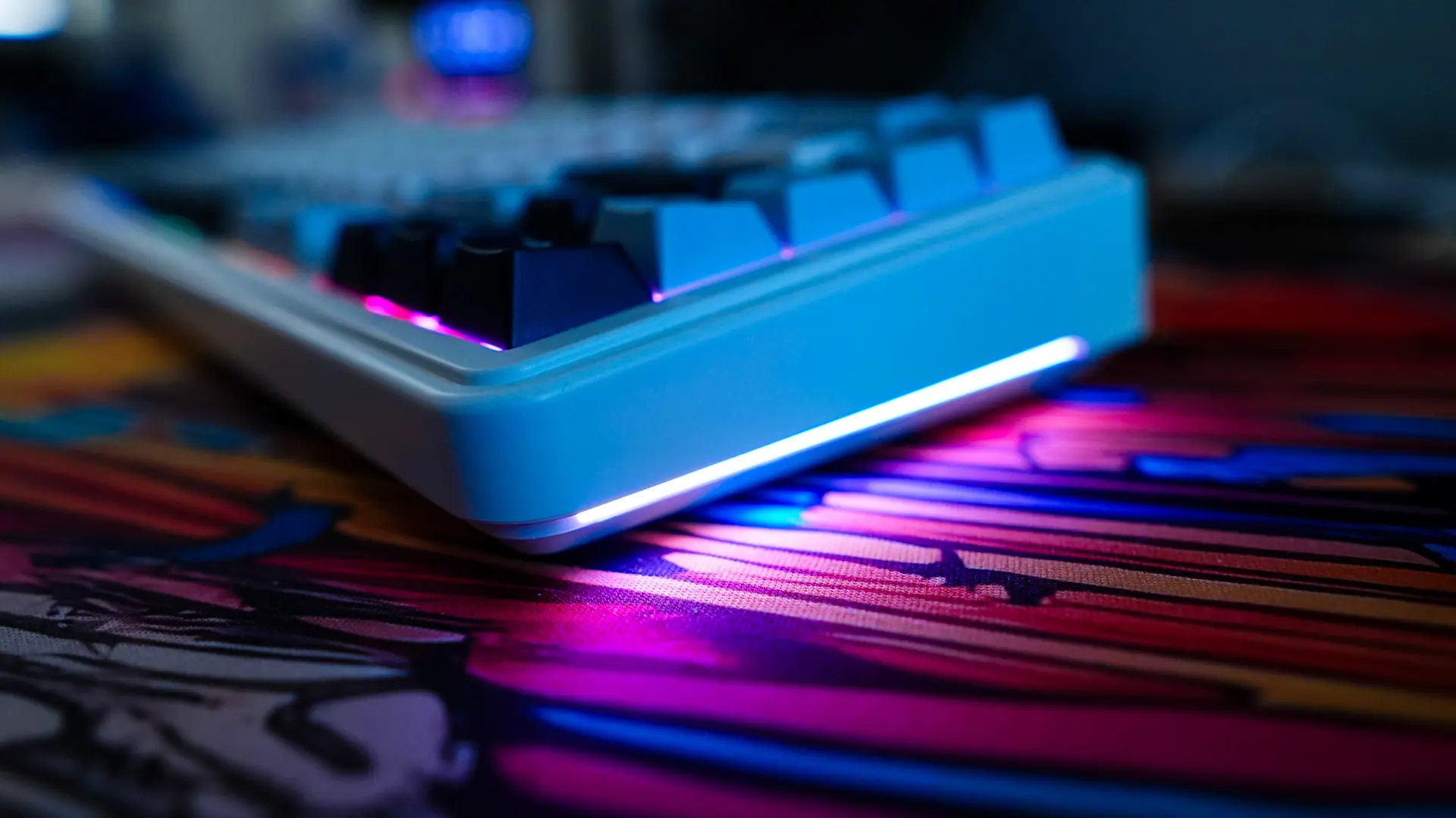
There is full per-key RGB lighting on this keyboard. Now it is not going to turn heads as you don’t have see-through legends on the keycaps, but since this is a more white keyboard you will be able to see the lighting pretty well.
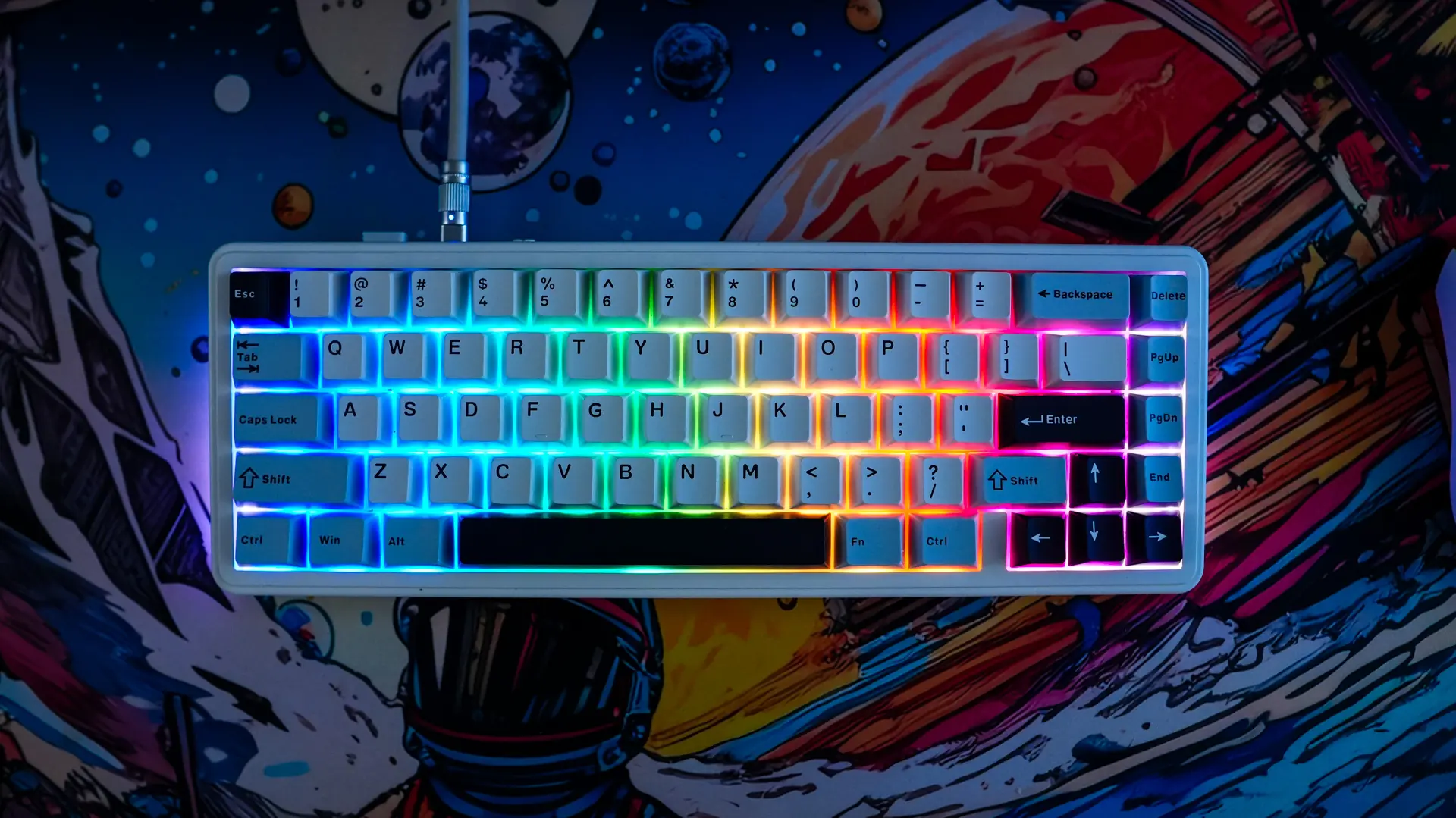
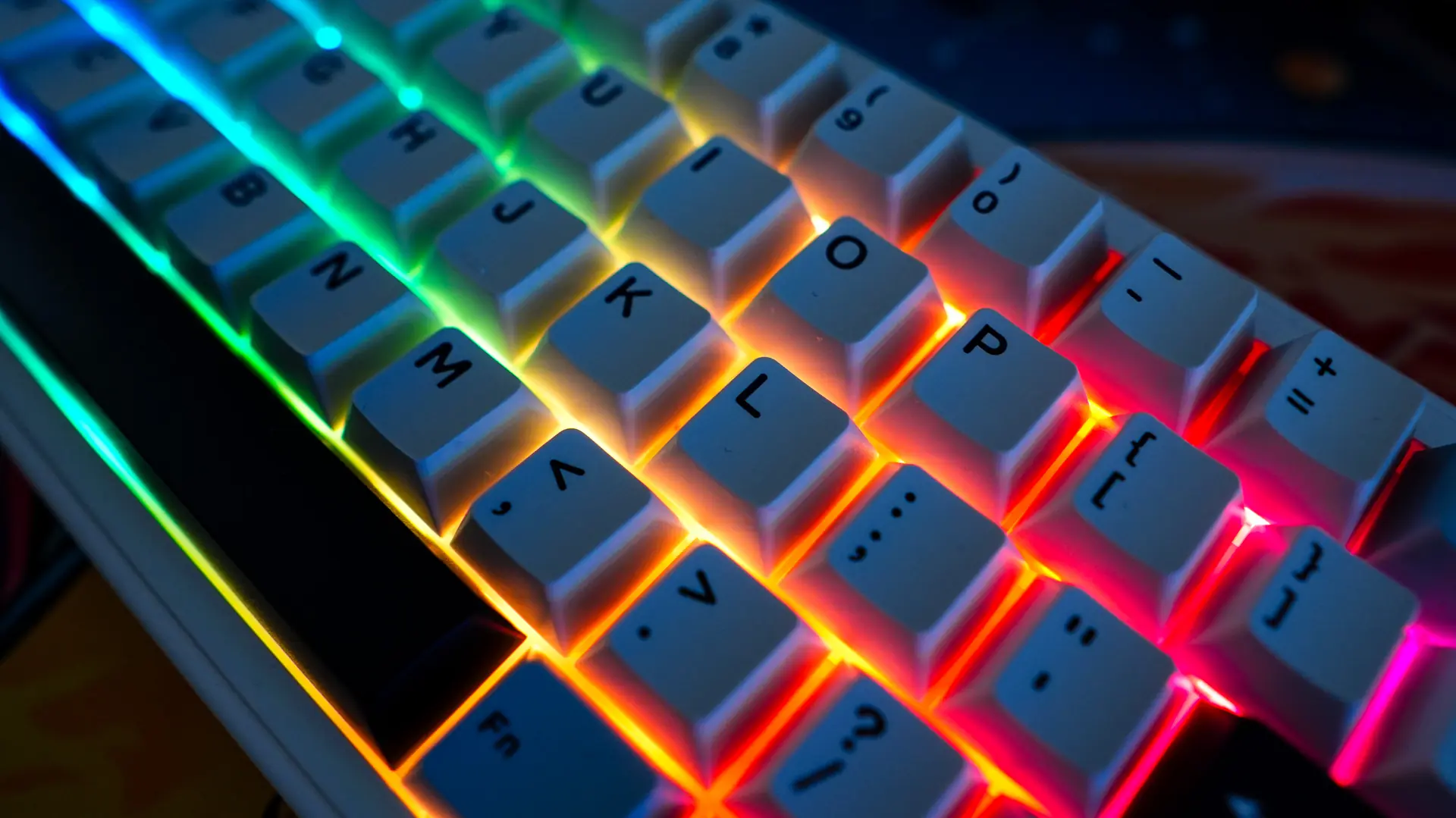
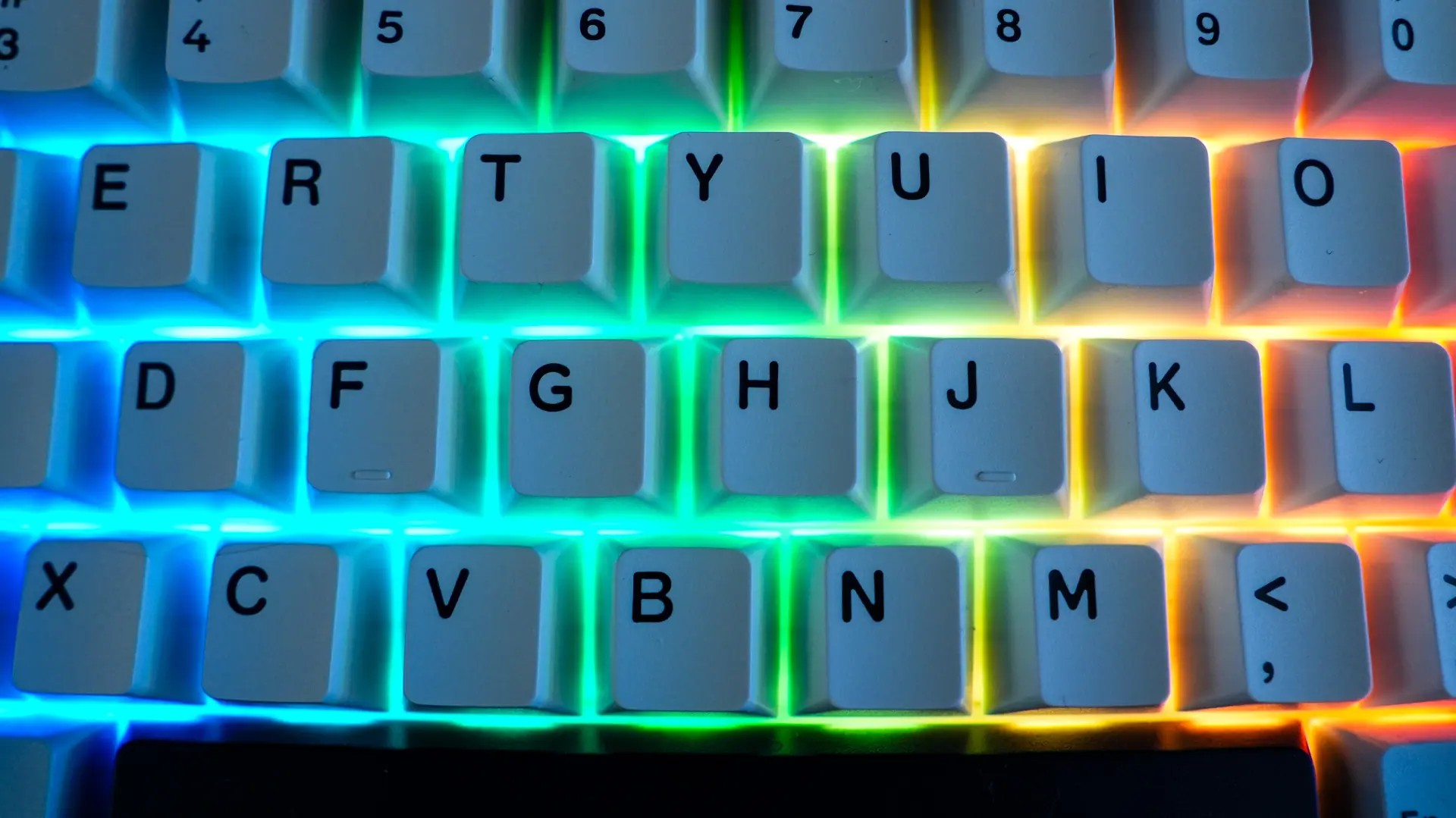
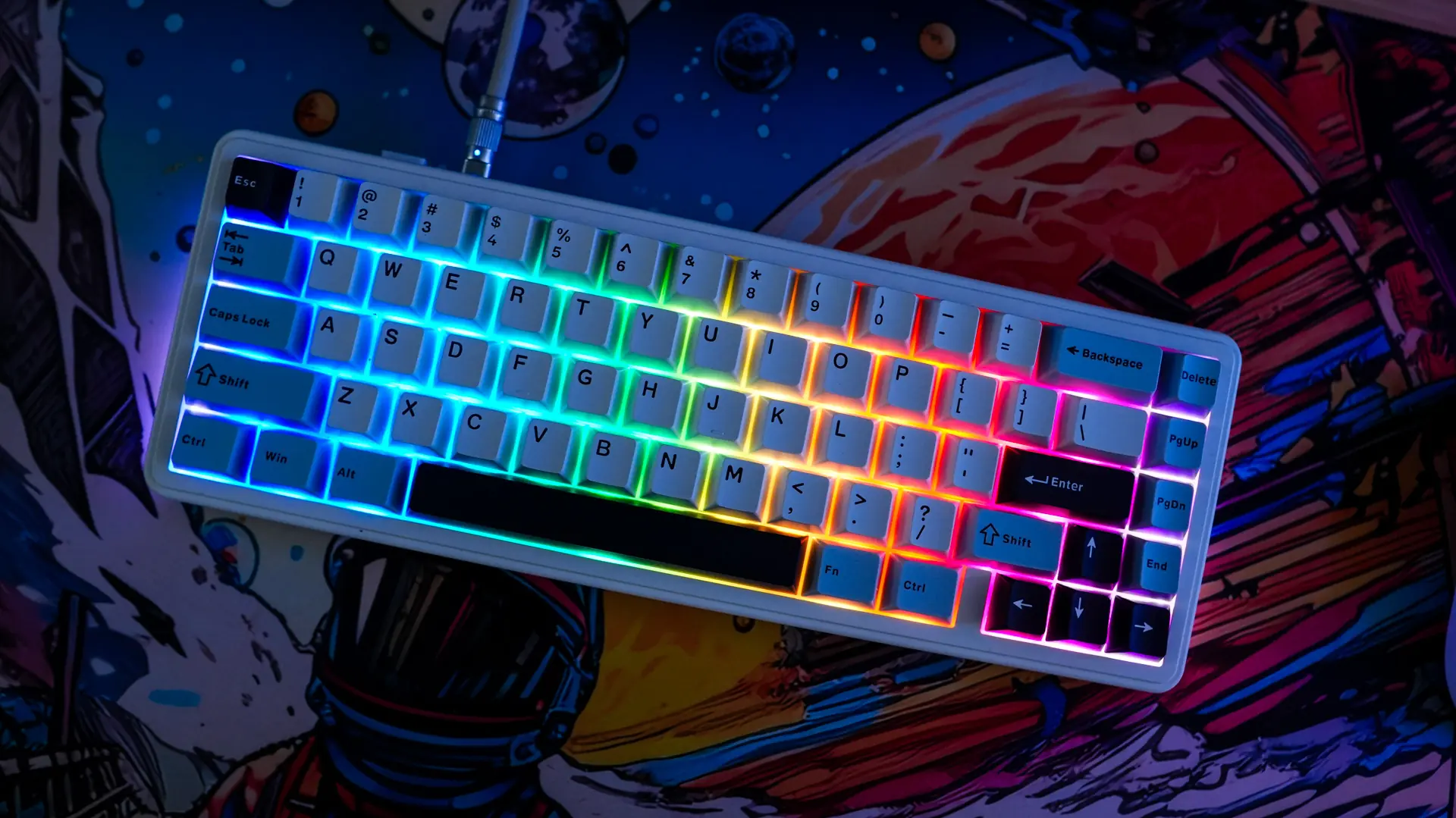
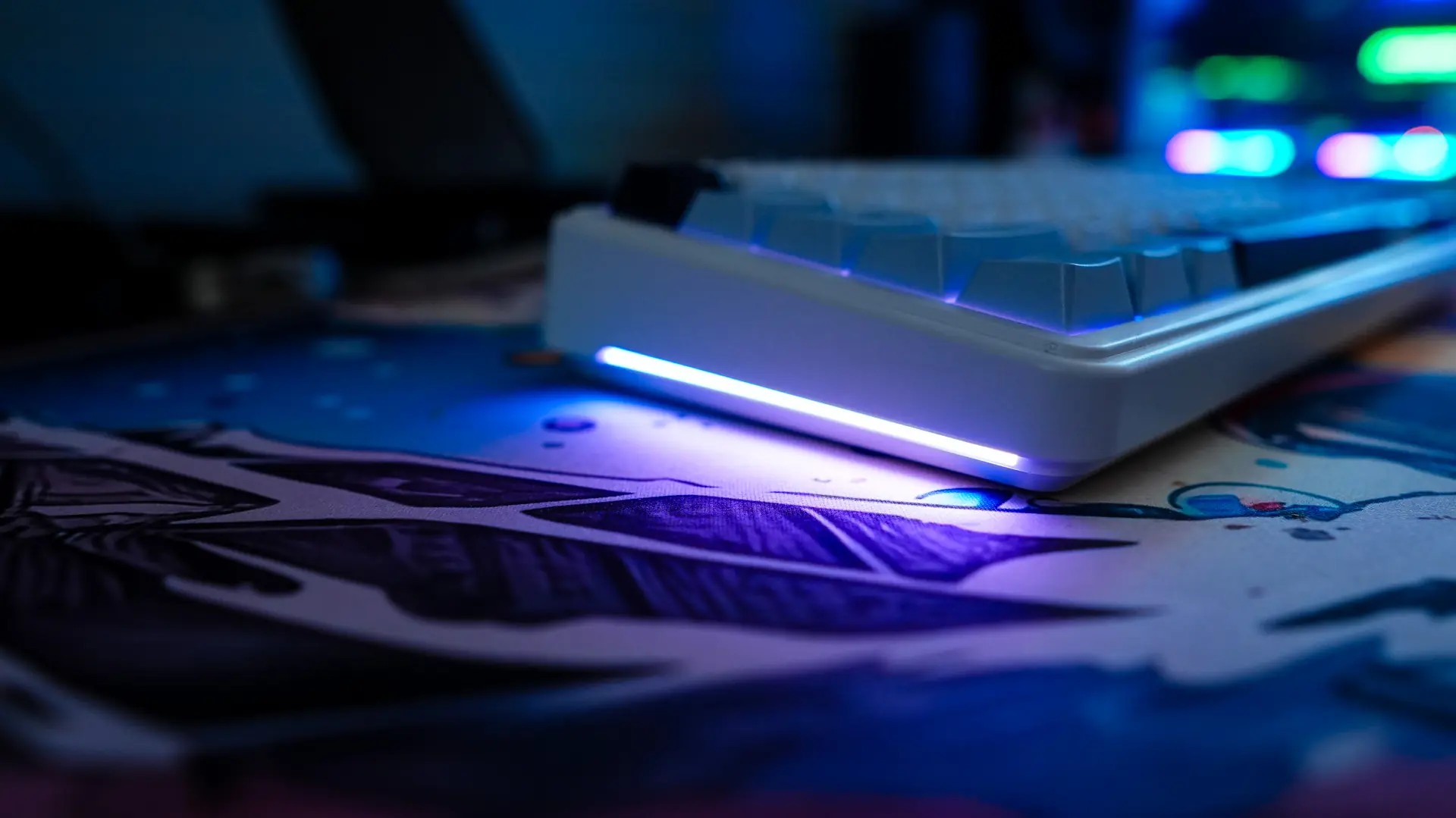
The accent lighting on the side of the keyboard is quite nice too and will provide a bit of an under glow on your desk.
Software for the EPOMAKER x AULA F65 Keyboard
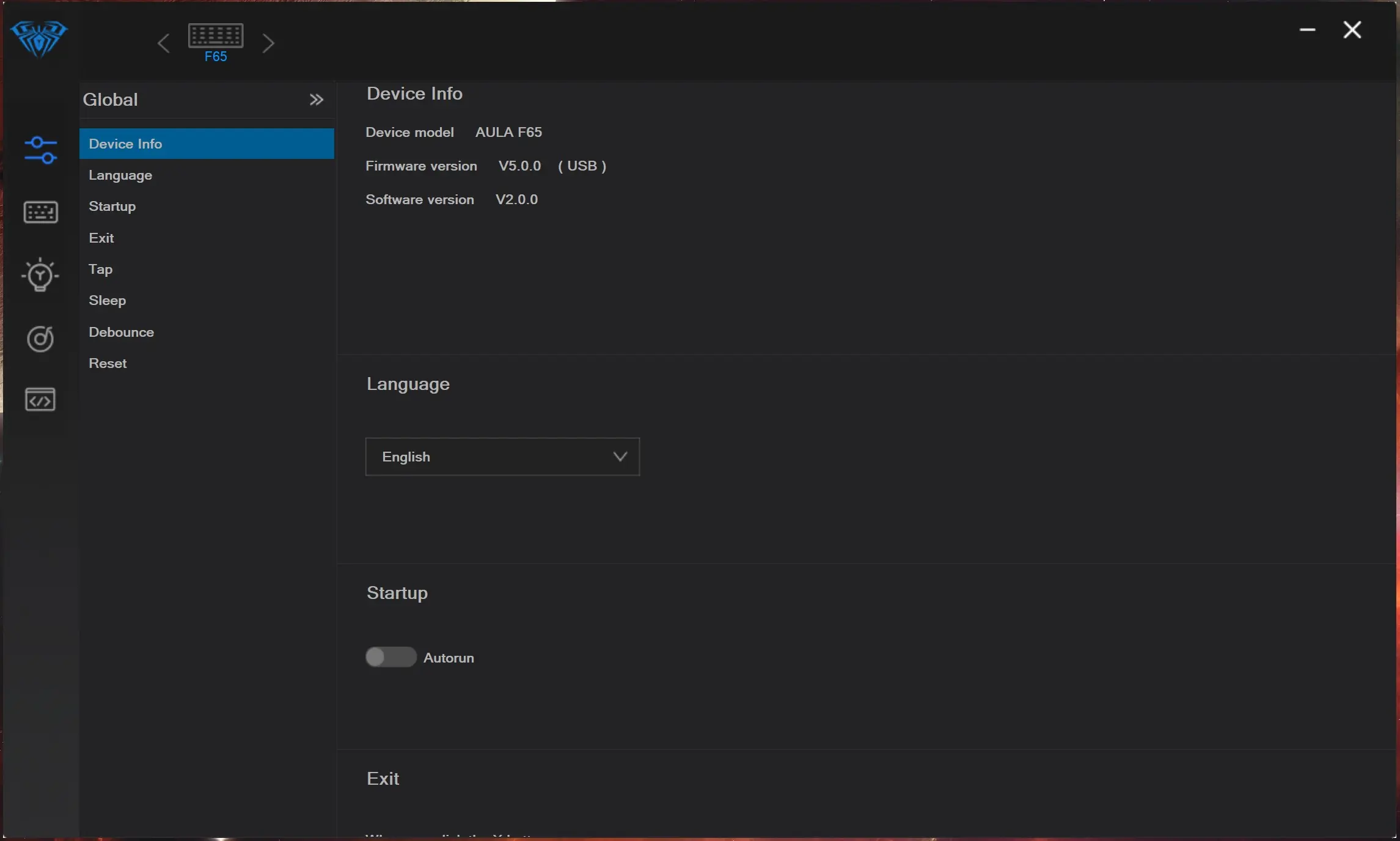
While there are many keyboard shortcuts for specific actions and changing the lighting effects you can make things easier by downloading the software for the keyboard. This software is very basic, but will get the job done. One thing I did notice is that it seems the software is stretched or something, even though I don’t have Windows scaling turned on.
The first tab of the software is for your settings so you can check firmware versions, and change a few other settings on the keyboard.
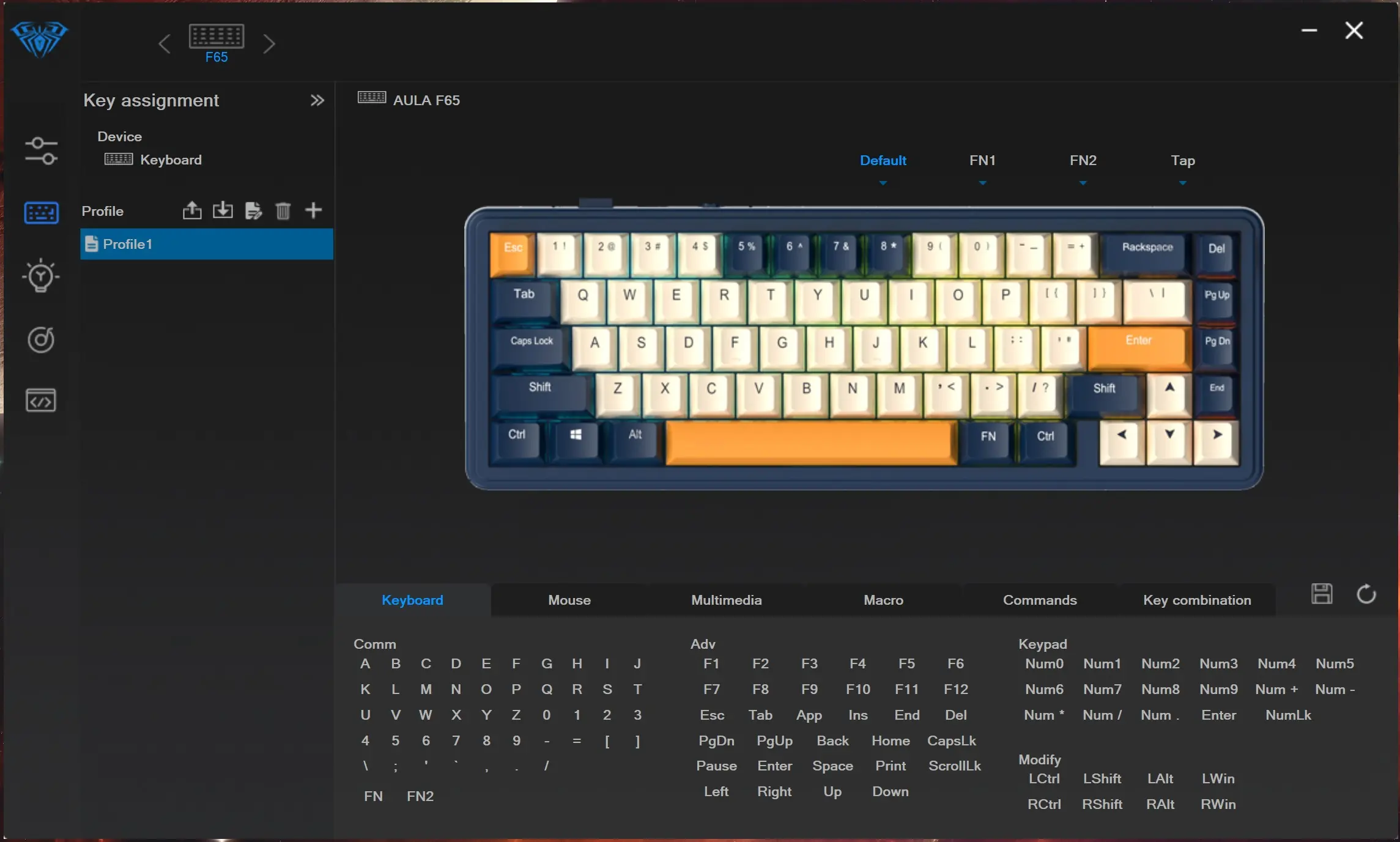
After that you have your key bindings and you can essentially reprogram the entire keyboard.
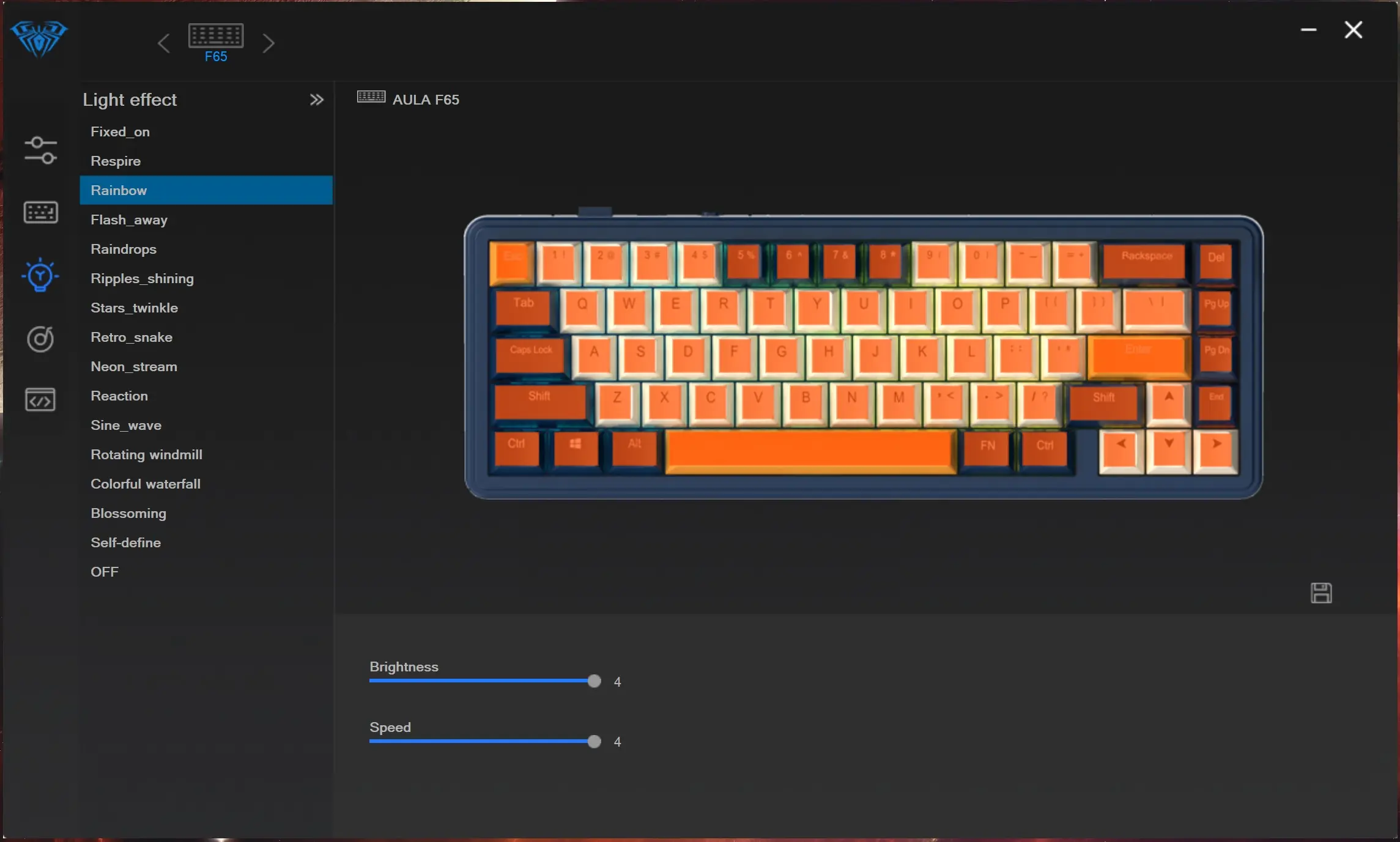
Next is going to be your lighting settings and there are a bunch of different effects to choose from.
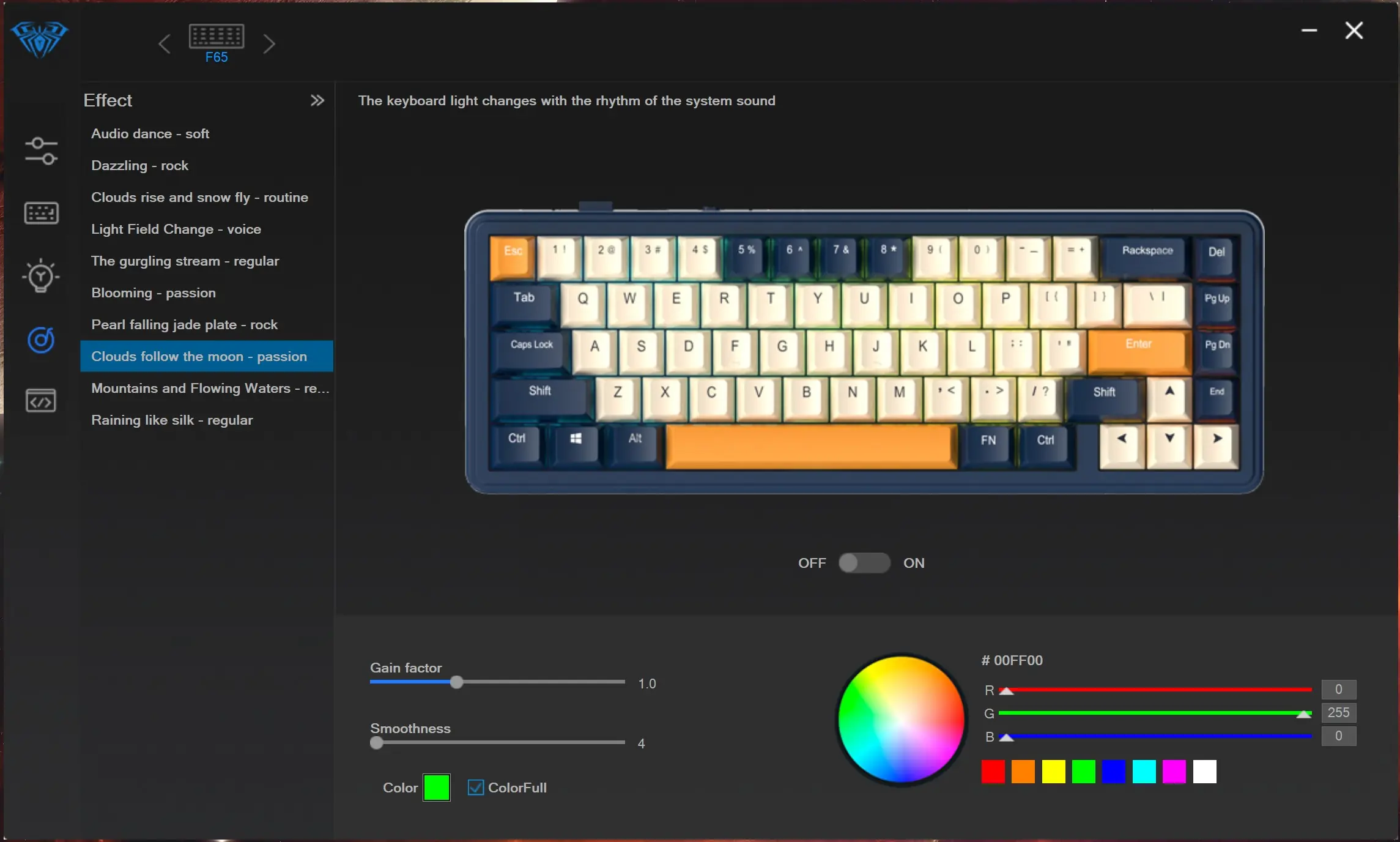
Then here are some lighting settings if you want the keyboard lighting to react to music.
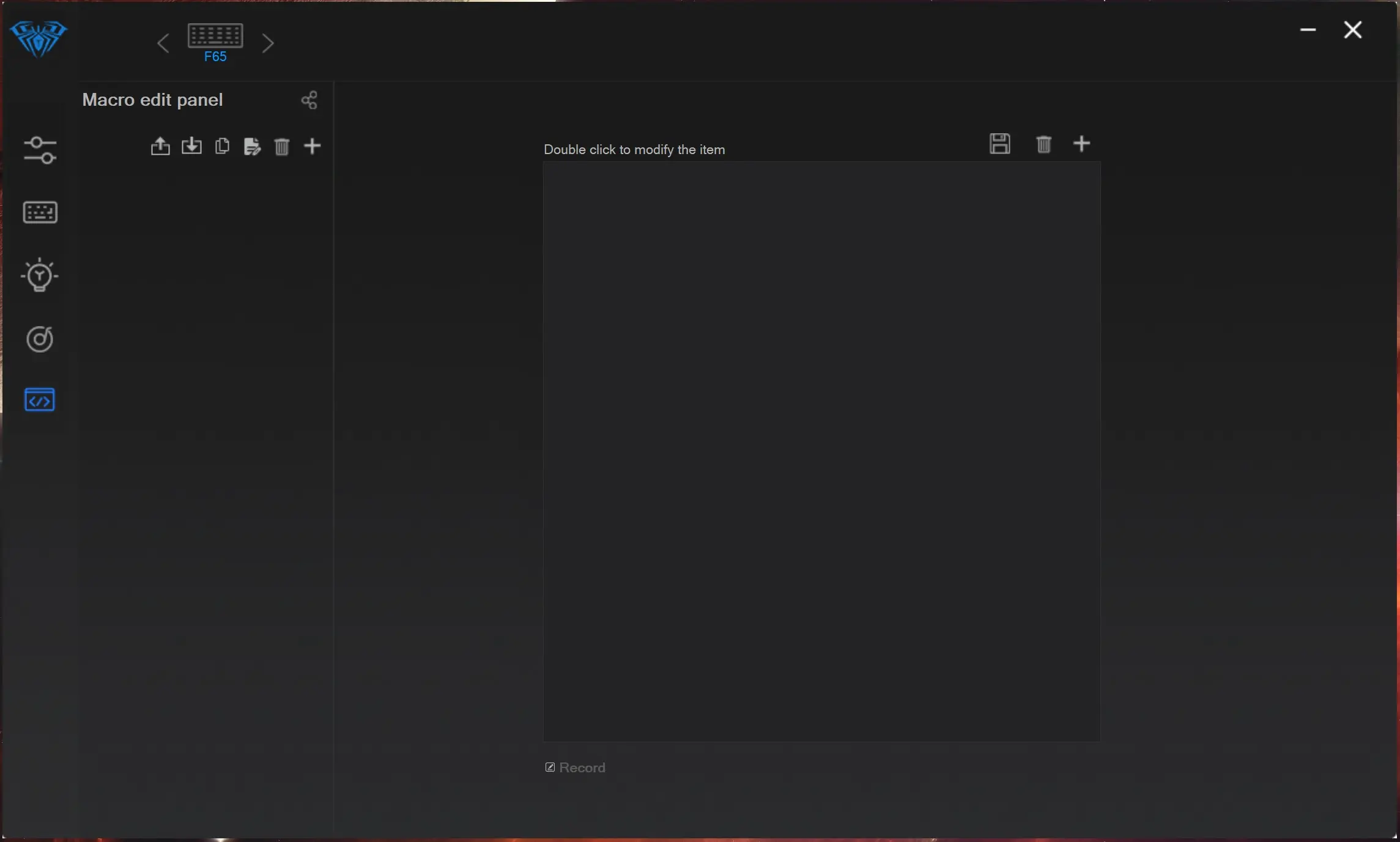
Finally there is a macro editor.