
Fractal Design Scape Gaming Headset Overview
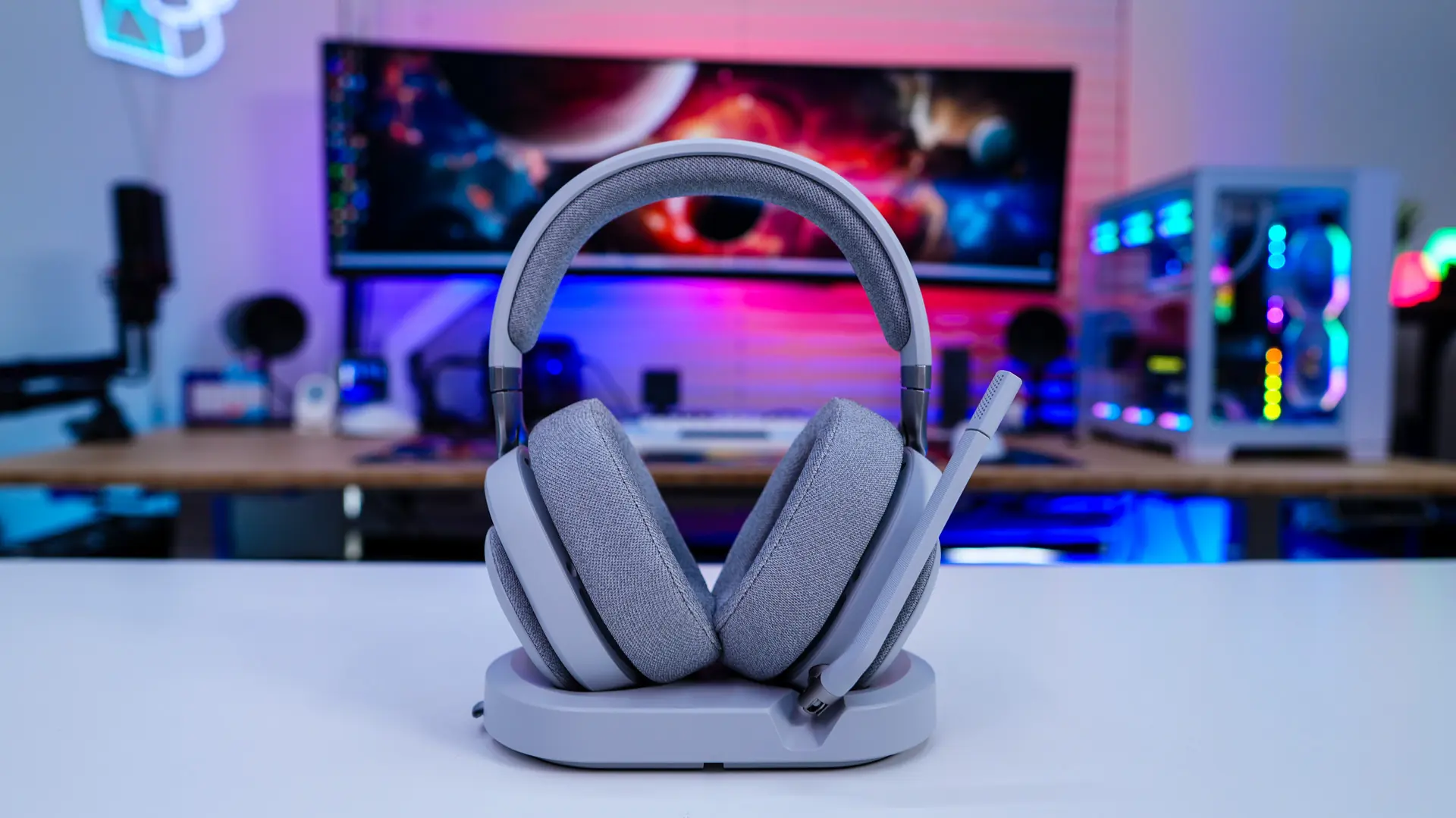
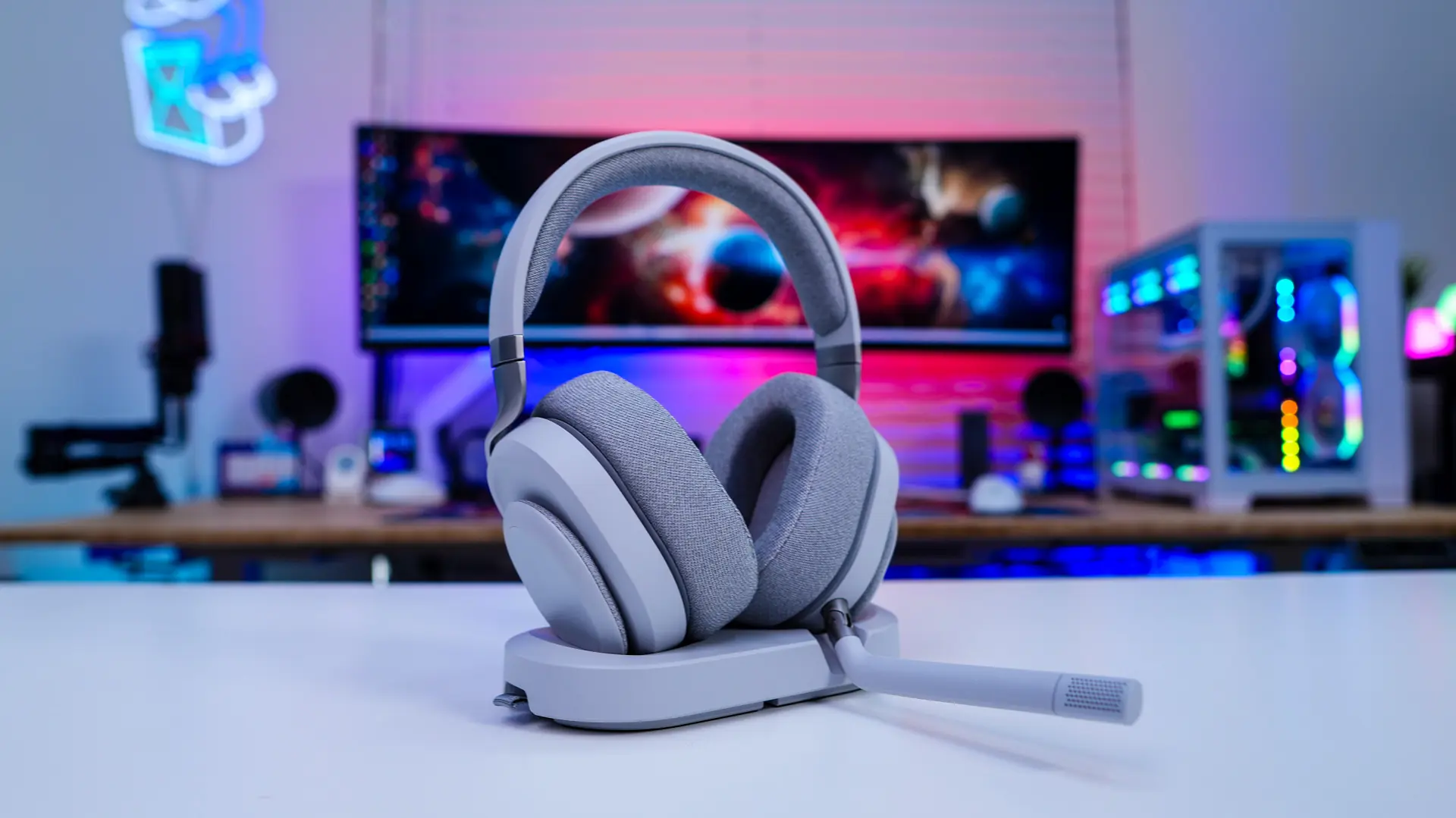
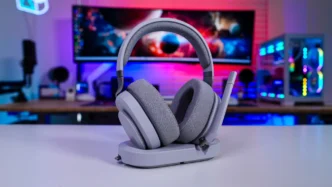
Taking a first look at the Scape gaming headset we have the “Light” version which is a light grey color with matching grey fabric. It actually matches up with Fractal Design’s Refine gaming chair quite well. Fractal will also be offering the headset in a “Dark” version which is all black.

Starting with the headband on the Scape is is actually quite flexible, which means it should adjust to the size of your head pretty effortlessly. The headband does have a soft fabric cushion on it.

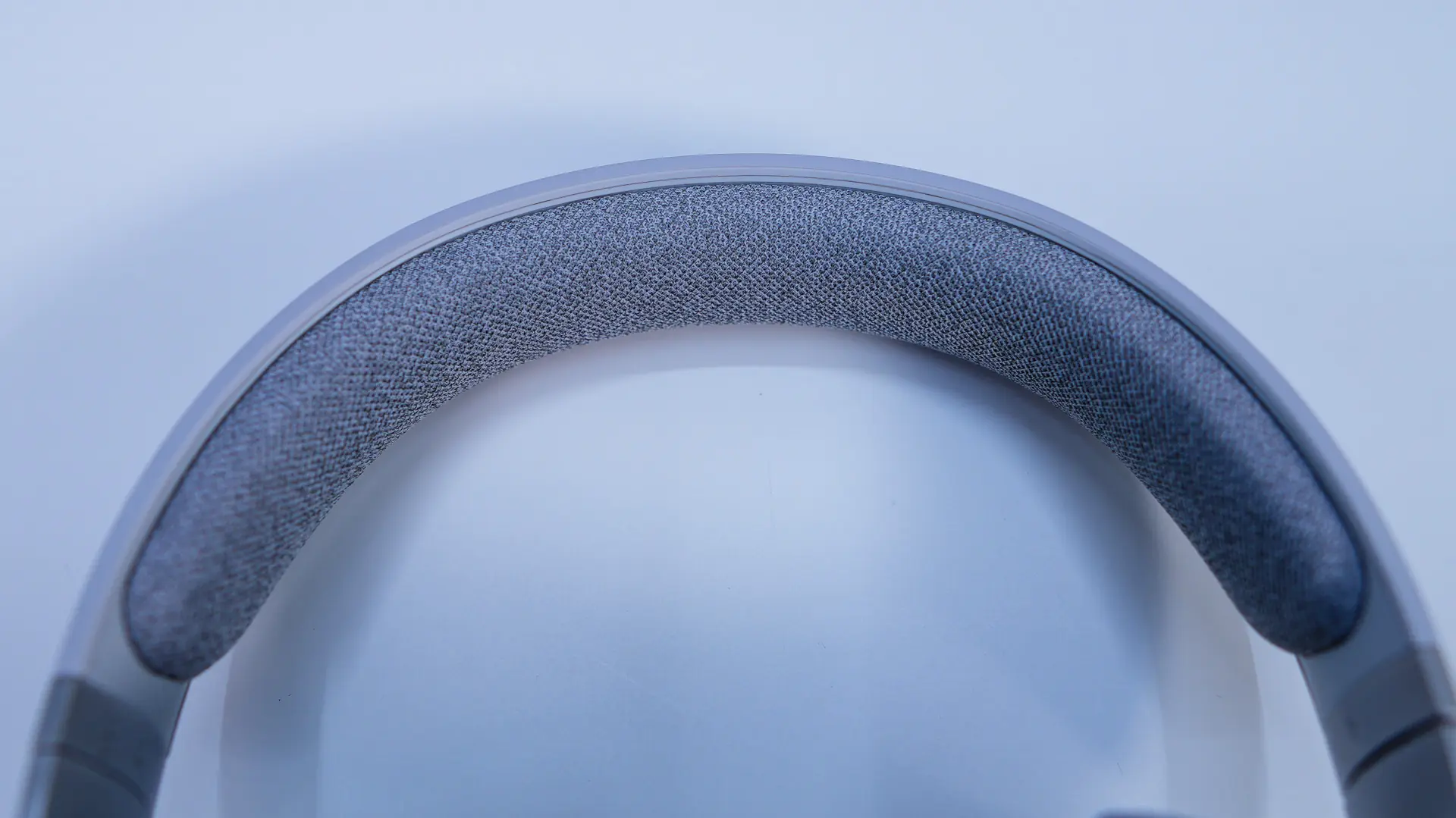
The headband offers stepless adjustments which are quite smooth. We can also see that the frame of the headset is an aluminum alloy. On the inside of the headband it lets us know which side is right or left.
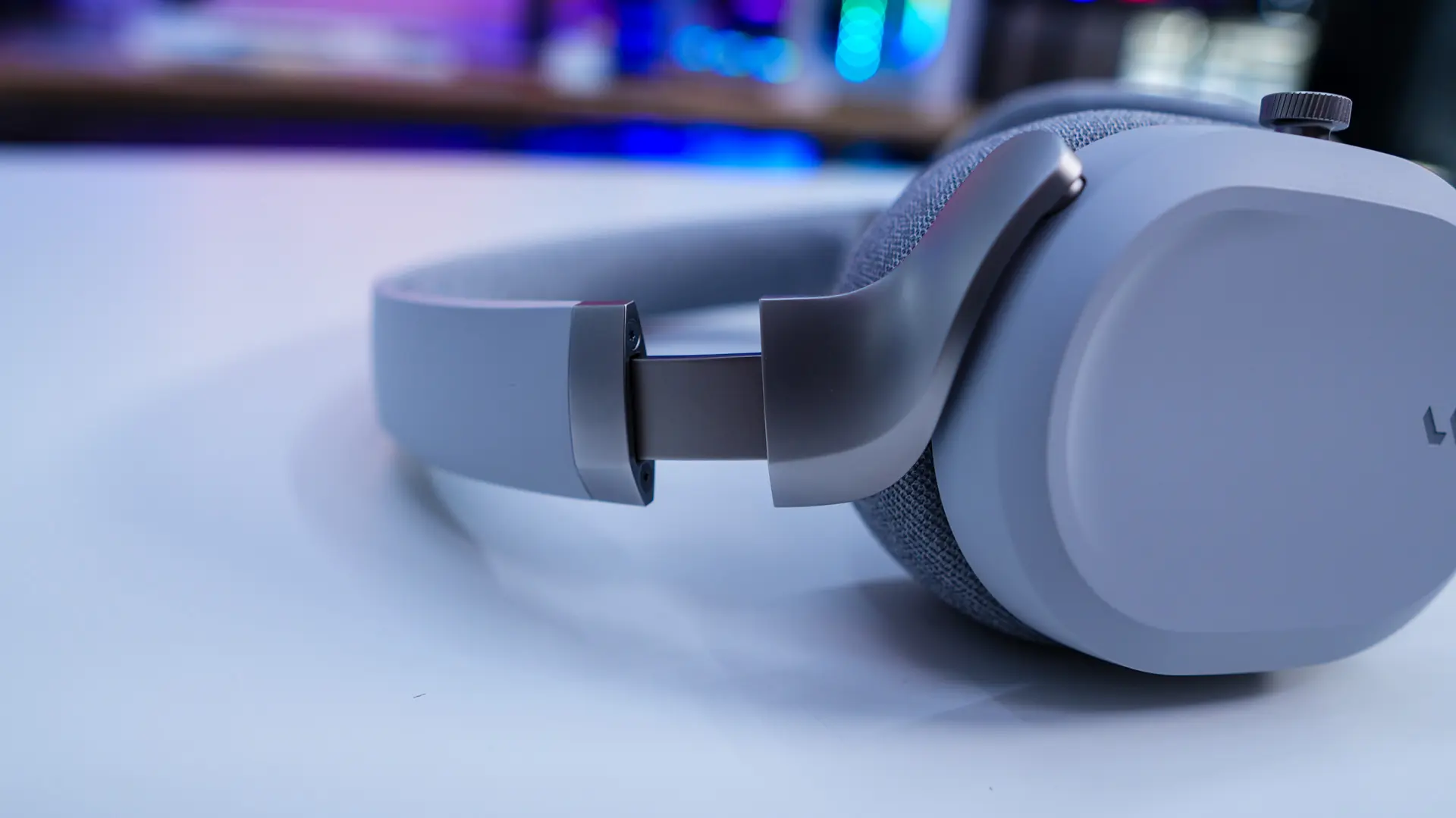
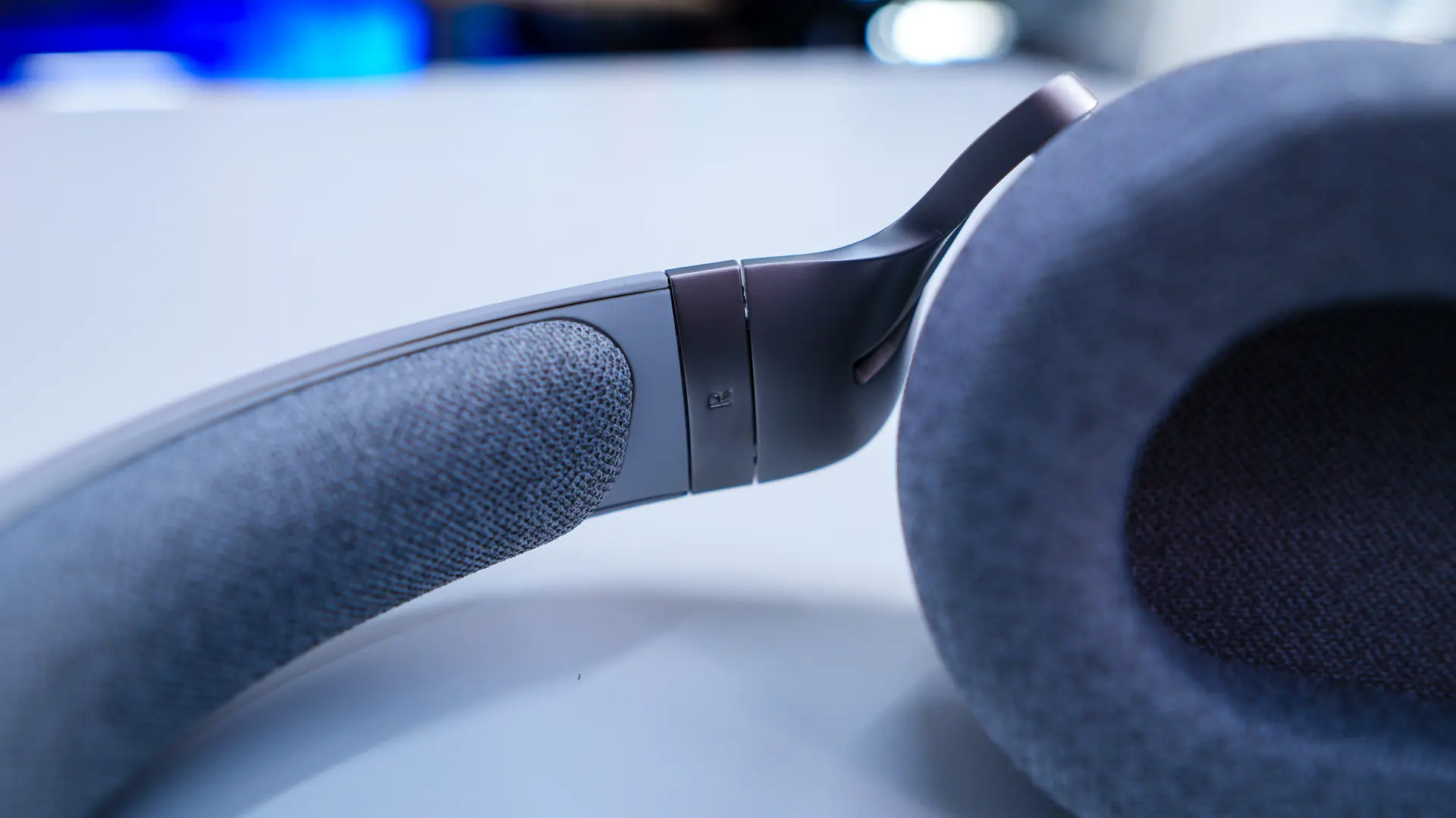
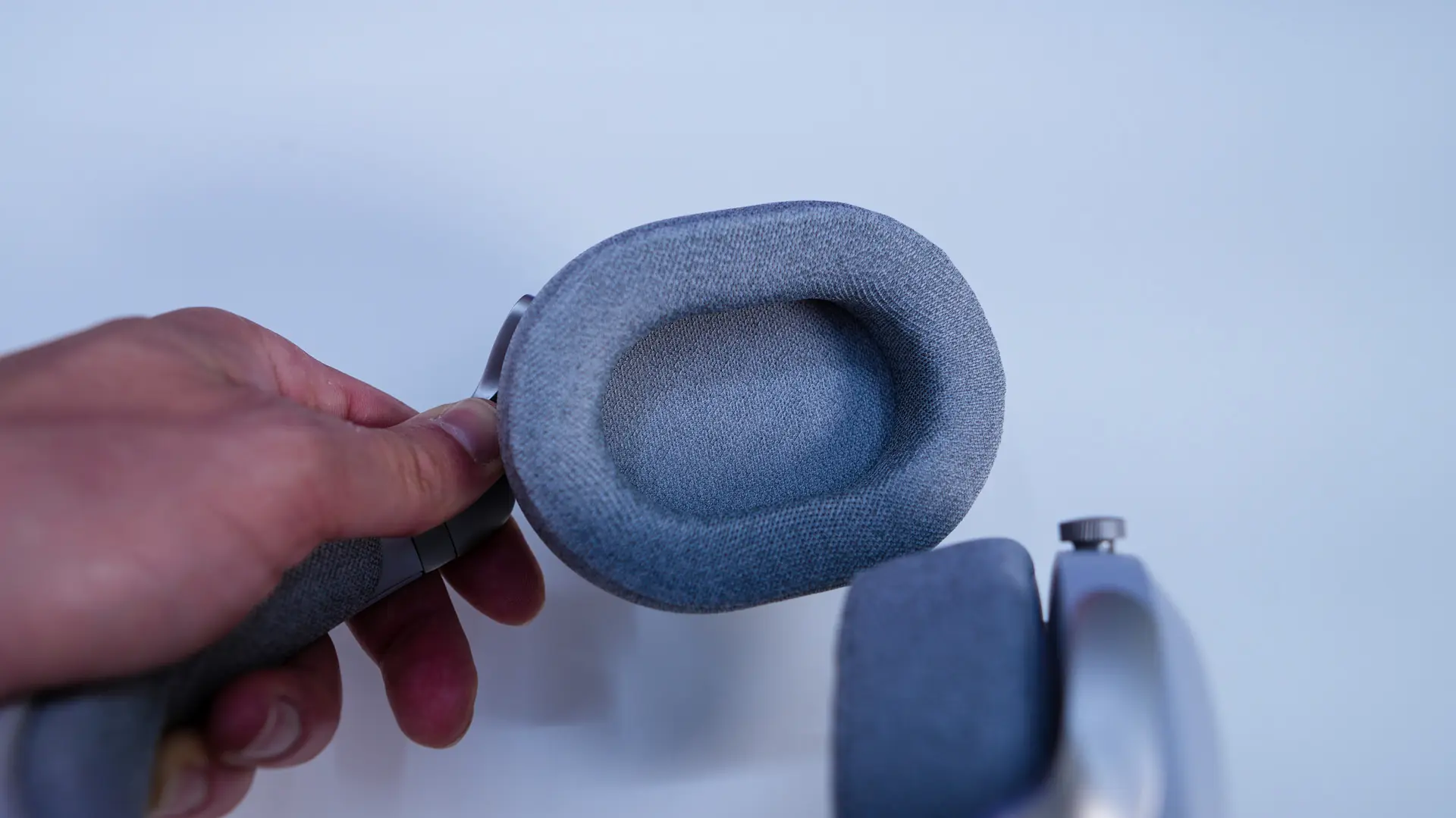
Moving on to the earcups, these have a small Fractal Design logo on each side. In terms of size I would say the earcups are a medium size, but are definitely meant to sit over your entire ear, not just sit on them. Fractal Design is making use of the same type of fabric cushioning that is was on the headband, but it is a bit thicker here. As far as drivers go we have 40mm drivers.

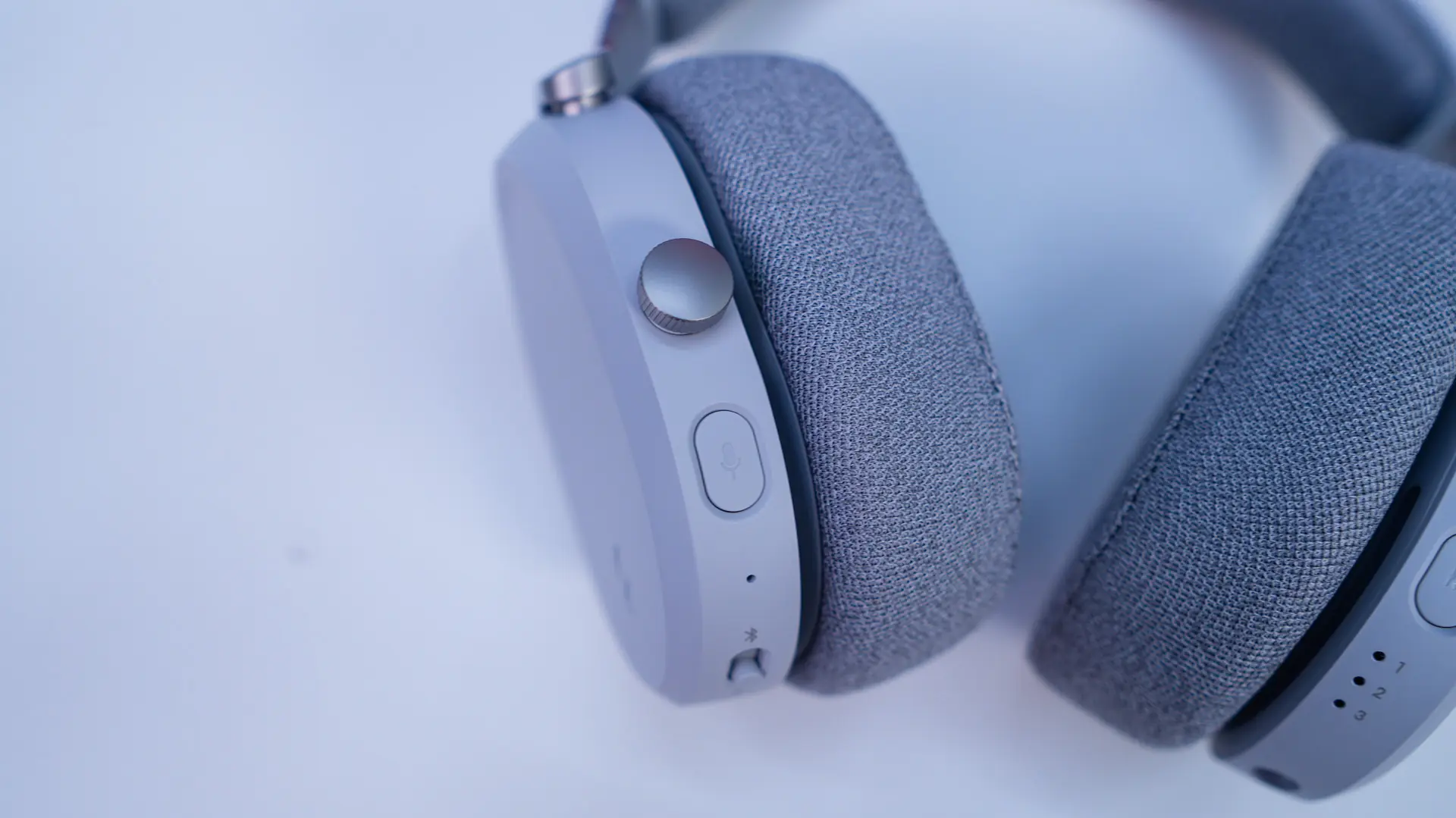
On each earcup you’ll find controls and more. On the left earcup is a large control crown. This is set to adjust your volume up and down, but if you press it in it acts as a play/pause button. I actually like this crown as it is much easier to use than normal buttons or dials I’ve seen on other headsets. Below the crown is a microphone mute button, a small microphone (if you happen to forget the detachable microphone), a mode button, and a small power button. There is also an opening to install the detachable microphone, more on that in a second.
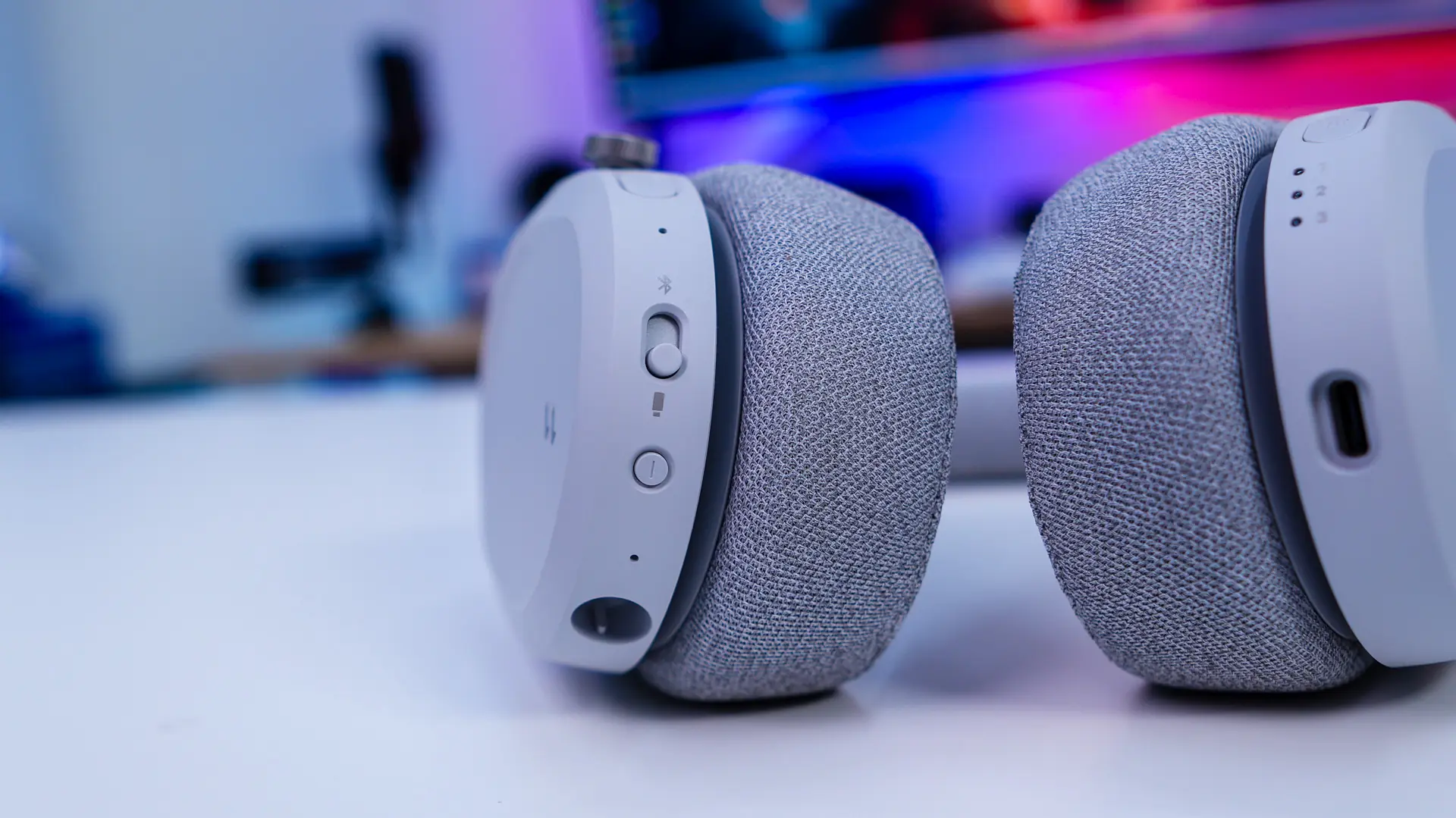
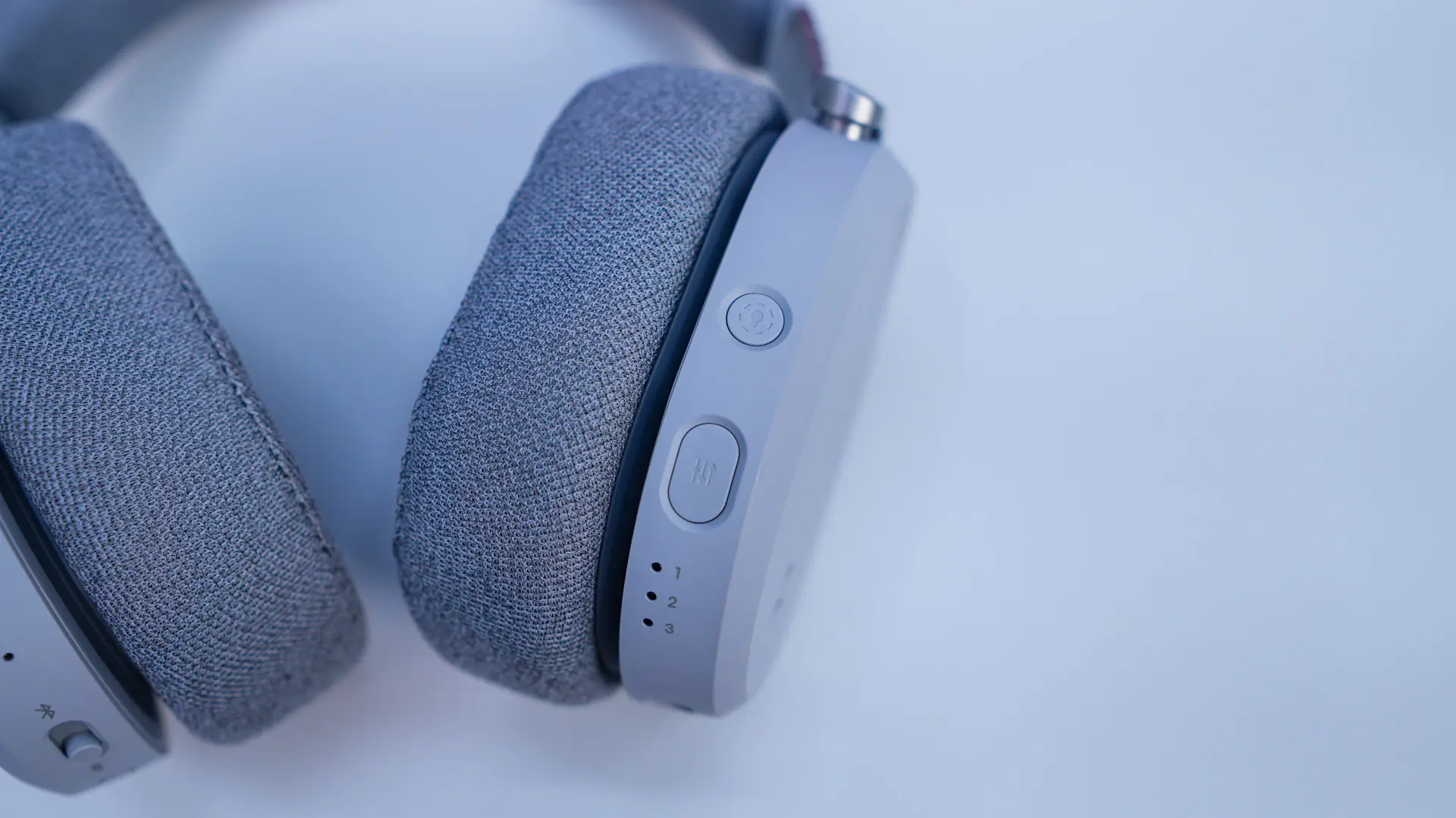
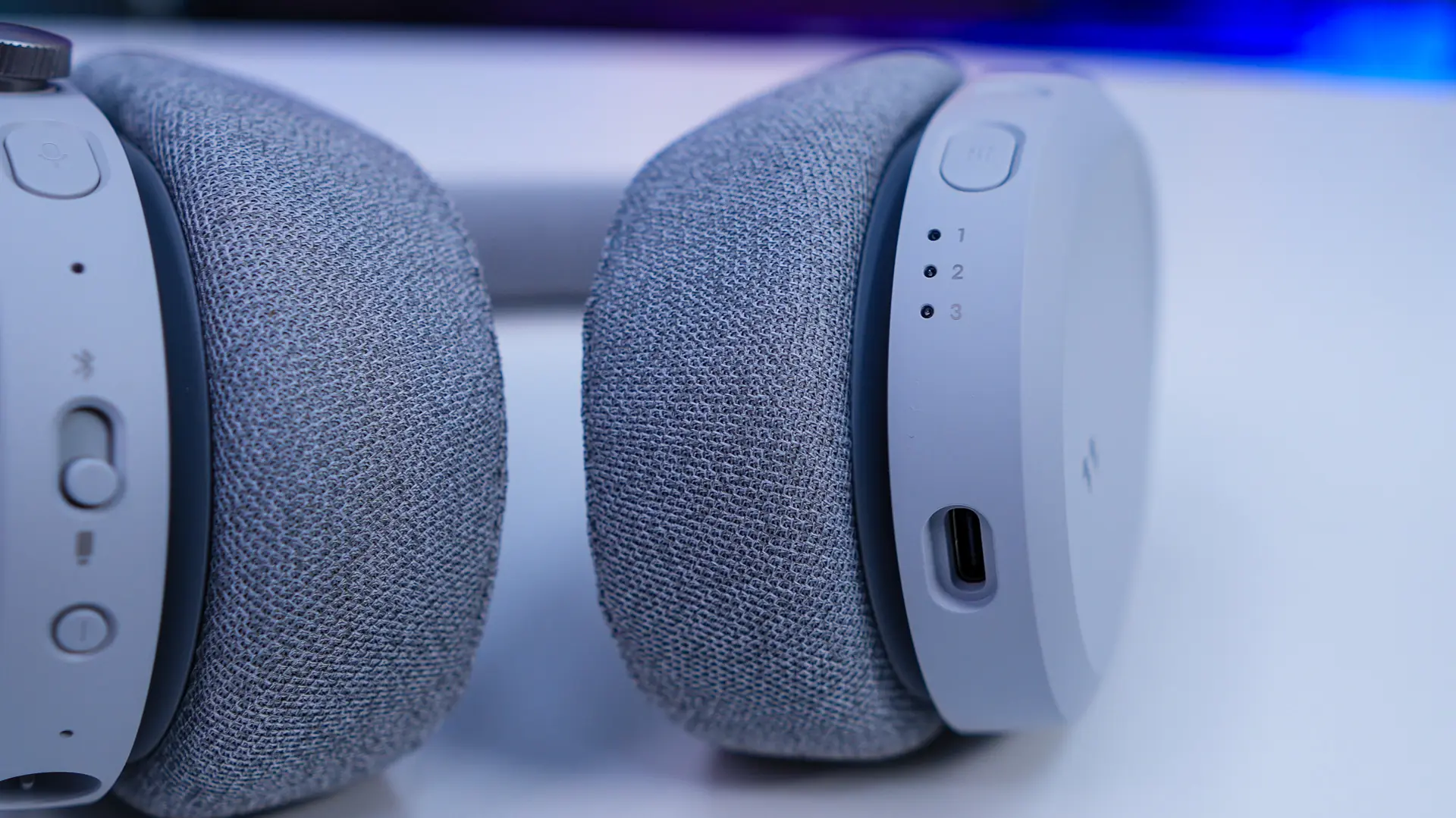
On the opposite side there is a RGB button, EQ button, 3 LEDs which will let you know which EQ mode you are on, and a USB-C connection. The USB-C connection can be used to use the headset as a USB headset or to charge it.
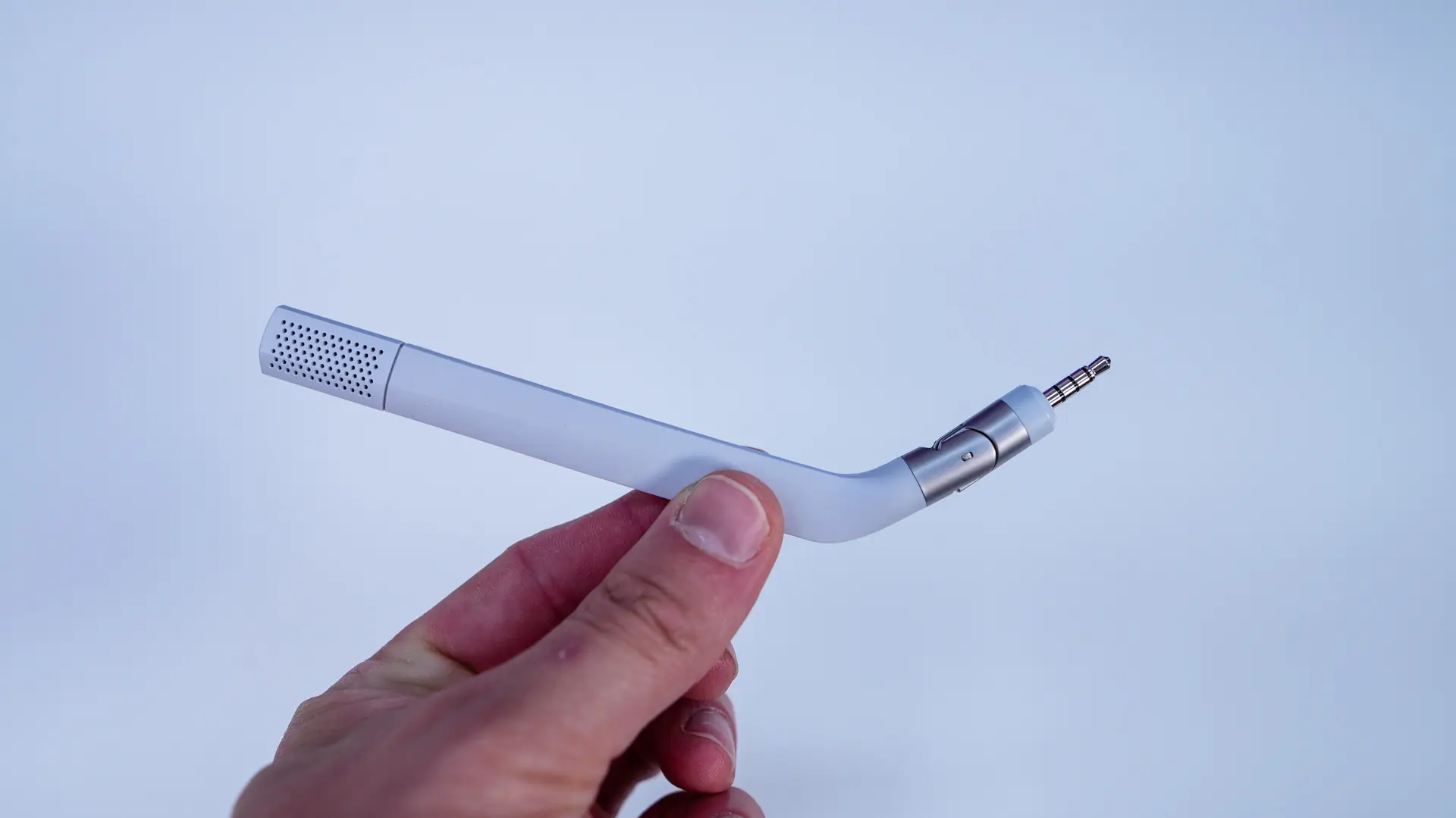
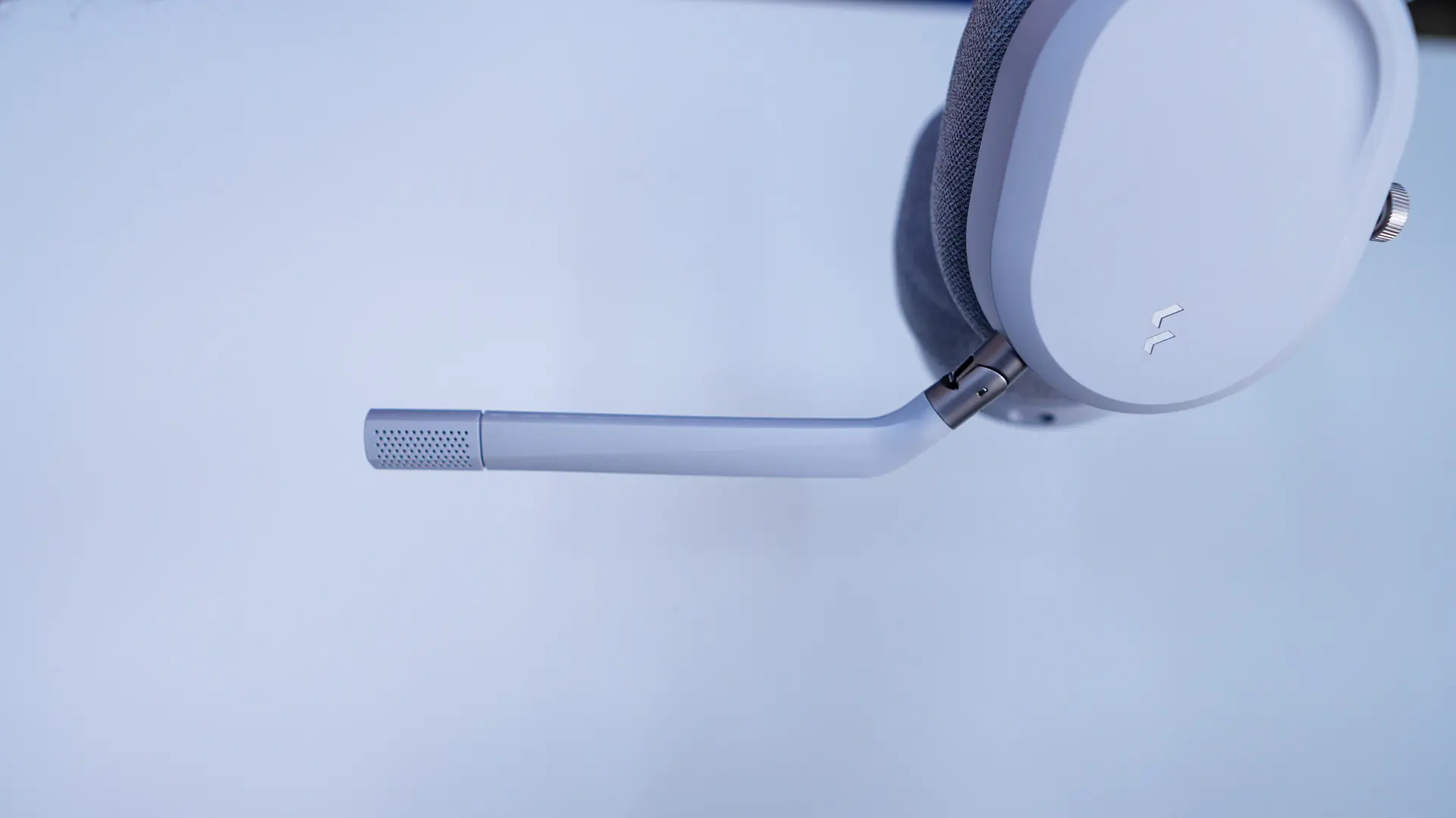
The included detachable microphone is a uni-directional, super wide band microphone that offers environmental noise cancellation. The end that connects to the headset is notched so you won’t connect it the wrong way. It of course easily attaches to the left earcup. It can be bent in and out to get closer or further away from your mouth. Also when you have it connected to the headset and flip it up, it will mute.
The Wireless Docking Station
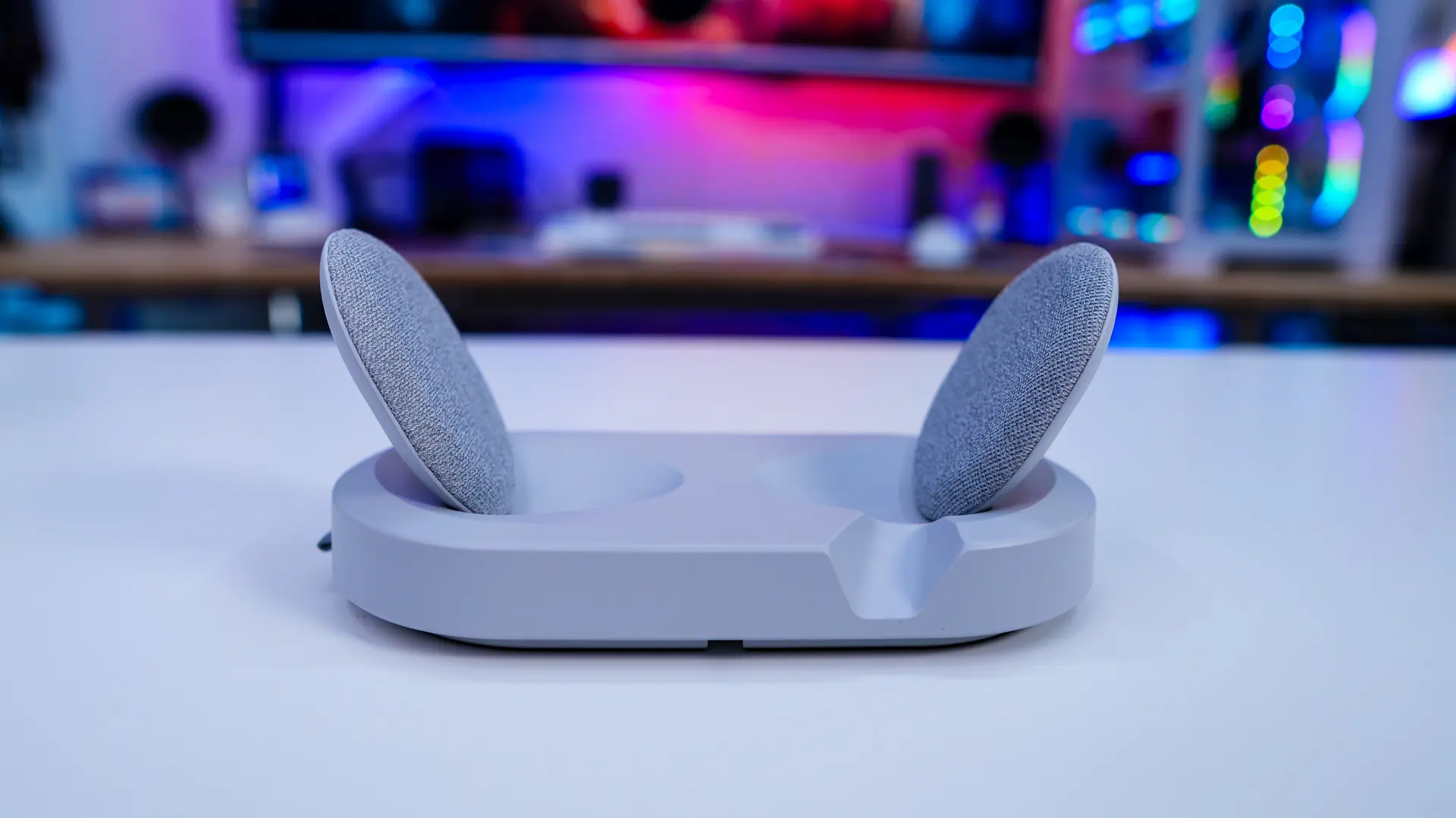
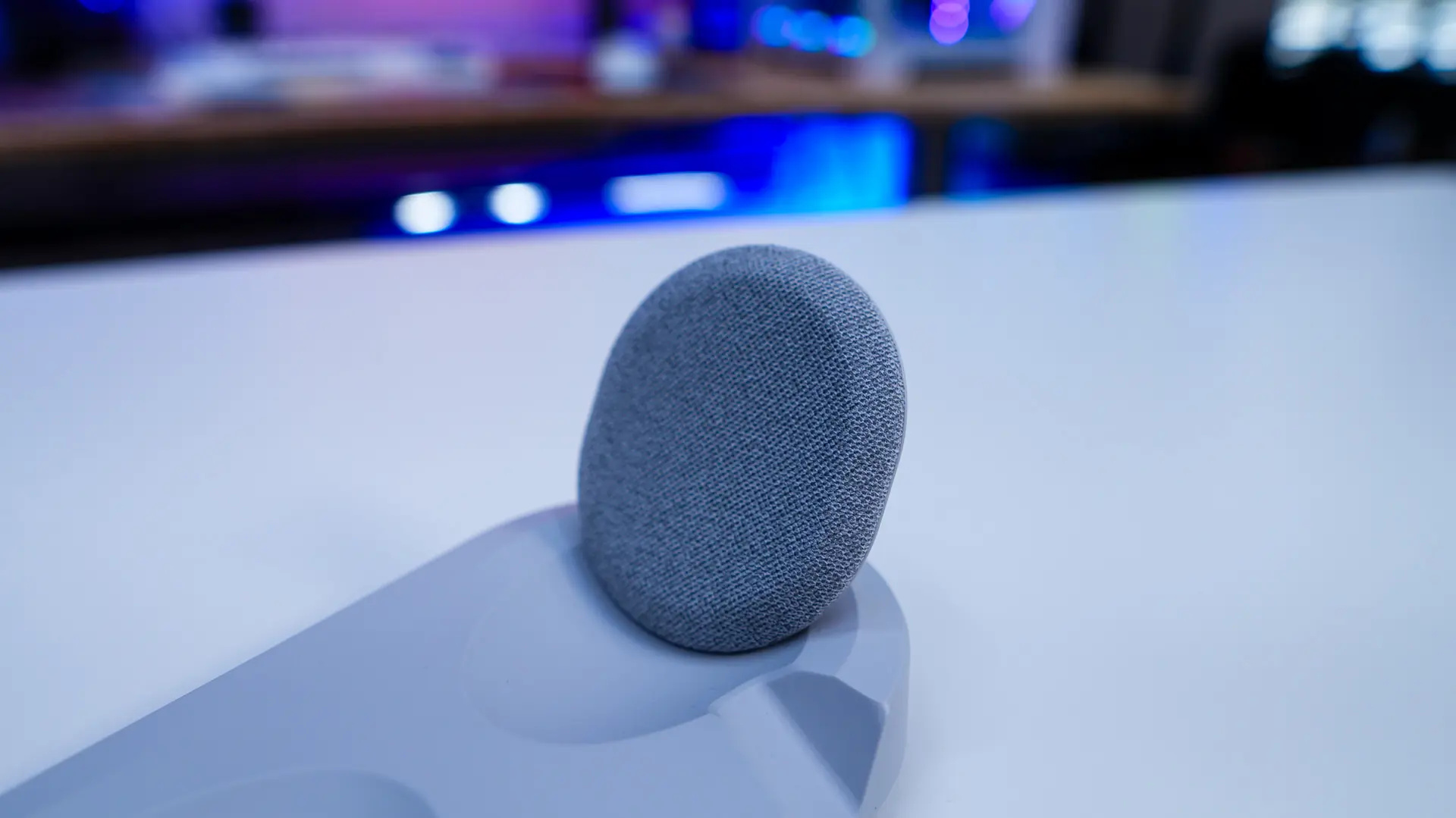
The Scape comes with a pretty thoughtful wireless docking station. This docking station is made to sit on your desk and will wirelessly charge the headset as well as provide a place for the included 2.4 GHz wireless dongle. The docking station features two discs on each side which are wrapped in fabric. When you put your headset in the dock these will wirelessly charge the headset and they have magnets so you don’t have to “get it just right” when you put your headset in the docking station, it will essentially snap into place and start charging.
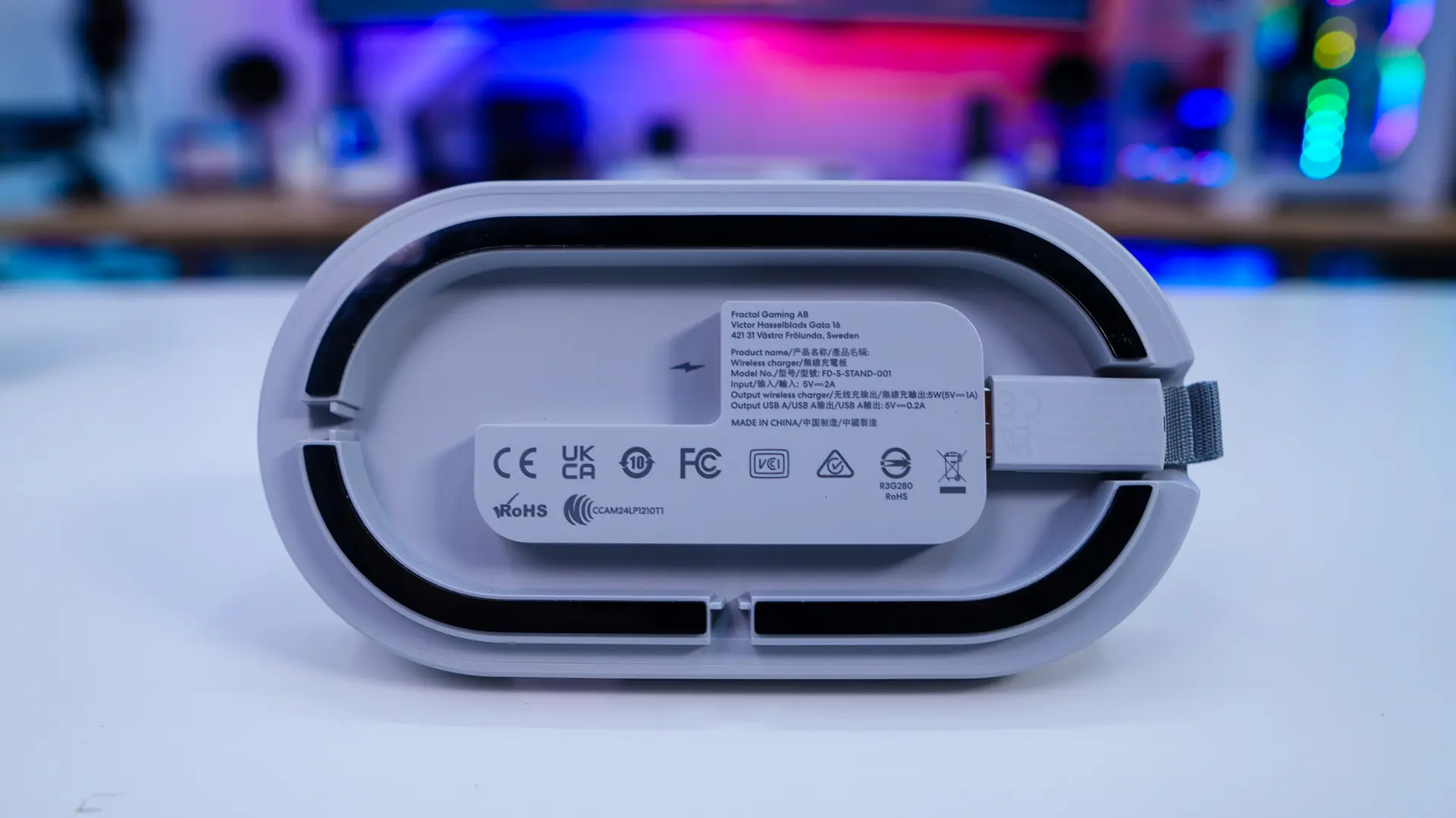
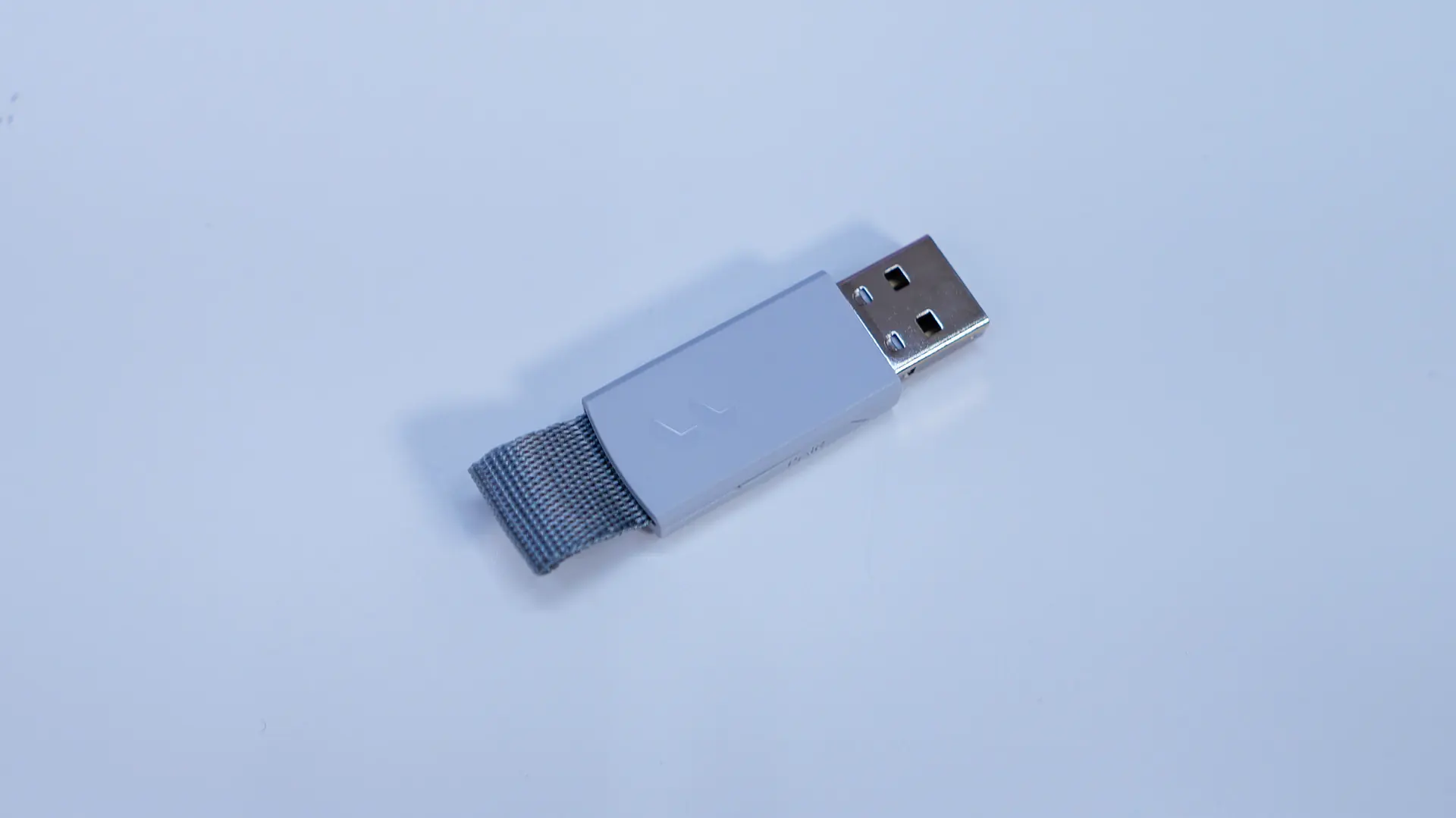
Flipping the docking station over we find the USB 2.4 GHz dongle. It plugs right into the docking station and you’ll use the included USB cable to plug the docking station into your PC. This moves the dongle away from your PC to mitigate any connection issues with USB 3.0 ports and makes the dongle easy to access and remove if you want to take it with you. The dongle has a little fabric tab on the end, which makes it easy to pull out of the docking station. The bottom of the docking station also has rubber feet and two different channels depending on how you want to route the USB cable out of it.
Here is what the Scape looks like docked in the docking station. It is worth noting that the headset can only be docked 1 way, which eliminates you from putting it on the dock only to realize the next day that it didn’t charge. The magnets on lock onto the headset 1 way. You can also see there is a nice cut-out for the microphone.