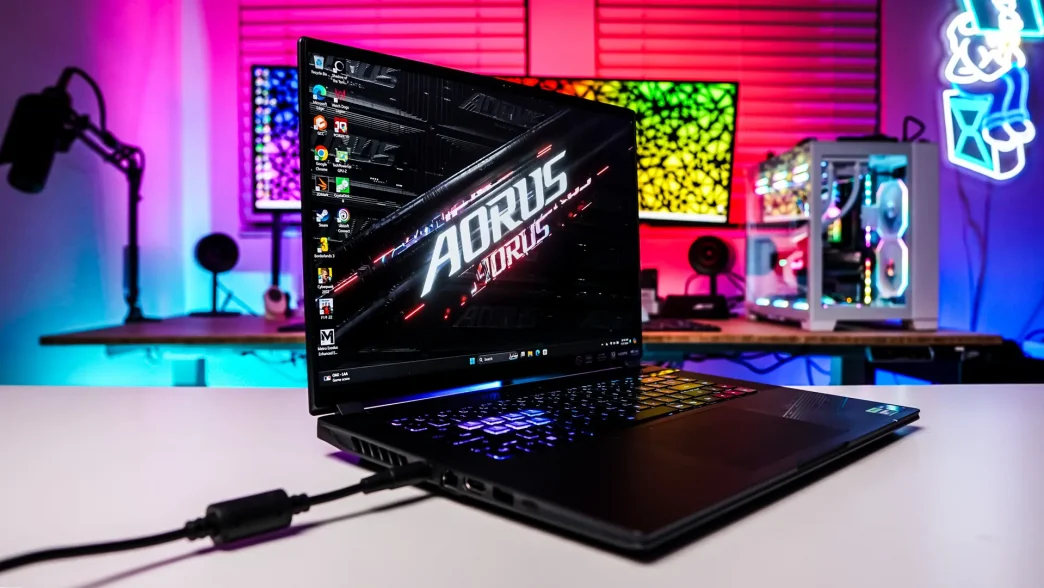
Gigabyte AORUS 16X (2024) Overview
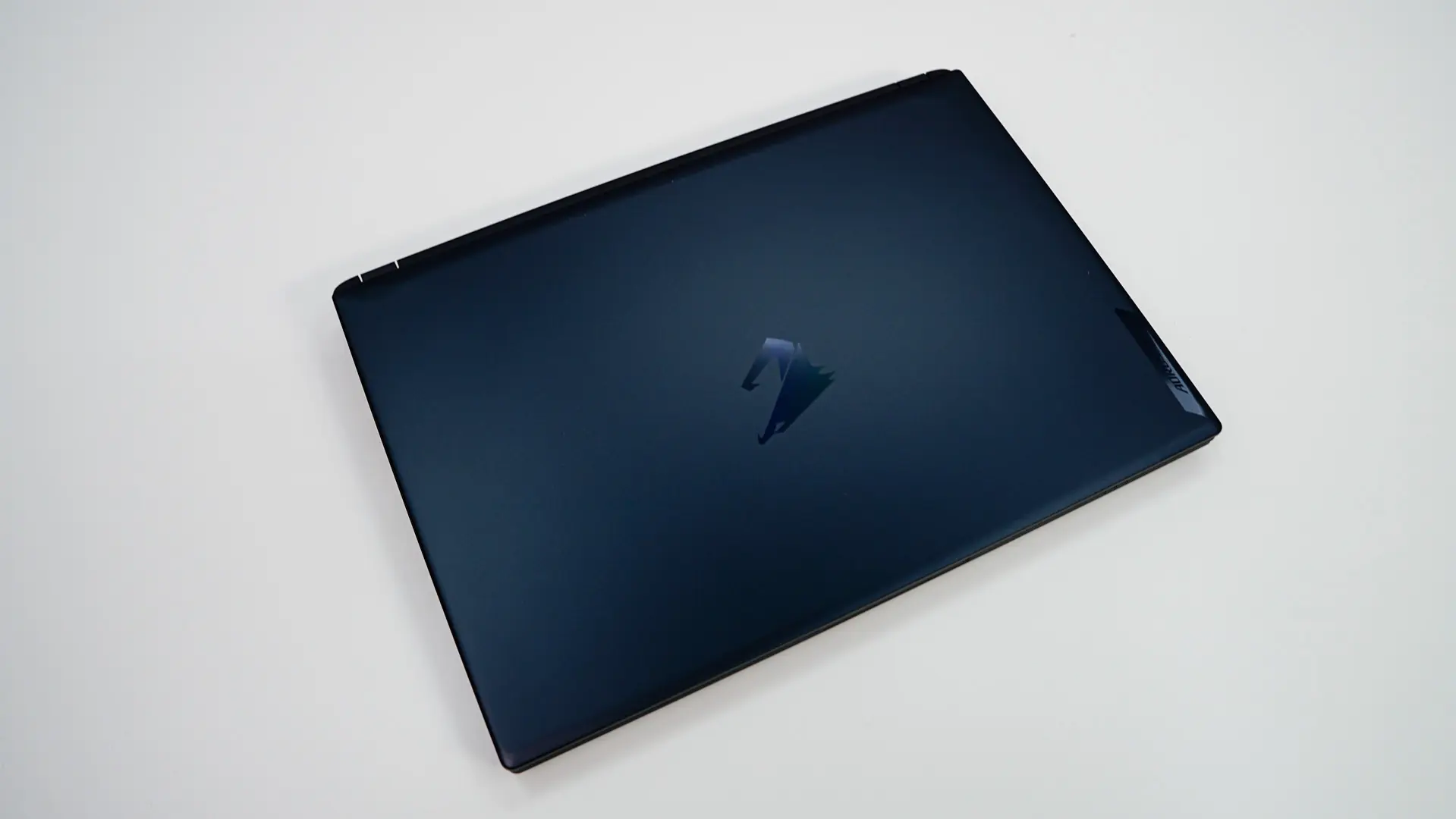
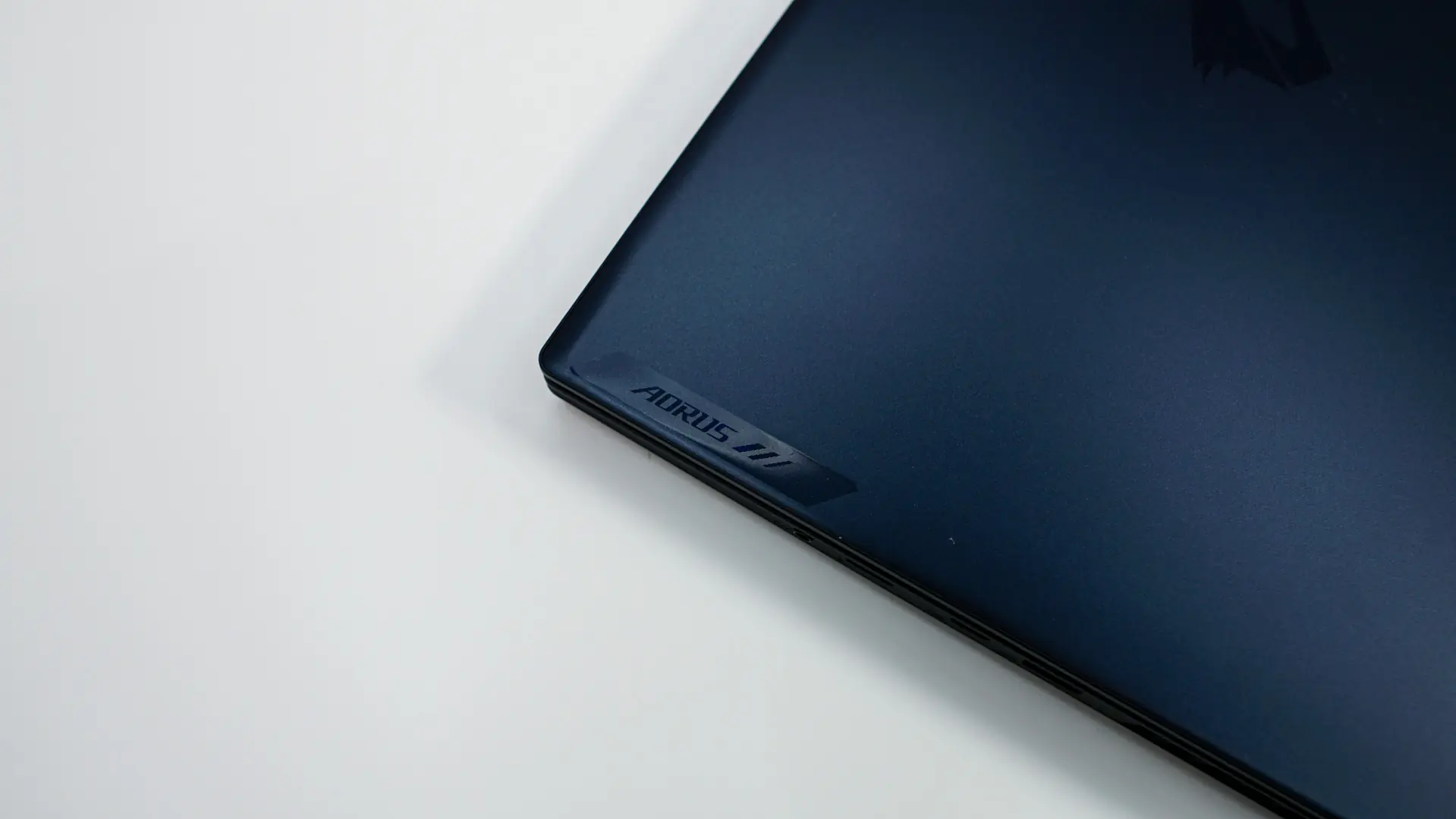
Taking a first look at the AORUS 16X it was not all that heavy or thick compared to some of the massive gaming laptops that I’ve reviewed in the past. For those wondering it weighs in at just over 5 lbs. The color design of the laptops is this sort of blue-grey, which I am assuming is their “Aurora Grey” color. The lid on the laptop itself is made of aluminum and features a reflective AORUS logo in the center and a smaller AORUS text logo towards the top corner.
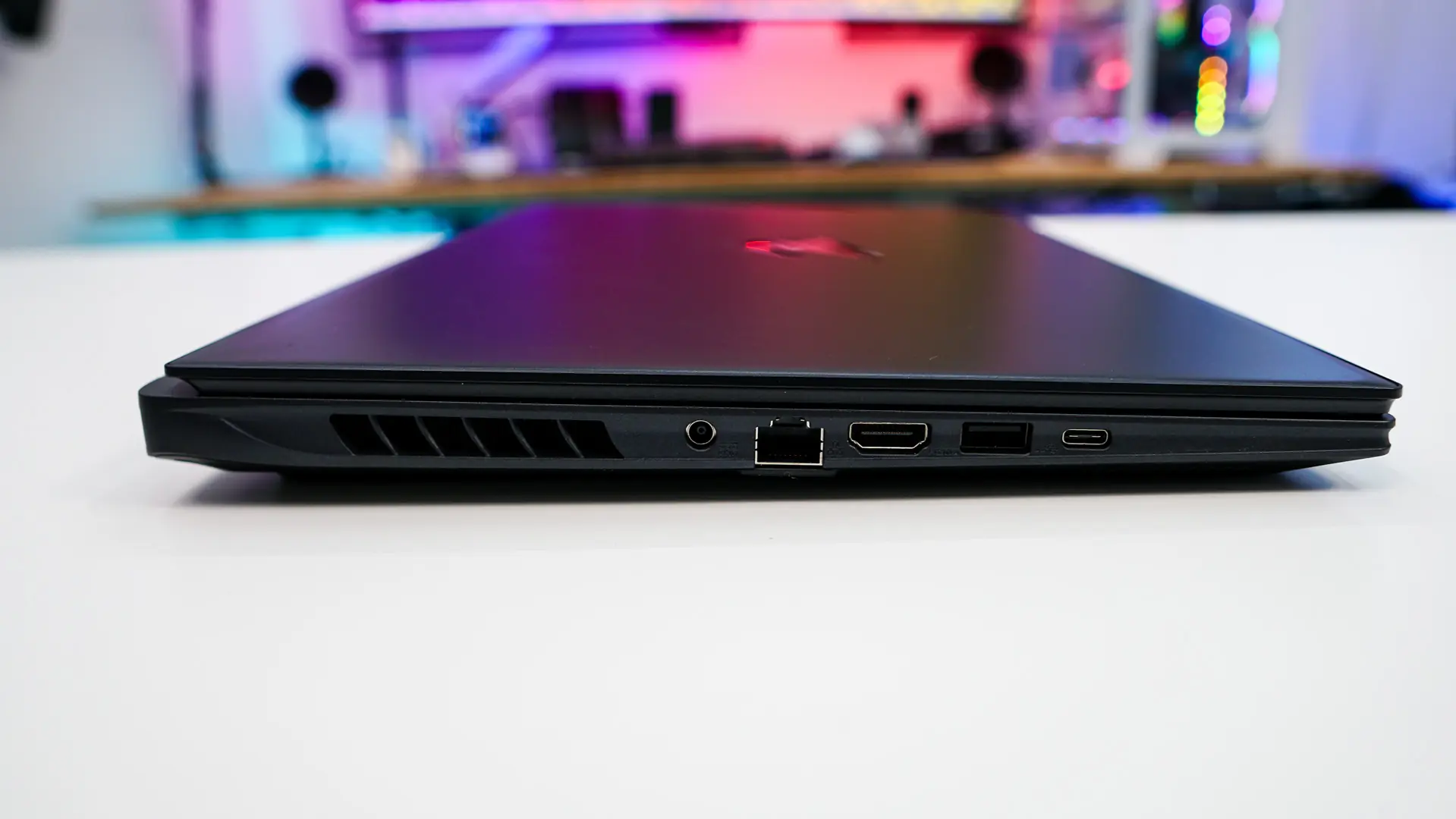
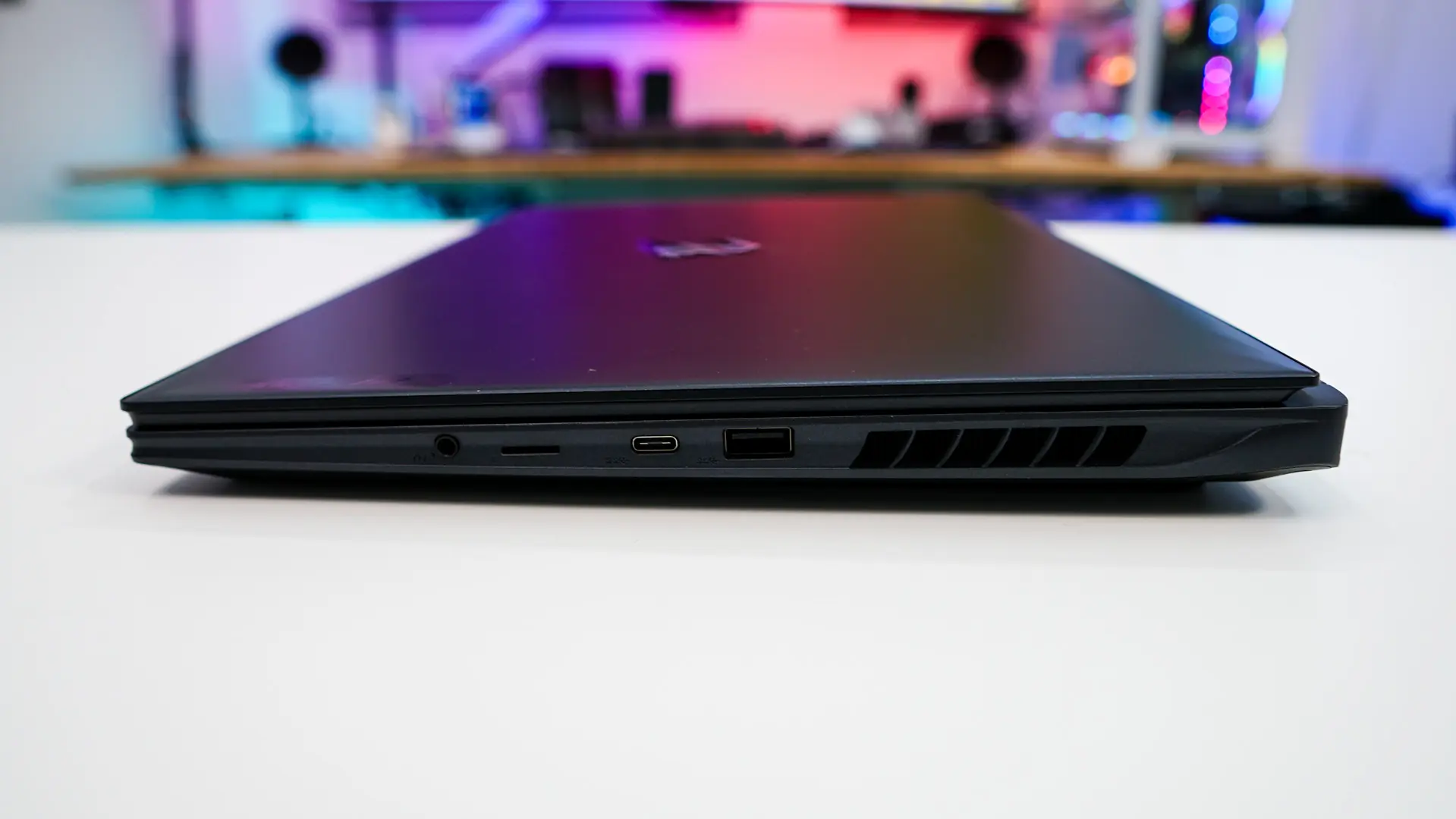
Depending on the spec of your laptop it will be between 0.78 ~ 1.06 inches, which again is not all that thick for a gaming laptop. When it comes to ports on the left side we have the power connection (barrel-pin), 1G Ethernet, HDMI 2.1, one USB 3.2 gen 2 (Type-A), and one Type-C Thunderbolt 4 port. This Thunderbolt 4 port supports USB4, DisplayPort 1.4 and Power Delivery 3.0). Great to see dedicated Ethernet, especially since this is a gaming laptop. Not the biggest fan of barrel-pin connection for power though. We can also see some pretty large ventilation slots on this side. Moving over to the other side we have a USB 3.2 Gen 2 (Type-A) port, a USB 3.2 Gen 2 (Type-C) port, a MicroSD card reader, and an combination headphone / microphone jack. The Type-C port on this side will support DisplayPort 1.4. Also plenty of ventilation on this side as well.
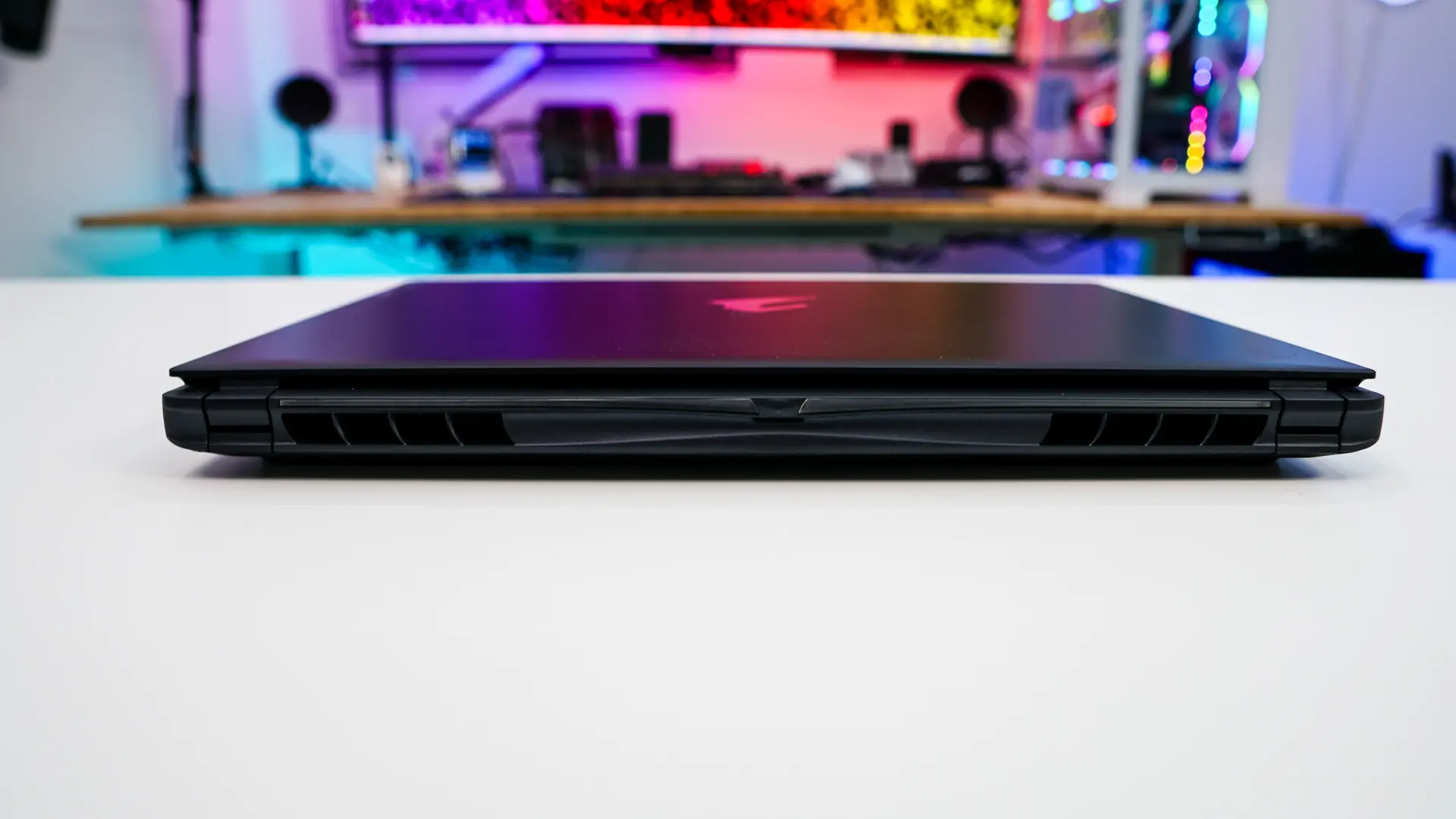
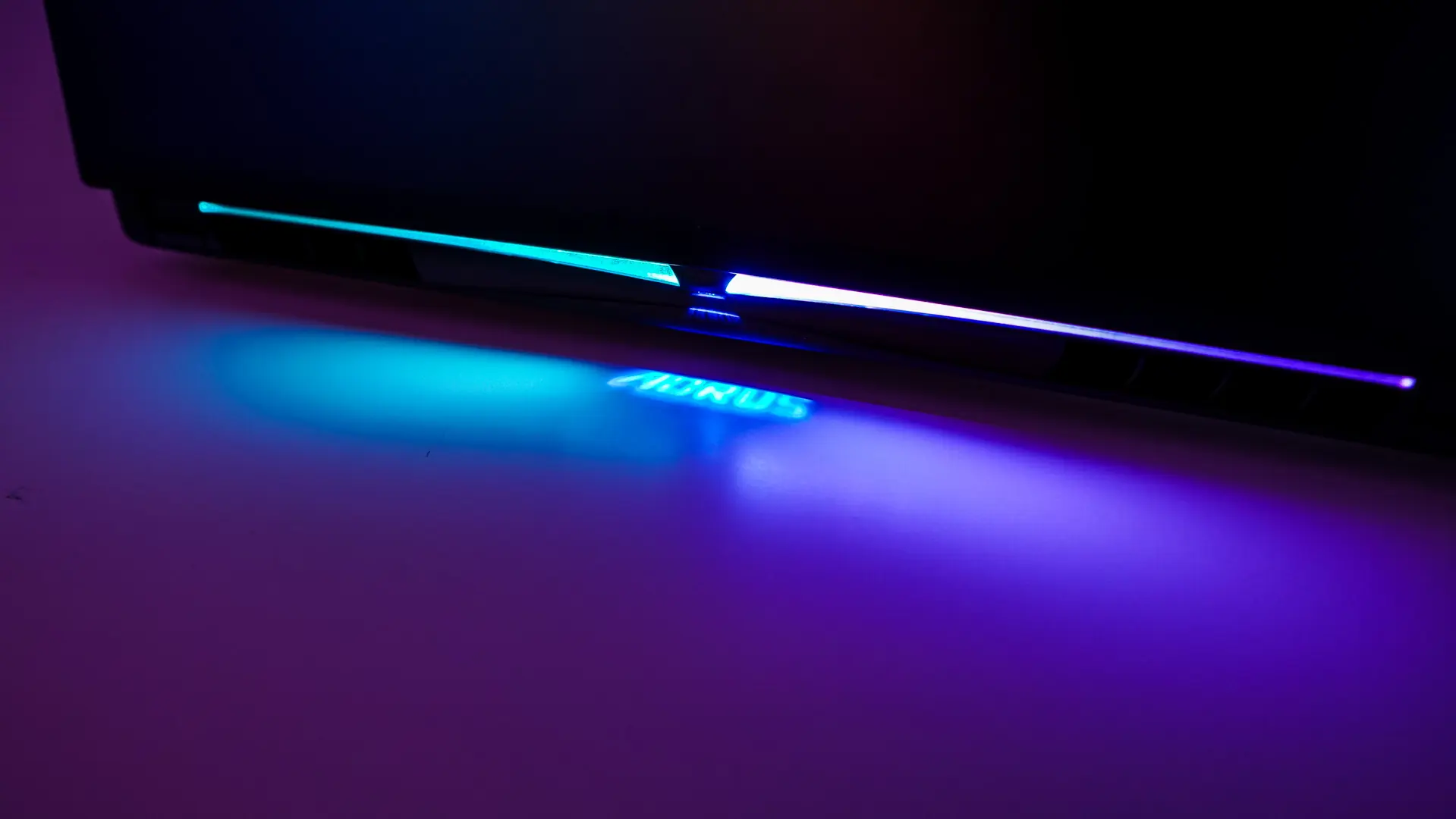
The back of the unit also has quite a lot of ventilation too. There are two RGB lighting strips on the back here and even a section that will display the AORUS logo on your desk, which is pretty cool!
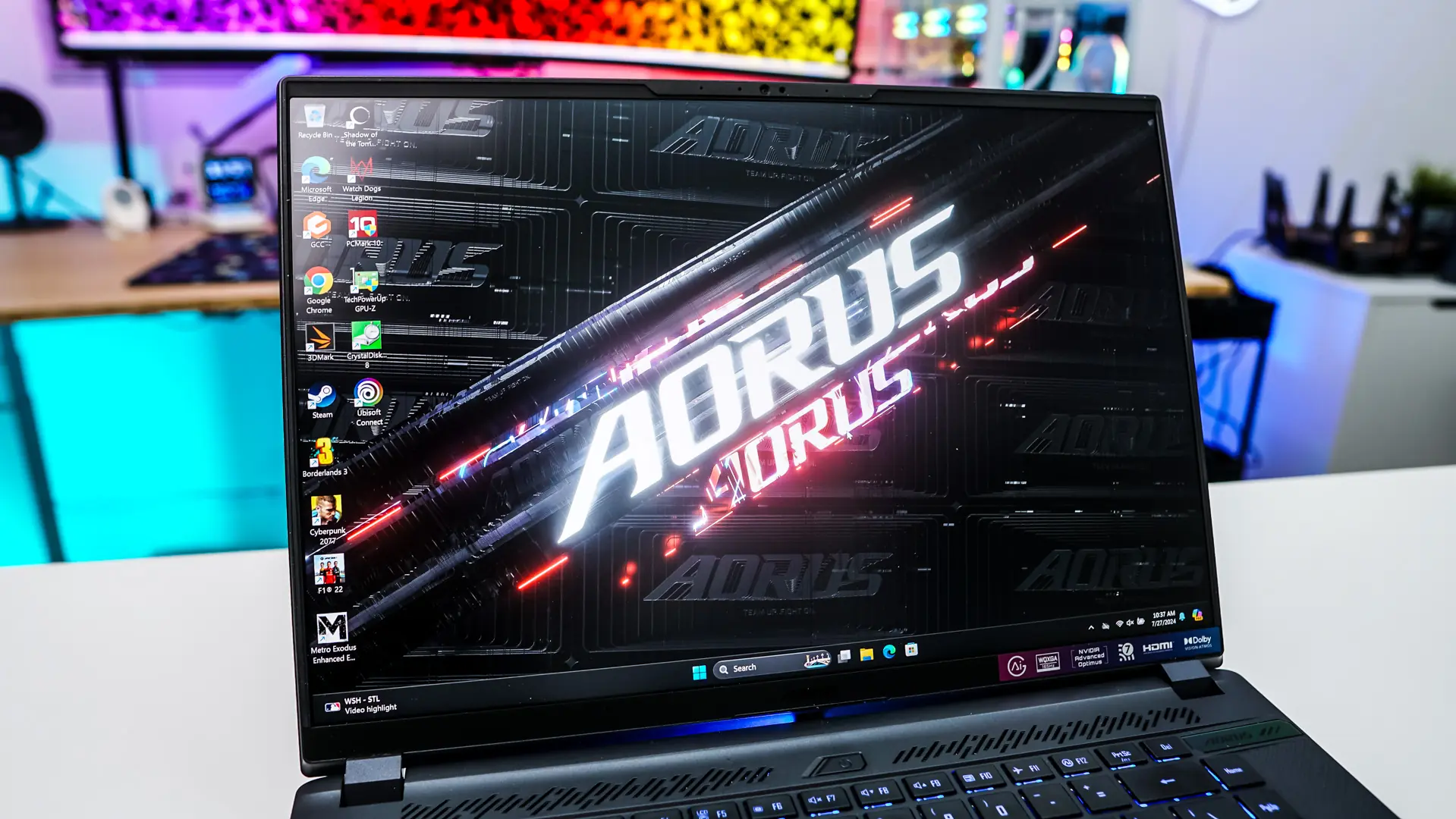
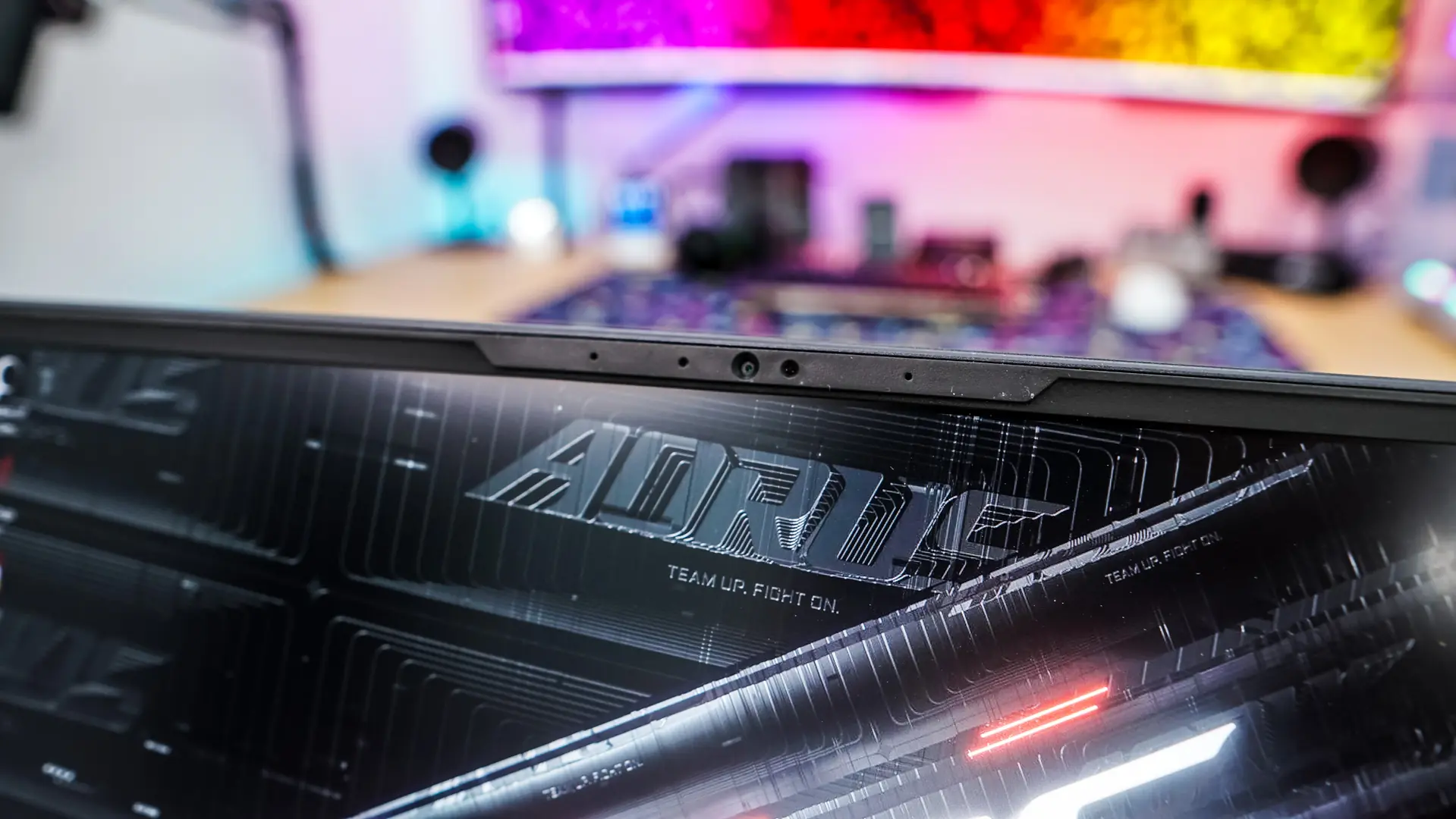
The screen opens up quite easily and you can even open it up with a single finger. When it comes to the screen we have a 16-inch 16:10 WQXGA (2560×1600) 165 Hz IPS display. The display does support G-Sync, which is going to be great for gaming, but it also supports HDR including Dolby Vision. It is a matte display, so you are not going to get any glare or distractions. Right above the display is your camera and microphone array. The camera is a FHD (1080p) IR camera, which does support Windows Hello.
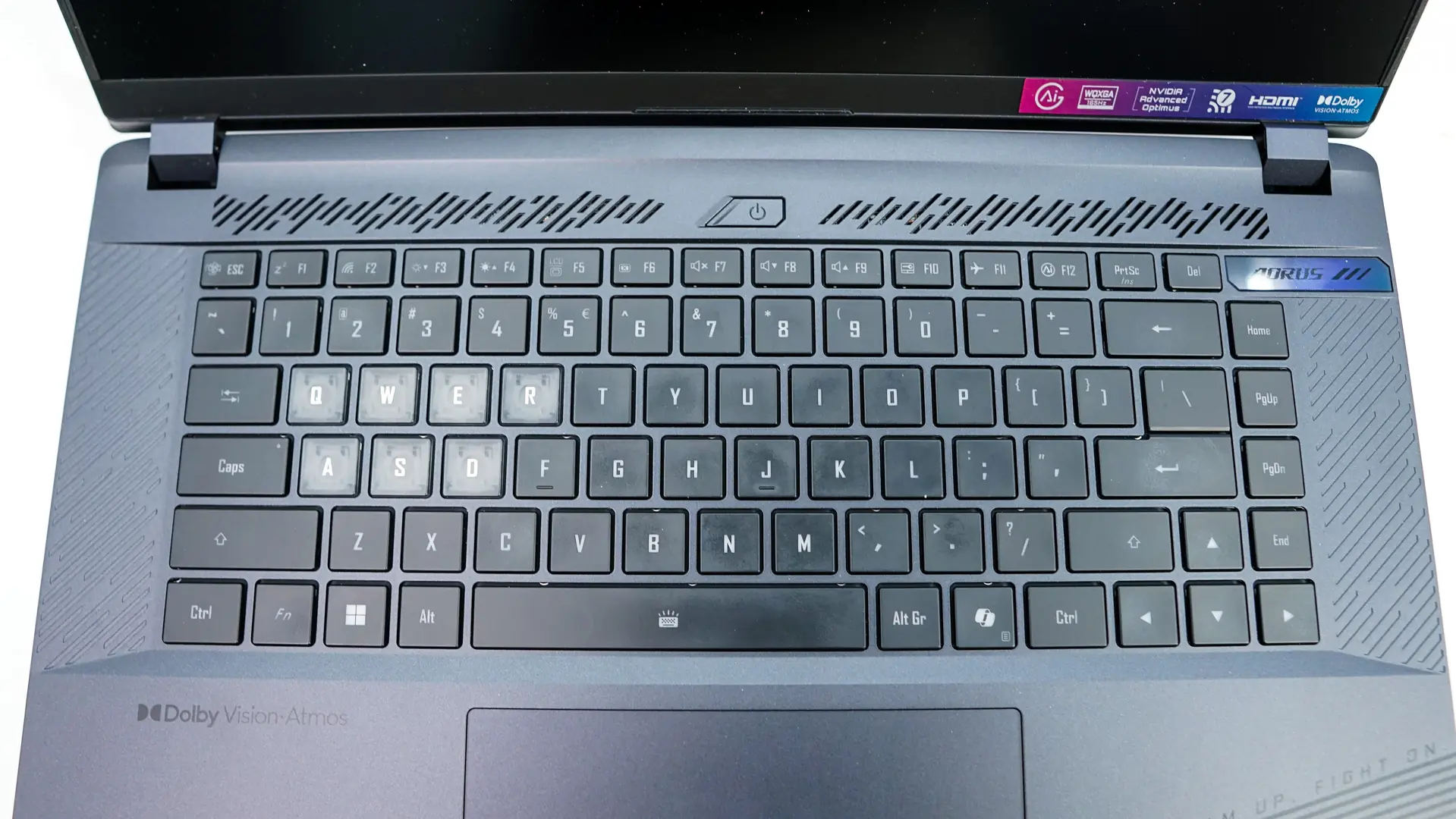
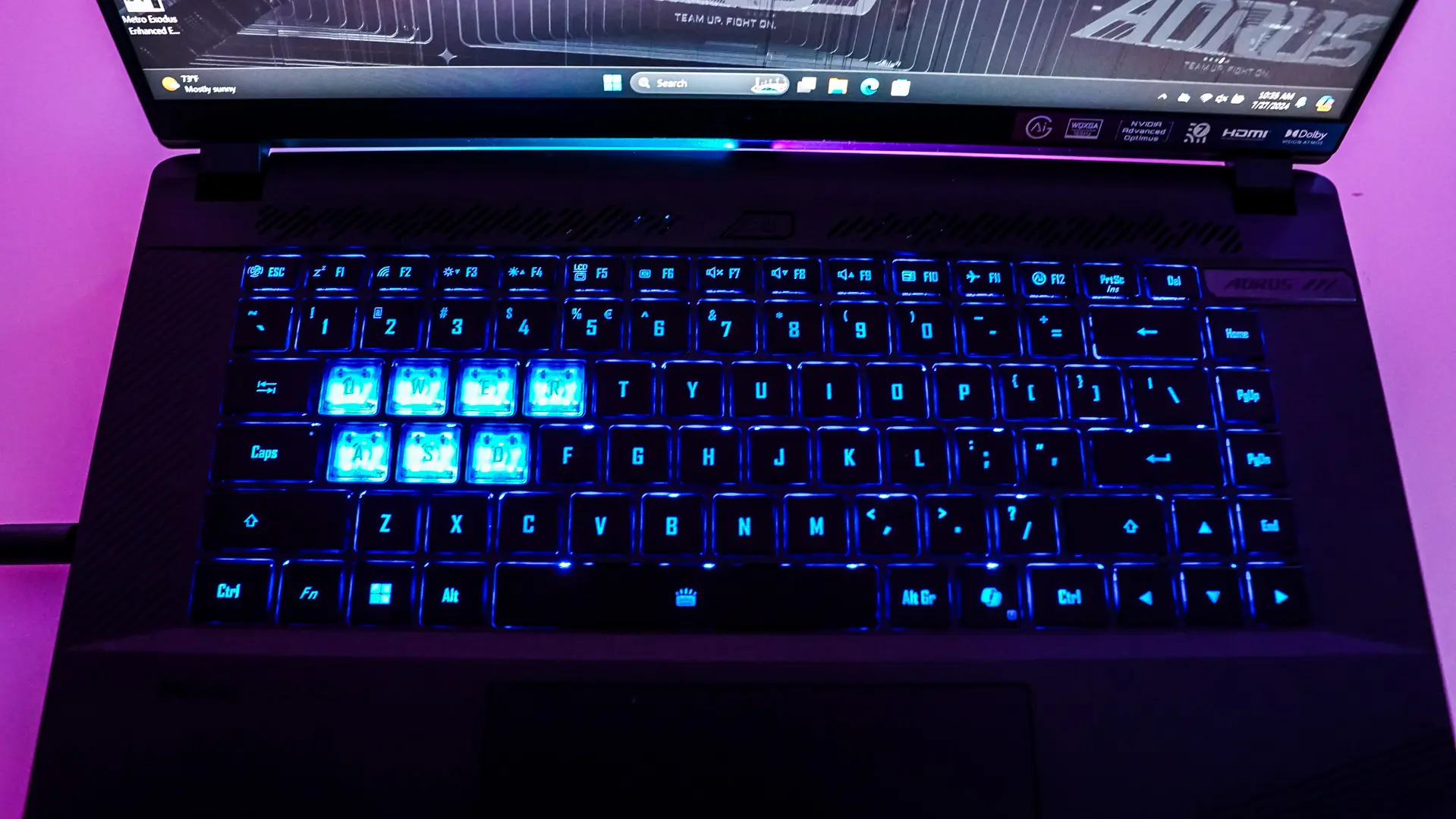
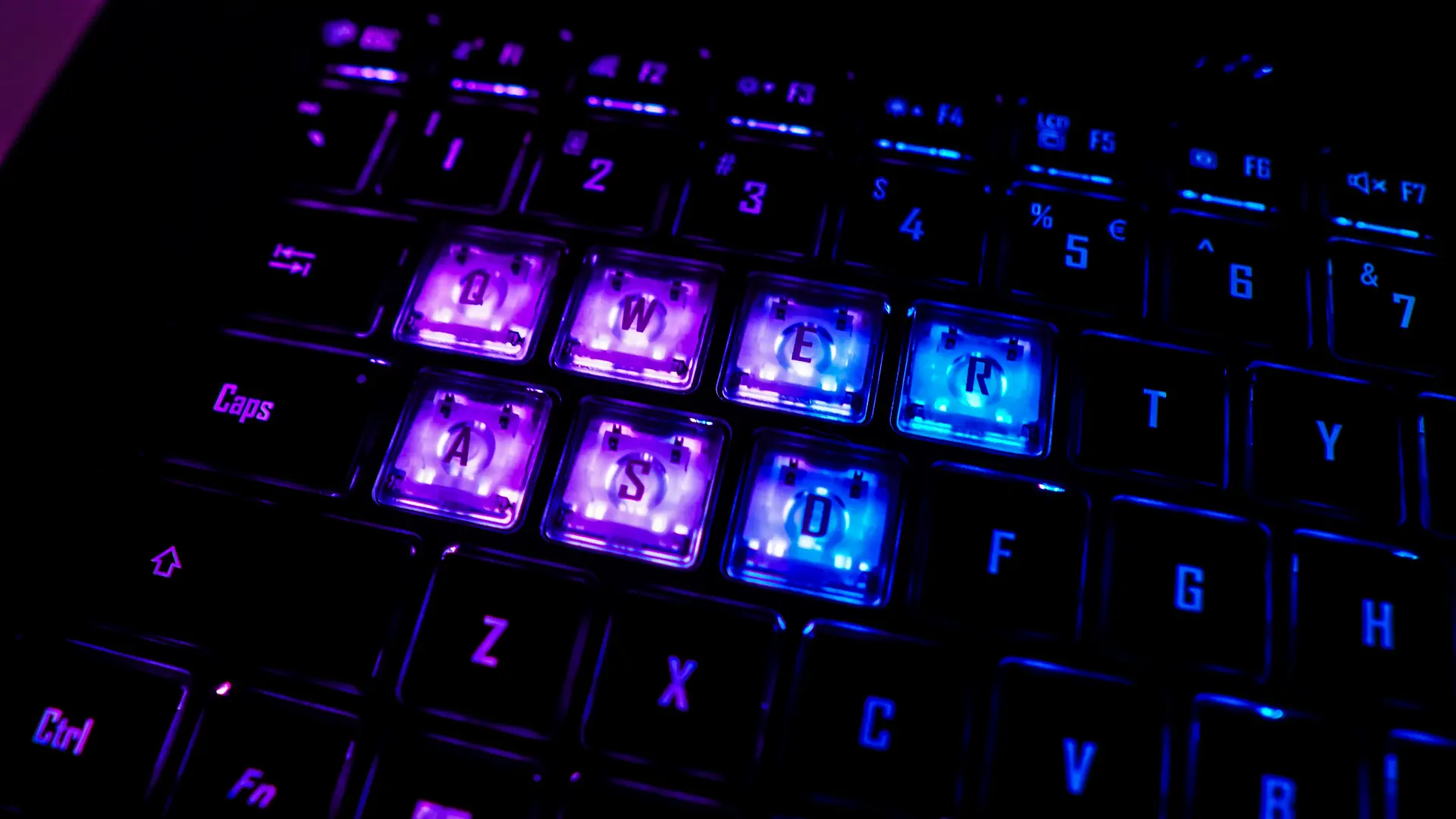
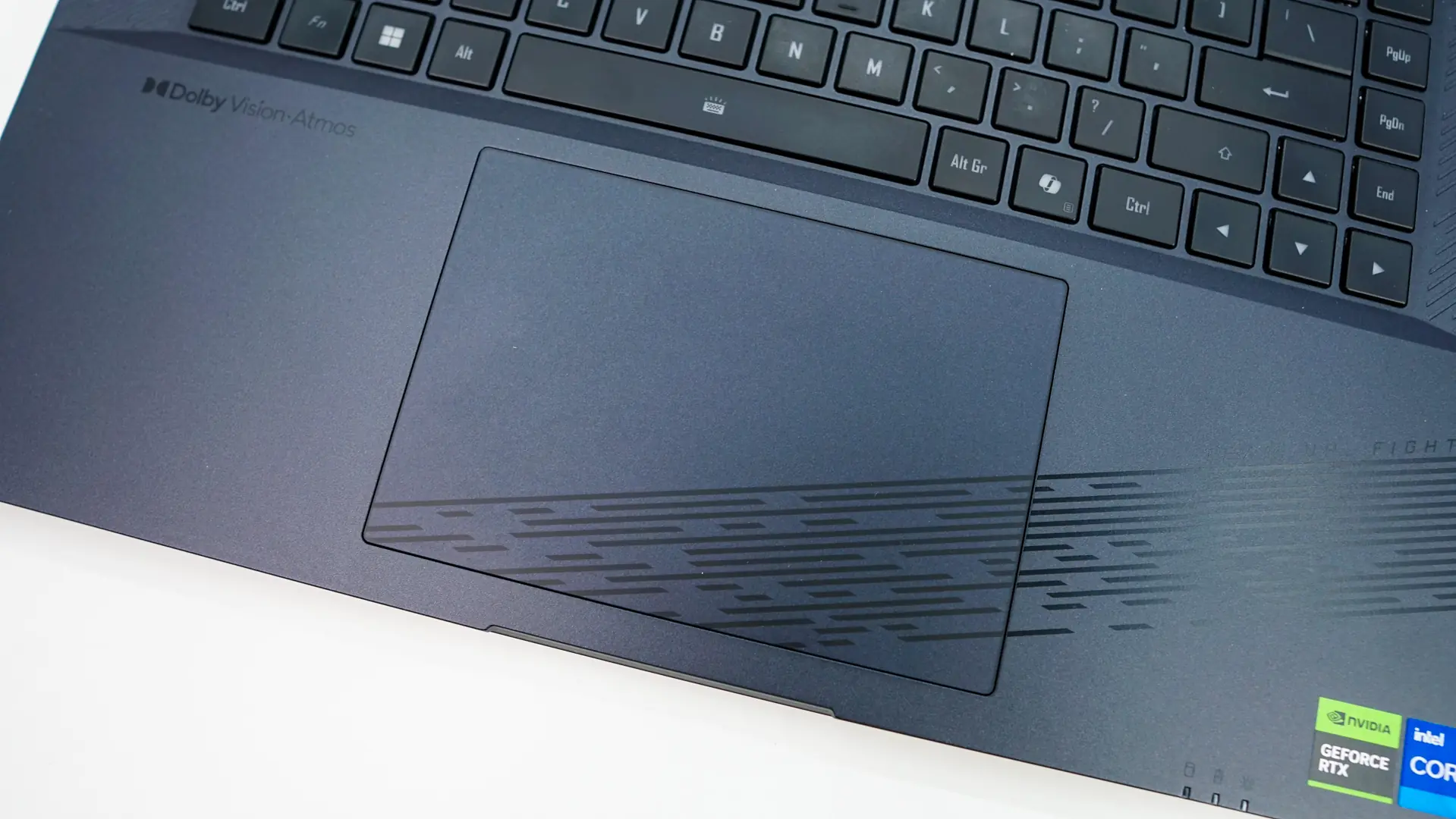
The keyboard itself is a chiclet-style keyboard and does offer full per-key RGB backlighting as much of the keys have see-through legends. The W,A,S,D, as well as the Q and R keys have clear keycaps which allow you to identify those keys much easier, definitely nice for gaming. The touchpad is quite large and takes up a good portion of the bottom-half of the laptop. Above the keyboard is your power button right in the center and the speaker array, which is made up of two Dolby Atmos 2W speakers.
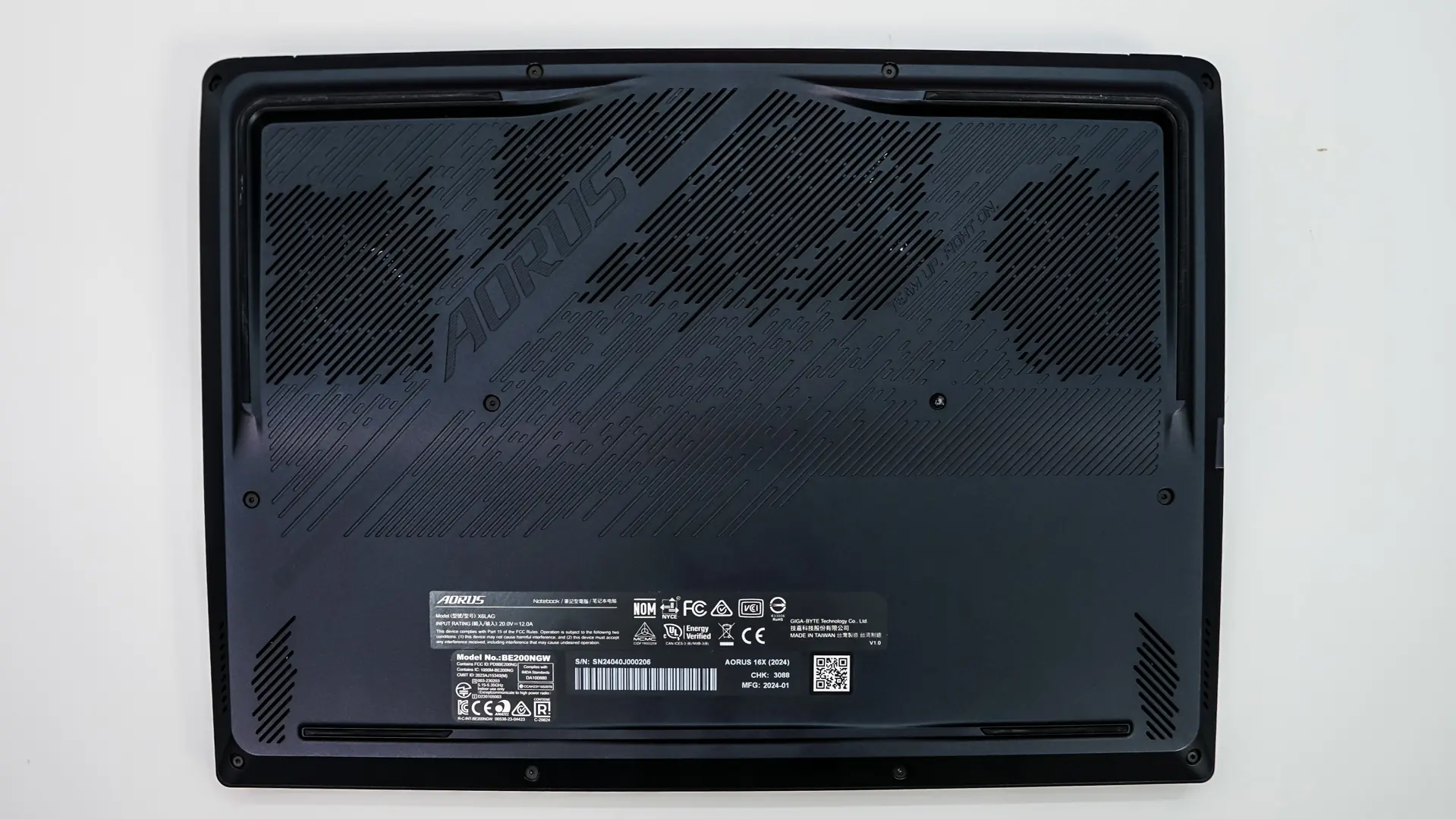
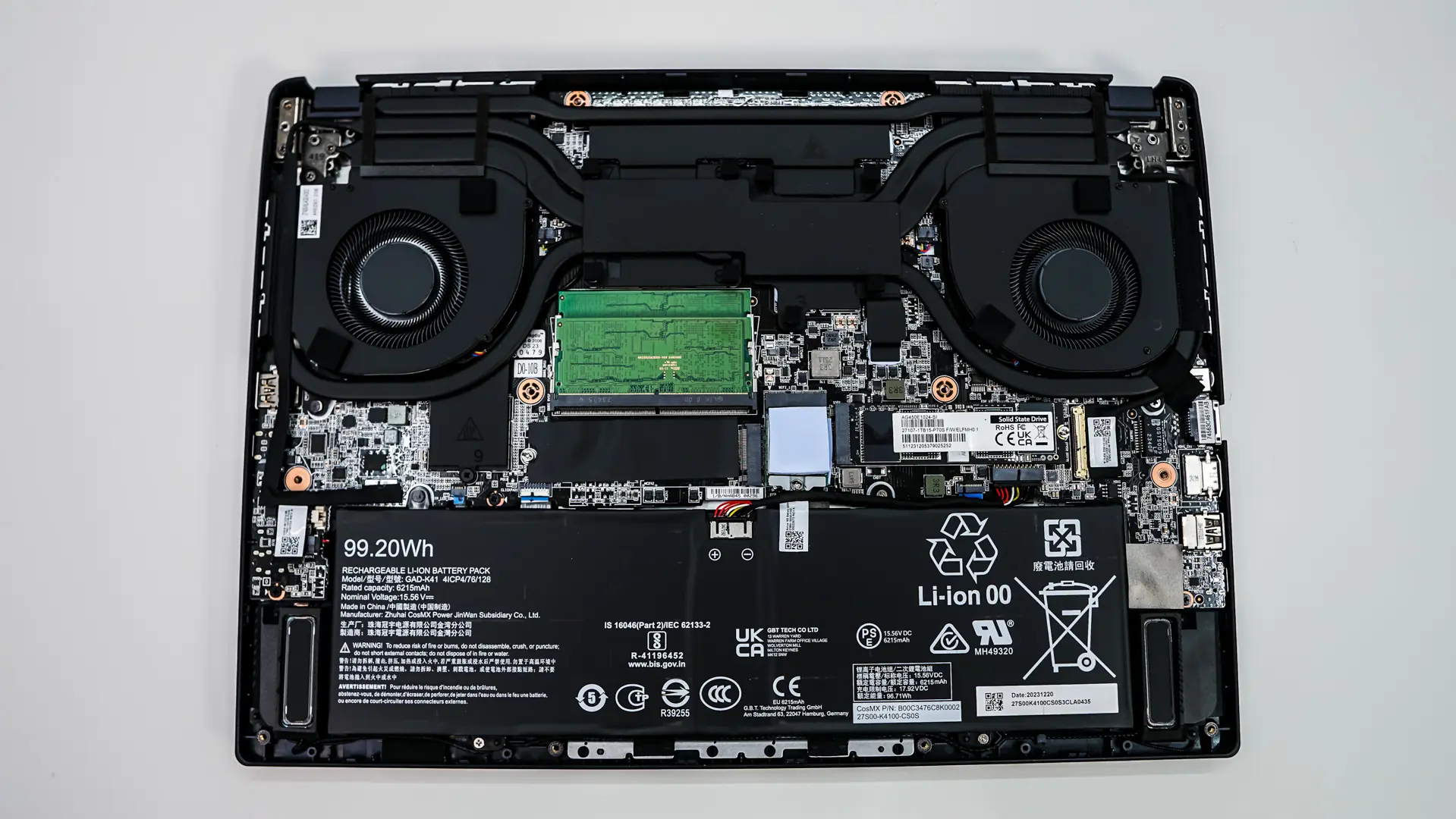
The bottom of the laptop has more ventilation and some rubber feet to keep it in place on your desk. We can remove the back of the laptop to see if it is upgradable or not. Inside we do find two SODIMM slots, so we could upgrade our DDR5 memory from 32GB to 64GB quite easily. There are also two M.2 slots so you can easily upgrade your drives as well.