General Usage on the Gigabyte AORUS 16X
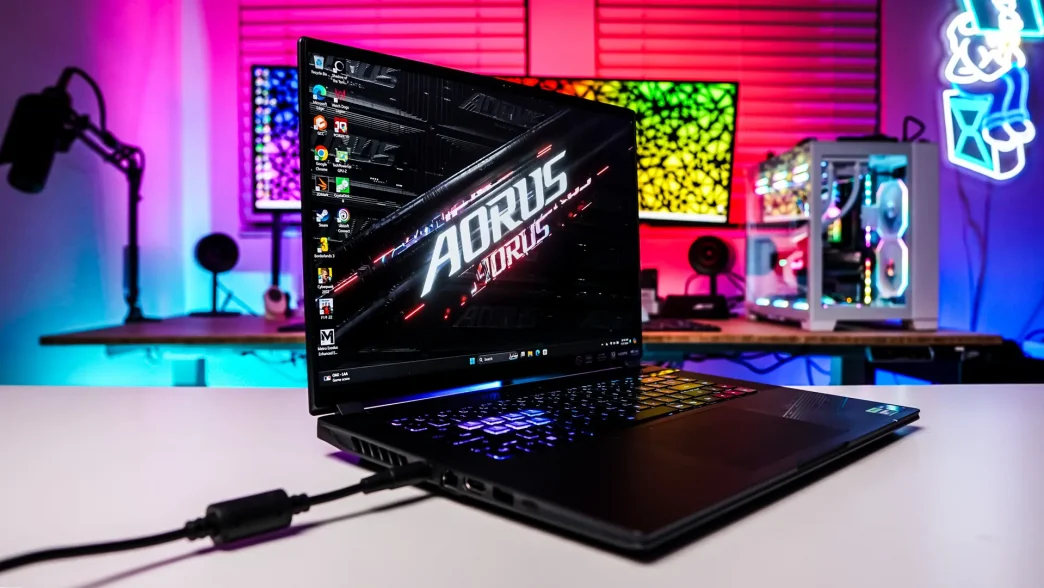
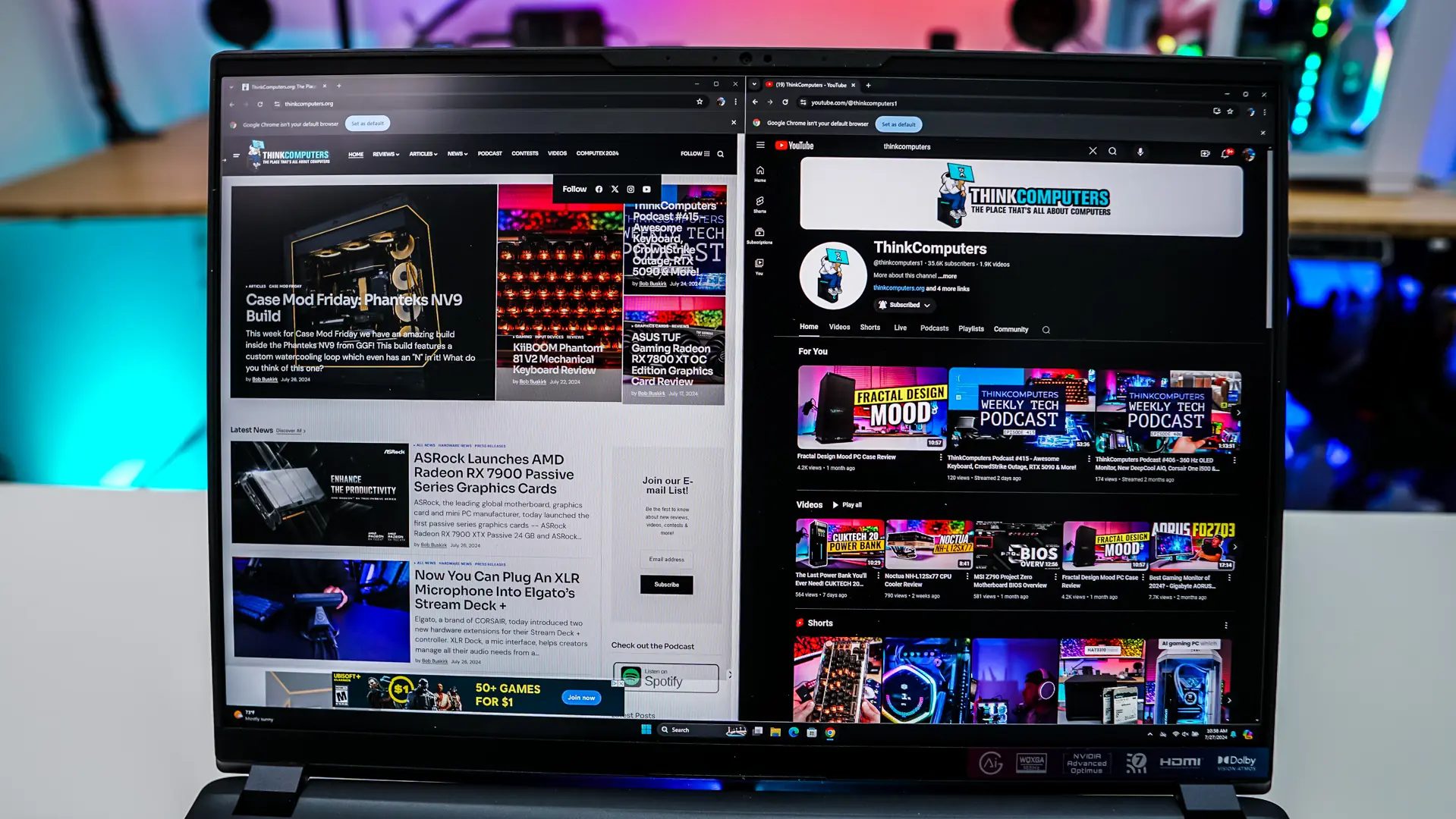
I’ve been using the AORUS 16X on a daily basis for the past few weeks now. When it comes to the screen itself it is quite bright. According to Gigabyte the screen has 400 nits of brightness, but if you enable HDR it is closer to 500 nits. This provides a great viewing experience not only for gaming, but also for viewing content. The 2560 x 1600 resolution is quite good for multi-tasking too. By default resolution scaling in Windows is set to 150%, but I found I could easily run two windows side-by-side at 100% without any real viewing issues.
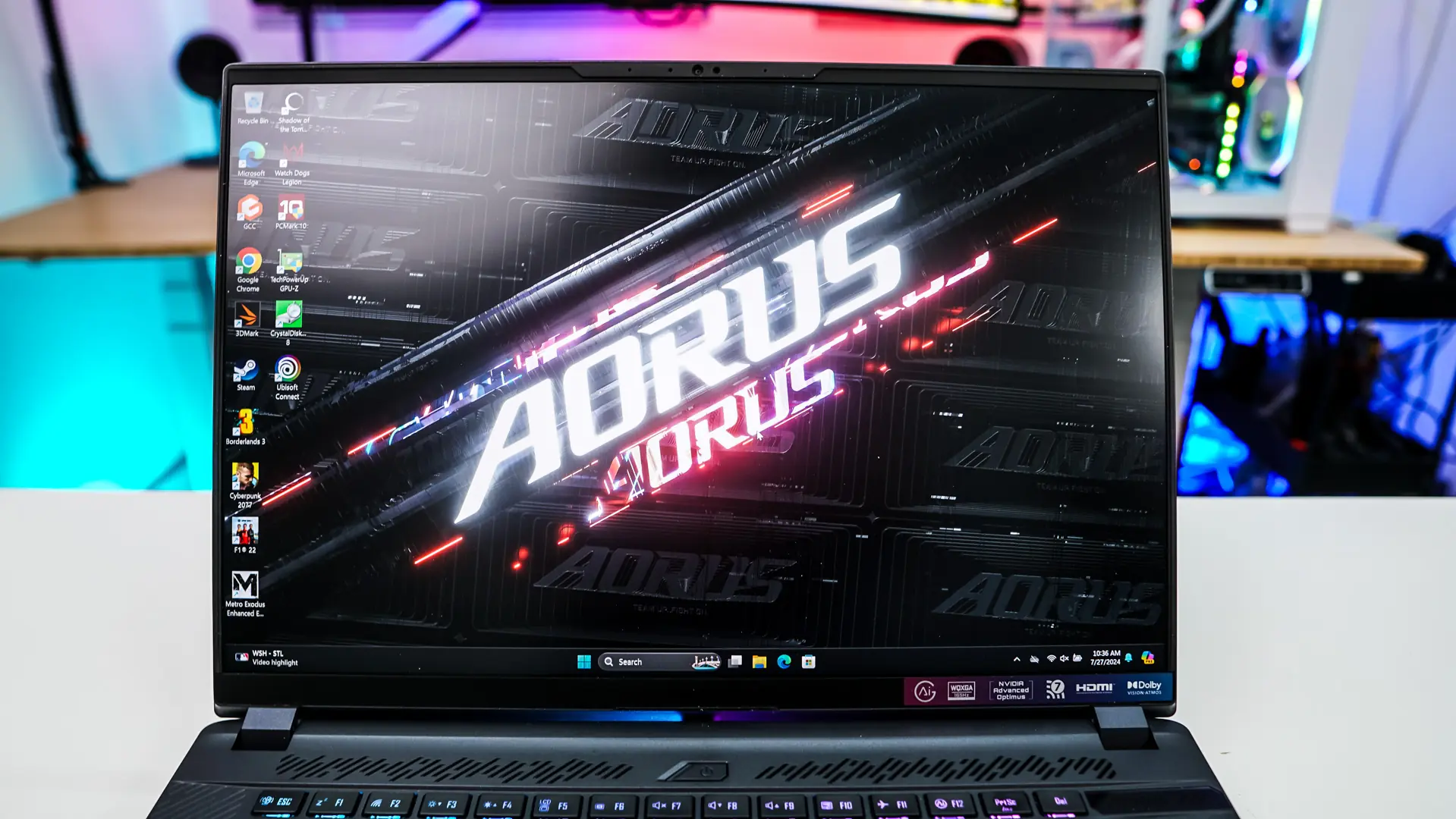
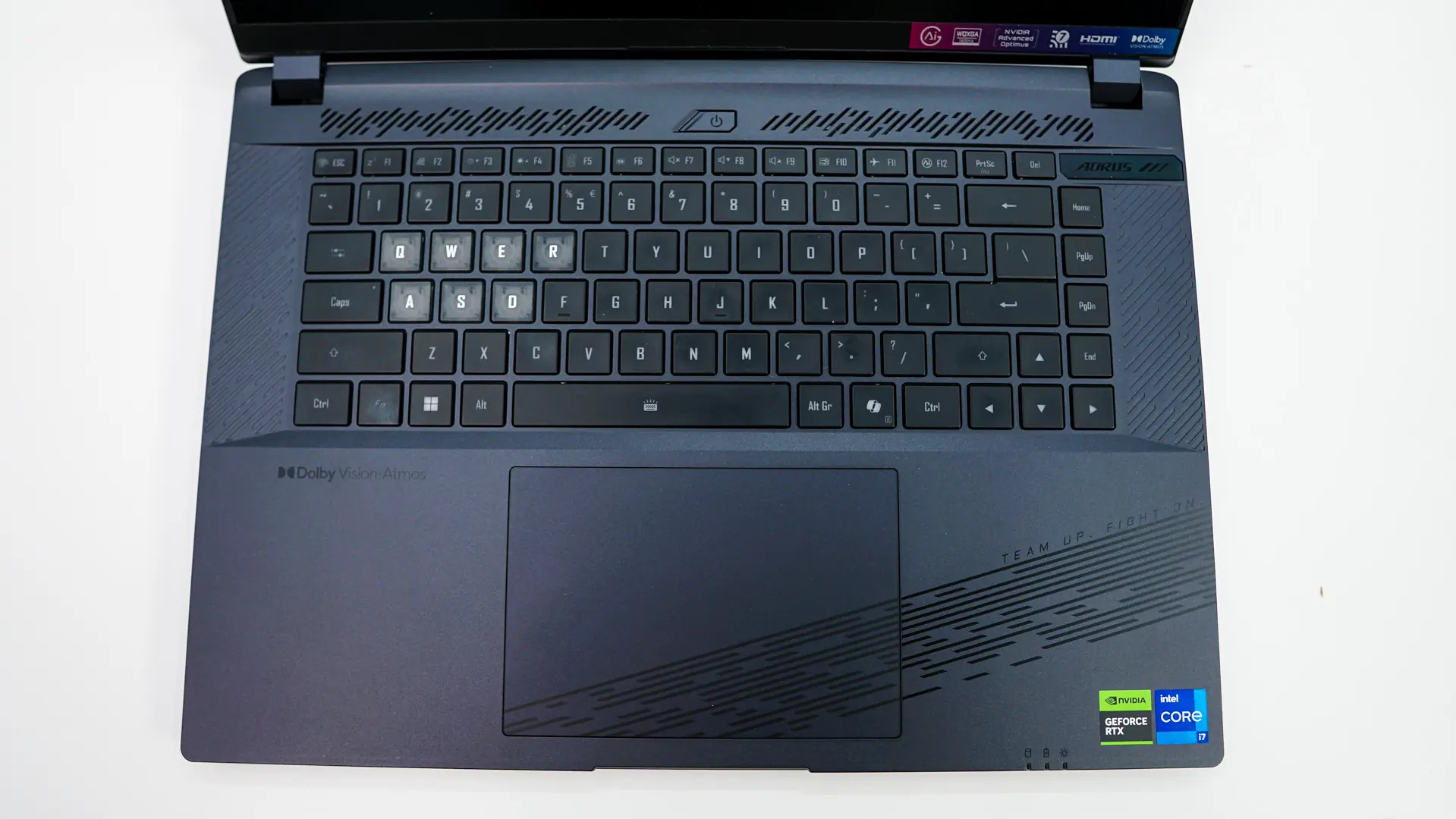
The chiclet-style keyboard is actually quite comfortable to type on. I felt like I was able to “get into a flow” whether it was writing reviews like this or typing e-mails. Even during gaming the keyboard was pretty comfortable, but I think any serious gamer would connect a true mechanical keyboard to this laptop for the best experience.
If you are wondering how the included 1080p webcam and integrated microphone sounds, check out the video below.

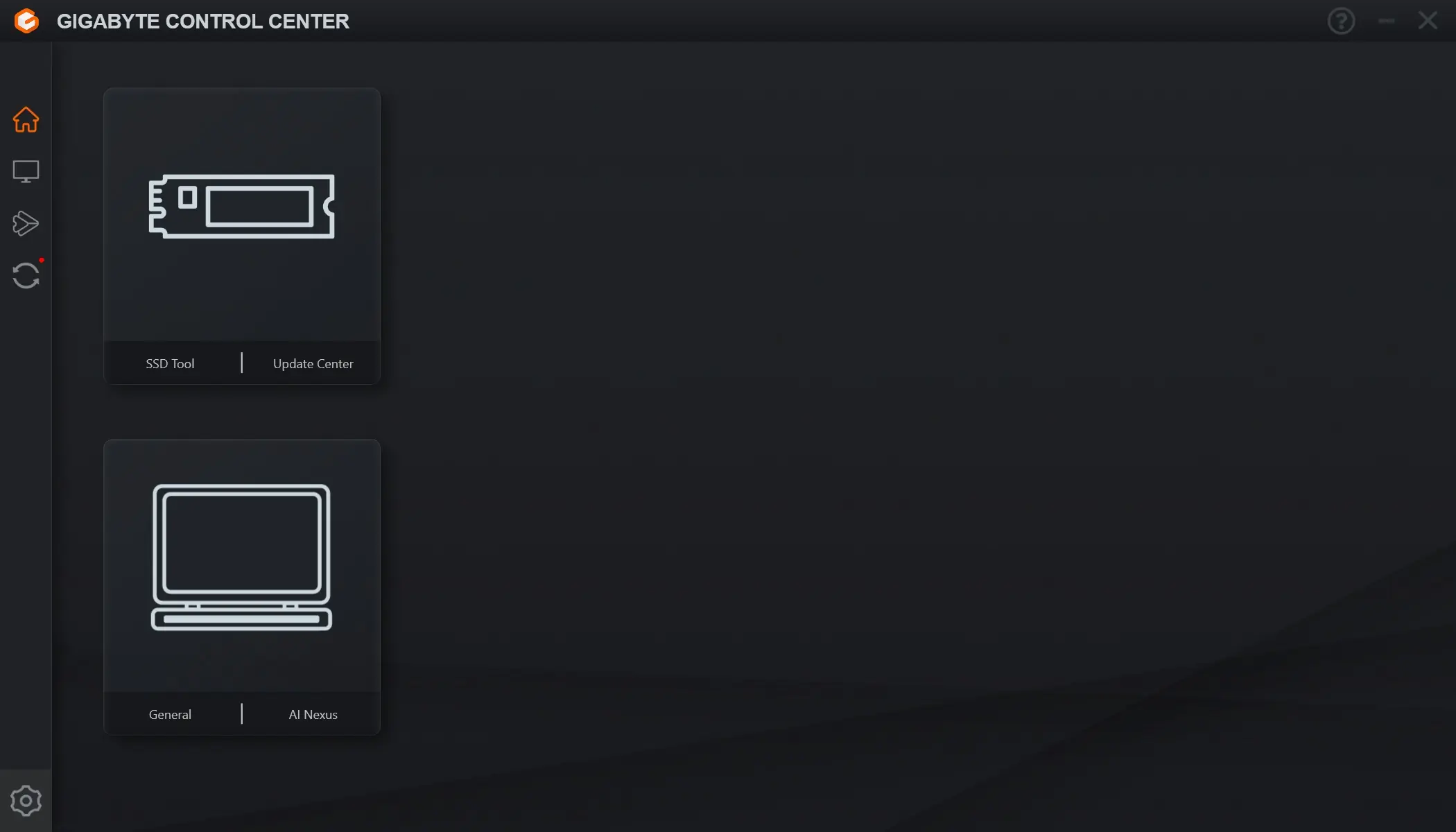
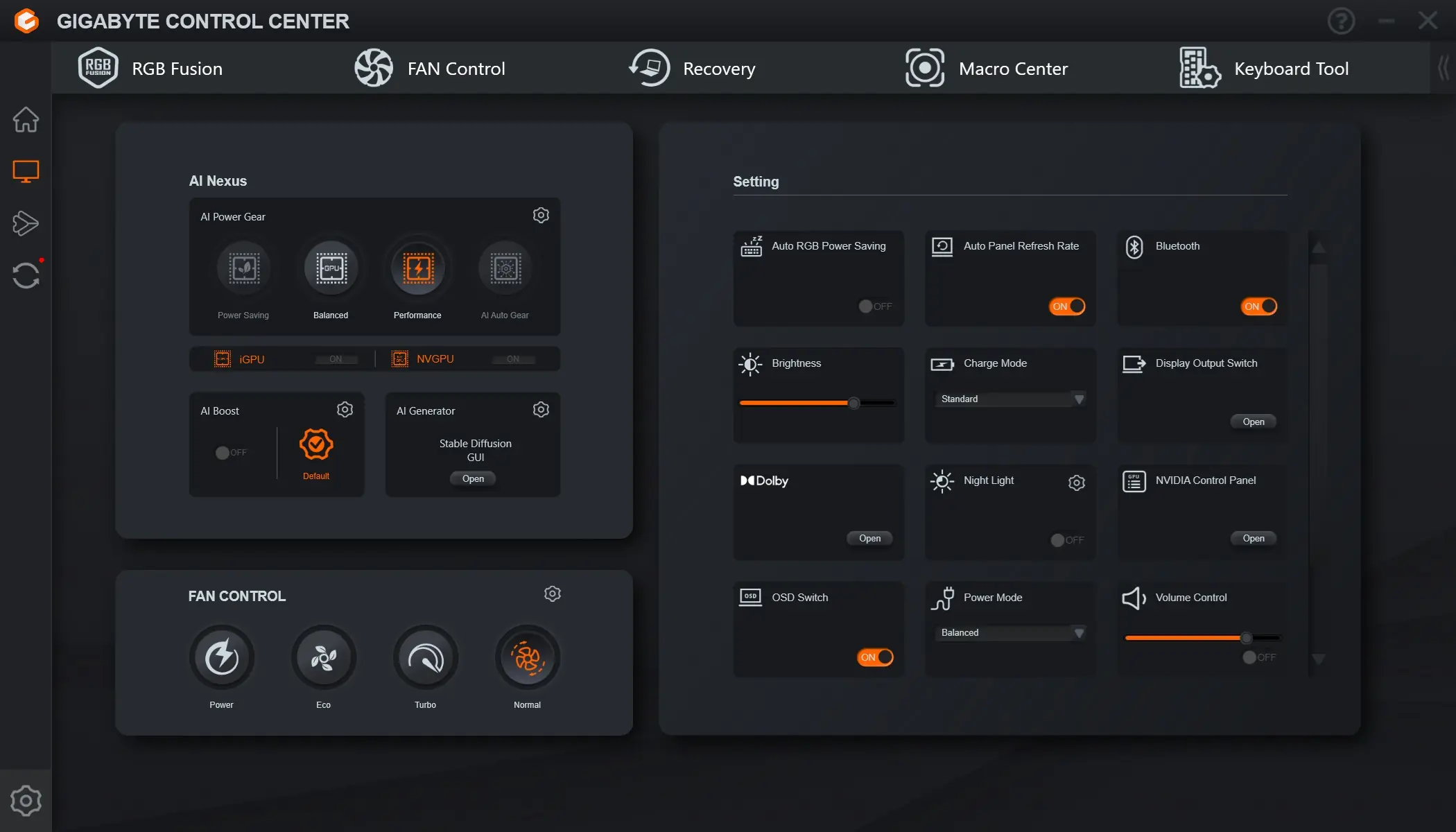
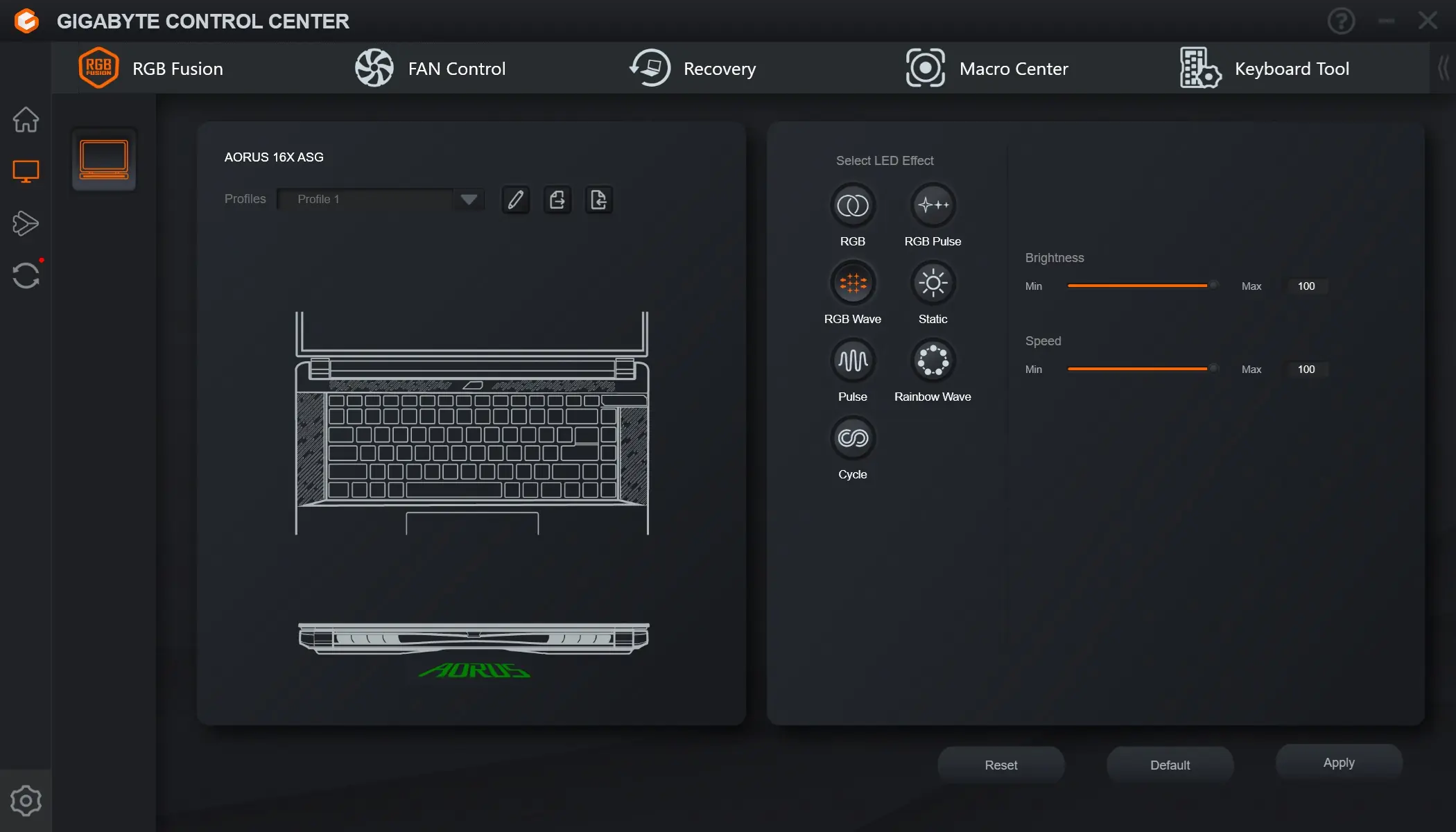
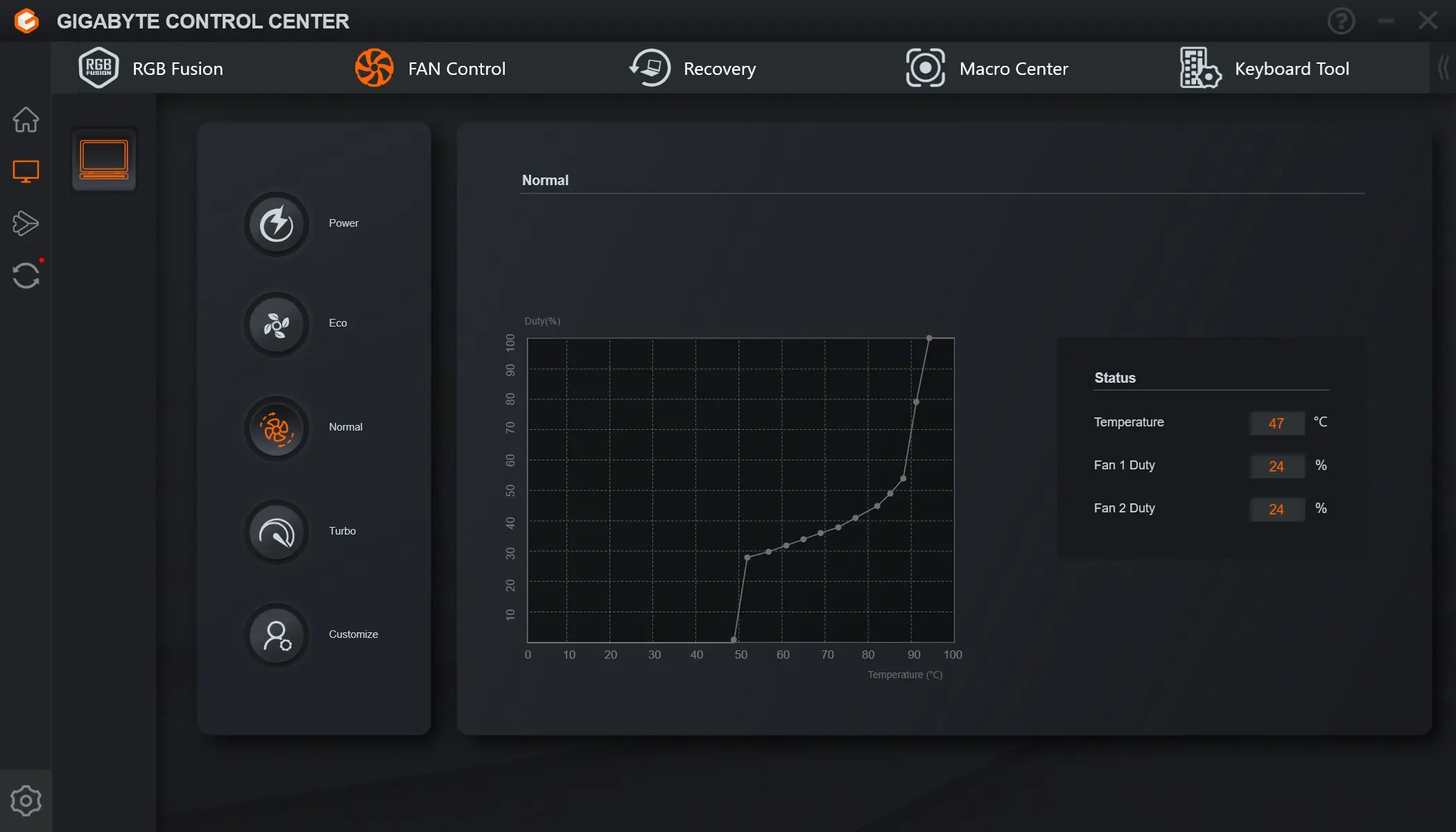
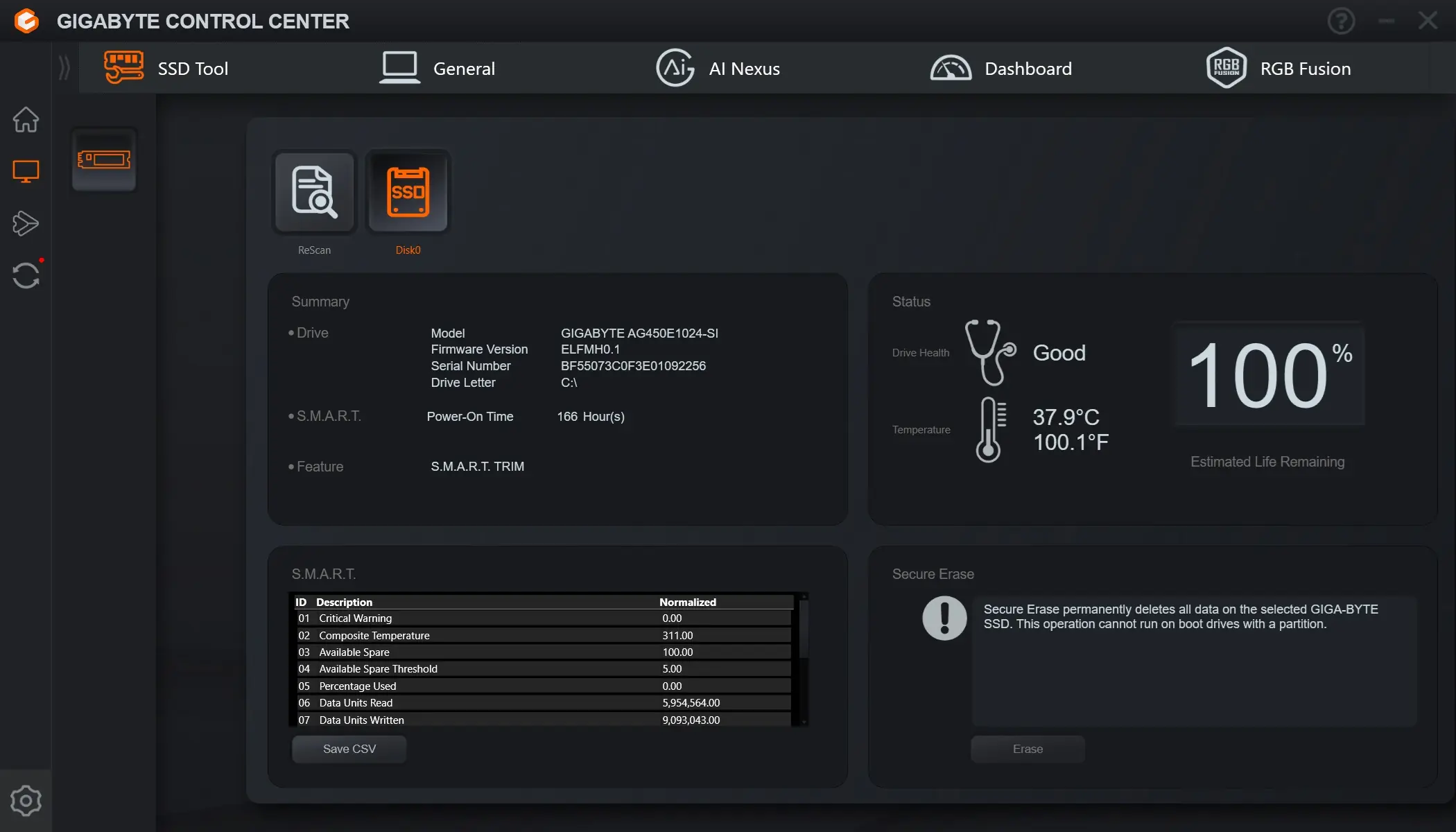
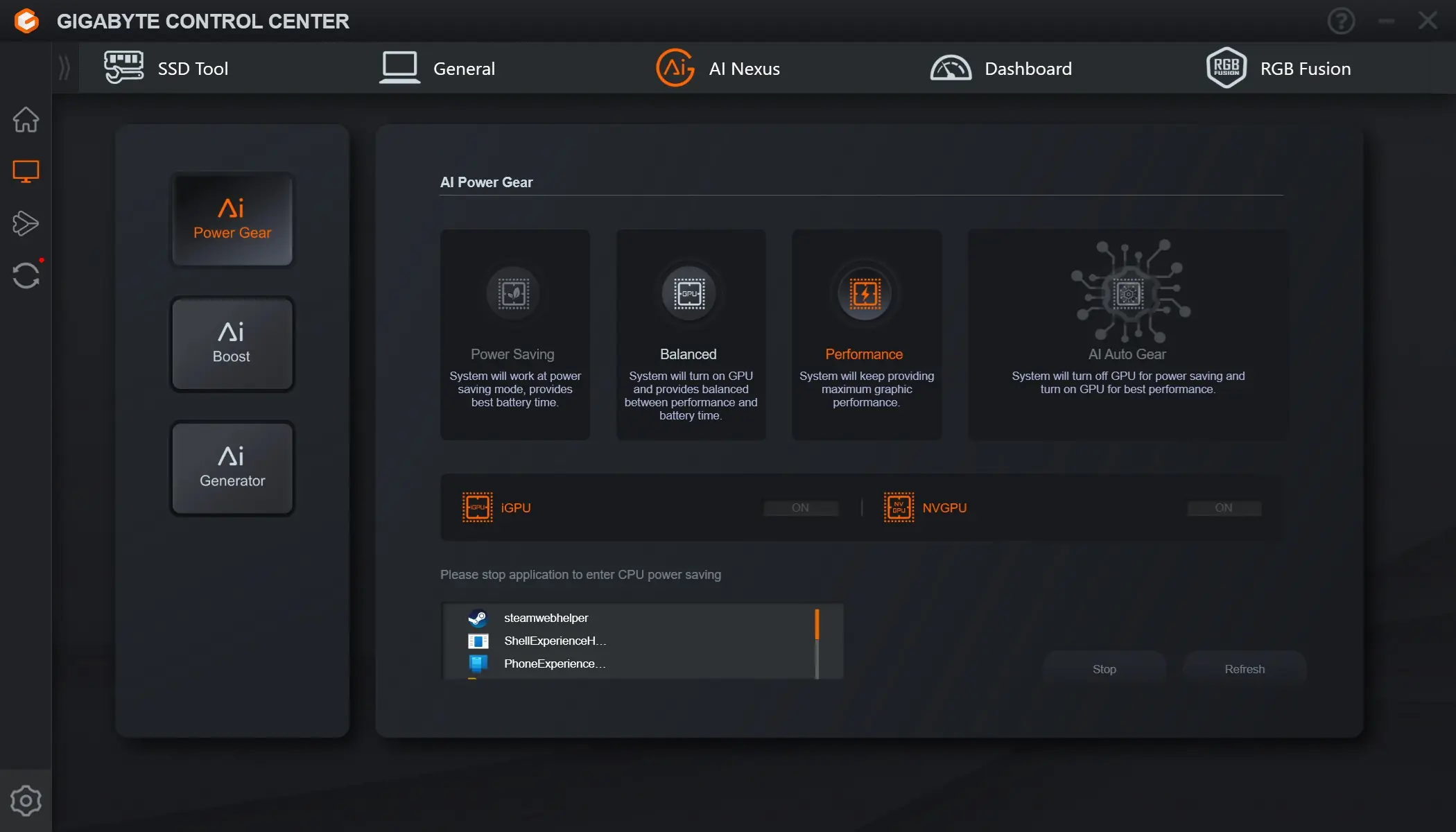
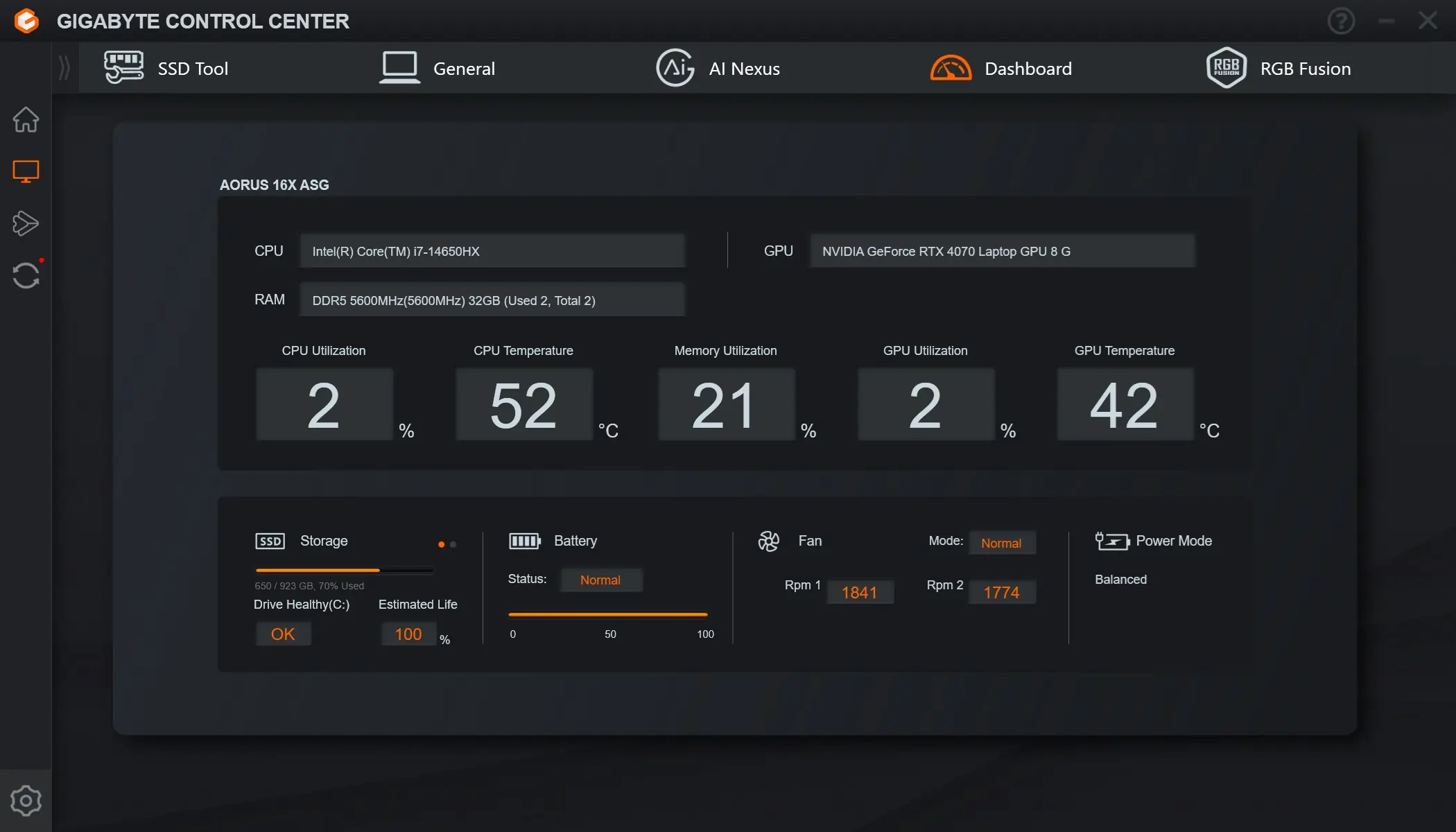
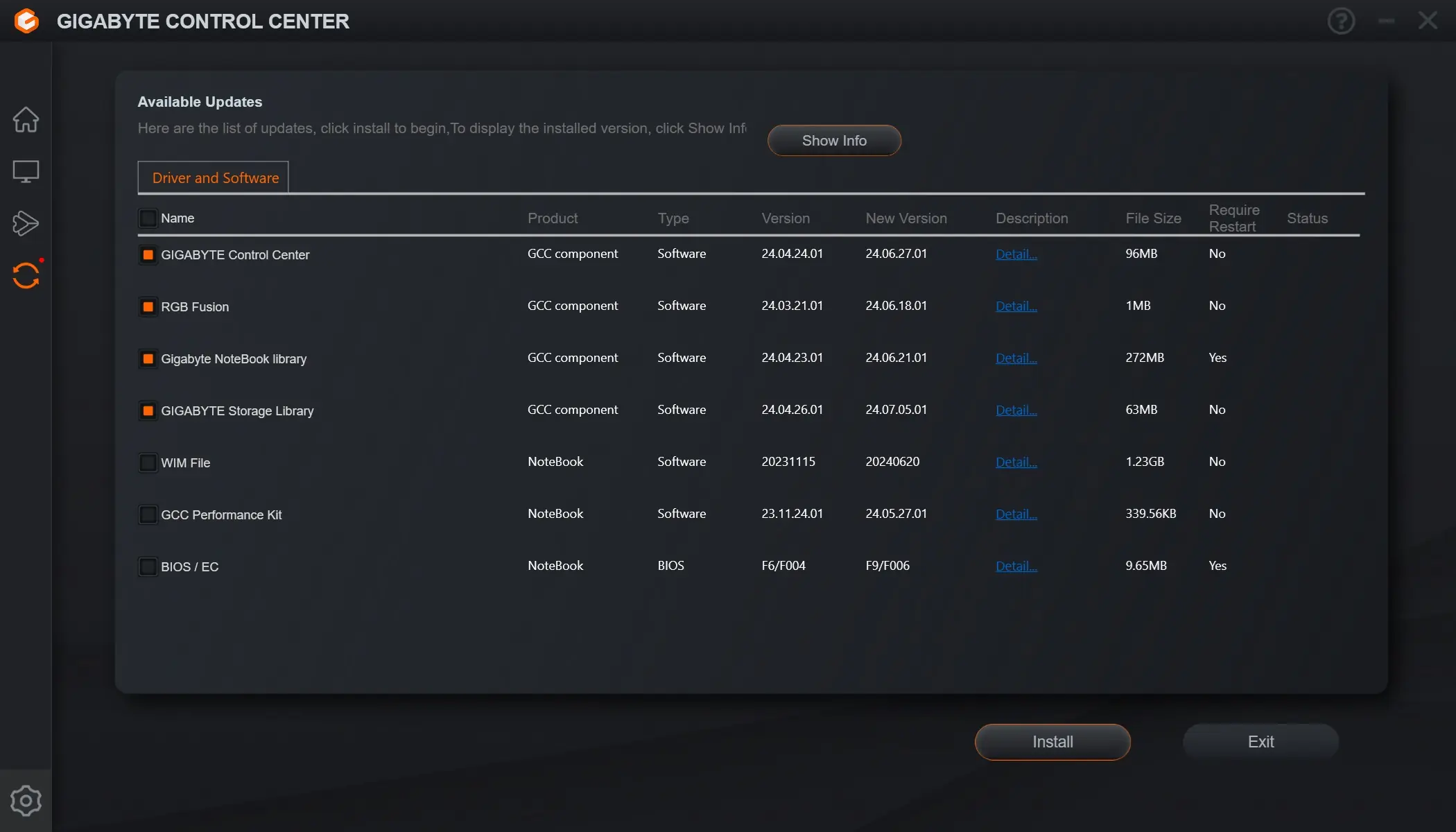
The laptop comes with the Gigabyte Control Center software installed. This allows you to fully configure the AORUS 16X from changing the operating mode, to the fan speeds, RGB lighting, and of course you can update all of your drivers / software.