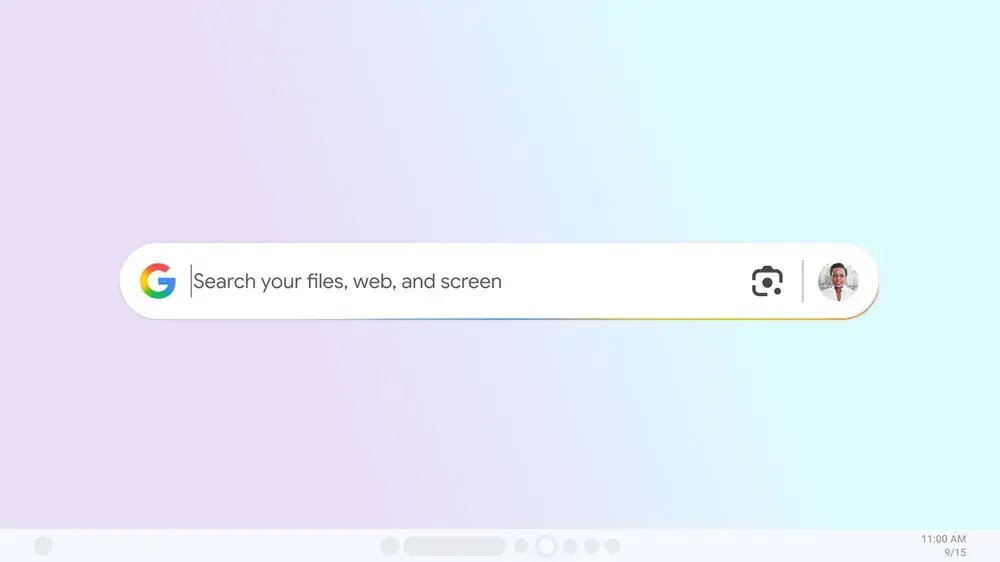
Google has launched a new experimental application for Windows, aiming to streamline how users find information. This desktop tool integrates local file search, Google Drive access, and web search into a single, easily accessible interface, activated by a customizable shortcut.
Key Takeaways
- Spotlight-Inspired Search: Offers a quick way to find files, apps, and web content using a familiar shortcut.
- Integrated Google Lens: Enables visual search and translation directly from the screen.
- AI Mode Integration: Provides AI-powered responses for complex queries.
- Experimental Release: Available through Google’s Search Labs for user feedback.
Enhanced Search Experience
The new Google app for Windows introduces a powerful search functionality reminiscent of macOS’s Spotlight. Users can trigger the search bar with a simple keyboard shortcut, such as Alt + Space, to instantly look for information across their computer’s files, installed applications, Google Drive documents, and the broader web. This aims to reduce the need to switch between different applications or windows.
Advanced Features
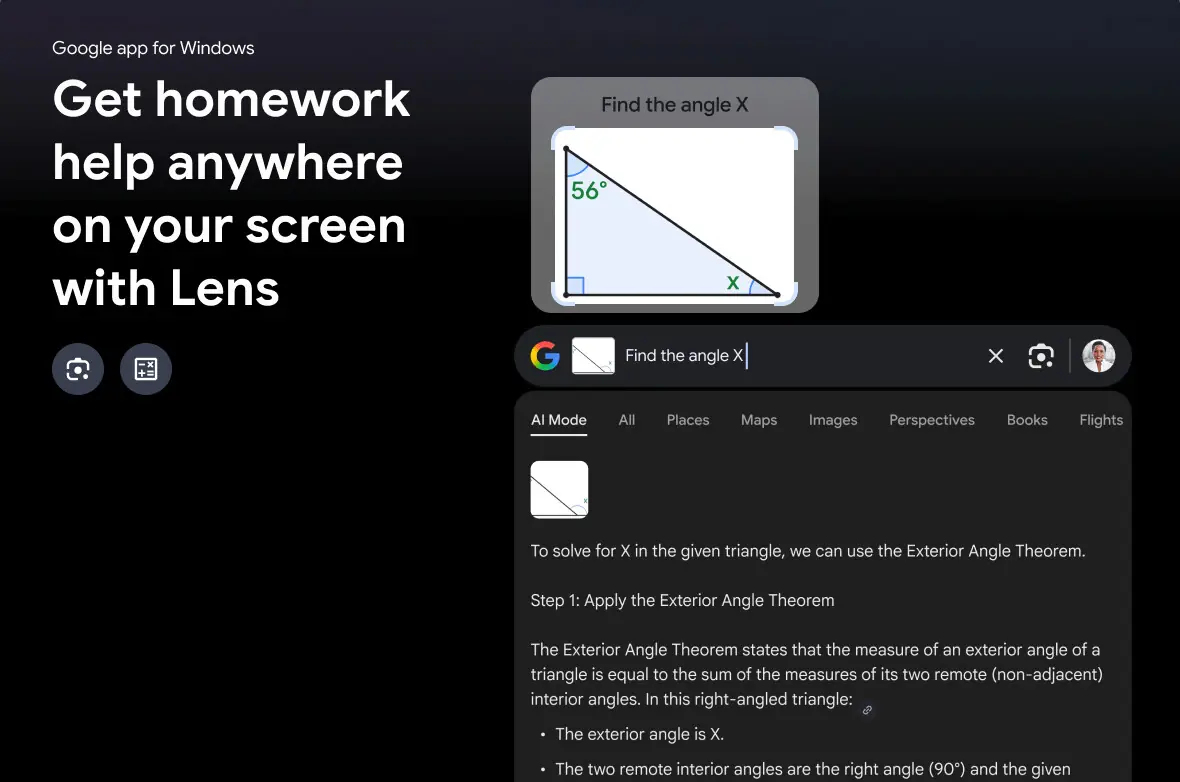
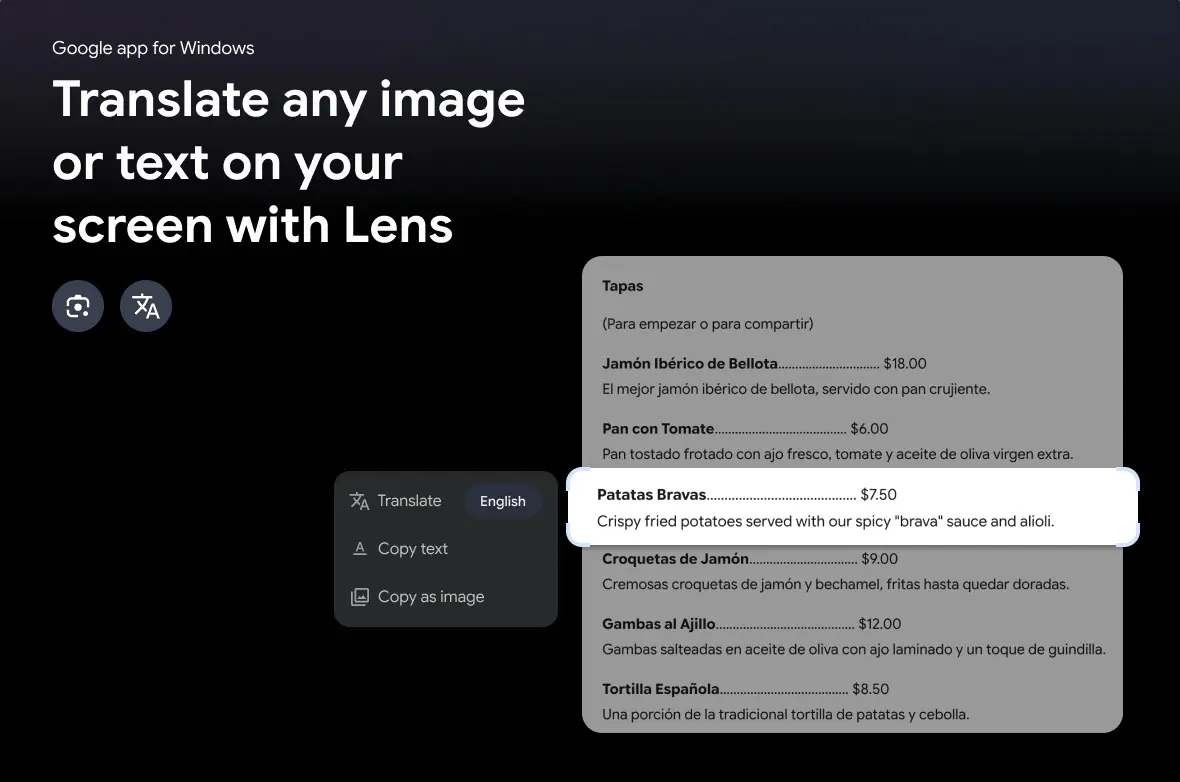
Beyond basic search, the app incorporates Google Lens, allowing users to select and search for anything on their screen. This feature can be used for tasks like translating text or images, or even getting help with homework problems. Furthermore, the app integrates Google’s AI Mode, enabling users to ask complex, multi-part questions and receive detailed, AI-generated responses. Users can also refine their searches by filtering results for all content, AI mode, images, shopping, videos, and more, with options for both light and dark modes.
Availability and Testing
This new application is currently an experimental offering, accessible through Google’s Search Labs program. This allows early adopters to test the feature and provide feedback before a wider release. The app is available in English for users in the U.S. and requires a PC running Windows 10 or a later version. Google emphasizes that while the core functionality is robust, users may encounter bugs as it is an early-stage product.
Via Google Blog