Build a Fast, Stable Setup for Play and Live Markets
A good PC for gaming and live betting is not defined by one headline spec. What matters is how the whole system behaves when several demands hit at once: a game running in the foreground, live data refreshing in the browser, video playing on a second screen, messages arriving, and the machine staying responsive instead of turning noisy or erratic. That is the real difference between a build that looks good on paper and one that feels dependable after two or three hours of use. Recent Microsoft and NVIDIA documentation points in the same direction: performance gains now come not only from raw horsepower, but from better storage pipelines, lower system latency, and tighter coordination between components and software.
Responsiveness matters more than bragging rights
Anyone who has built or troubleshot gaming PCs for a while learns the same lesson: inconsistency is more annoying than lower peak numbers. A system that posts impressive benchmark results but stutters under multitasking, spikes fan noise, or feels sluggish during live inputs is less useful than a balanced machine that stays stable. NVIDIA’s Reflex documentation focuses on this exact point, defining system latency as the time from input to display and treating lower latency as central to responsiveness in competitive play. Cloudflare’s explanation of network latency complements that hardware view by reminding us that delay is not abstract; it is simply the time it takes data to travel from one point to another, and lowering it improves user experience in any real-time environment.
That is why the smartest build usually starts with a practical question, not a flashy one: where do delays actually come from in your setup? Sometimes the answer is GPU load. Sometimes it is background browser bloat, poor thermals, weak storage, packet loss, or a wireless connection that looks fine until traffic gets busy. A mature buying plan starts by identifying the bottlenecks that the user can actually feel. It is rarely just “not enough GPU.”
Storage, memory, and multitasking shape the real experience
Graphics cards still dominate attention, but modern gaming and real-time desktop use are heavily influenced by storage behavior and system overhead. Microsoft’s DirectStorage documentation is useful here because it explains why fast NVMe storage matters beyond simple boot speed: the technology is designed to let games make fuller use of high-speed storage with minimal CPU overhead, and Windows 11 is the recommended path for getting the strongest benefit from that model. In plain terms, fast storage helps the machine stay sharp when assets, tabs, updates, and applications compete for attention.
Memory matters for the same reason. A machine handling a game, a live stream, several browser tabs, match trackers, messaging apps, and maybe a spreadsheet in the background needs headroom, not just minimum compatibility. That is why 32 GB has become a practical target for many mixed-use gaming setups even when a game alone could run on less. What users experience as “smoothness” often comes from avoiding the moment when the system starts juggling too many active tasks at once. On a real evening of use, that breathing room matters more than another round of spec-sheet vanity.
The display is part of the performance chain
A PC feels slow when the screen makes motion or interface changes harder to read. NVIDIA’s G-SYNC material is blunt on this point: variable refresh rate, low latency, and high refresh rates contribute to smoother, more responsive visuals. That does not mean every user needs the most expensive esports panel on the market. It means the monitor should match the actual workload. For many people, a strong middle ground is a 1440p high-refresh display with good text clarity, reliable motion handling, and enough brightness to stay comfortable during long sessions.
The monitor decision matters even more when the system is used for several things at once. Gaming, live odds, scoreboards, chats, and browsers all reward a display that stays readable under fast movement and dense UI. A better panel reduces the tiny strain that accumulates during long sessions. That is not just a cosmetic benefit. It changes how quickly the user can process information and how long the setup remains pleasant to use.
Cooling and noise decide whether the build stays usable
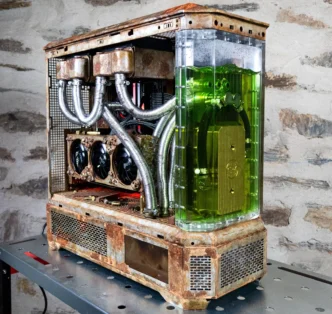
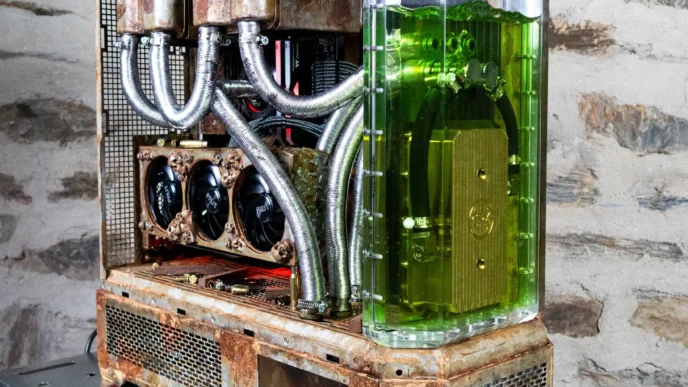
A lot of PC buying advice still treats cooling as a side concern, something to tidy up after the “real” parts are chosen. In practice, thermals are part of performance. A poorly ventilated case or an overly aggressive, badly tuned fan setup can make a machine louder, less stable, and more tiring to use. Even when frame rates remain acceptable, rising temperatures often degrade session quality through noise spikes, warmer components, and more erratic behavior under load.
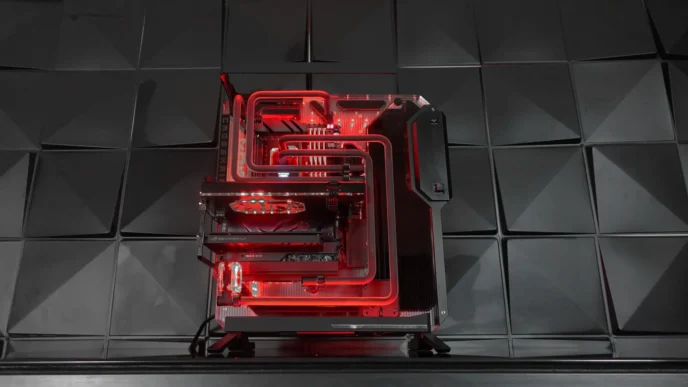
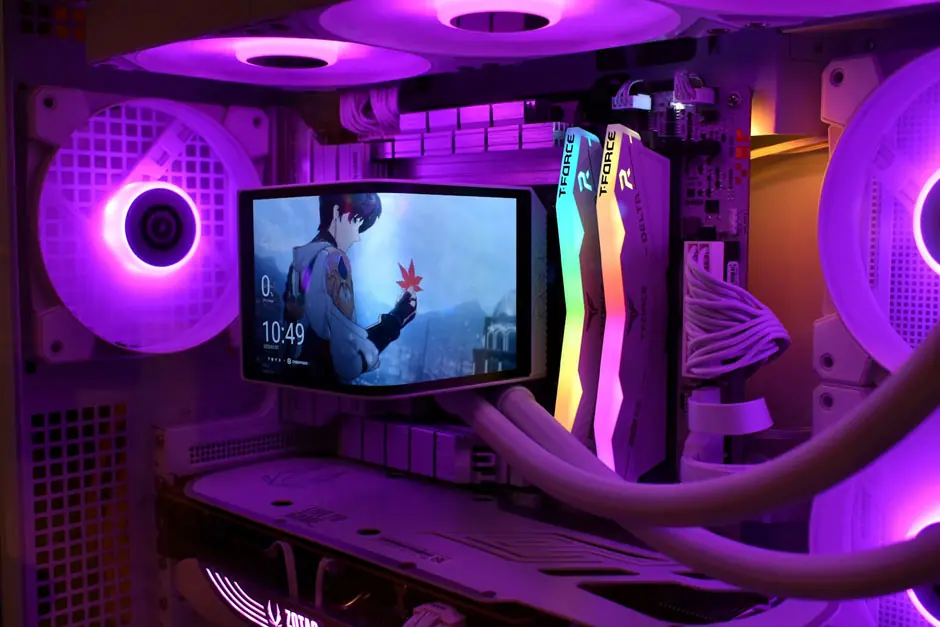
This is where builder experience matters. A stable gaming machine is usually the result of boring competence: sensible airflow, a reliable cooler, a decent power supply, clean cable management, and realistic expectations about ambient room temperature. The best setup is rarely the one that looks most dramatic under RGB lighting. It is the one that disappears into the background and lets the user focus on the screen instead of the hardware.
Network stability is not optional
For gaming and live markets, the network is part of the build whether buyers admit it or not. Cloudflare defines latency simply as the travel time for data packets, and Intel notes that packet loss can cause lag spikes and gameplay issues even when the connection is otherwise fast. Intel’s own troubleshooting advice explicitly recommends switching from Wi-Fi to Ethernet as a basic fix when packet loss occurs. That is why wired Ethernet remains the safer default recommendation for users who prioritize stable live play, quick refreshes, and fewer surprises during busy sessions.
That does not mean wireless is useless. It means the user should be honest about the workload. Casual browsing and streaming can tolerate more variation. Competitive games and rapidly changing live interfaces tolerate less. Once a setup involves frequent real-time interaction, network reliability becomes part of the overall hardware conversation, not a separate afterthought.
Where gaming and betting setups start to overlap
Desktop play today is rarely a single-window activity. A user may be switching between a game, a browser, a stream, and several data sources within the same hour, and the system has to keep that movement feeling immediate. In that wider environment, online casino Philippines fits naturally into a discussion about PC hardware because browser responsiveness, fast storage, readable displays, and consistent input behavior all shape the session before the user even thinks about content. When the setup is sluggish, even short leisure sessions start to feel clumsy. When the machine is balanced, the interface fades into the background and the user notices the activity rather than the friction.
The same logic becomes even more obvious in competitive digital ecosystems. People tracking tournaments, streams, stat pages, and second-screen discussion often move quickly between tabs and windows, which means the machine has to stay orderly under constant switching. In that context, esports betting belongs inside the same hardware conversation because the workload is built around speed, alignment, and low interruption. A system with poor cooling, weak multitasking headroom, or unstable connectivity does not just feel slower. It breaks the rhythm that the user is trying to maintain.
Traditional sports create a slightly different version of the same problem. A normal evening can include a live game, social feeds, injury news, box scores, line movement, and several browser sessions running in parallel. Inside that routine, basketball betting makes sense as part of a PC setup article because the sport generates frequent data changes and encourages possession-by-possession checking. The better the machine handles those layers, the less energy gets wasted on refresh lag, fan noise, or frozen tabs. Efficiency is not decorative here. It is part of the use case.
A smarter buying plan
The most practical buying plan is still the least glamorous one. Spend first on the parts that shape responsiveness every day: a strong CPU, fast NVMe storage, enough memory, a good monitor, stable cooling, and reliable networking. Then buy the GPU that fits the actual resolution and workload instead of chasing the most expensive option available. Microsoft’s DirectStorage guidance and NVIDIA’s latency documentation both support the same broader idea: modern performance comes from coordination, not just excess.
A strong PC for gaming and live betting is not the loudest machine in the room. It is the one that stays quick, cool, legible, and stable when the room gets busy. That is what mature hardware planning looks like in 2026: less obsession with bragging rights, more respect for the full chain of responsiveness.