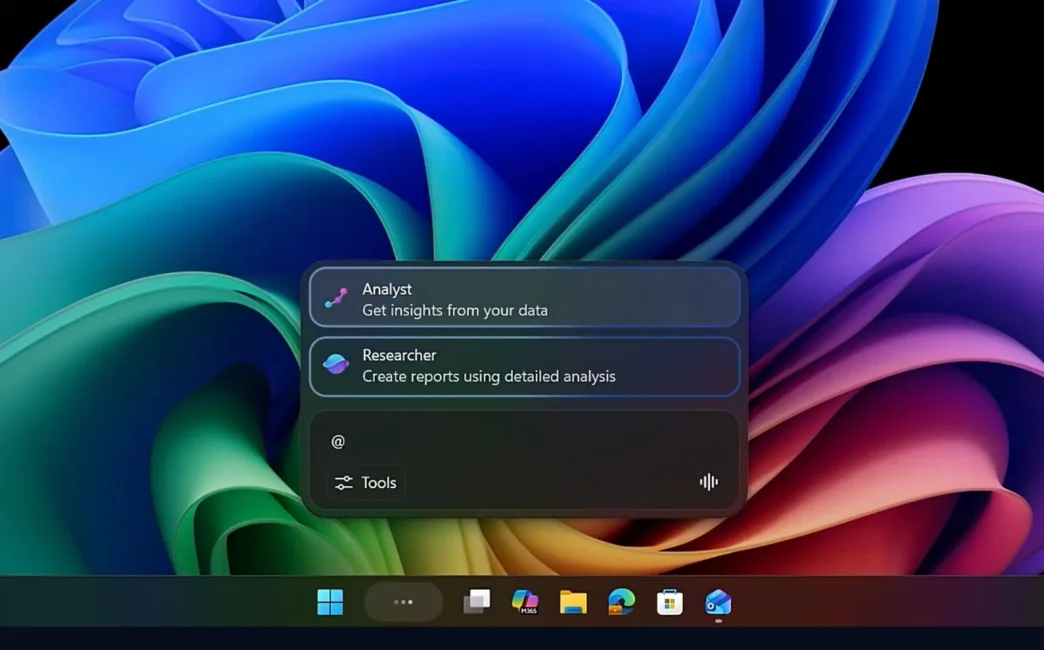
Microsoft is significantly enhancing Windows 11 by integrating AI agents directly into the operating system’s core components. This move aims to transform the PC into a more intuitive and proactive assistant, making AI capabilities accessible within everyday workflows. The new features, rolling out soon, promise to boost productivity by bringing AI assistance closer to the user.
Key Takeaways
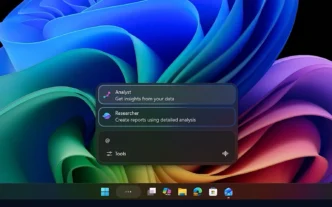
- New “Ask Copilot” feature replaces Windows Search on the taskbar.
- AI agents can be summoned via the “@” symbol for various tasks.
- File Explorer gains Copilot integration for document insights.
- Features are designed to be opt-in, giving users control.
- Microsoft aims to make every Windows 11 PC an “AI PC.”
Taskbar Transformation with “Ask Copilot”
Microsoft is introducing “Ask Copilot” as an optional replacement for the standard Windows Search function. This new interface allows users to interact with AI agents directly from the taskbar. By typing the “@” symbol, users can summon specific agents, similar to tagging someone in a message. For instance, a “Researcher” agent can perform extended background research tasks, with visual indicators on the taskbar showing progress, much like file downloads.
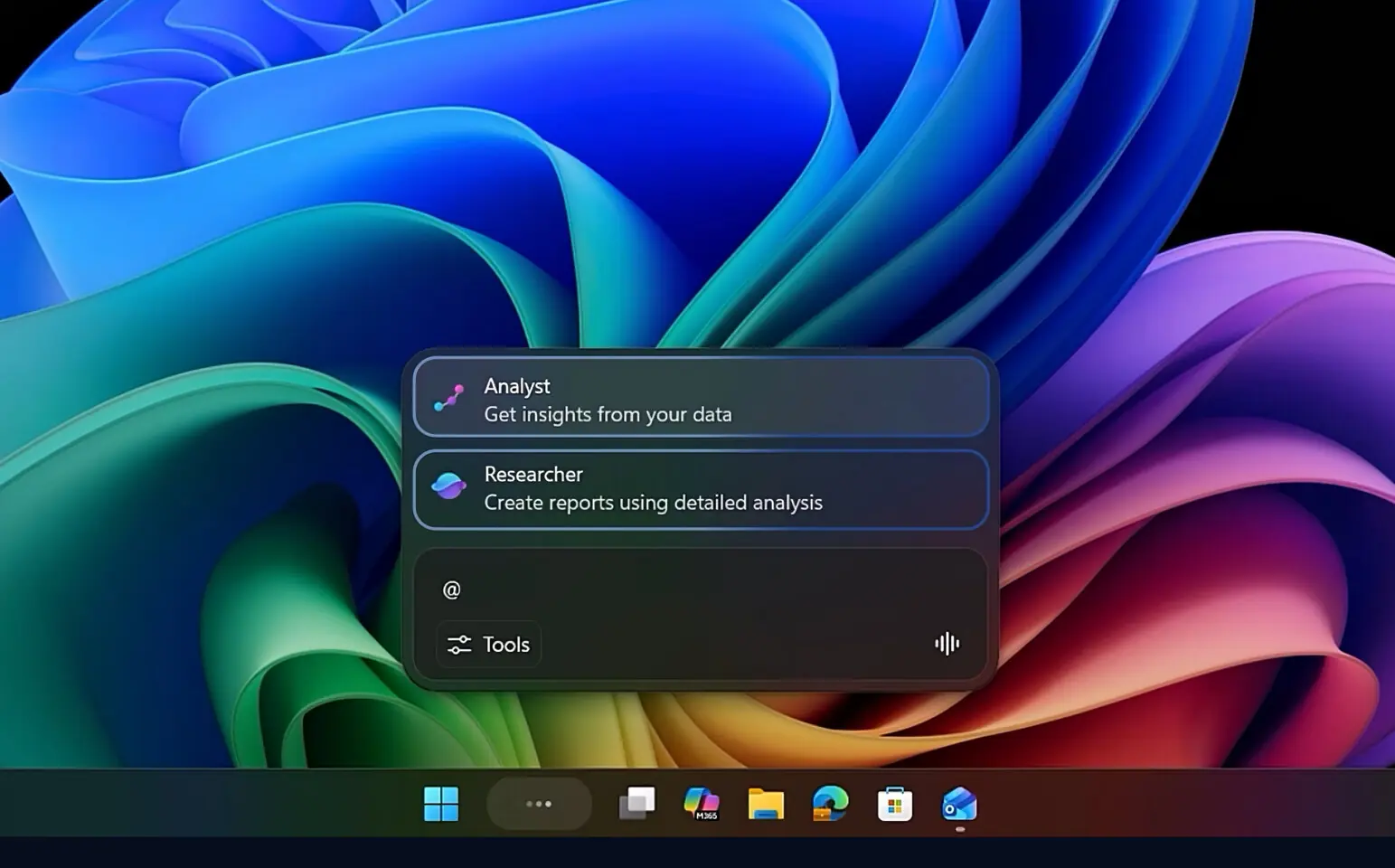
This integration aims to embed AI assistance into the parts of Windows users interact with daily, rather than directing them to a separate application. The goal is to provide subtle productivity boosts that collectively enhance the user experience for tasks like research and content creation.
Enhanced File Explorer with AI Insights
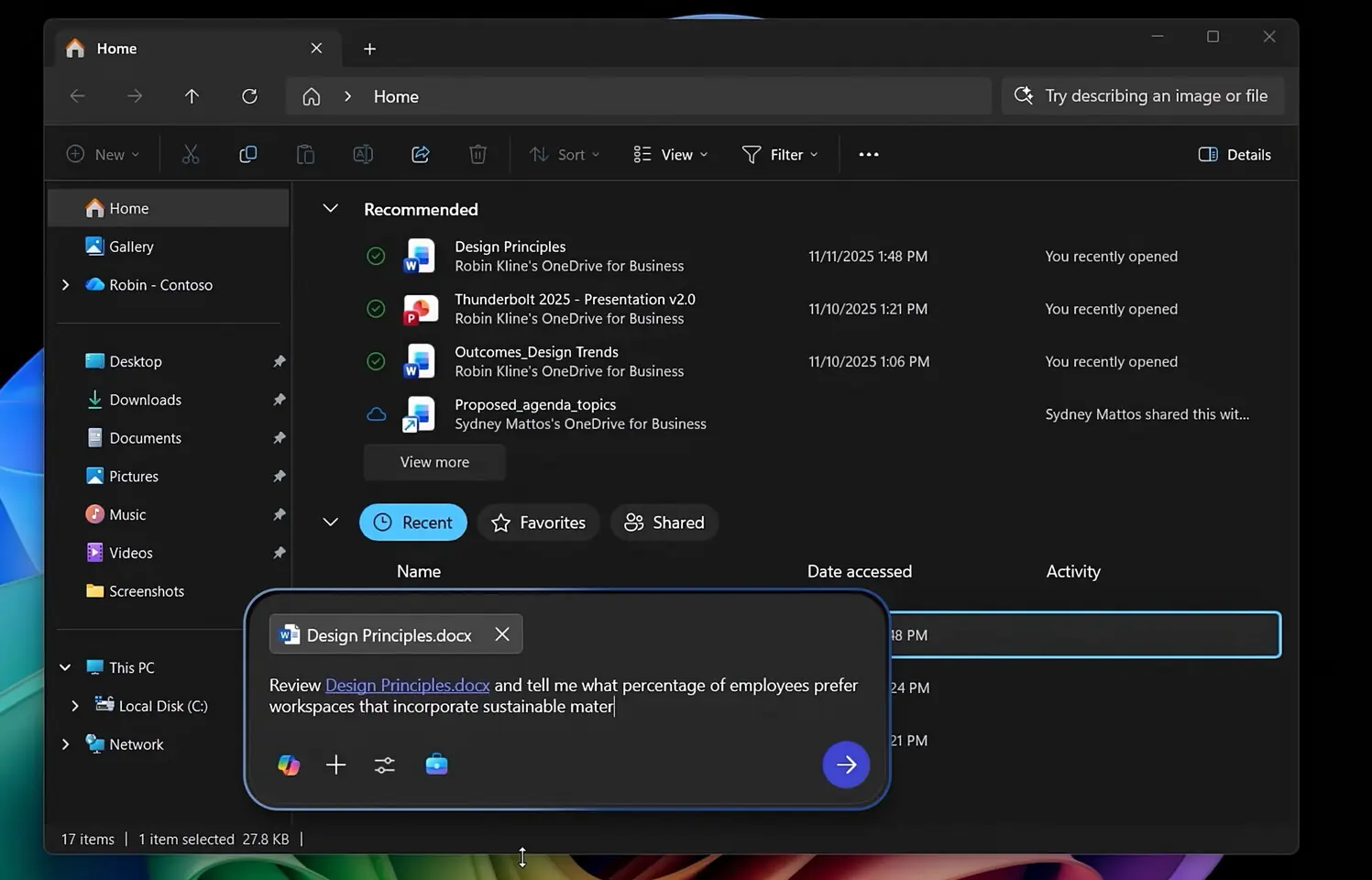
Beyond the taskbar, Microsoft is also bringing Copilot into File Explorer. This integration provides users with summaries and relevant context for synced shared documents without needing to open them in a separate application. Users can select a file and receive AI-powered insights, making it easier to understand and act upon document content.
An “Agentic OS” Vision
These updates are part of Microsoft’s broader vision to turn Windows into an “agentic OS.” The company emphasizes that these AI experiences are designed to be opt-in, ensuring users have full control over how and when they engage with Copilot and its agents. Developers will also be empowered with new platform-level tools, like the Model Context Protocol (MCP), to create a wide range of agent capabilities.
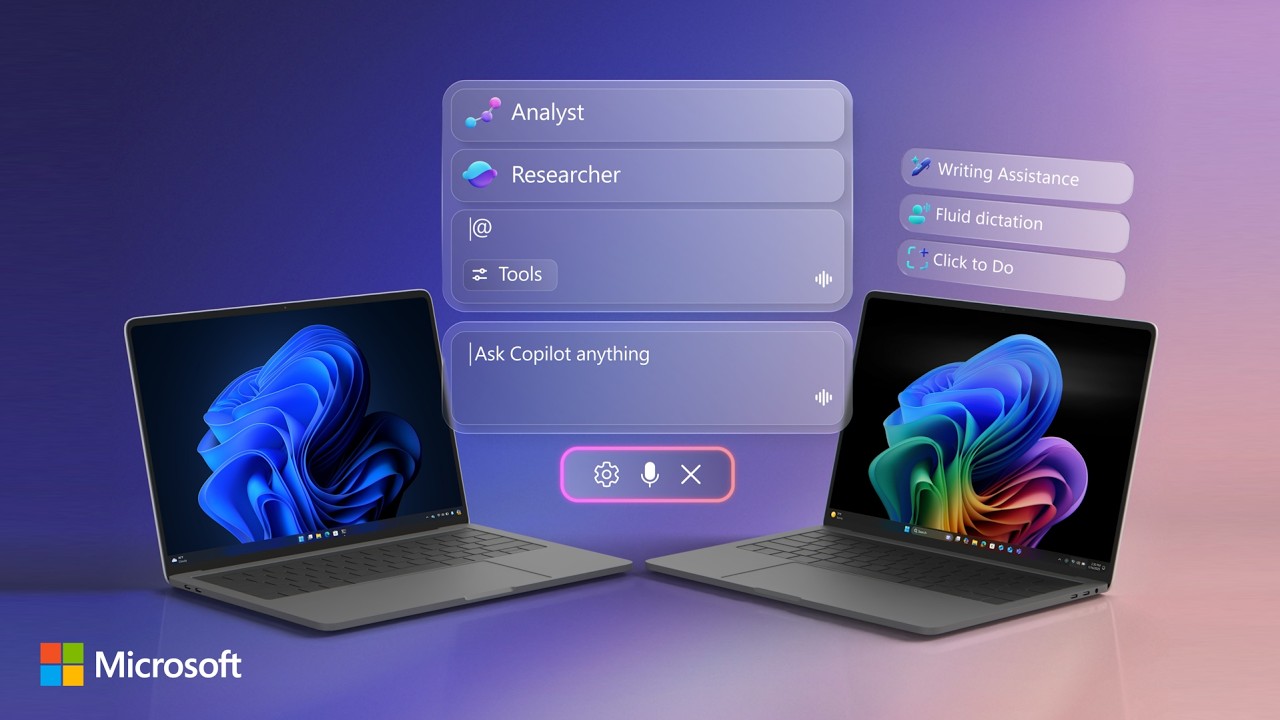
Microsoft is also focusing on security, with AI agents operating in a contained, policy-controlled environment. This approach aims to provide users with AI superpowers while maintaining the security and privacy inherent in Windows 11. The company is committed to evolving safeguards as these powerful new experiences are introduced.
Broader AI Integration and Availability
These new AI features are part of a continuous effort to make every Windows 11 PC an “AI PC.” Microsoft is also exploring voice interactions with “Hey Copilot” and visual AI capabilities with Copilot Vision. The company states that these taskbar and File Explorer integrations will be widely available to users in the coming weeks, promising a more intelligent and helpful Windows experience.