Microsoft is reportedly testing a new feature for Windows 11 designed to significantly enhance system responsiveness. Dubbed the “Low Latency Profile,” this feature aims to speed up common tasks by temporarily maxing out the CPU’s clock speed in short bursts. This initiative is part of Microsoft’s broader effort to improve the overall performance and user experience of Windows 11.
Key Takeaways
- A new “Low Latency Profile” feature is being tested in Windows 11.
- It temporarily boosts CPU frequency to maximum for 1-3 seconds during high-priority tasks.
- Potential for up to 40% faster app launches and 70% faster UI element loads.
- The feature is currently automatic and invisible to users.
- Minimal impact on battery life and thermals is expected.
Boosting Performance with Short Bursts
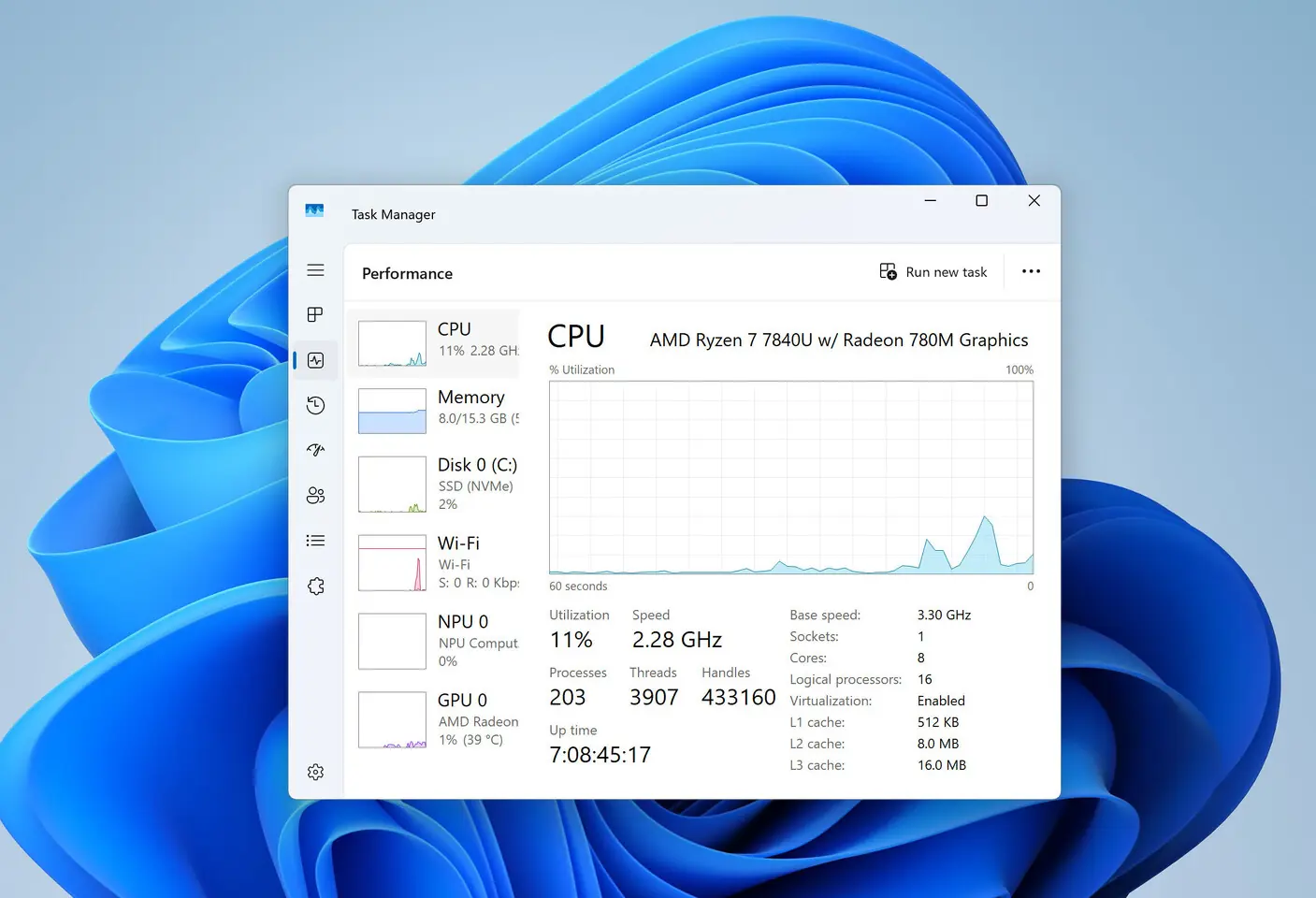
The “Low Latency Profile” feature is designed to ramp up the CPU frequency to its maximum for brief periods, typically between one and three seconds. This boost is triggered when users initiate high-priority actions such as opening applications, system flyouts, or context menus. Early testing suggests this could lead to substantial improvements, with in-box apps like Microsoft Edge and Outlook potentially launching up to 40% faster. Furthermore, interfaces like the Start menu and context menus could see launch times improve by as much as 70%.
Part of a Larger Performance Initiative
This new feature is understood to be part of Microsoft’s “Windows K2” effort, a strategic push to enhance the overall performance and responsiveness of Windows 11. This initiative also includes optimizing legacy code and migrating more parts of the operating system to modern UI frameworks. The goal is to make Windows 11 feel snappier and more fluid in daily use.
Current Status and Future Outlook
The “Low Latency Profile” is currently in the testing phase within the Windows Insider Program. At present, it operates automatically in the background and is invisible to the user, with no indication if it will be a user-configurable option in the final release. Sources familiar with the development suggest that the impact on battery life and thermals is expected to be minimal due to the short duration of the CPU boost. However, the feature is still in early development, and its duration and frequency of activation may be adjusted before its official rollout.
Via Windows Central